Best Customer Service Software in 2026: 8 Platforms Compared

How we put this together: we compare official feature and pricing pages, app store listings, privacy policies and public user reviews. Prices change, so check the provider's site before you pay.
Key takeaways
- This article covers customer service software and platforms, because that is the practical way to compare service quality tools for a business.
- Per agent pricing looks small until you multiply it, and AI add ons can double a bill, so model a ten agent team before you choose.
- Email first teams need a shared inbox, while app based companies need in product messaging, and those are different products.
- Free tiers from Help Scout, Zoho Desk and HubSpot are genuine for tiny teams, but they cap users, inboxes or features.
- The best platform is the one your team will use daily, with clear queues, simple replies and reporting that managers actually read.
Quick comparison
| Name | Who it suits | Starting price | Free option | |
|---|---|---|---|---|
 Zendesk Zendesk | Large multi channel teams | $55 per agent per month | Free trial | Visit |
 Freshdesk Freshdesk | Fast multi channel setup | $19 per agent per month | Free trial | Visit |
 Intercom Intercom | In app messaging and AI help | $29 per seat per month | Free trial | Visit |
 Help Scout Help Scout | Email first small teams | $25 per user per month | Yes | Visit |
 Zoho Desk Zoho Desk | Budget teams and Zoho users | $14 per agent per month | Yes | Visit |
 HubSpot Service Hub HubSpot Service Hub | CRM connected service | $20 per seat per month | Yes | Visit |
 Front Front | Shared inboxes for operations | $25 per seat per month | Free trial | Visit |
 Gorgias Gorgias | Ecommerce stores | $10 per month | Free trial | Visit |
The best customer service software
Good customer service software turns emails, chats, calls and social messages into a single queue, so no request is lost and every reply has context. We compared official pricing pages, feature lists and public reviews, with weight given to ticket handling, automation, AI costs and how clearly each vendor explains its limits.
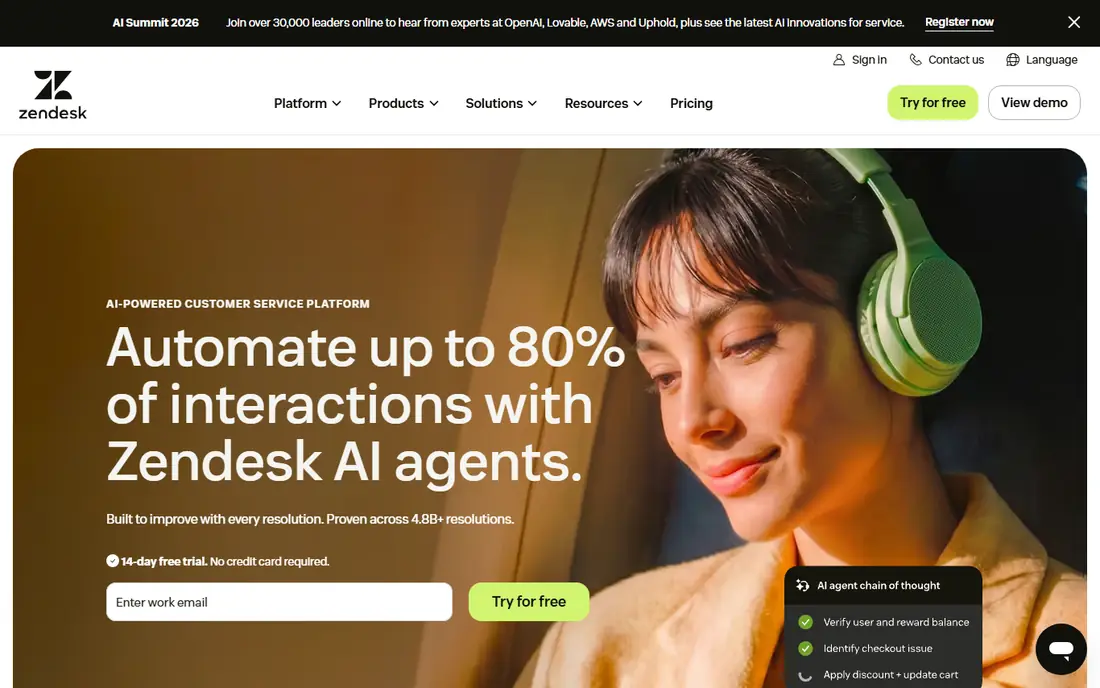
Zendesk is the most mature platform on this list, and it shows in routing, service level agreements, reporting and its marketplace of integrations. For a large team handling many channels, Zendesk gives managers the control they need, from custom workflows to detailed performance reports. Its scale is the reason many enterprises standardize on it.
The cost is the honest catch. The Suite Team price is only the start, and AI features such as Copilot add per agent charges, while AI resolutions can add per outcome fees. A ten agent team can see its bill double once AI is added. Zendesk is worth it for large, complex operations, but small teams should check the total with AI included before they commit.
- Deep ticketing, routing and reporting
- Large app marketplace
- Omnichannel support across email, chat, phone and social
- Costs rise fast with AI add ons
- Setup is heavier than simpler tools
- Entry tiers omit some channels
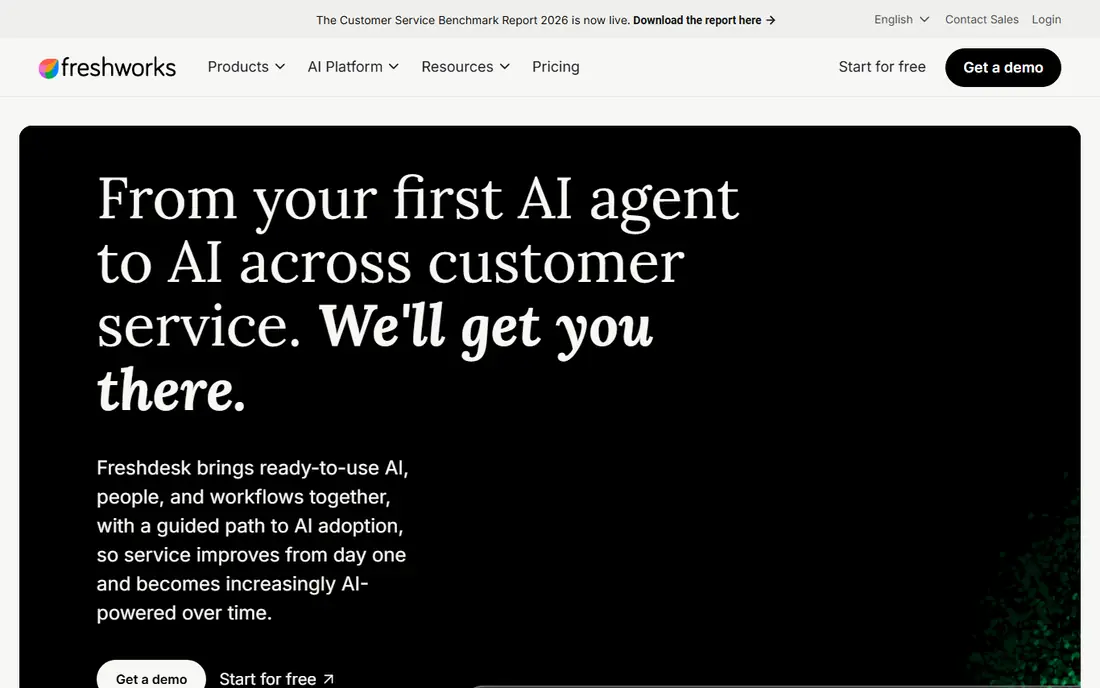
Freshdesk is the fastest route to a proper help desk for a small or mid sized team. You can connect email, chat and social channels, set up automations and canned replies, and start answering tickets the same day. The Growth tier gives a solid core at a lower seat price than Zendesk, which matters for a team of five to twenty agents.
Advanced needs push you upward. Intelligent routing, custom reporting and deeper automation sit on Pro, and AI Copilot is a paid add on with metered sessions. That is still fair value for many teams, but budget for the tier you will actually land on, not the entry tier. If your team needs simple, fast ticketing, Freshdesk is a strong default.
- Quick setup for email, chat and phone
- Clear Growth tier pricing
- Freddy AI features on paid plans
- Advanced routing and reporting need Pro
- AI Copilot is an extra charge
- Free plan is limited and time based in past listings
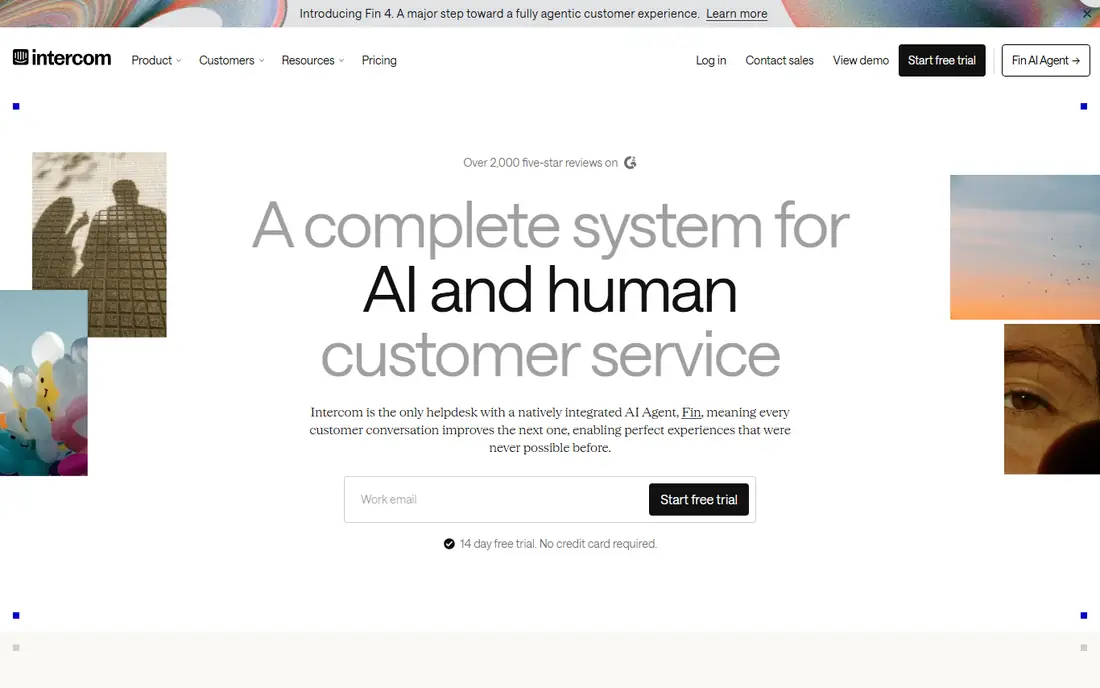
Intercom suits companies whose support happens inside a website or app, rather than mainly by email. Its messenger lets customers ask questions without leaving the product, and its Fin AI agent can answer routine questions from your help docs and hand off the rest with context. For SaaS firms, that in product flow is a real advantage.
Pricing needs care. Seats are only part of the bill, because Fin resolutions are charged per outcome, so a month with many AI resolutions costs more than a quiet month. Email first teams may also find Intercom less natural than Help Scout or Zendesk. Choose Intercom if your customers live in your product and you want AI to handle the first wave of questions.
- Strong in product messenger
- Fin AI agent can resolve routine questions
- Good for SaaS onboarding and support
- AI outcomes are billed separately
- Seat plus outcome pricing is harder to forecast
- Less suited to email heavy teams
Help Scout is the calmest tool on this list. It turns a shared support inbox into a clean queue, with collision detection, saved replies, internal notes and a docs site, without the heavy feel of an enterprise platform. For a small team that answers mostly by email, Help Scout is easy to learn and pleasant to use daily.
Limits appear as you grow. Phone support is not its strength, and the Standard tier caps users and offers only basic SLA policies. AI Answers resolutions are billed per outcome, so factor that into a busy month. For email first teams under twenty five users, Help Scout is our pick for simplicity and value.
- Clean shared inbox that feels like email
- Free tier for up to five users in past listings
- Docs and AI drafts included
- Phone support is limited
- Standard tier caps users and SLA policies
- AI resolutions are billed per outcome
Zoho Desk is the budget leader for teams that need a real help desk without a large seat bill. Its free edition covers up to three agents, and paid tiers start lower than most rivals, while still offering multi channel ticketing, automations and reporting. If your business already uses Zoho CRM, Books or other Zoho apps, the shared data is a bonus.
The trade off is polish. Zoho Desk works well, but its interface and some workflows feel less refined than Freshdesk or Help Scout, and its AI assistant sits on higher tiers. For a cost conscious team that values function over finish, Zoho Desk is hard to beat. For a team that wants the smoothest daily experience, pay a little more elsewhere.
- Low entry price
- Free edition for up to three agents
- Strong value if you already use Zoho apps
- Interface is less polished than rivals
- AI features need higher tiers
- Some advanced features need careful setup
HubSpot Service Hub makes sense when service, sales and marketing already live in HubSpot. Tickets sit next to contact records, deal history and past conversations, so an agent can see the full customer story without switching tools. The free service tools cover basic ticketing for up to two users, which is enough for a tiny team to start.
Costs rise with ambition. The Professional tier, where deeper automation and reporting sit, has carried a one time onboarding fee, and per seat pricing adds up for larger teams. If you are not already on HubSpot CRM, that ecosystem benefit is smaller, and a standalone help desk may be cheaper. If you are on HubSpot, Service Hub is a natural fit.
- Free service tools for small teams
- Tickets linked to CRM contacts and deals
- Strong reporting for HubSpot users
- Professional tier adds a large onboarding fee in past listings
- Advanced features need higher tiers
- Per seat costs rise fast
Front is built for teams that live in shared inboxes, including support, operations and account teams that handle email alongside other work. It brings email, SMS and social messages into one queue, with assignments, internal comments and rules that keep work moving. For a team that thinks in inboxes rather than tickets, Front feels natural.
Ticketing depth is the limit. Front is excellent for collaboration, but it does not match Zendesk for complex service workflows, SLAs and reporting. Starter also limits channel types and automation rules, so growing teams will need a higher tier. Choose Front if inbox collaboration is your main job, and choose Zendesk or Freshdesk if formal ticketing is.
- Shared inboxes for email, SMS and social
- Strong collaboration with internal comments
- Good for operations teams
- Starter tier limits channels and automation rules
- No permanent free plan
- Ticketing depth is less than Zendesk
Gorgias is the specialist for online stores. It is priced by tickets rather than seats, which suits a lean store with high order volume, and it pulls order data into the ticket so agents can answer shipping, return and refund questions without switching to Shopify. Macros and AI help speed up the repetitive questions that dominate ecommerce support.
Volume pricing cuts both ways. A quiet month is cheap, but a sale or holiday surge raises the bill, so model peak ticket counts, not averages. Non ecommerce teams will find Gorgias too narrow, and its AI features are add ons rather than included. For Shopify stores, though, Gorgias is a focused, practical pick.
- Priced by ticket volume, not seats
- Built for Shopify and ecommerce order questions
- Macros and AI help for order issues
- Ticket volume sets the bill, so busy months cost more
- Less suited to non ecommerce support
- Advanced AI is an add on
How we picked these
We compared official pricing pages, feature lists and public reviews, and we favored platforms that are still operating and that state seat, user or ticket limits plainly. We did not claim hands on testing, and we treated AI pricing as a separate cost, because several vendors charge for seats and for AI outcomes, which changes the real monthly total.
We also framed this article as software, because a list of companies with good service would be a reputation ranking, not a buying guide. Readers who need to improve service need a tool they can buy and run, so software fit, pricing and AI costs shaped this list.
What to check before you choose
Model a ten agent month with AI
Take your agent count, multiply by the seat price, then add AI charges for your expected volume. Several tools in this list add per agent AI fees, per resolution fees or both, and those charges can double the headline bill. A vendor demo should give you a written estimate for your volume before you sign.
Match the channel to the tool
Email first teams should shortlist Help Scout, Front and Freshdesk. In app SaaS teams should shortlist Intercom. Ecommerce stores should shortlist Gorgias. Large multi channel teams should shortlist Zendesk. A tool built for a different channel will frustrate agents even if its feature list looks long.
Test the agent workflow, not just the admin dashboard
Give agents real tickets to answer during a trial, and watch how they assign, reply, escalate and find help docs. A beautiful admin dashboard does not help if replying takes too many clicks. Check saved replies, internal notes, collision detection and mobile access, because agents use those features every hour.
Check reporting and integrations
Managers need reports on response time, resolution time, backlog and customer satisfaction, and agents need integrations with your CRM, order system or chat tool. Confirm that the reports you need are in your tier, not only on an enterprise plan, and test one key integration during the trial.
Frequently asked questions
What is the best customer service software for small business?
Freshdesk and Help Scout are strong small business picks, with Zoho Desk as the budget option. Freshdesk suits multi channel teams, Help Scout suits email first teams, and Zoho Desk suits teams that want the lowest seat cost. Trial each with real tickets before choosing.
How much does customer service software cost per agent?
Entry prices in this list run from about $14 to $55 per agent or seat per month, before AI add ons. AI can add per agent fees, per resolution fees or both, so the real cost for a ten agent team is often far higher than the entry price. Always ask for a total estimate including AI.
Is there free customer service software?
Yes, for tiny teams. Help Scout, Zoho Desk and HubSpot offer free tiers with user or feature caps, and several others offer free trials. Free tiers suit teams of two to five users, but growing teams will need a paid plan for more users, channels or automation.
What is the difference between Zendesk and Freshdesk?
Zendesk offers deeper enterprise ticketing, routing and reporting, while Freshdesk offers faster setup and lower entry pricing for small and mid sized teams. Zendesk suits large multi channel operations, Freshdesk suits teams that want a solid help desk live quickly without enterprise complexity.
Do I need AI in customer service software?
AI helps with routine questions, drafting replies and summarizing tickets, but it is not required for good service. Start with clear queues, saved replies and good help docs, then add AI where volume justifies it. Check AI costs carefully, because per resolution pricing can surprise teams.
Can customer service software handle phone and social messages?
Most platforms here handle email, chat and social messages, while phone support varies. Zendesk and Freshdesk offer phone on higher tiers, Help Scout is email focused, and Intercom is messenger focused. Check channel coverage by tier before you buy, because entry tiers often omit phone.
Sources we checked (8)

Online Jobs is an independent blog about careers, online work, learning new skills and the tools that help people earn. More about us.
Keep reading
All posts
Workday Alternatives
We compared the best workday alternatives for HR, payroll, and global hiring, from BambooHR and Gusto to Rippling, Deel, and HiBob for growing teams in 2026.

Which SaaS Tools Have the Best Customer Support
Which SaaS tools have the best customer support? Compare eight popular tools on help centres, live help, response options and overall support quality.

Top AI Helpdesk Software
Searching for top AI helpdesk software in 2026? We compared 8 AI helpdesks on automation, pricing, channels and ease of setup for small and growing teams.