Best Customer Feedback Tools in 2026: 9 Products Compared

How we put this together: we compare official feature and pricing pages, app store listings, privacy policies and public user reviews. Prices change, so check the provider's site before you pay.
Key takeaways
- SurveyMonkey and Typeform suit broad surveys, while Canny and UserVoice suit product feature requests and roadmaps.
- Qualtrics and Medallia suit large enterprises with complex experience programmes, but they need bigger budgets and setup time.
- Survicate, Hotjar, and AskNicely cover in-product, website, and NPS feedback without a full enterprise platform.
- Pick the tool by channel first: email, website, in-app, or support tickets, then check analysis and follow-up features.
Quick comparison
| Name | Who it suits | Starting price | Free option | |
|---|---|---|---|---|
 SurveyMonkey | general surveys at scale | Free | Yes | Visit |
 Typeform | conversational branded surveys | See website | Yes | Visit |
 Qualtrics | enterprise experience management | See website | Free trial | Visit |
 UserVoice | feature requests and product feedback | See website | Free trial | Visit |
 Canny | product feedback boards | See website | Yes | Visit |
 Hotjar | website behaviour and feedback | Free | Yes | Visit |
 Survicate | multi-channel product surveys | See website | Free trial | Visit |
 AskNicely | NPS and frontline coaching | See website | Free trial | Visit |
 Medallia | enterprise customer experience | See website | No | Visit |
The best customer feedback tools
Feedback tools collect surveys, ratings, and feature requests, then turn them into actions a team can actually follow. The best choice depends on whether you need broad surveys, product voting, or enterprise experience management.
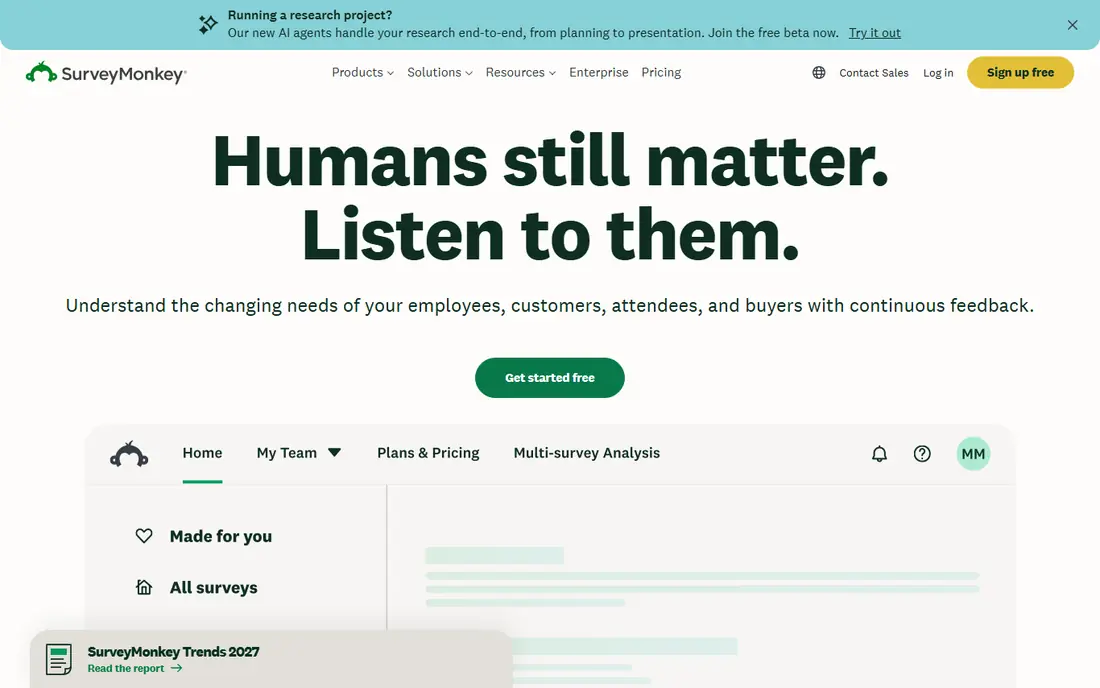
SurveyMonkey remains the default choice for a team that needs surveys fast. It suits teams running customer satisfaction, market, or employee surveys. You can build a survey from a template, send it by email or link, and view results in dashboards, with integrations that push data into CRM tools.
The catch is advanced analysis needs higher plans. Check the current plan limits and export options before you move data in, and run a small pilot with real records first. Start with the smallest plan that covers your core workflow, then upgrade only when a limit gets in the way.
- Many templates and question types
- Strong integrations
- Easy distribution
- Advanced analysis needs higher plans
- Costs rise with team size
Typeform stands out when survey design and completion matter more than deep analysis. It suits marketing and product teams that want attractive, easy surveys. One question at a time keeps respondents moving, and the brand-friendly design suits website and email surveys where a plain form feels dull.
The catch is pricing rises with responses. Read the plan limits for seats, storage, and usage before you commit, and test it with a small real workload first. Start with the smallest plan that covers your core workflow, then upgrade only when a limit gets in the way.
- Clean, conversational forms
- High completion rates
- Strong design options
- Pricing rises with responses
- Analysis is simpler than enterprise tools
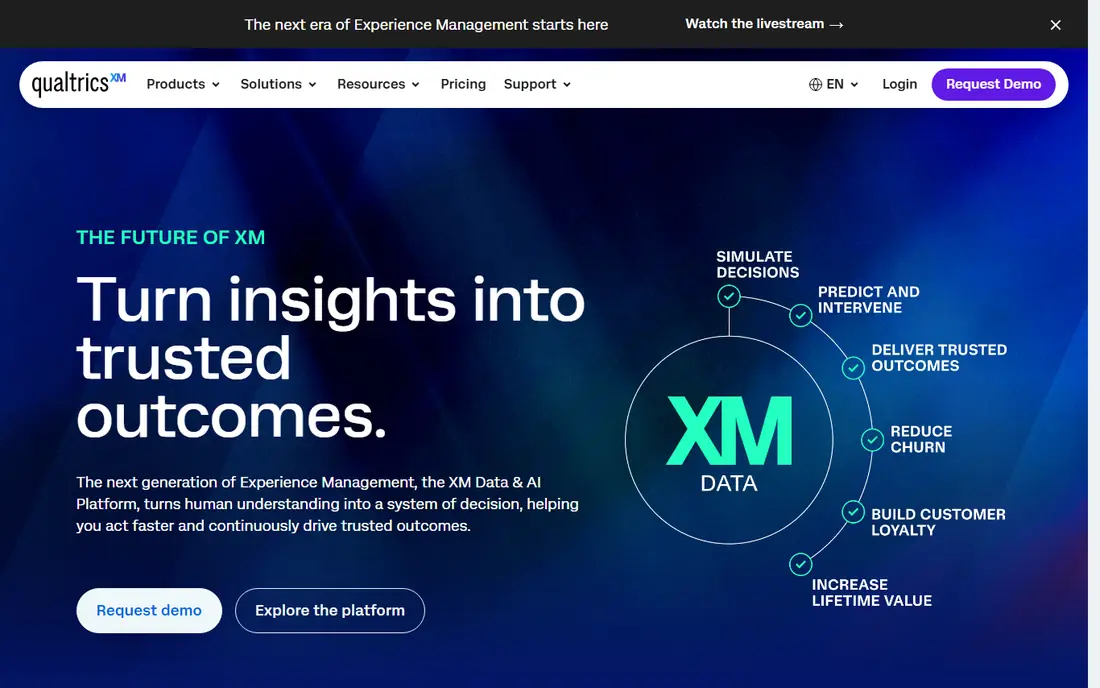
Qualtrics is the enterprise pick for teams running large, ongoing experience programmes. It suits large organisations measuring customer, employee, and brand experience. It covers surveys, text analysis, and dashboards at scale, and its research features suit teams that need rigorous question design and segmentation.
The catch is quote-based pricing. Confirm what is included at your plan level, how exports work, and what happens if you need to leave later. Start with the smallest plan that covers your core workflow, then upgrade only when a limit gets in the way.
- Deep research and experience tools
- Strong text analysis
- Enterprise controls
- Quote-based pricing
- Setup and training take time
UserVoice helps product teams turn scattered requests into a clear roadmap. It suits B2B software teams that need structured feature feedback. Customers can submit and vote on ideas, and the team can share status updates, which closes the loop without relying on email threads.
The catch is less suited to broad surveys. Check the current plan limits and export options before you move data in, and run a small pilot with real records first. Start with the smallest plan that covers your core workflow, then upgrade only when a limit gets in the way.
- Clear voting and roadmap tools
- Good for B2B SaaS
- Status updates for users
- Less suited to broad surveys
- Pricing is aimed at product teams
Canny is a focused, affordable way to run a public or private feedback board. It suits product teams that want visible roadmaps and user voting. You can collect ideas, group duplicates, and publish a roadmap, so users see what is planned, in progress, or shipped.
The catch is limited survey features. Read the plan limits for seats, storage, and usage before you commit, and test it with a small real workload first. Start with the smallest plan that covers your core workflow, then upgrade only when a limit gets in the way.
- Simple feedback boards
- Voting and roadmaps
- Changelog included
- Limited survey features
- Best as a product tool, not a general survey tool
Hotjar pairs on-site feedback with behaviour data, which adds context to survey answers. It suits website teams that want to know why visitors act as they do. Polls and surveys appear on your site, while heatmaps show where people click and scroll, so feedback is tied to real pages rather than guesswork.
The catch is survey depth is limited. Confirm what is included at your plan level, how exports work, and what happens if you need to leave later. Start with the smallest plan that covers your core workflow, then upgrade only when a limit gets in the way.
- Heatmaps and session recordings plus surveys
- Easy website setup
- Free tier
- Survey depth is limited
- Best for web, not email or in-app at scale
Survicate is a practical middle option for product teams that need surveys in several places. It suits product and growth teams running targeted surveys. You can trigger surveys by page, event, or user trait, and send results to tools such as HubSpot or Slack for faster follow-up.
The catch is higher plans needed for larger volumes. Check the current plan limits and export options before you move data in, and run a small pilot with real records first. Start with the smallest plan that covers your core workflow, then upgrade only when a limit gets in the way.
- Website, email, and in-app surveys
- Targeting options
- Useful integrations
- Higher plans needed for larger volumes
- Analysis is not enterprise-deep
AskNicely focuses on turning NPS scores into coaching and follow-up. It suits service businesses with frontline teams and repeat customers. It collects NPS and satisfaction scores, routes low scores for follow-up, and gives managers a clear view of which teams need coaching.
The catch is enterprise-leaning pricing. Read the plan limits for seats, storage, and usage before you commit, and test it with a small real workload first. Start with the smallest plan that covers your core workflow, then upgrade only when a limit gets in the way.
- Strong NPS workflows
- Frontline coaching tools
- Clear follow-up actions
- Enterprise-leaning pricing
- Less suited to general surveys
Medallia suits organisations that run feedback across many channels at scale. It suits large enterprises with stores, contact centres, and digital channels. It pulls feedback from surveys, reviews, and operational data into one view, which helps large teams spot patterns that a single survey tool would miss.
The catch is quote-based pricing. Confirm what is included at your plan level, how exports work, and what happens if you need to leave later. Start with the smallest plan that covers your core workflow, then upgrade only when a limit gets in the way.
- Omnichannel feedback collection
- Strong analytics
- Large-scale programmes
- Quote-based pricing
- Implementation is a major project
How we picked these
We compared official feature pages, pricing pages, and documentation for each tool, and checked that each one is still offered in October 2026. We weighted collection channels, analysis features, follow-up workflows, integrations, and whether a free plan or trial lets a small team test the tool.
We also read public user reviews to spot pricing surprises, setup effort, and limits on responses or users. We did not claim hands-on testing of every product, and prices shown here are starting points only, so check the vendor pricing page before you buy.
How to choose a customer feedback tool
A feedback tool only helps if people answer and your team acts on the results. Choose by channel, analysis, and follow-up, not by the longest feature list.
Start with where feedback happens
List the channels that matter: email after purchase, a website poll, an in-app prompt, or a support ticket. A tool that covers your main channel well beats a broader tool that is weak there. Check mobile display too, since many surveys are answered on a phone.
Check analysis, not just collection
Look at how the tool groups themes, tracks NPS or satisfaction over time, and flags urgent responses. Simple charts may be enough for a small team, while larger teams need text analysis and segmentation. If analysis is manual, response volume will quickly become a bottleneck.
Plan the follow-up loop
Confirm that low scores, feature requests, or complaints can be assigned to an owner with a deadline. Tools with roadmaps, status updates, or CRM links make it easier to close the loop. A survey with no follow-up teaches customers that feedback goes nowhere.
Watch response limits and privacy
Check monthly response limits, data retention, and privacy controls, especially for health, finance, or EU customers. Confirm how consent is recorded and whether data can be exported or deleted. These details matter more than a small price difference once you scale.
Frequently asked questions
Which customer feedback tool is best overall?
SurveyMonkey suits most general survey needs, Typeform suits branded conversational surveys, and Canny suits product roadmaps. For enterprise experience programmes, Qualtrics and Medallia are stronger, but they cost more and take longer to set up.
What is the best tool for customer feedback surveys?
SurveyMonkey and Typeform are the safest starting points for surveys, with templates, logic, and distribution options. Survicate is a good alternative when you need website, email, and in-app surveys in one tool.
What is the best enterprise feedback management software?
Qualtrics and Medallia lead for enterprise feedback management, with deep analysis, governance, and omnichannel collection. Both are quote-based, so budget for implementation and training as well as the subscription.
Do customer feedback tools offer a free plan?
Yes, several do. SurveyMonkey, Typeform, Canny, and Hotjar offer free tiers with limits on responses or features. Free plans are useful for testing, but growing teams usually need a paid plan for higher volumes and better analysis.
How do I increase survey response rates?
Keep surveys short, ask only questions you will act on, and send them at a relevant moment, such as right after a purchase or support contact. A clear subject line, mobile-friendly design, and a short follow-up reminder also help, without spamming respondents.
Should I use NPS, CSAT, or open feedback?
Use NPS for loyalty trends, CSAT for satisfaction after a specific interaction, and open feedback for reasons behind the score. Most teams need a mix: a score for tracking, plus one open question that explains it. Avoid collecting scores you have no plan to review.
Sources we checked (9)

Online Jobs is an independent blog about careers, online work, learning new skills and the tools that help people earn. More about us.
Keep reading
All posts
DocuSign Alternatives
We compared the best DocuSign alternatives on price, free plans, templates, audit trails and ease of use, including free DocuSign alternatives for small teams.
Best subscription billing software
Looking for the best subscription billing software? We compare 9 platforms for billing, dunning, tax, revenue recognition, and team workflows in 2026.
Best Workforce Management Software
Looking for the best workforce management software? We compare 8 tools for scheduling, time tracking, payroll, and compliance for hourly teams and managers.