Best Cryptocurrency Apps in 2026: 10 Apps Compared

How we put this together: we compare official feature and pricing pages, app store listings, privacy policies and public user reviews. Prices change, so check the provider's site before you pay.
Key takeaways
- Coinbase and Kraken remain the safest starting points for buyers who want regulation and clear security controls.
- OKX, Bybit and Bitget suit active traders outside restricted regions, with low spot fees and wide listings.
- Crypto.com and Gemini cover mobile users and security focused buyers with different strengths.
- Uphold suits multi asset buyers who want crypto, stocks and metals in one account.
- This is not financial advice. Crypto is volatile, so check availability in your country and only risk money you can afford to lose.
Quick comparison
| Name | Who it suits | Starting price | Free option | |
|---|---|---|---|---|
 Kraken Kraken | All round security | See website | Yes | Visit |
 Coinbase Coinbase | Beginners | See website | Yes | Visit |
 OKX OKX | Active traders | See website | Yes | Visit |
 Crypto.com Crypto.com | Mobile users | See website | Yes | Visit |
 Gemini Gemini | Regulated security | See website | Yes | Visit |
 Bybit Bybit | Derivatives and spot traders | See website | Yes | Visit |
 Bitget Bitget | Copy trading and altcoins | See website | Yes | Visit |
 Bitstamp Bitstamp | Established simplicity | See website | Yes | Visit |
 Uphold Uphold | Multi asset investing | See website | Yes | Visit |
 eToro eToro | Social investing | See website | Yes | Visit |
The best cryptocurrency apps
This guide focuses on apps that work well as a main cryptocurrency account, not only as a simple buy button. We weigh regulation, security, fees, coin choice and withdrawal options, since those decide whether an app stays useful as your portfolio grows.
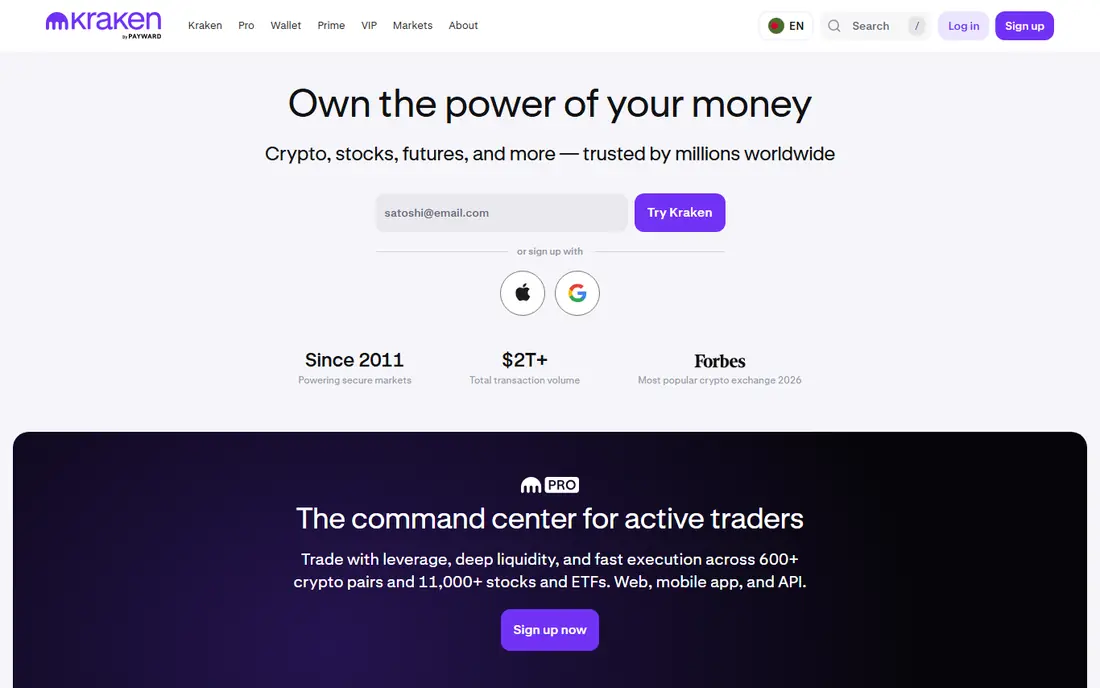
Kraken is our all round pick for buyers who want a balance of security, fees and fiat support. The exchange has operated for many years, publishes proof of reserves reporting, and supports bank deposits in many regions. Pro trading gives lower fees than the simple buy screen, which rewards users who learn the order book view.
The beginner experience is the weak point. Simple buys cost more, and the Pro interface can feel dense at first. Coin listings are also selective compared with altcoin heavy venues. If you want one account you can grow with, Kraken is a strong and steady choice.
- Long security record
- Pro fees lower than simple buys
- Proof of reserves reporting
- Pro interface takes learning
- Simple buy fees are higher
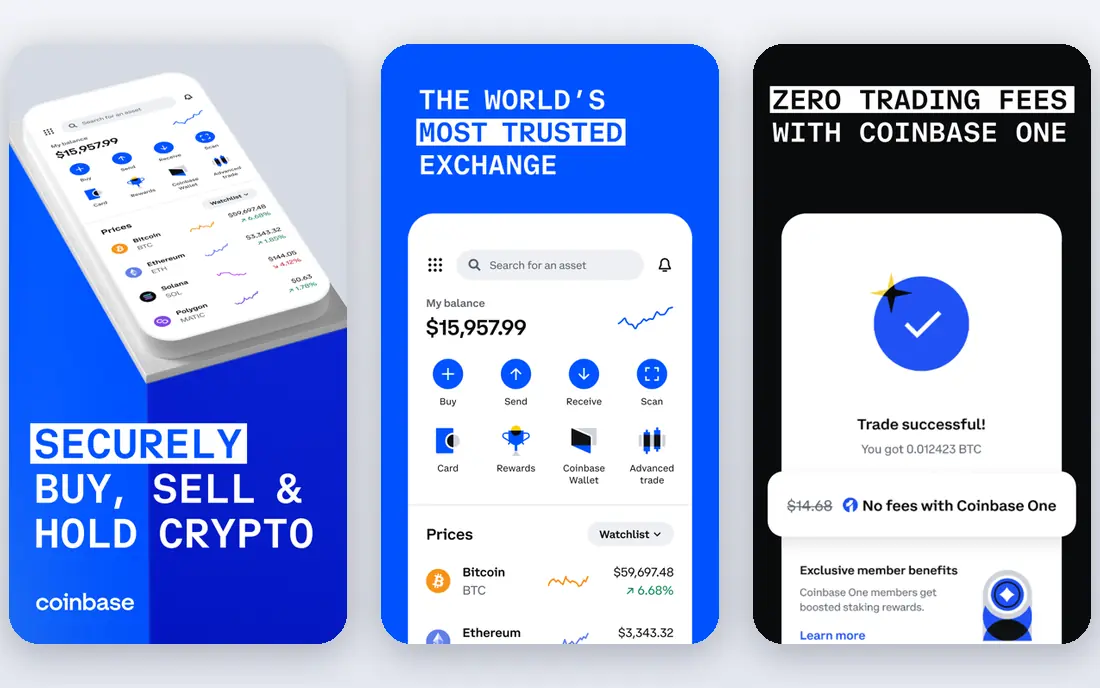
Coinbase remains the easiest app for a first cryptocurrency purchase. The interface explains each step, trade previews show the amount you will receive, and educational content helps new buyers learn basic terms. As a publicly listed company, it also offers a level of public reporting that many rivals do not.
Fees are the trade-off. Simple buys cost more than Advanced Trade orders, so regular buyers should compare both views. The coin list is wide but not as broad as OKX or Bitget. For a first app that prioritises clarity, Coinbase is the best starting point.
- Easiest onboarding
- Clear trade previews
- Strong regulation in major markets
- Simple buy spreads and fees can be high
- Coin list smaller than global rivals

OKX suits active traders who want low spot fees and a wide range of coins and pairs. The app combines exchange trading with a self custody wallet option, which helps users who want to move assets between trading and personal storage. Order types and charting tools are more complete than beginner apps.
Availability varies by country and state, and the feature set can feel complex for a first time buyer. Regulatory status should be checked for your exact location before depositing funds. If you trade regularly and want low fees with broad choice, OKX is a leading option.
- Low spot fees
- Wide listings
- Wallet plus exchange integration
- Availability varies by region
- Advanced features can overwhelm beginners
Crypto.com is designed for phone first users. Buying, price alerts, staking and card management sit in one app, which makes daily checking and small trades simple. The exchange view offers lower fees for active traders, while the main app suits casual buyers.
Card perks and higher rewards often need staking, which locks funds and adds token risk. Simple buy spreads should also be checked in the preview. If mobile ease matters most and you are comfortable with the fee structure, Crypto.com is a strong pick.
- Polished mobile app
- Wide coin choice
- Card and staking options
- Simple buys cost more than exchange trades
- Some perks need staking
Gemini is built for buyers who want regulatory clarity and custody controls above all else. The exchange focuses on US regulation, uses insured custody arrangements for many assets, and supports hardware keys and address whitelisting. The app itself is clean and avoids clutter.
That focus limits coin choice and keeps simple buy fees higher than ActiveTrader rates. It is best for a core portfolio of major coins rather than a hunt for new altcoins. If security and regulation are your top criteria, Gemini is a credible choice.
- US regulated focus
- Insured custody approach
- Strong account security controls
- Smaller coin list
- Simple buy fees can be high
Bybit is a trader focused venue with deep spot and derivatives markets. Active traders value its liquidity, order types and charting tools, while spot fees are competitive for regular trading. The app is fast and well organised for users who already understand trading.
It is not available to US users, and derivatives trading can lead to large losses quickly, especially with borrowed funds. Beginners should avoid derivatives entirely and use spot trading only if they understand the risks. For experienced traders outside restricted regions, Bybit is a strong venue.
- Deep derivatives and spot markets
- Low spot fees
- Active trading tools
- Not available to US users
- Derivatives carry high risk and need experience
Bitget combines a wide altcoin list with copy trading, where users can follow public traders. That mix appeals to buyers who want early listings and a way to learn from other traders. Spot fees are low, and the app supports many pairs and order types.
US availability is limited, and copy trading should be treated with care. Following another trader does not remove market risk, and fees plus slippage still apply. Use Bitget as a specialist venue with modest balances, and check availability and terms for your country first.
- Wide altcoin list
- Low spot fees
- Copy trading features
- US availability limited
- Copy trading past results do not predict future returns
Bitstamp offers a calm alternative to feature heavy exchanges. Its history, regulation in major markets and clear fee schedule suit buyers who want a straightforward account for major coins. The app covers buying, selling and staking without a long list of extra products.
Advanced traders may find the coin list and product range limited, and the app is less suited to altcoin hunting. For a core portfolio held on a long established exchange, that simplicity is a benefit. Bitstamp is a reliable pick for steady, long term buyers.
- Long history
- Regulated in major markets
- Simple fee schedule
- Fewer coins than global rivals
- Fewer advanced trading products
Uphold suits investors who want several asset types in one place. Crypto, US stocks and precious metals can sit in the same account, with fractional trades that let small buyers start with modest amounts. The interface is simple and avoids exchange jargon.
Pricing is mainly spread based, so frequent traders may pay more than on a low fee order book exchange. Advanced charting and order types are also limited. If you want one account for diversified investing rather than active crypto trading, Uphold is a practical choice.
- Crypto plus stocks and metals in one account
- Simple interface
- Easy fractional trades
- Spread based pricing can cost more
- Advanced trading tools are limited
eToro is useful for buyers who learn by watching others. Public portfolios, social discussion and copy features help new investors see how experienced users allocate funds, while stocks and crypto in one account give a full portfolio view. The design is approachable for beginners.
Spreads are the main cost, and they can be wider than exchange fees on larger trades. Crypto withdrawals and wallet access vary by region, so check those rules before buying if self custody matters to you. Use eToro for learning and diversification, with a clear view of spread costs.
- Social feed and copy portfolios
- Stocks and crypto together
- Beginner friendly design
- Spreads can be wide
- Crypto withdrawal options vary by region
How we picked these
We compared official feature pages, fee schedules, app store listings, privacy policies and public reviews for each app. We looked at regulation, security controls, coin choice, fee transparency, fiat options and withdrawal rules. We did not claim hands-on trading tests, and we treated third party fee summaries as a guide.
Availability was a key filter, since regional restrictions change which apps are useful. Fees shown as See website reflect payment method, tier and region, so check the full trade preview and official fee page before you buy. This guide is not financial advice, and crypto prices can fall sharply and quickly.
How to choose and stay safe
Start with availability and security, then fees. Confirm the app serves your country and state, enable two factor authentication and withdrawal whitelisting, and use a unique password with recovery codes stored offline. For larger holdings, test a small transfer to a hardware wallet before moving a full balance.
Compare total cost in the trade preview, including spreads and card fees, rather than the headline commission alone. Avoid borrowed funds trading, copy trading and staking locks until you understand the risks and lock periods. Keep tax records for every buy, sell and swap, and be wary of guaranteed return claims, which are a common scam signal.
Choosing between simple buys and exchange trading
Simple buys are easy but often cost more through spreads and fees. Exchange trading through an order book usually costs less for the same coin, but needs a little learning. If you buy monthly, learning the advanced view on your chosen app can save a meaningful amount over a year.
Storage basics
Exchange accounts are convenient for trading, but they are not the same as owning coins in a wallet you control. A hardware wallet adds a step to every transfer, yet it reduces exchange risk for long term holdings. Many buyers use both: an exchange for buying and a wallet for storage.
Frequently asked questions
What is the best cryptocurrency app for beginners?
Coinbase is the best beginner app for most users, with clear onboarding and trade previews. Kraken and Gemini are good alternatives for buyers who want stronger security controls from the start. Start small, learn the advanced trading view, and enable all security features.
Which is the best app for crypto trading with low fees?
OKX, Bybit and Bitget offer low spot fees for active traders, while Kraken Pro and Crypto.com Exchange are strong for users in major regulated markets. Availability differs by country, so check which low fee venue fully serves your location before you deposit.
What is the best crypto app to use for altcoins?
OKX and Bitget offer wide altcoin listings with many pairs, while Binance also covers a broad range where available. Smaller coins carry higher volatility and liquidity risk, so keep altcoin balances modest and research each project before buying.
Is it safe to keep crypto on an app?
Reputable apps use cold storage, two factor authentication and regulatory controls, but exchange risk and market risk remain. Enable security features, avoid reusing passwords, and move larger long term holdings to a hardware wallet after a small test transfer. This is not financial advice.
Can I buy crypto with a bank transfer?
Yes, most apps in this list support bank transfers, which are usually cheaper than card payments but slower. Card buys are faster and often carry a percentage fee. Check deposit options and fees for your country in the app before you fund an account.
What should I check before choosing a cryptocurrency app?
Check availability in your country, regulation, security features, full trade fees including spreads, coin choice, withdrawal options and tax reporting tools. A low headline fee means little if the app is restricted, charges wide spreads, or limits withdrawals.
Sources we checked (10)

Online Jobs is an independent blog about careers, online work, learning new skills and the tools that help people earn. More about us.
Keep reading
All posts
Best Trading Apps for Beginners
Compare the best trading app for beginners, with $0 stock commissions, fractional shares, education, paper trading and account types explained in 2026 now.
Best Trading App
We compared the best trading apps for beginners and active traders on fees, tools, accounts and ease of use, so you can pick a platform that fits your plan.
Best Tax Software
Compare the best tax software in 2026 for simple returns, investors, freelancers, and preparers, with free options, state fees, and honest limits for filing.