Best Cross Browser Testing Tools in 2026: 8 Tools Compared


Broad real device coverage · Starting price: $29 per month
How we put this together: we compare official feature and pricing pages, app store listings, privacy policies and public user reviews. Prices change, so check the provider's site before you pay.
Key takeaways
- Real browsers and devices matter more than emulators when a bug only appears on one browser version.
- Manual testing suits small checks, while automation and parallel runs matter for large test suites.
- Pricing is often per parallel session, not per user, so compare that model before judging a headline price.
- CI integration saves time when tests run on every pull request, not just before release.
Quick comparison
| Name | Who it suits | Starting price | Free option | |
|---|---|---|---|---|
| BrowserStack | Broad real device coverage | $29 per month | Free trial | Visit |
 LambdaTest | Best value testing cloud | $15 per month | Yes | Visit |
 Sauce Labs | Enterprise testing platform | $49 per month | Free trial | Visit |
 TestingBot | European testing cloud | See website | Yes | Visit |
 Browserling | Quick manual browser checks | $19 per month | Yes | Visit |
 Playwright | Free automated browser testing | Free | Yes | Visit |
 Applitools | Visual testing across browsers | See website | Yes | Visit |
 Kobiton | Real mobile device testing | See website | Free trial | Visit |
The best cross browser testing tools
We compared cross browser testing tools by real browser and device coverage, automation support, parallel testing, reporting and price, for solo developers and teams.
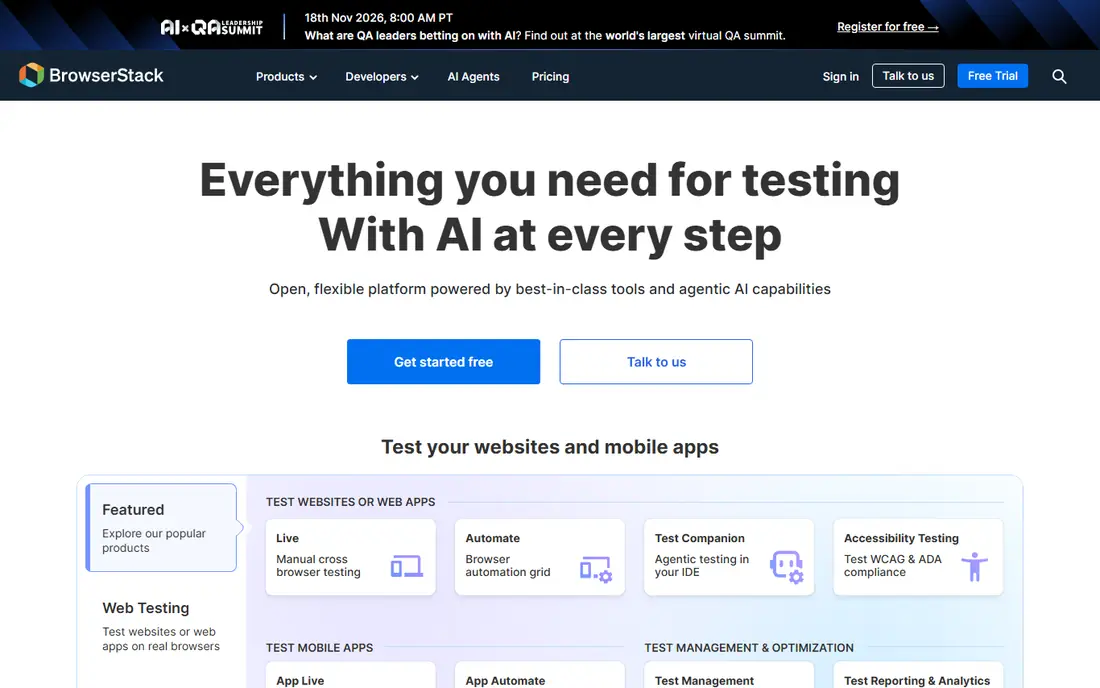
BrowserStack is the default choice for teams that need broad coverage and proof on real devices. Live manual testing, automated browser testing and mobile app testing share one platform, with integrations for common CI tools and test frameworks. That breadth helps when stakeholders ask whether a fix works on a specific phone or browser version.
The catch is pricing structure. The low starting price covers manual testing, while automation and parallel sessions cost more. Budget for the plan that matches your test type, not just the entry price. If coverage and reliability matter most, BrowserStack remains the benchmark.
- Large real browser and device range
- Playwright and Cypress support
- CI integrations
- Automation plans cost more
- Headline price is manual only
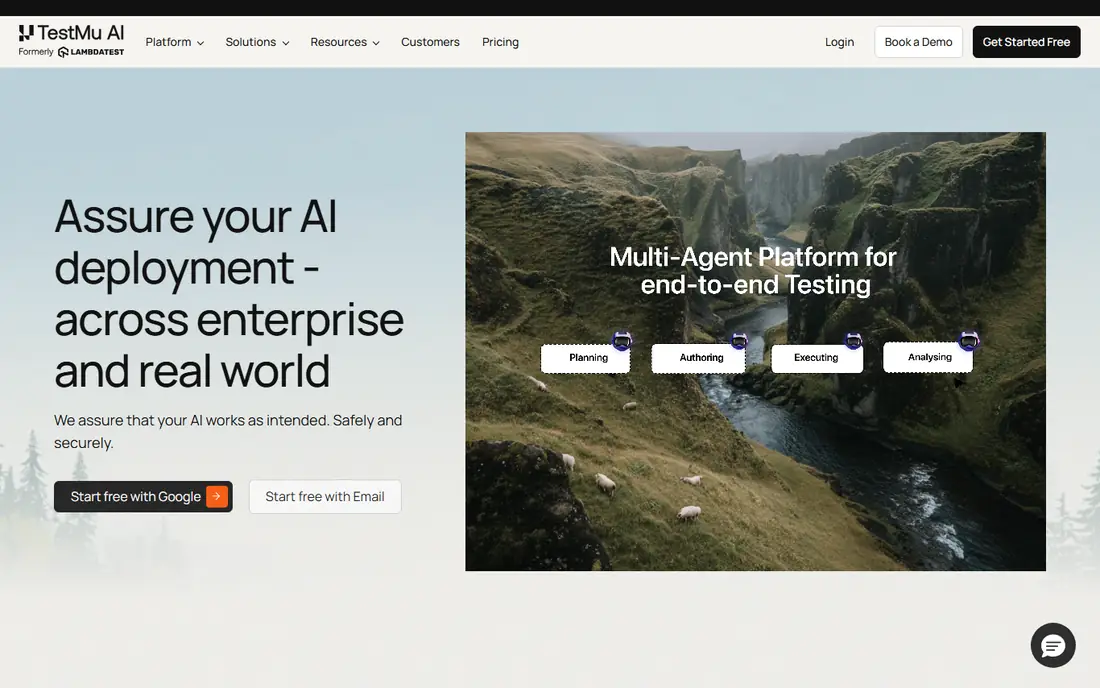
LambdaTest, now also branded TestMu AI, suits teams that want BrowserStack style coverage at a lower entry price. Live testing, automation, visual regression and parallel runs cover most cross browser needs, with support for Selenium, Playwright, Cypress and Appium. That range makes it a strong value pick for small and mid sized teams.
The catch is tier detail. Manual, web automation and real device automation sit on different plans, so confirm which plan covers your tests. Performance can also vary under heavy load. If price matters and you test mainly on web browsers, LambdaTest offers a lot for the money.
- Wide browser and OS range
- Parallel testing
- Visual testing tools
- Performance can vary at peak load
- Automation tiers cost more
Sauce Labs suits larger teams and enterprises that need a unified platform with strong reporting and compliance features. Web and mobile testing, analytics and test distribution help teams manage large suites and prove results to stakeholders. Its long history in the space also means mature integrations and support options.
The catch is cost. Entry pricing is higher than value rivals, and automation with real devices sits on higher tiers. If you are a solo developer or a small team, a cheaper cloud may cover your needs. If you need enterprise controls and scale, Sauce Labs is a serious choice.
- Unified web and mobile testing
- Strong analytics
- Compliance features
- Higher price
- Entry plan is manual focused
TestingBot suits teams that want a straightforward cloud grid without the scale of the largest platforms. Live testing, automated testing and screenshot comparison cover the core cross browser workflow, with support for common frameworks. Its smaller scale can mean simpler pricing and support for many teams.
The catch is coverage depth. The browser and device range is smaller than BrowserStack or LambdaTest, so check that your target combinations are available. Pricing is listed in euros, so convert before comparing. For standard browser matrices, TestingBot is a solid alternative.
- Real browsers and devices
- Selenium and Cypress support
- Screenshot testing
- Smaller device range than leaders
- Pricing in euros
Browserling suits quick manual checks when you need to see a site in another browser right now. Setup is minimal, sessions start fast, and the interface stays simple. That speed helps freelancers and small teams who test manually and do not need a full automation platform.
The catch is scope. Mobile testing is limited and automation is basic compared with larger clouds. If you run automated suites or need many real devices, pick a fuller platform. If you mainly check layouts manually across browsers, Browserling is fast and easy.
- Very quick setup
- Live browsers in the browser
- Simple interface
- Limited mobile testing
- Basic automation
Playwright is not a hosted cloud, but it is essential for many cross browser workflows. It automates Chromium, Firefox and WebKit from code, runs in CI, and pairs with hosted clouds for wider device coverage. For developers comfortable with code, it gives fast, repeatable tests at no licence cost.
The catch is effort. You write and maintain tests, manage your own runs, and need a cloud or device lab for real phones. Playwright is best as the automation layer, combined with a cloud like BrowserStack or LambdaTest when real device coverage is needed.
- Free open source framework
- Cross browser automation
- CI friendly
- Needs coding and setup
- No hosted device cloud by itself
Applitools suits teams whose main cross browser risk is visual: layout shifts, broken styles and rendering differences. Its visual comparison checks pages across browsers and highlights meaningful changes, which catches issues that functional tests miss. Integrations with common frameworks and CI tools fit modern pipelines.
The catch is scope and price. Applitools focuses on visual testing rather than providing a full manual device grid, and team pricing is by quote. Pair it with a browser cloud for manual and functional coverage if you need both. For visual quality, it is a strong specialist.
- AI powered visual comparison
- Cross browser visual checks
- CI integrations
- Pricing by quote for teams
- Visual focus, not a full grid
Kobiton suits teams that prioritise real mobile devices. Manual and automated mobile testing, session recordings and device management help QA teams reproduce phone specific bugs with confidence. That focus matters when mobile traffic dominates your product and emulator results are not enough.
The catch is pricing and web scope. Plans are by quote, and desktop browser testing is thinner than in web first clouds. If mobile is your main risk, Kobiton deserves a trial. If desktop browsers dominate, start with BrowserStack, LambdaTest or Sauce Labs.
- Real mobile devices
- Manual and automated testing
- Session recordings
- Pricing by quote
- Web browser focus is thinner
How we picked these
We checked official pricing pages, documentation and comparison sources for each platform, including manual and automation tiers. We compared browser and device coverage, framework support, parallel testing and CI integrations, because those factors decide real world value more than a headline price. We also noted where pricing is per parallel session, since that changes team costs.
We did not claim hands on testing we did not do. Prices change often and vary by plan type, so confirm current manual and automation pricing on the vendor page before you buy. A trial with your own test suite is the best check, because speed and reliability vary by region and load.
How to choose a cross browser testing tool for your team
Start with your browser matrix. List the browsers, versions, operating systems and devices your users actually use, from analytics if you have them. A tool that covers your top combinations well beats one with a larger catalogue you never use. Check older browser versions only if your users still rely on them.
Next, decide manual versus automated. Manual live testing suits quick layout checks and bug reproduction. Automated testing suits regression suites that run often. Many teams need both, but the plan that covers both costs more than a manual only plan, so budget for the mix you truly run.
Finally, test in CI with your real suite. Measure run time, parallel cost and flaky test handling, not just feature lists. A tool that runs your suite fast and gives clear video and log evidence for failures will save more time than a cheaper tool that leaves developers guessing.
Frequently asked questions
What is the best cross browser testing tool?
BrowserStack is the broadest choice, LambdaTest is the best value, and Sauce Labs suits enterprises. The best pick depends on your browser matrix, whether you automate, and how many parallel sessions you need.
Is there a free cross browser testing tool?
Playwright is free and open source for automated testing, and several clouds offer free tiers or trials for manual checks. Free tiers usually limit minutes or sessions, so they suit small projects and evaluation rather than large suites.
Do I need real devices or are emulators enough?
Emulators help for early checks, but real devices catch issues with performance, touch, screen size and browser behaviour that emulators miss. Use real devices for release checks on your most popular phones and browsers.
How does cross browser testing pricing work?
Many clouds charge per parallel session for automation, plus a lower price for manual testing. That means cost depends on how many tests run at once, not just team size. Compare manual and automation prices separately before choosing.
Can I run cross browser tests in CI?
Yes. Most tools on this list integrate with common CI systems and test frameworks such as Selenium, Playwright and Cypress. Set tests to run on pull requests so browser issues are caught early, not just before release.
What browsers should I test?
Test the browsers and versions your users actually use, starting with current Chrome, Safari, Firefox and Edge, plus popular mobile browsers. Add older versions only if analytics show meaningful traffic on them.
Sources we checked (8)

Online Jobs is an independent blog about careers, online work, learning new skills and the tools that help people earn. More about us.
Keep reading
All posts
n8n Alternatives
n8n alternatives compared for 2026, with Zapier, Make, Activepieces, and more, covering visual builders, code steps, self-hosting, and pricing models.

ZoomInfo Alternatives
The best ZoomInfo alternatives in 2026, compared on price, free plans, data coverage, and which tool fits small teams or large sales teams best in detail.

Workday Alternatives
We compared the best workday alternatives for HR, payroll, and global hiring, from BambooHR and Gusto to Rippling, Deel, and HiBob for growing teams in 2026.