Best CRM for Service Business in 2026: 8 Tools Compared


Home service businesses from quote to payment · Starting price: $39 per month
How we put this together: we compare official feature and pricing pages, app store listings, privacy policies and public user reviews. Prices change, so check the provider's site before you pay.
Key takeaways
- Jobber and Housecall Pro are the strongest field-service CRMs for small and mid-size home service teams.
- ServiceTitan suits larger multi-technician operations, but pricing is custom and setup is heavier.
- HubSpot CRM and Zoho CRM are the best general CRMs when you need sales pipelines more than dispatch.
- Pipedrive and Freshsales suit service businesses that sell through a clear sales pipeline.
- Pick by workflow first: dispatch and invoicing needs point to field-service tools, while sales-led work points to general CRMs.
Quick comparison
| Name | Who it suits | Starting price | Free option | |
|---|---|---|---|---|
| Jobber | Home service businesses from quote to payment | $39 per month | Free trial | Visit |
 Housecall Pro Housecall Pro | Small field service teams that want easy setup | $59 per month | Free trial | Visit |
 ServiceTitan ServiceTitan | Larger trade businesses with many technicians | See website | No | Visit |
 HubSpot CRM HubSpot CRM | Service businesses with sales and marketing needs | Free | Yes | Visit |
 Zoho CRM Zoho CRM | Low-cost general CRM for service firms | Free | Yes | Visit |
 Salesforce Salesforce | Large service operations with complex needs | See website | Free trial | Visit |
 Freshsales Freshsales | Service teams that want a simple sales CRM | See website | Yes | Visit |
 Pipedrive Pipedrive | Simple, visual sales pipelines | See website | Free trial | Visit |
The best CRM for service business
Service businesses need more than a contact list. A plumber, cleaner, electrician or consultant needs scheduling, quotes, job history, reminders and payments in the same place as customer records. This list mixes field-service platforms built for trades with general CRMs that suit service businesses with a sales-led model.
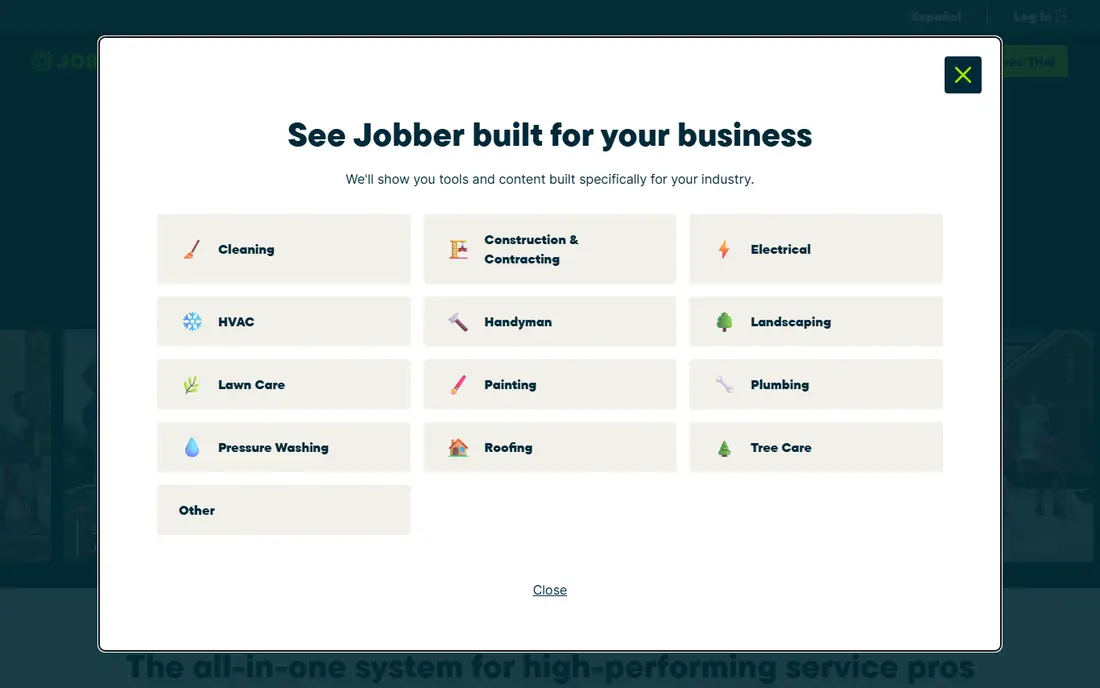
Jobber is built around the daily work of a home service business. You can store client details and job history, send quotes, schedule work, invoice and take payments without juggling several apps. Online booking and automated reminders cut phone time, which matters for small teams with no office staff.
Costs rise as you add users and features, so a growing team should check the tier that fits its size. Jobber is also less of a marketing platform than some rivals. For a trade or home service team that wants one clear workflow from first call to final payment, it remains the most balanced choice in this list.
- Client, job and invoice workflow in one place
- Online booking
- Automated reminders
- Extra users and add-ons raise cost
- Marketing tools are limited
- Larger teams may need higher tiers
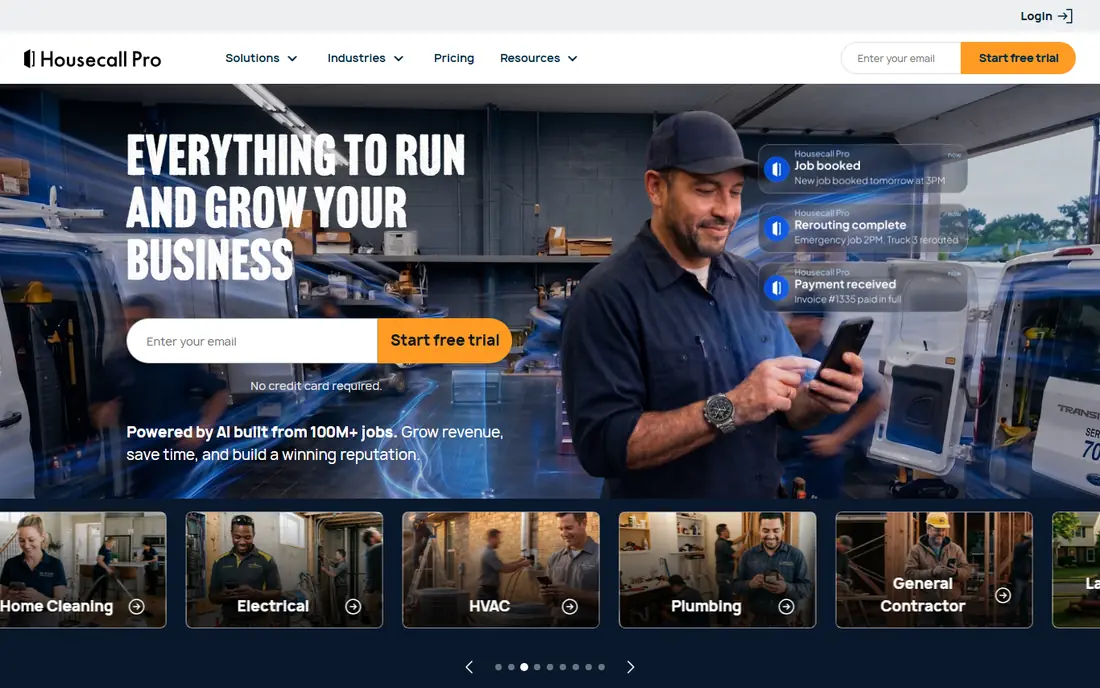
Housecall Pro suits small teams that want to get running quickly. Scheduling, dispatch, estimates, invoicing and customer messaging sit in one system, and the mobile app helps technicians in the field. Online booking and reminders help fill the diary without constant phone calls.
The entry price is higher than Jobber for a single user, and extra users add cost, so mid-size teams should compare total monthly cost, not just the starting figure. For a team of three to eight that values ease of use and quick setup, Housecall Pro is a strong rival to Jobber.
- Easy scheduling and dispatch
- Online booking
- Estimates and invoicing included
- Higher entry price than Jobber
- Extra user fees add up
- Advanced reporting needs higher plans
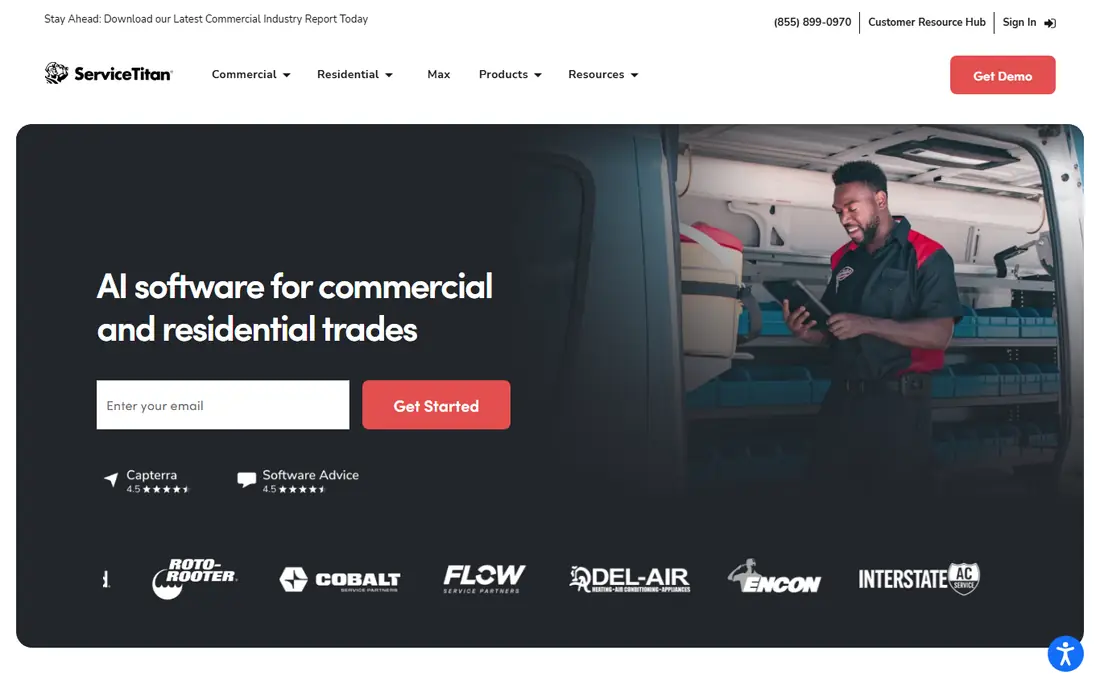
ServiceTitan is the enterprise end of field service software. It handles dispatch, a detailed pricebook, marketing, reporting and multi-technician scheduling at a depth that smaller tools cannot match. Larger HVAC, plumbing and electrical companies use it to run complex operations across locations.
That depth comes with cost and setup time. Pricing is custom, implementation can take weeks or months, and solo operators will pay for power they do not need. If you run a large team and need that control, ServiceTitan is worth a demo. If you run a small team, Jobber or Housecall Pro will serve you faster and cheaper.
- Deep dispatch, pricebook and reporting
- Strong for multi-location teams
- Extensive integrations
- Custom pricing
- Long setup
- Too heavy and costly for solo operators
HubSpot CRM is the best general CRM in this list for service businesses that sell before they deliver. You can track leads, deals, quotes and customer conversations in pipelines, and add marketing and service tools as you grow. The free tier covers basic contact and deal management for small teams.
It is not a field-service platform. Dispatch, technician tracking and job costing will need integrations or another tool. If your main problem is winning and managing clients, rather than dispatching vans, HubSpot gives you a strong, scalable CRM with a free start.
- Free CRM core
- Pipelines and deal tracking
- Links to marketing and service tools
- No field dispatch
- Paid tiers rise quickly
- Service scheduling needs add-ons or integrations
Zoho CRM suits service businesses that want a full CRM at a low price. Contacts, deals, tasks, email and basic automation cover most sales and client management work, and the free tier helps very small teams start without a bill. Links to Zoho Books, Desk and other Zoho apps add invoicing and support without new vendors.
Like HubSpot, it is not built for field dispatch, so trade teams that need scheduling and technician tracking should pair it with a field tool or choose Jobber instead. For consultants, agencies, cleaners with office-based scheduling, and other service firms, Zoho CRM offers strong value.
- Free tier for small teams
- Low paid prices
- Wide Zoho app integrations
- No built-in dispatch
- Interface can feel busy
- Advanced automation needs higher plans
Salesforce is the most flexible CRM in this list, and also the most demanding. Large service companies can model complex sales, service and field workflows, build custom reports, and connect to a vast app marketplace. Its Service Cloud tools cover cases, scheduling and customer history at enterprise scale.
Small teams should think twice. Licensing, setup and ongoing admin cost time and money, and a simple pipeline does not need this depth. If you run a large operation with dedicated admin support, Salesforce can grow with you for years. If not, a simpler CRM will serve you better.
- Very deep customisation
- Strong reporting
- Huge app ecosystem
- Costly and complex to set up
- Needs admin time
- Overkill for small teams
Freshsales, from Freshworks, suits service businesses that need a clean sales CRM without Salesforce complexity. Deals move through visual pipelines, calls and emails sit beside customer records, and automation handles routine follow-ups. A free tier lets small teams test the core workflow.
It does not cover field dispatch or job costing, so trade teams should not expect it to replace Jobber. For agencies, consultants and service firms that win work through proposals and follow-up, Freshsales is easy to learn and fairly priced, with room to grow into paid plans.
- Clear pipelines and deal views
- Built-in phone and email
- AI insights on some plans
- No field dispatch
- Pricing and features vary by plan
- Smaller ecosystem than Salesforce or HubSpot
Pipedrive is built around one idea: a clear sales pipeline that a team actually uses. Deals, activities and next steps are visible at a glance, and reminders keep follow-ups from slipping. That simplicity helps service businesses where the main risk is a lost lead, not a missed dispatch slot.
It lacks the job, invoice and dispatch depth of field-service tools, and some useful features sit in add-ons or higher plans. If your service business sells through a steady pipeline and delivers with a separate scheduling tool, Pipedrive is a clean, focused CRM. If dispatch is your core job, start with Jobber or Housecall Pro instead.
- Very clear pipeline view
- Easy to learn
- Good activity reminders
- No dispatch or invoicing depth
- Add-ons raise cost
- Reporting needs higher plans
How we picked these
We compared official pricing pages, feature pages and product documentation for CRMs used by service businesses, with a focus on scheduling, quotes, job history, invoicing and sales pipelines. We favoured tools that are still actively sold and that fit a real service workflow, whether field-based or sales-led. We did not claim hands-on testing, and we used See website where pricing was custom or varied by team size.
What to check before you choose
Map your workflow before you compare features. List the steps from first enquiry to final payment: who takes the call, who quotes, who schedules, who does the work, and who invoices. A field-service CRM should cover most of those steps. A general CRM should cover the sales steps well, even if dispatch sits elsewhere. Buying a CRM that misses your busiest step will not save time, however good its pipeline looks.
Count users, jobs and payment fees
Check how pricing scales with users, since field-service plans often price by team size rather than per user alone. Ask about payment processing fees, since card fees apply on top of plan prices for many tools. Also check mobile apps, since technicians and field staff will live in the app, not the desktop version.
Test migration and support
Import a sample of real clients and jobs during a trial, and check that history, notes and invoices carry over cleanly. Ask what support and onboarding are included, especially for ServiceTitan and Salesforce, where setup help can be a major cost. A trial with real data will reveal gaps that a feature list hides.
Frequently asked questions
What is the best CRM for service business use?
Jobber is our top pick for home service teams, while Housecall Pro suits small field teams that want easy setup. HubSpot CRM is best for service firms that are sales-led rather than dispatch-led.
What is the best free client management software?
HubSpot CRM and Zoho CRM both offer free tiers for small teams. HubSpot is stronger for pipelines and marketing links, while Zoho offers a wider low-cost app suite.
What is the best CRM software for small business service firms?
For most small service firms, Jobber, Housecall Pro, HubSpot CRM or Zoho CRM will fit, depending on whether dispatch or sales is the main job. Start with a trial on real client data before you commit.
Do I need a field-service CRM or a general CRM?
Choose a field-service CRM if scheduling, dispatch, quotes and invoicing are your daily work. Choose a general CRM if you mainly track leads, deals and client relationships, and you schedule work elsewhere.
Can a CRM replace invoicing software?
Partly. Jobber, Housecall Pro and ServiceTitan include invoicing and payments, while general CRMs often need an accounting link. Check whether invoices, payment fees and tax handling match your needs before you drop a separate accounting tool.
Sources we checked (8)

Online Jobs is an independent blog about careers, online work, learning new skills and the tools that help people earn. More about us.
Keep reading
All posts
Workday Alternatives
We compared the best workday alternatives for HR, payroll, and global hiring, from BambooHR and Gusto to Rippling, Deel, and HiBob for growing teams in 2026.

Which SaaS Tools Have the Best Customer Support
Which SaaS tools have the best customer support? Compare eight popular tools on help centres, live help, response options and overall support quality.

Top AI Helpdesk Software
Searching for top AI helpdesk software in 2026? We compared 8 AI helpdesks on automation, pricing, channels and ease of setup for small and growing teams.