Best CRM Email Marketing Software in 2026: 8 Tools Compared


Teams that want CRM and marketing in one system · Starting price: Free
How we put this together: we compare official feature and pricing pages, app store listings, privacy policies and public user reviews. Prices change, so check the provider's site before you pay.
Key takeaways
- HubSpot is our pick for teams that want CRM, email, sales, and service records in one place, while ActiveCampaign suits teams that put automation first.
- Prices usually rise with contacts, seats, or sends, so check the cost at twice your current list size before you choose.
- Mailchimp, Brevo, and Klaviyo are strong starting points, but they differ sharply on CRM depth, ecommerce tools, and contact limits.
- A free plan is useful for testing, but the paid tier often controls automation, segmentation, and reporting.
Quick comparison
| Name | Who it suits | Starting price | Free option | |
|---|---|---|---|---|
| HubSpot | Teams that want CRM and marketing in one system | Free | Yes | Visit |
 ActiveCampaign | Deep automation for small and midsize teams | $15 per month | Free trial | Visit |
 Mailchimp | Beginners and small newsletter audiences | Free | Yes | Visit |
 Brevo | Large lists on a smaller budget | Free | Yes | Visit |
 Klaviyo | Ecommerce email and SMS revenue | Free | Yes | Visit |
 Zoho CRM | Budget teams already using Zoho tools | See website | Yes | Visit |
 Constant Contact | Simple campaigns for local businesses | $12 per month | Free trial | Visit |
 GetResponse | Email plus webinars and funnels | $19 per month | Free trial | Visit |
The best CRM email marketing software
We compared tools that combine a contact database with email sending, automation, and reporting, rather than tools that only send newsletters. The strongest options keep purchase history, form fills, and email activity on the same contact record, so a team can see why a message was sent and what happened next.
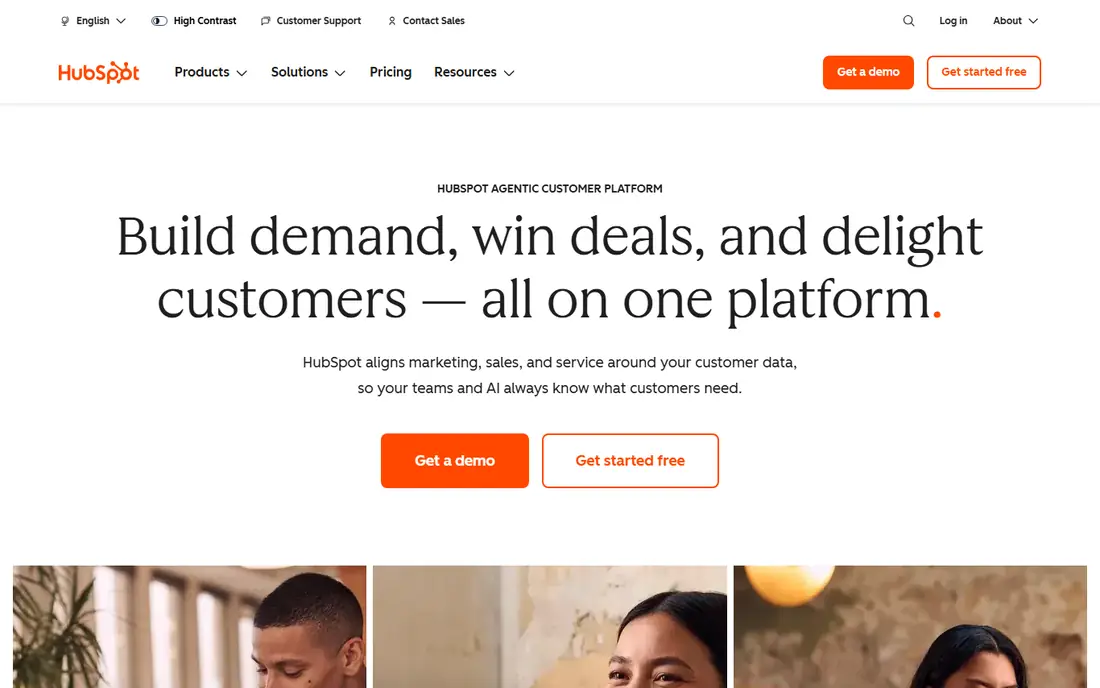
HubSpot works best when marketing and sales need to share one record. A lead that fills in a form, opens a series of emails, and books a call stays in the same place, and the team can follow that path without exporting lists between tools. The free CRM covers the basics well, and the starter marketing tools add landing pages and simple automation for a small team that is still learning what converts. The honest catch is cost at scale. Starter pricing looks friendly, but the more useful automation, lead scoring, and reporting features sit on higher tiers. Teams should also watch contact limits and seat counts, because both can push the monthly bill up faster than the headline price suggests. Still, for a growing business that wants one system, HubSpot is a safe and well supported choice.
- Free CRM with contacts, deals, and tickets
- Broad integration library
- Clear reporting across marketing and sales
- Paid marketing tiers rise sharply
- Contact-based pricing can grow fast
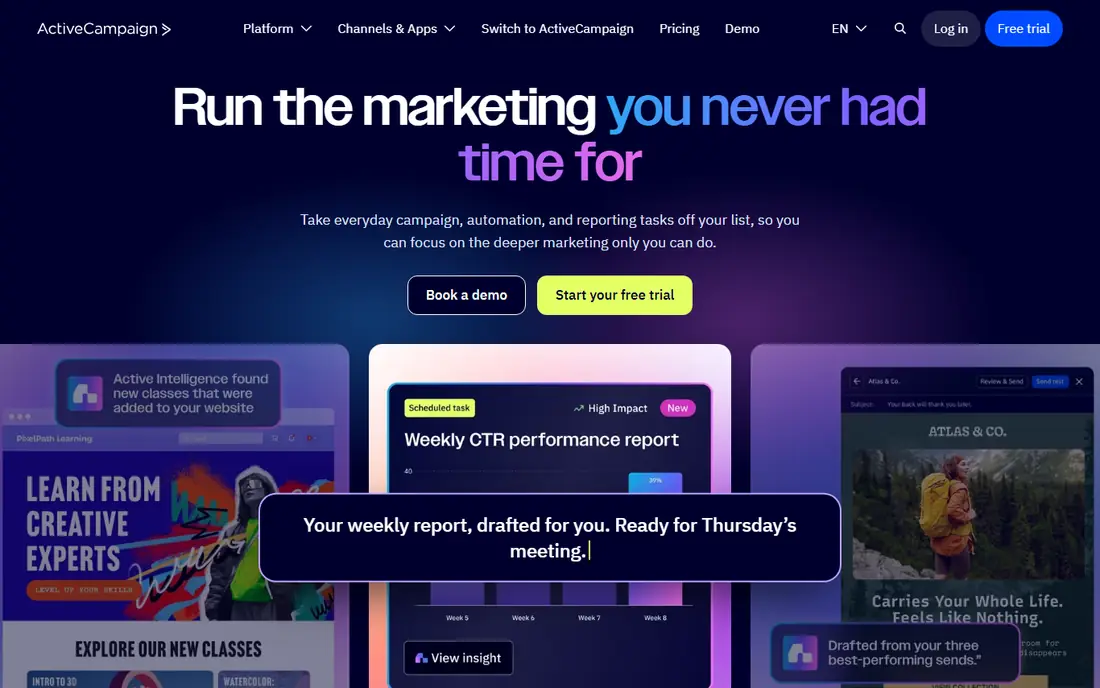
ActiveCampaign earns its place through automation depth. Its builder lets a team branch a journey by behavior, purchase, tag, or score, then test different paths without rebuilding the whole flow. That control matters for welcome series, win-back campaigns, and post-purchase follow-up, where timing and relevance decide whether a message feels helpful or intrusive. The trade-off is setup time. A team that only sends a monthly newsletter will not use most of this power, and the interface can feel busy at first. For a business with a growing list and repeat purchases, however, the extra control often pays for itself in fewer manual sends and clearer follow-up.
- Visual automation builder with conditions and goals
- Strong segmentation
- Email plus SMS in the same flow
- Learning curve is steeper than simpler tools
- No permanent free plan
Mailchimp remains the easiest place to start. The editor is straightforward, templates look clean, and a small team can send a first campaign in an afternoon. It also connects to common ecommerce, form, and website tools, so orders and signups can feed into segments without custom work. The limit shows up when a team needs a fuller sales view. Mailchimp tracks contacts and campaigns well, but it is not a full sales CRM with deep deal management. Pricing also climbs with audience size, so a team with a large but quiet list should clean inactive contacts and compare tiers before committing.
- Easy editor and templates
- Useful free tier for small lists
- Many integrations
- CRM depth is limited
- Pricing rises as contacts grow
Brevo suits teams with a large list and a modest budget. Because many plans charge by email volume rather than by every contact on file, a business with seasonal spikes or a long list of past customers can often send for less. The platform also covers SMS and live chat, which helps a small team answer questions and follow up from one inbox. The catch is polish and depth. Automation works for common journeys, but it does not match the branching control of the top automation tools. Design options are serviceable rather than striking. For a team that values cost control and simple sending, that balance is fair.
- Pricing based on sends rather than contacts in many plans
- Email, SMS, and chat in one account
- Unlimited contacts on the free plan within send limits
- Automation and CRM features are less deep than ActiveCampaign or HubSpot
- Templates feel plainer
Klaviyo is built around what customers buy, browse, and leave behind. An online store can trigger a cart reminder, a replenishment note, or a win-back offer from real order data, and segments can separate first-time buyers from repeat customers with little manual work. That focus makes it a natural fit for Shopify and WooCommerce stores that treat email as a sales channel. For a business without an online store, much of that strength goes unused. Pricing also scales with the number of profiles, so a store should count inactive profiles and set up sunset rules. When ecommerce is the core, though, Klaviyo gives a team a direct line from campaign to order.
- Strong ecommerce integrations
- Purchase-based segments
- Ready flows for abandoned carts and post-purchase messages
- Costs rise with profiles and sends
- Less suited to non-ecommerce businesses
Zoho CRM fits teams that want a real sales pipeline without paying enterprise prices. Deals, tasks, calls, and contact history sit in one record, and workflows can assign follow-up or update a stage when a deal moves. Teams already using Zoho Books, Zoho Desk, or Zoho Forms gain extra value, because data can move between those apps without a patchwork of exports. Email marketing is the weaker link on its own. Many teams pair Zoho CRM with Zoho Campaigns for fuller campaign tools, which adds a second subscription to compare. A team that mainly needs sales tracking plus basic email will be happy, while a team that lives in email automation should test the combined setup first.
- Low entry cost for small teams
- Wide Zoho app suite
- Solid sales pipeline and workflow tools
- Email marketing features often need Zoho Campaigns as a separate piece
- Interface can feel dense
Constant Contact is a good match for a local business, charity, or club that sends regular updates and event invitations. The editor keeps choices simple, contact import is straightforward, and the event tools help with registrations and reminders. A team with limited marketing time can keep a steady rhythm without learning a complex automation builder. The limit is depth. Journeys are simpler than those in ActiveCampaign or HubSpot, and advanced segmentation is thinner. That is fine for newsletters and announcements, but a team that wants behavior-driven flows will outgrow it. Try the trial with a real campaign and a real list, not just a test send to yourself.
- Very easy setup
- Useful event and survey tools
- Helpful support for beginners
- Automation is basic
- No permanent free plan
GetResponse stands out when a team sells through live sessions or lead funnels. Webinars, landing pages, and email can live in one account, so a signup, a reminder, and a replay follow-up do not need three separate tools. Automation templates also give a small team a workable starting point for welcome and sales sequences. The account can feel crowded at first, because so many tools share one menu. A team that only needs email may find simpler tools faster to learn. For course sellers, coaches, and webinar-led businesses, the combined setup is the reason to choose it.
- Webinar hosting built in
- Landing pages and funnels
- Automation templates for common journeys
- Interface has many sections to learn
- No permanent free plan
How we picked these
We compared official feature pages, pricing pages, and app store listings, and we checked public reviews for common complaints about pricing, limits, and support. We gave weight to CRM depth, automation control, email deliverability tools, integrations, and how clearly each vendor states its free plan, contact limits, and starting price. Where a price or free tier could not be confirmed on the vendor site, we wrote "See website" rather than guessing. We did not claim hands-on testing, and we treated vendor claims about results as claims, not facts.
Choosing the right CRM email tool for your list size
Start with the job, not the brand. If sales and marketing share follow-up, pick a tool with a real CRM record. If email drives most revenue, pick the tool with the best automation and segmentation for your list. Count contacts, seats, and monthly sends before you compare prices, and check whether inactive contacts count toward your bill. Next, test the parts you will use every week. Build one welcome flow, one segment, and one report. Check how long it takes to import contacts, tag a signup source, and find a single customer record. A tool that looks cheap but slows daily work is not cheap for long. Finally, check data rules for your region, confirm opt-in handling, and keep a clean unsubscribe process, because deliverability depends on list quality as much as on the platform.
A short buying checklist
Check the free plan limits, the first paid tier, and the tier that provides the automation you need. Ask whether SMS, landing pages, or webinars cost extra. Confirm which integrations are native and which need a third-party connector. Read the cancellation and data export terms before you import a large list, so a later move stays possible.
Frequently asked questions
What is the best email CRM software for a small business?
For most small teams, HubSpot is the safest all-round start because the free CRM is genuinely useful, while ActiveCampaign is the better pick when automation matters more than a shared sales record. Mailchimp or Brevo may suit a team that mainly sends newsletters. The right answer depends on list size, sales process, and how much automation the team will actually build.
What is the best CRM software for email marketing?
The best CRM software for email marketing is the one that keeps contact history, purchase data, and campaign activity in one record. HubSpot and Zoho CRM do this well for general businesses, while Klaviyo does it best for ecommerce stores. Compare automation depth, segmentation, and reporting before you judge a tool by its email editor alone.
Which CRM and email marketing tools work best together?
HubSpot, ActiveCampaign, and Zoho CRM combine both sides in one account, which reduces sync problems. Mailchimp, Brevo, and GetResponse can also connect to a separate CRM, but that setup needs care with field mapping and duplicate contacts. A single account is usually simpler for a small team, while a larger team may accept two tools for deeper features on each side.
What is the best email automation software for CRM users?
ActiveCampaign offers the deepest automation in this list for most small and midsize teams, with branching journeys, goals, and scoring. HubSpot is close when the team already uses its CRM, and Klaviyo leads for ecommerce flows. Start with one welcome flow and one win-back flow, then judge ease of use and reporting on real results.
Is there a good free CRM email marketing tool?
Yes, HubSpot, Mailchimp, Brevo, and Klaviyo all offer free tiers, but each one limits contacts, sends, or features. HubSpot is strong for a free CRM record, Brevo suits large lists with modest send volume, and Mailchimp suits small newsletter audiences. Check the limits carefully, because a free plan that blocks automation may not test the tool fairly.
How much should a small team budget for CRM email software?
A small team can start free or at a low monthly tier, but costs often rise with contacts, seats, and sends. Budget for the tier that includes the automation and reporting you need, not just the entry price. Allow time for setup, list cleaning, and template work, because those tasks affect results more than a small price gap between tools.
Sources we checked (8)

Online Jobs is an independent blog about careers, online work, learning new skills and the tools that help people earn. More about us.
Keep reading
All posts
n8n Alternatives
n8n alternatives compared for 2026, with Zapier, Make, Activepieces, and more, covering visual builders, code steps, self-hosting, and pricing models.

ZoomInfo Alternatives
The best ZoomInfo alternatives in 2026, compared on price, free plans, data coverage, and which tool fits small teams or large sales teams best in detail.

Workday Alternatives
We compared the best workday alternatives for HR, payroll, and global hiring, from BambooHR and Gusto to Rippling, Deel, and HiBob for growing teams in 2026.