Best Contractor Management Software in 2026: 8 Tools Compared

How we put this together: we compare official feature and pricing pages, app store listings, privacy policies and public user reviews. Prices change, so check the provider's site before you pay.
Key takeaways
- Jobber and Housecall Pro suit service trades with repeat visits, scheduling, and invoicing in one app.
- Buildertrend and JobTread suit general contractors and remodelers who need project budgets, selections, and client portals.
- Procore and ServiceTitan suit larger firms, with custom pricing that puts them out of reach for most small crews.
- Per-user seat fees change the real price fast, so cost a tool for your full crew, not just one user.
- A tool that covers estimates, scheduling, invoicing, and payments in one place saves more time than a cheaper tool that needs three add-ons.
Quick comparison
| Name | Who it suits | Starting price | Free option | |
|---|---|---|---|---|
 Jobber Jobber | Service trades and small crews | $49 per month | Free trial | Visit |
 Housecall Pro Housecall Pro | Home service teams | $59 per month | Free trial | Visit |
 Buildertrend Buildertrend | Residential builders and remodelers | See website | Free trial | Visit |
 Procore Procore | Large commercial contractors | See website | No | Visit |
 ServiceTitan ServiceTitan | Large service operations | See website | No | Visit |
 JobTread JobTread | Job costing for remodelers | $199 per month | Free trial | Visit |
 Contractor Foreman Contractor Foreman | Budget general contractors | $49 per month | Free trial | Visit |
 Workiz Workiz | Phone-heavy service trades | See website | Free trial | Visit |
The best contractor management software
Contractor software should cover the daily loop: a lead becomes an estimate, the estimate becomes a scheduled job, the crew completes the work, and the invoice gets paid. Some tools do that loop for service visits, while others manage multi-week construction projects with budgets, change orders, and client selections. We compared official pricing and feature pages, plus public reviews, for tools active in 2026, and we kept tools that fit small to large US contractors.
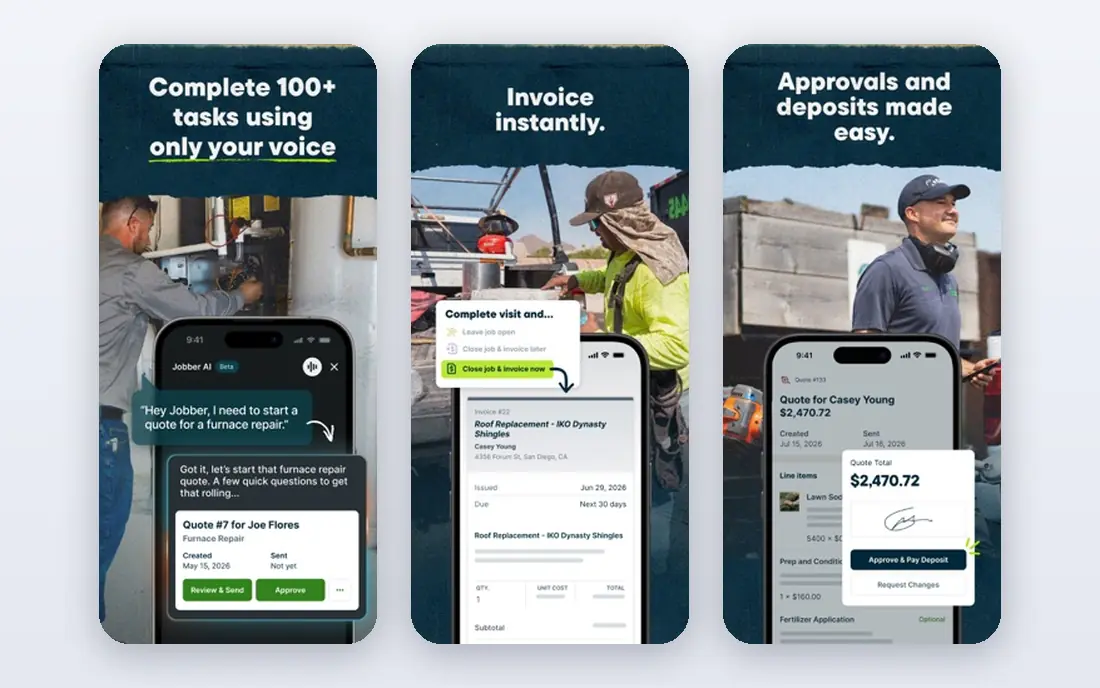
Jobber suits plumbers, electricians, garden care firms, cleaners, and other service trades that run repeat visits. Quotes, scheduling, dispatch, invoicing, and payments live in one workflow, with client notifications and online booking to reduce phone time. A mobile app keeps field staff on the same schedule as the office.
Pricing is listed from $49 per month for Core for one user, with extra users at $29 per month in recent comparisons, and higher plans adding more users and features. That per-user model means a five-person crew costs far more than the headline price, so cost it for the full team. For a solo operator or small service crew, Jobber is the easiest all-round starting point.
- Clean scheduling, quoting, and invoicing
- Client reminders and online booking
- QuickBooks sync
- Per-user fees add up as crew grows
- Project tools are lighter than Buildertrend
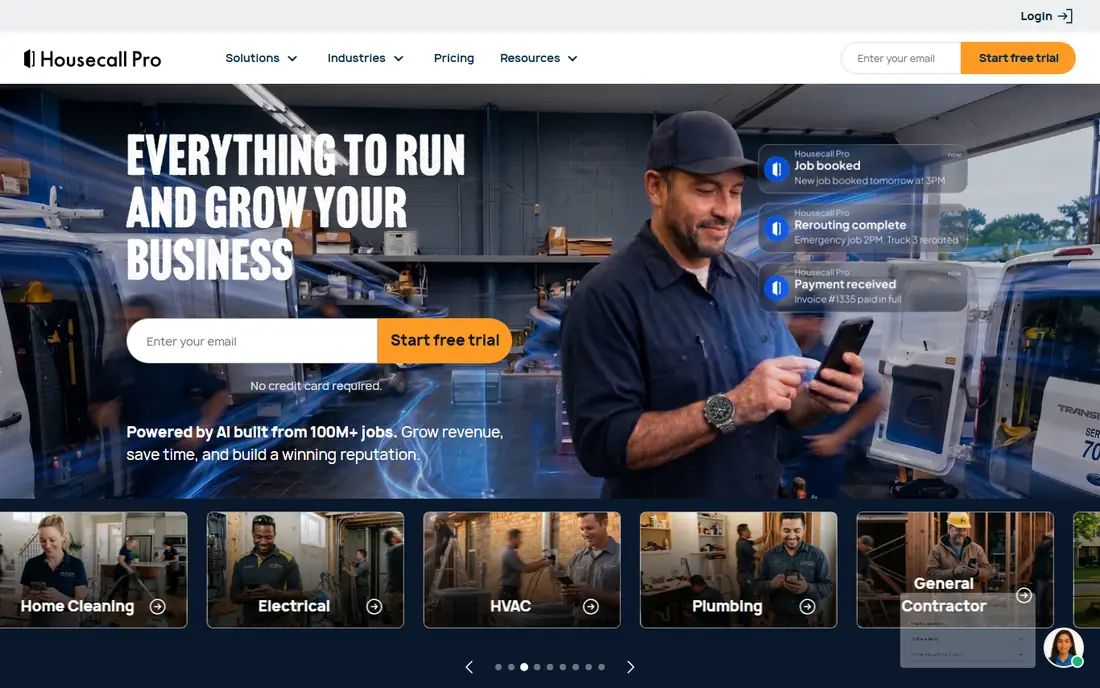
Housecall Pro is built for home service companies that want scheduling plus marketing in one place. It covers estimates, dispatch, invoicing, and payments, with review automation, email marketing, and online booking that help fill the schedule. That marketing layer is its main edge over Jobber for firms that rely on repeat local work.
Pricing is listed from $59 per month on annual billing for Basic for one user, with Essentials at $149 per month for five users and Max at $299 per month for eight users in recent comparisons. Moving from one to two users can therefore mean a large step up, so check the user count on each plan before choosing. For a growing home service team, Housecall Pro is strong, provided the team plan fits the budget.
- Strong marketing and review tools
- Scheduling and dispatch
- Online booking and payments
- Steep jump from one user to a team plan
- Add-ons can raise the bill
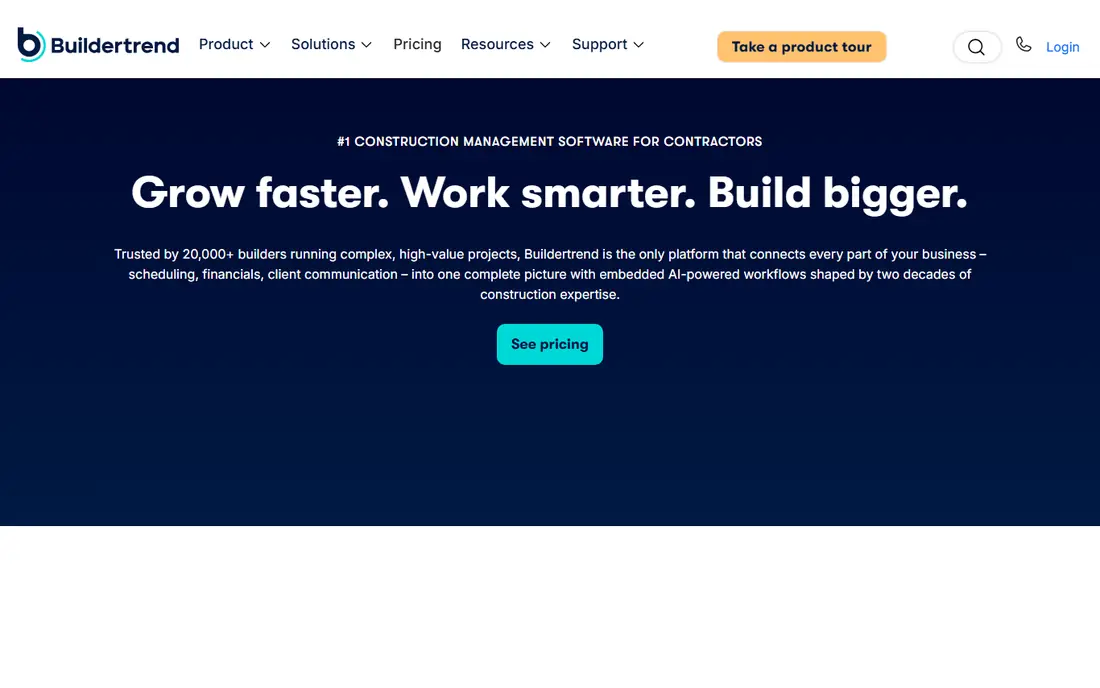
Buildertrend is for builders and remodelers running multi-week projects, not single visits. It covers project scheduling, budgets, documents, selections, change orders, and a client portal where homeowners see progress, approve choices, and message the team. That client visibility reduces the daily update calls that slow a remodel.
Pricing is now custom-quoted based on annual construction volume, with unlimited users and projects on quoted plans, so we list it as See website. Older published plans ranged from about $449 to $989 per month on annual billing, which shows the scale of the investment. For a residential builder with several active projects, Buildertrend is a proven choice. For a service trade, it is more tool than needed.
- Project schedules, budgets, and client portal
- Selections and change orders
- Unlimited users on quoted plans
- Custom pricing, no published price
- Can be heavy for simple service jobs
Procore is the enterprise platform for commercial general contractors, covering project management, preconstruction, and financial management in separate modules. It handles drawings, RFIs, submittals, budgets, and invoicing at a scale that small tools cannot match, with controls for large teams and subcontractors.
Pricing is custom, based on annual construction volume, with third-party estimates starting around $10,000 per year for smaller firms in its range and rising sharply for larger volumes. Modules for preconstruction and financial management add cost on top of the core platform. For a large commercial firm, Procore is a standard choice. For a small contractor, the price and setup effort make it the wrong fit.
- Deep project and financial management
- Strong document and RFI tools
- Enterprise controls
- Custom annual pricing, often five figures per year
- Modules add cost
- Overkill for small firms
ServiceTitan is the enterprise end of home services, covering marketing, call booking, dispatch, estimates, invoicing, payments, and reporting for multi-truck operations. It suits HVAC, plumbing, electrical, and pest firms with several crews, a call center, and a need for detailed performance reporting by technician and job type.
Pricing is quote-based and commonly reported as high for small firms, with monthly costs in the thousands for larger operations. That scale, plus setup and training time, makes it overkill for a solo operator or a two-truck crew. For a large service company that has outgrown Jobber or Housecall Pro, ServiceTitan is the natural next step.
- Full service operations platform
- Marketing, dispatch, and reporting at scale
- Strong integrations
- Custom pricing, often high for small firms
- Setup and training take time
JobTread focuses on the money side of remodeling and construction, linking estimates, budgets, purchase orders, invoices, and job costs so a contractor can see profit per job, not just revenue. That clarity helps firms that have won work but lost margin on materials, labor, or change orders. A client portal keeps homeowners informed without extra calls.
Pricing is listed from $199 per month in several comparisons, with other comparisons listing $159 to $199 per month depending on plan, so check the current plan at signup. That price puts JobTread above Jobber for a small service firm, but below Buildertrend for a remodeler who needs costing first. For a general contractor who lives by job cost, it is a focused, practical choice.
- Strong job costing and budget tracking
- Estimates and invoices tied to budgets
- Client portal
- Price is high for very small firms
- Learning curve for full costing setup
Contractor Foreman aims at budget-conscious general contractors who want project tools without Buildertrend pricing. It covers estimates, scheduling, project management, documents, and client communication, with a low entry price that makes it accessible to small firms. Unlimited projects on some plans help firms with many small jobs.
Entry pricing is listed from $49 per month in several comparisons, with higher tiers adding users and features. The interface and reporting feel less polished than the leaders, and some advanced features sit on higher plans. For a small general contractor who needs a solid project tool at a low price, Contractor Foreman is a sensible starting point that can be tested on a real project first.
- Low entry price
- Project management, estimates, and scheduling
- Unlimited projects on some plans
- Interface is less polished than Buildertrend
- Some features need higher tiers
Workiz stands out for trades that live on the phone. A built-in phone system with call tracking, recording, and caller history sits next to scheduling, dispatch, estimates, and invoicing, so the office can see who called, what was booked, and what is still open. That phone-first design suits firms where most jobs start with a call, not a web form.
Pricing varies by plan and is quote-based for some tiers, so we list it as See website, with entry plans reported from about $65 per month in some comparisons. Marketing tools are lighter than Housecall Pro, so firms that need heavy review and email marketing may need an add-on. For a phone-heavy service business, Workiz removes a separate phone system from the stack.
- Built-in phone system and call tracking
- Scheduling and dispatch
- Online booking and payments
- Pricing is quote-based for some plans
- Marketing features are lighter than Housecall Pro
How we picked these
We compared official pricing and feature pages, plus public reviews, for contractor tools active in 2026 that cover scheduling, estimates, invoicing, or project management for US trades and builders. We favored tools with a trial, clear user pricing, and a fit for a stated firm size, from solo service operator to large commercial contractor. We did not claim hands-on testing we did not do. Prices are custom-quoted for several tools here, so request a current quote for your crew size and volume before deciding.
How to choose contractor software
Start with your job type, not the feature list. Service trades with repeat visits should shortlist Jobber, Housecall Pro, and Workiz. Remodelers and general contractors should shortlist Buildertrend, JobTread, and Contractor Foreman. Large commercial or large service firms should look at Procore and ServiceTitan, but only after confirming the budget for setup and seats.
Next, cost the tool for your real team. Add the base plan, every seat beyond the included count, payment processing fees, and any add-ons for marketing, phone, or reporting. A $49 headline that becomes $200 for a five-person crew is a different purchase. Trial the tool on one live job, with office and field staff both using it, and check scheduling, invoicing, and payment flow before moving the whole business over.
For small construction businesses
A small construction business should favor job costing and client communication over enterprise features. JobTread suits firms that need cost clarity, Buildertrend suits firms that need a full client portal, and Contractor Foreman suits firms that need both at a lower price. Keep the tool simple enough that field staff actually update it daily, since a system nobody updates gives false job costs.
For service trades and contractor apps
Service trades should favor a mobile app that field staff can use with one hand, plus online booking and payment links that cut admin time. Jobber and Housecall Pro both cover that loop, while Workiz adds phone tracking for call-led firms. Check QuickBooks or accounting sync, since manual re-entry of invoices wastes the time the app was meant to save.
Frequently asked questions
What is the best software for contractors overall?
Jobber is our overall pick for small service trades, while Buildertrend is our pick for residential builders and remodelers. The best software depends on job type: service visits need scheduling and dispatch, while construction projects need budgets, selections, and change orders. Match the tool to the job loop first.
What is the best construction software for small business?
Contractor Foreman and JobTread are strong for small construction businesses, with Contractor Foreman offering a lower entry price and JobTread offering stronger job costing. Buildertrend suits small builders who need a full client portal and can afford custom pricing. Trial each on a live project before committing.
What is the best software for small construction business bookkeeping?
Jobber, Housecall Pro, and JobTread all sync with QuickBooks or similar accounting tools, which keeps job invoicing and bookkeeping in step. For pure bookkeeping, QuickBooks Online remains the common choice, with contractor software handling the job side. Check the sync direction and what it covers before relying on it.
Is Buildertrend or Procore better for a general contractor?
Buildertrend suits residential general contractors and remodelers, with a client portal and project tools for home building. Procore suits large commercial general contractors, with deeper document, financial, and enterprise controls. A small residential firm will usually find Procore too costly and complex, while a large commercial firm will outgrow Buildertrend.
What is the best contractor app for field staff?
Jobber and Housecall Pro both offer strong mobile apps for scheduling, job details, photos, and payments in the field. Workiz adds phone tools for call-led teams. The best field app is the one your crew will actually update, so test it with field staff on a real job, not just in the office.
How much does contractor management software cost per month?
Entry prices here range from $49 per month for Jobber and Contractor Foreman to $199 per month for JobTread, with Housecall Pro from $59 per month on annual billing. Buildertrend, Procore, and ServiceTitan are custom-quoted and can cost far more. Always add seat fees, payment processing, and add-ons to get the real monthly total.
Sources we checked (8)

Online Jobs is an independent blog about careers, online work, learning new skills and the tools that help people earn. More about us.
Keep reading
All posts
ZoomInfo Alternatives
The best ZoomInfo alternatives in 2026, compared on price, free plans, data coverage, and which tool fits small teams or large sales teams best in detail.

Workday Alternatives
We compared the best workday alternatives for HR, payroll, and global hiring, from BambooHR and Gusto to Rippling, Deel, and HiBob for growing teams in 2026.

Which SaaS Tools Have the Best Customer Support
Which SaaS tools have the best customer support? Compare eight popular tools on help centres, live help, response options and overall support quality.