Best Contract Management Software in 2026: 9 Tools Compared

How we put this together: we compare official feature and pricing pages, app store listings, privacy policies and public user reviews. Prices change, so check the provider's site before you pay.
Key takeaways
- The best contract lifecycle management software centralizes drafting, negotiation, signing, storage, and renewals in one searchable place.
- Enterprise teams should start with Icertis, DocuSign CLM, or Ironclad, while smaller teams often get more value from PandaDoc, Juro, or ContractSafe.
- AI review and extraction help most when the repository is clean and templates are standardized first.
- Salesforce-heavy sales teams should weigh Conga and DocuSign CLM more heavily than a standalone legal tool.
- Pricing is often quote-based, so compare implementation time, user limits, and eSignature costs, not only the headline plan.
Quick comparison
| Name | Who it suits | Starting price | Free option | |
|---|---|---|---|---|
 Ironclad Ironclad | Legal teams with complex workflows | See website | No | Visit |
 Icertis Icertis | Global enterprise compliance | See website | No | Visit |
 DocuSign CLM DocuSign CLM | Teams already using DocuSign eSignature | See website | No | Visit |
 Juro Juro | Browser-based drafting and negotiation | See website | Free trial | Visit |
 LinkSquares LinkSquares | AI analytics on an existing portfolio | See website | No | Visit |
 PandaDoc PandaDoc | SMB sales contracting | $19 per month | Free trial | Visit |
 Agiloft Agiloft | Highly configurable legal operations | $45 per month | Free trial | Visit |
 Conga Contracts Conga Contracts | Salesforce-centered revenue teams | See website | No | Visit |
 ContractSafe ContractSafe | Simple searchable repository | See website | Free trial | Visit |
The best contract management software
Contract work breaks down when agreements live in inboxes, shared drives, and personal spreadsheets. The tools below fix different parts of that problem. Some focus on drafting and approval workflows, some on AI analysis of signed contracts, and some on simple storage and reminders. Pick by the stage that hurts most in your team.
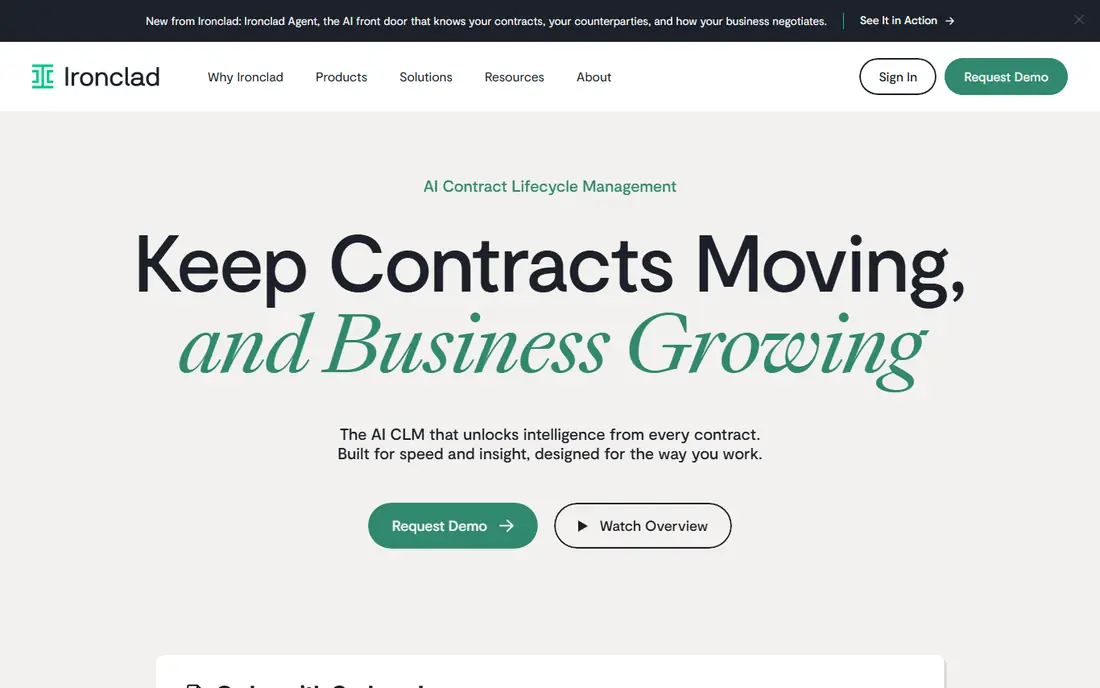
Ironclad suits legal teams that spend too much time chasing approvals and redlines. Its workflow engine can route a contract by value, type, or risk, and keep negotiation in one workspace rather than in scattered email threads. That structure helps when sales, legal, and finance all touch the same agreement.
The catch is setup. Ironclad rewards teams that invest in templates and workflow design, and that work takes weeks, not days. Small teams with low volume may find a simpler tool faster to adopt, while larger teams will gain the most from its depth.
- Strong workflow routing and approvals
- Collaborative drafting and negotiation
- Good Salesforce and Slack integrations
- Quote-based pricing
- Implementation and template setup take time
- More than a small team needs
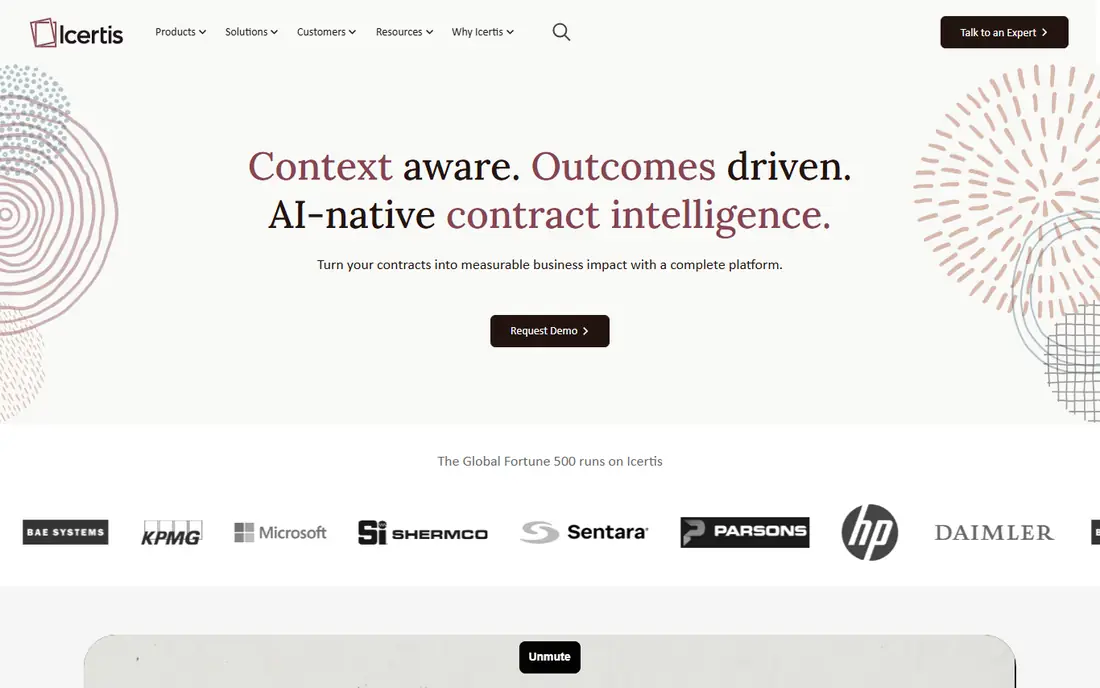
Icertis is built for global enterprises that treat contracting as governance. It handles large portfolios across regions, suppliers, and business units, with controls for compliance, obligations, and reporting. For a company with thousands of active contracts, that scale matters more than a slick drafting interface.
The honest weakness is weight. Icertis is not a quick purchase for a 20-person company, and it needs internal ownership to stay clean. Mid-sized teams should compare Ironclad or Juro first, unless they already face multi-jurisdiction compliance demands.
- Enterprise scale for buy-side and sell-side contracts
- Compliance and obligation tracking
- Strong analytics
- Enterprise pricing and implementation
- Heavy for mid-sized teams
- Needs governance and admin resources
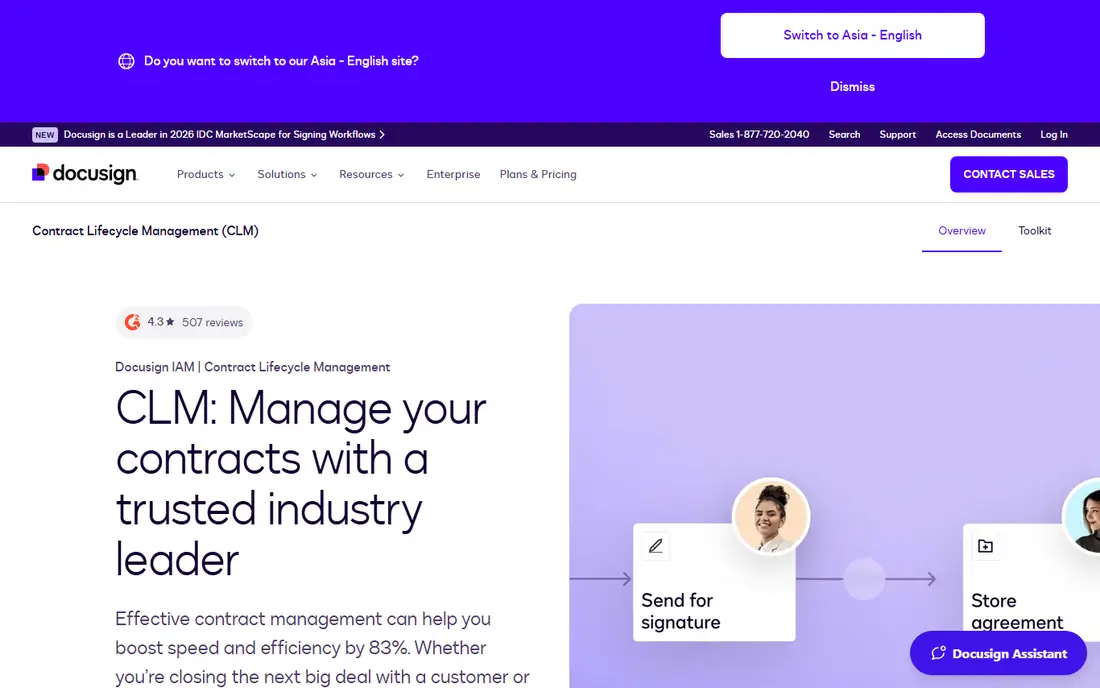
DocuSign CLM makes sense when your company already signs with DocuSign. Drafting, approval, and execution can sit in one flow, and counterparties already trust the signing step. That reduces friction at the final stage, which is where many deals stall.
The limitation is ecosystem fit. Teams that use another eSignature tool, or that need deep standalone AI analytics, should compare LinkSquares or Icertis. DocuSign CLM is strongest as part of a DocuSign-centered stack, not as a neutral add-on.
- Tight link to DocuSign eSignature
- Templates, workflows, and repository in one system
- Familiar signing experience for counterparties
- Best value inside the DocuSign ecosystem
- Quote-based pricing
- AI and analytics depth varies by plan
Juro appeals to legal and commercial teams that want to move negotiation out of Word and into a live workspace. Drafting, commenting, and signing happen in the browser, which shortens redline cycles and keeps a clear audit trail. Teams on their own paper, with repeatable templates, gain the most.
The catch is enterprise complexity. Very large procurement programs with deep supplier and obligation logic may need Icertis or Sirion instead. For mid-market legal teams, though, Juro offers a fast, modern route to automation without a heavy implementation.
- Browser-native drafting and negotiation
- Fast template creation
- Native eSignature without leaving the workspace
- Less suited to very complex enterprise procurement workflows
- Pricing requires a quote for most teams
LinkSquares is the pick when the main problem is not drafting, but knowing what you already signed. Its AI tools extract key terms, dates, and clauses from an existing portfolio, so legal can answer renewal, risk, and obligation questions without opening each file. That reporting value is high for teams inheriting a messy repository.
The honest limit is workflow scope. LinkSquares has grown beyond analytics, but teams that need deep drafting and approval logic should test that side carefully against Ironclad or Juro. Start with a sample import to see extraction quality on your own contract types.
- AI extraction and search across legacy contracts
- Renewal and obligation reporting
- Useful for in-house legal reporting
- Analytics strength is not the same as full drafting workflow depth
- Quote-based pricing
- Needs a clean import to shine
PandaDoc is the practical choice for small and mid-sized sales teams that need proposals, quotes, and contracts signed quickly. Templates and eSignatures are easy to use, and the entry price at $19 per user per month keeps the cost low for a growing team. Sales adoption is often higher here than with a legal-heavy CLM.
The trade-off is depth. PandaDoc is not built for complex legal workflows, multi-stage approvals, or large-scale obligation management. If legal control and audit depth matter more than sales speed, a dedicated CLM will serve you better.
- Templates, eSignatures, and reminders in one simple tool
- Low entry price
- Easy for sales teams to adopt
- Not a full enterprise CLM
- Advanced workflow and AI features are limited compared with Ironclad or Icertis
Agiloft suits teams with non-standard approval and clause logic that off-the-shelf tools cannot handle. Its no-code configuration lets legal operations build custom workflows, fields, and rules without heavy development. That flexibility is valuable for enterprises with varied contract types.
The catch is maintenance. A highly configured system needs someone to own it, test changes, and keep rules tidy as the business changes. Teams without that owner may prefer a simpler, more opinionated tool like Juro, even if it offers less customization.
- Deep no-code configuration for workflows and clauses
- Flexible user roles
- Strong for non-standard contracting models
- Configuration power can mean longer setup
- Interface feels more functional than modern
- Needs an owner to maintain rules
Conga Contracts fits revenue teams that already run quotes in Salesforce. Contract generation can pull quote data directly, which reduces manual entry and version errors. For sell-side contracting tied to CPQ, that connection saves time and improves accuracy.
The limitation is clear: Conga is strongest inside Salesforce. Legal teams that manage buy-side procurement, or that work across many systems, may prefer a standalone CLM. Check whether your contract volume is mostly sell-side before choosing Conga.
- Strong link from quote to contract inside Salesforce
- Document automation for sales
- Useful for CPQ-driven teams
- Best inside Salesforce
- Quote-based pricing
- Less attractive for legal teams that work outside Salesforce
ContractSafe is the right pick when retrieval matters more than workflow. Small teams that need to find contracts fast, track renewal dates, and set reminders can get value in days, not months. Its simplicity is the point: fewer features, but the core job done well.
The honest weakness is ceiling. As volume and workflow complexity grow, a team may need to move to Ironclad, Juro, or LinkSquares. For a small team starting from spreadsheets and drives, though, ContractSafe is a low-risk first step.
- Searchable repository with reminders
- Fast to implement
- Clear pricing approach for small teams
- Limited workflow and AI depth compared with enterprise CLM tools
- Not built for complex drafting programs
How we picked these
We compared official feature and pricing pages, public reviews, and analyst-style CLM guides, and we favored tools with a clear fit for a specific team size or workflow stage. We treated quote-based pricing honestly: where a vendor does not publish a starting price, we wrote "See website" rather than repeating a third-party estimate. We also weighed drafting and negotiation, repository search, AI extraction, eSignature, integrations, and implementation effort, because a CLM that is hard to adopt will not improve contracting, however strong its feature list looks.
How to choose the right CLM software
Map the workflow before you buy
List how contracts enter the process, who approves risk, what metadata must be captured, how renewals are owned, and where AI needs a human review gate. That map will show whether you need workflow depth, analytics depth, or simple storage.
Test with your own contracts
Run a trial with real templates and a sample of signed contracts. Check extraction accuracy, redline handling, approval routing, and search quality on your own documents. A vendor demo with ideal sample contracts will not reveal those gaps.
Plan ownership and cleanup
Assign an owner for templates, users, and renewal data, and clean the repository before migration. A CLM will not fix messy data on its own, and a system without an owner will drift back to spreadsheets within a year.
Frequently asked questions
What is the best contract lifecycle management software?
Ironclad and Icertis lead for enterprise and complex workflows, Juro leads for fast browser-based negotiation, and LinkSquares leads for AI analytics on an existing portfolio. The best CLM software for your team depends on volume, whether legal, sales, or procurement leads the process, and how complex your approvals are.
What are the best contract management tools for small businesses?
PandaDoc and ContractSafe are the strongest small-business picks. PandaDoc suits sales-led contracting with templates and eSignatures, while ContractSafe suits teams that mainly need a searchable repository with renewal reminders. Both are faster to adopt than enterprise CLM platforms.
What is the best software for contract lifecycle management in Salesforce?
Conga Contracts and DocuSign CLM are the strongest Salesforce-centered options. Conga fits quote-to-contract work inside CPQ, while DocuSign CLM fits teams already standardized on DocuSign eSignature. Compare both on your sell-side volume and your existing Salesforce setup.
How do the best contract management software reviews compare Ironclad and Juro?
Reviews often praise Ironclad for complex workflow routing and Juro for speed and browser-native negotiation. Ironclad suits larger legal teams with varied approvals, while Juro suits mid-market teams that want faster drafting and signing. Test both with your own templates before deciding.
What contract management software features matter most?
The features that matter most are templates, approval workflows, eSignature, a searchable repository, renewal alerts, and integrations with your CRM and document tools. AI extraction helps once templates and metadata are standardized. Without those basics, AI features add little value.
How much does the best contract management software cost?
Costs range from $19 per user per month for PandaDoc and $45 per user per month for Agiloft, to quote-based enterprise pricing for Ironclad, Icertis, DocuSign CLM, Juro, LinkSquares, Conga, and ContractSafe. Always confirm eSignature limits, user counts, and implementation fees in the quote.
Sources we checked (9)

Online Jobs is an independent blog about careers, online work, learning new skills and the tools that help people earn. More about us.
Keep reading
All posts
Best White Label SEO Companies
We compare the best white label SEO companies and tools in 2026 for agencies, from fulfilment services to branded reporting platforms, margins and prices.
Best Webinar Software
We compared the best webinar software for 2026 on price, attendee limits, automation and ease of use, to help you host better live sessions with confidence.

Best Web Scraping Tools
Compare the best web scraping tools in 2026, from no-code Octoparse and Browse AI to Apify, Firecrawl, Bright Data, Zyte, ScraperAPI and free Scrapy, with prices.