Best Content Optimization Tools in 2026: 8 Tools Compared

How we put this together: we compare official feature and pricing pages, app store listings, privacy policies and public user reviews. Prices change, so check the provider's site before you pay.
Key takeaways
- Surfer is our pick for most content teams, because it pairs a clear content score with briefs, audits and a practical editor.
- Clearscope suits teams that want research-grade term coverage and simple reports that writers actually follow.
- Frase is a strong lower-cost option for teams that need briefs and optimization in one tool without a large contract.
- Yoast SEO and Rank Math are the best starting points for WordPress sites that need on-page checks inside the editor.
- No score guarantees a ranking, so use these tools to cover topics well and write for readers, not to chase a perfect number.
Quick comparison
| Name | Who it suits | Starting price | Free option | |
|---|---|---|---|---|
 Surfer | Content teams needing scores and briefs | See website | Free trial | Visit |
 Clearscope | Research-grade term coverage | See website | No | Visit |
 Frase | Briefs plus optimization on a budget | See website | Free trial | Visit |
 MarketMuse | Topic authority and content planning | See website | No | Visit |
 Yoast SEO | On-page checks in WordPress | See website | Yes | Visit |
 Rank Math | WordPress SEO with a free tier | See website | Yes | Visit |
 NeuronWriter | Affordable optimization for small teams | See website | Free trial | Visit |
 Dashword | Simple briefs and monitoring | See website | Free trial | Visit |
The best content optimization tools
Content optimization tools help you write pages that cover a topic fully, use the terms readers and search engines expect, and fix weak pages you already have. They analyze top-ranking pages, suggest headings and terms, and score drafts as you write. We compared official feature pages, pricing pages and documentation to see which tools fit agencies, in-house teams and solo site owners.

Surfer is the tool we would pick first for a team that publishes regularly. You enter a keyword, get a brief based on top-ranking pages, and write in an editor that shows a live score, suggested terms and structure guidance. It also audits existing pages, so you can find posts that have slipped and fix them with specific changes rather than guessing.
The main limit is discipline. A high score does not mean a good article, and stuffing in every suggested term can make copy read badly. Use Surfer to check coverage and structure, then edit for clarity and accuracy. Teams that publish several posts a month will get the most value, while a site that publishes rarely may find a cheaper tool sufficient.
- Clear content score with term and structure guidance
- Briefs, audits and a built-in editor
- Keyword research and internal linking tools included
- Costs rise with higher content volume
- Scores need human judgment, not blind obedience
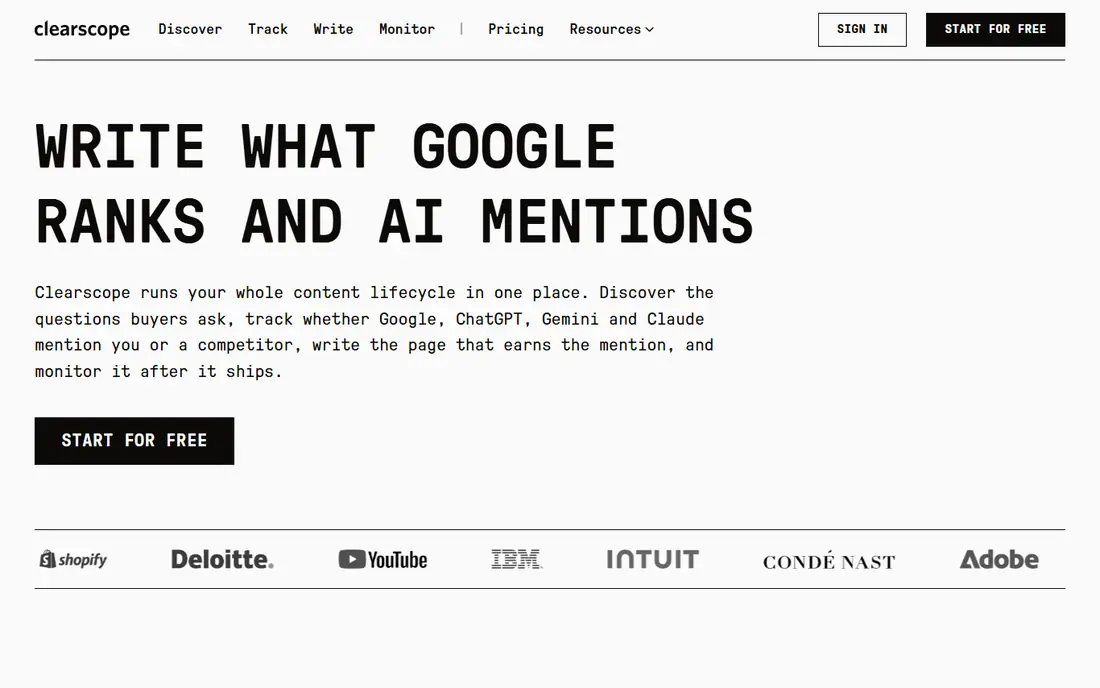
Clearscope takes a focused approach: it analyzes relevant content for a keyword and gives writers a clear list of terms, headings and readability guidance. The reports are easy to hand to a freelancer, because the writer can see what to cover and how important each term is. That simplicity is why many content teams keep Clearscope even when they own a broader SEO suite.
The trade-off is scope and price. Clearscope is not a full SEO platform, so you will still need other tools for rank tracking, technical audits and link work. It also costs more at entry than budget rivals. Choose it if content quality is your main bottleneck and you want writers to follow briefs with less back-and-forth.
- Term reports based on thorough content analysis
- Simple grading that writers understand
- Useful for refreshing older content
- Higher entry cost than some rivals
- Fewer all-in-one SEO features
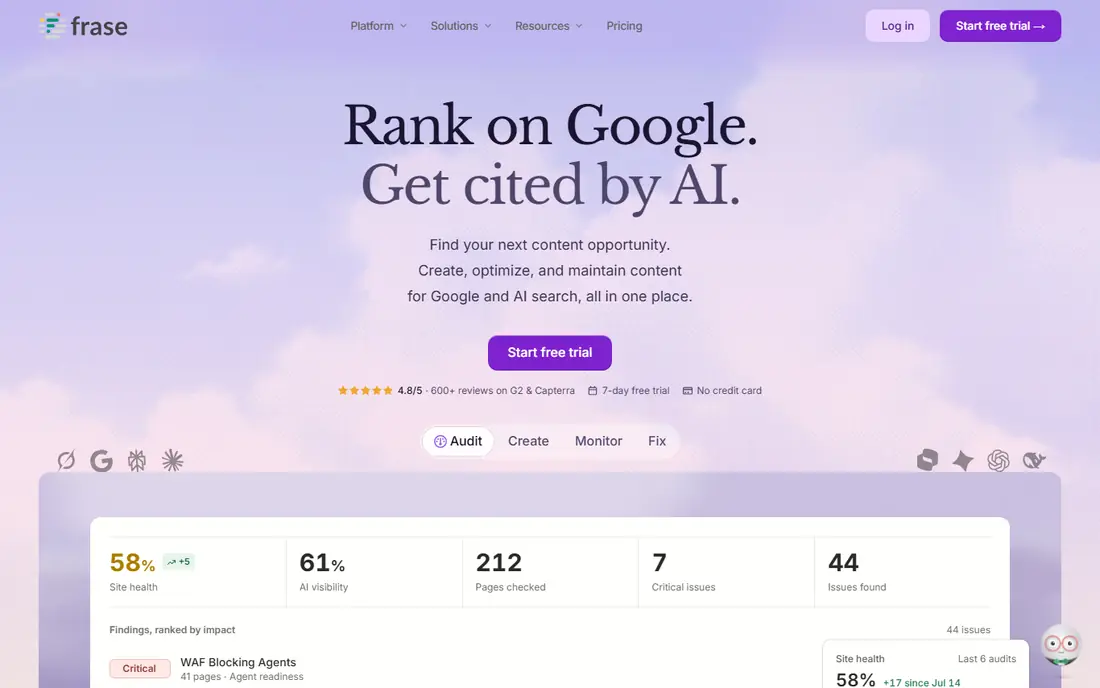
Frase is a practical middle ground. It builds briefs quickly from pages that already rank, lets you write in an editor with a live score, and includes tools for answering reader questions. For a small team or a solo creator, that combination covers most of the content workflow without a large monthly bill.
As with any brief tool, output quality depends on the topic. Competitive or technical subjects may need extra research beyond the generated brief, and writers should still check facts rather than copying competitor claims. If you want one affordable tool for briefs and optimization, Frase is a strong place to start.
- Fast briefs from top-ranking content
- Editor with live optimization scoring
- Lower entry cost than premium rivals
- Analysis depth varies by topic
- Some advanced features sit on higher plans
MarketMuse is built for planning, not just for scoring a single post. It models a topic area, shows where your site is thin, and suggests which pages to create or improve to build authority on that subject. For a large site or an agency managing many clients, that planning view can save a lot of wasted content.
The cost and learning curve put it out of reach for many solo creators. It works best when someone owns the content strategy and can act on its recommendations over months, not days. If your main problem is deciding what to write next across a whole site, MarketMuse is worth a demo. If you only need to improve one post at a time, a simpler editor tool will do.
- Topic modeling for clusters and gaps
- Helps plan which pages to write next
- Useful for large sites with many related posts
- Priced for teams and agencies
- Needs time to learn and apply well
Yoast SEO is the default on-page tool for many WordPress sites, and its strength is convenience. As you write, it checks readability, keyphrase use, headings, links and meta details, and it flags clear problems before you publish. The free version covers the basics well, which makes it an easy first step for a new site.
The limit is scope. Yoast does not build content briefs from competitor analysis, and its traffic-light signals should not override good writing. Use it as a final check for on-page basics, and pair it with a brief tool such as Surfer or Frase when you need deeper topic research. For WordPress owners who want simple, reliable checks, Yoast remains a safe pick.
- Readability and SEO checks inside WordPress
- Easy title, description and schema controls
- Long track record with WordPress sites
- Checks are guidance, not ranking guarantees
- Premium features require a paid plan
Rank Math has grown fast because its free version includes features that other plugins charge for, such as schema controls, redirections and basic analytics views. The setup wizard guides you through the main choices, and you can switch off modules you do not need. For a WordPress site owner on a tight budget, that value is hard to ignore.
The downside is complexity. With so many options, a beginner can change settings without understanding the effect, so take time with the setup and keep a backup before major changes. Rank Math suits site owners who want a capable free plugin and are willing to learn its settings. If you want the simplest possible experience, Yoast may feel calmer.
- Generous free feature set for WordPress
- Built-in schema, redirection and analytics views
- Modular setup lets you turn features off
- Many settings can overwhelm beginners
- Support quality depends on plan
NeuronWriter is a budget-friendly option that still covers the core workflow: build a brief, write in an editor with a score, and check term coverage as you go. It suits freelancers and small teams that publish steadily but cannot justify a premium subscription for every writer. The editor is straightforward, which helps new writers get started quickly.
The honest catch is depth. On very competitive or technical topics, its recommendations may be less detailed than those from Surfer or Clearscope, so add your own research for those posts. For everyday commercial and informational content, though, NeuronWriter gives small teams most of what they need at a lower price.
- Content editor with term and structure guidance
- Lower cost than premium brief tools
- Useful for regular publishing on a budget
- Smaller brand and support footprint than leaders
- Analysis can be thinner on niche topics
Dashword keeps content optimization simple. It creates briefs with headings and terms to cover, lets writers work through them in a clean editor, and monitors published pages so you can spot content that needs a refresh. That focus suits small teams that want a tool everyone will actually use, rather than a platform with features nobody opens.
It is not the deepest research tool on this list, and agencies with complex topic clusters may want more planning power. But for a team that needs clear briefs, simple scoring and a reminder to update old posts, Dashword is a practical and affordable choice.
- Simple briefs writers can follow
- Content monitoring for pages that need updates
- Clean interface for small teams
- Fewer advanced research features
- Best for straightforward content needs
How we picked these
We compared official product pages, pricing pages and documentation for tools that are live in 2026 and clearly built for content optimization, rather than general SEO suites alone. We included brief tools, scoring editors and WordPress plugins, because different sites need different parts of the workflow. We favored tools with clear term guidance, usable editors and honest pricing information, and we avoided tools that promise rankings or rely on hidden methods.
We did not claim hands-on testing, and we did not invent prices, scores or ranking claims. Where a vendor does not publish a price, we wrote See website. Check the current pricing page before you buy, since content credits and plan limits change often.
How to use a content optimization tool well
A tool can improve a draft, but it cannot replace research, accuracy and a clear point of view. Use it in the right order.
Start with the reader question, not the score
Write down what the reader needs to know, then use the brief to check what you missed. If a suggested term does not fit naturally, leave it out. A page that answers the question clearly will serve readers better than a page that hits every term and reads awkwardly.
Fix existing pages before writing new ones
Run audits on posts that already get some traffic but have slipped, and update the ones with the clearest gaps. Adding a missing section, a better heading structure or current facts often beats publishing another thin post on a similar topic. Set a regular refresh cycle so older content does not quietly go stale.
Keep the human edit last
After the tool score looks good, read the draft aloud and cut anything that sounds forced. Check facts, claims and links yourself, and make sure headings reflect what each section actually says. The tool is a checklist, and your edit is what turns a scored draft into a useful article.
Frequently asked questions
What is the best content optimization tool?
Surfer is our pick for most teams, because it covers briefs, scoring, audits and editing in one tool. Clearscope suits teams that want deeper term research, while Frase and NeuronWriter fit smaller budgets. The best tool is the one your writers will use consistently for briefs and refreshes.
What is the best tool for content optimization on WordPress?
Yoast SEO and Rank Math are the main WordPress options, and both offer a free tier. They check on-page basics inside the editor, which makes them easy to use every day. Pair either one with Surfer, Frase or NeuronWriter when you need competitor-based briefs for new posts.
How do content optimization tools work?
They analyze pages that rank for a keyword, identify common terms, headings and structure, and compare your draft against that pattern. Most give a score and suggest terms or sections to add. They do not see your business expertise, so you still need to add original facts, examples and accurate advice.
Can a content optimization tool guarantee rankings?
No tool can guarantee a ranking, because search results depend on competition, site authority, technical health and user behavior as well as content. A tool can help you cover a topic fully and fix clear gaps, but it cannot replace authority, links and a genuinely useful page. Be wary of any vendor that promises a position.
What is the best content optimization software for agencies?
Agencies often use Surfer or Clearscope for client work, because briefs are easy to share with writers and reports are clear for clients. MarketMuse fits agencies that plan large topic clusters across many pages. Choose based on how many writers you manage and whether planning or per-post scoring is your bigger bottleneck.
Sources we checked (8)

Online Jobs is an independent blog about careers, online work, learning new skills and the tools that help people earn. More about us.
Keep reading
All posts
ZoomInfo Alternatives
The best ZoomInfo alternatives in 2026, compared on price, free plans, data coverage, and which tool fits small teams or large sales teams best in detail.

Workday Alternatives
We compared the best workday alternatives for HR, payroll, and global hiring, from BambooHR and Gusto to Rippling, Deel, and HiBob for growing teams in 2026.

Which SaaS Tools Have the Best Customer Support
Which SaaS tools have the best customer support? Compare eight popular tools on help centres, live help, response options and overall support quality.