Best Content Creation Apps in 2026: 8 Apps Compared

How we put this together: we compare official feature and pricing pages, app store listings, privacy policies and public user reviews. Prices change, so check the provider's site before you pay.
Key takeaways
- Canva is the best all-round design app for social graphics, presentations and team content.
- CapCut suits short-form video, while Descript suits creators who edit video and audio from a transcript.
- Adobe Express is a strong template alternative for creators already in the Adobe system.
- Pick one design app and one video app first, and add scheduling or writing tools only when volume demands it.
Quick comparison
| Name | Who it suits | Starting price | Free option | |
|---|---|---|---|---|
 Canva | All-round design | $12 per month | Yes | Visit |
 Adobe Express | Template design | $9.99 per month | Yes | Visit |
 CapCut | Short-form video | $19.99 per month | Yes | Visit |
 Descript | Transcript editing | See website | Yes | Visit |
 VistaCreate | Animated templates | See website | Yes | Visit |
 InShot | Mobile video | See website | Yes | Visit |
 Notion | Writing and planning | See website | Yes | Visit |
 Later | Scheduling content | See website | Yes | Visit |
The best content creation apps
Content creation covers design, video, writing and publishing, so no single app covers every job well. This list mixes design tools, video editors, a transcript editor, a planning tool and a scheduler, so you can build a small stack that fits your main format. We compared official pricing pages, feature pages and app store listings, and we focused on free plan value, template quality and export options.
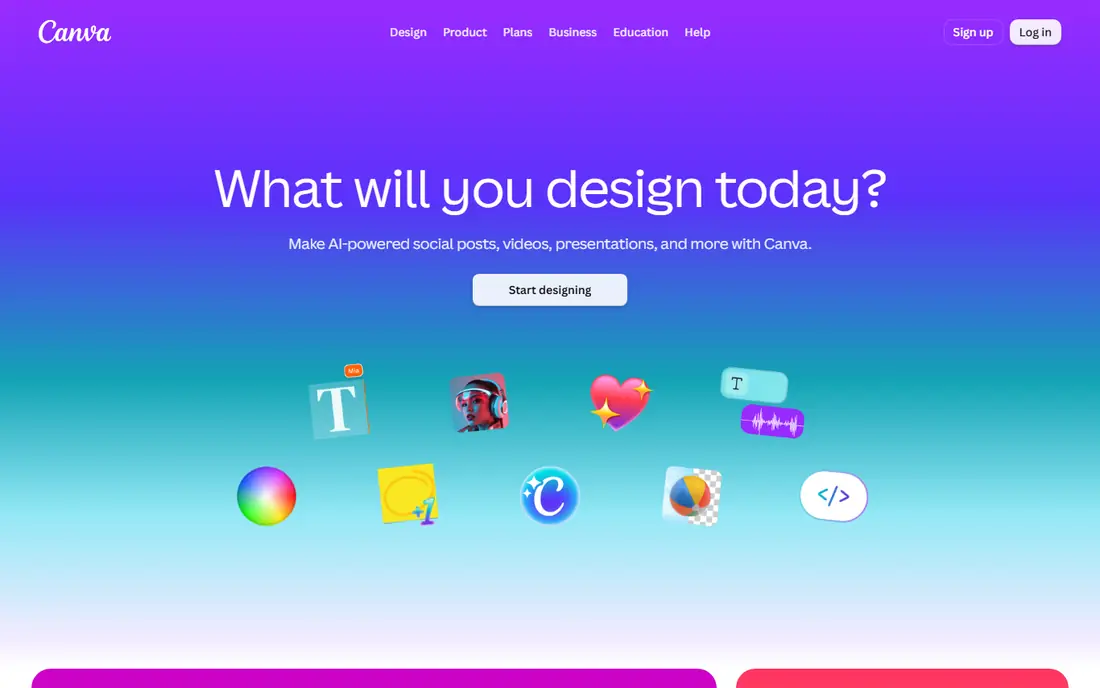
Canva is the easiest all-round design app for creators and small teams. Templates cover social posts, presentations, posters, videos and documents, and the drag-and-drop editor needs little training. Brand Kit tools lock in logos, fonts and colours, so team members can produce on-brand content without starting from scratch each time. Real-time collaboration also helps when a client or teammate needs to comment on a design.
The free plan is generous, but premium elements carry a watermark or need Pro at export, which is the most common frustration for new users. Video editing is also lighter than a dedicated video app, so short-form creators often pair Canva with CapCut. Canva suits creators who need many formats in one workspace and who value templates and team tools over deep video editing.
- Very large template library
- Brand Kit and team tools
- Design, video and docs in one workspace
- Premium elements need Pro
- Free plan limits brand and AI features
- Video editing is lighter than CapCut
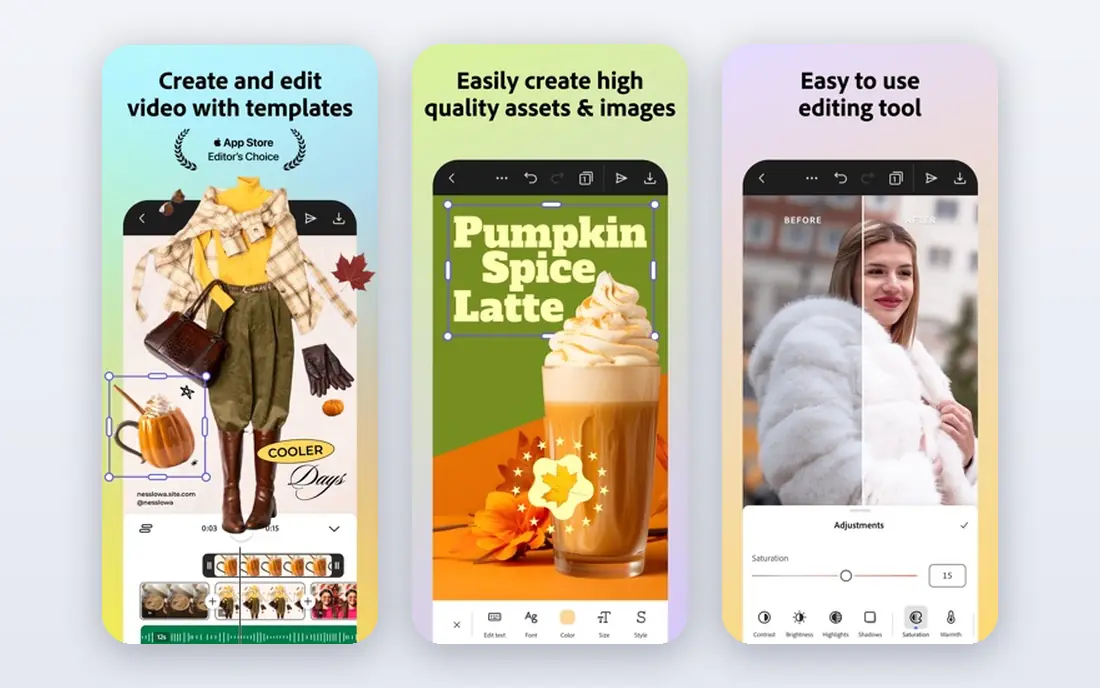
Adobe Express is the closest template alternative to Canva, with a familiar layout for anyone who has used Adobe tools. It offers templates, resizing, background removal, brand tools and social scheduling, plus Adobe Fonts and stock assets. For creators already paying for Creative Cloud, Express Premium is often included, which changes the value calculation completely.
The free plan is more limited than Canva Free, with fewer premium templates and capped AI credits. Collaboration is also lighter, with sharing and commenting rather than full real-time co-editing. Adobe Express suits creators who want Adobe quality and fonts, who already use Creative Cloud, or who want a simpler alternative to Canva with scheduling built in.
- Strong templates and Adobe Fonts
- Background removal and resize tools
- Scheduling included
- Free plan is more limited than Canva
- AI credits are capped
- Collaboration is lighter than Canva
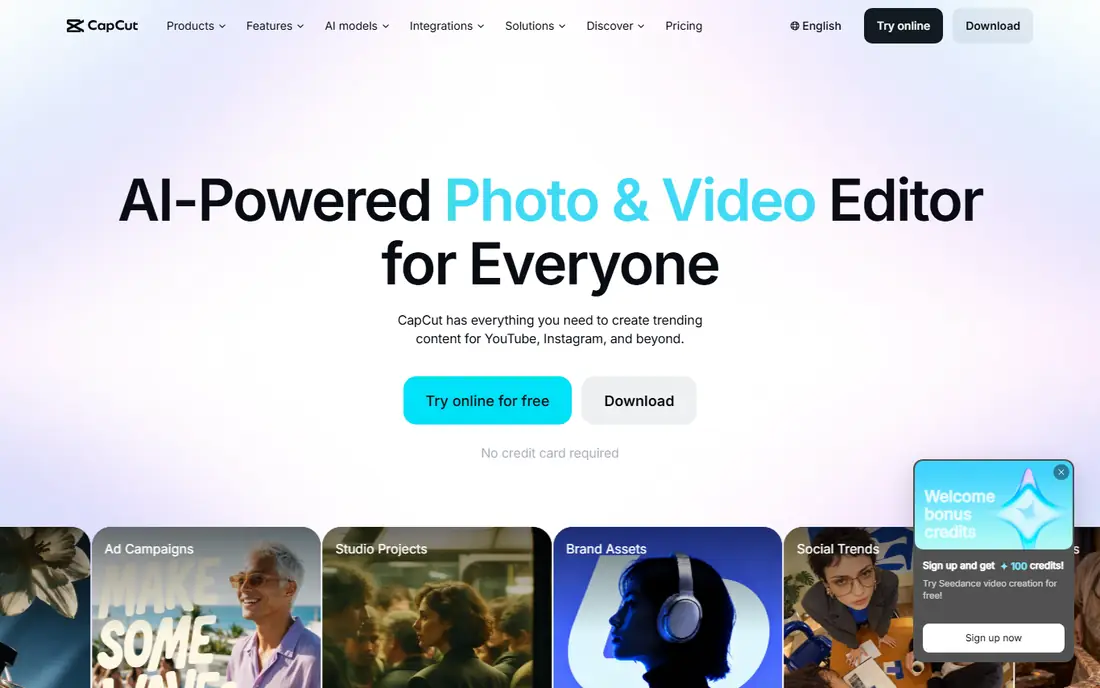
CapCut is the leading app for short-form video, with tools for captions, effects, transitions and trending templates that fit TikTok, Reels and Shorts. The mobile app is fast for on-the-go edits, while desktop and web versions give a larger workspace for longer projects. AI tools for captions and background removal speed up the editing loop, which matters when you publish several videos a week.
Pricing and support are the honest drawbacks. Pro pricing has risen in many reports, some AI features use credits, and public reviews include complaints about billing and support response times. Check the current price and cancellation terms before you subscribe, and test the free version first. CapCut suits short-form creators who publish often and who will use its caption and template tools daily.
- Strong short-form video tools
- Captions and effects
- Mobile, desktop and web versions
- Pro price has risen in many reports
- Some features are credit-based
- Support complaints appear in public reviews
Descript changes how editing feels, because you edit a transcript and the video or audio follows. Deleting a sentence in the transcript deletes it from the recording, and filler word removal can clean up a rough take in minutes. That workflow suits podcasters, course creators and video creators who speak to camera and want to cut mistakes without scrubbing a timeline.
Pricing varies by plan, so check the vendor page for transcription hours and AI features included. New editors also need time to learn the transcript workflow, especially if they are used to timeline editing. Descript suits creators who record spoken content regularly and who want fast, text-based editing over complex visual effects.
- Edit video and audio by editing text
- Transcription and filler removal
- Podcast and video in one tool
- Pricing varies by plan
- Learning curve for new editors
- Some AI features need higher plans
VistaCreate, formerly Crello, focuses on animated social templates and simple design tools. Its free plan includes a large template set and storage, which makes it a strong budget alternative to Canva for social posts and short animations. The editor is simple, mobile editing works well, and brand tools help small teams keep colours and fonts consistent.
The library is smaller than Canva, and team and approval features are lighter. VistaCreate also covers fewer formats, such as docs and whiteboards, than Canva. It suits solo creators and small businesses who mainly need social graphics and animated posts, and who want a complete free plan without a large subscription.
- Strong animated templates
- Free plan with templates and storage
- Simple mobile editing
- Smaller library than Canva
- Team features are lighter
- Pricing varies by plan
InShot is a mobile-first video editor that suits creators who shoot and publish from a phone. Trimming, filters, music, text and speed controls are easy to reach, and exports are sized for social platforms. That speed matters for creators who film daily and want to publish the same day, without moving files to a desktop editor.
Free exports often carry a watermark, and advanced tools sit behind Pro, so check the current plan before you rely on it for client work. Desktop editing is also limited compared with CapCut desktop or Descript. InShot suits mobile creators who need fast, simple video edits and who are happy to pay for Pro to remove watermarks and open fuller tools.
- Fast mobile video editing
- Trim, filters and music tools
- Easy social exports
- Watermark on free exports in many cases
- Advanced tools need Pro
- Desktop editing is limited
Notion is the planning and writing layer for many creators, rather than a design or video tool. It combines notes, docs, databases and calendars, so you can plan topics, draft scripts, track publishing dates and store research in one workspace. Templates for content calendars and editorial pipelines help small teams move from idea to published post without a separate project tool.
It does not replace Canva or CapCut, because it has no real design or video editing. Setup also takes time, as a blank workspace needs structure before it feels useful. Notion suits creators who want one place for ideas, drafts and schedules, and who will pair it with a design app and a video app for production.
- Writing, planning and databases in one workspace
- Templates for content calendars
- Team collaboration
- Not a design or video editor
- Setup takes time
- Offline use is limited
Later covers the publishing end of content creation, with visual scheduling, a calendar view and link-in-bio tools for social profiles. It helps creators plan a week of posts, preview how a feed will look, and track basic performance without logging into each social app daily. That planning view is useful for creators who batch content and publish on a set rhythm.
Creation tools are lighter than Canva or Adobe Express, so Later works best alongside a design app rather than instead of one. Pricing varies by number of social profiles, and the free plan limits scheduled posts. Later suits creators who already make content in Canva or CapCut and who need a clear, visual way to schedule and review it.
- Visual social scheduling
- Link-in-bio tools
- Analytics for social posts
- Creation tools are lighter than Canva
- Pricing varies by social profiles
- Free plan limits posts
How we picked these
We compared official pricing pages, feature pages and app store listings, and we kept only apps that are still available and truly support content creation in 2026. We favoured apps with a clear main format, a usable free plan or trial, and a distinct role in a creator stack, rather than listing many similar design tools. Template quality, video tools, writing workflow and scheduling all shaped the shortlist.
We did not claim hands-on testing, and we did not invent prices or features. Where pricing varied by billing period or plan, we used the monthly figure shown on the vendor page and marked prices as See website when no single figure applied. Prices change, so check the vendor page before you subscribe.
Building a small creator stack that you will actually use
Start with your main format. A social designer needs Canva or Adobe Express first, a short-form video creator needs CapCut or InShot first, and a podcaster needs Descript first. Add a planning tool such as Notion only when ideas and deadlines start to slip, and add a scheduler such as Later only when posting volume makes manual publishing a chore.
Check exports before you commit
Test exports for your main platform before you pay, including video size, image quality and watermark rules on the free plan. A tool that looks good in the editor but exports with a watermark or a wrong size will slow you down every week. Save a test post in each format you use, and check it on a phone as well as on desktop.
Keep brand assets in one place
Store logos, fonts, colours and templates in one app, even if you use several tools for production. That single source prevents drift, where each post looks slightly different because assets live in different apps. Canva Brand Kit, Adobe Express brand tools and Notion asset pages can all serve this role, depending on your stack.
Frequently asked questions
What is the best app for content creation for beginners?
Canva is the best beginner app for design, because templates and a simple editor cover most social formats quickly. Beginners who focus on video should start with CapCut or InShot free, and beginners who write should start with Notion free. Pick one app for your main format and learn it well before adding more tools.
Which software is best for content creation overall?
There is no single best software, because design, video and writing need different tools. Canva plus CapCut covers design and short video for most creators, while Descript covers spoken video and podcast editing. Choose the stack by format, not by a single app claim.
What are the best content creation tools for social media?
Canva and Adobe Express cover social design, CapCut and InShot cover short video, and Later covers scheduling and link-in-bio tools. That combination handles creation and publishing for most social creators. Add Descript if you also publish long video or podcast content.
Is there a free content creation app worth using?
Yes, Canva Free, Adobe Express Free, CapCut Free, VistaCreate Free and Notion Free all offer useful free plans. Free plans limit premium elements, AI credits, exports or scheduled posts, so they suit low-volume creators best. Test the free plan on real posts before you pay for Pro.
What is the best platform for content creation for teams?
Canva suits teams that need shared brand tools and real-time collaboration, while Notion suits teams that need shared planning and editorial pipelines. Larger teams often pair both, with Canva for design and Notion for workflow. Check team pricing, seats and approval features before you commit.
Sources we checked (8)

Online Jobs is an independent blog about careers, online work, learning new skills and the tools that help people earn. More about us.
Keep reading
All posts
ZoomInfo Alternatives
The best ZoomInfo alternatives in 2026, compared on price, free plans, data coverage, and which tool fits small teams or large sales teams best in detail.

Workday Alternatives
We compared the best workday alternatives for HR, payroll, and global hiring, from BambooHR and Gusto to Rippling, Deel, and HiBob for growing teams in 2026.

Which SaaS Tools Have the Best Customer Support
Which SaaS tools have the best customer support? Compare eight popular tools on help centres, live help, response options and overall support quality.