Best Content Calendar Apps in 2026: 8 Apps Compared

How we put this together: we compare official feature and pricing pages, app store listings, privacy policies and public user reviews. Prices change, so check the provider's site before you pay.
Key takeaways
- A content calendar app should show blog, social and email work in one view, or the calendar becomes another scattered list.
- CoSchedule is the strongest pick for full marketing calendars, while Later leads for visual social planning.
- Planable and Loomly lead for client approvals, which matters more than publishing speed for agencies.
- Buffer and Metricool offer the gentlest entry prices, with free plans for small teams and solo creators.
- Check profile limits and seat pricing before you buy, because those two factors change the real monthly cost most.
Quick comparison
| Name | Who it suits | Starting price | Free option | |
|---|---|---|---|---|
 CoSchedule | Full marketing calendars | See website | Free trial | Visit |
 Later | Visual social planning | See website | Yes | Visit |
 Buffer | Simple publishing for small teams | Free | Yes | Visit |
 Loomly | Team planning and approvals | See website | Free trial | Visit |
 Planable | Client approvals | Free | Yes | Visit |
 Sprout Social | Analytics-led social planning | See website | Free trial | Visit |
 SocialBee | Evergreen content recycling | See website | Free trial | Visit |
 Metricool | Planning plus analytics on a budget | Free | Yes | Visit |
The best content calendar apps
We compared content calendar apps on calendar clarity, publishing, collaboration, approvals, analytics and price, favouring tools that keep planning and publishing in the same place.
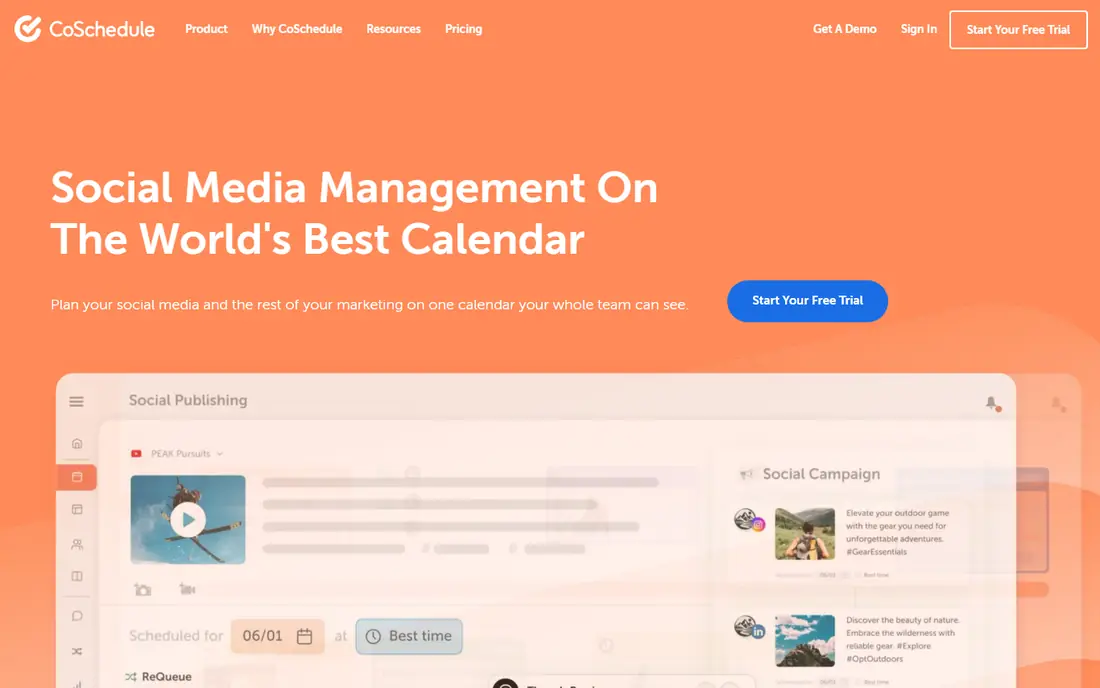
CoSchedule is our pick for teams that plan more than social posts. Its calendar puts blog articles, email sends, social posts and campaigns in one view, so a content lead can see clashes and gaps without opening four tools. ReQueue, its evergreen recycling feature, keeps strong posts working after their first publish date, which helps small teams stay consistent.
The cost and setup are the trade-offs. CoSchedule is priced as a marketing platform, not a simple scheduler, and some useful features sit on higher tiers. A solo creator who only posts to Instagram will find it heavy, but a team juggling blog, email and social work will value the single view enough to justify it.
- One calendar for blog, social and email work
- ReQueue recycling for evergreen posts
- Strong campaign views for larger teams
- Higher cost than simple schedulers
- Some features need a higher tier
- Setup takes longer than a social-only tool

Later leads for visual-first brands, especially on Instagram and TikTok. The drag-and-drop calendar and grid preview let you see how a feed will look before anything publishes, which matters when visual consistency drives follows. Link in Bio tools turn that feed into traffic, and best-time suggestions help small teams post when followers are active.
Its limit is scope. Later is a social tool first, so blog deadlines, email campaigns and long-form editorial work need a separate calendar or a workaround. Teams that need one calendar for everything should compare it with CoSchedule, while visual brands that live on social will likely prefer Later.
- A drag-and-drop visual planner with grid preview
- Link in Bio tools
- Best-time suggestions for posting
- Blog and email planning are not its focus
- Higher tiers needed for deeper analytics
- Some platforms need manual steps
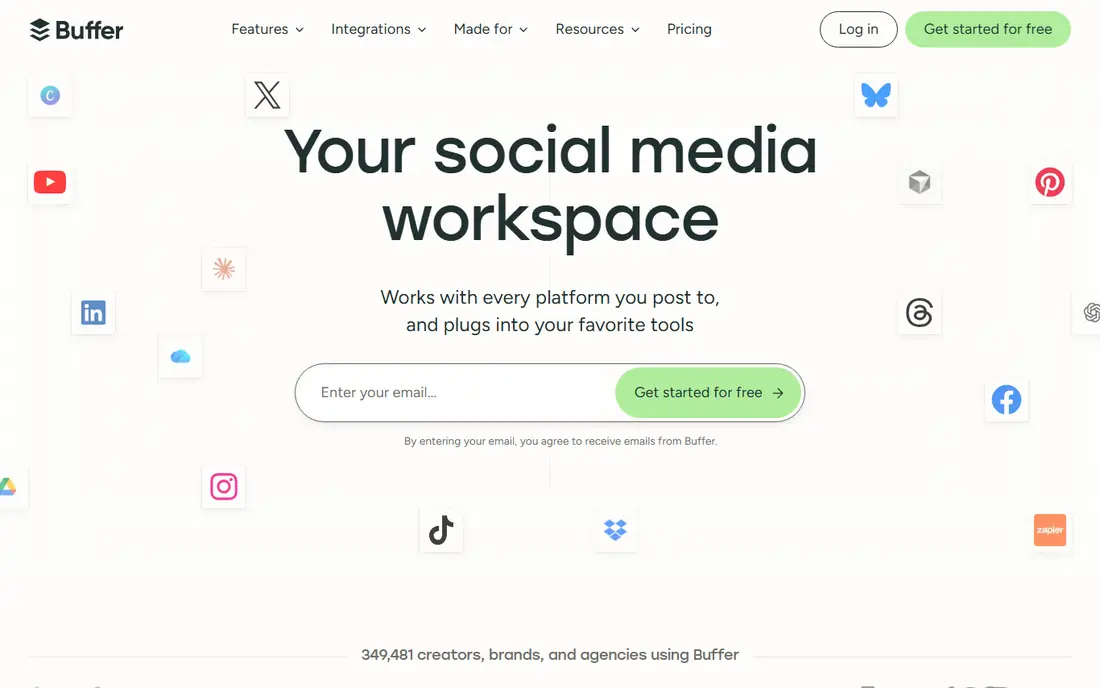
Buffer is the calm choice for solo creators and small businesses that want planning without clutter. The calendar is easy to read, scheduling takes a few clicks, and the free plan covers a small number of channels, which is enough to test the tool properly. Paid pricing per channel also makes costs predictable as you add profiles.
The simplicity has limits. Client approvals, deep analytics and campaign planning are thinner than at Planable, Sprout Social or CoSchedule, so agencies and larger teams may outgrow it. For a small team that mainly needs to plan and publish consistently, that trade is usually worth it.
- A clean, simple interface
- A genuine free plan for a few channels
- Transparent per-channel pricing on paid plans
- Approval workflows are basic
- Analytics are lighter than Sprout Social
- Campaign planning is limited
Loomly suits content teams where more than one person touches a post before it goes live. Post ideas help teams that struggle with a blank calendar, shared calendars keep everyone on the same dates, and approval workflows give managers a clear sign-off step. Platform previews reduce the risk of a post that looks fine on one network and broken on another.
Pricing is the main drawback, since the entry plan costs more than simple schedulers, and analytics, while solid, do not match Sprout Social. For a team that loses time to approval emails and version confusion, the workflow saving can outweigh the price. For a solo creator, Buffer or Metricool will feel cheaper and simpler.
- Post ideas and shared calendars built in
- Structured approval workflows
- Previews for each platform before publishing
- Entry pricing is higher than Buffer or Metricool
- Analytics are solid rather than leading
- Some users want more automation
Planable is the pick for agencies and teams whose bottleneck is client sign-off. Clients can review, comment and approve posts through a guest link, without learning a new tool or creating an account, which removes the most common delay in agency work. Visual previews show exactly how a post will look, so feedback is specific rather than vague.
The trade is depth elsewhere. Planable is a planning and approval tool first, so publishing automation and analytics are lighter than at Sprout Social or Buffer. Agencies that need strong reporting may pair it with an analytics tool, while agencies whose main pain is approvals will find it solves the right problem.
- Guest approval links that need no login for clients
- Clear visual previews and comments
- A free tier with a set number of posts
- Publishing and analytics are lighter than all-in-one rivals
- Pricing is per workspace
- Heavy scheduling needs may suit another tool
Sprout Social is the pick for mid-size and larger teams that need reporting to justify content work. Its analytics show which posts, formats and times perform, and its reports are clear enough to share with managers and clients. The unified inbox also helps teams reply to comments and messages without switching apps, which matters when social is also a support channel.
Price is the barrier. Per-seat pricing adds up fast for larger teams, and solo creators will find Buffer or Later far cheaper. If reporting and inbox work are central to your job, Sprout Social earns its cost, but if you only need a calendar and scheduler, it is more tool than you need.
- Strong analytics and reporting
- A unified inbox for social messages
- Reliable publishing across major platforms
- High per-seat pricing
- Overkill for solo creators
- Some features need higher tiers
Metricool is the budget pick for small teams that want planning and analytics together. The free plan covers one brand, which is enough for a solo creator or a single small business, and paid plans add scheduling depth and reporting without reaching Sprout Social prices. Competitor benchmarking on higher tiers is a bonus for teams that track rivals.
The drawbacks are modest. Approval workflows are basic, so client-heavy teams should look at Planable or Loomly, and the dashboard packs a lot onto each screen. For a small team that wants to plan, publish and see what worked, without paying enterprise prices, Metricool is hard to beat.
- A free plan for one brand
- Scheduling paired with clear analytics
- Competitor benchmarking on higher tiers
- Approval workflows are basic
- The interface can feel busy
- Some advanced features need a paid tier
How we picked these
We compared official feature pages, pricing pages and public reviews for content calendar tools, and we kept only tools still available and working in October 2026. We favoured calendar clarity, publishing reliability, collaboration and approval options, and honest free or trial access. We did not claim hands-on testing, and prices we could not verify on a vendor site are shown as See website.
How to set up a calendar that actually gets used
Start with content types, not tools. List blog posts, social posts, email sends and campaigns for the next month, and note who writes, who approves and who publishes each item. A calendar that only shows publish dates will fail, because the work before publishing is where delays happen.
Next, pick a review rhythm and stick to it. A short weekly planning session, where the team fills the next two weeks and reviews last week's results, beats a grand quarterly plan that nobody updates. Keep the calendar in one place, limit the number of people who can change publish dates, and use approval links for clients rather than email threads. Finally, review the calendar monthly and remove formats that never perform, because a shorter, consistent calendar beats a crowded one that gets abandoned.
What to check in a free trial
Use the trial to test the exact workflow you will use daily, not just the demo. Schedule a week of real posts, run one approval cycle, and check how previews look on each platform. Count profiles and seats against the price, and check whether analytics cover the metrics your manager or clients actually ask for. If the trial ends before you have tested approvals, ask for an extension rather than guessing.
Frequently asked questions
What is the best content calendar app?
For full marketing planning, CoSchedule is our pick, because it covers blog, social and email in one calendar. For visual social planning, Later leads, and for client approvals, Planable leads. The best app depends on whether your main work is editorial, visual social or agency approvals, so match the tool to that work first.
What are the best editorial calendar tools?
CoSchedule is the strongest editorial calendar tool on this list, because it was built around campaigns and content types beyond social posts. Trello, Asana and Notion can also serve as editorial calendars, but they need manual setup for publishing, while CoSchedule, Loomly and Planable include publishing and approvals. Choose a dedicated tool if editorial deadlines drive your week.
Is there a free content calendar app?
Yes. Buffer, Later, Planable and Metricool all offer free plans or free tiers, with limits on profiles, posts or features. Buffer and Metricool are the most useful free starting points for small teams, while Planable's free tier suits agencies testing client approvals. Check the current limits on each vendor site, since free tiers change.
What is the best content calendar software for agencies?
Planable and Loomly lead for agencies, because approvals are where agency time is lost. Planable's guest approval links are the simplest client experience, while Loomly adds post ideas and shared calendars for larger teams. Sprout Social suits agencies that also need strong reporting, but its per-seat price is higher.
How do content calendar tools help small businesses?
They turn scattered ideas and deadlines into one visible plan, so posts go out consistently instead of in bursts. A calendar also shows gaps, prevents two campaigns from clashing, and makes approvals and publishing a shared job rather than one person's memory. For a small business, consistency and clarity matter more than advanced features.
Sources we checked (8)

Online Jobs is an independent blog about careers, online work, learning new skills and the tools that help people earn. More about us.
Keep reading
All posts
Zoom Alternatives
Zoom alternatives compared for 2026: Google Meet, Microsoft Teams, Webex, Jitsi and more for free calls, large meetings and webinars for teams and classrooms.

Which Software Is Best for PDF Page Removal
Which software is best for PDF page removal? We compare free and paid tools for deleting pages quickly, safely, and without harming your file in this guide.

Which Software Is Best for Data Entry
Compare the best data entry software for forms, OCR scanning, and spreadsheets, with free plans, pricing, and honest limits for each tool before you commit.
SocialBee
Who it suits: Evergreen content recycling
SocialBee suits small businesses that want a steady posting rhythm without writing a new post every day. Category queues let you sort content by type, such as tips, offers and stories, and the tool cycles through them so feeds stay active. That recycling is especially useful for evergreen advice, product tips and local business updates that stay relevant for months.
The setup takes effort, because categories, queues and posting times need thought before the automation pays off. Approval workflows are also thinner than Planable, so agencies should check that gap. For a business that wants consistent posting with less daily writing, SocialBee is a strong, practical pick.