Best Construction Takeoff Software in 2026: 8 Tools Compared

How we put this together: we compare official feature and pricing pages, app store listings, privacy policies and public user reviews. Prices change, so check the provider's site before you pay.
Key takeaways
- PlanSwift and STACK suit estimators who want takeoff and estimating in one workflow, while Bluebeam suits teams that also need plan markup and review.
- Cloud tools such as STACK, Buildxact and Kreo help teams that work from different locations or on different devices.
- AI takeoff tools such as Togal.AI can speed up area counts, but results still need a human check before a bid is sent.
- Always run one live bid through a trial and check how quantities export to Excel or your estimating system.
Quick comparison
| Name | Who it suits | Starting price | Free option | |
|---|---|---|---|---|
 PlanSwift | Dedicated takeoff and estimating | See website | Free trial | Visit |
 Bluebeam Revu | Plan markup and measuring | See website | Free trial | Visit |
 STACK | Cloud takeoff and bidding | See website | Yes | Visit |
 Buildxact | Residential builders | See website | See website | Visit |
 Togal.AI | AI area takeoff | See website | See website | Visit |
 Kreo | Cloud takeoff on a budget | See website | Free trial | Visit |
 Autodesk Forma Takeoff | 2D and 3D quantities | See website | Free trial | Visit |
 Esticom | Cloud estimating and takeoff | See website | Free trial | Visit |
The best construction takeoff software
A takeoff turns drawings into quantities: square feet of flooring, linear feet of pipe, counts of fixtures and doors. Good takeoff software should make that measurement faster and less error prone than scaling by hand, and it should export quantities in a form your estimating system can use. We compared official feature pages, pricing pages and public product descriptions for tools that serve US contractors and estimators. The list below separates dedicated takeoff tools from markup tools and from full estimating platforms, so you can match the tool to your trade and bid volume.
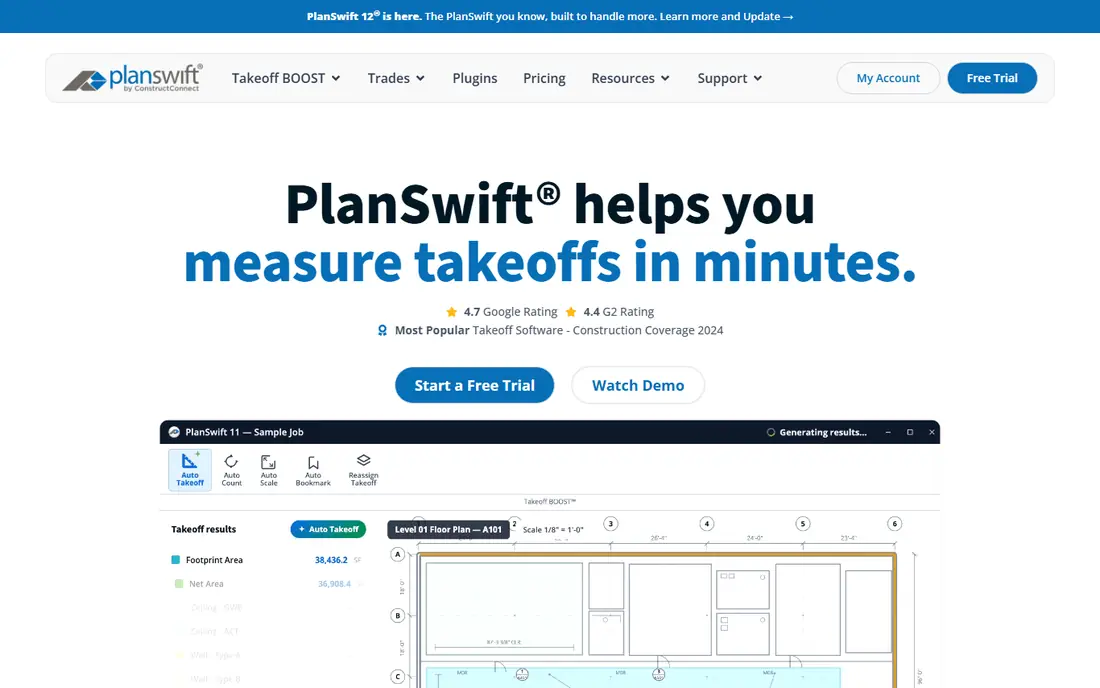
PlanSwift is a dedicated takeoff and estimating tool for estimators who measure from PDF plans and then price the job. You can trace areas, lengths and counts on a drawing, apply assemblies and formulas, and build an estimate from those quantities. Trade-specific plugins and templates help estimators who repeat similar work, such as drywall, painting or concrete.
The catch is platform and price. PlanSwift is a Windows desktop tool, so Mac-only teams need a workaround. Pricing is shown on the vendor site and can vary by licence, so request a current quote. If takeoff and estimating are your daily job, and you work on Windows, PlanSwift remains a strong first choice.
- Takeoff and estimating in one desktop tool
- Trade assemblies and formulas
- Excel integration
- Windows focused
- Pricing by quote for many users
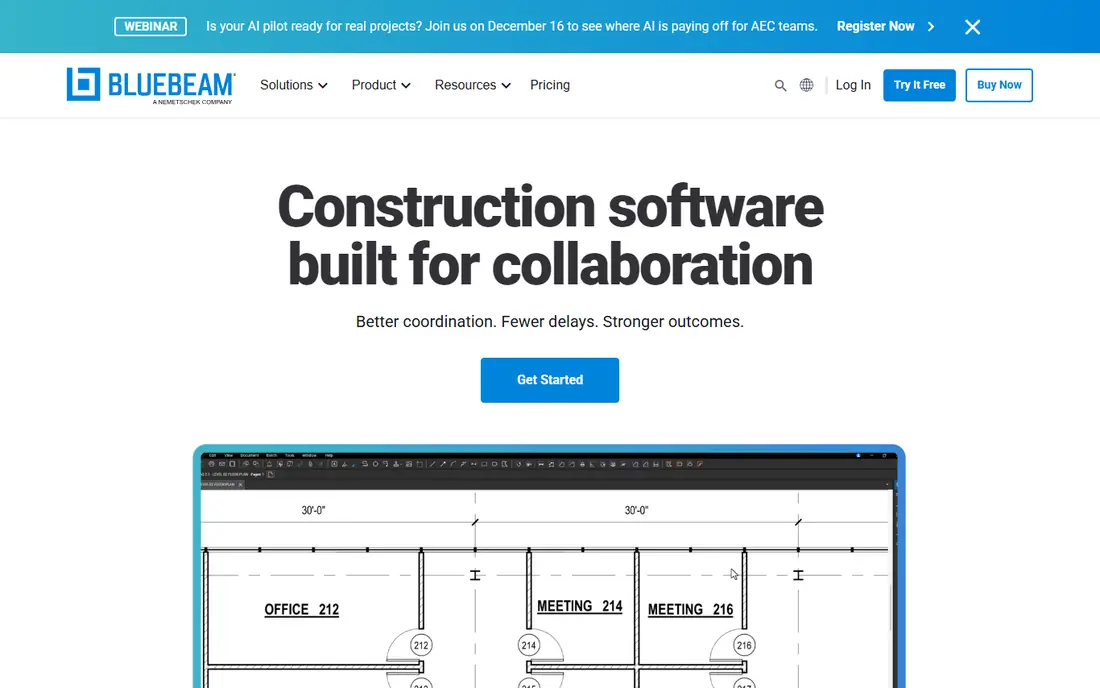
Bluebeam Revu is a PDF tool first and a takeoff tool second, which is why so many project teams already use it. You can mark up drawings, share comments, track revisions and measure lengths, areas, perimeters and counts. Quantity links can send measurements to Excel, which helps estimators who already work in spreadsheets. For teams that need markup, review and light takeoff in one place, Revu is efficient.
If you need deep estimating, assemblies and bid pricing, Revu alone may not be enough. You may still need an estimating tool or a spreadsheet workflow alongside it. Check which plan includes the measurement and Excel features you need, because tiers differ. For markup-heavy offices with simple takeoff needs, Revu is hard to beat.
- Strong PDF markup and collaboration
- Measurement tools for length, area and counts
- Widely used on project teams
- Not a full estimating system
- Advanced takeoff features sit on higher tiers
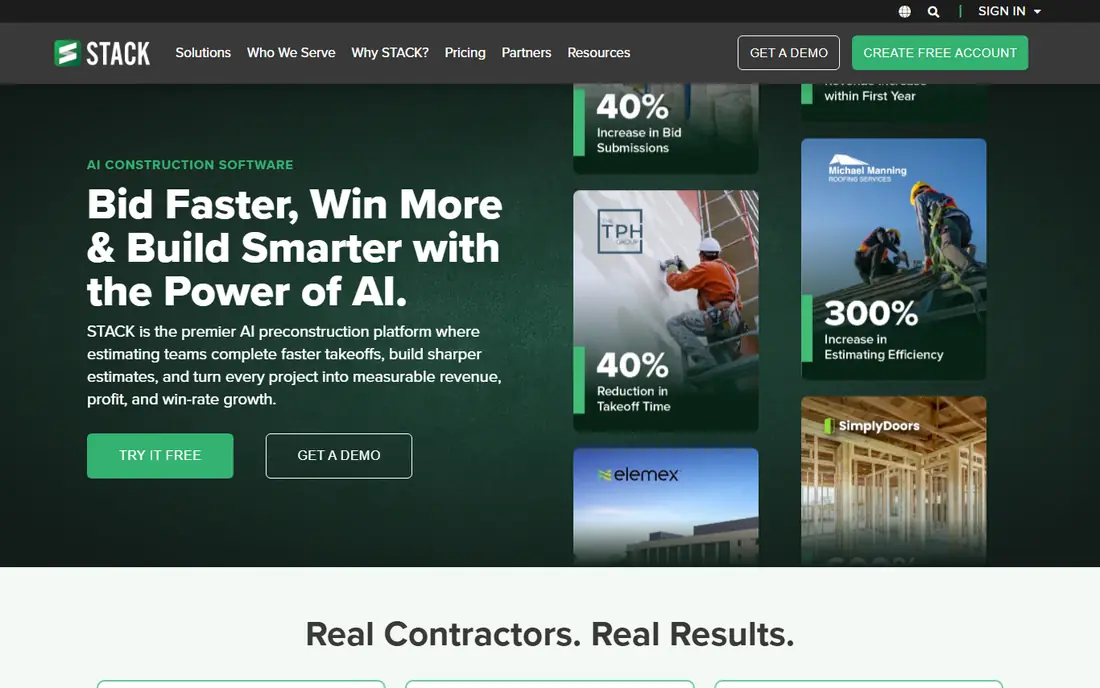
STACK is a cloud takeoff and estimating platform that runs in a browser, so teams can work from office, site or home without installing desktop software. Estimators can measure plans, build estimates, create proposals and share work with teammates in real time. The free plan, with limits on projects, lets new users test the core workflow before paying.
Paid plans are priced per user per month, so a larger estimating team should add up the total before committing. AI takeoff features also vary by tier, so check what is included in the plan you are considering. For subcontractors bidding commercial work from several locations, STACK is a practical cloud choice.
- Browser-based takeoff and estimating
- Team collaboration
- Free plan for a limited project count
- Paid plans are a monthly commitment
- AI features depend on tier
Buildxact is built for residential builders and remodelers, not just for measuring plans. Takeoff quantities feed into estimates, quotes, purchase orders and job costing, so a builder does not need to re-enter numbers at each stage. That flow suits builders who price whole houses or remodels and then order materials from suppliers.
Commercial estimators with complex drawings may find Buildxact less deep than PlanSwift or STACK for pure takeoff. For a residential builder, though, the link from takeoff to order is the main value. Test it with a real house plan and a real supplier list during the trial to see if the workflow matches how you already price jobs.
- Takeoff feeds into estimates, quotes and orders
- Built for residential builders
- Supplier price handling
- Less suited to large commercial takeoff
- Plan depends on builder workflow
Togal.AI uses AI to detect areas and quantities from architectural plans, which can speed up the first pass of a takeoff. Instead of tracing every room by hand, an estimator can review AI-generated quantities, correct them where needed and move to pricing faster. For firms bidding many similar projects, that time saving can matter.
AI takeoff is not a substitute for checking. Drawings with unclear labels, overlapping areas or unusual details can still produce errors, so every quantity should be reviewed before a bid is sent. Pricing is by quote on the vendor site, so ask for the full cost for your team size. If you bid high volume work and want to cut measurement time, Togal.AI is worth a trial.
- AI-assisted area and quantity detection
- Cloud based
- Fast first pass on architectural plans
- Results need human checking
- Priced by quote for many teams
Kreo is a cloud takeoff tool that offers measurement, estimating support and AI-assisted takeoff in a browser. It suits estimators who want a cloud tool without the higher monthly cost of some larger platforms. The browser setup also helps teams that use Mac and Windows devices, since no desktop install is required.
Kreo has a smaller user community than the long-established tools, so finding local training or peer help may take more effort. Some AI and collaboration features also sit on higher tiers. For a small estimating team that wants cloud takeoff at a lower entry price, Kreo is a sensible option to test alongside STACK.
- Cloud takeoff with AI features
- Lower entry cost than some rivals
- Works in a browser
- Smaller community than PlanSwift or Bluebeam
- Some features need higher tiers
Autodesk Forma Takeoff, part of the Autodesk Forma set, lets teams measure quantities from 2D drawings and 3D models. That matters when a project includes model data as well as flat plans, because quantities can be taken from the model rather than traced only from PDFs. Teams already using Autodesk products can share data more easily across design and preconstruction work.
For a team with no Autodesk workflow, the value is less clear, and the tool may add a system you do not otherwise need. Check the current trial terms and monthly price on the Autodesk site, and test it with a real project that includes both drawings and model files. If your firm already works in Autodesk, Forma Takeoff is a natural addition.
- 2D and 3D quantity takeoff
- Autodesk ecosystem connections
- Cloud collaboration
- Best value for teams already using Autodesk tools
- Learning curve for new users
Esticom is a cloud estimating and takeoff tool aimed at trade contractors. Estimators can measure plans in a browser, build estimates and create proposals without desktop software. That cloud setup helps small teams that bid from different locations and want to share estimates without sending files back and forth.
Esticom is less widely known than PlanSwift or STACK, so peer reviews and training resources are thinner. Pricing varies by plan, so confirm what is included for your trade and team size. For a trade contractor who wants cloud takeoff and estimating in one tool, Esticom is a useful alternative to test.
- Cloud takeoff and estimating for trades
- Proposal tools
- Team collaboration
- Less known than PlanSwift and STACK
- Pricing varies by plan
How we picked these
We compared official feature pages, pricing pages and public product descriptions for takeoff tools that are actively sold to US contractors. We looked for tools that measure from plans, handle areas, lengths and counts, and export or link quantities to estimating. We included desktop, cloud and AI-assisted tools, and we left out tools that only view PDFs without measurement. We did not claim hands-on testing, and where a vendor does not publish a simple price, we wrote See website.
What to check before you buy
Run one live bid through any trial, from plan import to exported quantities. Check how the tool handles scaled drawings, rotated plans and multi-page sets, because those details cause real errors. Check export options: can quantities go to Excel, to your estimating system, or only to a PDF report. Also check how the tool handles revisions, because a drawing change late in a bid should not force you to redo the whole takeoff.
Next, check device and team needs. A desktop tool may be faster for a single estimator, while a cloud tool may suit a team spread across sites. Ask about training, support and how long a new estimator needs to become productive. Finally, add up per-user costs and any AI or data add-ons. A low headline price can rise quickly once every estimator needs a seat.
Takeoff accuracy tips
Always set the drawing scale before measuring, and verify it against a known dimension on the plan. Use layers or colours to separate trades, so counts do not mix. Review AI-generated quantities room by room, and keep a checklist for doors, fixtures and other counted items. A careful review step is cheaper than a bid error.
Frequently asked questions
What is the best takeoff software for construction?
The best takeoff software for construction depends on your workflow. PlanSwift fits dedicated takeoff and estimating, STACK fits cloud teams, and Bluebeam fits markup-heavy teams. Test each with a live bid before choosing.
What is the best take off software for small contractors?
Small contractors often do best with a cloud tool that has a free plan or trial, such as STACK, or a lower cost cloud tool such as Kreo. Start with the tool that exports cleanly to your estimating method, whether that is Excel or a full estimating platform.
What are the best construction takeoff services?
Some firms outsource takeoff to a service instead of buying software, but this guide covers software tools that let your own team measure plans. If you outsource, ask how quantities are checked, what file formats you receive, and how revisions are handled.
What is the best software for construction takeoffs that also estimates?
PlanSwift, STACK, Buildxact and Esticom all combine takeoff with estimating to different degrees. PlanSwift is strongest for trade assemblies, Buildxact is strongest for residential builder flow, and STACK is strongest for cloud collaboration.
What are the top construction takeoff software options for commercial work?
For commercial work, PlanSwift, STACK, Bluebeam and Autodesk Forma Takeoff are common choices. PlanSwift and STACK handle dedicated takeoff, Bluebeam handles markup and review, and Forma Takeoff handles 2D and 3D quantities for Autodesk teams.
Is AI takeoff accurate enough to bid from?
AI takeoff can speed up measurement, but it still needs a human review before a bid is sent. Check every area, count and scale, especially on complex or poorly labelled drawings. Use AI as a first pass, not as a final bid without checking.
Sources we checked (8)

Online Jobs is an independent blog about careers, online work, learning new skills and the tools that help people earn. More about us.
Keep reading
All posts
n8n Alternatives
n8n alternatives compared for 2026, with Zapier, Make, Activepieces, and more, covering visual builders, code steps, self-hosting, and pricing models.

ZoomInfo Alternatives
The best ZoomInfo alternatives in 2026, compared on price, free plans, data coverage, and which tool fits small teams or large sales teams best in detail.

Zoom Alternatives for Webinars
Compare Zoom alternatives for webinars in 2026, from browser-based rooms to enterprise events, with prices, attendee limits, features and honest trade-offs.