Best Construction Project Management Software in 2026: 9 Products Compared

How we put this together: we compare official feature and pricing pages, app store listings, privacy policies and public user reviews. Prices change, so check the provider's site before you pay.
Key takeaways
- Procore and Autodesk Construction Cloud suit large, complex builds, while Buildertrend and JobTread fit smaller residential firms better.
- Most enterprise tools price by quote rather than a public monthly rate, so budget planning needs a sales conversation.
- Field crews need a strong mobile app and offline access, and that matters more than a long feature list in the office.
- Buildertrend, JobTread, and Contractor Foreman cover estimating, scheduling, and client communication in one place for smaller teams.
- Check whether your subs and clients can use the tool without a paid seat, because that changes the real cost fast.
Quick comparison
| Name | Who it suits | Starting price | Free option | |
|---|---|---|---|---|
 Procore Procore | Large general contractors | See website | No | Visit |
 Autodesk Construction Cloud Autodesk Construction Cloud | Design and build coordination | See website | No | Visit |
 Buildertrend Buildertrend | Residential builders and remodelers | See website | No | Visit |
 JobTread JobTread | Small to mid-size contractors | See website | No | Visit |
 Fieldwire Fieldwire | Field task management | See website | Free trial | Visit |
 Buildxact Buildxact | Small builders and trades | See website | Free trial | Visit |
 Oracle Aconex Oracle Aconex | Large infrastructure projects | See website | No | Visit |
 Contractor Foreman Contractor Foreman | Budget-conscious contractors | See website | Free trial | Visit |
 Houzz Pro Houzz Pro | Client-facing remodelers | See website | No | Visit |
The best construction project management software
We compared tools that cover scheduling, documents, budgets, and field communication, and we weighed how well each one fits firms of different sizes.

Procore is the default shortlist pick for large contractors, and that position is earned rather than assumed. It brings drawings, RFIs, submittals, punch lists, budgets, and daily logs together, so a project manager can trace a decision from a drawing change to a cost effect without hunting through email. For firms running several large jobs at once, that shared record is the main reason to pay for it. The catch is scale. Small firms may find the price and the setup work hard to justify for one or two jobs at a time. If your team is under ten people and your projects are mostly residential, a lighter tool on this list will probably serve you better. Procore fits best when project volume and complexity make coordination itself a full-time job.
- Broad project management, financial, and field tools in one platform
- Strong document control
- Widely used by large contractors and their partners
- Pricing is quote based and can be costly for small firms
- Setup takes time and training
Autodesk Construction Cloud
Who it suits: Design and build coordination
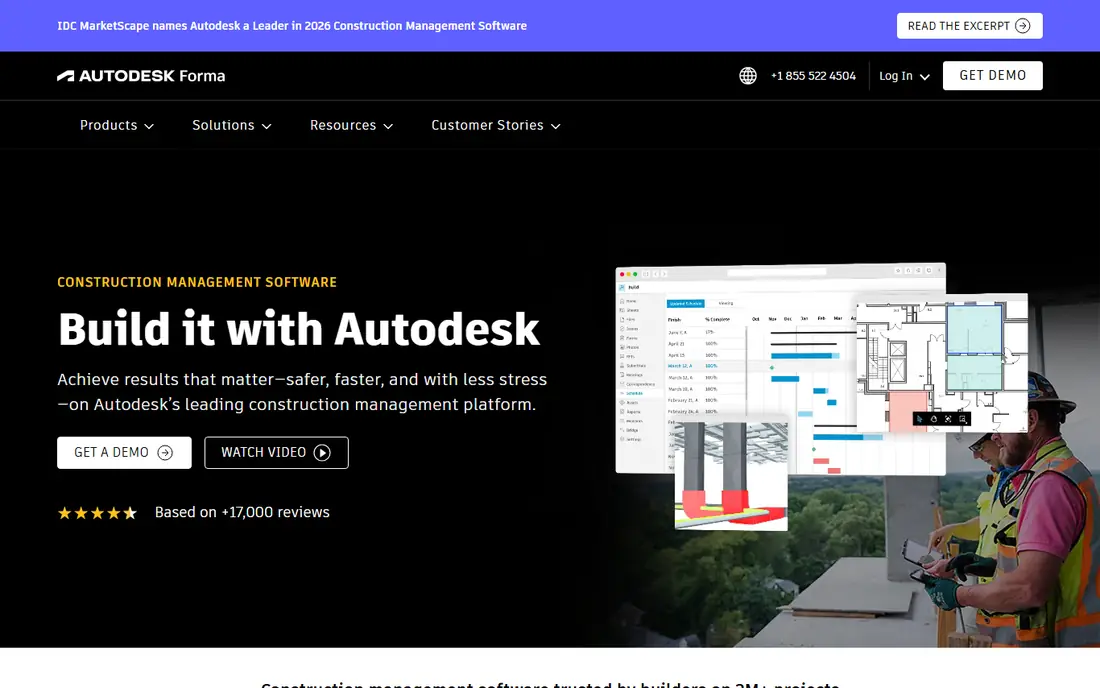
Autodesk Construction Cloud stands out where design coordination is the hard part of the job. Teams working with detailed models and frequent drawing revisions get clear version control, markup tools, and a single place for the current set. That reduces the classic site problem of crews working from an old drawing. Firms that rarely touch models may not need this depth, and the platform can feel like more system than a straightforward build requires. It also makes most sense when designers, contractors, and owners are willing to work in the same environment. Used that way, it cuts rework. Used half-heartedly, it becomes another place to check.
- Strong drawing and model coordination
- Ties closely to Autodesk design tools
- Good document version control
- Quote-based pricing
- Can feel heavy for firms that do not use Autodesk design software
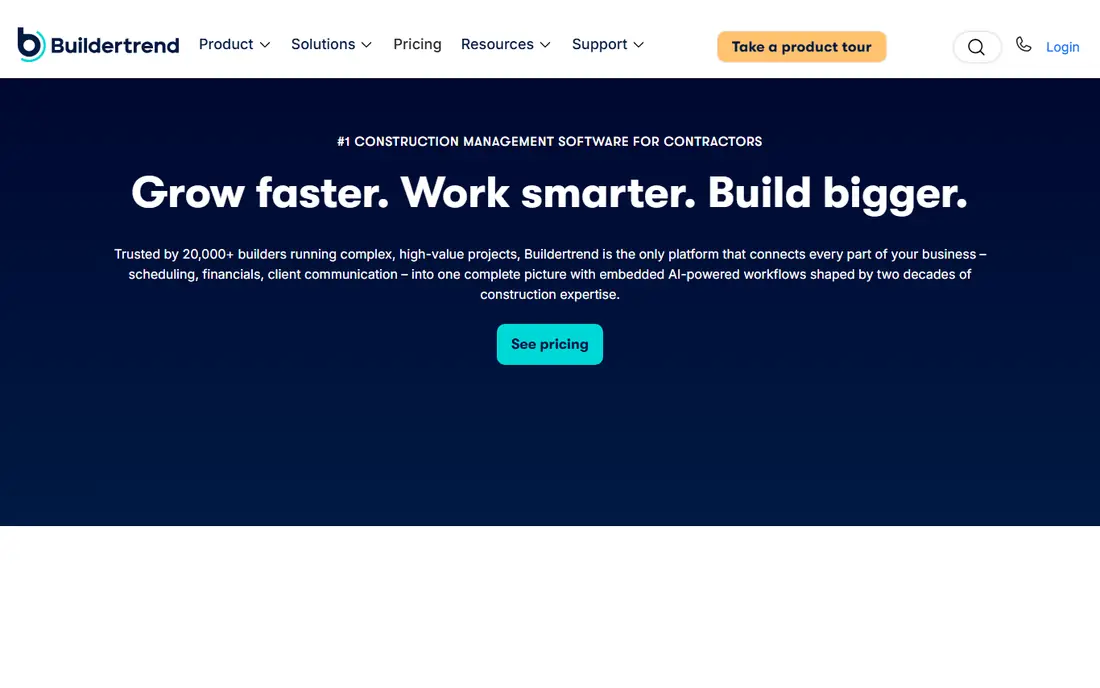
Buildertrend is built for the way residential builders actually work, with clients who want updates and choices to make along the way. Scheduling, budgets, change orders, and the selections process sit together, and the client portal gives homeowners a clear view of progress without a stream of phone calls. That combination is why so many remodelers and custom builders settle here. The trade-off is that getting templates and workflows set up well takes real effort at the start. Firms that invest that time tend to get steady value from it, while firms that rush setup may use only part of the system. It is a strong pick for residential work, and less of a natural fit for heavy civil or large commercial jobs.
- Scheduling, budgeting, selections, and client communication in one place
- Popular with residential firms
- Client portal keeps homeowners informed
- Pricing is not published plainly
- Some users report a learning curve when setting up templates
JobTread appeals to contractors who want job costs under control without enterprise software prices or complexity. Estimates flow into budgets, budgets flow into job costing, and change orders stay tied to the numbers they affect. That chain matters when margins are thin and a missed change order can erase profit on a job. It is not trying to be an enterprise platform for a hundred simultaneous mega-projects, and buyers should not judge it by that standard. For a firm moving from spreadsheets to a real system, though, the focus on costs is exactly right. Start with estimating and job costing, then add scheduling and client tools as the team settles in.
- Estimating, budgeting, and job costing in one workflow
- Clear cost tracking
- Good fit for growing contractors
- Less suited to very large enterprise programs
- Some advanced features take time to learn
Fieldwire earns its place by being genuinely useful on site rather than only in the office. Foremen can assign tasks, attach photos, mark up plans, and close out punch items from a phone or tablet, and the office sees progress without chasing paper. That field-first design is why many subcontractors adopt it even when the general contractor uses something else. Buyers should be clear about its limits. Fieldwire is not a replacement for accounting or full project financials, so firms that need deep budget control will pair it with another system. As a coordination layer between office and site, though, it is one of the most practical tools here.
- Strong mobile task and punch list tools
- Drawings and plans on site
- Works well for subcontractors and field teams
- Not a full financial management system
- Larger firms may need another tool for budgets
Buildxact takes a different starting point from the enterprise tools, and that is its strength. It focuses on estimating, quoting, scheduling, and job management for small builders and trade firms, without asking a five-person company to run software designed for five hundred people. The learning curve is short, which matters when nobody has spare weeks for training. The honest limit is ceiling. A firm that grows into large commercial work or complex multi-party programs may eventually outgrow it. For its target buyer, though, that is a fair trade. It covers the daily work well, and it does so at a scale that matches the business using it.
- Estimating and scheduling built for small builders
- Straightforward to learn
- Good for residential and light commercial work
- Fewer enterprise features than Procore or Autodesk
- Best for smaller project portfolios
Oracle Aconex is the tool for projects where document control is a legal and contractual necessity, not just good practice. Large infrastructure and complex multi-party programs need audit trails, controlled workflows, and a single record of who approved what and when. Aconex is built for exactly that discipline. Nobody should buy it for a kitchen remodel. The cost, setup, and process rigor only make sense when the project is large enough that a document mistake could cost far more than the software. For owners and contractors on major programs, that rigor is the point, and Aconex delivers it.
- Strong document and workflow control for large projects
- Audit trails for complex programs
- Used on major infrastructure work
- Quote-based pricing
- Overkill for small residential jobs
- Setup is a serious project in itself
Contractor Foreman tries to give smaller firms a lot of software for the money, and on features per dollar it is hard to beat on this list. Scheduling, estimating, project management, and customer tracking sit in one system, which suits firms that want one login rather than four subscriptions. The free trial makes it easy to judge fit before committing. The catch is polish. With so many features in one place, the interface can feel crowded, and teams should test the exact workflows they will use daily during the trial. Firms that value simplicity above breadth may prefer Buildxact or JobTread. Firms that want breadth on a budget should give Contractor Foreman a serious look.
- Wide feature set for the price
- Scheduling, estimating, and CRM in one system
- Free trial to test fit
- Interface can feel busy
- Support and onboarding quality varies by plan
Houzz Pro makes sense for remodelers whose sales process lives partly on Houzz itself. Estimates, proposals, and client communication connect to a profile and lead flow that many homeowners already use to find remodelers. For that kind of firm, the tool is both a project system and a way to win work. It is not the pick for a commercial contractor who needs deep cost controls or complex document workflows. Judge it on the whole picture: if Houzz already brings you leads, the added project tools are a natural extension. If it does not, a more general contractor tool will serve you better.
- Strong lead and client presentation tools
- Ties into the Houzz marketplace
- Good for remodelers who win work through Houzz
- Less depth for large commercial project controls
- Value depends on how much you use Houzz for leads
How we picked these
We compared official feature pages, pricing pages, app store listings, privacy policies, and public reviews, and we favored tools that are actively sold and supported for construction work in 2026. We looked for coverage of scheduling, documents, budgets, and field communication, and we weighed fit by firm size rather than treating every tool as a rival for the same buyer. Prices change, so we used See website where a vendor prices by quote or does not publish a clear starting rate, and we recommend confirming the current plan before signing.
What to check before you buy
A good demo can hide a bad fit, so test the tool the way your team will actually use it.
Start with your biggest pain
If missed change orders hurt most, weight estimating and job costing above all else. If site coordination is the problem, weight the mobile app and punch lists. Buyers who pick the tool with the longest feature list often end up using a small part of it, while buyers who fix one clear pain get value in the first month.
Test the field app on a real job
Office software always looks good in a demo. Put the mobile app in a foreman's hands for a week on a live job, with real drawings and real tasks, and see what survives contact with dust, gloves, and poor signal. Offline access, photo handling, and simple task updates matter more on site than any dashboard.
Count seats honestly
Ask what subcontractors, clients, and occasional users cost, and whether they need paid seats at all. A low headline price can grow quickly once every trade partner needs access. Also ask about data export, because your project history should stay usable if you ever switch systems.
Frequently asked questions
What is the best software for construction project management?
There is no single winner for every firm, because a large general contractor and a small remodeler have different needs. Procore and Autodesk Construction Cloud suit large, complex work, while Buildertrend and JobTread fit residential and smaller firms. Start from your project size and your biggest coordination problem, then shortlist two or three tools from this list.
What is the best construction project management app for field teams?
Fieldwire is a strong pick for field task management, punch lists, and plan access on site. Procore and Buildertrend also offer field apps, but Fieldwire is built around the daily work of foremen and crews. Test the mobile app on a live job before you commit, since field usability decides whether the system gets used at all.
What is the best residential construction software?
Buildertrend is our pick for most residential builders and remodelers, thanks to its scheduling, selections, and client portal. JobTread and Buildxact are strong alternatives when job costing or simple estimating matters most. Houzz Pro suits remodelers who already win work through Houzz.
How much does construction project management software cost?
Most tools on this list price by quote or by plan, and the cost depends on seats, projects, and modules. Smaller tools may start at a modest monthly rate, while enterprise platforms are priced per agreement. Always confirm the current price on the vendor's site and ask about costs for subcontractors and clients.
Do I need separate software for estimating and project management?
Not always. JobTread, Buildertrend, Buildxact, and Contractor Foreman combine estimating with project management, which suits many smaller firms. Larger firms often keep a dedicated estimating or accounting system and use Procore or Aconex for project control. Choose based on whether your estimating and job costing already work well elsewhere.
Can subcontractors use these tools without a paid seat?
It depends on the vendor and the plan. Some tools offer free collaborator or limited access for subs and clients, while others charge for every user. Ask this question directly during a demo, because it can change the total cost more than the headline price does.
Sources we checked (9)

Online Jobs is an independent blog about careers, online work, learning new skills and the tools that help people earn. More about us.
Keep reading
All posts
Workday Alternatives
We compared the best workday alternatives for HR, payroll, and global hiring, from BambooHR and Gusto to Rippling, Deel, and HiBob for growing teams in 2026.

Which SaaS Tools Have the Best Customer Support
Which SaaS tools have the best customer support? Compare eight popular tools on help centres, live help, response options and overall support quality.

Top AI Helpdesk Software
Searching for top AI helpdesk software in 2026? We compared 8 AI helpdesks on automation, pricing, channels and ease of setup for small and growing teams.