Best Construction Apps in 2026: 9 Tools Compared

How we put this together: we compare official feature and pricing pages, app store listings, privacy policies and public user reviews. Prices change, so check the provider's site before you pay.
Key takeaways
- Procore and Autodesk Construction Cloud suit larger commercial teams that need RFIs, submittals, and document control at scale.
- Buildertrend, JobTread, and Houzz Pro suit home builders and remodelers that need estimates, client portals, and change orders.
- Fieldwire and Raken suit field teams whose main job is plans, tasks, punch lists, and daily reports.
- Contractor Foreman and Knowify suit smaller contractors that want many features for a lower monthly cost.
- Billing units differ widely, so compare total annual cost for your team size, not just a headline seat price.
Quick comparison
| Name | Who it suits | Starting price | Free option | |
|---|---|---|---|---|
 Procore Procore | Large commercial projects | See website | Free trial | Visit |
 Buildertrend Buildertrend | Home builders and remodelers | See website | Free trial | Visit |
 Autodesk Construction Cloud Autodesk Construction Cloud | BIM-led commercial teams | See website | Free trial | Visit |
 Fieldwire Fieldwire | Field plans and tasks | See website | Yes | Visit |
 JobTread JobTread | Estimating to invoicing | See website | Free trial | Visit |
 Houzz Pro Houzz Pro | Remodelers and design-build | See website | Free trial | Visit |
 Contractor Foreman Contractor Foreman | Small contractors on a budget | See website | Free trial | Visit |
 Knowify Knowify | Trade and specialty contractors | See website | Free trial | Visit |
 Raken Raken | Daily reports and time tracking | See website | Free trial | Visit |
The best construction apps
We judged these tools on project management, estimating, scheduling, field tools, client communication, and accounting links. Residential and commercial builders need different strengths, so we note which type of contractor each tool fits best rather than treating them as interchangeable.

Procore suits general contractors running complex commercial work with many subcontractors, drawings, and approvals. Project management, quality and safety, financials, and field tools sit in one platform, so RFIs, submittals, drawings, and budgets stay linked instead of living in separate inboxes. Unlimited users on a project help when many subcontractors need access without per-seat friction. The catch is cost and scope. Pricing is an annual fee tied to construction volume, and smaller builders may pay for depth they never use. It earns its place on large, multi-stakeholder projects where document control and audit trails matter most.
- Deep RFI, submittal, and document tools
- Strong budget and change management
- Wide integration set
- Quote-based annual pricing
- More system than a small residential builder needs
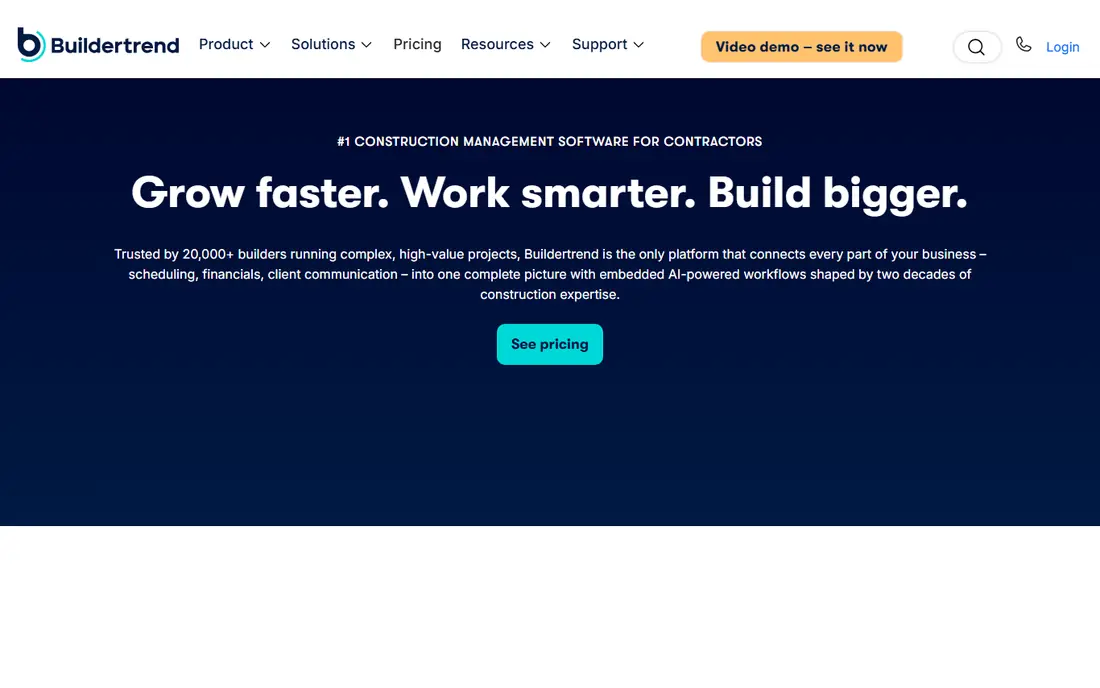
Buildertrend is the standard shortlist item for home builders and remodelers. It covers scheduling, budgets, change orders, client selections, documents, and a client portal, so homeowners can see progress, approve choices, and message the builder without a stream of separate emails. That client view reduces phone calls and keeps selections documented, which helps when a change affects cost or timing. The trade-off is pricing clarity and setup. Plans are quote-based, so ask for a total annual figure tied to your job volume and user needs. Spend time mapping your build stages to Buildertrend before rollout, or the schedule tools will feel generic.
- Scheduling, budgets, and client portal in one place
- Change orders and selections
- QuickBooks links
- Quote-based pricing
- Setup takes care to match your build process
Autodesk Construction Cloud
Who it suits: BIM-led commercial teams
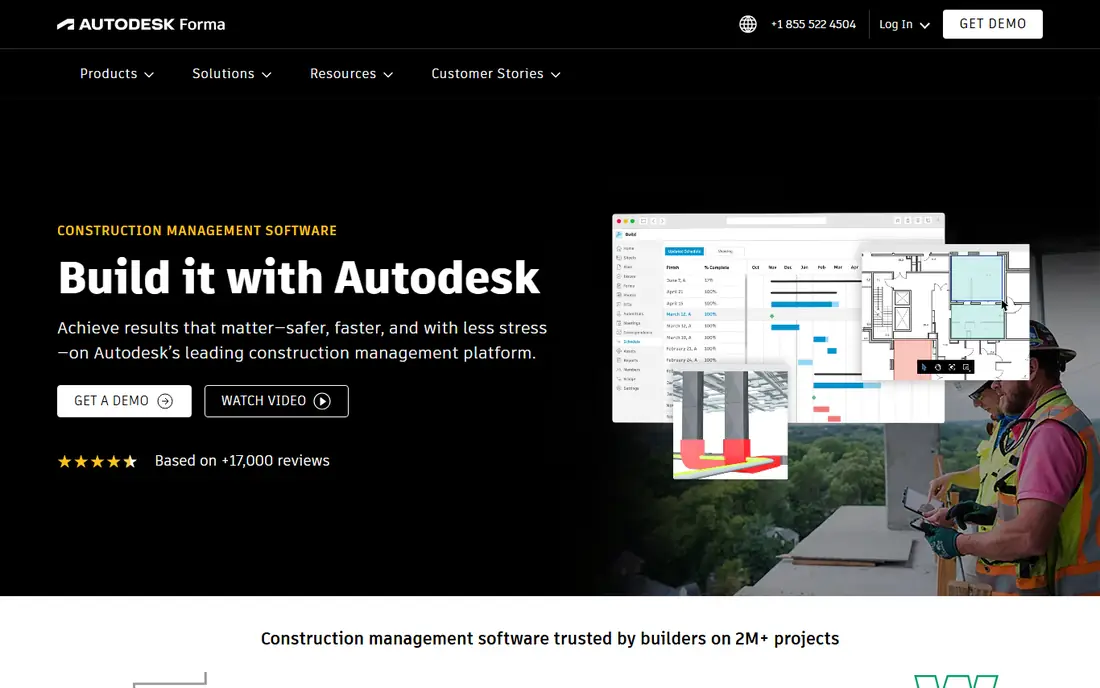
Autodesk Construction Cloud suits teams that already work with Autodesk design tools and need that model and document discipline to carry into construction. Build, Docs, and related modules cover drawings, models, RFIs, issues, and cost management, with field access for teams on site. That continuity from design to build is its main strength, especially on BIM-led commercial work. The catch is module complexity. Pricing and packaging vary by module, so confirm which modules your team actually needs and what each one costs. For teams without an Autodesk design workflow, a simpler platform may give better value.
- Strong document, model, and issue tools
- Design-to-build coordination
- Mature field apps
- Module pricing can get complex
- Best value needs Autodesk design tools in the workflow
Fieldwire is our pick for field-first teams. Superintendents and subcontractors can view the latest drawings, mark up plans, create tasks, and close punch items from a tablet on site, without wading through office software. A free basic plan lets small teams start with a few projects and users, which makes it easy to test on a live job. The limit is scope. Fieldwire does not replace estimating, invoicing, or full job costing, so office teams will still need accounting or estimating tools alongside it. Buy it for field coordination, and judge it on that job alone.
- Free basic plan for small teams
- Fast plan viewing and markups
- Task and punch list tools
- No full estimating or invoicing
- Budget tools sit on higher plans
JobTread suits small to mid-size residential contractors that want one flow from estimate to final invoice. Estimates turn into budgets, budgets track actual costs, change orders update the job, and invoices follow from the same numbers, which cuts re-entry and errors. Client and vendor portals keep communication tied to the job rather than scattered across email. The catch is the billing mix of a base fee plus per-user charges, so model the total for your team size before you compare it with flat-fee tools. For a builder that lives on estimates and change orders, that flow is worth the check.
- Estimates, budgets, change orders, and invoices in one flow
- Client and vendor portals
- QuickBooks links
- Base fee plus per-user charges add up
- Smaller feature set than Procore for large commercial work
Houzz Pro suits remodelers and design-build firms that sell on design as much as on build quality. It combines estimates, schedules, selections, client communication, and invoicing with Houzz lead and profile tools, so a firm can move from enquiry to signed job without switching systems. Visual selections and mood boards help clients approve finishes with less back-and-forth. The trade-off is ecosystem fit. Teams that do not use Houzz for leads may get less value from that side of the product, and large commercial contractors will find the project controls thinner than Procore or Autodesk. For design-led residential work, it is a strong all-round pick.
- Design, selections, and client tools in one app
- Lead and marketing links
- Estimates and change orders
- Best value needs the Houzz ecosystem
- Less suited to large commercial general contracting
Contractor Foreman suits small contractors that want many features without an enterprise price. Estimates, scheduling, daily logs, time cards, change orders, invoices, and job costing sit in one subscription, which can replace several separate tools. That breadth is its main appeal for a lean office team. The catch is density. With so many features in one app, the interface can feel busy at first, and teams should set aside time for setup and training. Start with the modules you will use every week, such as estimates and scheduling, and add the rest once those habits are solid.
- Wide feature set for the price
- Estimates, scheduling, and job costing
- QuickBooks links
- Interface packs in many features and can feel busy
- Support quality varies by plan
Knowify suits trade and specialty contractors that need tight job costing, contract tracking, and billing without a full enterprise platform. It covers estimates, purchase orders, change orders, progress billing, and job costs, with links to QuickBooks for accounting. That focus helps subcontractors and specialty firms track margin per job rather than just tracking tasks. The trade-off is breadth. Design, selections, and large commercial document controls are thinner here than in Buildertrend or Procore. If your main pain is knowing whether each job made money, Knowify deserves a trial.
- Job costing and contract tools for trades
- Purchase orders and billing
- QuickBooks links
- Less suited to large design-build firms
- Plan limits need checking for larger teams
Raken suits foremen and superintendents whose daily pain is reporting, not planning. Crews can log hours, add photos, note weather and delays, and send a daily report in minutes from a phone, which gives the office a clear, consistent record across jobs. That record helps with payroll, disputes, and progress checks. The catch is scope. Raken does not replace estimating, scheduling, or full project management, so pair it with an office platform or accounting tool. Judge it on whether daily reports actually get done, because that is the job it is built to fix.
- Fast daily reports with photos
- Time tracking and crew tools
- Simple field adoption
- Not a full project management platform
- Estimating and accounting need separate tools
How we picked these
We compared official feature pages, pricing pages, app store listings, and public user reviews for each tool. We weighted project controls, estimating and job costing, scheduling, field tools, client portals, and accounting links, and we noted where billing units differ. We did not run hands-on trials of every plan, and prices change often, so we mark pricing as See website where we could not verify a current vendor price at the time of writing. Check the vendor pricing page and trial the tool on a live job before you commit.
How to choose a construction app
The right app depends on your contractor type, your team size, and whether your main pain is in the office or in the field.
Match the tool to your build type
Commercial general contractors should shortlist Procore and Autodesk Construction Cloud first. Home builders and remodelers should shortlist Buildertrend, JobTread, and Houzz Pro. Trade contractors should shortlist Knowify and Contractor Foreman. Field-only pain points may be fixed faster with Fieldwire or Raken alongside your office tool.
Compare total annual cost
Procore charges by construction volume, Buildertrend uses a company licence quote, JobTread combines a base fee with per-user charges, and Fieldwire charges per user. Ask each vendor for a total annual figure for your team, project count, and storage needs, including onboarding and renewal terms, before you rank on price.
Trial on a live job
Run the shortlist on one real project, with real drawings, real change orders, and real field users. Check mobile use on site, photo uploads on weak signal, client portal clarity, and how easily job costs flow to accounting. A trial on a live job will show gaps that a demo never will.
Frequently asked questions
What is the best construction management software?
Procore leads for large commercial work, Buildertrend leads for home building and remodeling, and JobTread leads for smaller builders that want estimating to invoicing in one flow. The best choice depends on your contractor type and project size, not on a single ranking.
What are the best apps for construction field teams?
Fieldwire leads for plans, tasks, and punch lists, while Raken leads for daily reports and time tracking. Both work well on tablets on site. Pair a field app with an office tool for estimating and accounting when the field app does not cover those jobs.
What is the best construction app for small contractors?
Contractor Foreman and Knowify suit small contractors best, with broad features at lower monthly costs than enterprise platforms. JobTread also fits small residential builders that want estimating and invoicing together. Trial each one on a live job before you choose.
What is the best software for construction estimating?
JobTread, Buildertrend, and Contractor Foreman all cover estimating tied to budgets and change orders. Knowify suits trade contractors that need job costing tied to contracts and progress billing. Check takeoff, template, and accounting links for your trade before you pick.
Do construction apps replace accounting software?
No, in most cases. Construction apps handle job costing, estimates, and invoices, but most teams still use QuickBooks, Xero, or another accounting tool for books, payroll, and tax. Check the accounting link for your chosen app and test how job costs flow across before you commit.
How much does construction management software cost?
Costs vary widely because billing units differ. Some tools charge per user, some charge a flat company fee, and Procore charges by construction volume. Always ask for a total annual cost for your team size and job volume, including onboarding, rather than comparing headline prices alone.
Sources we checked (9)

Online Jobs is an independent blog about careers, online work, learning new skills and the tools that help people earn. More about us.
Keep reading
All posts
Best construction estimating software
Searching for the best construction estimating software? We compare 9 tools on takeoff, cost databases, proposals, and price for contractors for your team.

Zoom Alternatives
Zoom alternatives compared for 2026: Google Meet, Microsoft Teams, Webex, Jitsi and more for free calls, large meetings and webinars for teams and classrooms.

Workday Alternatives
We compared the best workday alternatives for HR, payroll, and global hiring, from BambooHR and Gusto to Rippling, Deel, and HiBob for growing teams in 2026.