Best Construction Accounting Software in 2026: 8 Tools Compared


Contractors where job costing and construction payroll drive the decision · Starting price: See website
How we put this together: we compare official feature and pricing pages, app store listings, privacy policies and public user reviews. Prices change, so check the provider's site before you pay.
Key takeaways
- Purpose-built construction accounting beats generic accounting once job costing, retainage, and progress billing become regular work.
- Foundation Software and Sage 100 Contractor suit firms that need deep job costing and construction payroll in one system.
- QuickBooks Online and Xero suit small contractors with simpler job tracking, especially when paired with a construction add-on.
- Most specialist vendors price by quote, so budget demos with at least three vendors and get implementation costs in writing.
- Knowify offers a published-price middle path for trade contractors who bill fixed-price and AIA-style work.
Quick comparison
| Name | Who it suits | Starting price | Free option | |
|---|---|---|---|---|
| Foundation Software | Contractors where job costing and construction payroll drive the decision | See website | No | Visit |
 Sage 100 Contractor | Small to mid-size contractors wanting accounting, job costing, and payroll together | See website | No | Visit |
 Jonas Premier | General contractors and developers wanting cloud accounting with strong dashboards | See website | No | Visit |
 ComputerEase | Contractors wanting accounting and project management in one package | See website | No | Visit |
 Acumatica Construction Edition | Growing construction firms wanting true cloud ERP | See website | No | Visit |
 QuickBooks Online | Small contractors needing real books plus basic job tracking | $38 per month | No | Visit |
 Xero | Contractors with larger office teams wanting unlimited users | $27 per month | No | Visit |
 Knowify | Trade and specialty contractors billing fixed-price and AIA work | $99 per month | No | Visit |
The best construction accounting software
Construction accounting differs from ordinary bookkeeping in ways that matter every week. Jobs run for months, billing follows milestones, part of each payment is held back as retainage, and payroll must handle prevailing wage and union rules on public work. Generic tools can track income and expenses, but they struggle with job-level profit, cost-to-complete, and AIA billing. The tools below range from published-price starters to quote-only ERP systems, so firm size and payroll needs should drive the shortlist.
Foundation Software
Who it suits: Contractors where job costing and construction payroll drive the decision
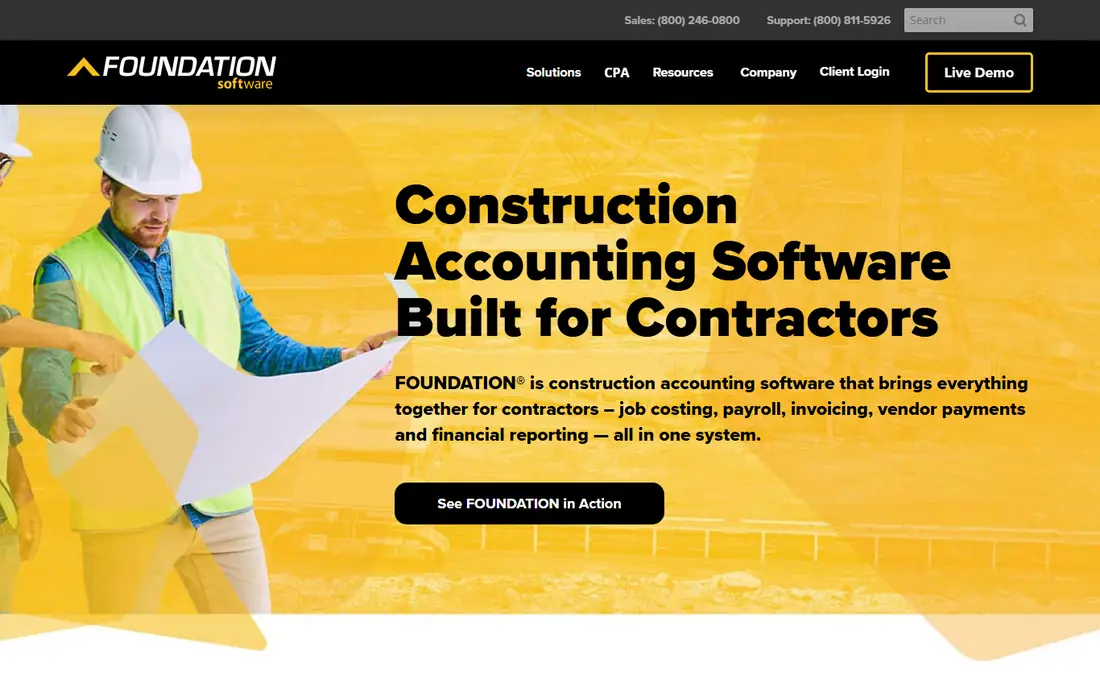
Foundation Software, often called FOUNDATION, is built for contractors first. Job costing, payroll, purchase orders, subcontracts, and accounts receivable sit in one system, with project management, equipment, service dispatch, and mobile time tracking as add-on modules. Payroll strength stands out, with prevailing wage, union rules, and certified reports that matter on public-works jobs. Cost-to-complete reporting ties billing to remaining job cost, which helps managers spot a losing job before it finishes.
Modular pricing keeps the bill closer to actual needs, because a firm pays for the modules it uses. The trade-off is comparison difficulty: without a published price, two firms can receive different quotes for similar setups. Foundation also replaces a generic tool rather than sitting beside it, so migration and training need planning. Firms with complex payroll should still put it near the top of the demo list.
- Deep job costing, prevailing wage and union payroll, modular pricing
- Quote-only pricing, full system replacement rather than a simple add-on
Sage 100 Contractor
Who it suits: Small to mid-size contractors wanting accounting, job costing, and payroll together
Sage 100 Contractor, formerly Sage 100 Contractor in the Sage construction range, packages accounting, job costing, payroll, and project management for contractors leaving generic tools. AIA billings, lien waivers, and certified payroll cover the documents general contractors and subcontractors handle most. Estimates can flow into budgets, proposals, subcontracts, and purchase orders, which cuts re-keying between estimating and accounting.
Implementation is heavier than adding a plug-in to QuickBooks, and training should be budgeted alongside licences. Quote-only pricing also makes early budgeting harder, so a firm should request a written quote that includes implementation and support. For established contractors who want a proven, construction-first system, that effort is usually worth it.
- AIA billings, certified payroll, lien waivers, estimating linked to budgets
- Quote-only pricing, heavier implementation than a cloud add-on
Jonas Premier
Who it suits: General contractors and developers wanting cloud accounting with strong dashboards
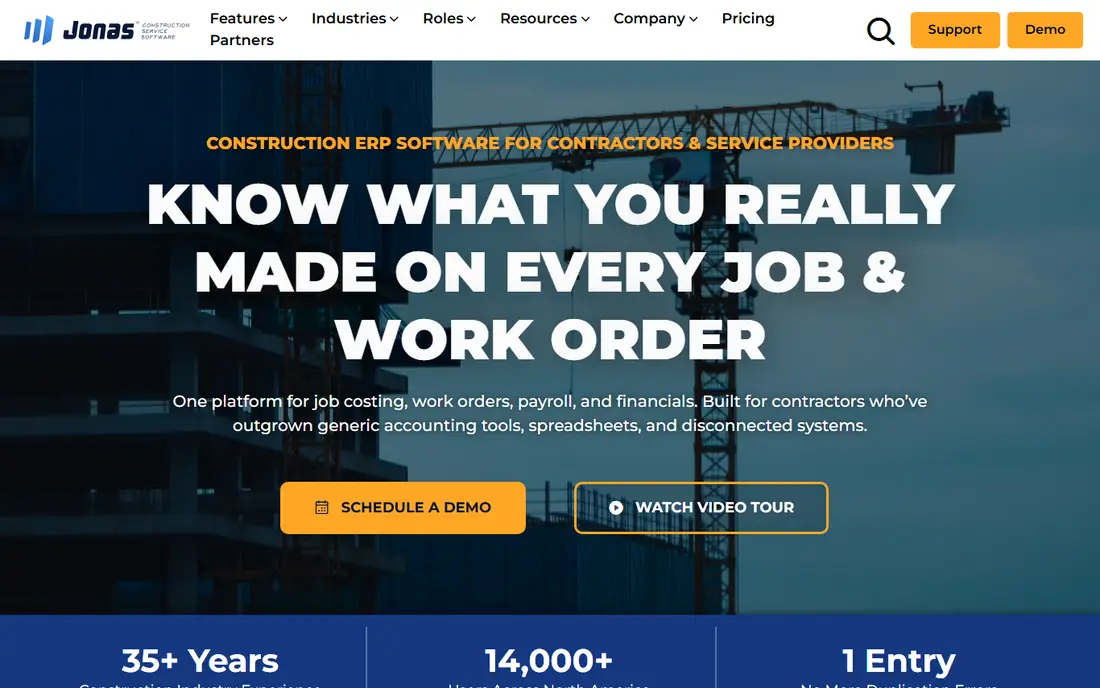
Jonas Premier serves mid-size to large contractors running several projects at once. Cloud access lets office and field staff work from the same job data, while dashboards summarise project profit, billing, and costs without building reports by hand. Job costing runs across projects, which helps managers compare performance and spot which job types earn the best margins.
As with most tools in this tier, pricing is quote only, and the module scope varies by package. A demo should cover the exact reports a firm uses each month: work-in-progress, job profit, subcontractor balances, and change order tracking. Firms that value cloud access and dashboard reporting should compare Jonas Premier directly against Acumatica and ComputerEase before deciding.
- Cloud access, multi-project job costing, dashboard reporting
- Quote-only pricing, scope and modules need a demo to compare fairly
ComputerEase
Who it suits: Contractors wanting accounting and project management in one package
ComputerEase combines accounting with project management, so job costs, billing, and project documents live in one place. That pairing helps firms where the office and the field must stay in step on change orders, purchase orders, and progress billing. Construction reports cover job profit and work-in-progress, which are the reports owners and lenders ask for most.
Pricing is quote only, and larger firms should allow time for setup, data migration, and staff training. Smaller firms may find the full package more than they need, while mid-size firms often find the single-system approach saves the reconciliation work that comes from running separate accounting and project tools. A demo focused on daily workflows, not just reports, gives the clearest picture.
- Job costing plus project management, field and office in one system, construction reports
- Quote-only pricing, implementation time for larger firms
Acumatica Construction Edition
Who it suits: Growing construction firms wanting true cloud ERP
Acumatica Construction Edition suits firms that have outgrown a single-purpose tool and need ERP depth. Project accounting, job costing, billing, and financial reporting run on a cloud platform that supports multiple entities and locations. Flexible reporting lets finance teams build views for owners, lenders, and project managers without waiting for a vendor report pack.
ERP projects need planning. Data migration, chart of accounts design, and user training all take time, and a partner usually helps with setup. That cost is justified when a firm runs many concurrent projects, needs consolidated reporting, or plans to add entities. Smaller firms with a handful of jobs will likely find a simpler tool faster to run and cheaper to maintain.
- Cloud ERP depth, project accounting, flexible reporting, multi-entity support
- Quote-only pricing, ERP implementation needs planning and partner help
QuickBooks Online
Who it suits: Small contractors needing real books plus basic job tracking
QuickBooks Online is the familiar starting point for small contractors. Simple Start at $38 per month covers invoicing, expenses, and basic books, while higher plans add project profitability and inventory features that small firms use as they grow. Accountant support is wide, which makes year-end work and tax preparation easier than with a niche tool few accountants know.
Construction depth is the limit. QuickBooks Online lacks a native retainage receivable structure, so firms must work around it with manual accounts and journal entries. That workaround holds for one or two projects, but it scales poorly as project count rises. Firms that bill progress and retainage regularly should either add a construction plug-in or move to a purpose-built tool before the workaround becomes the process.
- Familiar bookkeeping, wide accountant support, project profitability on higher plans
- No native retainage structure, construction depth needs add-ons on larger jobs
Xero Early at $27 per month suits small contractors and specialty trades with straightforward needs. Unlimited users is a real advantage for firms where several office staff touch the books, because per-seat fees do not multiply with team size. Invoicing is clean, bank reconciliation is fast, and a broad app ecosystem covers time tracking, expenses, and project add-ons.
Job costing and progress billing need those add-ons, and the result will not match a purpose-built system on retainage, certified payroll, or cost-to-complete depth. Xero fits firms where accounting simplicity matters more than construction depth, or where a specialist project tool already handles job tracking. Check trial terms on the pricing page before committing, because offers change.
- Unlimited users on plans, clean invoicing, broad app ecosystem
- Construction-specific features need add-ons, job costing is lighter than specialist tools
Knowify
Who it suits: Trade and specialty contractors billing fixed-price and AIA work
Knowify fills the gap between generic accounting and enterprise construction ERP. Core at $99 per month billed annually covers job tracking and billing for smaller firms, including fixed-price and AIA-style work that generic tools handle poorly. A 14-day trial on every plan lets a firm test billing and job setup before paying, which is rarer than it should be in this category.
Depth is the trade-off. Knowify will not match Foundation on payroll complexity or Acumatica on ERP reporting, and Advanced tiers cost substantially more. For a trade contractor under a certain size who needs proper progress billing without an enterprise quote process, that trade is often right. Larger firms with union payroll or multi-entity reporting should look at the specialist tier instead.
- Published pricing, progress billing without enterprise cost, job tracking for smaller firms
- Less ERP depth than Foundation or Sage, higher tiers rise steeply
How we picked these
We compared official feature pages, pricing pages, app listings, and public documentation for tools that handle job costing, progress billing, retainage, change orders, or construction payroll. We included both quote-only specialist systems and published-price starters, because a useful list must cover the full range of firm sizes. We did not claim hands-on testing. Prices for quote-only tools are listed as See website, and published prices should still be confirmed on the vendor page, because plans and offers change.
What to check before you buy
Start with payroll and billing, not the general ledger. List the payroll rules you must meet, such as prevailing wage or union reporting, and the billing formats your clients require, such as AIA forms or milestone billing. Any tool that cannot handle those two items will create manual work every pay run and every invoice, however good its other reports look.
Next, run a demo on a real job. Enter a job with a change order, a subcontractor invoice, a progress billing, and a retainage holdback, then produce a job profit report. That single exercise exposes gaps faster than a feature checklist. Ask for implementation, training, and support costs in writing, because licence price alone understates the first-year total for ERP tools.
Finally, plan migration. Export open jobs, open payables, and subcontractor balances cleanly, and run the old and new systems in parallel for one billing cycle if possible. A careful cutover protects cash flow, which is the one thing a new accounting system must never disrupt.
Frequently asked questions
Sources we checked (8)

Online Jobs is an independent blog about careers, online work, learning new skills and the tools that help people earn. More about us.
Keep reading
All posts
Best construction estimating software
Searching for the best construction estimating software? We compare 9 tools on takeoff, cost databases, proposals, and price for contractors for your team.
Best Construction Apps
We compare the best construction apps and best construction management software for builders, contractors, and field teams, covering cost and features.

n8n Alternatives
n8n alternatives compared for 2026, with Zapier, Make, Activepieces, and more, covering visual builders, code steps, self-hosting, and pricing models.