Best Compliance Management Software in 2026: 8 Tools Compared

How we put this together: we compare official feature and pricing pages, app store listings, privacy policies and public user reviews. Prices change, so check the provider's site before you pay.
Key takeaways
- The best platform depends on your framework, because SOC 2 automation, privacy management, and broad risk work are different jobs.
- Automated evidence collection saves the most time, but only when the tool connects cleanly to your cloud, identity, and HR systems.
- Control mapping across frameworks cuts duplicate work, so check how one control counts toward several standards before you buy.
- Most of these tools price by quote, so budget for implementation time and auditor access, not just the subscription.
Quick comparison
| Name | Who it suits | Starting price | Free option | |
|---|---|---|---|---|
 Vanta | Fast SOC 2 and ISO automation | See website | No | Visit |
 Drata | Continuous control monitoring | See website | No | Visit |
 Secureframe | Guided first certification | See website | Free trial | Visit |
 OneTrust | Privacy plus broad governance | See website | No | Visit |
 LogicGate | Custom risk workflows | See website | No | Visit |
 AuditBoard | Audit and risk teams | See website | No | Visit |
 Hyperproof | Compliance operations at scale | See website | Free trial | Visit |
 Sprinto | Cloud-first small teams | See website | Free trial | Visit |
The best compliance management software
Compliance work is mostly evidence, ownership, and timing. The eight platforms below help teams collect evidence, track controls, and prepare for audits, but they suit different company sizes and different mixes of frameworks.
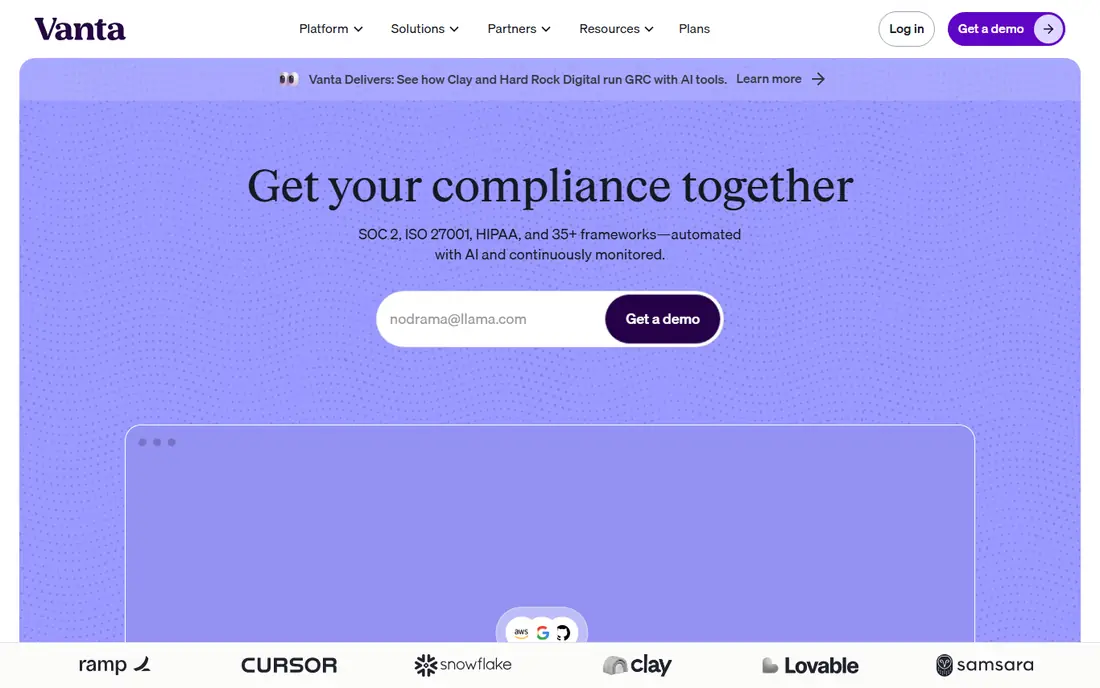
Vanta suits growing technology companies that need SOC 2 or ISO 27001 without building the whole program from spreadsheets. It connects to cloud and HR tools, runs regular tests on controls, and flags gaps with guidance on how to fix them. Control mapping means work done for one framework can count toward another, which reduces repeat effort.
The catch is price clarity. Pricing is quoted, and add-ons for vendor risk, questionnaires, and trust centers can raise the total. Small teams should ask for the full price for their frameworks, user count, and integrations before they sign, and confirm what the auditor access includes.
- Strong automated tests
- Clear control mapping
- Useful auditor sharing views
- Quote-based pricing
- Costs can grow with frameworks and add-ons
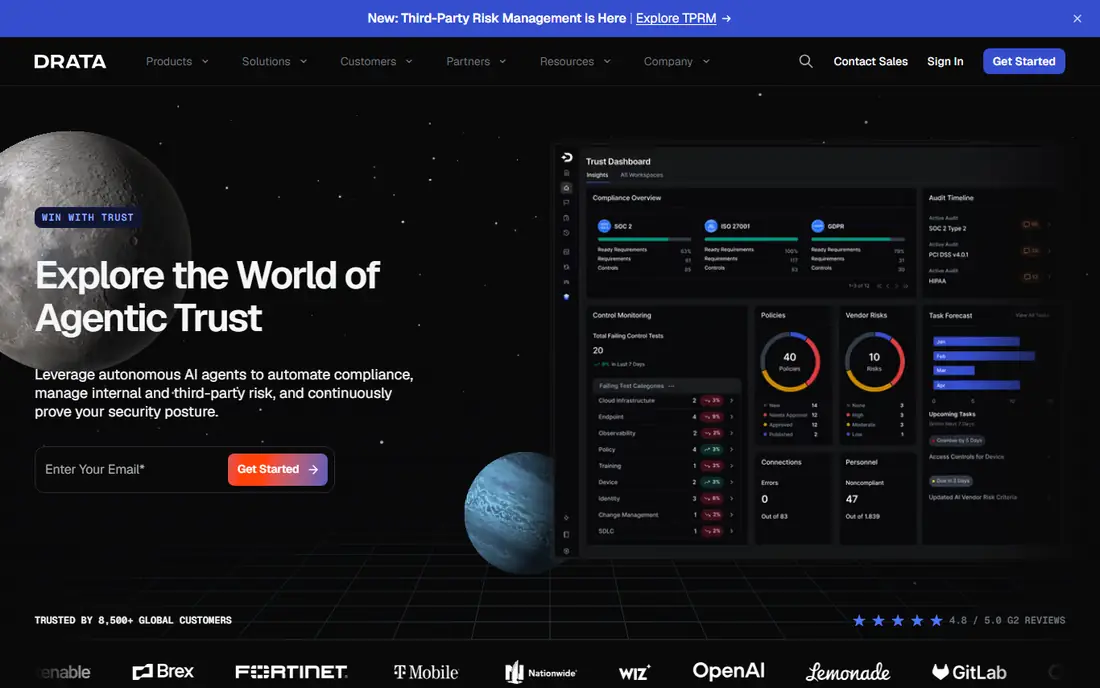
Drata fits lean teams that want a clear path to audit readiness. Setup is prescriptive, integrations cover common cloud and identity tools, and automated tests run daily to catch drift. Policy templates and assigned tasks help owners know what they must complete, and auditor views make the review stage less chaotic.
Where it can frustrate is customization. Teams with unusual workflows or very large enterprise structures may find the standard setup too rigid. Framework expansions can also add cost, so confirm that the frameworks you need now, and those you plan to add next year, are in the quoted plan.
- Daily automated evidence checks
- Prescriptive setup
- Clear auditor views
- Workflow customization is limited in places
- Some frameworks need add-ons
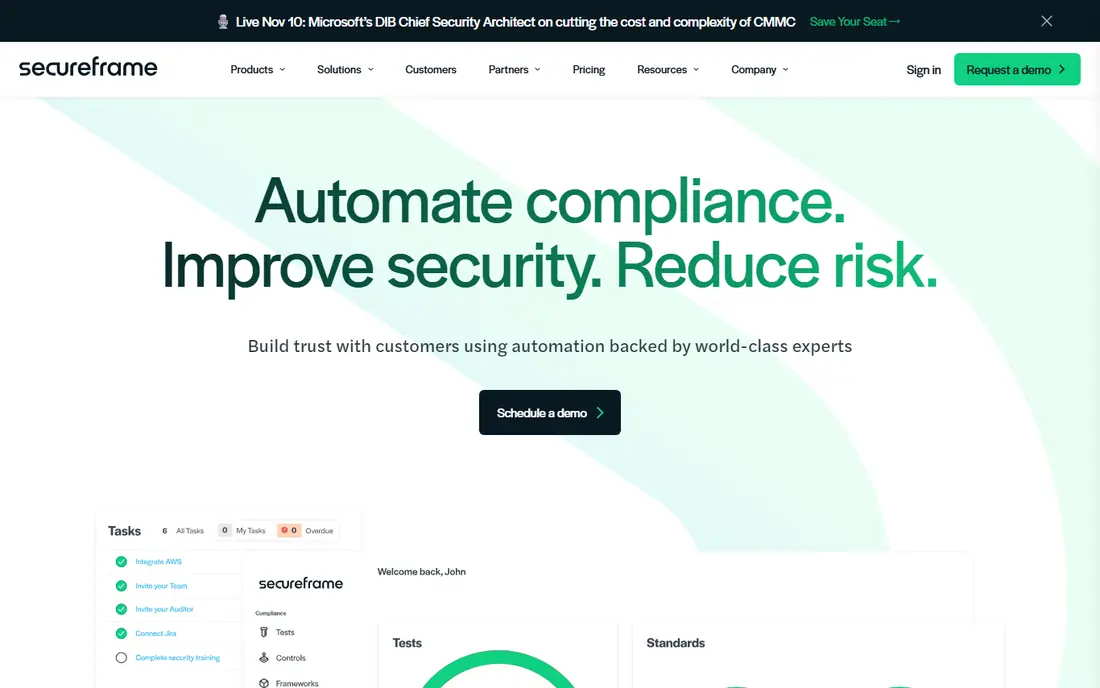
Secureframe is a good fit for a first certification. The guided setup walks teams through controls, evidence, and policies, and support staff can help with questions that a first-time team will hit. That guidance matters, because the first audit is often where teams lose time to unclear requirements.
Larger or more complex programs may outgrow it. Enterprises with many business units, custom risk models, or deep governance needs should compare it with OneTrust or LogicGate. For a first SOC 2, ISO 27001, or HIPAA push, though, the guided path is a real advantage.
- Guided setup for first-time teams
- Broad framework library
- Expert support options
- Depth for very large programs is less than enterprise platforms
- Pricing varies by framework
OneTrust suits organizations that need privacy, risk, and compliance in one broad system. It covers data mapping, privacy requests, third-party risk, and audit workflows, and reporting can serve large teams across regions. For regulated firms with many obligations, that breadth is the point.
The trade-off is complexity and focus. Setup takes admin time, and teams that mainly want daily automated control tests may prefer Vanta or Drata. Choose OneTrust when privacy and governance breadth matter more than a single automated SOC 2 path.
- Very broad privacy and governance modules
- Strong reporting
- Scales to large firms
- Complex setup
- Continuous monitoring is less central than in automation-first tools
LogicGate fits teams that want to design their own risk and compliance processes rather than follow a fixed template. Controls, risks, assessments, and approvals can be modeled to match how the business actually works, which helps firms with unusual structures or regulated processes.
That flexibility is also the cost. A team must invest time in design, testing, and admin, or the system will feel empty. It is a strong enterprise choice, but a poor shortcut for a small team that wants a ready-made SOC 2 program with minimal setup.
- Highly flexible workflows
- Strong risk and control modeling
- Enterprise reporting
- Needs admin effort to design well
- Less guided for first-time certification
AuditBoard suits audit, risk, and compliance teams that manage the full audit cycle. It links risks to controls, tracks issues and remediation, and supports reporting for leadership and auditors. Internal audit teams often value that structure more than a startup-focused automation path.
For a small company seeking its first SOC 2 quickly, AuditBoard may feel heavy. It is built for mature programs with audit teams, not for a lean team that wants the fastest guided setup. Match it to your team shape before you shortlist it.
- Strong audit management
- Risk and control linkage
- Useful for internal audit teams
- Less focused on automated startup certification
- Enterprise pricing
Hyperproof helps teams run compliance as ongoing operations rather than a once-a-year project. Controls, evidence, tasks, and owners stay linked, and progress across frameworks is visible in one place. That operational view suits teams that must keep several programs current at once.
The limit is integration depth. Check that your key cloud, identity, and HR systems connect in the way you need, and test evidence collection for your most important controls during a trial. Where the connections fit, Hyperproof offers a practical middle path between startup automation and enterprise governance.
- Clear control and evidence operations
- Good for multiple frameworks
- Useful task tracking
- Less brand recognition than larger rivals
- Integration depth varies by system
Sprinto suits cloud-first small and mid-size teams that want automation without enterprise complexity. It supports common frameworks, automates checks against cloud and SaaS tools, and gives teams a clear checklist toward audit readiness. For a growing SaaS company, that focus can keep costs and setup time down.
The catch is scale. Very large firms, or firms with complex governance and privacy needs, may need a broader platform. If your team is small, cloud-based, and focused on one or two frameworks, Sprinto is worth a trial alongside the larger names.
- Cloud-focused automation
- Clear framework checklists
- Faster setup for small teams
- Smaller ecosystem than Vanta or Drata
- Enterprise depth is limited
How we picked these
We checked official feature pages, pricing pages, and app store listings, and we compared framework coverage, automated evidence, control mapping, auditor access, and pricing transparency. We also read public reviews for reports on setup time and integration limits, and we kept only platforms that are current and clearly built for compliance management. Where pricing was quoted rather than published, we wrote See website.
How to choose a compliance platform
Start with the framework and the audit date. List the standards you must meet now, the ones you expect within two years, and the auditor you plan to use. A tool that covers your first framework but not your second will force a move at the worst time, so check the full framework list early.
Next, test integrations with your real systems. Connect cloud accounts, identity tools, HR systems, and code tools, and see which controls pass automatically and which still need manual evidence. That test tells you more than a feature list, because manual evidence is where compliance programs slow down.
Finally, confirm ownership and cost. Name an owner for each control, confirm who can grant auditor access, and ask for a written quote that includes frameworks, users, integrations, and add-ons. A clear owner list and a clear quote prevent most surprises during an audit.
Also ask about data export and renewal terms. Confirm that you can export controls, evidence, and reports in a usable form, and ask how pricing changes when you add a framework, a business unit, or more users. Those answers matter as much as the first-year price, because a compliance program usually grows after the first audit.
Frequently asked questions
What is the top compliance management software for SOC 2?
Vanta, Drata, and Secureframe are the most common picks for SOC 2 automation, with guided setup from Secureframe and daily monitoring from Drata. The best choice depends on your integrations, team size, and whether you also need ISO 27001 or HIPAA.
What are the best compliance management platforms for privacy?
OneTrust leads for privacy breadth, because it covers data mapping, privacy requests, and third-party risk alongside compliance. Teams that only need SOC 2 automation may not need that breadth, and should compare total cost first.
What are the best compliance management tools for small teams?
Sprinto, Secureframe, and Drata often suit small teams, because setup is more guided and automation covers common cloud tools. Check the quoted price for your frameworks, and test integrations before you commit.
How do compliance management software reviews help with choice?
Reviews show setup time, support quality, and integration problems that feature pages hide. Read recent reviews from companies of your size and framework mix, and treat older reviews with care, because these platforms change quickly.
Do I still need an auditor if I use compliance software?
Yes, in most cases. The software collects evidence and tracks controls, but an external auditor still reviews and issues a report for standards such as SOC 2 and ISO 27001. Ask your auditor early which tool views and exports they accept.
What is the difference between compliance software and a spreadsheet?
Software automates evidence, links controls across frameworks, assigns owners, and tracks changes over time. A spreadsheet can list controls, but it cannot test cloud settings daily or give auditors a live view of progress.
Sources we checked (8)

Online Jobs is an independent blog about careers, online work, learning new skills and the tools that help people earn. More about us.
Keep reading
All posts
ZoomInfo Alternatives
The best ZoomInfo alternatives in 2026, compared on price, free plans, data coverage, and which tool fits small teams or large sales teams best in detail.

Workday Alternatives
We compared the best workday alternatives for HR, payroll, and global hiring, from BambooHR and Gusto to Rippling, Deel, and HiBob for growing teams in 2026.

Which SaaS Tools Have the Best Customer Support
Which SaaS tools have the best customer support? Compare eight popular tools on help centres, live help, response options and overall support quality.