Best Compensation Management Software in 2026: 9 Tools Compared

How we put this together: we compare official feature and pricing pages, app store listings, privacy policies and public user reviews. Prices change, so check the provider's site before you pay.
Key takeaways
- Payscale is the best pick for market pricing and benchmarking, with deep salary data behind its planning tools.
- Workday Compensation suits large companies already running Workday HCM, since pay decisions stay inside the system of record.
- Lattice is the best pick for mid-market teams that want compensation tied to performance reviews, with the clearest self-serve pricing.
- Pave suits tech and equity-heavy companies, while beqom suits global firms with complex incentive plans.
- Most enterprise tools price by quote, so budget for implementation and data costs as well as the subscription itself.
Quick comparison
| Name | Who it suits | Starting price | Free option | |
|---|---|---|---|---|
 Payscale | Market pricing and benchmarking | See website | Free trial | Visit |
 Workday Compensation | Workday HCM users | See website | No | Visit |
 Salary.com CompAnalyst | Established benchmarking data | See website | Free trial | Visit |
 Lattice | Comp tied to performance reviews | $13 per user per month | No | Visit |
 Pave | Tech and equity compensation | See website | Yes | Visit |
 beqom | Complex global incentives | See website | No | Visit |
 HiBob | SMBs already on HiBob | See website | No | Visit |
 Compport | Global workflow automation | See website | Free trial | Visit |
 Carta Total Comp | Equity-heavy private companies | See website | No | Visit |
The best compensation management software
Compensation software covers several jobs: market pricing, pay bands, merit and bonus cycles, pay equity checks, and total rewards statements. No single tool leads on every job, so the best pick depends on company size, global reach, and whether equity or complex incentives dominate your pay mix.
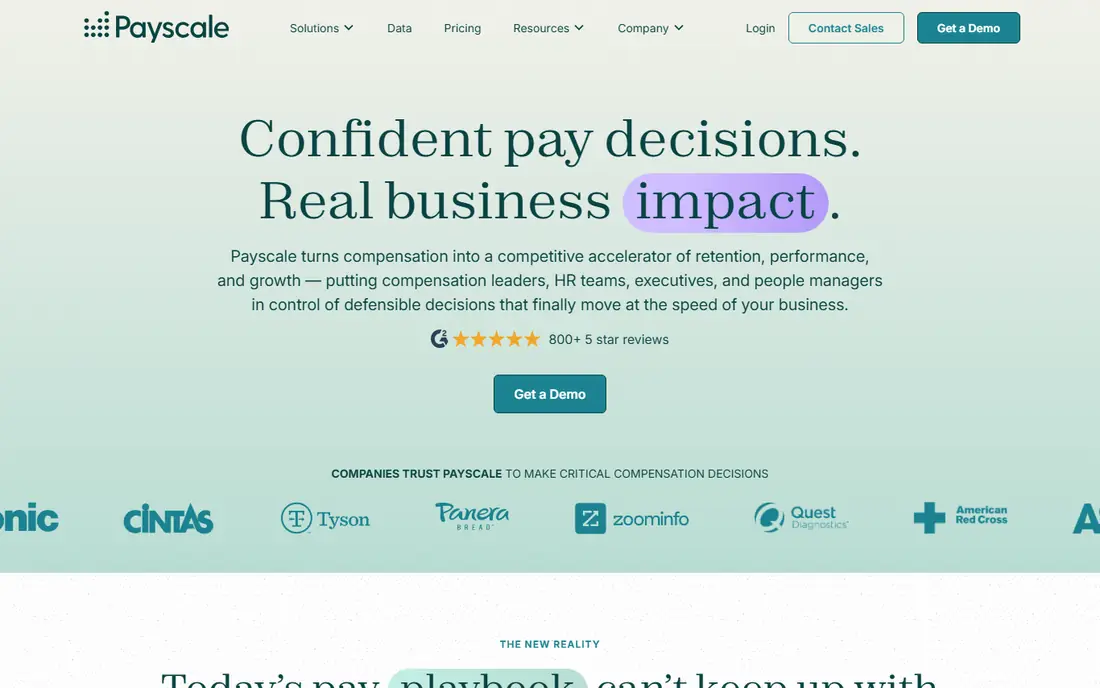
Payscale, including its Ascent platform formerly known as Payfactors, is the best pick for teams whose main problem is knowing what a job should pay. Its market data, job matching, and benchmarking tools help comp teams price roles, build bands, and defend decisions with data rather than guesswork. For enterprises consolidating several data sources, that depth is the main reason to choose Payscale.
The catch is cost and tiering. Payscale prices by quote, and buyers describe it as a significant investment, with some features and two-way HRIS integration sitting in higher tiers. Smaller teams may find the price hard to justify unless market pricing is a constant need. Ask for a demo on your own roles and locations before committing, since data quality for your specific jobs matters more than a general claim.
- Deep market pricing and job matching
- Benchmarking across many roles and locations
- AI tools for market pricing
- Pricing by quote and a significant investment for smaller teams
- Some features sit in higher tiers
- Integration depth varies by plan
Workday Compensation suits large companies that already run Workday as their system of record. Merit, bonus, and stock cycles run inside the same platform as HR data, which reduces manual transfers and keeps approvals, budgets, and final pay decisions in one place. For a global enterprise with a Workday team, that integration is a strong advantage.
The limit is flexibility and change speed. Mid-cycle changes can require a relaunch, and many configuration changes need vendor or IT help rather than self-service by HR admins. Pay equity reporting may also need an add-on in some setups. Companies that want a faster, self-service comp layer often keep Workday as the system of record and add a dedicated tool on top.
- Pay decisions stay inside Workday HCM
- Strong approval workflows
- Global scale for large enterprises
- Pricing by quote
- Changes often need vendor or IT help
- Pay equity reporting needs add-ons in some setups
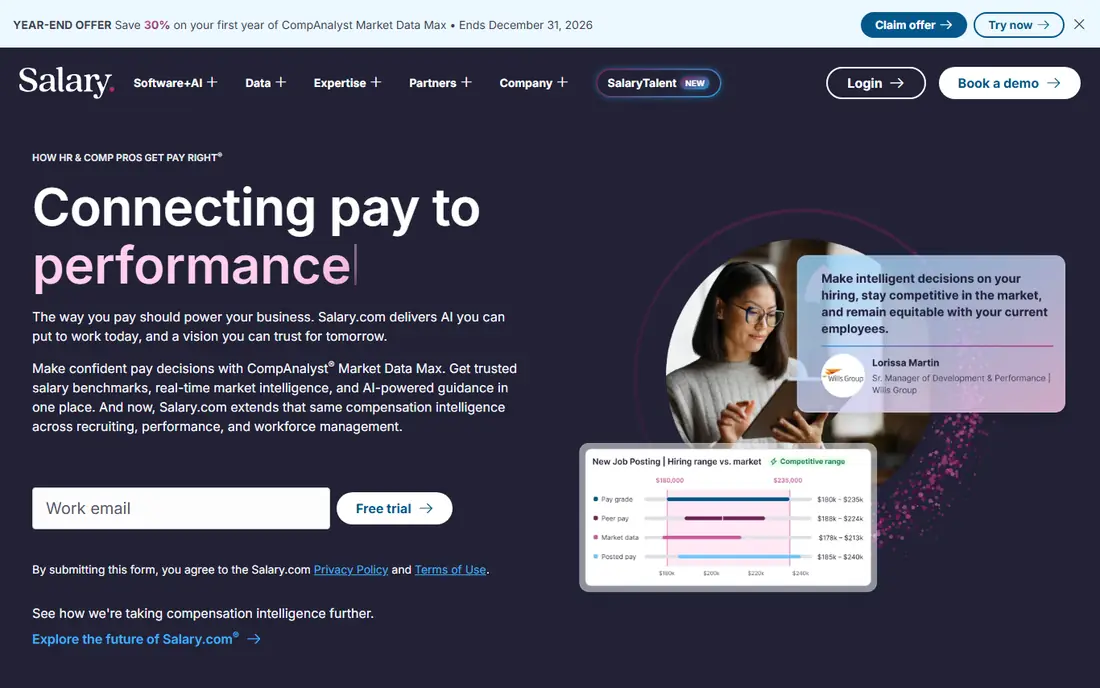
Salary.com, through CompAnalyst, is a long-established benchmarking pick for large US employers. Its salary data, job pricing, and band-building tools suit comp teams that need trusted, survey-based data for many roles and locations. For companies that already use Salary.com data, adding its planning tools is a natural step.
The trade-off is implementation and feel. CompAnalyst suits teams with internal resources to implement and maintain it, and its interface feels built for enterprise users rather than for a modern, self-serve experience. Smaller teams may find Lattice or Pave easier to adopt. Ask for a trial on your hardest-to-price roles to judge data fit before buying.
- Long-established salary data and benchmarking
- Widely used by large US employers
- Job pricing and band tools
- Pricing by quote
- Implementation needs internal resources
- Interface feels enterprise-grade rather than modern
Lattice is the best pick for mid-market teams that want compensation attached to the performance cycle rather than run beside it. Its Foundations plan costs $13 per seat per month on annual billing, and Compensation adds $6 per seat per month on top, with benchmarks sourced from Mercer data. You can run comp cycles with budgets and approvals, build pay bands, and share personalized pay statements with employees.
The catch is the add-on math. You cannot buy the $6 compensation module without a base plan underneath, so the real line is base plus add-on, and a minimum annual agreement of $4,000 applies, which binds below roughly 25 seats. Lattice also does not cover equity administration on its core pages. For a 100 to 300 person company that already values Lattice for reviews, the combined price is still transparent and competitive.
- Clearest self-serve pricing in this list
- Comp cycles tied to reviews
- Pay bands and shareable pay statements
- Compensation is an add-on, so the real price is base plus $6
- No equity administration on its core pages
- Minimum annual agreement applies
Pave suits tech companies and startups where equity is a large part of pay. Its real-time data comes from participating companies, which keeps benchmarks fresher than annual surveys for fast-moving tech roles. The platform covers cash and equity together, so a team can see total compensation, not just base salary, when making offers and adjustments.
The limit is coverage and pricing transparency. Pave offers a free tier for companies with 1 to 200 employees on its Market Data Lite plan, but larger plans are tiered and not public, so growing companies need a sales conversation to budget. Data depth is also strongest in US tech. If your workforce is mostly tech and equity-heavy, Pave is a strong shortlist pick. If it is broad and global, compare Payscale and beqom as well.
- Real-time compensation data from participating companies
- Strong for tech roles and equity
- Free tier for smaller companies
- Pricing by tier and not public for larger plans
- Best data depth in US tech, less elsewhere
- Enterprise features need a sales conversation
beqom is the pick for global firms with pay plans that spreadsheets cannot handle: multi-component bonuses, commissions, sales incentives, and long-term incentive plans across countries and currencies. Its connectors for Workday, SAP SuccessFactors, and Oracle HCM help it sit alongside a large HR system, and its calculation engine is built for complex rules.
The trade-off is scale and cost. beqom prices by quote at an enterprise level, with estimates in some listings starting around CHF 50,000 per year, and implementation is a real project. A company running a simple annual merit cycle does not need this depth and should not pay for it. A multinational with complex incentives will find beqom's control worth the investment.
- Built for complex bonus, commission, and long-term incentive plans
- Global scale
- Connectors for Workday, SAP, and Oracle
- Pricing by quote and enterprise-level
- Implementation is a project, not a quick setup
- Overkill for simple merit cycles
HiBob suits small and mid-sized businesses that already use HiBob as their HR platform. Its compensation module lets HR teams run pay reviews inside the same system that holds employee data, time off, and performance notes, which reduces duplicate entry and keeps the workflow familiar. The interface is modern and easy for HR generalists to learn.
The limit is depth. As an HRIS module, HiBob compensation trails dedicated tools such as Payscale or beqom on market data, complex incentives, and advanced pay equity analysis. Pricing is also by quote. If you already run HiBob and need a solid comp cycle, its module is a sensible choice. If market pricing or complex incentives are the main job, pair it with or replace it by a dedicated tool.
- Compensation module inside a familiar HRIS
- Good for SMBs that already use HiBob
- Modern interface
- Pricing by quote
- Compensation depth trails dedicated tools
- Best value only inside the HiBob ecosystem
Compport is a purpose-built compensation layer for companies that keep Workday as their system of record but want a faster comp process on top. It offers native two-way Workday sync, so employee data flows in and approved decisions sync back, and HR admins can make mid-cycle changes without relaunching a cycle or waiting for a consultant. Pay equity reporting is built in, which helps teams facing transparency rules.
The catch is that Compport prices by quote and is less well known than the largest vendors, so procurement teams may need more references and diligence. Implementation is reported at 8 to 12 weeks, which is faster than a full Workday comp project but still a real timeline. For a Workday shop frustrated by slow changes, Compport is a strong alternative to replacing the whole HRIS.
- Native two-way Workday sync
- Full admin self-service for mid-cycle changes
- Built-in pay equity reporting
- Pricing by quote
- Less well known than Payscale or Workday
- Implementation still takes weeks
Carta Total Comp suits US-based, venture-backed private companies where equity is central to hiring and retention. Its data comes from private company equity, which helps startups benchmark offers that include stock options alongside salary. The total compensation view, combining cash and equity, is the point: a salary-only benchmark misleads when equity is a large share of pay.
The limit is audience. Carta Total Comp is best for private tech companies, and its value narrows for broad workforces where equity is rare or for companies outside its core market. Pricing is by quote, with estimates in some listings around $21,000 per year for small teams. If equity drives your offers, Carta belongs on the shortlist. If it does not, a broader benchmarking tool fits better.
- Equity data from private companies
- Total compensation view including equity
- Natural fit for VC-backed startups
- Pricing by quote
- Best for US private companies
- Less suited to broad, non-equity workforces
How we picked these
We compared market data depth, cycle and workflow features, HRIS integrations, and pricing transparency, and we checked recent 2026 compensation comparisons that read those same vendor details. We favored tools that are current, serve US employers, and cover a distinct job, from market pricing to equity to global incentives. Where pricing is by quote, we say so rather than inventing a figure, and we note the one clear self-serve price, Lattice, separately.
How to choose compensation software
Start with the job that hurts most. If you cannot price roles confidently, prioritize market data from Payscale, Salary.com, or Pave. If cycles are slow and manual, prioritize workflow tools such as Lattice or Compport. If incentives are complex, prioritize beqom. Buying a market data tool to fix a workflow problem, or vice versa, wastes the budget.
Check data fit on your own roles
Ask each vendor to price and benchmark your hardest roles and locations in a demo, not just popular tech jobs. Data quality varies by role, seniority, and region, and a tool that is strong for software engineers may be thin for operations or healthcare roles. Get that answer before signing, since data fit is hard to fix after purchase.
Count implementation and total cost
Enterprise tools price by quote, and implementation, data, and integration costs sit on top of the subscription. Ask for the full first-year cost, the implementation timeline, and who configures changes after go-live. A tool that needs a consultant for every mid-cycle change will cost more in time and fees than its subscription suggests.
Get pay decisions reviewed before they reach employees
This guide is not compensation or legal advice. If pay decisions or pay equity remediation come out of software, get them reviewed by an employment lawyer or a qualified compensation professional before they reach employees. Pay transparency rules vary by state and country, and a tool can surface a gap without telling you how to fix it lawfully.
Frequently asked questions
What is the best compensation management software?
Payscale is best for market pricing, Workday Compensation is best for Workday users, and Lattice is best for mid-market teams that want comp tied to reviews. Pave suits tech and equity-heavy firms, while beqom suits global firms with complex incentives. The best tool depends on your size, data needs, and pay mix.
How much does compensation management software cost?
Most enterprise tools price by quote, so costs vary by headcount, modules, and data needs. Lattice is the exception with clear pricing: Foundations at $13 per seat per month plus $6 for Compensation, with a $4,000 minimum annual agreement. Budget for implementation and data costs on top of the subscription for enterprise tools.
What is the best compensation software for small businesses?
Lattice is the best pick for small and mid-sized businesses that want clear pricing and comp tied to reviews. HiBob suits SMBs already using HiBob, and Pave offers a free tier for companies with 1 to 200 employees on Market Data Lite. Enterprise tools such as Payscale and beqom usually suit larger companies better.
Is Workday Compensation good for pay planning?
Yes, for companies already running Workday HCM, since pay cycles stay inside the system of record with strong approvals. Teams that need faster mid-cycle changes or built-in pay equity reporting often add a dedicated layer such as Compport on top of Workday. Evaluate change speed in a demo before deciding.
What is the difference between compensation software and salary benchmarking tools?
Benchmarking tools focus on market data for pricing roles, while compensation management software also runs cycles, budgets, approvals, bands, and pay statements. Payscale and Salary.com cover both data and planning, while Pave leans toward real-time benchmarking. Choose based on whether data or workflow is your bigger gap.
Do I need dedicated compensation software or an HRIS module?
An HRIS module such as Workday Compensation or HiBob suits companies that want pay inside their existing HR system and have straightforward cycles. A dedicated tool such as Payscale, Lattice, Compport, or beqom suits companies that need deeper market data, faster workflows, or complex incentives. Many large firms use both: an HRIS as the system of record and a dedicated layer for comp.
Sources we checked (9)

Online Jobs is an independent blog about careers, online work, learning new skills and the tools that help people earn. More about us.
Keep reading
All posts
n8n Alternatives
n8n alternatives compared for 2026, with Zapier, Make, Activepieces, and more, covering visual builders, code steps, self-hosting, and pricing models.

ZoomInfo Alternatives
The best ZoomInfo alternatives in 2026, compared on price, free plans, data coverage, and which tool fits small teams or large sales teams best in detail.

Zoom Alternatives for Webinars
Compare Zoom alternatives for webinars in 2026, from browser-based rooms to enterprise events, with prices, attendee limits, features and honest trade-offs.