Best Company Logos in 2026: 8 Logo Design Services and Tools Compared

How we put this together: we compare official feature and pricing pages, app store listings, privacy policies and public user reviews. Prices change, so check the provider's site before you pay.
Key takeaways
- AI logo makers are the fastest route to a usable company logo, and Looka and Canva lead for small budgets.
- The cheapest download is rarely the right one, because low resolution files and missing vector formats cause problems in print.
- A designer marketplace such as 99designs costs more, but it is the better choice when originality matters more than speed.
- Check file ownership, vector formats, and trademark clearance before you pay, since those terms differ widely across services.
Quick comparison
| Name | Who it suits | Starting price | Free option | |
|---|---|---|---|---|
 Looka | AI logos with a full brand kit | $20 one-time | No | Visit |
 Canva | Logos plus everyday marketing design | Free | Yes | Visit |
 Tailor Brands | New businesses that want logo plus setup help | See website | No | Visit |
 BrandCrowd | Template-based logos with fast downloads | See website | No | Visit |
 Design.com | Logo and brand assets in one place | See website | No | Visit |
 Wix Logo Maker | Businesses already building on Wix | See website | No | Visit |
 Hatchful by Shopify | Free starter logos for online stores | Free | Yes | Visit |
 99designs | Custom logos from professional designers | See website | No | Visit |
The best company logo services and tools
A company logo has to work on a website header, a business card, and a social profile, often at very different sizes. The services below cover both ends of the market, from quick AI generation to a designer-led contest. We compared official feature pages, pricing pages, and file format details to sort them by fit rather than hype.
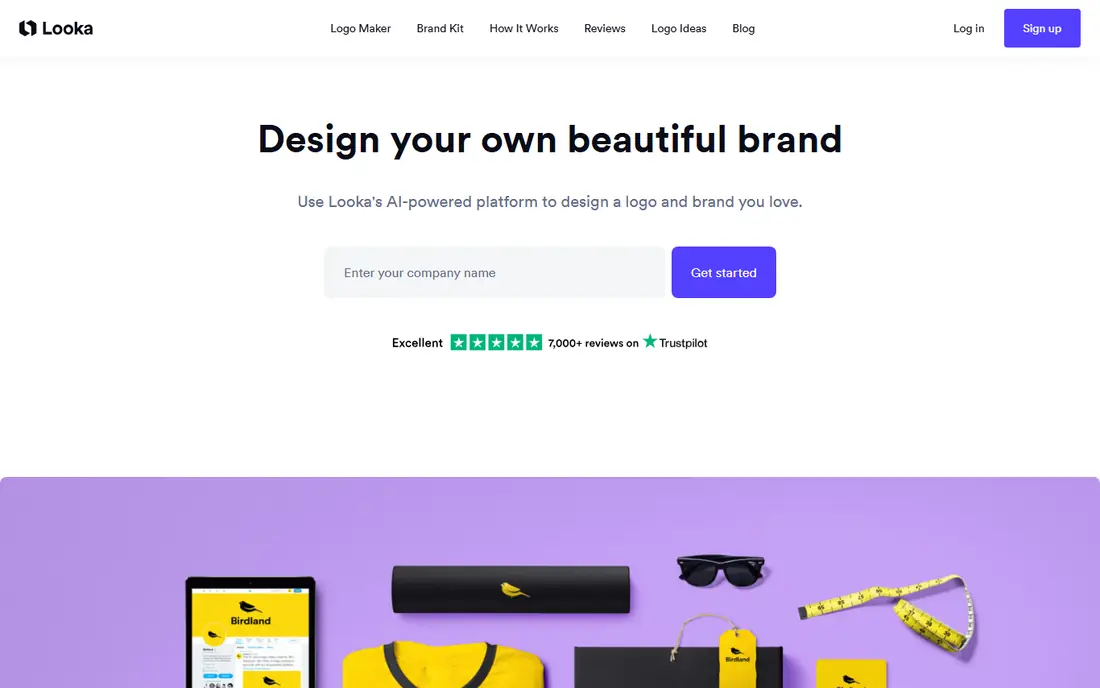
Looka asks for a company name, then for style, color, and symbol preferences, and it generates a large set of concepts to refine in its editor. That flow suits a founder who knows roughly what they like but does not want to start from a blank page. The editor lets you change fonts, colors, layouts, and symbols without design software, which keeps the process short.
The catch is pricing clarity. The Basic package at $20 one-time buys a single low resolution PNG, which is a poor fit for print or large displays. The Premium package at $65 one-time is the realistic minimum for most businesses, since it adds high resolution and vector files with transparent versions and full ownership. If you also want business cards and social templates, the Brand Kit subscription at $96 per year extends the same logo into ready-made assets.
- Fast generation from style preferences
- Vector files on the Premium package
- Brand kit adds social templates and guidelines
- Designing is free but downloading is paid
- The cheapest package gives only a low resolution file
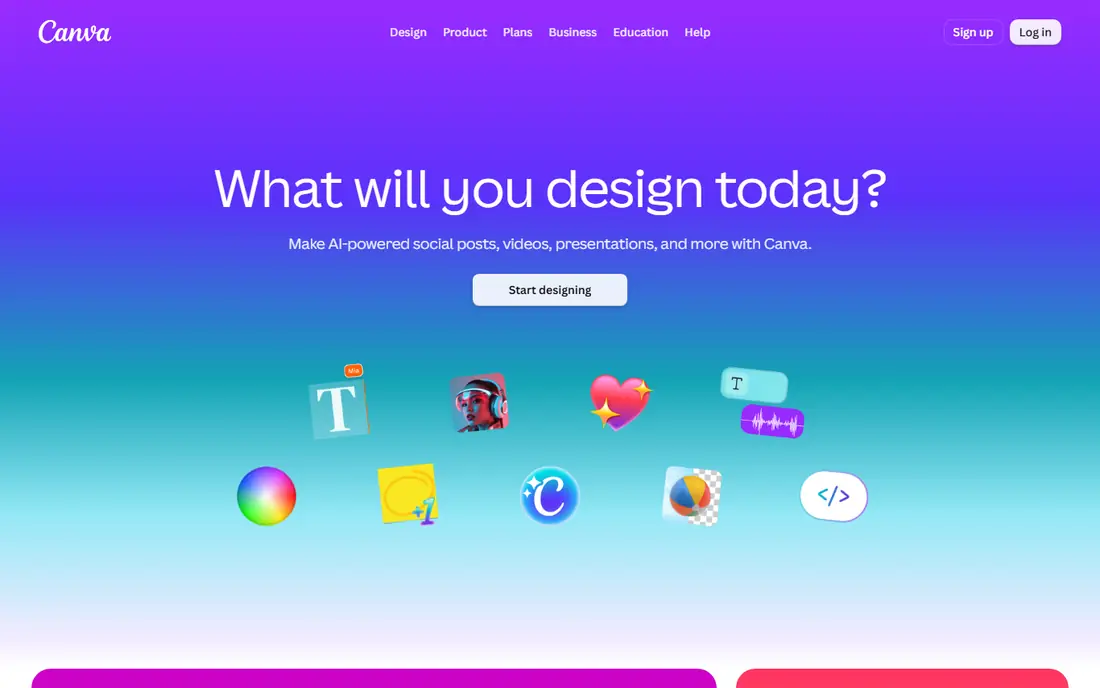
Canva is the most practical choice when a logo is only the first of many design jobs. Its logo templates give a new business a starting point, and the same editor then produces social posts, flyers, and presentations in matching colors. For a small team without a designer, that continuity matters more than a single perfect mark.
The trade-off is originality. Templates are shared by many users, so a Canva logo rarely feels fully custom, and careful editing is needed to avoid a generic result. The free plan is genuinely useful for trying ideas, but brand kit controls, background removal, and premium elements require a paid plan. Check the export options before you commit, since print-ready files matter if the logo will appear on packaging or signage.
- Large template library
- Easy editing for non-designers
- One account covers social posts and presentations
- Template-based results can look familiar
- The best brand kit features sit behind a paid plan
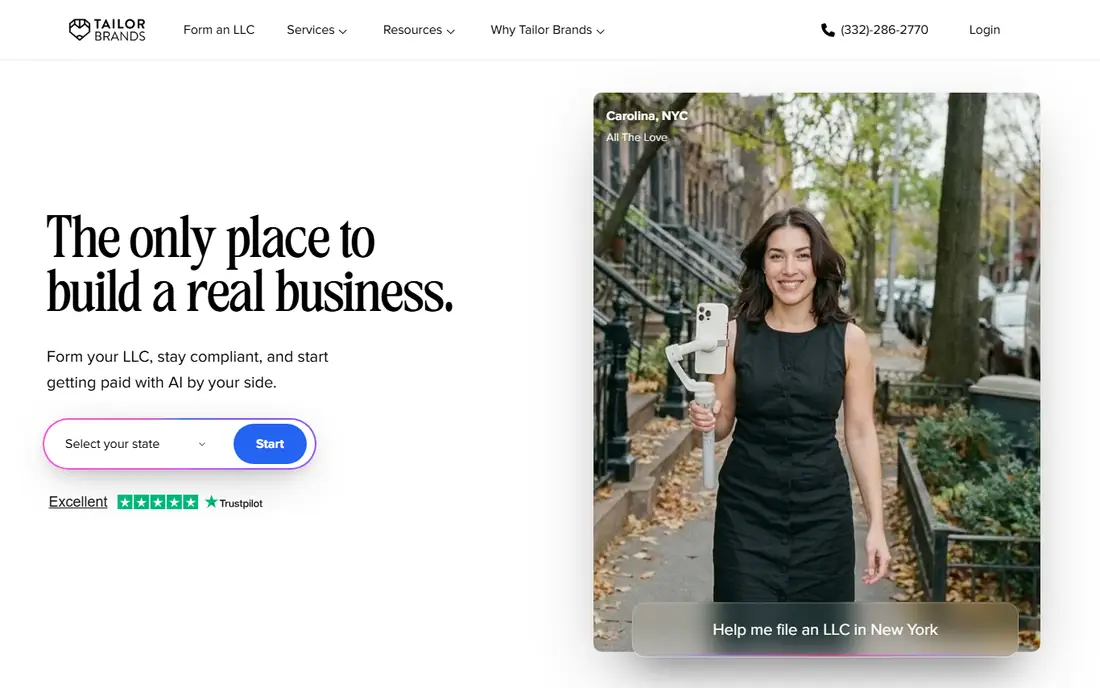
Tailor Brands positions itself as a starting point for a whole business identity rather than a single image file. After generating logo options, it offers related tools for branding and, depending on the plan, help with forming a company. That bundle appeals to a founder who wants one account to handle several early tasks at once.
The downside is that the bundle may include services you do not need, so compare the logo-only cost with the full plan before paying. Read what is included at each tier, especially around file formats, ownership, and renewal prices. If you only need a logo, a simpler maker may give the same result for less money and with fewer ongoing charges.
- Logo generation paired with branding tools
- Guided setup for new companies
- Business formation add-ons in some plans
- Pricing and plan details change often
- The wider bundle can cost more than a logo alone
BrandCrowd works well for a business that wants to browse many finished-looking ideas before editing one into shape. You can search by industry, pick a template that fits, then change the name, colors, and fonts. That browsing step often helps owners who struggle to describe what they want from scratch.
The honest catch is the same as with any template library. Another business may pick a similar starting design, so the final logo depends on how far you customize it. Pay attention to which package includes vector files and full ownership, because the entry download may not cover every use. For a local service business that mainly needs a clean web and social presence, that trade-off is usually acceptable.
- Very large template library
- Quick customization
- Business card and social files available
- Template origins limit uniqueness
- Full file access depends on the package chosen
Design.com combines AI-generated concepts with a template library, so it suits owners who want both speed and choice. Once a logo direction is set, the platform offers matching assets for social media and print, which helps a new brand look consistent from the start. The editor is simple enough for someone with no design background.
As with other AI and template tools, the final quality depends on the time spent refining colors, spacing, and typography. Do not accept the first option without testing it at small sizes, since a mark that looks good large can turn muddy as a profile picture. Confirm the file types in your package, and keep the vector version as the master file for future design work.
- AI generation plus template browsing
- Brand assets beyond the logo
- Straightforward editor
- Results can feel generic without careful editing
- Pricing varies by package and add-ons
Wix Logo Maker makes the most sense when the website already lives on Wix. The logo flows into the site design, and the same account manages pages, domains, and branding in one place. For a small business that wants a website and a logo launched together, that integration saves time and avoids mismatched files.
Outside Wix, the value drops. The logo is still usable elsewhere if you buy the right download package, but you lose the main convenience that justifies choosing it over a standalone maker. Read the plan terms carefully, including billing period and what download formats are included, before assuming the headline price covers every file you need.
- Fits directly into a Wix website
- AI suggestions from a short questionnaire
- Matching website templates
- Less useful outside the Wix ecosystem
- Some plans bill yearly and exclude tax in headline prices
Hatchful is a sensible first stop when the budget is zero and the business is still being tested. Shopify built it for store owners, and it generates logo options from a few questions about industry, visual style, and business name. The result is good enough for a store header, social profile, and basic packaging while an idea is validated.
The limits show up quickly for an established brand. Customization is narrower than in paid editors, and the template base means the logo may resemble other small stores. Treat Hatchful as a starter logo with a planned upgrade path, and keep notes on the fonts and colors used so a later redesign can stay close to what customers already recognize.
- Free to use
- Quick setup from industry and style choices
- Useful for testing a store idea
- Limited customization compared with paid tools
- Designs are template-based and less distinctive
99designs is the pick when a logo must be original, because the work comes from human designers rather than templates or generation. In a contest, multiple designers submit concepts based on a brief, and the owner gives feedback through rounds until one direction wins. That process often surfaces ideas an AI tool would never suggest, especially for a brand with a story or a tricky name.
The cost and time are the real trade-offs. A contest takes days, and the brief matters a great deal, since vague instructions produce vague concepts. Owners who can describe their audience, competitors, and style preferences get far better results. For a business where the logo will anchor packaging, signage, and advertising for years, the higher price is often justified by the originality and the full file handover.
- Real designers produce original concepts
- Contests give many directions at once
- Direct hire option for ongoing work
- Costs far more than AI tools
- Contests take days and need clear feedback to succeed
How we picked these
We compared official feature pages, pricing pages, and app store listings for logo makers and design services that serve US small businesses. We favored products that are available today, that clearly state what files a buyer receives, and that cover different needs, from free starter tools to designer-led services. We left out tools that only edit photos or that do not export a usable logo file, and we used See website where a vendor does not publish a stable starting price.
What to check before you pay for a logo
Start with the file list, not the preview image. A usable company logo needs a vector file, such as SVG or EPS, plus high resolution PNG files with transparent backgrounds. Without those, every future designer, printer, or web developer will ask for a redraw. Also confirm who owns the final logo and whether the service can reuse or resell a similar design to someone else.
Test the logo at real sizes
Shrink the mark to a social profile size and print it in black and white. If the text becomes unreadable or the symbol loses its shape, simplify before you buy. A strong company logo stays clear on a phone screen, a receipt, and a storefront sign alike.
Check trademark risk early
A logo tool does not clear a trademark for you. Search the US Patent and Trademark Office database and check domain and social handle availability for the name as well. That check is cheaper before launch than after packaging and signage are ordered.
Frequently asked questions
What is the best company logo service for a small business?
For most small businesses, an AI maker such as Looka or Canva gives the best balance of cost and speed, while 99designs is better when originality is the top priority. The right choice depends on budget, timeline, and how widely the logo will be used.
What is the best logo company for a custom design?
A designer marketplace such as 99designs is the strongest option for a fully custom logo, because human designers create original concepts from a brief. Expect to pay more and to spend time giving feedback through design rounds.
What is the best software to create logos for free?
Canva and Hatchful by Shopify both offer free starting points, with Canva giving broader design tools and Hatchful giving a faster store-focused flow. Free plans usually limit file formats and brand controls, so check exports before relying on them.
Should I buy the cheapest logo package?
Usually not, because the cheapest package often lacks vector files or transparent backgrounds. For most businesses, the package that includes SVG, EPS, and high resolution PNG files is the real minimum, even if it costs more upfront.
Do I own my logo from an AI logo maker?
Ownership terms differ by service and package, so read them before paying. In general, paid packages grant full ownership of the final logo, while free previews and low tier downloads may carry limits, so keep the purchase receipt and license terms with your brand files.
Sources we checked (8)

Online Jobs is an independent blog about careers, online work, learning new skills and the tools that help people earn. More about us.
Keep reading
All posts
n8n Alternatives
n8n alternatives compared for 2026, with Zapier, Make, Activepieces, and more, covering visual builders, code steps, self-hosting, and pricing models.

ZoomInfo Alternatives
The best ZoomInfo alternatives in 2026, compared on price, free plans, data coverage, and which tool fits small teams or large sales teams best in detail.

Workday Alternatives
We compared the best workday alternatives for HR, payroll, and global hiring, from BambooHR and Gusto to Rippling, Deel, and HiBob for growing teams in 2026.