Best Collaboration Tools for Remote Teams in 2026: 10 Tools Compared

How we put this together: we compare official feature and pricing pages, app store listings, privacy policies and public user reviews. Prices change, so check the provider's site before you pay.
Key takeaways
- Most remote teams need three layers: chat, docs and task tracking, and no single tool in this list does all three equally well.
- Slack is the best pure chat tool, Microsoft Teams wins for teams already paying for Microsoft 365, and Zoom remains the most reliable video meeting option.
- Notion and Miro cover the thinking layer, with docs and whiteboards that keep decisions visible instead of buried in chat history.
- Start with free plans, and only add a paid tool when a clear limit, such as Slack message history or Notion permissions, starts costing real time.
Quick comparison
| Name | Who it suits | Starting price | Free option | |
|---|---|---|---|---|
 Slack | Team chat and integrations | $7.25 per user per month | Yes | Visit |
 Microsoft Teams | Microsoft 365 teams | $4 per user per month | Yes | Visit |
 Zoom Workplace | Video meetings and webinars | $14.16 per user per month | Yes | Visit |
 Google Workspace | Docs, mail and meetings together | $7 per user per month | Free trial | Visit |
 Notion | Docs, wiki and project tracking | $10 per member per month | Yes | Visit |
 Asana | Task ownership and timelines | $10.99 per user per month | Yes | Visit |
 Miro | Whiteboards and brainstorming | $8 per user per month | Yes | Visit |
 Trello | Simple visual task boards | $5 per user per month | Yes | Visit |
 ClickUp | All-in-one workspace | $7 per user per month | Yes | Visit |
 Basecamp | Simple, flat-fee team organisation | $299 per month | Free trial | Visit |
The best collaboration tools for remote teams
Remote work breaks when information lives in too many places. The tools below are organised by the job they do best, because a great chat app is a poor wiki, and a great whiteboard is a poor task tracker. Pick one tool per layer, and your team will spend less time asking where a decision lives.
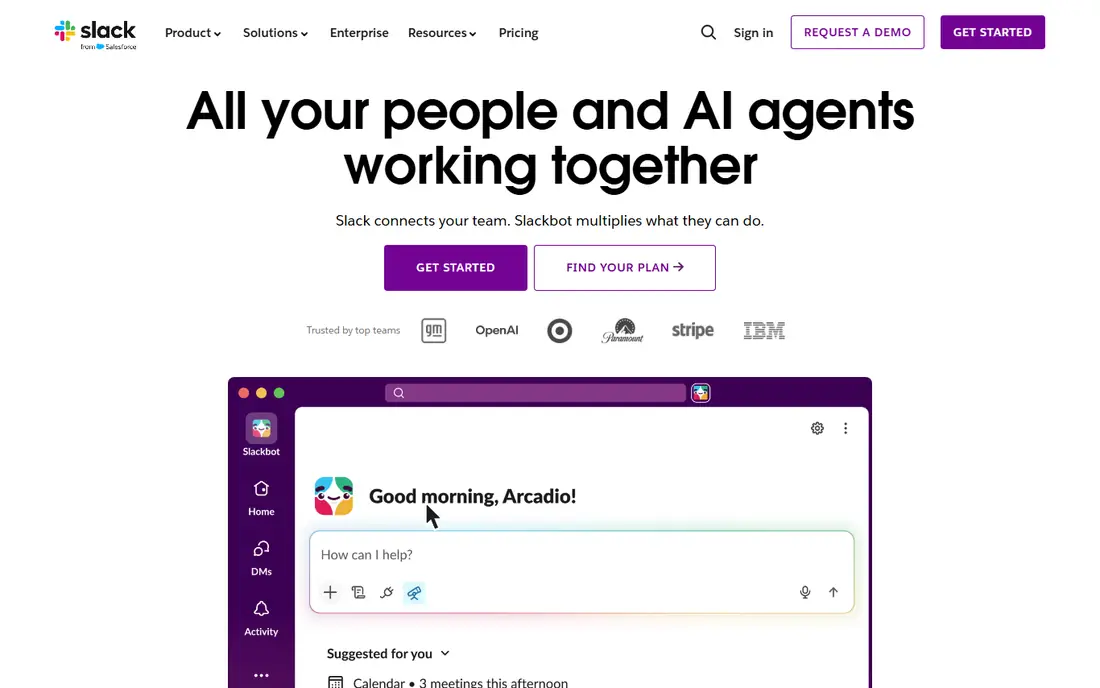
Slack is still the best team chat tool for most remote teams. Channels give every project and topic a home, threads keep side discussions tidy, and integrations pull alerts from GitHub, Asana, Google Drive and hundreds of other tools into the flow of work. Huddles offer a quick voice option when typing gets slow, without the ceremony of a scheduled call.
The cost model is the catch. The free plan limits searchable message history, which hurts exactly when a team needs to find an old decision, and paid plans charge per seat, so inactive accounts waste money. Teams that set channel rules early, archive dead channels and move final decisions into a doc tool get the most from Slack. Teams that let every channel run wild will blame the tool for their own noise.
- Channels keep conversations organised
- Huge integration library
- Huddles for quick calls
- Free plan limits searchable history
- Per-seat cost grows with headcount
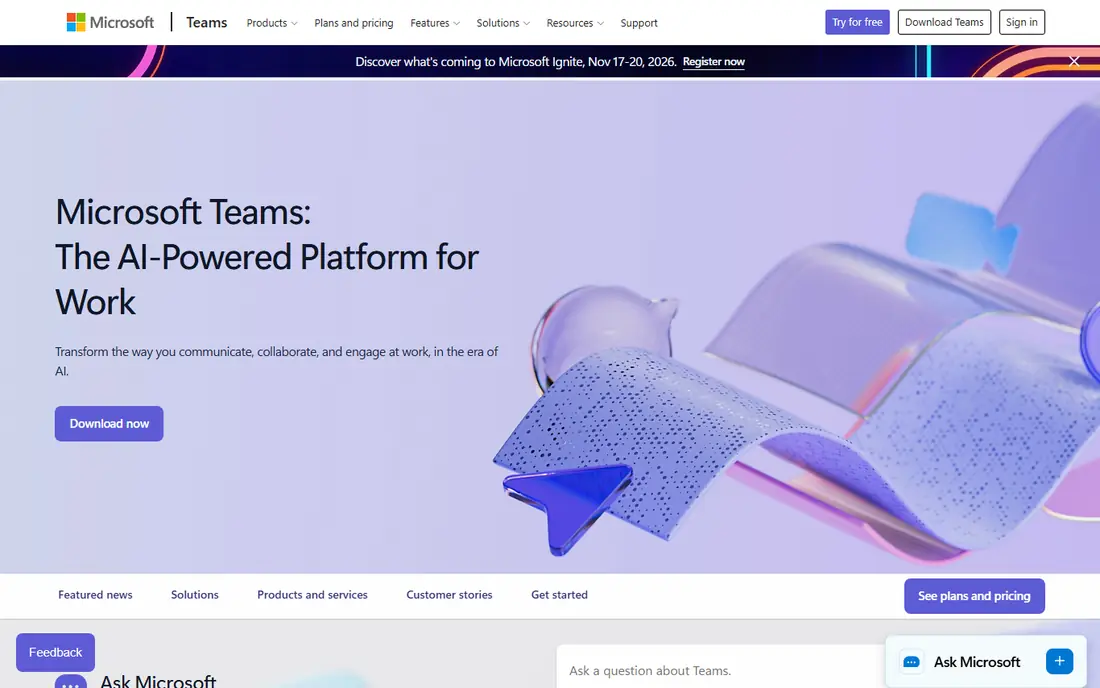
Microsoft Teams is the obvious pick for any team already paying for Microsoft 365, because it arrives bundled and ties chat, meetings and Office files together. Video meetings are strong, file co-authoring in Word and Excel works in the same window as the conversation, and the Essentials plan starts at $4 per user per month for teams that do not need the full 365 suite.
Chat is where Teams shows its compromise. Channels and threading work, but the interface feels heavier than Slack, and new users often struggle to find where a conversation lives. If your team already lives in Outlook, SharePoint and OneDrive, Teams is the economical choice. If it does not, Slack is the better chat tool on its own merits.
- Bundled with Microsoft 365
- Strong video meetings
- Co-authoring in Office files
- Chat feels heavier than Slack
- Navigation can confuse new users
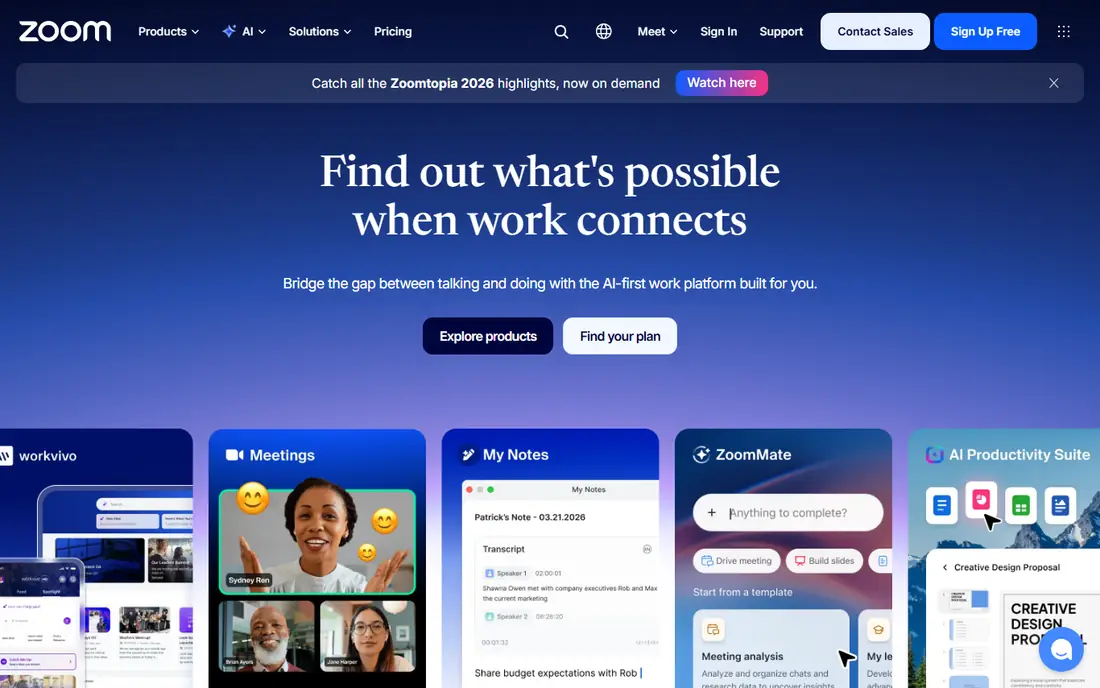
Zoom Workplace remains the safest video meeting choice, especially for teams that meet clients and guests who may not share their internal tools. Guests join from a link without an account, video quality holds up on average connections, and the free Basic plan covers one-to-one meetings and short group calls. Paid plans add longer group meetings, webinars and admin controls.
The honest limit is that Zoom is a meeting tool first. Its team chat and whiteboard are useful, but they do not replace Slack or Miro for daily work. Use Zoom for the moments that need faces and voices, and let a chat tool and a doc tool carry the rest of the week.
- Reliable video quality
- Easy joining for guests
- Whiteboard and team chat included
- Paid plan needed for longer group meetings
- Chat is weaker than Slack
Google Workspace suits remote teams that live in documents. Docs, Sheets and Slides support real-time co-editing with comments and suggestions, Drive holds shared files, and Meet covers video calls without a separate subscription. The Business Starter plan at $7 per user per month is a straightforward bundle for a small team.
The gap is chat structure. Google Chat works, but it lacks the channel discipline and integration depth of Slack, so larger teams often pair Workspace with Slack anyway. There is also no permanent free business tier, only a trial. For docs-first teams, Workspace is a clean single bundle. For chat-first teams, it is a complement, not a replacement.
- Real-time co-editing in Docs and Sheets
- Meet built in
- Simple admin
- No permanent free business plan
- Chat is less structured than Slack
Notion is where remote teams keep decisions that should not disappear into chat. A wiki holds onboarding guides and policies, databases track projects and roadmaps, and pages combine notes, tasks and files in one place. New team members can find answers without asking in chat for the third time, which is a quiet productivity win for growing teams.
The free plan works for individuals and tiny teams, but permissions, version history and advanced sharing sit on paid plans from $10 per member per month. Very large workspaces can also feel slow. Used as the team's memory, with Slack or Teams handling daily talk, Notion earns its place quickly.
- Wiki, docs and databases in one place
- Flexible templates
- Easy sharing
- Permissions and advanced features need paid plans
- Large workspaces can slow down
Asana answers the question remote teams ask most: who owns this, and when is it due. Tasks carry owners, due dates and dependencies, timelines show how work fits together, and portfolios give managers a view across projects. Automations handle routine moves, such as shifting a task to review when a subtask completes.
The free Personal plan suits very small teams, but growing teams will need the Starter plan at $10.99 per user per month for timelines and advanced features. Tiny teams that just need a board may find Asana formal. For remote teams where handoffs across time zones matter, that formality is exactly what keeps work from slipping.
- Clear task ownership
- Timeline and portfolio views
- Strong automations
- Free plan limited to small teams
- Can feel formal for tiny teams
Miro recreates the whiteboard for remote teams, and it does it well. Sticky notes, diagrams, wireframes and planning boards all live on an infinite canvas, and multiple people can work on the same board at once. Templates cover retros, journey maps, org charts and sprint planning, so a workshop can start in minutes rather than from a blank page.
The free plan limits boards, so active teams will need the Starter plan at $8 per user per month. Boards also sprawl without a facilitator: a workshop with no owner ends as a colourful mess nobody revisits. With light discipline, Miro is the best tool here for the creative, messy part of remote work.
- Infinite canvas for workshops
- Huge template library
- Real-time collaboration
- Paid plan needed for unlimited boards
- Can sprawl without a facilitator
Trello is the simplest task tool in this list, and simplicity is its strength. Boards, lists and cards are obvious to anyone, which means a new remote hire can follow team work on day one without training. Power-Ups add calendars, custom fields and integrations, and the Standard plan at $5 per user per month is the cheapest paid option here.
Reporting is the limit. Workload views, timelines and portfolio reporting are thin compared with Asana or ClickUp, so Trello suits small teams and single projects better than company-wide coordination. For a remote team that needs a shared board and nothing more, Trello is the right amount of tool.
- Instant to learn
- Clean boards
- Cheapest paid plan here
- Thin reporting
- No workload views on lower plans
ClickUp tries to be the whole stack: tasks, docs, whiteboards, chat, goals and time tracking in one workspace. For a remote team that wants fewer subscriptions, that breadth is appealing, and the free plan with unlimited tasks and members is genuinely generous. The Unlimited plan at $7 per user per month undercuts most rivals on price.
Breadth is also the risk. A new ClickUp workspace can overwhelm people with views, statuses and options, and without an owner to set standards, teams build inconsistent spaces. Teams that keep their setup simple and grow it slowly get a strong all-in-one tool. Teams that switch everything on at once will struggle.
- Tasks, docs, chat and goals in one place
- Generous free plan
- Strong value
- Feature overload for new users
- Setup needs an owner
Basecamp takes a different pricing route: $299 per month flat, with unlimited users and projects, instead of per-seat billing. For a team of 30 or more, that maths beats per-seat tools quickly. The tool itself is deliberately calm, with message boards, to-dos, schedules, docs and group chat in one place, and far less noise than Slack plus a tracker plus a wiki.
Small teams will find $299 steep, and Basecamp offers fewer integrations than Slack or ClickUp. It also lacks the deep task reporting of Asana. For a mid-size remote team that wants one simple home and predictable billing, Basecamp is a refreshing alternative to the per-seat stack.
- Flat monthly price regardless of team size
- Message boards and schedules in one place
- Calm interface
- Flat price is steep for tiny teams
- Fewer integrations than rivals
How we picked these
We compared official feature and pricing pages for tools that cover chat, video, docs, whiteboards or task tracking for distributed teams, and we kept only tools actively sold and supported in October 2026. We favoured tools that do one layer well over tools that do everything averagely, while still including two all-in-one options for teams that prefer fewer subscriptions. Prices are the lowest published paid plan we could confirm, and free plan limits are noted where they change the buying decision.
Building a stack that does not overlap
One tool per layer
Chat, docs and task tracking are three jobs. Pick Slack or Teams for chat, Notion or Google Workspace for docs, and Asana, Trello or ClickUp for tasks. Adding a second tool in the same layer is the fastest way to lose decisions, because half the team will always check the wrong place.
Audit seats every quarter
Per-seat tools punish sprawl. Every quarter, remove people who left, downgrade guests where possible, and check whether the free plan would now cover a tool you upgraded in a hurry. Remote teams grow and shrink faster than office teams, and seat audits are the simplest saving in this category.
Write decisions down
Chat is for discussion, not for decisions. Whatever you choose, agree that final decisions, specs and owners live in a doc or task, with a link back to the chat thread. That one habit does more for remote collaboration than any new tool, and it works on every product in this list.
Frequently asked questions
What is the best collaboration tool for remote teams?
There is no single winner, because remote teams need chat, docs and task tracking. Slack is the best chat tool, Notion is the best docs and wiki option, and Asana is the best task tracker for most teams. A team already on Microsoft 365 should start with Teams, and a team that wants one tool should test ClickUp or Basecamp first.
What are the best tools for remote team collaboration on a budget?
Slack, Notion, Trello, ClickUp and Miro all offer useful free plans, and a small team can run chat, docs and boards without paying anything. Google Workspace and Basecamp need paid plans sooner, so budget teams should start with the free tier stack and upgrade only when a limit bites.
Is Slack or Microsoft Teams better for remote teams?
Slack wins on chat quality, integrations and ease of use, while Teams wins on value for teams already paying for Microsoft 365, thanks to bundled meetings and Office co-authoring. If your team uses Google or mixed tools, Slack is the better standalone chat pick. If it lives in Outlook and SharePoint, Teams is hard to beat.
What is the best virtual team collaboration software for brainstorming?
Miro is the best brainstorming tool here, with a shared canvas, sticky notes and workshop templates built for live sessions. Notion works better for turning brainstorm output into lasting docs, and Zoom whiteboard covers quick sketches inside a meeting. For a proper remote workshop, Miro is the pick.
Do remote teams need both Slack and a project tool?
Yes, in most cases. Slack handles fast conversation, while Asana, Trello or ClickUp handle ownership, deadlines and progress. Teams that try to run projects purely in chat lose track of who owns what, and teams that try to chat purely in a task tool move too slowly. Pair one chat tool with one task tool and keep decisions in docs.
Sources we checked (10)

Online Jobs is an independent blog about careers, online work, learning new skills and the tools that help people earn. More about us.
Keep reading
All posts
Zoom Alternatives
Zoom alternatives compared for 2026: Google Meet, Microsoft Teams, Webex, Jitsi and more for free calls, large meetings and webinars for teams and classrooms.

What Is the Best Free Tool to Rotate a PDF
What is the best free tool to rotate a PDF? We compare eight free rotation tools on per-page control, limits, privacy and saved output quality in detail.

What Is the Best AI Dubbing Tool
We compared the best AI dubbing tools in 2026, from ElevenLabs and HeyGen to Rask AI, Dubverse and Veed, for videos and creators in many languages worldwide.