Best Collaboration Software for Small Business in 2026: 9 Tools Compared

How we put this together: we compare official feature and pricing pages, app store listings, privacy policies and public user reviews. Prices change, so check the provider's site before you pay.
Key takeaways
- Slack is our pick for team chat, while Asana and ClickUp cover project work, so many small teams need one chat tool plus one project tool.
- Microsoft Teams is the best value if your team already pays for Microsoft 365, since it is included in many plans.
- Notion suits teams that need docs, wikis and light project tracking in one place, without buying three separate tools.
- Free plans are useful for testing, but history limits, user limits and permission limits decide when you must upgrade.
- The best business collaboration software is the one your team actually opens daily, not the one with the longest feature list.
Quick comparison
| Name | Who it suits | Starting price | Free option | |
|---|---|---|---|---|
 Slack | Team chat and channels | Free | Yes | Visit |
 Microsoft Teams | Microsoft 365 teams | Free | Yes | Visit |
 Asana | Structured project work | Free | Yes | Visit |
 ClickUp | All in one work platform | Free | Yes | Visit |
 Notion | Docs and wikis | Free | Yes | Visit |
 Trello | Simple visual boards | Free | Yes | Visit |
 monday.com | Visual team planning | Free | Yes | Visit |
 Zoom Workplace | Meetings plus chat | Free | Yes | Visit |
 Miro | Visual brainstorming | Free | Yes | Visit |
The best collaboration software for small business
Small teams do not need enterprise software. They need a place to talk, a place to track work, and a place to store decisions, without paying for three overlapping tools. The nine tools below cover those layers, from chat to boards to whiteboards. Our pick for most small teams is Slack for chat plus Asana or ClickUp for projects, with Teams as the best value for Microsoft 365 shops.
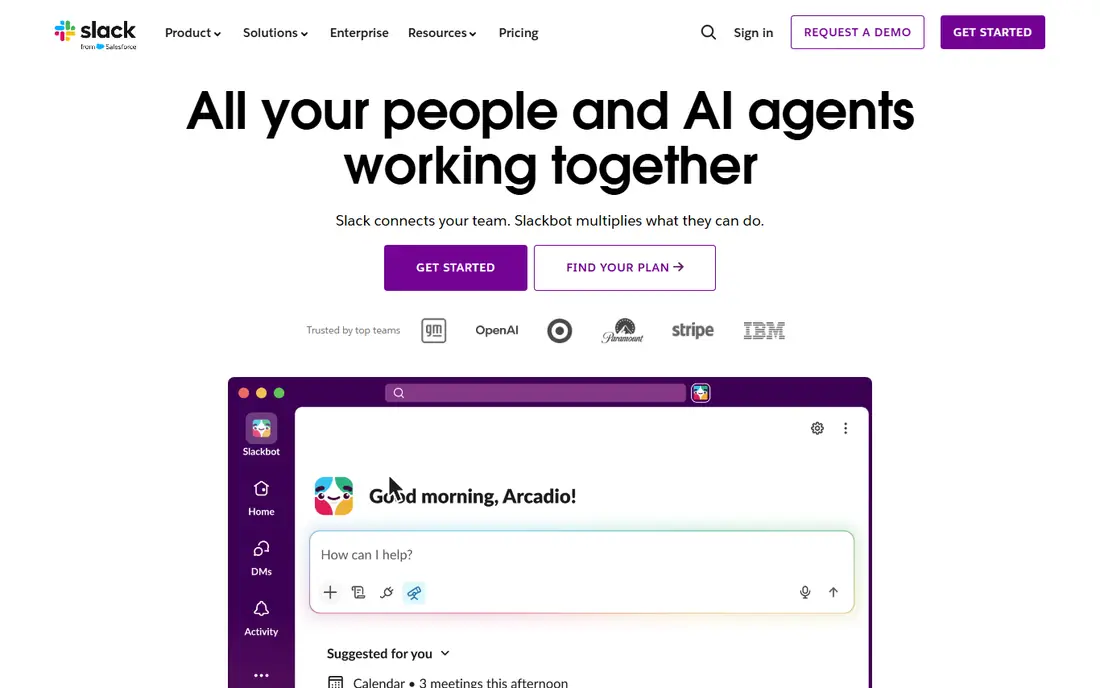
Slack remains the clearest chat tool for small teams. Channels keep conversations by topic, threads keep side discussions tidy, and huddles give a quick voice option without a formal meeting. Its integration library connects project tools, file storage and customer systems, so updates surface where the team already works. Slack Connect also lets small teams chat with clients and vendors in shared channels. The free plan limits message history, which is the main reason teams upgrade. Paid plans start in the single digits per user per month in recent listings, with higher tiers for advanced controls. A small team should test the free plan first, and upgrade only when history or guest access becomes a real limit.
- Channel based chat
- Huge integration library
- Huddles and workflow automation
- Free plan limits message history
- Costs rise per user on paid plans
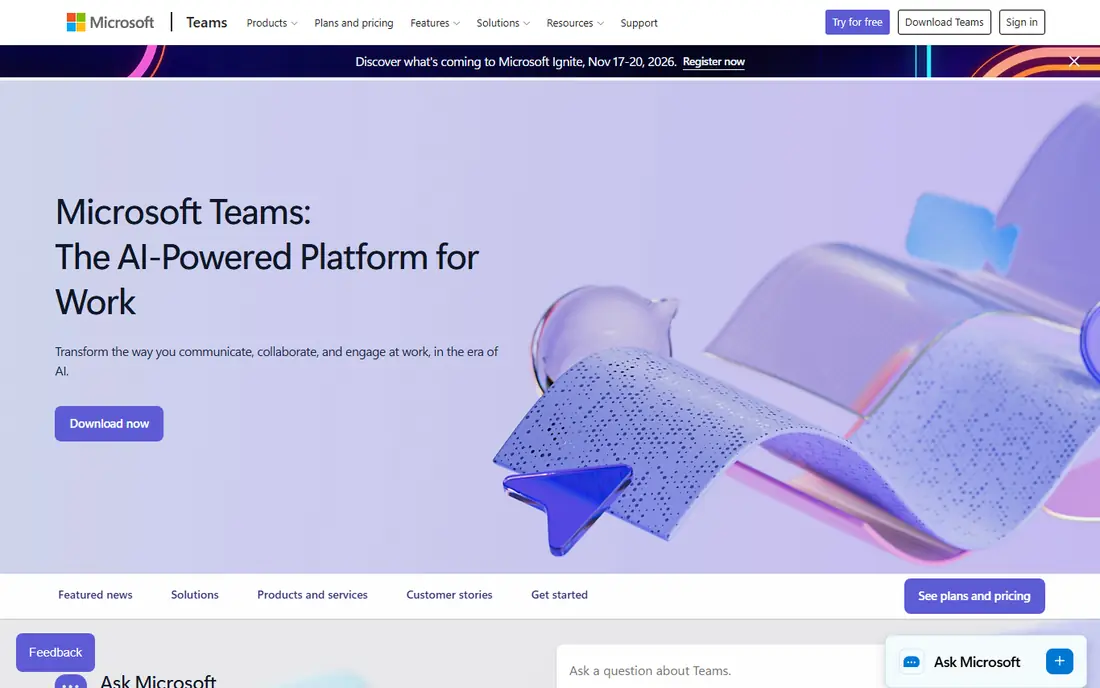
Microsoft Teams is the best value collaboration tool for a team that already pays for Microsoft 365, because it is included in Business Basic and higher plans in many cases. It combines chat, video meetings and file collaboration, with real time co-authoring in Word, Excel and PowerPoint through SharePoint. For a Microsoft shop, that bundle avoids paying separately for chat, meetings and file sharing. The weakness is focus. Teams is a hub, not a dedicated project tool, and its Planner based task features are weaker than Asana or monday.com for complex projects. Small teams without Microsoft 365 may also find Slack simpler to start with, since Teams setup can feel heavy for a handful of users.
- Included in many Microsoft 365 plans
- Chat, meetings and file co-authoring in one app
- Strong security controls
- Interface can feel heavy for very small teams
- Task features are weaker than dedicated project tools
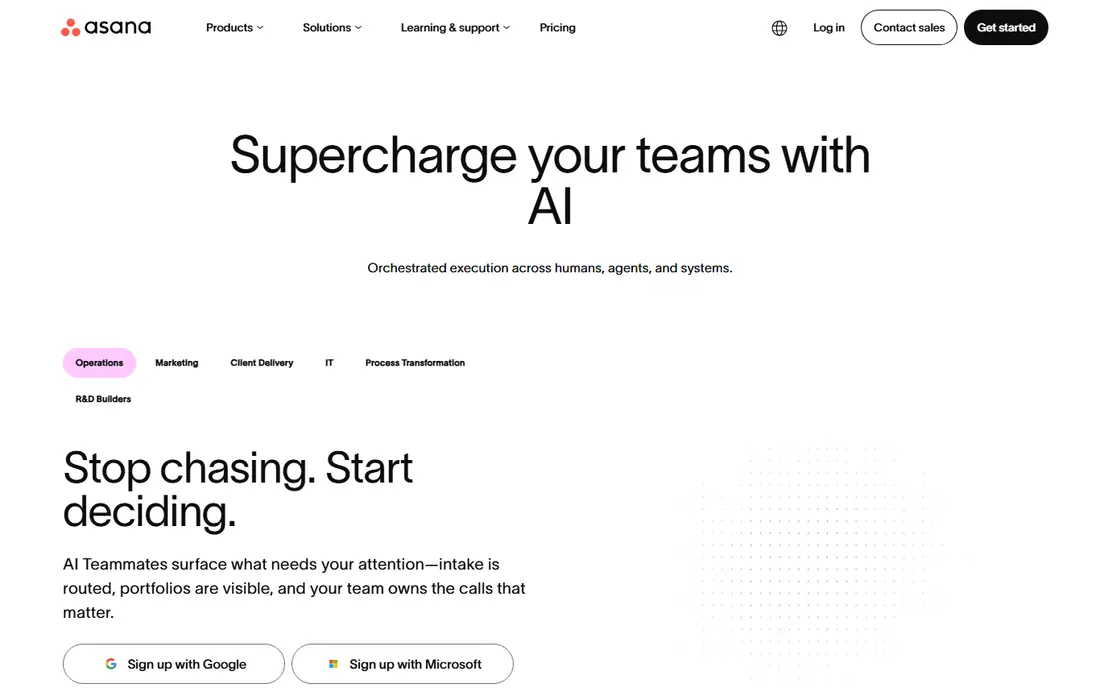
Asana suits small teams that need clear ownership of work. Tasks have owners, due dates and dependencies, and views include lists, boards, timelines and calendars, so a team can plan a launch or a client project without losing track of who owns what. Goals and portfolios help a growing team connect daily tasks to larger objectives, and automation rules handle routine reassignments and notifications. The free plan is limited to a small number of users in current listings, so a team of more than a few people will need a paid plan. Paid pricing starts around $10 to $11 per user per month in recent guides, with higher tiers for advanced workflows. Asana is best paired with Slack for chat, rather than used as a chat replacement.
- Clear task ownership and timelines
- Goals and portfolios
- Rules based automation
- Free plan user limit is small
- Paid plans rise with advanced features
ClickUp tries to replace several tools at once, with tasks, docs, whiteboards, goals, time tracking and dashboards in one platform. That breadth appeals to small teams that want one subscription instead of separate chat, docs and project tools. Its free plan covers core work, and paid plans start around $7 per user per month in recent listings for the Unlimited tier. The trade off is complexity. ClickUp flexibility means a team can build a confusing workspace if it turns on every feature at once. Start with one project, one view and one naming rule, and add features only when a real pain appears. Teams that want a simpler tool should look at Trello or Asana instead.
- Docs, tasks, whiteboards and dashboards in one tool
- Flexible views
- Generous free plan
- Flexibility can overwhelm new teams
- Setup takes time to get right
Notion is the knowledge layer for many small teams. It combines docs, wikis, databases and light project tracking, so a team can store processes, client notes, meeting records and project pages in one searchable place. Templates for wikis, roadmaps and meeting notes make it fast to start, and the free plan covers personal and small team use. Project management is the limit. Notion handles simple task lists and boards well, but it lacks the timeline depth, workload planning and automation of Asana or ClickUp for complex projects. Paid plans start around $10 to $12 per user per month in recent listings. Use Notion for knowledge, and pair it with a dedicated project tool when project complexity grows.
- Docs, wikis and databases in one place
- Flexible templates
- Good for knowledge sharing
- Project features are lighter than Asana
- Permissions and advanced features need paid plans
Trello is the simplest project tool on this list, and that simplicity is its strength for small teams. Boards, lists and cards make work visible at a glance, and Butler automation handles routine moves, due date reminders and checklists without code. A team can start in minutes, and the free plan covers up to 10 collaborators in recent listings. The weakness is scale. Trello struggles with large multi project portfolios, dependencies and reporting compared with Asana, ClickUp or monday.com. Paid plans start around $5 to $6 per user per month in recent listings. Choose Trello when work is visual and straightforward, and move to a stronger tool when projects gain dependencies and reporting needs.
- Very easy visual boards
- Butler automation
- Low learning curve
- Limited for complex projects
- Advanced features need paid plans
monday.com suits teams that plan visually and want dashboards without building them from scratch. Boards can track projects, clients, hiring or content, and dashboards combine progress, workload and timelines in one view. Automations handle status changes, notifications and approvals, which reduces manual follow up for a small team. The free plan is limited to a few users, so most teams will pay. Paid plans start around $9 per user per month in recent listings for Basic, with higher tiers for timelines, guests and advanced automations. monday.com is a good middle ground between Trello simplicity and Asana structure, but teams should test its board model with a real project before committing.
- Visual boards and dashboards
- Workflow automations
- Wide template library
- Free plan is limited to a few users
- Price rises with advanced views and automations
Zoom Workplace covers meetings, team chat, whiteboard and scheduling in one platform, which suits small teams that spend much of their collaboration time on video calls. Its meeting quality and client familiarity are strengths, since most clients already know how to join a Zoom call. Team chat and whiteboard add async collaboration between meetings. The limit is project depth. Zoom handles chat and meetings well, but it is not a project management tool, so teams still need Asana, Trello or ClickUp for task tracking. Paid plans start around $14 to $16 per user per month in recent listings. Choose Zoom when meetings are the main collaboration mode, not when task tracking is the core need.
- Reliable video meetings
- Team chat and whiteboard included
- Wide adoption with clients
- Meeting focus means project features are lighter
- Paid plans are higher than chat only tools
Miro gives small teams a shared visual workspace for brainstorming, planning and workshops. Boards support sticky notes, diagrams, mind maps and timelines, and templates for retros, customer journeys and sprint planning make remote workshops faster. For creative and product teams, that visual space fills a gap that chat and task tools do not cover. Miro is not a task tracker, so it should pair with Asana, ClickUp or Trello for execution. The free plan covers a limited workspace, and paid plans start around $8 per user per month in recent listings. Use Miro for planning and ideation sessions, and move agreed actions into your project tool the same day.
- Shared visual workspace
- Templates for workshops and planning
- Good for remote brainstorming
- Not a task tracker on its own
- Paid plans needed for multiple boards and advanced controls
How we picked these
We checked vendor homepages and pricing pages, plus recent comparison guides that listed small business collaboration pricing in 2026. We favoured tools that are actively available, that offer a free plan or a low cost starting plan, and that cover chat, projects, docs or visual work for teams under 50 people. Prices are starting prices from vendor or comparison listings, and we used See website where pricing is bundled or quoted. Free plan limits should be checked on the vendor pricing page, since user and history limits change.
How to choose the best virtual collaboration tools
Start with the pain, not the tool. If coordination pain is chat threads and lost messages, start with Slack or Teams. If the pain is dropped handoffs and missed deadlines, start with Asana, ClickUp or monday.com. If the pain is answering the same question repeatedly, start with Notion. Adopt one layer at a time, and let the next pain justify the next tool.
Avoid paying for the same work twice
Many small teams pay for Slack and Teams, or for Notion and a project tool that also stores docs, without realising the overlap. List what each tool does for your team, cancel the overlap, and keep one tool per layer. That simple audit often saves more than a discount negotiation.
Set simple rules before you scale
Agree on channel names, task ownership, due date rules and where decisions are recorded. A tool without rules becomes another inbox, while a simple tool with clear rules can run a team of 20 well. Review the rules after a month, and adjust only the parts that caused confusion.
Frequently asked questions
What is the best collaboration software for small business?
The best collaboration software for small business depends on your main pain. Slack is best for chat, Asana or ClickUp for projects, and Notion for docs and wikis. Microsoft Teams is best value for Microsoft 365 teams. Many small teams use one chat tool plus one project tool, rather than a single tool for everything.
What are the best collaboration tools for small business on a budget?
Slack, Trello, Notion, ClickUp and Teams all offer free plans that cover core work for a small team. Start free, and upgrade only when a limit bites, such as Slack message history, Asana user limits or Notion permissions. A free stack can run a team of under 10 people well if rules are clear.
Is Microsoft Teams or Slack better for a small team?
Teams is better value if you already pay for Microsoft 365, since it bundles chat, meetings and file work. Slack is better for chat experience, integrations and external collaboration through Slack Connect. Teams without Microsoft 365 is harder to justify against Slack for a very small team.
Do small teams need both chat and project software?
Most small teams do, because chat is for discussion and project software is for ownership and deadlines. Trying to run projects in chat leads to lost tasks, while trying to discuss everything in a project tool slows conversation. Keep discussion in chat and decisions plus tasks in the project tool, with links between them.
What is the best business collaboration software for remote teams?
Remote teams need chat, video and a shared knowledge base most. Slack or Teams for chat, Zoom for meetings when needed, Notion for docs, and Asana or ClickUp for projects cover that stack. Add Miro for visual workshops if your team plans or brainstorms remotely often.
How do I avoid tool overload in a small team?
Adopt one tool per layer, set naming and ownership rules, and review usage after a month. Cancel tools that duplicate work, and do not add a new tool for a single project unless the pain is recurring. Tool overload usually comes from adding tools faster than rules, not from a lack of features.
Sources we checked (9)

Online Jobs is an independent blog about careers, online work, learning new skills and the tools that help people earn. More about us.
Keep reading
All posts
Zoom Alternatives
Zoom alternatives compared for 2026: Google Meet, Microsoft Teams, Webex, Jitsi and more for free calls, large meetings and webinars for teams and classrooms.

Which Software Is Best for Data Entry
Compare the best data entry software for forms, OCR scanning, and spreadsheets, with free plans, pricing, and honest limits for each tool before you commit.

What's the Best App to Read PDFs
Find what's the best app to read PDFs in 2026, from Adobe Acrobat Reader and Foxit to PDF Expert and Xodo, with free options and honest limits for every device.