Best Collaboration Software in 2026: 9 Tools Compared

How we put this together: we compare official feature and pricing pages, app store listings, privacy policies and public user reviews. Prices change, so check the provider's site before you pay.
Key takeaways
- Most teams need three layers, chat, docs, and task tracking, and one tool rarely does all three well.
- Slack is the best chat layer for teams outside Microsoft 365, while Teams is the best value inside it.
- Notion is the best docs and wiki layer, and Asana is the best structured project layer for cross team work.
- Trello is the simplest task board for small teams, while monday.com and ClickUp suit teams that want more views and automation.
- Free plans are generous for small teams, but message history, permissions, and timelines are the usual upgrade triggers.
Quick comparison
| Name | Who it suits | Starting price | Free option | |
|---|---|---|---|---|
 Slack Slack | Real time team chat | $8.75 per user per month | Yes | Visit |
 Microsoft Teams Microsoft Teams | Microsoft 365 teams | See website | Yes | Visit |
 Asana Asana | Structured project work | $13.49 per user per month | Yes | Visit |
 Notion Notion | Docs, wikis, and light projects | $10 per user per month | Yes | Visit |
 Trello Trello | Simple visual task boards | $6 per user per month | Yes | Visit |
 ClickUp ClickUp | All in one work platform | $10 per user per month | Yes | Visit |
 monday.com monday.com | Visual planning and dashboards | $12 per user per month | Yes | Visit |
 Miro Miro | Visual brainstorming and workshops | $10 per user per month | Yes | Visit |
 Google Workspace Google Workspace | Real time document collaboration | $7 per user per month | No | Visit |
The best collaboration software
We compared official product pages, pricing pages, and documentation for collaboration tools live in October 2026. Collaboration is not one job, so we grouped tools by the layer they do best, chat, documents, project tracking, or visual work, and we noted where a tool tries to cover more than one layer. Prices below are per user per month on annual billing where the vendor shows that figure, and they change with plan and region, so check the vendor page before budgeting.
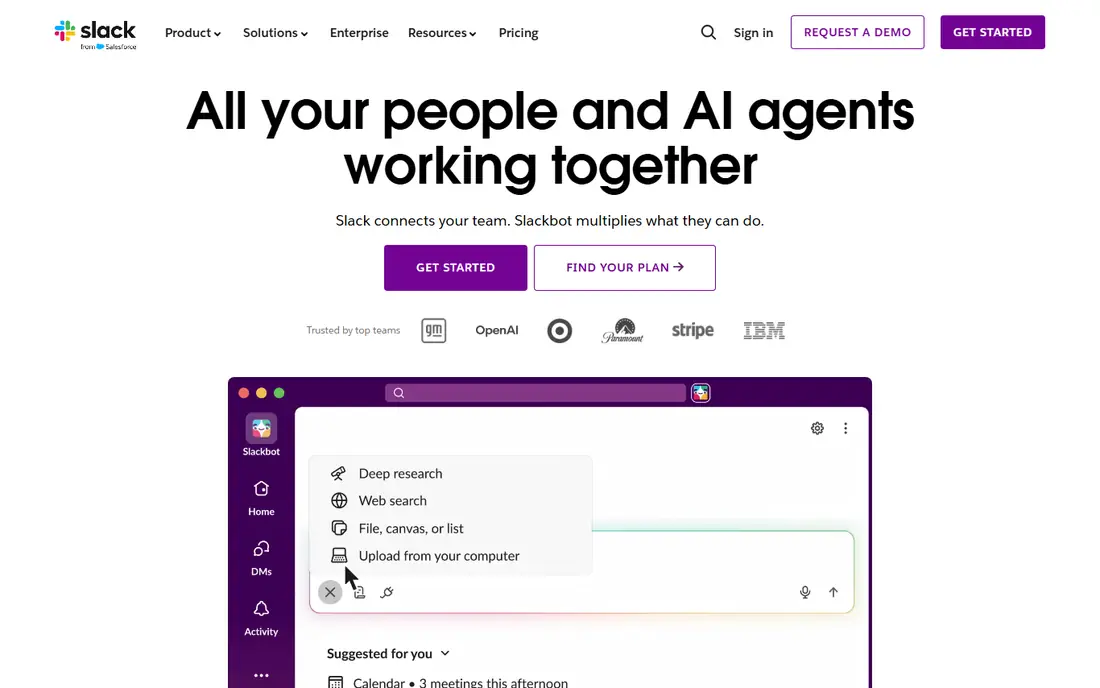
Slack remains the default chat layer for teams that do not live in Microsoft 365. Channels keep conversations by topic, threads keep replies tidy, and integrations connect Slack to docs, code, calendars, and support tools. Huddles give you a quick voice or video call without scheduling a meeting, which suits remote teams.
The limits are well known. The free plan caps searchable message history at 90 days, which hurts teams that rely on old decisions. At scale, notification management becomes real work, and Pro at $8.75 per user per month adds up for a large team. If chat is your main pain, Slack is still the strongest choice, but pair it with a docs tool for lasting knowledge.
- Channel based chat with threads
- Huge integration library
- Huddles for quick audio and video
- Free plan limits message history to 90 days
- Gets noisy at scale
- Paid cost rises fast for large teams
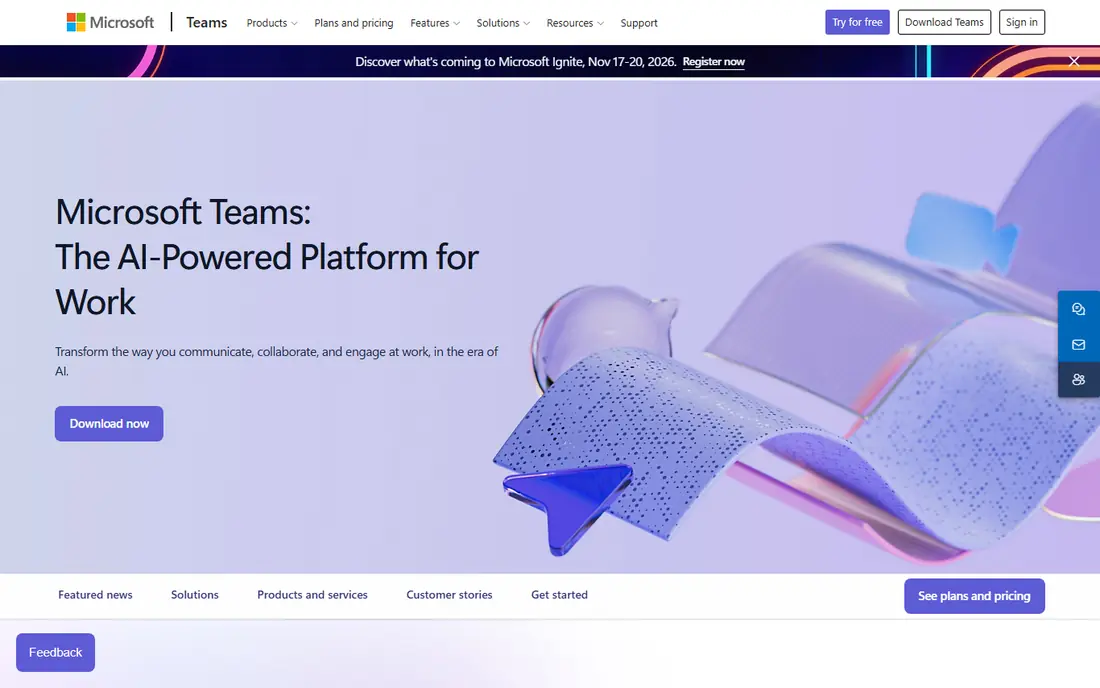
Microsoft Teams makes sense when your team already uses Microsoft 365. Chat, video meetings, file sharing, and real time co authoring in Word, Excel, and PowerPoint live in one app, and the cost is often bundled into a 365 plan you already pay for. For larger organizations, admin and security controls are a real advantage.
Teams feels heavier than Slack for simple chat, and its best value disappears if you do not use the wider Microsoft stack. Standalone pricing also varies, so check the current Teams and 365 pages for the plan that fits you. If your documents already live in Microsoft, Teams is the practical, economical hub.
- Chat, meetings, and Office co authoring in one place
- Strong value inside 365
- Enterprise controls
- Interface can feel heavy
- Best value needs a 365 plan
- Less flexible for non Microsoft stacks

Asana is the project layer for teams that need clear ownership. Tasks have owners, due dates, and dependencies, timelines show how work connects, and portfolios and goals on higher plans link daily work to larger aims. That structure helps cross team projects where dropped handoffs are the main risk.
For very simple work, Asana can feel formal, and the free plan suits only small teams. Paid plans start at $13.49 per user per month, which is more than Trello or ClickUp at entry level. If your team misses deadlines because no one owns the next step, Asana is the tool that fixes that specific problem.
- Clear task ownership and timelines
- Portfolios and goals on higher plans
- Strong integrations
- Free plan is limited for larger teams
- Paid price is higher than Trello
- Can feel formal for simple work
Notion is the knowledge layer for many small and mid sized teams. Docs, wikis, meeting notes, and lightweight project databases live in one searchable workspace, and templates make it easy to start. That flexibility is why teams use it for onboarding docs, product specs, and internal guides that would otherwise scatter across email and chat.
Flexibility is also the risk. Without owners and a clear structure, a Notion workspace can grow messy, and complex project tracking with dependencies is better in Asana or monday.com. Paid plans start at $10 per user per month, with AI as an extra on some plans. If lost knowledge is your pain, Notion is the best fix here.
- Flexible docs, wikis, and databases in one workspace
- Good templates
- AI help on paid plans
- Not a full project tracker for complex work
- Permissions and AI sit behind paid plans
- Can become messy without owners
Trello is the simplest tool on this list, and that is its strength. A board, lists, and cards map directly to work in progress, doing, and done, and almost anyone can learn it in minutes. Butler automation handles routine moves, reminders, and checklists, which saves time on repeatable work.
Complex projects expose its limits. Dependencies, timelines, and reporting are thinner than in Asana or monday.com, and very large boards become hard to scan. Paid plans start at $6 per user per month. For a small team that wants a shared visual board without a learning curve, Trello is still the best starting point.
- Simple kanban boards anyone can learn
- Automation with Butler
- Generous free plan for small teams
- Weak for complex dependencies and reporting
- Large boards get hard to manage
- Advanced features need paid plans
ClickUp tries to replace several tools at once, with tasks, docs, whiteboards, goals, and chat in one platform. That consolidation appeals to teams tired of paying for Slack, a docs tool, and a tracker separately. The free plan is generous, and paid plans start at $10 per user per month, which is competitive for the breadth on offer.
Breadth brings complexity. New users can feel overwhelmed by views, custom fields, and settings, and a workspace without clear conventions can become messy. Teams that invest time in setup and training get the most from ClickUp. If you want one platform and are willing to learn it, ClickUp is the best all in one value here.
- Tasks, docs, whiteboards, and chat in one app
- Many views
- Generous free plan
- Depth can overwhelm new users
- Setup takes time
- Performance can suffer on huge workspaces
monday.com suits teams that think visually. Boards, timelines, and dashboards make workload, deadlines, and status easy to see at a glance, and automation handles routine updates without code. Non technical teams often find it easier to adopt than a more technical tracker, because the interface is colorful and direct.
The free plan covers only two seats, so most teams will pay, with plans starting at $12 per user per month. Costs rise as you add features and seats, so budget for the plan that actually includes the views and automations you need. For visual planning and team dashboards, monday.com is a strong, polished choice.
- Visual boards and dashboards
- Strong automation
- Good for non technical teams
- Free plan covers only two seats
- Pricing rises with features
- Can feel pricey for small teams
Miro is the visual layer for workshops, brainstorming, planning, and design reviews. An infinite canvas lets a team map ideas, user journeys, and project plans in real time, with templates for retros, roadmaps, and diagrams. Remote teams use it as a shared whiteboard that stays after the meeting ends.
Miro does not replace a task tracker. Action items from a board still need to move into Asana, Trello, or ClickUp to get done, and the free plan limits the number of editable boards. Paid plans start at $10 per user per month. If your collaboration happens on a canvas, Miro is the best tool for that job.
- Infinite canvas for brainstorming and planning
- Many workshop templates
- Real time collaboration
- Not a task tracker on its own
- Free plan limits boards
- Large boards need organization
Google Workspace is the document layer for teams that live in Docs, Sheets, and Slides. Real time co editing, comments, and version history make it easy for several people to work on the same file at once, and sharing controls suit both internal and external collaborators. Most users already know the tools, which cuts training time.
Workspace is not a single collaboration app. Chat lives in Google Chat, meetings in Meet, and project tracking needs a separate tool or add on. Business plans start at $7 per user per month, with no free business tier. If your collaboration is mostly documents and spreadsheets, Workspace is the simplest, most reliable foundation.
- Real time co editing in Docs, Sheets, and Slides
- Familiar tools
- Strong sharing controls
- No free business plan
- Chat and video sit in separate apps
- Project tracking needs add ons
How we picked these
We compared official product pages, pricing pages, and documentation for collaboration tools live in October 2026. We kept tools that serve a clear collaboration layer, chat, docs, projects, or visual work, and we noted where a tool covers more than one layer. We weighed free plan limits, starting price, ease of adoption, integrations, and the upgrade triggers that push a team to pay.
We did not claim hands-on testing that we did not do. We judged each tool on the features and limits its vendor publishes, and we used See website where pricing varied by plan or bundle at the time of writing. Check the vendor page for the exact plan, seat minimums, and annual billing terms before budgeting.
What to check before you buy
Name the pain before you pick a tool
Chat pain, knowledge pain, and execution pain need different tools. Chat pain looks like reply all email threads. Knowledge pain looks like answering the same question for the third time. Execution pain looks like a launch slipping because two teams each thought the other owned a task. Pick the layer that matches the pain, not the tool with the longest feature list.
Adopt one tool at a time
Teams absorb one new system well and three badly. Start with the layer that hurts most, set clear conventions, and let the habit form before adding the next tool. Free tiers make this sequence cheap, because you can test Slack, Notion, and Trello together without paying, then upgrade only the layer whose limit bites first.
Watch the upgrade triggers
Free plans hide their limits in message history, permissions, timelines, and board counts. Slack free limits history to 90 days, Notion free limits advanced permissions, and Asana free limits team size and features. List those triggers for your team size, and budget for the first upgrade you are likely to hit, not just the free plan.
Count the overlap before you renew
Paying for Slack and Teams, or for Notion plus a tracker no one updates, is the most common collaboration waste. Once a year, list every tool, who uses it, and what job it does. Drop the overlap, keep the tool with the habit, and move the work, not just the subscription.
Frequently asked questions
What is the best collaboration tool for small teams?
Trello for simple boards, Slack for chat, and Notion for docs form a strong free or low cost stack for small teams. Start with the layer that hurts most, and add the next tool only when the first habit is solid. A small team rarely needs a full platform on day one.
What is the best collaboration software for remote teams?
Slack or Teams for chat and meetings, Notion for shared knowledge, and Asana or ClickUp for task tracking cover most remote needs. Miro adds a shared canvas for workshops and planning. The best stack is the one your team actually opens every day, not the one with the most features.
What is the best project collaboration tool?
Asana is the best structured project tool for cross team work, with clear ownership, timelines, and goals. monday.com is better for visual planning and dashboards, while Trello is better for simple boards. ClickUp suits teams that want tasks, docs, and whiteboards in one platform.
Is there a free collaboration platform that works well?
Yes, for small teams. Slack, Notion, Trello, ClickUp, and Miro all offer free plans, and Google Docs offers free personal editing. Free limits on history, permissions, and board counts matter as a team grows, so check those limits before you build a whole workflow on a free plan.
How do I choose between Slack and Microsoft Teams?
Choose Teams if your team already uses Microsoft 365, since chat, meetings, and Office co authoring are bundled and the value is strong. Choose Slack if you use Google Workspace or a mixed stack, since its integrations and channel culture fit non Microsoft teams better. Avoid paying for both unless different departments truly need each.
Sources we checked (9)

Online Jobs is an independent blog about careers, online work, learning new skills and the tools that help people earn. More about us.
Keep reading
All posts
Workday Alternatives
We compared the best workday alternatives for HR, payroll, and global hiring, from BambooHR and Gusto to Rippling, Deel, and HiBob for growing teams in 2026.

Which SaaS Tools Have the Best Customer Support
Which SaaS tools have the best customer support? Compare eight popular tools on help centres, live help, response options and overall support quality.

Top AI Helpdesk Software
Searching for top AI helpdesk software in 2026? We compared 8 AI helpdesks on automation, pricing, channels and ease of setup for small and growing teams.