Best Cold Email Software in 2026: 8 Tools Compared


High volume sending for lean teams · Starting price: See website
How we put this together: we compare official feature and pricing pages, app store listings, privacy policies and public user reviews. Prices change, so check the provider's site before you pay.
Key takeaways
- The billing model matters more than the headline price, because flat, per-seat, and per-mailbox pricing lead to very different totals at scale.
- Deliverability tools, such as warm-up, inbox rotation, and placement checks, matter more than a large template library.
- A tool with a built-in lead database can save time, but list quality still decides reply rates, so verify contacts before a large send.
- Personalisation works best when it is specific and short, such as a line about the prospect's role or recent work, not a generic merge field.
- Cold email must follow spam and privacy law in the prospect's country, and every message needs a clear way to opt out.
Quick comparison
| Name | Who it suits | Starting price | Free option | |
|---|---|---|---|---|
| Instantly | High volume sending for lean teams | See website | No | Visit |
 Smartlead | Agencies with many inboxes | See website | No | Visit |
 Lemlist | Personalised multichannel sequences | See website | No | Visit |
 Apollo | Data plus sending in one place | See website | Yes | Visit |
 Saleshandy | Budget teams needing lead data | See website | No | Visit |
 Woodpecker | Small teams that send carefully | See website | No | Visit |
 Reply.io | SDR teams using calls and LinkedIn | See website | No | Visit |
 Snov.io | Data heavy outreach at lower volume | See website | Yes | Visit |
The best cold email software
We focused on tools that send sequences, warm up domains, track replies, and help a team stay out of spam. The eight below cover high volume sending, personalisation, and combined data and sending, so the right pick depends on team size, inbox count, and how much personalisation your market needs.
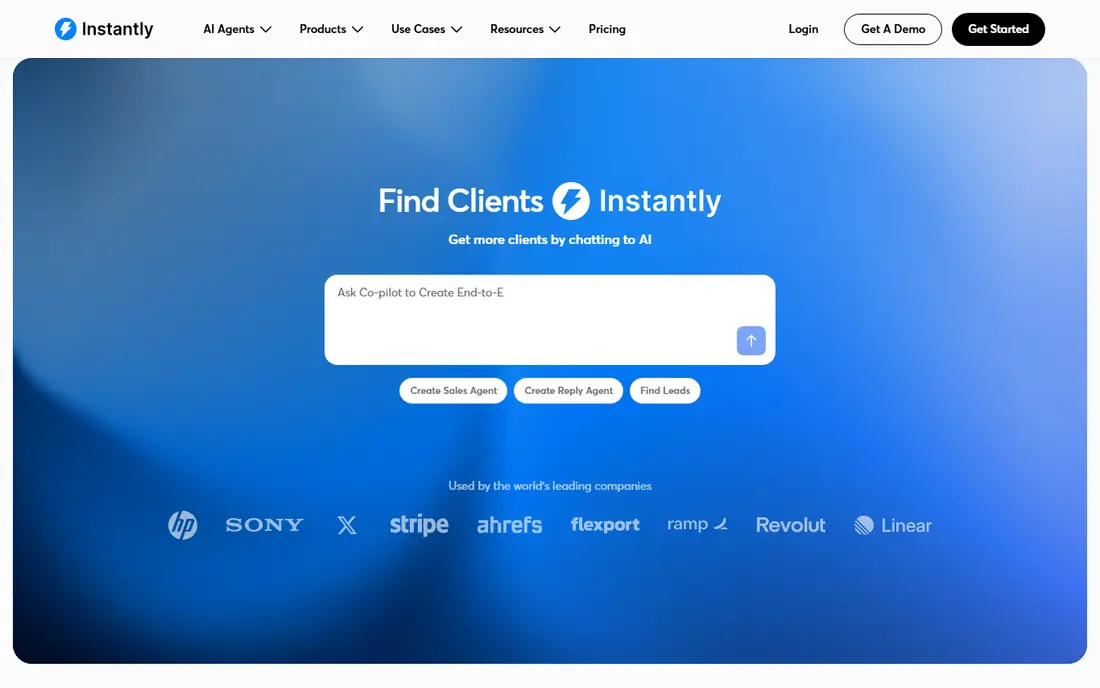
Instantly suits a small team that needs to move fast and send at volume without a per-seat bill that grows with every hire. The unified inbox helps a lean team handle replies in one place, and warm-up tools help a new domain build a sending reputation gradually. That combination is why many solo founders start here. The catch is to read the plan in full. Lead finder, advanced analytics, and extra inboxes can sit outside the base price, so a team should price the whole setup, not just the entry tier. A trial with a small, clean list will show whether reply handling and deliverability suit your workflow.
- Flat style pricing on some plans
- Warm-up and inbox rotation tools
- Unified inbox for replies
- Lead data is a separate add-on in some cases
- Costs rise with add-ons
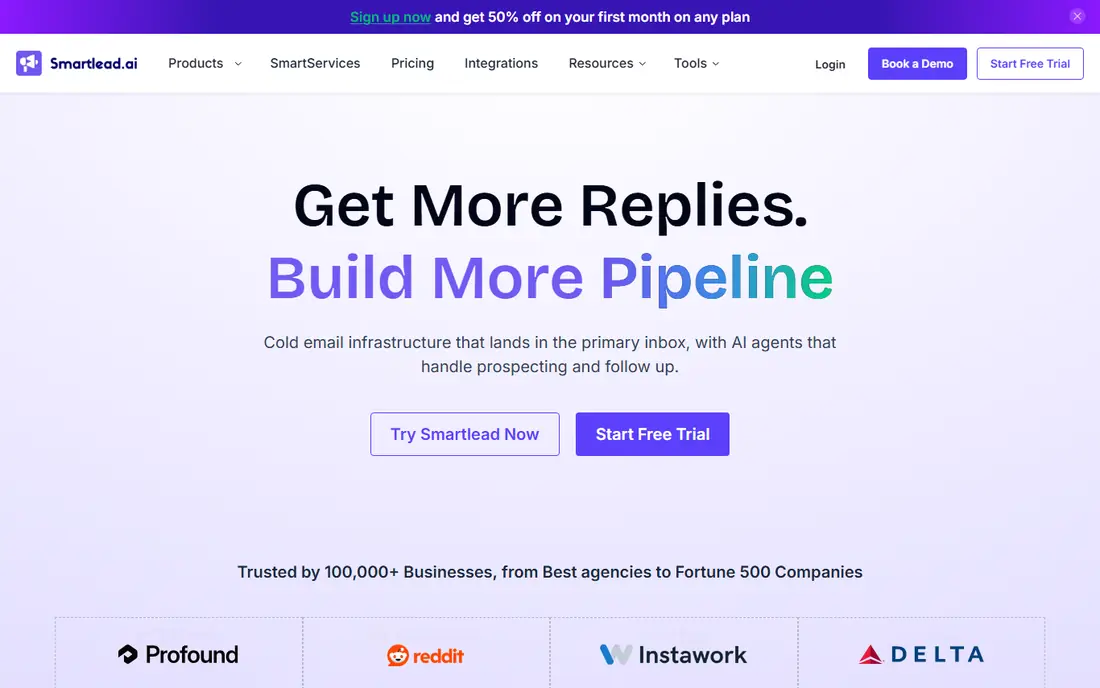
Smartlead is built for scale, especially for agencies that run campaigns for several clients at once. Unlimited mailboxes on some plans remove a common bottleneck, and rotation across inboxes spreads sending load so no single domain carries all the risk. Client workspaces help keep campaigns separate. That scale brings setup work. Domains need proper authentication, warm-up needs time, and a team needs clear rules for who owns each campaign. Agencies that invest that time get a stable platform, while a solo user with one inbox may find a simpler tool easier to run.
- Unlimited mailboxes on some plans
- Inbox rotation
- Agency and client management tools
- Prospecting data can be an add-on
- Setup takes care for large teams
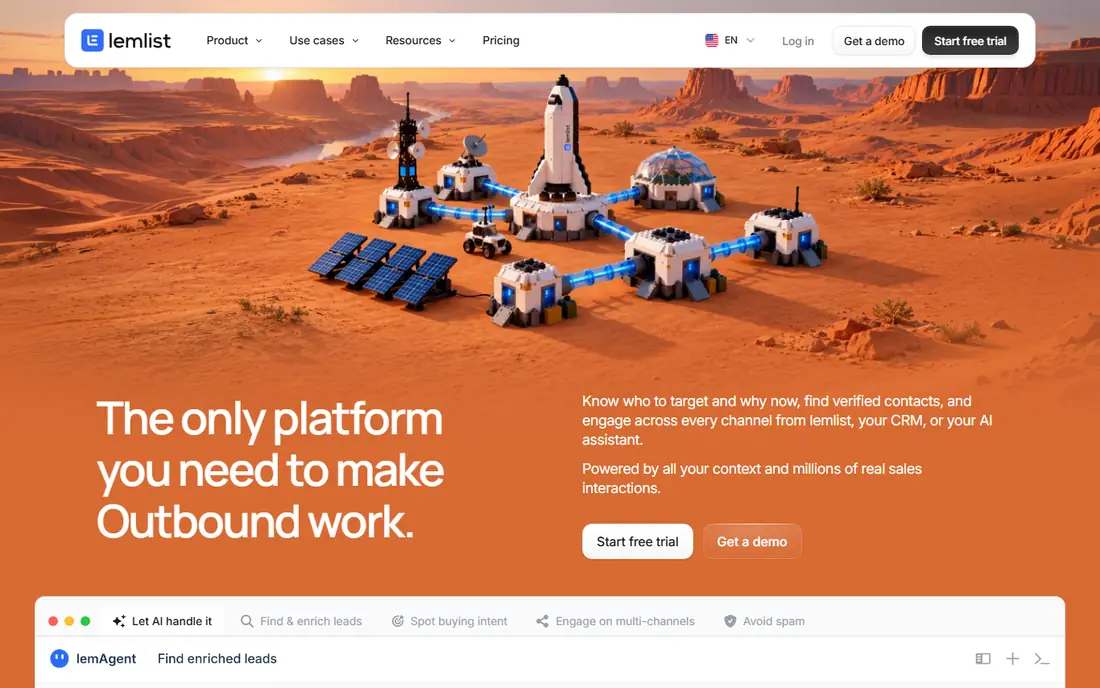
Lemlist stands out when a message needs to feel personal. Custom images, video steps, and LinkedIn touches can lift a campaign in a market where buyers receive many similar emails. The sequence editor makes it easy to mix email, LinkedIn, and calls in one flow, which suits a high value prospect list. The trade-off is price at team scale. A ten person team pays far more than on a flat priced tool, so Lemlist fits best when each prospect is worth real effort. For a large, low value list, a volume tool will usually be cheaper and simpler.
- Personalised images and videos
- Email plus LinkedIn steps
- Strong sequence editor
- Per-seat costs add up for larger teams
- Higher price than volume-first tools
Apollo solves the first problem many teams face, which is finding contacts. The database, filters, and sequences sit in one product, so a founder can build a list and start a small campaign without buying three tools. The free plan is useful for testing filters and message ideas. Accuracy is the honest weakness. Some records are dated, and accuracy outside the United States can be lower, so verify key contacts before a large send. Apollo works best as a starting database plus a sender, with a second check for high value accounts.
- Large contact database
- Free plan to test
- Sequences and CRM links
- Data accuracy varies by region and role
- Credits limit larger campaigns
Saleshandy appeals to a team that wants warm-up, sequencing, and lead data without paying a premium price. The core workflow is direct: build a list, write a sequence, warm up the domain, and track replies. That simplicity helps a small team get a campaign live quickly. The limit is depth. Some features that rivals bundle, such as verification, may cost extra, and the design feels more functional than polished. A team that values price and core sending over advanced personalisation will find it a fair trade, while a design led team may prefer Lemlist.
- Warm-up and placement tools
- Lead finder add-on
- Clear flat style plans on some tiers
- Verification can cost extra
- Interface is less polished than some rivals
Woodpecker is a careful sender's tool. Condition based sequences let a reply, an open, or a bounce change what happens next, which keeps follow-ups relevant and reduces the risk of emailing someone who already replied. That care suits small teams with a tight, high quality list. Volume is where it feels smaller. A team sending tens of thousands of emails a month may hit limits or need a different platform, and some integrations take manual setup. For a team that sends less but wants control, Woodpecker is a steady, well regarded choice.
- Condition based sequences
- Deliverability focus
- Agency friendly controls
- Less suited to very high volume
- Some integrations need setup work
Reply.io fits a sales team that works email, LinkedIn, and calls together. A rep can follow a prospect across channels in one sequence, and managers can see activity in one place. CRM links help keep pipeline data tidy, which matters when several reps share accounts. Cost is the main question. Per-user pricing grows with headcount, and the more advanced AI features sit on higher tiers. A team should compare the total for its actual rep count, not just the entry price, and confirm which AI features are included before signing.
- Multichannel sequences
- AI assisted writing on some plans
- CRM integrations
- Per-user pricing
- AI SDR tiers are priced separately and higher
Snov.io is useful when finding and verifying an email is half the job. The finder and verifier help a team build a cleaner list, and the sequence tool then sends to that list without needing a second product for basic outreach. The free plan lets a freelancer test the workflow on a small list. The credit model needs attention. Credits are spent on finding and verifying, so a large list can use them quickly, and high volume sending is not its main strength. It fits a data heavy, lower volume workflow better than a mass sending operation.
- Email finder and verifier
- Sequences
- Free plan to test
- Credit based model can limit scale
- Sending is less volume focused than Instantly or Smartlead
How we picked these
We compared official feature pages, pricing pages, app store listings, and privacy policies, and we checked public reviews for recurring points about deliverability, billing, and support. We kept only tools that were still offered in October 2026, that could send sequences and track replies, and that offered warm-up or deliverability help in some form. We did not claim hands-on testing that we did not do, and where a vendor did not publish a clear starting price, we wrote See website rather than guessing. We gave weight to how a tool bills, because that decides the real monthly cost, and to whether lead data, warm-up, and verification were included or sold separately. A tool with a low headline price but expensive add-ons scored lower for total cost than its sticker price suggested.
Buying cold email software without a billing surprise
Start with volume, inboxes, and channels, not with features. Count how many emails you will send each month, how many inboxes you will use, and whether LinkedIn or calls belong in the same sequence. Those three numbers narrow the list faster than any feature table, and they reveal whether flat, per-seat, or per-mailbox pricing is cheapest for you. Warm up every new domain slowly, authenticate it correctly, and keep lists clean. Remove bounces, respect opt-outs, and stop a sequence when someone replies. A good tool helps with warm-up and rotation, but it cannot fix a bought list or a message that ignores local spam law. Check the law for each country you email, and keep a record of consent or legitimate interest where the law requires it. Test with a small list first. Send to a few hundred verified contacts, read the replies, and check placement before scaling. That test will show whether your subject lines, personalisation, and sending setup work, and it will cost far less than a large campaign that lands in spam.
Flat versus per-seat pricing
Flat pricing suits a growing team, because adding a rep does not always add a bill. Per-seat pricing suits a fixed team that wants multichannel tools and is happy to pay per rep. Compare the total at your team size in six months, not just today.
Deliverability basics
Use a separate domain for cold sending, set up SPF, DKIM, and DMARC, warm up gradually, and rotate inboxes. Keep messages short, avoid attachments on a first email, and use one clear call to action. These basics do more for inbox placement than any single tool feature.
Frequently asked questions
What is the best cold email tool for beginners?
Apollo is a good starting point when you have no list, because it combines data and sending and offers a free plan to test. Instantly is a good starting point when you already have a list and want simple, high volume sending. Start small in either case, and learn deliverability before scaling.
How many cold emails should I send per day per inbox?
There is no single safe number, and it depends on domain age, warm-up, and list quality. Many teams start low on a new domain and increase gradually over several weeks, while rotating across inboxes. A vendor's warm-up guide and your placement results are a better guide than a fixed daily target from a blog post.
Do I need a separate domain for cold email?
Most deliverability guides recommend it, so that cold sending does not harm your main company domain. Use a similar but separate domain, authenticate it, warm it up, and keep your main domain for customer and transactional mail. That separation protects your main reputation if a campaign performs poorly.
What are the best cold email platforms for agencies?
Smartlead and Woodpecker are often chosen by agencies, because they handle multiple clients and inboxes in one account. Instantly also suits agencies that want flat pricing and a unified inbox. Compare client workspace tools, per-client reporting, and total inbox cost before choosing.
Is cold email legal?
It depends on the country and on how you handle consent, opt-outs, and data. In some places you need consent, in others you can rely on a legitimate interest with a clear opt-out and accurate sender details. Check the law for each market you email, and do not buy scraped lists without checking their source.
What is the best tool for cold email personalisation?
Lemlist is the strongest pick in this list for personalised images, video, and multichannel steps. Reply.io also handles multichannel sequences well. Personalisation works best when it is true and specific, so use a real detail about the prospect rather than a generic line that could fit anyone.
Sources we checked (8)

Online Jobs is an independent blog about careers, online work, learning new skills and the tools that help people earn. More about us.
Keep reading
All posts
ZoomInfo Alternatives
The best ZoomInfo alternatives in 2026, compared on price, free plans, data coverage, and which tool fits small teams or large sales teams best in detail.

Workday Alternatives
We compared the best workday alternatives for HR, payroll, and global hiring, from BambooHR and Gusto to Rippling, Deel, and HiBob for growing teams in 2026.

Which SaaS Tools Have the Best Customer Support
Which SaaS tools have the best customer support? Compare eight popular tools on help centres, live help, response options and overall support quality.