Best Coding Tools for Kids in 2026: 9 Tools Compared

How we put this together: we compare official feature and pricing pages, app store listings, privacy policies and public user reviews. Prices change, so check the provider's site before you pay.
Key takeaways
- Scratch and Code.org are the best free starting points, with Scratch favoring creativity and Code.org favoring structured lessons.
- ScratchJr suits ages 5 to 7, Scratch and Code.org suit ages 8 and up, and text-based tools suit ages 10 and up.
- Tynker and CodeCombat bridge block coding to real code, while Swift Playgrounds suits Apple households.
- Check parental controls, chat settings, and sharing options before a child publishes any project.
Quick comparison
| Name | Who it suits | Starting price | Free option | |
|---|---|---|---|---|
 Scratch | Creative block coding | Free | Yes | Visit |
 Code.org | Structured school lessons | Free | Yes | Visit |
 ScratchJr | Young beginners ages 5 to 7 | Free | Yes | Visit |
 Tynker | Guided courses to real code | See website | Yes | Visit |
 CodeCombat | Game-based Python and JavaScript | See website | Yes | Visit |
 Kodable | Early coding for young kids | See website | Yes | Visit |
 Swift Playgrounds | Real Swift on Apple devices | Free | Yes | Visit |
 Minecraft Education | Block and Python in Minecraft | See website | Free trial | Visit |
 Khan Academy | Free JavaScript and web basics | Free | Yes | Visit |
The best coding tools for kids
We compared official product pages and age guidance for tools that teach coding to children in 2026. Our focus was age fit, learning path, parental controls, and whether a free tier covers real lessons rather than a short demo.
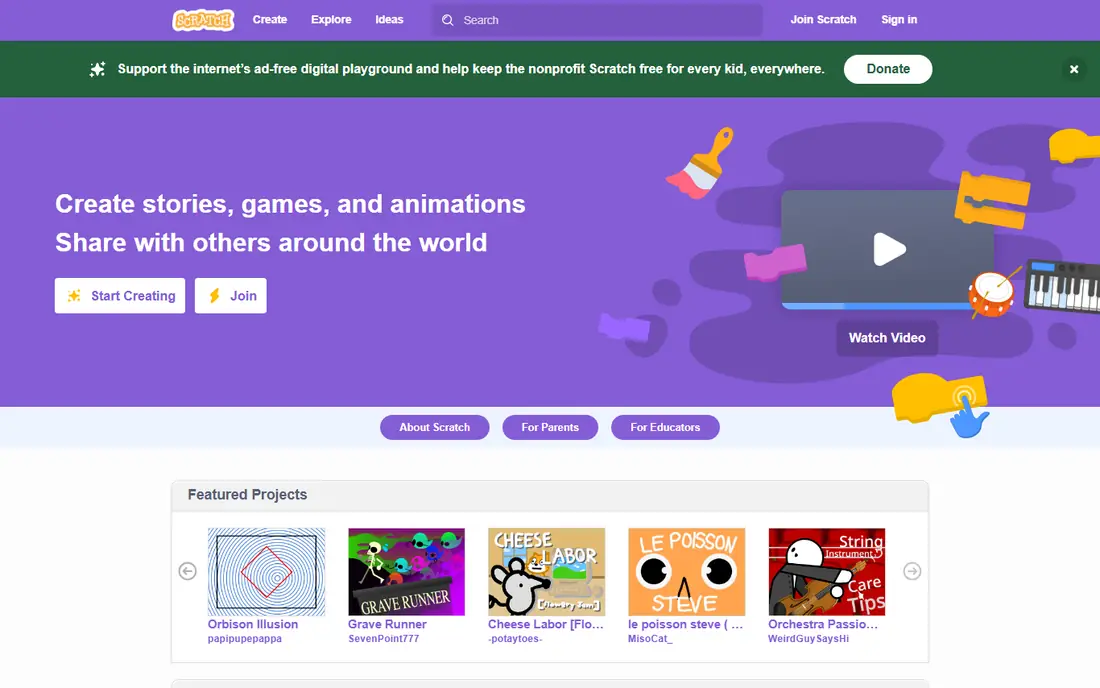
Scratch, from MIT, lets children build games, stories, and animations by snapping visual blocks together. That design removes typing errors, so a child can focus on logic, loops, and cause and effect. The community also lets children remix projects, which can spark ideas and show how a project was built.
Scratch is designed for ages 8 to 16, though younger children can try it with help. Parents should review sharing settings, because community projects are public by default in many cases and comments need supervision. Scratch is our pick for most children starting coding, because it is free, creative, and widely used in schools.
- Completely free
- Huge project community
- Visual blocks avoid syntax errors
- Block coding only
- Community sharing needs parental supervision
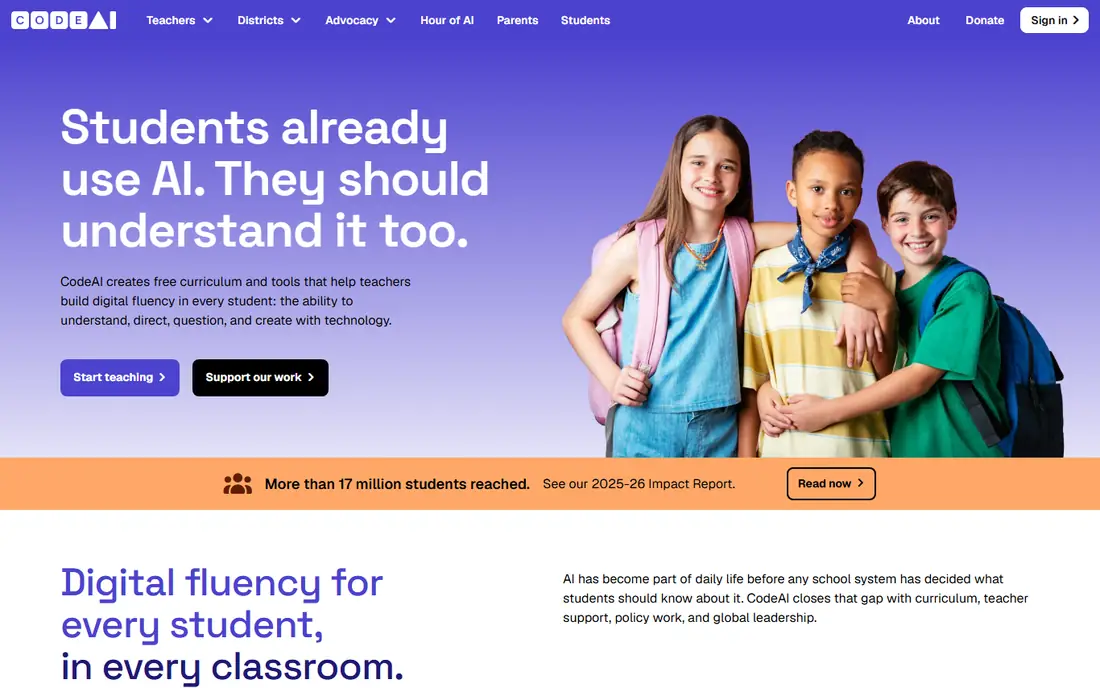
Code.org offers structured courses from early primary ages through high school, with block coding that moves toward JavaScript and Python in later courses. Lessons use familiar themes and puzzles, which help children who like clear steps and goals. Teachers can track progress, and parents can use the same courses at home.
Code.org covers ages 4 to 18 across its courses, with the youngest courses using simple puzzles. It feels less open-ended than Scratch, because lessons guide each step. For families who want a clear path and school-aligned content, Code.org is an excellent free companion to Scratch.
- Completely free
- Structured courses by age
- Used in many schools
- Less open-ended creativity than Scratch
- Progress needs a teacher or parent guide
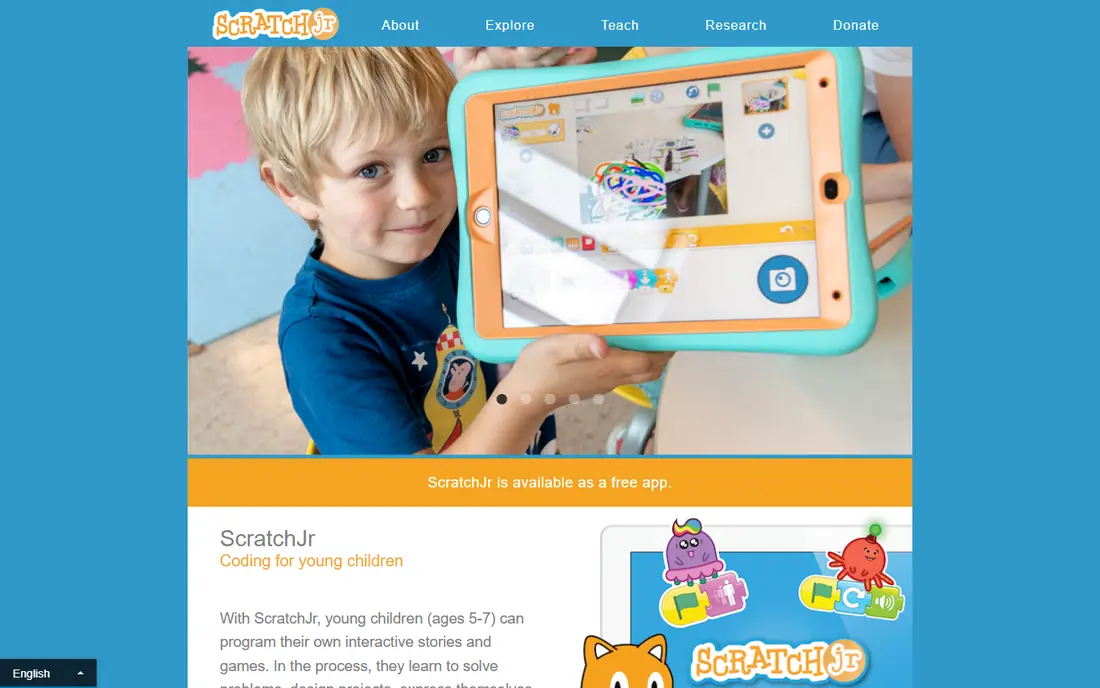
ScratchJr is the younger sibling of Scratch, built for ages 5 to 7. It uses picture blocks instead of words, so children who cannot yet read well can still build stories and games. The tablet interface is simple, with large blocks and characters that move, speak, and react.
It runs on tablets rather than a web browser on a computer, and older children will outgrow it within a year or two. That limit is fine, because ScratchJr is meant as a first step. Move a child to Scratch when reading and longer projects feel comfortable.
- Picture blocks need no reading
- Simple tablet interface
- Free with no account pressure
- Tablet only
- Older children will outgrow it quickly
Tynker suits ages 5 to 18 across its courses, with younger courses using blocks and older courses moving to Python and JavaScript. Its guided path, quizzes, and certificates help parents see progress, and Minecraft and drone options appeal to children who already play those games. Parental dashboards help track use and limit some features.
The free tier covers a set of starter lessons, while the full course library needs a paid plan. Tynker is a good pick when a child wants structure, a clear next step, and a path from blocks to text code without jumping straight to a blank editor.
- Courses from blocks to Python and JavaScript
- Progress tracking
- Minecraft options
- Full library needs a paid plan
- Some content needs a subscription to finish a course
CodeCombat teaches real Python and JavaScript by letting children type code to move a hero through game levels. That game format keeps older children engaged, while still teaching loops, variables, and functions. It suits ages 10 and up, when reading and typing are comfortable enough for text code.
Younger children may struggle with syntax errors, which is why block tools come first for most families. The free tier covers early levels, while later levels and classroom features need payment. CodeCombat is our pick for the first text-based step after Scratch or Tynker blocks.
- Real code inside a game
- Python and JavaScript paths
- Engaging levels for ages 10 and up
- Needs reading and typing comfort
- Full levels need a paid plan
Kodable is designed for early learners, with game levels that teach sequencing, conditions, and loops before a child writes code. It suits primary ages, especially children who are not yet ready for Scratch. Teacher and parent tools help track progress and set class or home use.
Older children will find Kodable simple, and the full curriculum needs a paid plan. Use Kodable as a gentle first step for ages 5 to 8, then move to Scratch or Code.org when a child wants larger projects and more creative freedom.
- Designed for young learners
- Game-based levels
- Teacher and parent tools
- Full curriculum needs a paid plan
- Older children may find it too simple
Swift Playgrounds, from Apple, teaches real Swift code through interactive puzzles on iPad and Mac. Children solve puzzles by writing code, then move toward building simple apps. That path is valuable for Apple households, because Swift is a real language used for iOS and Mac apps.
It works only on Apple devices, and it suits ages 10 and up better than younger children, because it needs reading and typing comfort. Swift Playgrounds is free, with no paid tier for the core app. It is a strong next step after blocks for a child with an iPad or Mac.
- Completely free from Apple
- Teaches real Swift
- Interactive puzzles and app building
- Apple devices only
- Suits ages 10 and up more than young children
Minecraft Education lets children code inside a world they already know, using blocks first and Python later. Lessons cover coding, science, and problem solving, with worlds that make abstract ideas visible. That familiarity helps children who might not sit still for a plain coding lesson.
Full use needs a license, often through a school, though a trial lets families test it. Parental supervision still matters for multiplayer and chat settings, even in an education version. Minecraft Education suits children ages 8 and up who love Minecraft and want coding inside play.
- Familiar Minecraft world
- Block and Python coding
- Classroom lessons and worlds
- Needs a license for full use
- Setup is easier with a school account
Khan Academy offers free computing courses in JavaScript, HTML, CSS, and SQL, with short videos and interactive exercises. Older children can build drawings, animations, and simple web pages, and see code run at once. That instant feedback helps learners who want real web skills.
It is less game-based than CodeCombat or Tynker, and it suits ages 10 and up better than young children. Khan Academy is free, with no paid tier for these courses. It is a strong free path for teens who want to move from blocks to real web code.
- Completely free
- JavaScript, HTML, and CSS courses
- Short videos and exercises
- Less game-based than CodeCombat
- Suits ages 10 and up more than young kids
How we picked these
We compared official product pages, age guidance, and pricing pages for coding tools that are actively available for children in 2026. We favored tools with a real free tier or trial, a clear age range, and parental or teacher controls. We avoided tools that were closed, adult-only, or that required a child to share personal data without clear safeguards.
How to choose by age and controls
Match the tool to reading and typing comfort, not just age. Ages 5 to 7 suit ScratchJr and Kodable, ages 8 to 12 suit Scratch, Code.org, and Tynker, and ages 10 and up suit CodeCombat, Swift Playgrounds, and Khan Academy. Overlap is normal, and a child can use two tools at once for different goals.
Before a child starts, check the account settings together. Turn off public sharing where possible, review chat and comment options, set a time limit, and agree on what a child can publish. Use a parent email for accounts, keep passwords private, and review projects together each week. Those steps matter more than any single app feature.
Keep coding fun and safe
Let a child pick a project they care about, such as a game, a story, or a Minecraft build, rather than forcing a set course order. Short sessions of 20 to 30 minutes work well for younger children, with breaks and time outdoors. Praise problem solving and persistence, not just a finished project, and treat errors as part of coding rather than failure.
Frequently asked questions
What are the best coding apps for kids?
Scratch and Code.org are the best free starting points, Tynker suits guided learning, and CodeCombat suits the move to text code. The best app depends on age, reading level, and whether a child prefers open creativity or structured lessons.
What age should kids start coding?
Children can start with picture-block tools such as ScratchJr at ages 5 to 7, move to Scratch or Code.org around age 8, and try text-based tools around age 10. Start earlier only if a child shows interest, and keep sessions short and playful.
Is Scratch free and safe for kids?
Scratch is free, and it offers account and community controls, but parents should still review sharing and comment settings. Use a parent email where possible, talk about online kindness and privacy, and check projects together until a child is older.
Do kids need parental controls for coding tools?
Yes, check sharing, chat, and friend options in every tool, even education tools. Turn off public sharing where you can, set time limits, and review what a child publishes. Parental controls help, but regular conversation about online safety matters more.
Should kids learn block coding or real programming first?
Block coding first suits most children, because it teaches logic without syntax errors. Around ages 10 to 12, many children are ready to move to Python, JavaScript, or Swift, with Tynker and CodeCombat bridging that gap.
Can kids learn coding without paying?
Yes, Scratch, Code.org, ScratchJr, Swift Playgrounds, and Khan Academy are free for their core content. Paid tools such as Tynker add structure and tracking, but free tools cover the fundamentals well for most families.
Sources we checked (9)

Online Jobs is an independent blog about careers, online work, learning new skills and the tools that help people earn. More about us.
Keep reading
All posts
Zoom Alternatives
Zoom alternatives compared for 2026: Google Meet, Microsoft Teams, Webex, Jitsi and more for free calls, large meetings and webinars for teams and classrooms.

Which Software Is Best for Data Entry
Compare the best data entry software for forms, OCR scanning, and spreadsheets, with free plans, pricing, and honest limits for each tool before you commit.

What Is the Best Free Tool to Rotate a PDF
What is the best free tool to rotate a PDF? We compare eight free rotation tools on per-page control, limits, privacy and saved output quality in detail.