Best Cloud Storage Services Comparison in 2026: 9 Services Compared

How we put this together: we compare official feature and pricing pages, app store listings, privacy policies and public user reviews. Prices change, so check the provider's site before you pay.
Key takeaways
- Google Drive offers the most generous free tier among major providers at 15 GB, shared across Gmail, Drive and Photos.
- MEGA offers the largest free tier at 20 GB, with end-to-end encryption by default.
- Microsoft 365 Family is the cheapest storage per terabyte for families, at roughly 1.81 dollars per terabyte per month with Office apps included.
- pCloud is the only major provider with lifetime plans, from 199 dollars for 500 GB, which beats subscriptions over three or more years.
- Free tiers range from 2 GB for Dropbox to 20 GB for MEGA, and the fine print, like shared quotas and upload limits, matters more than the headline number.
Quick comparison
| Name | Who it suits | Starting price | Free option | |
|---|---|---|---|---|
 Google Drive Google Drive | Google users and collaboration | Free | Yes | Visit |
 Microsoft OneDrive Microsoft OneDrive | Windows and Microsoft 365 users | Free | Yes | Visit |
 Dropbox Dropbox | Fast reliable sync | Free | Yes | Visit |
 Apple iCloud+ Apple iCloud+ | Apple device users | Free | Yes | Visit |
 pCloud pCloud | Lifetime plans and media | Free | Yes | Visit |
 Proton Drive Proton Drive | End-to-end privacy | Free | Yes | Visit |
 MEGA MEGA | Largest free tier | Free | Yes | Visit |
 Sync.com Sync.com | Zero-knowledge privacy | Free | Yes | Visit |
 Box Box | Business collaboration | Free | Yes | Visit |
The best cloud storage services
Cloud storage services look similar on the surface but differ sharply on free tiers, price per terabyte, encryption and ecosystem fit. The right choice usually follows the devices and apps you already use, with privacy and lifetime pricing as the main reasons to switch. We compared provider pricing pages from October 2026, noting where prices vary by billing period and region.
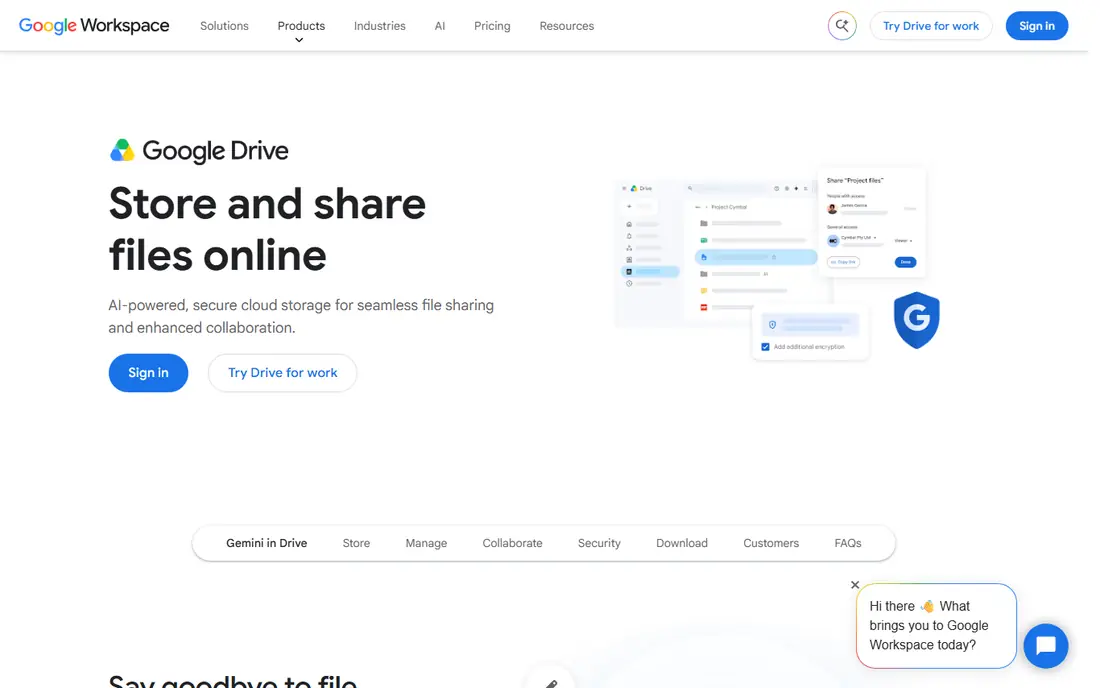
Google Drive is the best cloud storage for most people. The 15 GB free tier is the most generous among major providers, collaboration in Docs, Sheets and Slides is best in class, and sharing links is effortless. Paid Google One plans start at 1.99 dollars a month for 100 GB and 9.99 dollars a month for 2 TB.
The shared quota is the catch: Gmail attachments and Photos backups eat the same 15 GB, so heavy users hit the limit quickly. Encryption is provider-managed rather than end-to-end. For Google and Android users, Drive is the obvious default.
- 15 GB free, the most generous major free tier
- Smooth Docs, Sheets and Gmail integration
- Powerful search across file contents
- 15 GB is shared across Gmail, Drive and Photos, so it fills fast
- Provider-managed encryption, not end-to-end
- Support is limited on consumer plans
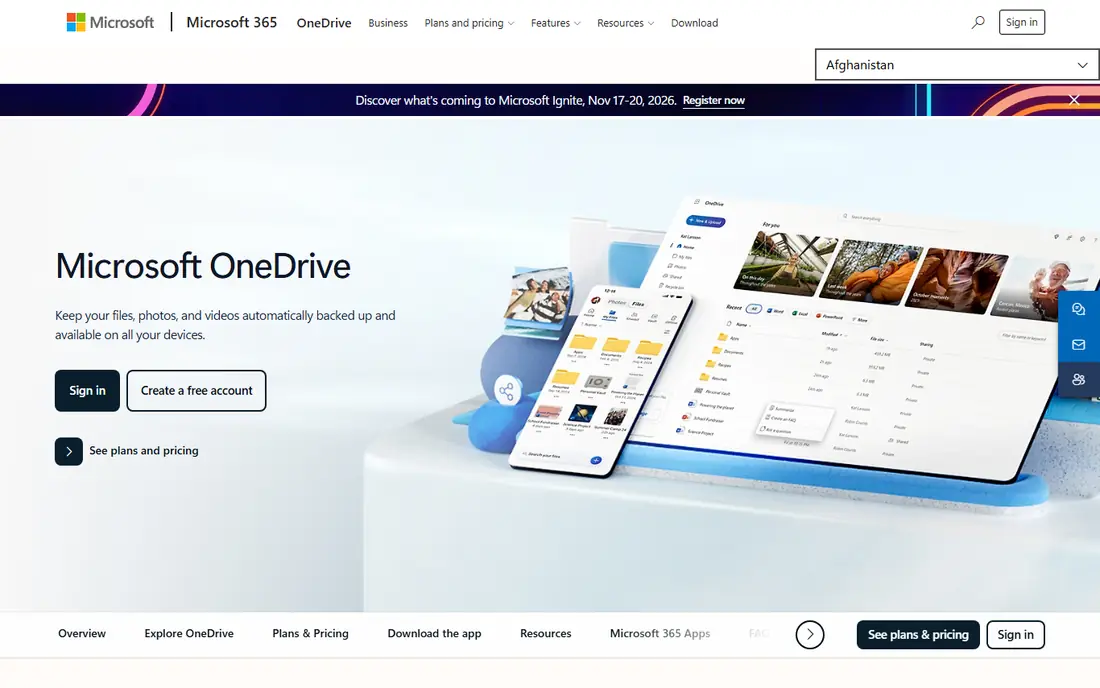
OneDrive is the best cloud storage for Windows and Office users. It appears directly in File Explorer, Files On-Demand shows online files without downloading them all, and Office documents co-edit smoothly. A standalone 100 GB plan costs 1.99 dollars a month, while Microsoft 365 Personal at 9.99 dollars a month adds 1 TB plus the desktop Office apps.
Microsoft 365 Family at 12.99 dollars a month covers up to 6 people with 1 TB each, working out to roughly 1.81 dollars per terabyte per month, the cheapest family storage here. The free tier is only 5 GB. For Windows households, OneDrive plus Microsoft 365 is the best bundle value.
- Built into Windows and File Explorer
- Deep Office co-editing
- Microsoft 365 Family is the cheapest per-terabyte family deal
- Only 5 GB free
- Best value requires a Microsoft 365 subscription
- Sync errors can confuse new users
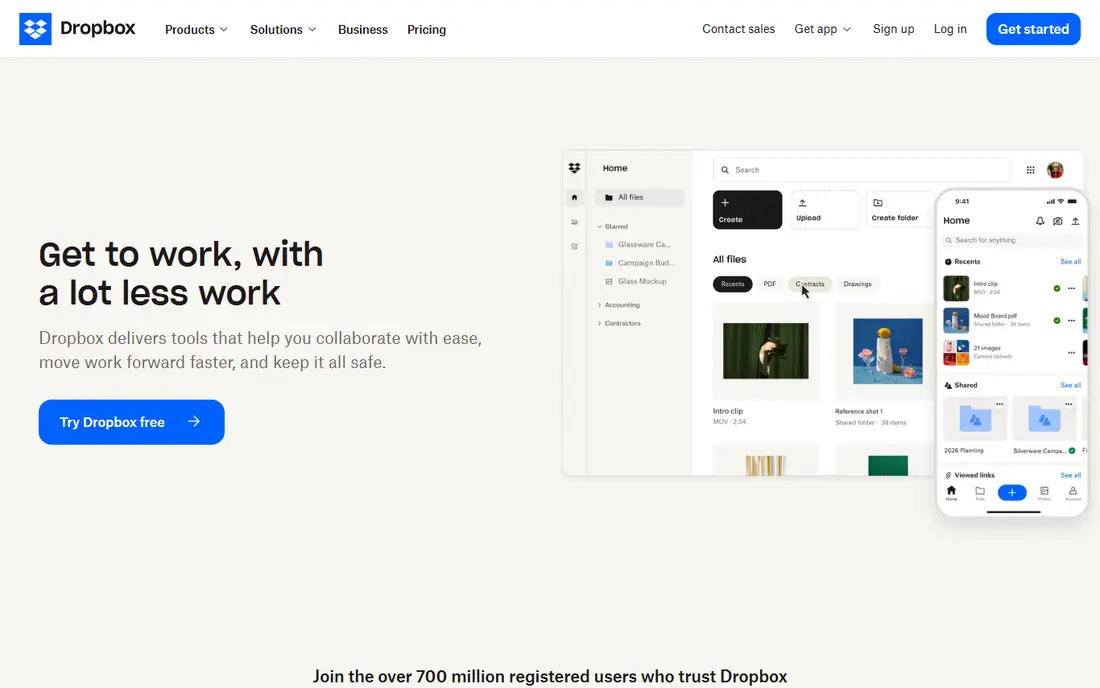
Dropbox remains the sync benchmark. Block-level sync uploads only changed parts of files, making it fast and reliable across platforms, and its integration ecosystem is the largest in the category, from document signing to project tools. Teams that share files constantly still prefer Dropbox's sync engine.
The price is the problem: 2 GB free is the smallest tier here, and Plus costs 11.99 dollars a month for 2 TB, or 9.99 dollars on annual billing, more than Google or iCloud for the same space. Unless you rely on its sync or integrations, you are paying for brand rather than storage.
- Gold-standard sync speed and reliability
- Block-level sync saves bandwidth
- Huge third-party app ecosystem
- Only 2 GB free, the smallest tier here
- Plus costs 11.99 dollars a month for 2 TB, pricier than rivals
- No end-to-end encryption by default
Apple iCloud+ is the invisible choice for Apple users. Device backups, Photos, Drive and Mail sync without thinking about it, and it preserves Live Photos, depth data and original high-resolution files. Plans start at 99 cents a month for 50 GB, 2.99 dollars for 200 GB and 9.99 dollars for 2 TB, shareable with up to 5 other people.
The free tier is only 5 GB, which a single iPhone backup can exceed, and the Windows experience is thinner than on Apple devices. End-to-end encryption is available but opt-in. For iPhone and Mac households, iCloud+ is the frictionless default.
- Built tightly into iPhone, iPad and Mac
- Device backup preserves Live Photos and original files
- Plans shareable with up to 5 other people
- Only 5 GB free
- Windows and Android experience is thinner
- End-to-end encryption is opt-in through Advanced Data Protection
pCloud is the only major provider with lifetime plans, and that changes the maths. A one-time 199 dollars for 500 GB or 399 dollars for 2 TB beats subscriptions over three or more years, and the 2 TB lifetime plan works out to roughly 3.33 dollars per terabyte per month over five years. Monthly plans start at 4.99 dollars for 500 GB.
Media streaming, auto-backup and file versioning are built in. Client-side encryption costs extra as pCloud Crypto, and the free tier starts at 2 GB, growing to 10 GB through a tutorial and invites. For long-term value seekers, pCloud is unique.
- Lifetime plans from 199 dollars for 500 GB
- Up to 10 GB free
- Built-in media streaming and auto-backup
- Client-side encryption is a paid add-on, not default
- Free tier starts at 2 GB and grows to 10 GB through tasks
- Subscription plans are mid-priced
Proton Drive is the privacy-first cloud storage. End-to-end encryption applies by default, the company is based in Switzerland under strong privacy law, and Drive integrates with Proton Mail, VPN, Calendar and Pass. Drive Plus costs 3.99 dollars a month billed yearly for 200 GB, and bundle plans add more storage plus the full Proton suite.
For storage alone, Proton is pricier than Google or iCloud. The value appears if you also want encrypted email and a VPN, where the bundle makes sense. For users who prioritize privacy above price, Proton Drive is the best choice.
- End-to-end encryption by default, so not even Proton can read your files
- Swiss privacy jurisdiction
- Integrates with Proton Mail, VPN and Calendar
- Pricier than rivals for storage alone
- Free tier is 5 GB
- Standalone storage plans are limited compared with the full Proton suite
MEGA offers the largest free tier of any major provider at 20 GB, with end-to-end encryption by default and a New Zealand jurisdiction outside the usual US and EU data regimes. Paid plans start around 4.99 euros a month for 400 GB, with 2 TB plans around 9.99 euros, though exact dollar pricing varies, so we list paid pricing as confirmed on the plan page.
Achievement bonuses can add temporary storage, each valid for 365 days, which complicates the free tier. For free storage with real encryption, MEGA is the best option available.
- 20 GB free, the largest free tier here
- End-to-end encryption by default
- Chat and collaboration built in
- Paid pricing varies by currency and plan
- Achievement bonuses are temporary
- Interface is busier than Google Drive
Sync.com is the zero-knowledge storage specialist from Canada. Every file is encrypted so that only you can read it, versioning and secure sharing links are built in, and the free tier offers 5 GB. Paid plans start at 8 dollars a month for 2 TB, with team plans scaling from there.
Free tier limits include 3 active links, 20 downloads per link per day and 5 devices, which may constrain heavy sharers. For privacy-conscious individuals and small teams that want zero-knowledge security at a reasonable price, Sync.com is a strong pick.
- Zero-knowledge encryption by default on all tiers
- 5 GB free
- Strong versioning and secure links
- 2 TB plan costs 8 dollars a month, mid-priced
- Free tier limits links and devices
- Smaller ecosystem than Google or Dropbox
Box is the enterprise cloud storage. Its security and compliance protocols suit regulated businesses, integrations cover the major business apps, and collaboration tools include workflow automation and content management. Individuals get 10 GB free, though with a 250 MB per-file upload limit and one file version.
Business plans start at 5 dollars per user a month, with higher tiers adding unlimited storage and advanced controls. For personal storage, Box is overkill. For businesses that need compliance-grade collaboration, it is a leading choice.
- 10 GB free for individuals
- Enterprise security and compliance protocols
- Deep business app integrations
- Individual free tier caps uploads at 250 MB per file
- Business plans start at 5 dollars per user a month and scale fast
- Overkill for personal use
How we picked these
We compared provider pricing pages, free tier terms and encryption models from October 2026, favoring services with transparent pricing, real free tiers and distinct strengths. We checked that each official site belongs to the service. Prices vary by billing period, currency and region, and plan names change, so confirm the current plan on each provider's pricing page before subscribing.
What to check before you choose
Start with your ecosystem. Google users should default to Drive, Apple users to iCloud+, Windows and Office users to OneDrive, because built-in sync and app integration outweigh small price differences. Only switch ecosystems for a strong reason like privacy or lifetime pricing.
Next, measure your real storage need, not the tier you assume. If your phone backup is 60 GB and your photo library is 300 GB, a 500 GB plan fits better than a 2 TB plan pushed by comparison sites. Finally, check encryption: if you want files unreadable even to the provider, choose an end-to-end encrypted service like Proton Drive, MEGA or Sync.com, rather than a provider-managed one.
Frequently asked questions
What is the best cloud storage service overall?
Google Drive is the best overall for most people, with 15 GB free, the best collaboration tools and competitive paid pricing from 1.99 dollars a month. OneDrive is best for Windows and Office users, and iCloud+ is best for Apple users.
What is the best free cloud storage service?
MEGA offers the most free storage at 20 GB with end-to-end encryption. Google Drive offers 15 GB free, shared across Gmail and Photos. pCloud offers up to 10 GB free, and Box offers 10 GB free for individuals with upload limits.
What is the most private cloud storage service?
Proton Drive, MEGA and Sync.com all offer end-to-end or zero-knowledge encryption by default, meaning the provider cannot read your files. Proton Drive is based in Switzerland, Sync.com in Canada, and MEGA in New Zealand. For maximum privacy, choose one of these over provider-managed services.
What is the cheapest cloud storage per terabyte?
Microsoft 365 Family is cheapest for families at roughly 1.81 dollars per terabyte per month with Office apps included. pCloud's lifetime plans work out to roughly 3.33 dollars per terabyte per month over five years for 2 TB. IDrive and Sync.com also offer low per-terabyte pricing for backup-focused users.
Does pCloud really offer lifetime storage?
Yes. pCloud sells one-time lifetime plans from 199 dollars for 500 GB up to 1,190 dollars for 10 TB, with no recurring subscription. Over three or more years, lifetime plans cost less than equivalent monthly plans, though the company must remain in business for the lifetime to pay off.
How much cloud storage do I need?
Most individuals need 100 to 500 GB for documents and photos, while families with large photo and video libraries need 2 TB. Check your current usage across phone backups, photos and documents before buying, and avoid paying for a 2 TB plan when 500 GB fits.
Sources we checked (9)

Online Jobs is an independent blog about careers, online work, learning new skills and the tools that help people earn. More about us.
Keep reading
All posts
Zoom Alternatives
Zoom alternatives compared for 2026: Google Meet, Microsoft Teams, Webex, Jitsi and more for free calls, large meetings and webinars for teams and classrooms.

What Is the Best Free Tool to Rotate a PDF
What is the best free tool to rotate a PDF? We compare eight free rotation tools on per-page control, limits, privacy and saved output quality in detail.

What Is the Best AI Dubbing Tool
We compared the best AI dubbing tools in 2026, from ElevenLabs and HeyGen to Rask AI, Dubverse and Veed, for videos and creators in many languages worldwide.