Best Cloud Storage Services in 2026: 9 Services Compared


Gmail and Google Docs users · Starting price: $1.99 per month
How we put this together: we compare official feature and pricing pages, app store listings, privacy policies and public user reviews. Prices change, so check the provider's site before you pay.
Key takeaways
- Google Drive gives the largest widely useful free tier at 15 GB shared across Drive, Gmail and Photos, while Dropbox gives only 2 GB free.
- At 2 TB, Google Drive, Dropbox, OneDrive through Microsoft 365 and iCloud all land near $9.99 per month, so the apps you already use matter more than the headline price.
- MEGA and Proton Drive are the strongest picks when end to end encryption matters, while pCloud stands out for a one time lifetime payment instead of a monthly bill.
- Box and Sync.com fit teams and privacy focused work better than casual photo backup, and their controls are worth the extra setup.
- Check the renewal price, the free tier limit and the file recovery window before you pay, because those three details cause most regrets later.
Quick comparison
| Name | Who it suits | Starting price | Free option | |
|---|---|---|---|---|
| Google Drive | Gmail and Google Docs users | $1.99 per month | Yes | Visit |
 Dropbox | Reliable file sync | $11.99 per month | Yes | Visit |
 Microsoft OneDrive | Microsoft 365 households | $1.99 per month | Yes | Visit |
 Apple iCloud | Apple device owners | $0.99 per month | Yes | Visit |
 pCloud | One time lifetime storage | $4.99 per month | Yes | Visit |
 Box | Business file sharing | See website | Yes | Visit |
 Sync.com | Private team storage | See website | Yes | Visit |
 MEGA | Encrypted free storage | See website | Yes | Visit |
 Proton Drive | Privacy focused storage | See website | Yes | Visit |
The best cloud storage services
The best cloud storage services are not all selling the same thing, even when the price per terabyte looks similar. Some are built for editing documents together, some for backing up a whole computer, and some for keeping files private by default. We compared official pricing pages, free tiers, sync apps, sharing controls and privacy policies, and we kept only services that work today across common devices. The list below starts with the broadest everyday picks and then moves to stronger privacy and business options.
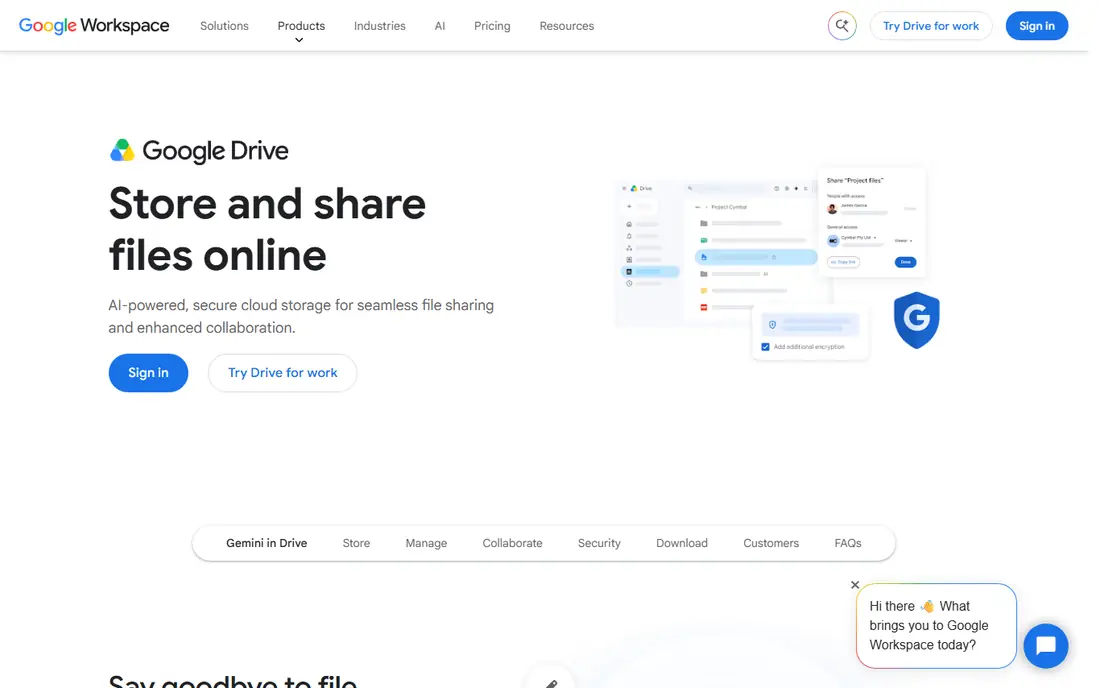
Google Drive is our pick for most people because it is already part of a Google account and it works well for the files most people actually keep. Photos, documents, PDFs and school or work files live in one place, and Docs, Sheets and Slides let several people edit at the same time without sending copies back and forth. Search is fast, sharing links are simple to set, and the mobile apps make it easy to scan a document or back up photos.
Pricing starts at $1.99 per month for 100 GB through Google One, with 200 GB at $2.99 per month and 2 TB at $9.99 per month. The free 15 GB tier is shared across Drive, Gmail and Photos, so it can fill faster than it first appears, especially if you keep original quality photos. Family sharing lets you share a paid plan with other people in your household without sharing each other's files.
- Generous 15 GB free tier
- Strong Docs, Sheets and search integration
- Apps for most phones and computers
- Free storage is shared with Gmail and Photos
- Deleted files leave trash after 30 days
- No full end to end encryption on consumer plans
Dropbox earned its place by doing one job very well, which is keeping the same files current on every device. When you save a file on a laptop, it appears on your phone and on the web without much fuss, and selective sync lets you keep large folders online only so a small laptop drive does not fill up. For freelancers and small teams who share folders every day, that steadiness matters more than a slightly lower price elsewhere.
The free Basic plan gives 2 GB, which is enough to test sync and sharing but not enough for photo libraries. Plus costs $11.99 per month for 2 TB, or $9.99 per month when billed yearly, and Professional costs $19.99 per month for 3 TB. Paid plans add longer version history, larger transfers and stronger sharing controls, which are useful when a client asks for an older version of a file.
- Fast and steady sync across devices
- Long version history on paid plans
- Wide app integrations
- Only 2 GB free
- Monthly price is higher than some rivals for 2 TB
- No built in office suite
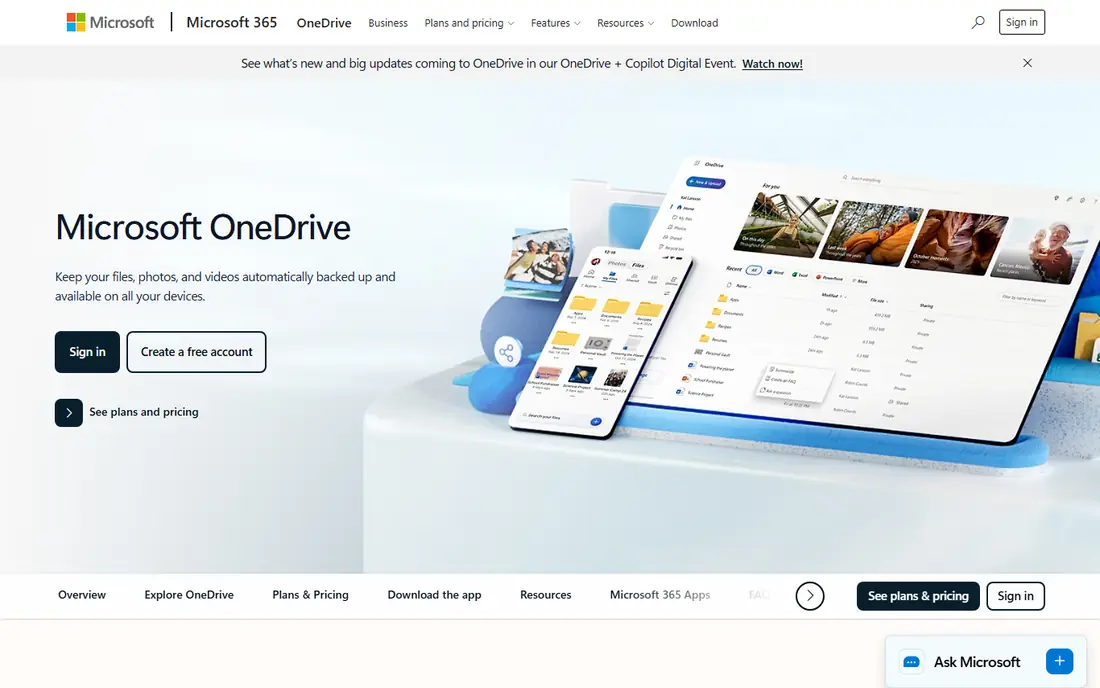
OneDrive is the natural pick if you already pay for Microsoft 365 or spend your day in Word, Excel and PowerPoint. Files open in Office apps, changes save back to the cloud, and Files On-Demand shows your whole library on a Windows computer without downloading everything. Personal Vault adds an extra protected folder for sensitive documents, which is a useful touch for tax forms and scans.
Microsoft 365 Basic costs $1.99 per month for 100 GB, Personal costs $9.99 per month for 1 TB plus the desktop Office apps, and Family costs $12.99 per month with a shared storage pool for up to six people. The free tier is 5 GB, shared with Outlook attachments, so light users should check how much mail storage they already use before relying on it for photos.
- Deep Windows and Office integration
- Good value when bundled with Microsoft 365
- Files On-Demand saves local space
- Only 5 GB free
- Family storage is now a shared pool
- Mac integration is less deep than on Windows
iCloud is less a standalone storage service and more the quiet backup system behind Apple devices. Turn it on and photos, device backups, messages and app data stay in step across an iPhone, iPad and Mac, often without the owner having to think about it. For a household that uses Apple products for almost everything, that closeness to the operating system is the main reason to choose it over a general service.
Pricing starts at $0.99 per month for 50 GB, with 200 GB at $2.99 per month and 2 TB at $9.99 per month. The free 5 GB tier fills quickly once device backups and photos are counted, so most iPhone owners will need at least the 50 GB plan. Family sharing lets several people share a larger plan while keeping their own files private.
- Built into iPhone, iPad and Mac
- Automatic device backups
- Simple family sharing
- Only 5 GB free
- Windows and Android support is thinner
- Web tools are more limited
pCloud suits people who dislike subscriptions and would rather pay once for storage they plan to keep for years. Premium starts at $4.99 per month for 500 GB, Premium Plus costs $9.99 per month for 2 TB, and lifetime options were listed at $219 for 500 GB and $499 for 2 TB. That lifetime math only pays off if you keep the account for about four to five years, so it is a commitment, not a bargain for short term use.
The apps cover Windows, Mac, Linux, iOS and Android, and pCloud includes a media player, document editing and file versioning on paid plans. You can choose a US or EU data region at sign up, which some privacy conscious buyers prefer. Sharing links can carry passwords and expiry dates, which helps when sending files to clients.
- Lifetime plans avoid a monthly bill
- Apps for Windows, Mac and Linux
- Choice of US or EU storage region
- Full client side encryption costs extra
- Lifetime value depends on the service lasting
- Refund window is short
Box is built for organisations that need to control who can see, edit and download files, rather than for personal photo storage. Admins can set permissions by folder, track activity, set retention rules and connect Box to common business tools. Previews work for many file types without downloading, which helps teams review documents and media quickly.
Individual plans exist, but Box makes most sense when a small business or team needs that control layer. The free personal tier gives 10 GB, which is enough to test sharing and previews, while paid business plans are priced per user and should be checked on the Box site because team pricing changes with plan and seat count. We list Box as See website here because the right price depends on team size and plan.
- Strong admin and permission controls
- Wide business app integrations
- Good preview and workflow tools
- Personal free tier is limited at 10 GB
- Pricing is aimed at teams
- Casual photo backup is not its strength
Sync.com is the pick for small teams that want privacy without asking every member to learn new security habits. Files are encrypted on the device before upload, so Sync cannot read them, and sharing links can be password protected with expiry dates. Team plans add shared folders, admin controls and remote device management, which makes it practical for firms handling client records.
Personal and team pricing should be checked on the Sync site, since plans and first year offers change, and we list it as See website for that reason. The free tier is useful for testing sync and sharing, but it is not meant as a large photo library. Sync Vault is a separate backup style space that does not sync back to every device, which is worth understanding before you set up folders.
- End to end encryption by default
- Clear team sharing controls
- Data centres in Canada with strong privacy rules
- Fewer third party integrations than Dropbox
- Transfer and collaboration tools are narrower
- Pricing varies by plan
MEGA gives the largest free tier on this list at 20 GB, and it encrypts files by default so only the account holder and people they authorise can read them. That combination makes it a strong first stop for someone who wants private storage without paying at once. The web app, desktop sync and mobile apps cover the basics well, and sharing links can carry passwords and expiry dates.
Paid plans start with smaller tiers and rise to 3 TB, 10 TB and 20 TB options, and prices are shown in euros on the MEGA site with conversion for US buyers, so we list starting price as See website here. Paid plans also include MEGA VPN and the MEGA Pass password manager, which adds value if you would use those tools anyway. Check the transfer quota for your plan before a large migration, because downloads are metered.
- Generous 20 GB free tier
- End to end encryption by default
- Paid plans include VPN and password manager extras
- Transfer quotas can limit large downloads
- Pricing is shown in euros and converts for US buyers
- Support is mainly online
Proton Drive is for people who put privacy first and are willing to trade some storage size and collaboration polish for it. Files are end to end encrypted by default, Proton is based in Switzerland, and Drive fits naturally with Proton Mail, Calendar and VPN for buyers who want one privacy focused account. The web and mobile apps handle uploads, sharing and photo backup without much fuss.
Free and paid pricing should be checked on the Proton site because Drive is sold alone and inside Proton bundles, and the best value depends on which other Proton services you already use. We list it as See website for that reason. Paid tiers are smaller than the 10 TB and 20 TB plans some rivals sell, so large video libraries may need a different service.
- End to end encryption by default
- Swiss based company with a clear privacy model
- Works with Proton Mail and VPN bundles
- Smaller storage tiers than some rivals
- Collaboration tools are still growing
- Best value comes inside a bundle
How we picked these
We started with the services that appear most often in consumer and business storage guides, then checked each official homepage to confirm it loads and belongs to that product. We compared free tiers, starting prices, storage sizes, sync apps, sharing controls, recovery windows and encryption claims from official pricing and help pages. We left out services that were closed or aimed only at developers, because this guide is for people storing personal files.
We did not claim hands on lab testing. Our comparisons come from official feature pages, pricing pages, privacy policies and public reviews, and prices can change with promotions and region. Check the vendor page at checkout, especially for family sharing rules and renewal prices, before you commit to a yearly or lifetime plan.
How to choose the right storage plan
Start with the devices and apps you already use, because the best storage service is usually the one that fits your daily work. Google households get the most from Drive, Microsoft households get the most from OneDrive, and Apple households get the most from iCloud, even when a rival offers a slightly larger free tier. Switching to a cheaper service that you open separately often costs more in friction than it saves in dollars.
Check sharing, recovery and exit options
Before you pay, test sharing a folder, restoring a deleted file, and downloading a large folder. Those three tasks reveal most problems early. Also check how you would leave, and whether the service keeps deleted files long enough to catch a mistake. A cheap plan with a short recovery window can be more costly than a slightly dearer plan with longer version history.
Frequently asked questions
What is the best free cloud storage service?
Google Drive is the best free starting point for most people because it gives 15 GB shared across Drive, Gmail and Photos. MEGA gives 20 GB free with encryption by default, which is better if privacy matters more than office apps. If you use Apple devices, iCloud is simpler, but its free tier is only 5 GB.
What is the best multi platform cloud storage?
Dropbox, Google Drive, pCloud and MEGA all work well across Windows, Mac, iOS, Android and the web. Dropbox has the most consistent sync in our comparison, while pCloud adds Linux support that some rivals lack. Check the specific app for your device before you pay, especially on Linux or older phones.
What is the best cloud storage for files and photos?
Google Drive and OneDrive are strong for files and photos because they pair storage with editing and sharing tools. pCloud adds a media player and photo tools, and MEGA pairs a large free tier with encryption. For large photo libraries, choose at least 200 GB and turn on original quality backup only if you know the storage cost.
How much cloud storage do most people need?
Most document users need 100 GB or less, while photo and video users often need 200 GB to 2 TB. Start with a free tier, check how much space your phone backup and photo library actually use, then buy one tier above that figure. It is cheaper to grow into a plan than to pay for 10 TB you will never fill.
Is cloud storage safe for private files?
Cloud storage is safe when you use a strong unique password, turn on two factor authentication, and choose sharing links with passwords and expiry dates for sensitive files. For the most private files, use a service with end to end encryption by default and keep a local backup. Avoid sharing a whole account password with a team, and use folder permissions instead.
Sources we checked (9)

Online Jobs is an independent blog about careers, online work, learning new skills and the tools that help people earn. More about us.
Keep reading
All posts
Zoom Alternatives
Zoom alternatives compared for 2026: Google Meet, Microsoft Teams, Webex, Jitsi and more for free calls, large meetings and webinars for teams and classrooms.

Which Software Is Best for Data Entry
Compare the best data entry software for forms, OCR scanning, and spreadsheets, with free plans, pricing, and honest limits for each tool before you commit.

What Is the Best Free Tool to Rotate a PDF
What is the best free tool to rotate a PDF? We compare eight free rotation tools on per-page control, limits, privacy and saved output quality in detail.