Best Cloud Storage App for Free in 2026: 9 Apps Compared

How we put this together: we compare official feature and pricing pages, app store listings, privacy policies and public user reviews. Prices change, so check the provider's site before you pay.
Key takeaways
- Google Drive offers the most generous widely useful free storage for most people, shared across Gmail, Photos, and Drive.
- Mega gives a large free allowance with end-to-end encryption, but its free limits and transfer caps need a close read.
- OneDrive is the best free pick for Windows and Microsoft 365 users, while iCloud suits Apple households.
- Proton Drive is the strongest free pick for privacy, though its free space is smaller than Google Drive or Mega.
- Free plans are best for everyday files and backups of modest size, not for holding a whole photo library forever without paying.
Quick comparison
| Name | Who it suits | Starting price | Free option | |
|---|---|---|---|---|
 Google Drive Google Drive | Most people, most devices | Free | Yes | Visit |
 Microsoft OneDrive Microsoft OneDrive | Windows and Office users | Free | Yes | Visit |
 Dropbox Dropbox | Simple sync and sharing | Free | Yes | Visit |
 Apple iCloud Apple iCloud | Apple devices and families | Free | Yes | Visit |
 Mega Mega | Large free space with encryption | Free | Yes | Visit |
 pCloud pCloud | One-time payment option | Free | Yes | Visit |
 Box Box | Work collaboration basics | Free | Yes | Visit |
 Proton Drive Proton Drive | Privacy-first storage | Free | Yes | Visit |
 Sync.com Sync.com | Encrypted backup and sharing | Free | Yes | Visit |
The best free cloud storage apps
We compared free space, sync, sharing, privacy, and how the free plan limits what you can actually do.
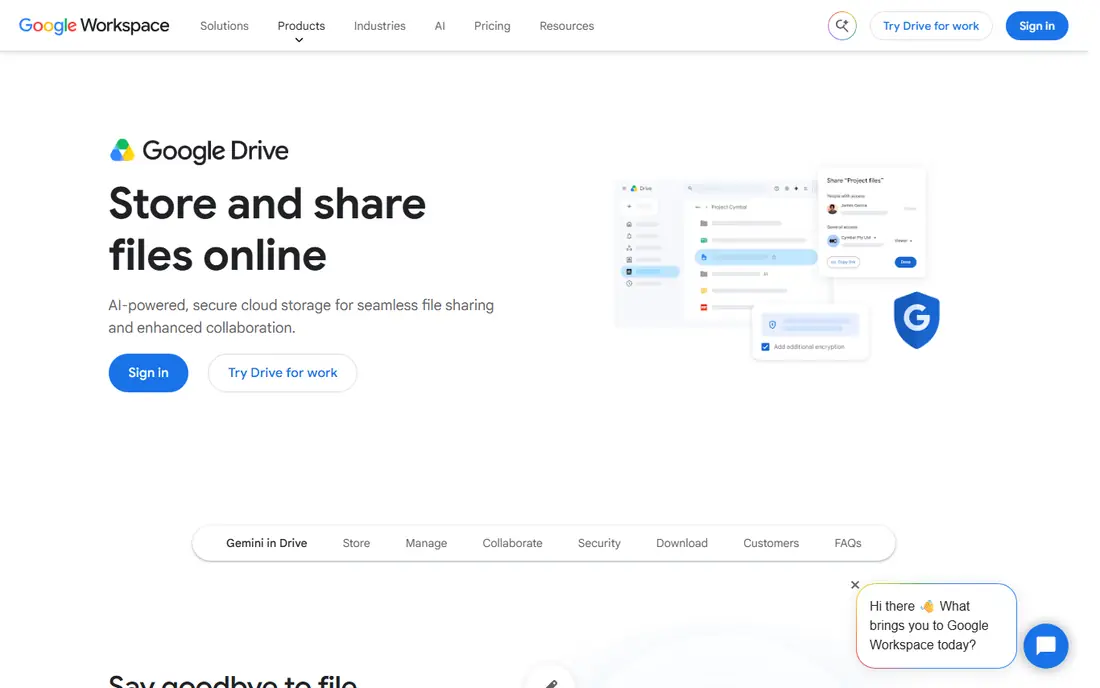
Google Drive is the free storage most people should start with, because it works everywhere and connects to tools they already use. Docs, Sheets, and Slides collaborate in real time, search finds files by content, and sharing a link takes seconds. For school, work, and family files, that combination is hard to beat. The catch is sharing. The free allowance covers Gmail, Google Photos, and Drive together, so a full inbox or a large photo backup can eat the space fast. Check your storage breakdown in your Google account before assuming Drive alone is full. For most everyday use, Google Drive remains the best free default.
- Generous free storage shared across Google services
- Excellent search and collaboration
- Works on every major device
- Free space is shared with Gmail and Google Photos, so it fills faster than it first appears
- Privacy is Google-standard, not end-to-end by default
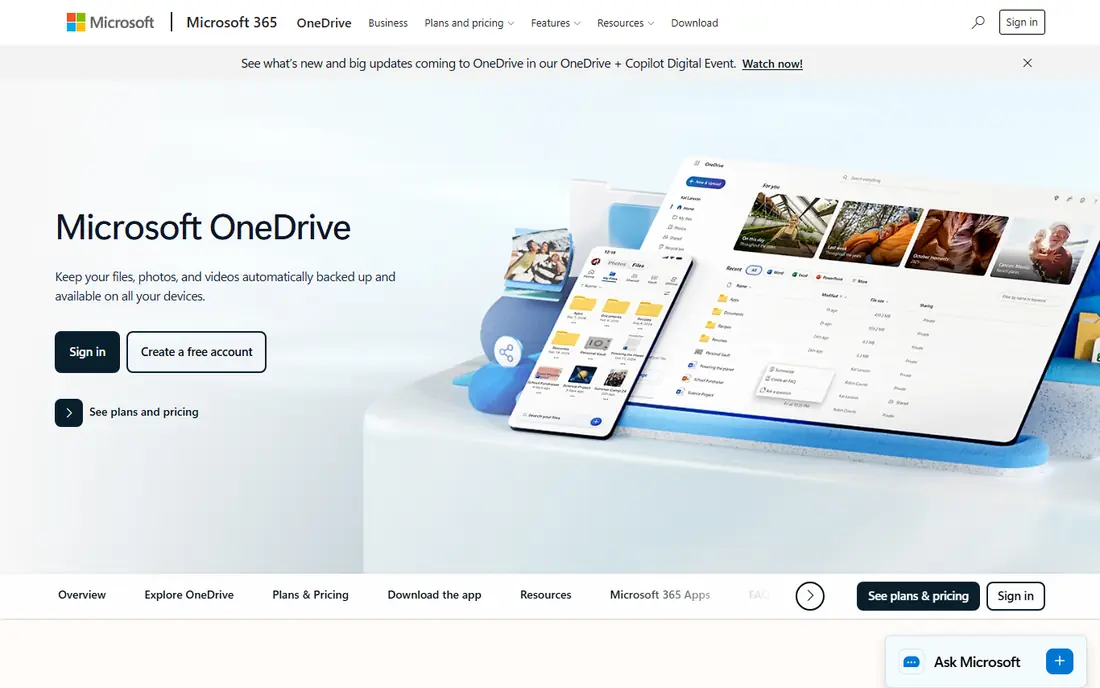
OneDrive makes the most sense for people who live in Windows and Office. Files sync into File Explorer, Word and Excel collaborate smoothly, and photos back up from a phone without extra setup. The personal vault adds a protected folder for sensitive documents, which is a thoughtful touch for tax files and scans. Free space is modest compared with Google Drive, so OneDrive alone will not hold a large media library for free. Its real value appears with a Microsoft 365 plan, which adds far more space. Windows users should still start with the free tier, since it handles documents and daily files well.
- Built into Windows and Office
- Good document collaboration
- Personal vault for sensitive files
- Free space is smaller than Google Drive
- Best value comes with a Microsoft 365 plan
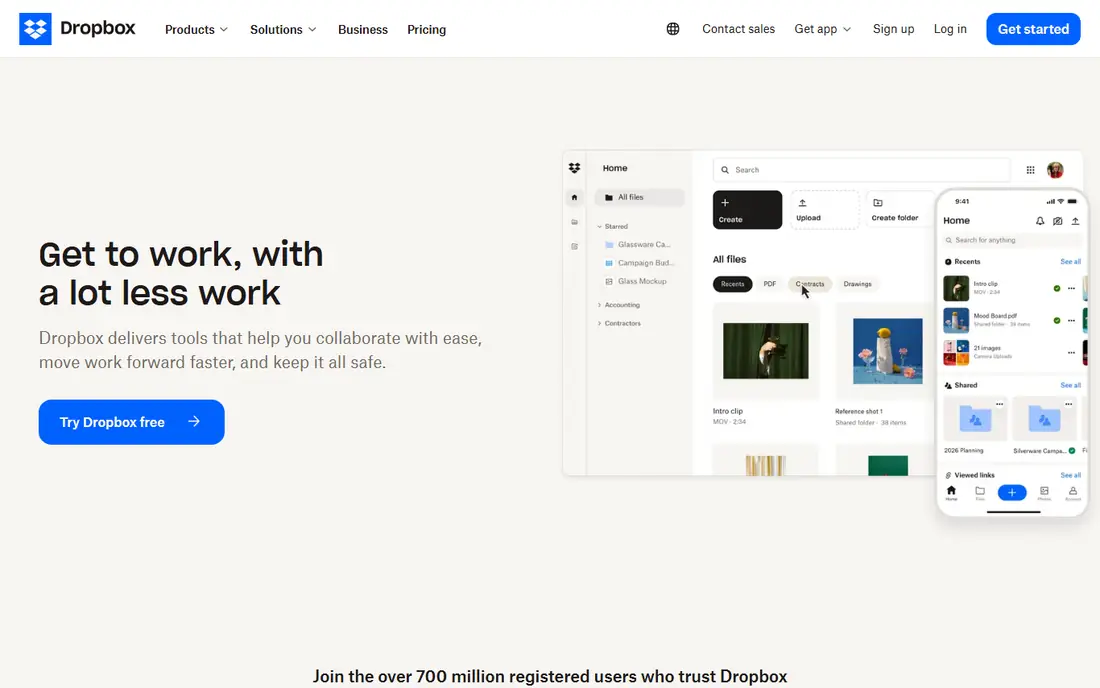
Dropbox built its name on sync that just works, and that reputation still holds. Files appear across devices quickly, sharing links are simple to send, and version history helps when a file is overwritten by mistake. Teams that pass files back and forth daily often prefer Dropbox's calm reliability to a larger but clunkier service. Free space is the weak point, since the basic plan offers far less than Google Drive or Mega. Dropbox suits documents, work files, and active projects rather than a whole media archive. If you need lots of free space, pair it with Google Drive, and use Dropbox for the files you share most.
- Very reliable sync
- Simple sharing links
- Works well across devices and teams
- Free space is small
- Paid plans cost more per unit of space than some rivals
Apple iCloud is the free storage Apple users already have, and its strength is how little setup it needs. Device backups, photos, and documents sync across iPhone, iPad, and Mac in the background, and family sharing lets a household manage storage together. For an Apple household, that integration beats any third-party app for daily convenience. The free allowance is small, and a single iPhone backup plus photos can fill it quickly. Most Apple users eventually pay for a larger iCloud plan, so treat the free tier as a starting point for documents and device backup rather than a full media archive. Check your usage in device settings before deciding.
- Built into iPhone, iPad, and Mac
- Backs up devices and photos with little setup
- Family sharing options
- Free space is small and fills fast with backups
- Windows and Android support is thinner
Mega stands out on two counts: a large free allowance and end-to-end encryption by default, which means files are encrypted before they leave your device. Sharing, sync, and chat tools round out a service that suits users who want both space and privacy without paying. For a free backup of documents and photos, Mega is generous. Free transfer limits are the catch, since heavy downloads and uploads can hit caps that slow use until they reset. Read the current free terms on the site before relying on Mega for a large migration. For steady everyday storage, though, Mega offers more free room than most rivals.
- Large free allowance
- End-to-end encryption by default
- Good sharing and chat features
- Free transfer limits can slow heavy use
- Paid plans needed for large ongoing backups
pCloud appeals to users who dislike subscriptions, because its paid plans include a lifetime payment option alongside monthly billing. The free tier covers documents and modest backups, with file versioning that helps recover an older version after a mistake. Media playback is also pleasant, with music and video streaming from stored files. Free space starts modest, though it can grow through referrals and completed tasks, so users wanting a large free archive should look at Mega or Google Drive. pCloud is best seen as a free trial of a service you might later buy once, rather than a permanent large free store. Check current free terms on the site.
- Free tier with file versioning
- Lifetime payment option for paid plans
- Good media playback
- Free space is modest and grows through referrals and tasks
- Encryption add-on is paid on some plans
Box is built for work first, and its free plan reflects that focus. Sharing, commenting, and collaboration tools are solid, and integrations with office and productivity apps suit teams that pass documents around. Security and admin controls are stronger than many consumer services, which matters for business files. Personal users will notice the limits fast: free space is modest, and the free plan caps individual file sizes, which rules out large videos. Box suits work documents and team files, not a personal media library. Small teams that need controlled sharing will value it, while families should pick Google Drive or Mega.
- Strong sharing and collaboration tools
- Good admin and security controls
- Integrates with many work apps
- Free plan has a small file size limit
- Free space is modest for personal media
Proton Drive is the free pick for users who put privacy first. Files are end-to-end encrypted by default, and Proton's business is built around privacy rather than advertising, which gives its claims more weight than a privacy page alone. Apps are clean and available on major devices, with sharing and document tools improving steadily. Free space is smaller than Google Drive or Mega, so Proton Drive suits documents, sensitive files, and modest backups rather than a whole media collection. Users who want both privacy and large free space can pair Proton Drive for sensitive files with Google Drive or Mega for bulk storage. For private documents, Proton Drive is our pick.
- End-to-end encryption by default
- Privacy-focused company
- Clean apps on major devices
- Free space is smaller than Google Drive or Mega
- Fewer integrations than Google or Microsoft
Sync.com rounds out the list for users who want encrypted storage with team-friendly sharing. End-to-end encryption is standard, sharing links can carry passwords and expiry dates, and the service suits small teams handling sensitive files. Version history helps when a file is changed by mistake. Free space is modest, so Sync.com works best for documents and active projects rather than large media archives. Sync speed can also feel slower than Dropbox in some setups, so trial it with real files before committing. For encrypted team storage on a budget, Sync.com is a solid free starting point.
- End-to-end encryption by default
- Good sharing controls
- Version history and remote wipe on paid plans
- Free space is modest
- Sync can feel slower than Dropbox for some users
How we picked these
We compared official feature pages, pricing pages, app store listings, privacy policies, and public reviews, and we favored services that are actively maintained and clear about free limits. We weighed free space, sync reliability, sharing, and privacy, since a free plan that cannot sync or share well is not useful. Free allowances change, so confirm the current free space and transfer limits on the vendor's site before moving a large library.
How to use free storage without running out
Free plans reward a little housekeeping, and a few habits stretch them a long way.
Split files by job
Use Google Drive for collaboration, Mega or Proton Drive for private or bulk files, and Dropbox or Box for active sharing. Splitting by job keeps any one free plan from filling up, and it limits the damage if one account has a problem. Keep a simple note of what lives where.
Clean out photos and videos first
Photos and videos fill free plans faster than documents ever will. Turn off automatic full-quality photo backup where you do not need it, keep originals on an external drive, and store only the photos you need to share in the cloud. A yearly cleanup of duplicates and blurry shots frees more space than any settings change.
Keep a local backup too
Cloud storage is not a backup by itself, especially on a free plan with limits. Keep a copy of important files on an external drive as well, and check that you can restore from it. If a free account is ever closed or a file is deleted past recovery, the local copy is what saves you.
Frequently asked questions
What is the best free cloud storage app?
Google Drive is the best free cloud storage app for most people, thanks to its generous free allowance, search, and collaboration tools. Mega offers more free space with encryption, while OneDrive suits Windows users and iCloud suits Apple users. The best pick depends on your devices and whether privacy or collaboration matters more.
Which free cloud storage gives the most free space?
Mega offers one of the largest free allowances among major services, with end-to-end encryption included. Google Drive is next for most users in practical terms, since its space works across Gmail, Photos, and Drive. Free allowances and transfer limits change, so check the current terms on each vendor's site before choosing.
What is the best free cloud storage for photos?
Google Drive and iCloud are the easiest free picks for photos, since they back up from phones with little setup. Mega suits users who want a larger free allowance with encryption for photo backups. For a large photo library, though, most people will eventually need a paid plan or a local drive alongside any free service.
Is free cloud storage safe?
Reputable free services protect files in transit and at rest, and services like Mega, Proton Drive, and Sync.com add end-to-end encryption. No free plan should be your only copy of important files, so keep a local backup and use strong passwords with two-factor authentication. Avoid storing unencrypted passwords or highly sensitive documents in any single free account.
Can I use more than one free cloud storage app?
Yes, and many people do. Using Google Drive for collaboration, Mega for bulk storage, and Proton Drive for private files spreads the load across free plans. Keep a note of what lives where, and do not split a single project across services in a way that confuses collaborators.
What happens when free storage fills up?
Most services stop syncing new files and may stop accepting uploads until you free space or upgrade. Email and photo backup can also be affected where storage is shared, as with Google. Clean out large files, move old archives to a local drive, or upgrade to a paid plan before the limit blocks important work.
Sources we checked (9)

Online Jobs is an independent blog about careers, online work, learning new skills and the tools that help people earn. More about us.
Keep reading
All posts
Zoom Alternatives
Zoom alternatives compared for 2026: Google Meet, Microsoft Teams, Webex, Jitsi and more for free calls, large meetings and webinars for teams and classrooms.

What Is the Best Free Tool to Rotate a PDF
What is the best free tool to rotate a PDF? We compare eight free rotation tools on per-page control, limits, privacy and saved output quality in detail.

What Is the Best AI Dubbing Tool
We compared the best AI dubbing tools in 2026, from ElevenLabs and HeyGen to Rask AI, Dubverse and Veed, for videos and creators in many languages worldwide.