Best Cloud Service in 2026: 8 Services Compared

How we put this together: we compare official feature and pricing pages, app store listings, privacy policies and public user reviews. Prices change, so check the provider's site before you pay.
Key takeaways
- Google Drive is our pick for most people, because 15 GB free and strong document collaboration cover everyday work well.
- OneDrive is best for Windows and Microsoft 365 users, while iCloud is best for Apple households that want backup to just work.
- Dropbox still leads on sync reliability for teams that share large files across many apps, despite a small free tier.
- pCloud and MEGA suit privacy-focused users, with pCloud offering a lifetime option and MEGA offering a larger free tier.
- Check whether free storage is shared across email and photos, because that shared pool fills faster than the headline number suggests.
Quick comparison
| Name | Who it suits | Starting price | Free option | |
|---|---|---|---|---|
 Google Drive | Everyday Google users | $1.99 per month | Yes | Visit |
 Dropbox | Teams that share large files | $11.99 per month | Yes | Visit |
 Microsoft OneDrive | Windows and Office users | $1.99 per month | Yes | Visit |
 Apple iCloud | Apple households | $0.99 per month | Yes | Visit |
 pCloud | Lifetime plan buyers | See website | Yes | Visit |
 MEGA | Privacy-focused free users | See website | Yes | Visit |
 Sync.com | Privacy-focused individuals | $8 per month | Yes | Visit |
 Box | Secure business file sharing | See website | Yes | Visit |
The best cloud service
We compared consumer cloud storage and file services, not enterprise-only platforms, so the picks here suit personal files, photos, and small-team work.
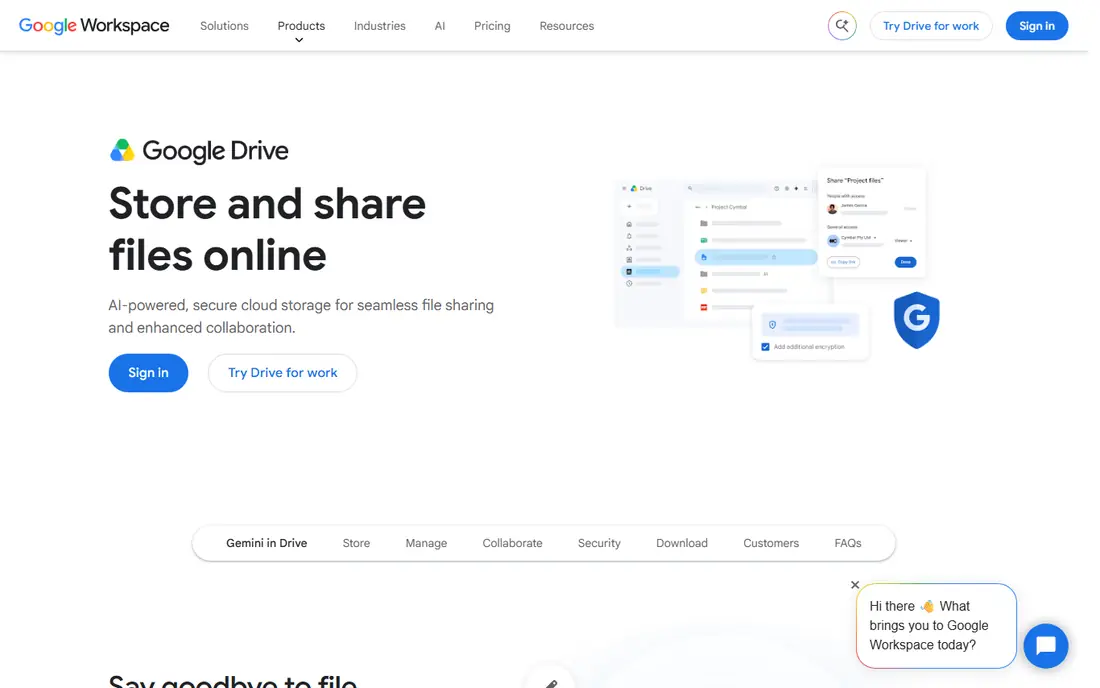
Google Drive is the most practical default for people who already use Gmail, Docs, and Android. It fits everyday google users well, and it is worth a closer look if that description matches how you work day to day.
Its strength is collaboration, with live editing and sharing that make group documents simple to manage. That is the main reason we kept it on this list, even though no single option here suits every buyer.
Its weakness is the shared free pool, because Gmail and Photos draw from the same 15 GB as Drive files. If that weakness would slow you down often, look at the next options on this list before you commit.
- 15 GB free shared across Google services
- Strong Docs and Sheets collaboration
- Powerful search across files
- Free pool fills fast with Gmail and Photos
- Desktop app can feel heavy
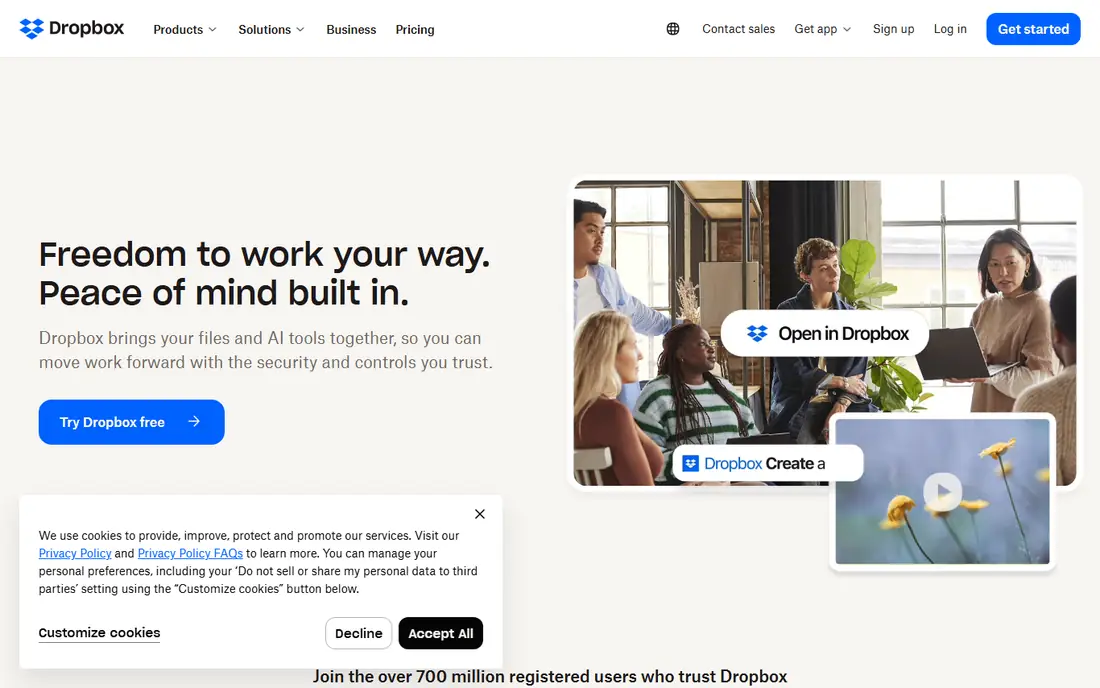
Dropbox remains the sync benchmark for teams that move large files between many apps. It fits teams that share large files well, and it is worth a closer look if that description matches how you work day to day.
Its strength is sync reliability, with block-level updates that handle large files and poor connections better than many rivals. That is the main reason we kept it on this list, even though no single option here suits every buyer.
Its weakness is the free tier, because 2 GB is too small for photos or video beyond a quick test. If that weakness would slow you down often, look at the next options on this list before you commit.
- Reliable, fast sync across devices
- Wide third-party app support
- Simple link sharing
- Only 2 GB free
- Paid plans start higher than Google Drive
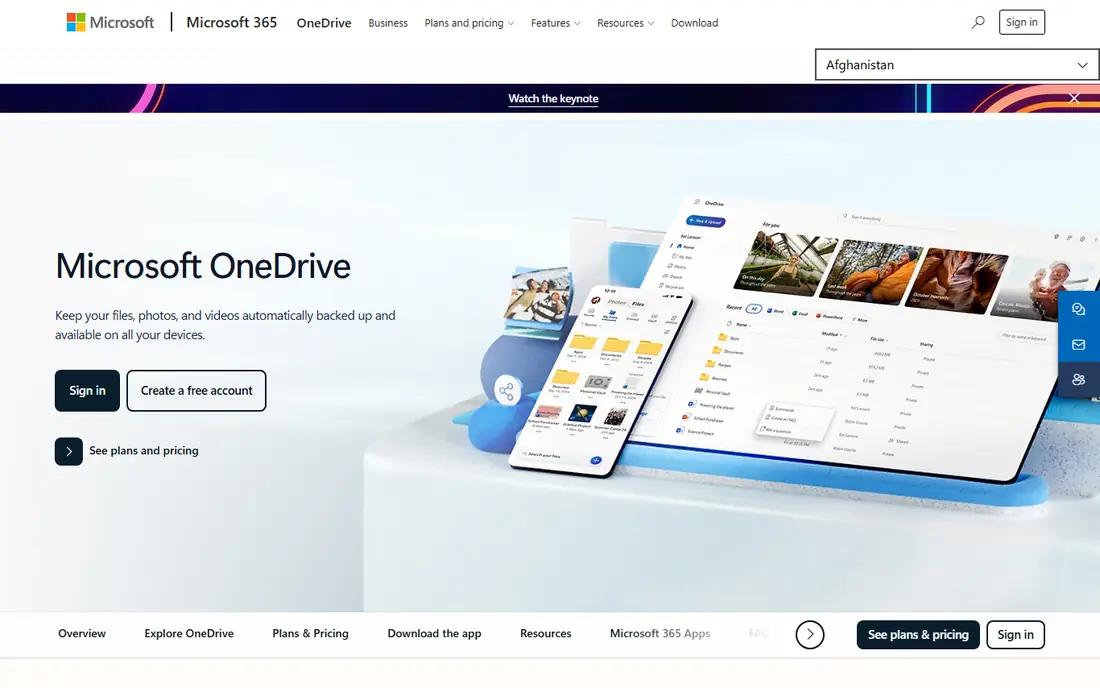
OneDrive fits naturally into a Windows and Office workflow, where files open and save without extra steps. It fits windows and office users well, and it is worth a closer look if that description matches how you work day to day.
Its strength is Office integration, with co-editing and version history that suit work documents. That is the main reason we kept it on this list, even though no single option here suits every buyer.
Its weakness is the small free tier, which pushes most users toward a paid plan sooner than Google Drive does. If that weakness would slow you down often, look at the next options on this list before you commit.
- Deep Windows and Office integration
- 1 TB option bundled with Microsoft 365
- Personal Vault for sensitive files
- Only 5 GB free
- Best value needs a Microsoft 365 plan
iCloud is the quiet choice for Apple users, because backup and photo sync happen without manual uploads. It fits apple households well, and it is worth a closer look if that description matches how you work day to day.
Its strength is device integration, with iPhone backup, Photos sync, and app data handled in the background. That is the main reason we kept it on this list, even though no single option here suits every buyer.
Its weakness is cross-platform use, because Android and Windows support is more limited than Google Drive. If that weakness would slow you down often, look at the next options on this list before you commit.
- Built-in backup for iPhone, iPad, and Mac
- Keeps photos and device settings in sync
- Simple upgrade path
- Only 5 GB free
- Less flexible on Android and Windows
pCloud appeals to buyers who would rather pay once than subscribe every month for storage. It fits lifetime plan buyers well, and it is worth a closer look if that description matches how you work day to day.
Its strength is the lifetime option, which can cost less than years of monthly payments for stable storage needs. That is the main reason we kept it on this list, even though no single option here suits every buyer.
Its weakness is encryption, because the strongest client-side option costs extra on top of the base plan. If that weakness would slow you down often, look at the next options on this list before you commit.
- Lifetime purchase option
- Media streaming for music and video
- Works across major platforms
- Crypto encryption is a paid add-on
- Lifetime price is high upfront
MEGA gives privacy-focused users a larger free tier and encryption by default, without a paid plan. It fits privacy-focused free users well, and it is worth a closer look if that description matches how you work day to day.
Its strength is the free tier plus encryption, which is rare among major consumer services. That is the main reason we kept it on this list, even though no single option here suits every buyer.
Its weakness is transfer limits, because heavy free use can hit caps that push you toward a paid plan. If that weakness would slow you down often, look at the next options on this list before you commit.
- 20 GB free tier
- End-to-end encryption by default
- Large file sharing options
- Transfer limits on free accounts
- Interface is less polished than Drive
Sync.com suits people who store sensitive documents and want encryption without extra setup. It fits privacy-focused individuals well, and it is worth a closer look if that description matches how you work day to day.
Its strength is privacy by default, so files are protected without buying an add-on or changing settings. That is the main reason we kept it on this list, even though no single option here suits every buyer.
Its weakness is ecosystem size, because fewer third-party apps integrate with it than with Dropbox or Drive. If that weakness would slow you down often, look at the next options on this list before you commit.
- Strong privacy with encryption by default
- Simple sharing controls
- Good for sensitive documents
- Smaller app ecosystem than Dropbox
- Paid plans start at a higher tier for some users
Box is a business-leaning service that still works for individuals who need controlled sharing. It fits secure business file sharing well, and it is worth a closer look if that description matches how you work day to day.
Its strength is control, with permissions and sharing settings that suit teams handling sensitive files. That is the main reason we kept it on this list, even though no single option here suits every buyer.
Its weakness is personal use, because the free tier and personal pricing are less generous than Google Drive. If that weakness would slow you down often, look at the next options on this list before you commit.
- Strong admin and sharing controls
- Good for business collaboration
- Wide integration range
- Personal plans are less prominent
- Free tier has file size limits
How we picked these
We checked official feature pages, pricing pages, and app store listings for each service, and we compared free storage, starting paid prices, sync behaviour, and sharing controls. We also read privacy pages to see where encryption is default, optional, or not offered.
We did not claim hands-on testing, and we left a price as See website when the vendor did not publish a clear starting price. A service stayed on the list only if its official homepage loaded and clearly belonged to that product.
How to pick the right cloud service for your files
Start with your device mix. An Apple household will get the most from iCloud, a Windows and Office household from OneDrive, and a mixed household from Google Drive or Dropbox. A service that fits your devices will sync in the background, while a poor fit will need constant manual uploads.
Then count real storage need. Add photos, videos, documents, and device backups, then allow room for growth. A 100 GB plan may suit documents alone, but a photo library with video can need 1 TB or 2 TB within a year.
Finally, check sharing and security. Look for link controls, expiry options, two-factor sign-in, and a clear deletion policy. For sensitive files, a provider with stronger encryption may matter more than a slightly lower price.
Frequently asked questions
Which cloud service is best for most people?
Google Drive is a strong default because of its 15 GB free tier and document collaboration. OneDrive suits Microsoft users, and iCloud suits Apple users. The best cloud service for you depends on the devices and apps you already use every day.
What is the best cloud storage app for photos?
Google Drive and iCloud both handle photo backup well, with Google Drive offering more free space and iCloud offering deeper Apple integration. pCloud also suits media libraries because it streams files well. Check whether photo backup counts against the same shared storage pool.
What is the best rated cloud service for privacy?
MEGA and Sync.com are often cited for privacy because they offer stronger encryption by default. Proton Drive is another privacy-focused option, though it is not on this list. Read the encryption terms, because some providers only encrypt files in transit or offer extra protection as an add-on.
Is a lifetime cloud plan worth it?
A lifetime plan like pCloud can save money over several years if you keep the same storage need and trust the provider. It is less flexible if your needs shrink or the provider changes terms. Compare the lifetime price with three years of a monthly plan before you buy.
Do I need more than one cloud service?
Many people use one main service for daily files and a second for backup of irreplaceable photos. That split can protect against an account lockout, but it also adds management work. At minimum, keep a local copy of files you cannot afford to lose.
Sources we checked (8)

Online Jobs is an independent blog about careers, online work, learning new skills and the tools that help people earn. More about us.
Keep reading
All posts
Zoom Alternatives
Zoom alternatives compared for 2026: Google Meet, Microsoft Teams, Webex, Jitsi and more for free calls, large meetings and webinars for teams and classrooms.

What Is the Best Free Tool to Rotate a PDF
What is the best free tool to rotate a PDF? We compare eight free rotation tools on per-page control, limits, privacy and saved output quality in detail.

What Is the Best AI Dubbing Tool
We compared the best AI dubbing tools in 2026, from ElevenLabs and HeyGen to Rask AI, Dubverse and Veed, for videos and creators in many languages worldwide.