Best Cloud Migration Tools in 2026: 9 Tools Compared


Lift-and-shift server moves to AWS · Starting price: See website
How we put this together: we compare official feature and pricing pages, app store listings, privacy policies and public user reviews. Prices change, so check the provider's site before you pay.
Key takeaways
- AWS Application Migration Service, Azure Migrate, and Google Cloud Migration Center are the natural first picks for their own clouds.
- Cloudamize and RiverMeadow help teams that need cloud-agnostic assessment and migration across platforms.
- Carbonite Migrate suits server and workload moves where continuous replication matters.
- Always test cutover with a non-production copy before you move a live system.
- Budget for target cloud costs, not just migration tool fees, since running costs continue after cutover.
Quick comparison
| Name | Who it suits | Starting price | Free option | |
|---|---|---|---|---|
| AWS Application Migration Service | Lift-and-shift server moves to AWS | See website | Yes | Visit |
 Azure Migrate | Discovery, assessment, and moves to Azure | See website | Yes | Visit |
 Google Cloud Migration Center | Assessment and planning for moves to Google Cloud | See website | Yes | Visit |
 Carbonite Migrate | Continuous replication for server and workload moves | See website | No | Visit |
 Cloudamize | Cloud-agnostic assessment and migration planning | See website | No | Visit |
 RiverMeadow | Automated migration of servers and workloads across clouds | See website | No | Visit |
 VMware HCX | Moving VMware workloads with minimal change | See website | No | Visit |
 AWS DataSync | Fast, managed data transfer to AWS storage | See website | No | Visit |
 Azure Data Box | Large data moves to Azure when network transfer is too slow | See website | No | Visit |
The best cloud migration tools
Cloud migration is rarely a single copy job. A good move starts with discovery, maps dependencies, replicates servers and data, tests the result, and then cuts over with a rollback plan. The best cloud migration tool for your project depends on your source, your target cloud, and whether you are rehosting, replatforming, or modernizing. We compared native cloud tools and independent tools on discovery, replication, testing, and cost clarity.
AWS Application Migration Service
Who it suits: Lift-and-shift server moves to AWS
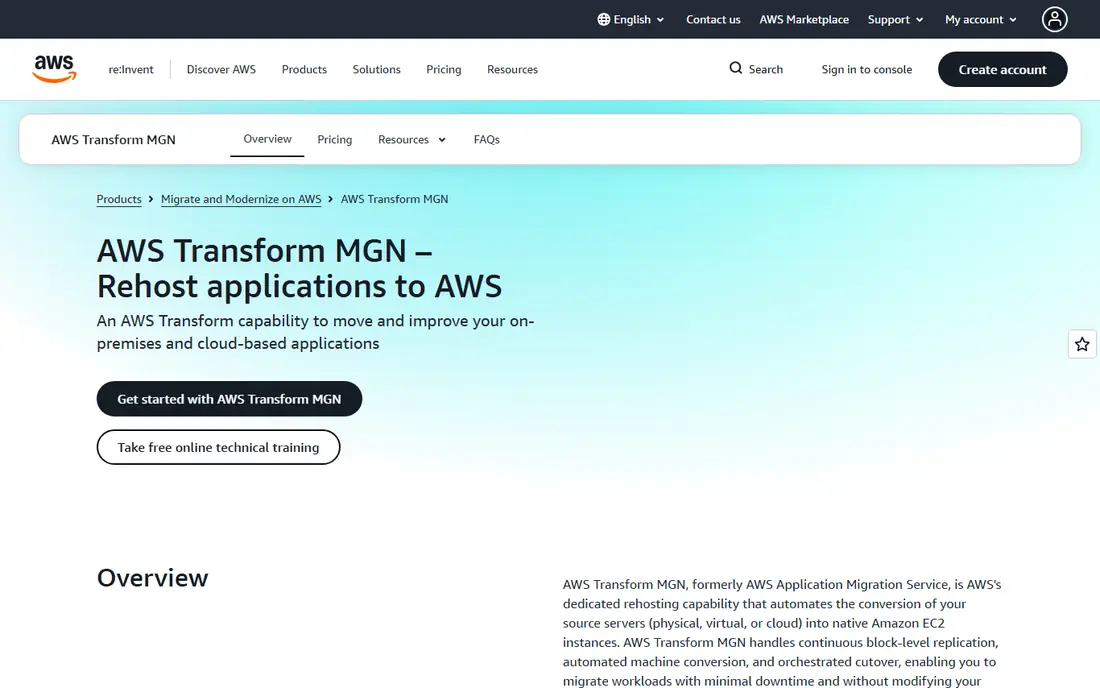
AWS Application Migration Service, often called MGN, replicates source servers to AWS with continuous block-level updates. That approach keeps the target close to the source until cutover, which reduces downtime. You can launch test instances, check applications, and then cut over in waves rather than all at once.
The tool targets AWS, so it is not a multi-cloud migration tool. Networking, security groups, and target sizing still need planning, and the free replication period per server is limited. For teams moving to AWS with minimal changes, MGN is the most direct and well-supported route.
- Continuous block-level replication, automated conversion, test instances, staged cutover
- Targets AWS only, needs AWS planning for networking and costs, free period is time-limited per server
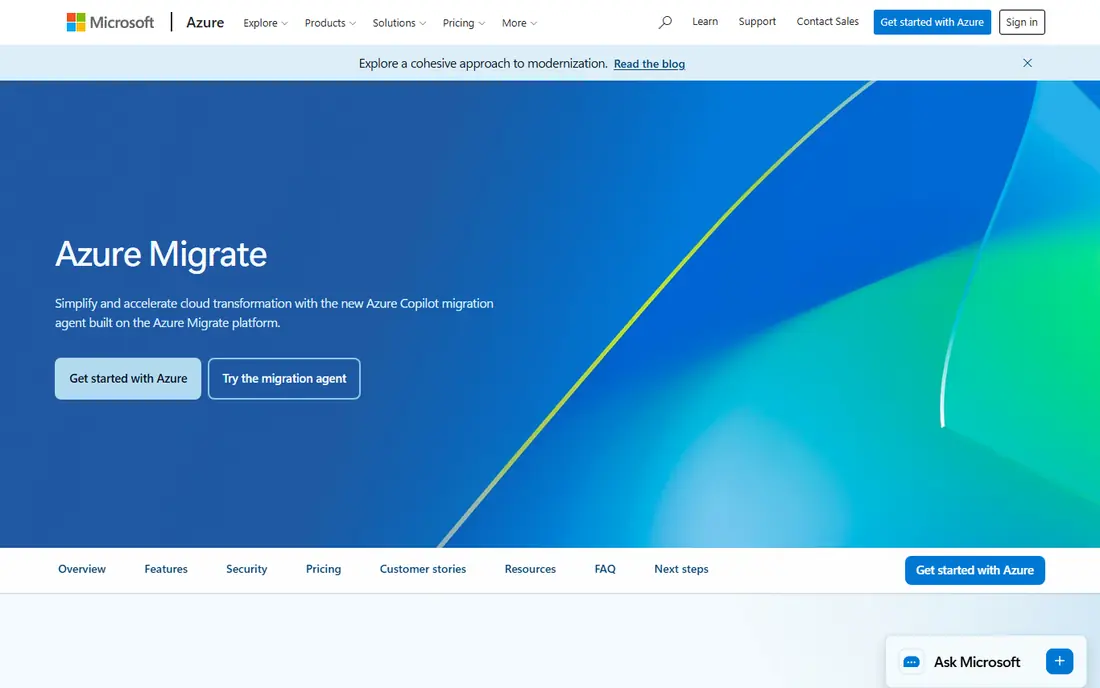
Azure Migrate covers the full journey to Azure, from discovery through assessment to migration. It maps servers and dependencies, estimates Azure costs, and checks readiness before you move. Server, database, web app, and data migration tools sit under the same hub, which helps teams track a large estate in one place.
Setup takes care, especially for discovery across many sites. The tool targets Azure, so multi-cloud teams need a separate approach for other destinations. For Microsoft-centered estates moving to Azure, Azure Migrate is the natural starting point and the best platform for cloud migration in that ecosystem.
- Discovery and dependency mapping, assessments for cost and readiness, server and database migration, Azure integration
- Targets Azure only, assessments need agent or appliance setup, large estates need phased planning
Google Cloud Migration Center
Who it suits: Assessment and planning for moves to Google Cloud
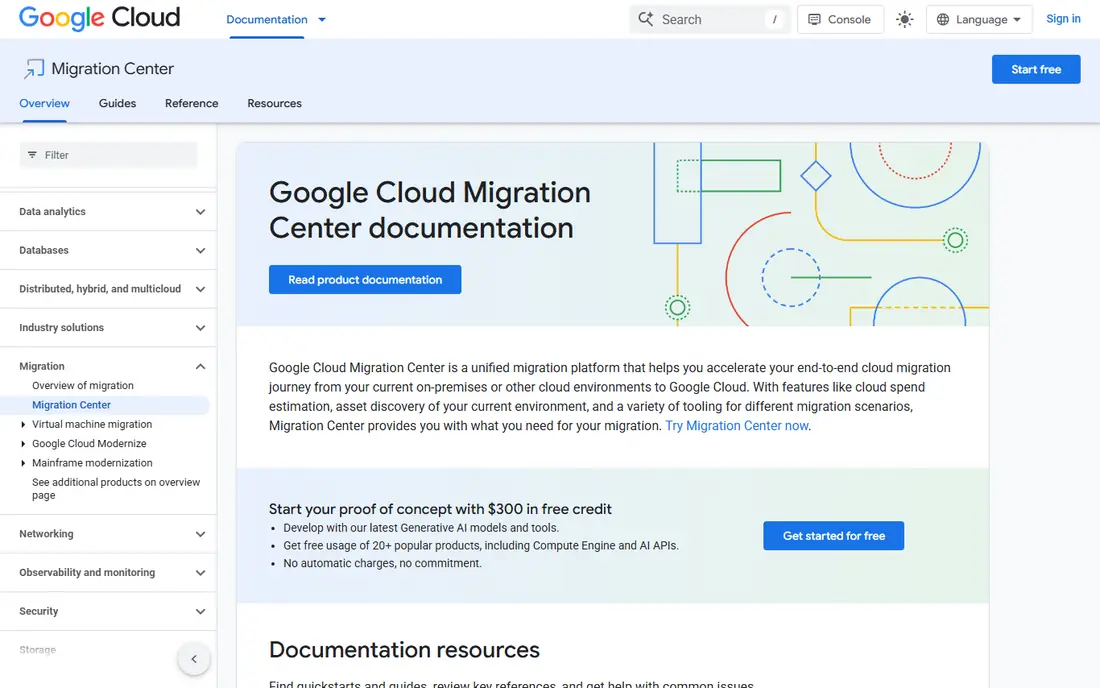
Google Cloud Migration Center helps teams understand what they run today and what it would cost to run on Google Cloud. Discovery collects server, database, and performance data, and the platform groups assets into applications for planning. That clarity helps leaders decide which workloads move first and which need changes.
Execution uses companion tools such as Migrate to Virtual Machines for server moves, so Migration Center is best seen as the planning hub rather than a single copy tool. For teams moving to Google Cloud, especially with data and analytics workloads in mind, it provides a strong and structured starting point.
- Asset discovery, total cost estimates, performance insights, integration with Migrate to Virtual Machines
- Targets Google Cloud, migration execution uses companion tools, large estates need careful scoping
Carbonite Migrate
Who it suits: Continuous replication for server and workload moves
Carbonite Migrate replicates servers continuously to a target, which keeps downtime short at cutover. It supports physical and virtual sources and a range of targets, making it useful for data center moves, cloud moves, and consolidation projects. The replication model suits workloads that change often and cannot tolerate a long freeze.
Pricing is quote-based, so small teams should confirm costs early. Testing remains essential, since replication alone does not prove an application will run well on the target. For teams that value low downtime and flexible sources, Carbonite Migrate is a dependable independent option.
- Continuous replication, low downtime cutover, physical and virtual source support, flexible targets
- Quote-based pricing, needs careful testing, target setup still needs planning
Cloudamize focuses on the planning phase that many teams rush. Automated discovery maps applications and dependencies, and cost models compare running the same workload across cloud options. That evidence helps teams avoid moving a workload to the wrong cloud or the wrong instance size.
Cloudamize is strongest as an assessment and planning tool, and large executions may still need partner help or native tools. For teams that want an independent view before committing to a cloud, it offers clarity that a single-cloud tool cannot provide on its own.
- Automated discovery, cost comparison across clouds, dependency mapping, migration planning
- Pricing needs a quote, execution tools vary by project, best paired with a migration partner for large moves
RiverMeadow
Who it suits: Automated migration of servers and workloads across clouds
RiverMeadow provides automated migration as a service, moving servers and workloads to cloud targets with less manual effort. Multi-cloud support helps teams that move between clouds or consolidate onto one platform. Operating system modernization options also help when a source OS needs updating during the move.
Pricing and scoping need discussion before a project starts, and complex applications still need testing on the target. For teams that want automation without building migration expertise in-house, RiverMeadow is a practical choice among the best cloud migration services.
- Automated migration workflows, multi-cloud support, OS modernization options, SaaS delivery
- Quote-based pricing, project scoping needed, testing still required for complex apps
VMware HCX helps VMware customers move workloads between data centers and clouds without rebuilding them. Live migration and network extension reduce downtime and keep IP addresses stable during the move, which matters for applications with hard-coded dependencies. Bulk migration tools help large VMware estates move in waves.
HCX is VMware-focused, so non-VMware estates gain less from it. Licensing and site pairing also need planning. For a VMware estate moving to a VMware-compatible cloud or a new data center, HCX is often the smoothest path available.
- Live migration for VMware workloads, network extension, bulk migration, hybrid cloud support
- VMware-focused, licensing and pairing needed, best for VMware estates
AWS DataSync moves files and object data to AWS storage services with managed scheduling, filtering, and validation. It suits data-heavy moves where file shares, NFS, SMB, or object storage must land in AWS before applications cut over. Managed transfer avoids building custom scripts for large data sets.
DataSync does not migrate servers or applications on its own, so pair it with MGN or another server tool for a full move. Transfer costs and target storage costs also need budgeting. For the data part of an AWS migration, DataSync is a clear and reliable tool.
- Managed data transfer, scheduling and filtering, encryption in transit, works with many storage types
- AWS target only, data transfer costs apply, not a full server migration tool
Azure Data Box
Who it suits: Large data moves to Azure when network transfer is too slow
Azure Data Box solves a simple problem: some data sets are too large to move over the network in a reasonable time. Microsoft ships a rugged storage device, you copy data to it, return it, and the data uploads to Azure. Encryption and tracking protect the shipment, and the model works well for initial bulk loads.
Shipping adds days to the plan, and the device model suits one-time bulk moves rather than continuous sync. Small data sets should use online transfer instead. For a large initial move to Azure, Data Box is often the fastest practical option despite the shipping step.
- Offline transfer for very large data, rugged devices, encryption, Azure integration
- Shipping time, device rental and handling, not suited to small or frequent transfers
How we picked these
We focused on tools that handle a real part of migration: discovery, assessment, server replication, data transfer, or cutover. We compared source and target coverage, replication method, testing support, downtime approach, and cost clarity. Services that only offered consulting without a tool, or only handled a single file copy, did not make the list.
We also separated native and independent tools. Native tools usually offer the deepest integration with their own cloud, while independent tools offer choice across clouds. The right mix often includes both: an independent tool for assessment, and a native tool for execution to the chosen cloud.
Buying guide: how to choose a cloud migration tool
Start by inventorying what you actually run. List servers, databases, storage, and dependencies, and note which applications cannot tolerate downtime. That inventory decides whether you need continuous replication, offline transfer, or a simple lift-and-shift. Skipping discovery is the fastest way to miss a dependency that breaks cutover.
Next, decide your target and your migration style. Rehosting moves a workload as-is and suits native tools. Replatforming changes a database or service and needs extra planning. Refactoring rewrites an application and is a development project, not just a migration. Match the tool to the style, not just to the cloud logo.
Finally, plan testing and rollback before you schedule cutover. Launch a test copy, run real workloads against it, check performance and security, and document how to return to the source if validation fails. Budget for running both source and target during the transition, since parallel running is cheaper than an outage.
Frequently asked questions
What is the best cloud migration tool overall?
There is no single winner for every move. AWS Application Migration Service is best for AWS, Azure Migrate is best for Azure, and Google Cloud Migration Center is best for Google Cloud. Independent tools like Cloudamize and RiverMeadow help when you need choice across clouds.
What is the best cloud migration software for small businesses?
Native tools are often best for small businesses because discovery and basic migration features are free to start. Azure Migrate, AWS Application Migration Service, and Google Cloud Migration Center all let small teams plan and test before paying for target resources.
How long does a cloud migration take?
A single application can move in weeks, while a full estate often takes months in phased waves. Discovery, testing, and cutover planning take more time than the copy itself. Teams that rush discovery usually spend longer fixing problems after cutover.
Can I migrate without downtime?
Many tools reduce downtime to minutes with continuous replication and staged cutover, but zero downtime is not guaranteed for every application. Databases, shared files, and hard-coded dependencies need special handling. Test cutover with a copy first and plan a maintenance window for critical systems.
Do cloud migration tools also cut cloud costs?
Assessment tools can suggest right-sized instances and compare cloud costs, which helps avoid overprovisioning. They do not automatically optimize running costs after migration. Review instance sizes, storage tiers, and idle resources in the first month after cutover.
Should I use a native tool or an independent tool?
Use a native tool when your target cloud is already decided, since integration is deepest there. Use an independent tool when you need an unbiased assessment or a move across clouds. Many projects use both: independent assessment first, native execution second.
Sources we checked (9)
- https://aws.amazon.com/application-migration-service
- https://azure.microsoft.com/en-us/products/azure-migrate
- https://cloud.google.com/migration-center
- https://www.opentext.com/products/carbonite-migrate
- https://www.cloudamize.com
- https://www.rivermeadow.com
- https://www.vmware.com/products/hcx
- https://aws.amazon.com/datasync
- https://azure.microsoft.com/en-us/products/databox

Online Jobs is an independent blog about careers, online work, learning new skills and the tools that help people earn. More about us.
Keep reading
All posts
DocuSign Alternatives
We compared the best DocuSign alternatives on price, free plans, templates, audit trails and ease of use, including free DocuSign alternatives for small teams.
Best subscription billing software
Looking for the best subscription billing software? We compare 9 platforms for billing, dunning, tax, revenue recognition, and team workflows in 2026.
Best Workforce Management Software
Looking for the best workforce management software? We compare 8 tools for scheduling, time tracking, payroll, and compliance for hourly teams and managers.