Best Cloud Cost Management Platforms in 2026: 8 Platforms Compared

How we put this together: we compare official feature and pricing pages, app store listings, privacy policies and public user reviews. Prices change, so check the provider's site before you pay.
Key takeaways
- Kubecost is the clearest pick for teams that run most of their work on Kubernetes.
- CloudZero stands out for cost per customer and cost per feature reporting.
- Vantage gives smaller teams a free starting point for multi-cloud visibility.
- Most enterprise platforms in this group are priced by quote, so ask for a total based on your own monthly spend.
Quick comparison
| Name | Who it suits | Starting price | Free option | |
|---|---|---|---|---|
 Kubecost | Kubernetes cost allocation | Free | Yes | Visit |
 CloudZero | Cost per customer reporting | See website | No | Visit |
 Vantage | Smaller multi-cloud teams | See website | Yes | Visit |
 Harness Cloud Cost Management | Engineering-led cost control | See website | No | Visit |
 CloudHealth by Broadcom | Enterprise multi-cloud governance | See website | No | Visit |
 IBM Apptio Cloudability | Enterprise chargeback and forecasting | See website | No | Visit |
 Spot by NetApp | Automated cloud workload savings | See website | No | Visit |
 Densify | Hybrid cloud optimisation | See website | No | Visit |
The best cloud cost management platforms
We compared cloud cost management tools, software, and platforms on the same questions: can a finance lead and an engineer read the same report, can costs be tied to a team or a customer, and does the price stay clear as spend grows. The eight options below cover Kubernetes-heavy teams, multi-cloud estates, and smaller teams that need a simple start.
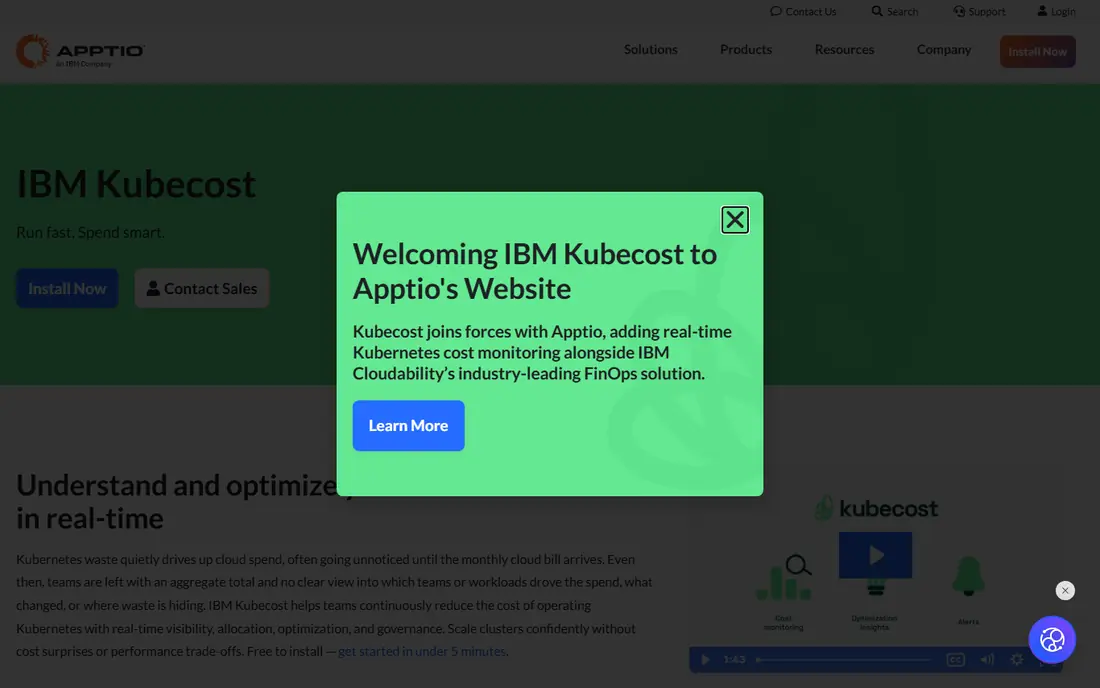
Kubecost starts where many cloud bills get confusing, inside Kubernetes clusters. It fits kubernetes cost allocation well, and it is worth shortlisting if that description matches your situation.
Its allocation views break cluster spend down by namespace, workload, and label, which helps a platform team charge costs back to the teams that created them. That strength matters most when the team reviewing the bill is not the same team running the system, because both groups need the same numbers in plain form.
The catch is scope: if a large share of spend sits outside Kubernetes, you will still need another view for the full bill. Before you commit, ask for a trial on your own data, check how support responds, and confirm what happens when you outgrow the entry tier.
- Kubernetes allocation by namespace and workload
- Free self-hosted start
- Clear rightsizing views
- Limited outside Kubernetes
- Paid tiers add cost for larger estates
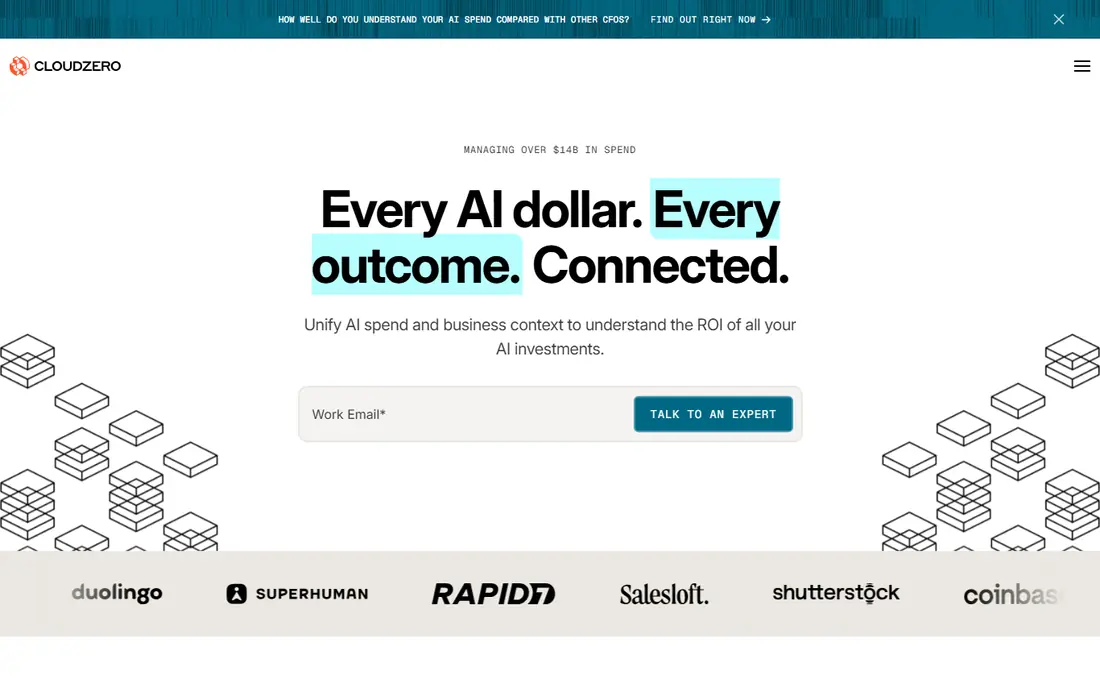
CloudZero is built around a question finance teams keep asking: what does each customer, feature, or product actually cost to serve. It fits cost per customer reporting well, and it is worth shortlisting if that description matches your situation.
Its dimensional allocation links cloud, SaaS, and AI-related spend to business units, so margin discussions use the same numbers as engineering reviews. In day to day use, the value shows up in fewer surprises, clearer ownership, and less time spent chasing down why a number moved.
The catch is price transparency, since plans are quoted, and the setup rewards teams that already have consistent tagging. Before you sign, test it with a small group, read the renewal terms, and confirm the features you need are in the plan you are buying, not a higher tier.
- Unit economics and cost per customer views
- Multi-cloud and SaaS cost views
- Anomaly alerts
- Quote-based pricing
- Setup takes care with tagging and dimensions
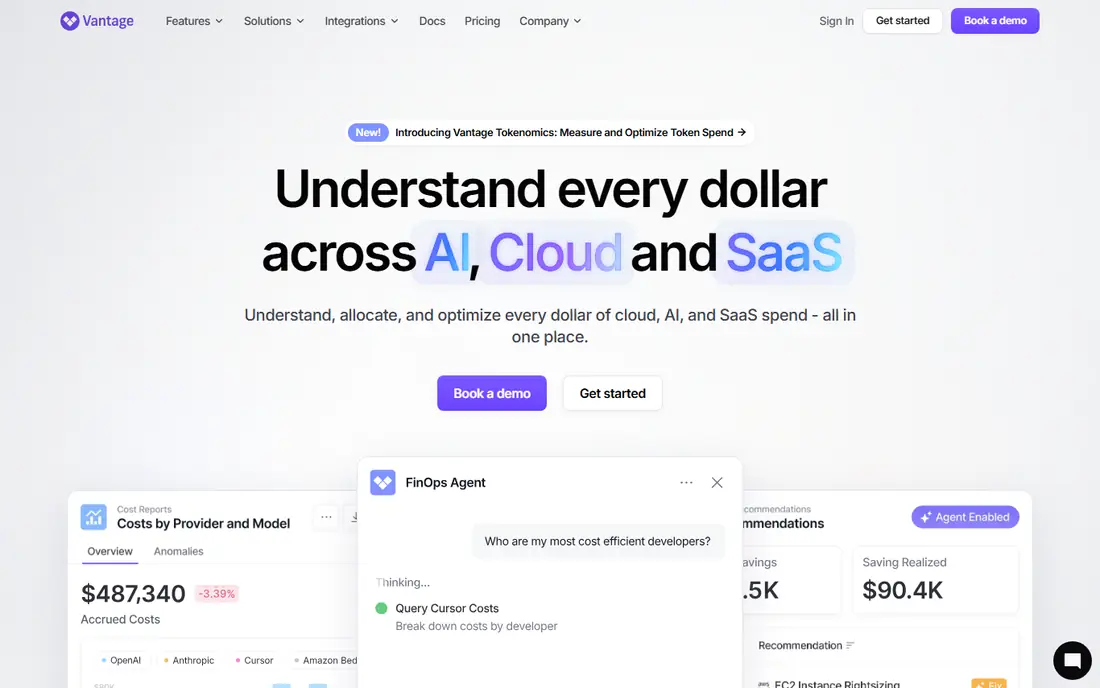
Vantage is a friendly first FinOps tool for a team that wants one view of AWS, Azure, and Google Cloud without an enterprise contract. It fits smaller multi-cloud teams well, and it is worth shortlisting if that description matches your situation.
It pulls spend together, highlights changes, and lets small teams share reports without handing everyone access to the cloud console. For a busy team, the practical benefit is less manual work and a clearer record of what changed and why.
The catch is depth: large FinOps programs may outgrow its allocation and forecasting features as their reporting needs get more complex. Before you commit, run a short pilot, compare the total cost with add-ons included, and check how easy it is to export your data later.
- Multi-cloud visibility with a free tier
- Readable reports for small teams
- Kubernetes and SaaS views
- Paid pricing varies by tracked spend
- Unit economics are less deep than CloudZero
Harness Cloud Cost Management
Who it suits: Engineering-led cost control
Harness Cloud Cost Management suits engineering teams that want cost signals next to the pipelines that create spend. It fits engineering-led cost control well, and it is worth shortlisting if that description matches your situation.
It connects delivery activity to cost changes, so a spike can be traced back to a deployment or a service rather than left as a mystery on a monthly invoice. That strength matters most when the team reviewing the bill is not the same team running the system, because both groups need the same numbers in plain form.
The catch is fit: teams that do not use Harness for delivery may get less value from the pipeline-linked views. Before you commit, ask for a trial on your own data, check how support responds, and confirm what happens when you outgrow the entry tier.
- Cost views tied to delivery pipelines
- Anomaly detection
- Automation for idle resources
- Quote-based pricing
- Strongest fit for teams already using Harness
CloudHealth by Broadcom
Who it suits: Enterprise multi-cloud governance
CloudHealth by Broadcom is a long-running enterprise choice for organisations that need policies, perspectives, and governance across several clouds. It fits enterprise multi-cloud governance well, and it is worth shortlisting if that description matches your situation.
Its policy engine can flag untagged, idle, or oversized resources and route them for action, which helps large teams keep standards consistent. In day to day use, the value shows up in fewer surprises, clearer ownership, and less time spent chasing down why a number moved.
The catch is weight: smaller teams may find the setup and contract size larger than they need for basic visibility. Before you sign, test it with a small group, read the renewal terms, and confirm the features you need are in the plan you are buying, not a higher tier.
- Policy controls and governance
- Multi-cloud reporting
- Commitment and rightsizing views
- Enterprise pricing and setup
- Interface can feel heavy for small teams
IBM Apptio Cloudability
Who it suits: Enterprise chargeback and forecasting
IBM Apptio Cloudability fits finance-led FinOps programs that need chargeback, forecasting, and detailed allocation across a large estate. It fits enterprise chargeback and forecasting well, and it is worth shortlisting if that description matches your situation.
It is designed to turn billing data into reports that finance can defend, with views by team, project, and business unit. For a busy team, the practical benefit is less manual work and a clearer record of what changed and why.
The catch is effort: getting clean allocation depends on good tagging, and large deployments need time to configure well. Before you commit, run a short pilot, compare the total cost with add-ons included, and check how easy it is to export your data later.
- Chargeback and showback reporting
- Forecasting
- Detailed tagging and allocation
- Quote-based pricing
- Implementation can take time in large estates
Spot by NetApp focuses less on reporting and more on action, using automation to place suitable workloads on lower-cost capacity. It fits automated cloud workload savings well, and it is worth shortlisting if that description matches your situation.
For workloads that can tolerate interruption or variable capacity, that automation can cut waste without a person watching every instance. That strength matters most when the team reviewing the bill is not the same team running the system, because both groups need the same numbers in plain form.
The catch is suitability: steady, always-on workloads that cannot move may see smaller gains, so check which of your workloads qualify first. Before you commit, ask for a trial on your own data, check how support responds, and confirm what happens when you outgrow the entry tier.
- Automation for spot and commitment use
- Workload scaling views
- Multi-cloud support
- Savings depend on workload type
- Pricing is quoted for many buyers
Densify suits organisations with a mix of on-premises, cloud, and container workloads that need one optimisation view. It fits hybrid cloud optimisation well, and it is worth shortlisting if that description matches your situation.
Its analytics look at performance alongside cost, so a rightsizing suggestion is less likely to starve a workload that actually needs its capacity. In day to day use, the value shows up in fewer surprises, clearer ownership, and less time spent chasing down why a number moved.
The catch is complexity: hybrid estates take time to model well, and the platform is priced for larger buyers. Before you sign, test it with a small group, read the renewal terms, and confirm the features you need are in the plan you are buying, not a higher tier.
- Hybrid cloud and container optimisation
- Predictive rightsizing
- Governance views
- Enterprise pricing
- Learning curve for new teams
How we picked these
We compared official product pages, pricing pages, and public documentation for each platform, and we checked that each homepage loads and matches the product named. We favoured platforms that are still actively sold in 2026, that cover more than one cloud or a clear specialism such as Kubernetes, and that explain how costs are allocated. Where a vendor does not publish a price, we wrote See website rather than repeating a third-party estimate as fact.
Choosing a platform without a surprise bill
Start with the question you need answered every week. If it is which team spent what, allocation quality matters more than a long feature list. If it is cost per customer, only shortlist tools that build that view directly, rather than tools that promise it through custom reports. Check how each tool handles untagged spend, shared services, and credits, since those three items cause most arguments between finance and engineering. Ask for a quote based on your actual monthly spend and your number of clusters or accounts, and ask what happens to the price when spend rises. Finally, confirm data export and access controls before you sign, because a cost tool that only one person can read will not change behaviour.
Frequently asked questions
What are the best cloud cost management tools?
The best cloud cost management tools depend on your stack. Kubecost leads for Kubernetes, CloudZero leads for cost per customer, and Vantage is a practical start for smaller multi-cloud teams. Enterprise teams that need governance often shortlist CloudHealth and Apptio Cloudability.
What is the best cloud cost management software for Kubernetes?
Kubecost is the most focused choice for Kubernetes, with allocation by namespace and workload and a free self-hosted start. Teams that also need full multi-cloud reporting may pair it with a broader platform rather than expecting one tool to cover everything.
How much does cloud cost management software cost?
Prices vary widely. Some tools start free or with low monthly tiers, while enterprise platforms are quoted based on tracked spend, accounts, or clusters. Always ask for a price based on your own spend, and include implementation and support in the comparison.
Do I need a FinOps platform if my cloud provider has a cost dashboard?
Provider dashboards show what you spent in that cloud. A FinOps platform adds allocation across clouds, chargeback to teams, anomaly alerts, and forecasting in one place. That extra layer matters once more than one team shares the bill.
What is the difference between cost visibility and cost optimisation?
Visibility shows where money went. Optimisation changes what you run, such as rightsizing instances, using commitments, or moving suitable workloads to lower-cost capacity. The strongest platforms do both, but some are much better at one side than the other.
Sources we checked (6)

Online Jobs is an independent blog about careers, online work, learning new skills and the tools that help people earn. More about us.
Keep reading
All posts
n8n Alternatives
n8n alternatives compared for 2026, with Zapier, Make, Activepieces, and more, covering visual builders, code steps, self-hosting, and pricing models.

ZoomInfo Alternatives
The best ZoomInfo alternatives in 2026, compared on price, free plans, data coverage, and which tool fits small teams or large sales teams best in detail.

Zoom Alternatives for Webinars
Compare Zoom alternatives for webinars in 2026, from browser-based rooms to enterprise events, with prices, attendee limits, features and honest trade-offs.