Best Clock In and Out App in 2026: 8 Apps Compared

How we put this together: we compare official feature and pricing pages, app store listings, privacy policies and public user reviews. Prices change, so check the provider's site before you pay.
Key takeaways
- Homebase and Clockify offer genuinely useful free starting points, while Connecteam adds forms and messaging for deskless teams.
- Buddy Punch leads on stopping buddy punching, with photo checks and geofencing on higher plans.
- Deputy suits retail and hospitality teams with compliance needs, at $5 per user per month plus a monthly minimum.
- QuickBooks Time is the natural pick for teams already running QuickBooks payroll, despite its base fee plus per-user price.
Quick comparison
| Name | Who it suits | Starting price | Free option | |
|---|---|---|---|---|
 Homebase Homebase | Free scheduling plus time clock | Free | Yes | Visit |
 Deputy Deputy | Compliance-heavy shift teams | $5 per user per month | Free trial (31 days) | Visit |
 Connecteam Connecteam | Mobile-first deskless teams | $29 per month | Yes | Visit |
 Clockify Clockify | Free time tracking for any team | Free | Yes | Visit |
 When I Work When I Work | Shift scheduling on a budget | $2.50 per user per month | Free trial (14 days) | Visit |
 Buddy Punch Buddy Punch | Stopping buddy punching | $19 per month plus $4.99 per user per month | Free trial (14 days) | Visit |
 OnTheClock OnTheClock | Simple GPS-verified punches | $5 per month plus $4 per employee per month | Free trial (30 days) | Visit |
 QuickBooks Time QuickBooks Time | QuickBooks payroll users | $20 per month plus $10 per user per month | Free trial (30 days) | Visit |
The best Clock In and Out App
A good time clock app records hours accurately, handles missed punches gracefully, and exports clean data for payroll. We compared pricing pages and feature lists for the apps below, with attention to free plans, since many small teams start there. Prices are per the billing terms noted, so check whether your quote is monthly or annual billing.
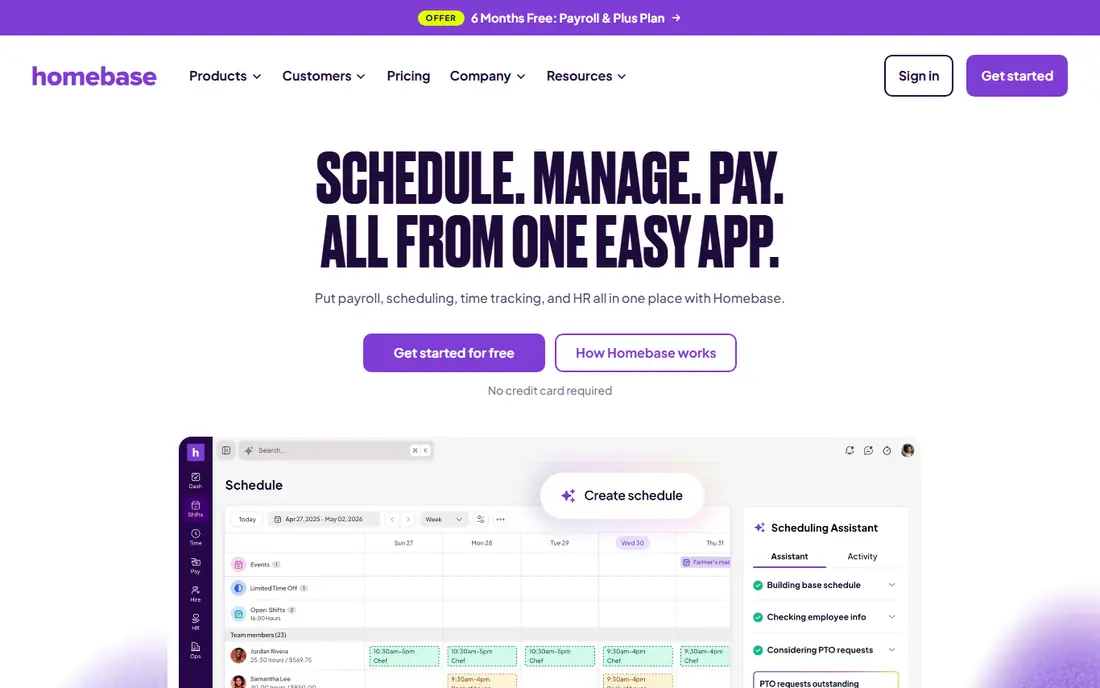
Homebase fits restaurants and shops that need scheduling and clock-ins in one app. In our comparison, its free plan covers the core needs of a small single-site team. Pricing sits at Free, with a free option listed as Yes, so check the plan page for the exact limits before you commit. Teams that match the best-for description above will get the most from it, while teams outside that group should weigh the trade-offs carefully. The honest catch is that larger or multi-site teams will need a paid plan quickly. That weakness does not make it a poor product, but it does decide whether it fits your situation. If the strength matters more than the weakness for your team, it belongs on your shortlist. If not, one of the other options in this list will serve you better.
- Free plan for one location with up to 10 staff
- Scheduling and payroll add-ons
- Paid plans are per location, so multi-site costs add up
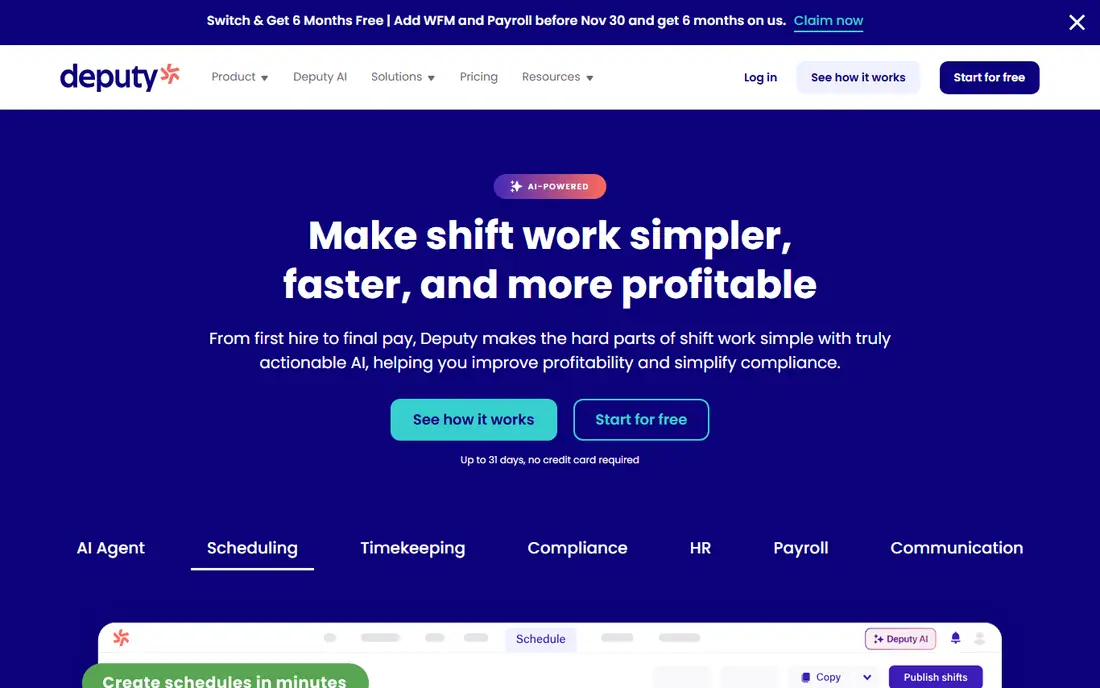
Deputy fits retail and hospitality teams with complex rosters and labour rules. In our comparison, its compliance and scheduling depth suits shift-heavy operations. Pricing sits at $5 per user per month, with a free option listed as Free trial (31 days), so check the plan page for the exact limits before you commit. Teams that match the best-for description above will get the most from it, while teams outside that group should weigh the trade-offs carefully. The honest catch is that the monthly minimum makes it pricey for very small crews. That weakness does not make it a poor product, but it does decide whether it fits your situation. If the strength matters more than the weakness for your team, it belongs on your shortlist. If not, one of the other options in this list will serve you better.
- Strong scheduling and compliance tools
- Long trial
- Broad integrations
- $30 monthly minimum applies
- Payroll costs extra
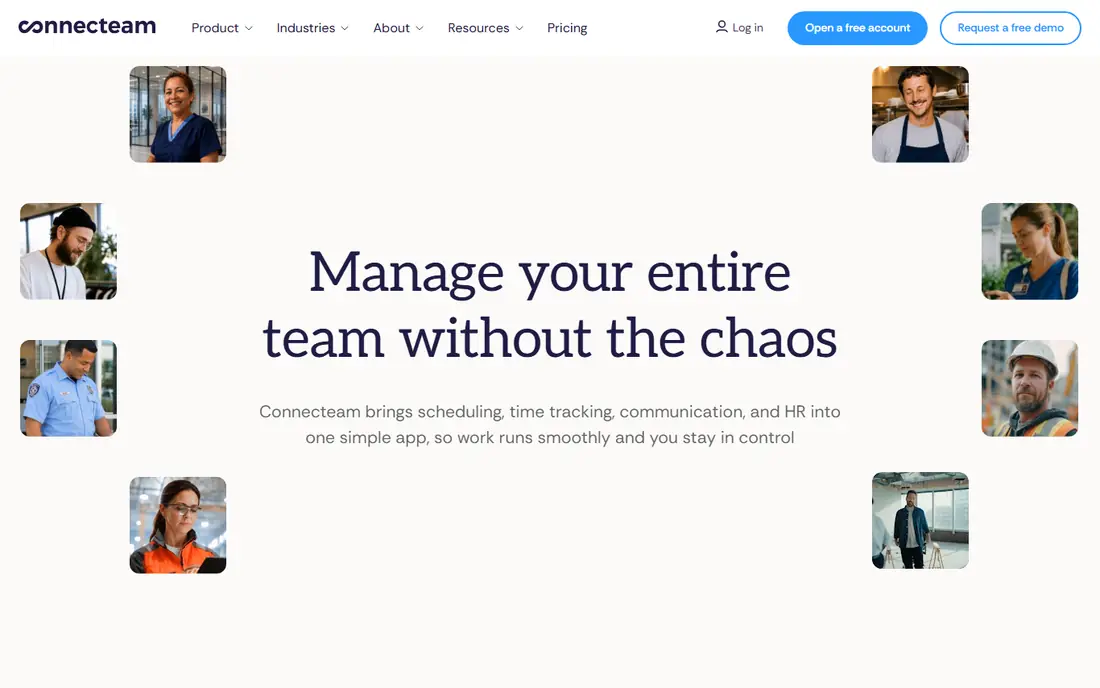
Connecteam fits field and deskless teams that need more than a clock. In our comparison, its all-in-one crew app reduces the number of tools a team must juggle. Pricing sits at $29 per month, with a free option listed as Yes, so check the plan page for the exact limits before you commit. Teams that match the best-for description above will get the most from it, while teams outside that group should weigh the trade-offs carefully. The honest catch is that teams that only need clock-ins may find the extra features unnecessary. That weakness does not make it a poor product, but it does decide whether it fits your situation. If the strength matters more than the weakness for your team, it belongs on your shortlist. If not, one of the other options in this list will serve you better.
- Free plan for up to 10 users
- Forms, chat, and scheduling in one app
- GPS breadcrumb tracking needs a higher tier
- Per-user pricing grows past 30 users
Clockify fits desk and remote teams that mainly need hours recorded. In our comparison, its free plan is the most generous starting point in this list. Pricing sits at Free, with a free option listed as Yes, so check the plan page for the exact limits before you commit. Teams that match the best-for description above will get the most from it, while teams outside that group should weigh the trade-offs carefully. The honest catch is that field teams needing GPS proof should compare Buddy Punch or OnTheClock. That weakness does not make it a poor product, but it does decide whether it fits your situation. If the strength matters more than the weakness for your team, it belongs on your shortlist. If not, one of the other options in this list will serve you better.
- Free plan with unlimited tracking
- Simple timesheets
- Project tracking
- Scheduling and GPS features are thinner than dedicated clock apps
When I Work fits shift-heavy teams watching every dollar. In our comparison, its low per-user price keeps costs down for larger hourly teams. Pricing sits at $2.50 per user per month, with a free option listed as Free trial (14 days), so check the plan page for the exact limits before you commit. Teams that match the best-for description above will get the most from it, while teams outside that group should weigh the trade-offs carefully. The honest catch is that the add-on structure means the final price depends on the features you pick. That weakness does not make it a poor product, but it does decide whether it fits your situation. If the strength matters more than the weakness for your team, it belongs on your shortlist. If not, one of the other options in this list will serve you better.
- Low entry price
- Team messaging included
- Simple scheduling
- Time tracking is an add-on on some plans
- Check what the entry plan includes
Buddy Punch fits small teams worried about inaccurate punches. In our comparison, its verification options give the strongest protection against false clock-ins. Pricing sits at $19 per month plus $4.99 per user per month, with a free option listed as Free trial (14 days), so check the plan page for the exact limits before you commit. Teams that match the best-for description above will get the most from it, while teams outside that group should weigh the trade-offs carefully. The honest catch is that the combined base and per-user price adds up for larger teams. That weakness does not make it a poor product, but it does decide whether it fits your situation. If the strength matters more than the weakness for your team, it belongs on your shortlist. If not, one of the other options in this list will serve you better.
- Facial recognition and geofencing options
- GPS punches
- Overtime tracking
- Base fee plus per-user pricing
- Verification features need higher plans
OnTheClock fits small teams that want a simple, honest time clock. In our comparison, its simple pricing and GPS checks suit teams that value clarity. Pricing sits at $5 per month plus $4 per employee per month, with a free option listed as Free trial (30 days), so check the plan page for the exact limits before you commit. Teams that match the best-for description above will get the most from it, while teams outside that group should weigh the trade-offs carefully. The honest catch is that teams wanting scheduling and HR tools will need another app alongside it. That weakness does not make it a poor product, but it does decide whether it fits your situation. If the strength matters more than the weakness for your team, it belongs on your shortlist. If not, one of the other options in this list will serve you better.
- Simple setup
- GPS-verified punches
- Payroll-ready exports
- Fewer scheduling and HR extras than Homebase or Deputy
QuickBooks Time fits teams already running QuickBooks payroll. In our comparison, its direct payroll sync removes the export step that causes most payroll errors. Pricing sits at $20 per month plus $10 per user per month, with a free option listed as Free trial (30 days), so check the plan page for the exact limits before you commit. Teams that match the best-for description above will get the most from it, while teams outside that group should weigh the trade-offs carefully. The honest catch is that teams outside QuickBooks pay for integration value they cannot use. That weakness does not make it a poor product, but it does decide whether it fits your situation. If the strength matters more than the weakness for your team, it belongs on your shortlist. If not, one of the other options in this list will serve you better.
- Direct QuickBooks sync
- GPS and job tracking
- Mobile clock-ins
- Base fee plus per-user cost
- Needs a QuickBooks subscription for full value
How we picked these
We compared official pricing pages and public comparison guides that quoted vendor pricing in 2026, focusing on free plans, trial lengths, and base-plus-per-user structures. We did not claim hands-on testing. Where sources conflicted on a figure, we used the most commonly reported current figure and noted the billing basis. We focused on products that exist and work today, that truly fit the topic, and that ordinary buyers can actually sign up for. We compared official feature and pricing pages first, and used public reviews and comparison guides only to cross-check figures. We did not invent prices, awards, counts, or features, and where a figure could not be verified we used See website instead.
What to check before you buy
First, decide what proof you need. A simple timesheet suits office teams, while field teams usually need GPS stamps or photo checks. Next, count your real monthly cost, including base fees, per-user fees, and payroll add-ons, at your current headcount and at the headcount you expect in a year. Then test missed punches and edits. Every team forgets to clock out sometimes, so the edit and approval flow matters as much as the clock-in button. Finally, check the payroll export. If hours need manual retyping each pay period, the app has failed its main job. Also check contract terms before you sign. Notice periods, renewal prices, and data export options matter more after the first year than during a trial. A tool that is hard to leave is a tool you should price with extra care.
Frequently asked questions
What is the best employee time clock app?
Homebase is our pick for most small teams because of its free plan and built-in scheduling. Buddy Punch is better if stopping buddy punching is the main concern.
What is the best free time clock app for small business?
Clockify and Homebase both offer free plans worth using. Clockify suits simple hour tracking, while Homebase adds scheduling for one location with up to 10 staff.
What is the best app for time clock with GPS?
Buddy Punch and OnTheClock both offer GPS-verified punches, with Buddy Punch adding facial recognition options on higher plans. Check which verification features sit on the plan you would actually buy.
Do time clock apps work with payroll?
Most do, either through direct sync or exports. QuickBooks Time syncs directly with QuickBooks, while Homebase offers payroll as an add-on. Confirm the export format matches your payroll system before buying.
How much does a time clock app cost?
Free plans exist, and paid options here range from $2.50 per user per month for When I Work to base-plus-per-user pricing such as $20 plus $10 per user for QuickBooks Time.
Sources we checked (8)

Online Jobs is an independent blog about careers, online work, learning new skills and the tools that help people earn. More about us.
Keep reading
All posts
Workday Alternatives
We compared the best workday alternatives for HR, payroll, and global hiring, from BambooHR and Gusto to Rippling, Deel, and HiBob for growing teams in 2026.

Which SaaS Tools Have the Best Customer Support
Which SaaS tools have the best customer support? Compare eight popular tools on help centres, live help, response options and overall support quality.

Top AI Helpdesk Software
Searching for top AI helpdesk software in 2026? We compared 8 AI helpdesks on automation, pricing, channels and ease of setup for small and growing teams.