Best CLM Software in 2026: 9 Platforms Compared

How we put this together: we compare official feature and pricing pages, app store listings, privacy policies and public user reviews. Prices change, so check the provider's site before you pay.
Key takeaways
- Ironclad and DocuSign CLM suit mid-market and enterprise legal teams that need full lifecycle workflows plus e-signatures.
- Icertis and Agiloft suit large enterprises with complex, global, or highly custom contract processes.
- PandaDoc, Concord, and ContractWorks suit smaller teams that mainly need proposals, signing, and a searchable repository.
- Most enterprise CLM pricing is quote-based, so total first-year cost, including implementation, matters more than any headline price.
Quick comparison
| Name | Who it suits | Starting price | Free option | |
|---|---|---|---|---|
 Ironclad | Workflow automation for legal teams | See website | No | Visit |
 DocuSign CLM | CLM plus e-signatures in one ecosystem | See website | No | Visit |
 Icertis | Global enterprise contract intelligence | See website | No | Visit |
 Agiloft | Highly custom no-code workflows | See website | No | Visit |
 Conga CLM | Salesforce-native revenue lifecycle | See website | No | Visit |
 PandaDoc | Proposals and contracts for sales teams | See website | Free trial | Visit |
 Juro | Browser-based collaboration for growth teams | See website | No | Visit |
 LinkSquares | AI analysis of large contract portfolios | See website | No | Visit |
 ContractWorks | Simple repository with alerts | See website | No | Visit |
The best CLM software
Contract lifecycle management, or CLM, covers drafting, negotiation, approval, signing, storage, and tracking obligations after signing. A good CLM tool enforces approved templates, keeps an audit trail, and answers questions such as which contracts renew next quarter, without a manual search through folders. We compared official product pages and published pricing comparisons, and we focused on platforms that cover the full lifecycle, not just e-signatures.
This is general business information, not legal advice. Contract terms, compliance, and approval workflows depend on your jurisdiction and organisation, so involve your legal team in any CLM evaluation.
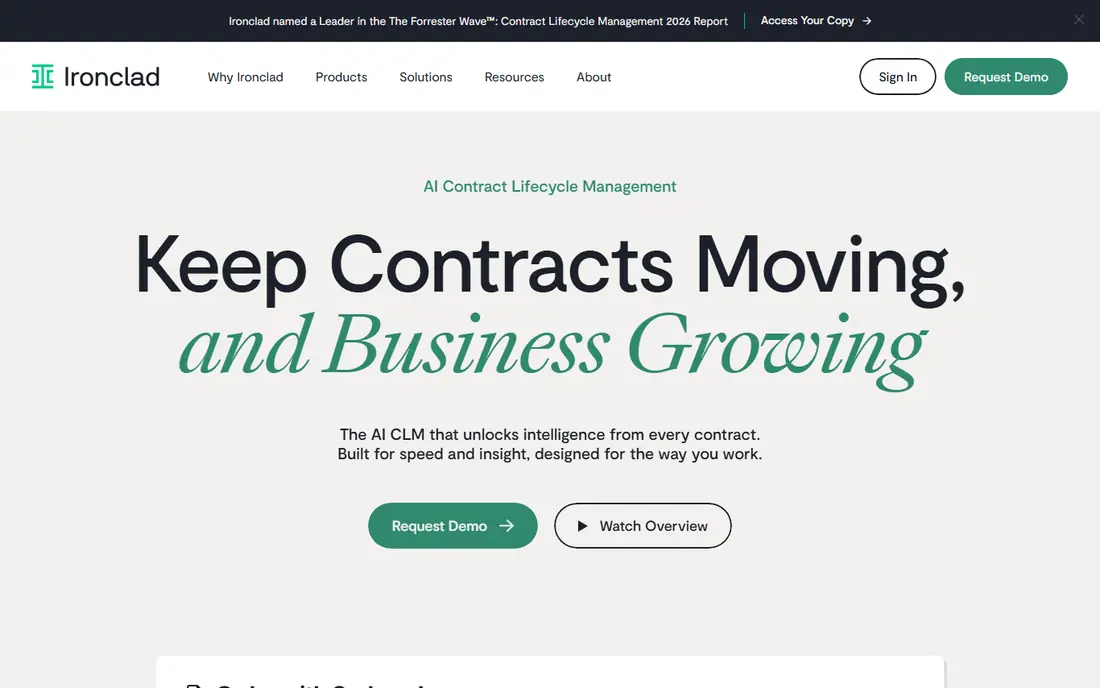
Ironclad is a full CLM platform for mid-market and enterprise legal teams, covering drafting from templates, redlining, approvals, signing, and a searchable repository with obligation tracking. Workflow automation is the strength: routine contracts can be generated and routed with little legal touch, while non-standard terms go to reviewers. AI aids for drafting and review speed up that process further.
Pricing is quote-based, with published market estimates placing it in a mid-to-upper enterprise range, and implementation can add a large share of first-year cost. AI features may also be priced separately, so get them in the first quote. Ironclad fits teams that want automation and are ready for an enterprise rollout.
- Strong workflow automation and AI drafting aids
- Good Salesforce and Slack integrations
- Modern interface
- Quote-based enterprise pricing
- Implementation can add significant cost
- AI features may be add-ons
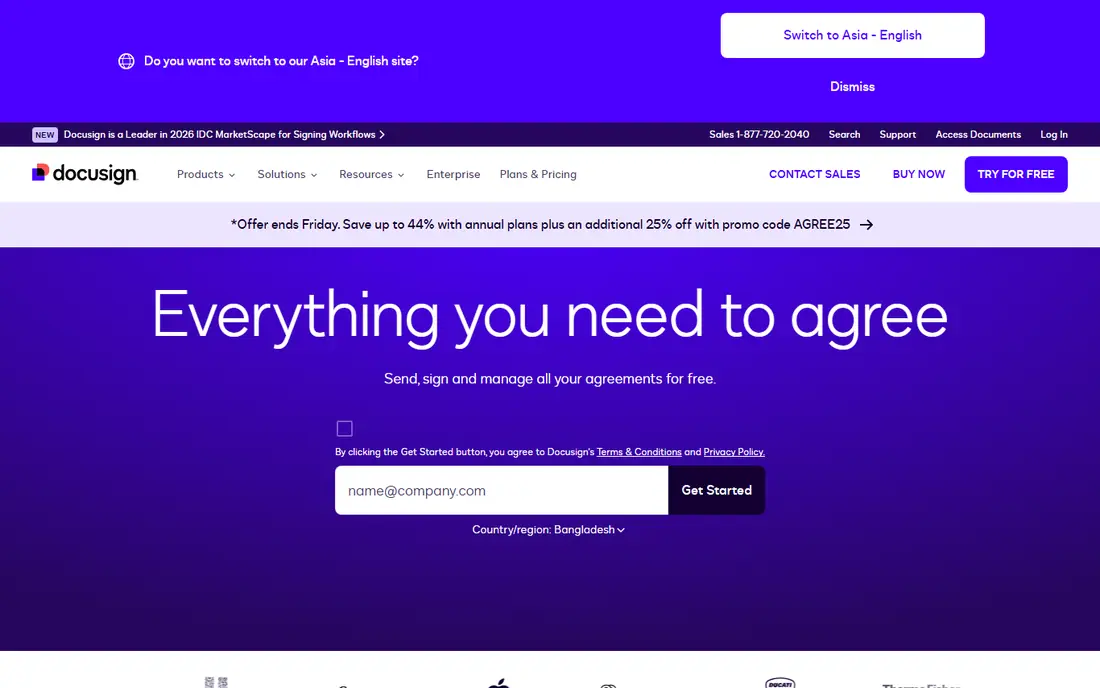
DocuSign CLM extends the familiar e-signature product into full lifecycle management, with template generation, negotiation, approvals, and repository analytics. For organisations already using DocuSign for signing, keeping CLM in the same ecosystem reduces integration work and training. Sales contracts benefit most, since signing is already part of the flow.
Pricing is quote-based, and enterprise deployments commonly take months once templates, migration, and integrations are counted. Teams that do not use DocuSign elsewhere should compare standalone CLM tools carefully. For DocuSign customers, CLM is a natural next step.
- End-to-end CLM beyond e-signatures
- Strong Salesforce and Microsoft integrations
- Familiar signing experience
- Quote-based pricing
- Implementation timelines can run months
- Full value needs DocuSign ecosystem adoption
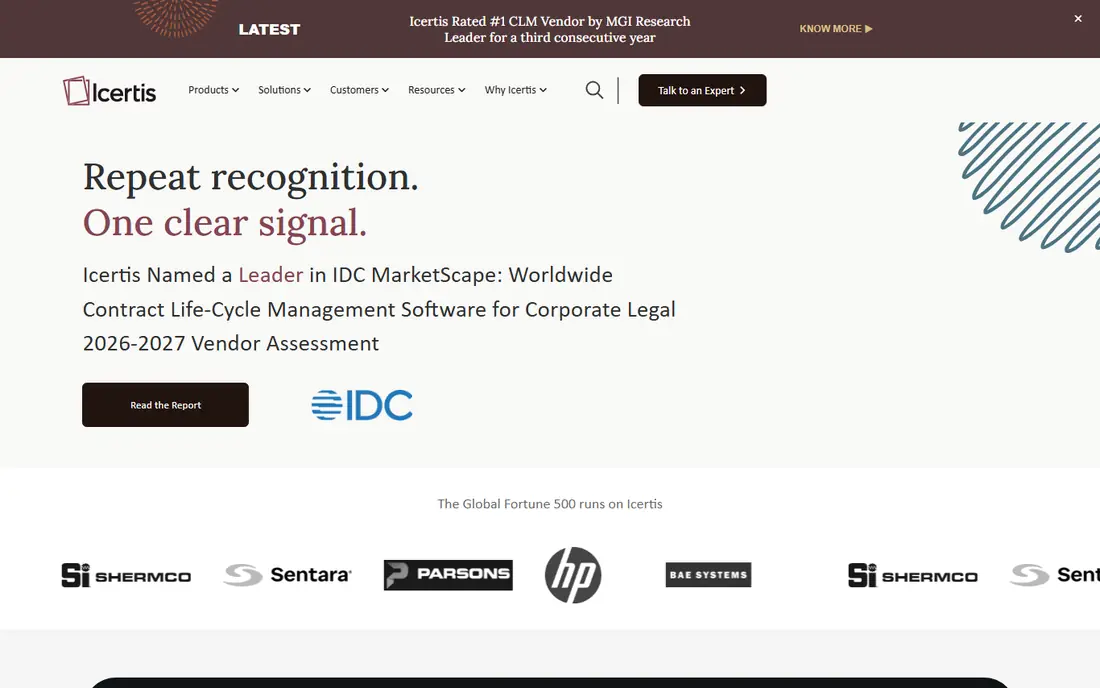
Icertis is built for global enterprises with large, complex contract portfolios, covering buy-side and sell-side contracts, compliance, and AI-powered contract intelligence. It integrates with SAP, Salesforce, and Microsoft systems, and it handles multi-entity, multi-language, and regulated workflows that smaller tools cannot. For Fortune-scale operations, that depth is the point.
Cost and implementation are correspondingly large, with published estimates placing annual costs well into six figures for large deployments. Small and mid-sized teams will find it heavy. Choose Icertis when scale, global compliance, and intelligence across a huge portfolio justify the investment.
- Enterprise scale and global compliance support
- Strong contract intelligence and analytics
- Deep ERP integrations
- Quote-based pricing at enterprise levels
- Long implementations
- More than smaller teams need
Agiloft suits organisations with unique contract processes that do not fit a standard template. Its no-code builder lets teams design custom workflows, approvals, fields, and integrations without writing much code, which helps legal operations teams adapt the system as processes change. That flexibility is rare at this depth.
Customisation takes design effort, and pricing is quote-based, so teams should budget for configuration time as well as licences. Agiloft fits best when your process is genuinely different, and a rigid CLM tool would force workarounds. If your process is standard, a simpler tool will go live faster.
- Flexible no-code workflow builder
- Strong customisation without heavy coding
- Broad integrations
- Quote-based pricing
- Customisation needs design time
- Interface can feel complex at first
Conga CLM is the pick for Salesforce-centric organisations. Contracts, quotes, and revenue workflows live in the same system, so sales teams generate contracts from opportunities without switching tools, and approvals follow Salesforce data. That native link reduces duplicate entry and errors.
Outside Salesforce, much of the advantage fades, and pricing is quote-based. Teams on HubSpot, Microsoft, or a mixed stack should compare Ironclad or Juro first. For Salesforce shops, Conga is often the lowest-friction CLM choice.
- Salesforce-native design
- Strong quote-to-cash and revenue lifecycle links
- Good for sales contracts
- Best value inside Salesforce
- Quote-based pricing
- Less attractive outside Salesforce
PandaDoc suits sales-led small and mid-sized businesses that need proposals and contracts signed quickly, rather than full enterprise lifecycle governance. Templates, content library, e-signatures, and payment collection sit in one flow, which shortens sales cycles. Entry pricing is far lower than enterprise CLM platforms.
Post-signature tracking, deep analytics, and complex approvals are thinner here. PandaDoc is a document and signing platform with CLM features, not a full enterprise CLM replacement. For sales contracts at volume, it is efficient and affordable. For legal governance across thousands of contracts, look at Ironclad or LinkSquares.
- Proposals, quotes, and contracts in one tool
- Easy templates and e-signatures
- Lower entry cost than enterprise CLM
- Lifecycle depth is thinner than enterprise CLM
- Advanced analytics and obligation tracking are limited
Juro is built for high-growth companies where commercial teams, not just lawyers, create routine contracts. Browser-based editing lets multiple people collaborate in real time, with templates, approvals, and signing in one place. That self-serve model reduces legal bottlenecks for standard agreements.
Larger enterprises with complex governance, legacy migration, or deep analytics may need more than Juro offers. Pricing is also quote-based for many deployments. Juro fits best when speed and collaboration for commercial contracts matter more than enterprise-wide contract intelligence.
- Browser-native collaborative editing
- Self-serve templates for commercial teams
- Modern interface
- Quote-based pricing for many plans
- Enterprise governance depth trails larger platforms
LinkSquares suits legal teams sitting on years of unstructured contracts. Its AI tools extract key terms, dates, and obligations from existing documents, making a legacy portfolio searchable and trackable. Post-signature management, including renewal and obligation alerts, is a particular strength.
Teams starting from scratch will get less immediate value from portfolio analysis, and pricing is quote-based with modular options. If your problem is understanding contracts you already signed, LinkSquares is a strong pick. If your problem is drafting new contracts faster, Ironclad or Juro may fit better.
- AI contract analysis and post-signature management
- Strong search across legacy portfolios
- Good integrations
- Quote-based pricing
- Best value with a large existing portfolio
- Full lifecycle features vary by module
ContractWorks is the simplest tool in this list, and that is its appeal. It provides a secure, searchable contract repository with tagging, permissions, and alerts for key dates, without the complexity of a full workflow platform. Small teams can onboard quickly, often the same day in published descriptions, and start tracking renewals immediately.
Workflow automation, AI analysis, and complex approvals are limited compared with enterprise CLM tools. ContractWorks fits teams whose main need is finding contracts and never missing a renewal, rather than automating drafting and negotiation. For that job, it is affordable and fast.
- Simple searchable repository
- Alerts for renewals and expirations
- Fast onboarding for small teams
- Workflow and AI depth are limited
- Not a full enterprise CLM platform
How we picked these
We compared official product pages, feature descriptions, and published CLM comparisons, favouring platforms that cover drafting, approval, signing, and post-signature tracking, rather than e-signature tools alone. We included enterprise, mid-market, and small-business options, and we wrote See website where pricing was quote-based, since published estimates vary widely and are not vendor price lists.
What to check before you choose
Start with your contract volume and complexity. A team signing a few dozen sales contracts a month needs a different tool from a global enterprise managing thousands of supplier contracts. Map your current workflow: who drafts, who approves, who signs, and what happens after signing, before you demo any tool.
Implementation, migration, and total cost
Ask for a scoped implementation timeline and total first-year cost, including migration, template building, training, and AI add-ons. Run the vendor AI on your messiest scanned contract during a trial, and check integrations with your CRM, ERP, and document systems. A tool that looks cheap on licence cost can become expensive if implementation drags on for months.
Frequently asked questions
What is the best CLM software?
Ironclad is a strong all-round pick for mid-market and enterprise legal teams, DocuSign CLM suits DocuSign customers, and Icertis suits global enterprises. Smaller teams should look at PandaDoc or ContractWorks for simpler, lower-cost options.
Which CLM software is the best for small businesses?
PandaDoc suits sales-led small businesses, while ContractWorks suits teams that mainly need a searchable repository with renewal alerts. Both are faster to implement than enterprise CLM platforms.
How much does CLM software cost?
Small-business tools start at modest monthly prices, mid-market platforms often run into tens of thousands per year, and enterprise systems can run into six figures annually plus implementation. Always compare total first-year cost, not just the licence price.
What is the difference between CLM and e-signature software?
E-signature software covers signing a document. CLM covers the full lifecycle: drafting, negotiation, approval, signing, storage, and tracking obligations and renewals after signing.
Does CLM software use AI?
Most modern CLM platforms offer AI for drafting, clause review, extraction, and search, although depth varies. Ask vendors for accuracy on your own contracts during a trial, rather than relying on marketing claims alone.
Sources we checked (9)

Online Jobs is an independent blog about careers, online work, learning new skills and the tools that help people earn. More about us.
Keep reading
All posts
n8n Alternatives
n8n alternatives compared for 2026, with Zapier, Make, Activepieces, and more, covering visual builders, code steps, self-hosting, and pricing models.

ZoomInfo Alternatives
The best ZoomInfo alternatives in 2026, compared on price, free plans, data coverage, and which tool fits small teams or large sales teams best in detail.

Zoom Alternatives for Webinars
Compare Zoom alternatives for webinars in 2026, from browser-based rooms to enterprise events, with prices, attendee limits, features and honest trade-offs.