Best Clipping Software for PC in 2026: 9 Tools Compared

How we put this together: we compare official feature and pricing pages, app store listings, privacy policies and public user reviews. Prices change, so check the provider's site before you pay.
Key takeaways
- Medal is our pick for most PC gamers, with a free tier, one-hotkey replays, and links that play inline in Discord.
- OBS Studio remains the most powerful free option, but its replay buffer needs manual setup before it works like a clip tool.
- Outplayed automatically detects kills and wins in supported games, which suits competitive players who do not want to press a key mid-fight.
- NVIDIA App and Xbox Game Bar cost nothing extra if you already own the hardware or Windows, making them the easiest starting points.
Quick comparison
| Name | Who it suits | Starting price | Free option | |
|---|---|---|---|---|
 Medal Medal | Sharing clips fast | Free | Yes | Visit |
 Outplayed Outplayed | Automatic highlights | Free | Yes | Visit |
 OBS Studio OBS Studio | Full control and streaming | Free | Yes | Visit |
 NVIDIA App NVIDIA App | NVIDIA GPU owners | Free | Yes | Visit |
 Xbox Game Bar Xbox Game Bar | Built-in Windows capture | Free | Yes | Visit |
 SteelSeries Moments SteelSeries Moments | SteelSeries gear owners | Free | Yes | Visit |
 Streamlabs Desktop Streamlabs Desktop | Streaming plus clips | Free | Yes | Visit |
 Bandicam Bandicam | Simple screen recording | See website | Free trial | Visit |
 FBX Game Recorder FBX Game Recorder | Lightweight recording | Free | Yes | Visit |
The best clipping software for PC
Clipping software keeps a rolling buffer of your gameplay so you can save the last seconds or minutes after something great happens. We compared official feature pages, pricing pages, and app listings, focusing on tools that run on Windows today, since that is where PC gaming lives.
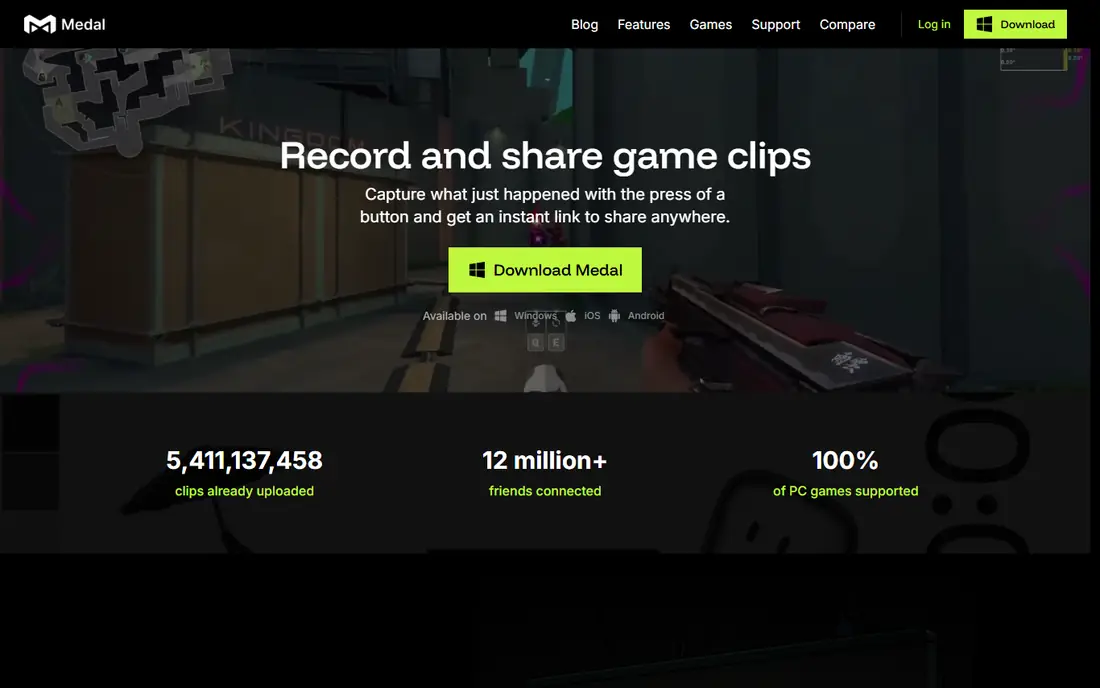
Medal is our pick for most PC gamers. A replay buffer runs while you play, and pressing F8 saves the last 15 seconds to 10 minutes, while supported games like Valorant, Fortnite, and CS2 also save highlights on their own. Every clip gets a link that plays inline in Discord, and the built-in editor handles trimming, text, slow motion, and separate tracks for game audio, mic, and Discord chat.
The free tier carries ads and caps quick-share links at 14 days, while Premium starts at 6.99 dollars per month for an ad-free tier and 9.99 dollars per month for the full premium tier, adding watermark-free downloads, higher quality capture, and unlimited cloud storage. If you mainly want clips saved and shared with friends in seconds, Medal is the simplest tool that does the whole job.
- One-hotkey replay from 15 seconds to 10 minutes
- Clips play inline in Discord
- Built-in editor with separate audio tracks
- Windows only on desktop
- Free quick-share links expire after 14 days
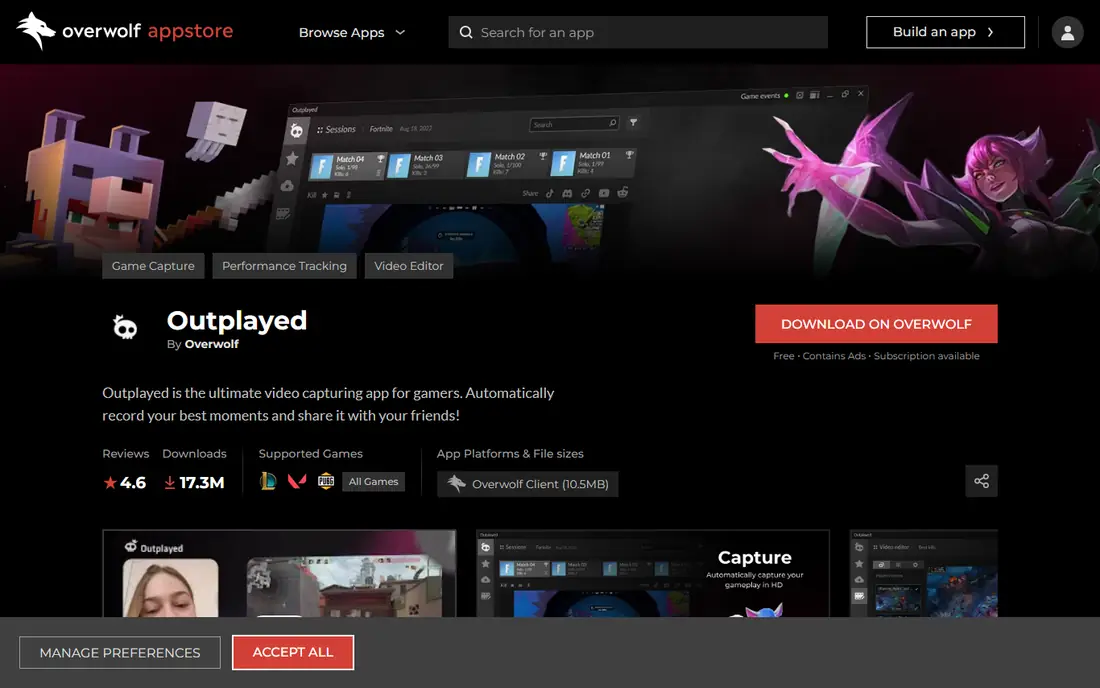
Outplayed suits players who never want to think about clipping. In games with event detection, it bookmarks kills, wins, and other moments on a timeline automatically, with each clip covering up to 180 seconds around the event. Uploads go to outplayed.tv and onward to Discord, YouTube, and TikTok with one click, and the core recorder is free with a premium subscription removing ads and extending hosting.
The trade-off is the Overwolf wrapper. Outplayed runs inside the Overwolf client, which some players dislike having installed, and free-tier uploads are hosted for 3 months rather than indefinitely. For competitive players who review their own highlights, the automatic detection alone makes it worth trying.
- Automatic event detection in supported games
- Timeline bookmarks for each event
- One-click uploads to major platforms
- Runs inside the Overwolf client
- Free uploads hosted for 3 months
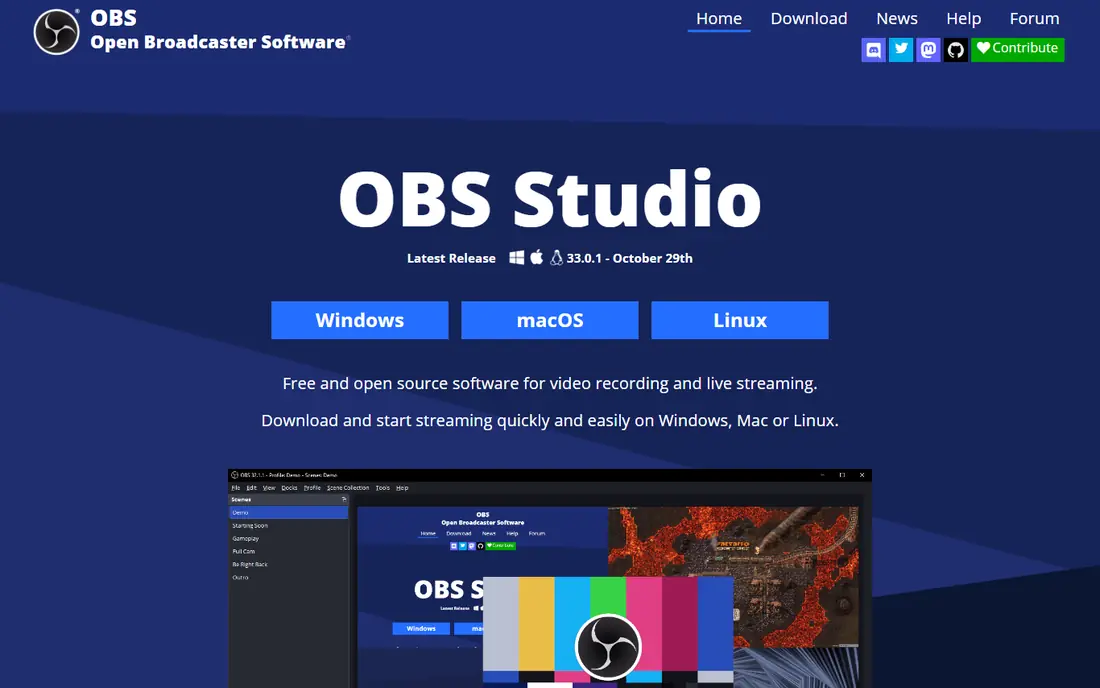
OBS Studio is the most powerful free tool here, and the most work to set up as a clipper. Its replay buffer can save the last minutes of gameplay, but you must configure it yourself, including buffer length, hotkeys, and output settings. In return you get full control over bitrate, codecs including x264, x265, and AV1, scenes, sources, and overlays, plus full streaming to Twitch, YouTube, and Kick.
There is no built-in editor or one-click sharing, so clips become local files you edit and upload yourself. OBS suits players who already stream or want exact control over quality and performance. If you only want clips with friends, Medal or Outplayed will get you there faster.
- Free and open source
- Full codec and bitrate control
- Doubles as a complete streaming suite
- Replay buffer needs manual configuration
- No built-in clip editor or sharing
NVIDIA App, which replaced GeForce Experience, includes ShadowPlay-style instant replay for owners of supported NVIDIA graphics cards. It records with hardware encoding, so the performance hit stays small, and you can save the last minutes of play with a hotkey, then trim and share from the in-app overlay. It costs nothing beyond the graphics card you already own.
The limits are hardware and sharing. Without an NVIDIA card it does not run, and its editing and social features are thinner than Medal's. For an NVIDIA owner who wants reliable capture without installing another app, it is the obvious first stop, and it pairs well with OBS for anyone who later wants more control.
- Hardware-accelerated capture with little performance cost
- Instant replay built in
- Free with supported GPUs
- Requires an NVIDIA graphics card
- Sharing features are basic
Xbox Game Bar is already on your PC if you run Windows, which makes it the zero-effort option. Press Windows plus G to open widgets for capture, audio mixing, and performance, and save clips without installing anything or creating a new account. Clips land in your Videos folder and can be shared from there.
Dedicated tools beat it on settings, codec choice, and automatic highlights, and its capture length and quality options are modest. Still, for a casual player who clips occasionally and does not want another app running in the background, Game Bar covers the basics well enough that many players never need more.
- Already installed on Windows
- Simple widgets for capture and audio
- No extra account needed
- Fewer capture settings than dedicated tools
- Clip quality and length limits
SteelSeries Moments lives inside the SteelSeries GG app, which many players already install for headsets, keyboards, and mice. It captures clips with a hotkey and auto-detects highlights in supported games, then lets you trim and share without leaving the app. The core capture is free, and it integrates with SteelSeries hardware profiles.
The catch is the ecosystem tie. If you do not use SteelSeries gear, there is less reason to install GG just for clipping, and its supported-game list is narrower than Medal's or Outplayed's. For a SteelSeries household, though, Moments is a convenient extra that costs nothing.
- Free clip capture with auto-detection in supported games
- Built into the SteelSeries GG app
- Easy sharing
- Tied to the SteelSeries GG ecosystem
- Game support is narrower than Medal
Streamlabs Desktop takes OBS and wraps it in a friendlier setup, with guided onboarding, themes, alerts, and widgets for streamers. Its replay buffer works like OBS, saving recent gameplay on a hotkey, and the same app handles full streams, so a player who both streams and clips needs only one tool. The base app is free.
It is heavier on system resources than plain OBS, and some themes and advanced features require the paid Ultra subscription. A pure clipper will find Medal simpler, but a streamer who wants one app for broadcasts, alerts, and replays will find Streamlabs a comfortable middle ground.
- Built on OBS with an easier setup
- Replay buffer included
- Themes and alerts for streamers
- Heavier than plain OBS
- Some features sit behind a paid Ultra subscription
Bandicam is a general screen recorder that works well for gameplay. It records DirectX and OpenGL games, the desktop, and external devices, with a simple interface that new users learn quickly and a small performance footprint. The free version watermarks recordings and limits length, while the paid license removes those limits.
It has no automatic highlight detection and no social sharing layer, so it fits players who want clean recordings to edit themselves rather than instant clips for Discord. For tutorials, reviews, and long recordings, Bandicam's simplicity is a genuine strength.
- Easy to learn
- Records games, screens, and devices
- Low performance impact
- No automatic highlight detection
- Paid license needed to remove limits
FBX Game Recorder targets players on modest hardware. It records gameplay with a small footprint, uses a simple hotkey workflow, and offers a free version for basic capture, with a paid version adding longer recordings and higher quality. Setup takes minutes, and the interface stays out of the way.
The downside is scale. FBX has a smaller community than OBS or Medal, fewer guides, and basic editing, so power users will outgrow it. For an older or budget PC where every frame counts, its light touch makes it a sensible choice.
- Lightweight with low impact on frame rates
- Simple hotkey capture
- Free version available
- Smaller community and fewer updates than bigger rivals
- Editing tools are basic
How we picked these
We compared official feature pages, pricing pages, and app listings for tools that capture PC gameplay today, and we kept only tools with a working Windows version. Free tiers were checked against each vendor's own pages, since several tools advertise free capture while reserving quality, hosting, or watermark removal for paid plans. We favored tools with hardware acceleration, since a clip tool that costs frames will be uninstalled fast.
What to check before you choose
Start with your graphics card and your games. NVIDIA owners already have capture built in, and automatic highlight detection only works in games each tool supports, so check your main game before committing to a tool for its auto-clips.
Decide how much work you want per clip
One-hotkey tools like Medal suit players who share clips daily, while OBS suits players who edit and publish polished videos. Automatic detection suits competitive players who review their own play. Match the workflow to how often you actually clip, not to the longest feature list.
Watch performance on your own PC
Every recorder costs some performance, and the cost varies with codec, resolution, and your hardware. Test your chosen tool in your main game at your usual settings, and watch frame rates over a full session before judging it. Hardware encoding usually costs less than software encoding.
Check where clips live and for how long
Free tiers differ on hosting. Medal free links expire after 14 days and Outplayed free uploads are hosted for 3 months, while OBS and Game Bar save local files that last as long as your hard drive does. If you want clips to survive, download the keepers or pay for hosting.
Frequently asked questions
What is the best clipping software for PC?
Medal is our pick for most PC gamers, thanks to its free tier, one-hotkey replays, and Discord-friendly sharing. OBS Studio is the strongest free option for players who want full control or who stream. Outplayed leads for automatic highlights in supported competitive games.
What is the best free clipping software for gaming?
Medal, OBS Studio, Xbox Game Bar, and NVIDIA App are all free at the core. Medal is best for sharing, OBS for control, Game Bar for zero setup on Windows, and NVIDIA App for owners of supported graphics cards. Each free tier has limits, so check hosting and quality caps before relying on one.
What is the best software to clip gameplay for TikTok?
Medal formats clips for TikTok and Shorts and shares links that play inline in Discord, which makes it the smoothest path from a PC clip to a short video. Outplayed also uploads to TikTok with one click. Either way, trim to the moment and add captions, since most short-form viewers watch without sound at first.
Does clipping software slow down games?
Any recorder costs some performance, but hardware encoding keeps the hit small on modern graphics cards. Medal, NVIDIA App, and FBX are built to stay light, while OBS can cost more if you pick software encoding or very high bitrates. Test at your usual settings and prefer hardware encoding when your card supports it.
Can I clip gameplay on PC without extra software?
Yes, if you run Windows, Xbox Game Bar is already installed and captures clips with Windows plus G. NVIDIA owners can also use the NVIDIA App. Both cover basic clipping, though they lack automatic highlights and the sharing features of Medal and Outplayed.
What is the best clipping software for low-end PCs?
FBX Game Recorder and NVIDIA App are the lightest options, with hardware encoding keeping frame rates steadier on modest hardware. OBS can also run light if you use hardware encoding and modest bitrates, but it needs manual tuning. Avoid running several overlays and recorders at once on a budget PC.
Sources we checked (9)

Online Jobs is an independent blog about careers, online work, learning new skills and the tools that help people earn. More about us.
Keep reading
All posts
Zoom Alternatives
Zoom alternatives compared for 2026: Google Meet, Microsoft Teams, Webex, Jitsi and more for free calls, large meetings and webinars for teams and classrooms.

What Is the Best Free Tool to Rotate a PDF
What is the best free tool to rotate a PDF? We compare eight free rotation tools on per-page control, limits, privacy and saved output quality in detail.

What Is the Best AI Dubbing Tool
We compared the best AI dubbing tools in 2026, from ElevenLabs and HeyGen to Rask AI, Dubverse and Veed, for videos and creators in many languages worldwide.