Best Church Management Software in 2026: 8 Tools Compared


Modular tools and service planning · Starting price: Free
How we put this together: we compare official feature and pricing pages, app store listings, privacy policies and public user reviews. Prices change, so check the provider's site before you pay.
Key takeaways
- Planning Center suits churches that want to buy only the modules they need, while ChurchTrac suits churches that want one price for most tools.
- Tithe.ly is a strong fit when online giving comes first and the church wants management tools in the same account.
- Pushpay, Subsplash, and Realm are better matches for larger or multi-site churches that need a fuller platform and can work with quote-based pricing.
- Giving processing fees sit on top of most subscriptions, so compare the monthly price and the per-gift fee together before you decide.
- A free tier or trial helps, but the real test is whether volunteers and office staff can use the system on a busy Sunday without extra help.
Quick comparison
| Name | Who it suits | Starting price | Free option | |
|---|---|---|---|---|
| Planning Center | Modular tools and service planning | Free | Yes | Visit |
 Tithe.ly Tithe.ly | Giving-first churches | Free | Yes | Visit |
 ChurchTrac ChurchTrac | Small churches wanting one all-in-one price | $29 per month | Free trial | Visit |
 Pushpay Pushpay | Growing and multi-site churches | See website | No | Visit |
 Subsplash Subsplash | A branded app and media presence | See website | No | Visit |
 Realm Realm | Churches that need fund accounting | See website | No | Visit |
 ChMeetings ChMeetings | Small churches on a tight budget | Free | Yes | Visit |
 Breeze by Tithe.ly Breeze by Tithe.ly | Simple member and giving records | $72 per month | Free trial | Visit |
The best church management software
Church software should reduce Sunday admin work, not add a second job for the office team. We compared official feature pages, pricing pages, and public documentation for the tools below, and we focused on people records, giving, groups, check-in, communication, and volunteer scheduling.
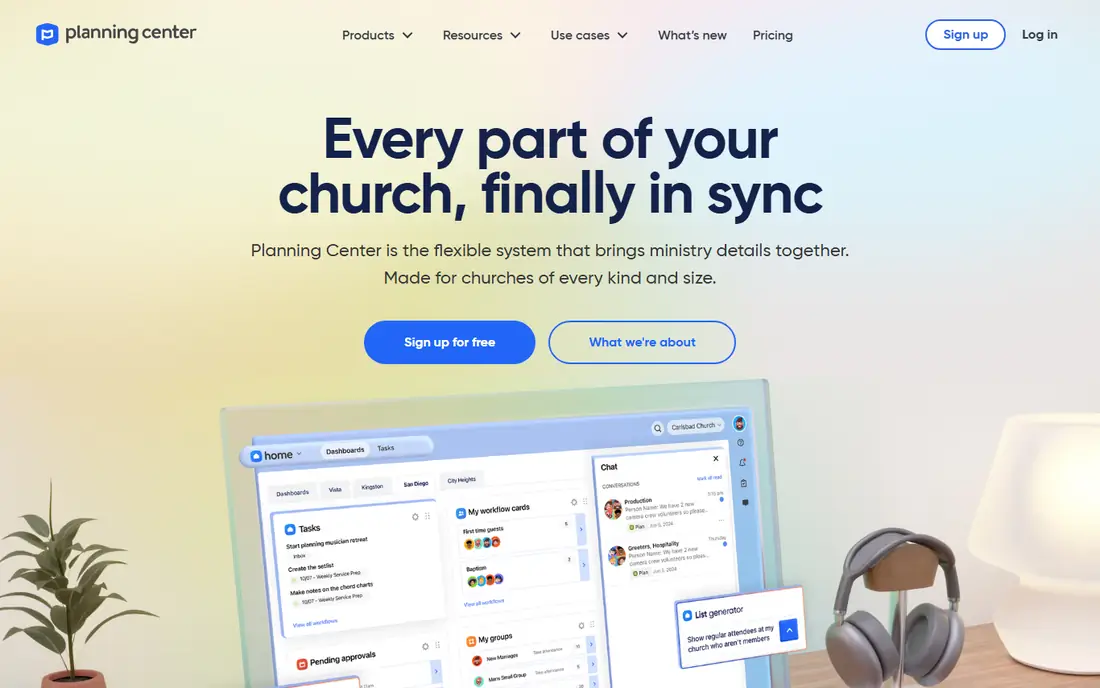
Planning Center works as a set of connected products rather than one fixed bundle. People holds member records at no charge, and churches can add Services for worship planning, Check-Ins for children and events, Giving for donations, Groups for small groups, and Registrations for sign-ups. That structure suits a church that knows exactly which jobs it needs to solve first and wants to leave the rest for later.
The service planning tools are the clear strength here. Worship teams can build orders of service, schedule musicians and volunteers, share music and notes, and confirm availability in one place. The member-facing Church Center app gives people a simple way to give, register, check in, and stay connected. The trade-off is arithmetic. A church that turns on several modules for a growing congregation can watch the monthly total climb, so it helps to price the full set you expect to use, not just the first module.
- People is free
- Strong service planning and check-in
- Pay only for the modules you use
- Costs add up as you add modules
- No single all-in price for a full setup
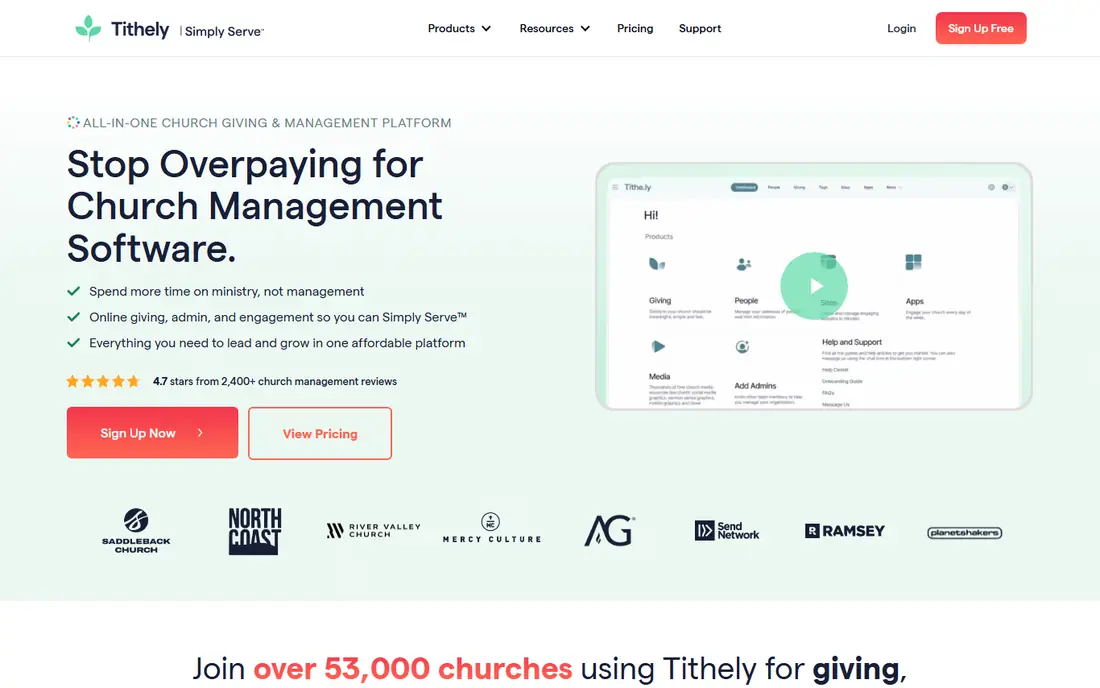
Tithe.ly starts from giving and builds outward, which matches how many churches actually adopt software. Online giving, mobile giving, text giving, recurring gifts, and year-end statements sit at the center, and church management adds people records, groups, check-in, email and text messaging, and service planning. Churches that want the whole suite can choose All Access at $119 per month, which the vendor presents as a saving against buying each product separately.
For a small or mid-size church, the free giving tier lowers the barrier to getting started, and the flat management price makes budgeting simple. The catch is familiar across this category. Processing fees apply to each gift, so a church with heavy digital giving should weigh the card and bank transfer rates alongside the subscription. Tithe.ly is also a practical pick for churches that want a custom app and website without hiring separate vendors for each piece.
- Giving has no monthly fee
- All Access bundles app, site, and management for $119 per month
- Clear published pricing
- Card processing fees still apply
- Some advanced reporting feels lighter than enterprise tools
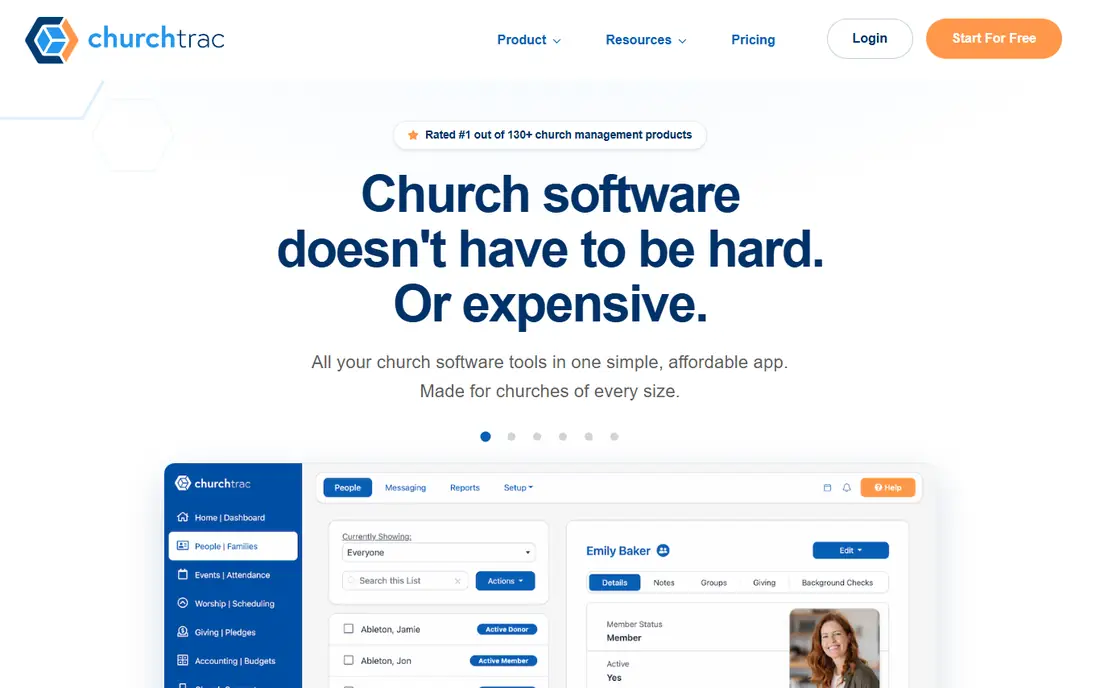
ChurchTrac takes the opposite approach to Planning Center. Every plan includes the same core features, and the price moves with the number of people tracked, starting at $29 per month on the vendor homepage. People records, giving, email and messaging, website and church app, check-in, groups, volunteer scheduling, worship planning, events, automations, fund accounting, and budgeting all sit in one account.
That breadth matters for a small church with one administrator wearing several hats. Fund accounting is a real difference here, since many rivals in this price range leave accounting to a separate tool. The honest weakness is polish. The interface is functional rather than modern, and churches that rely on many outside apps may find fewer ready integrations. For churches that value one bill, one login, and strong support over a slick design, ChurchTrac is hard to beat at this price.
- One price covers most features
- Includes fund accounting
- Pricing scales by people tracked
- Interface looks dated next to newer tools
- Fewer third-party integrations
Pushpay, through its ChurchStaq platform, combines giving, church management, and a member app in one system. Donor journeys, giving trends, and engagement data sit together, so staff can see who gave, who attended, and who may need follow-up without stitching reports from separate tools. Features that flag and recover at-risk recurring gifts can matter a great deal for a church that depends on regular giving.
The main drawback is that pricing is not published as a simple monthly rate, so a church needs a sales conversation to get a firm number. That fits larger churches with a budget process, but it is less friendly for a small church comparing options on a Saturday afternoon. Pushpay makes most sense when a church is growing, runs more than one site, or already struggles with disconnected giving and member data.
- Giving, management, and app in one platform
- Tools to recover failed gifts
- Strong engagement analytics
- Quote-based pricing
- Likely more than a small church needs
Subsplash starts from the member experience. A church gets a branded app and website where people can watch sermons, give, register for events, and stay in touch during the week. For churches where media and Sunday streaming drive first impressions, that front door matters, and Subsplash treats it as a core product rather than an add-on.
Behind the app, Subsplash covers giving, groups, messaging, and events, but churches that need deep accounting or complex volunteer workflows should check those areas closely before committing. Pricing is quote-based and varies with church size and the bundle chosen, with giving available as a starting point. Choose Subsplash when the app, site, and media experience are the priority, and confirm the management features cover your office needs during a trial or demo.
- Custom church app and website
- Media and streaming tools
- Giving included
- Quote-based platform pricing
- Management depth trails dedicated ChMS tools
Realm comes from ACS Technologies and is built for churches that want people management and church finance in the same system. Fund accounting, contributions, pledges, and financial reporting sit alongside member profiles, groups, attendance, and communication. That combination suits churches with a finance team, multiple funds, and reporting needs that a simple giving tool cannot meet.
The trade-off is complexity and price discovery. Realm pricing is supplied on request, and implementation usually takes more planning than a tool aimed at a church plant. Smaller churches may find the depth unnecessary, while mid-size and larger churches may find it saves the cost and friction of a separate accounting package. Ask for a demo built around your chart of accounts and your reporting cycle, since those are the areas where Realm either earns its place or does not.
- Built-in fund accounting
- Strong reporting for larger churches
- Long history with church finance
- Quote-based pricing
- Setup can take longer than simpler tools
ChMeetings is a practical option for very small congregations and church plants that need a real database without a real bill. The free tier covers up to 50 members, and paid plans stay low compared with most rivals here. Member management, events, groups, attendance, and online giving cover the weekly basics, and the interface is straightforward enough for volunteers to learn quickly.
The limits show up as a church grows. Texting and the member app are paid add-ons rather than included features, and the tool has less name recognition in the United States than Planning Center or Tithe.ly. That matters less than fit, but it can mean fewer local peers to ask for help. For a congregation under 50 people, or a plant testing its first system, ChMeetings offers a low-risk start with a clear upgrade path.
- Free for up to 50 members
- Low paid tiers
- Member, event, and giving tools in one place
- App and texting are paid add-ons
- Less brand recognition in the United States
Breeze built its name on simplicity. One flat monthly price covers unlimited members, and the focus stays on people records, contributions, groups, events, and communication without a maze of settings. Churches that found other tools overwhelming often settled here because volunteers could learn the basics in one sitting.
Breeze is now part of Tithe.ly, and its site directs visitors into the wider Tithe.ly platform, so new buyers should confirm current availability and terms before planning around the standalone name. The flat $72 per month management price still makes budgeting easy, but accounting and advanced reporting remain thin compared with ChurchTrac or Realm. Pick Breeze, or its Tithe.ly successor, when simple, predictable member and giving records matter more than deep finance or worship planning tools.
- Flat price with unlimited members
- Simple to learn
- Clean contribution tracking
- Light on accounting and reporting
- Now part of Tithe.ly, so future direction follows that platform
How we picked these
We compared official pricing pages, feature lists, and public documentation for each product, and we checked that each vendor homepage loads and belongs to the product named. We favored tools that cover the core jobs of a church office, that publish clear pricing or explain why pricing is quoted, and that serve a distinct church size or need. We left out tools that no longer operate as standalone products and tools aimed only at a single narrow job, such as a standalone giving button with no member records.
What to check before you buy
Start with the jobs you do every week, not the feature list. List the tasks that eat staff time now, such as tracking visitors, scheduling volunteers, recording gifts, sending statements, and following up with new families. Then test those exact tasks in a trial, with the volunteers who will actually do them. A tool that looks strong in a demo can still fail if check-in slows down on Sunday morning.
Price the whole year, not the first month. Add the subscription, the giving processing fees on your typical gift mix, and any add-ons for texting, an app, or background checks. Ask who owns your data if you leave, how exports work, and whether giving history and member notes transfer cleanly. Finally, check support hours and training. A small church with part-time staff needs answers on Sunday, or at least a clear help library, more than it needs another dashboard.
Giving fees deserve their own line in the budget
Card fees usually sit near 2.9 percent plus a small per-gift amount, while bank transfers cost less, and those fees can exceed the subscription for a church with strong digital giving. Ask each vendor for the exact card, bank, and American Express rates, and ask whether donors can cover the fee. A lower subscription with a higher processing rate is not always the cheaper system.
Migration is where projects stall
Export member records, giving history, groups, and volunteer schedules before you sign anything, and ask the new vendor to show an import with your real file, not a sample. Plan a quiet week for the switch, keep the old system readable for a month, and tell members what changes for them, especially for giving and check-in. A careful migration protects recurring gifts, which are the income a church can least afford to lose.
Frequently asked questions
What is the best church management software for a small church?
ChurchTrac and ChMeetings are strong starting points for small churches, because their prices stay low and their core features cover people, giving, groups, and communication. Planning Center also works well for a small church that only needs one or two modules at first. The right pick depends on whether you need accounting, worship planning, or a branded app most.
Is there free church management software?
Yes, with limits. Planning Center offers People for free, Tithe.ly offers giving with no monthly fee, and ChMeetings is free for up to 50 members. Free tiers usually cap members, features, or support, and giving processing fees still apply. Read the limits before you build your whole database around a free tier.
Does church management software handle accounting?
Some tools do, and some do not. ChurchTrac includes fund accounting, and Realm offers deeper fund accounting for larger churches. Planning Center, Tithe.ly, and Subsplash focus on people and ministry operations and usually pair with a separate accounting tool. If consolidating accounting matters, shortlist the tools that include it natively.
How much does church management software cost?
Prices in this guide range from free tiers to $29 per month for ChurchTrac, $72 per month for Tithe.ly church management, $119 per month for Tithe.ly All Access, and quote-based pricing for Pushpay, Subsplash, and Realm. Add giving processing fees, which vary by payment method, and any paid add-ons for texting or apps.
Can church software replace spreadsheets?
Yes, for most weekly jobs, if the team commits to one database. Member records, attendance, giving, groups, and volunteer schedules work better in one system than across separate sheets. The switch only pays off when staff and volunteers actually update records in the new tool, so training and a simple setup matter as much as features.
What happened to Breeze church software?
Breeze was acquired by Tithe.ly, and its website now points visitors toward the Tithe.ly platform. Churches that liked Breeze for simple, flat-rate management can look at Tithe.ly church management or at ChurchTrac, which occupies a similar simple and affordable position.
Sources we checked (8)

Online Jobs is an independent blog about careers, online work, learning new skills and the tools that help people earn. More about us.
Keep reading
All posts
Workday Alternatives
We compared the best workday alternatives for HR, payroll, and global hiring, from BambooHR and Gusto to Rippling, Deel, and HiBob for growing teams in 2026.

Which SaaS Tools Have the Best Customer Support
Which SaaS tools have the best customer support? Compare eight popular tools on help centres, live help, response options and overall support quality.

Top AI Helpdesk Software
Searching for top AI helpdesk software in 2026? We compared 8 AI helpdesks on automation, pricing, channels and ease of setup for small and growing teams.