Best Chess App in 2026: 8 Apps Compared

How we put this together: we compare official feature and pricing pages, app store listings, privacy policies and public user reviews. Prices change, so check the provider's site before you pay.
Key takeaways
- Lichess is the best free chess app, with unlimited puzzles, analysis, and studies at no cost and no ads.
- Chess.com suits most players who want the largest player pool, lessons, and game review in one polished app.
- Chessable suits opening and endgame study, while Chess Tempo suits focused tactical training.
- ChessKid is the safest pick for children, with age-matched lessons and controls for young players.
Quick comparison
| Name | Who it suits | Starting price | Free option | |
|---|---|---|---|---|
 Chess.com | Largest player pool | See website | Yes | Visit |
 Lichess | Completely free play | Free | Yes | Visit |
 Chessable | Opening and endgame study | Free | Yes | Visit |
 ChessKid | Safe learning for kids | See website | Yes | Visit |
 Chess Tempo | Focused tactics training | See website | Yes | Visit |
 Play Magnus | Play against Magnus-style bots | See website | Yes | Visit |
 Aimchess | Personal weakness analysis | See website | Yes | Visit |
 Shredder Chess | Strong engine and coaching | See website | Yes | Visit |
The best chess app
We compared official app pages and store listings for chess apps that offer online play, puzzles, lessons, or analysis in 2026. Our focus was player pool, puzzle quality, learning path, analysis tools, and whether a free tier is truly useful or only a short demo.
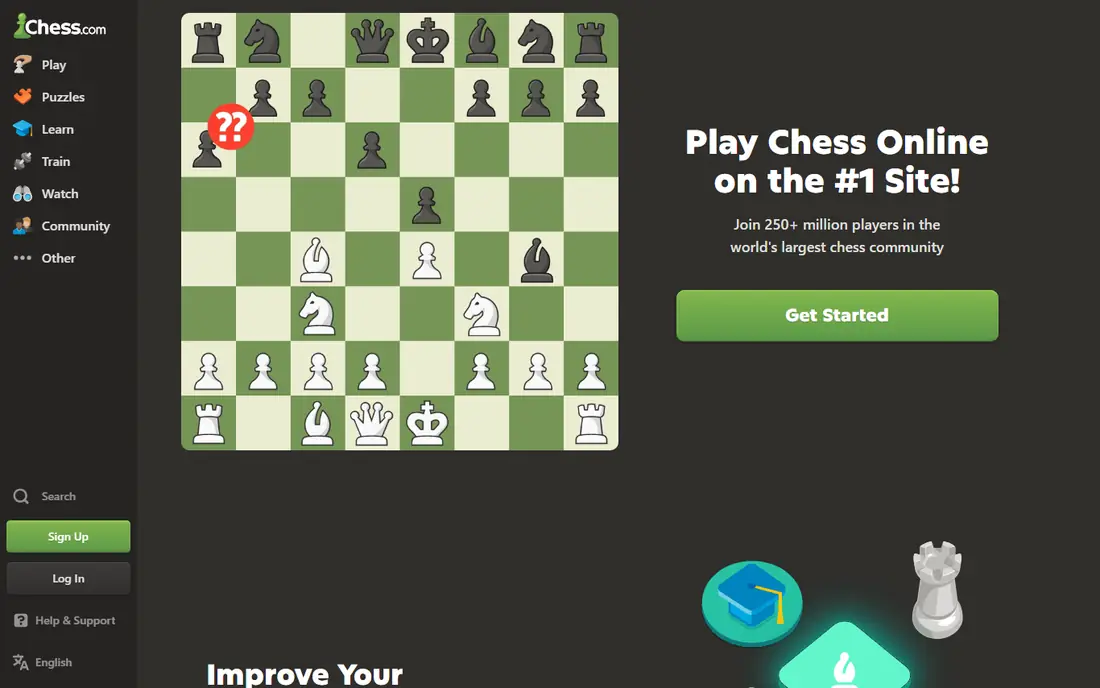
Chess.com is the default pick for most players because it does everything in one app. You can play live, rapid, blitz, bullet, or daily games, solve puzzles, take lessons, join clubs, and enter tournaments. The large player pool means fast matches at most levels, day or night.
Free play works well, but daily limits apply to puzzles and game reviews, which are key learning tools. A subscription removes those limits and adds deeper review and lessons. Chess.com suits players who want one polished home for playing and learning, and who value a large community.
- Largest online player pool
- Lessons, puzzles, and game review
- Tournaments and clubs
- Free puzzles and game reviews are limited per day
- Premium features need a subscription
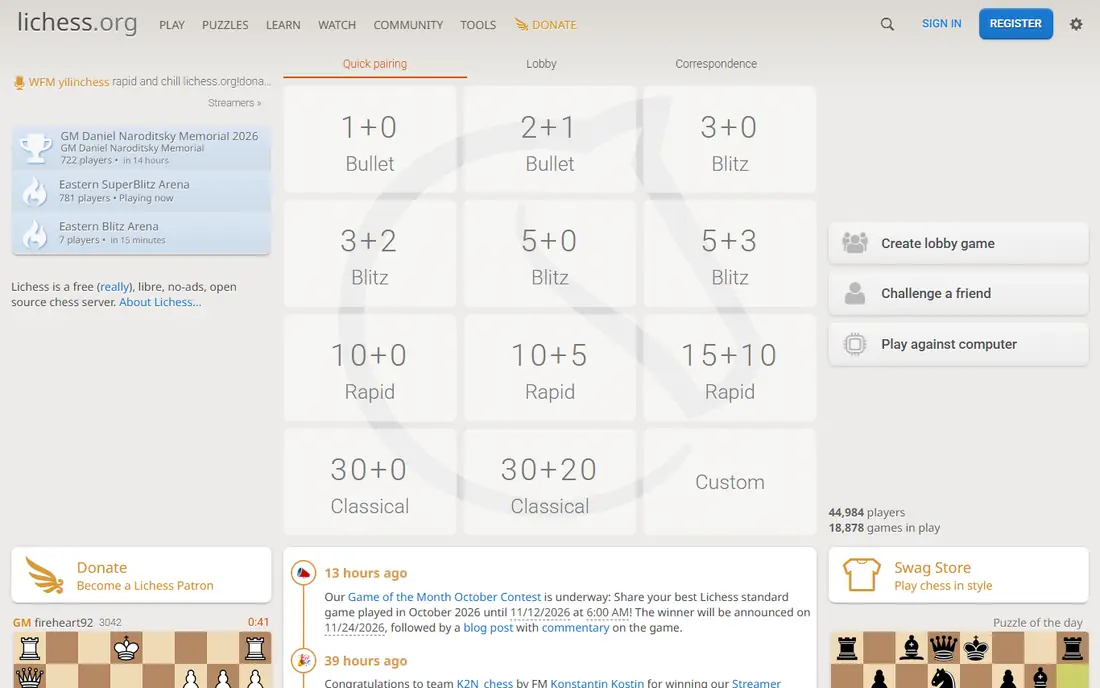
Lichess is free and open source, funded by donations, with no ads and no paid tier. Every feature, including unlimited puzzles, computer analysis, studies, tournaments, and the opening explorer, is free for all users. That makes Lichess the best value in chess by a wide margin.
The interface is plainer than Chess.com, and guided video lessons are thinner for absolute beginners. Many players solve that by using Lichess for play and analysis, plus Chessable or a book for structured study. If you want one free app that covers play and improvement, start with Lichess.
- Fully free with no ads
- Unlimited puzzles and analysis
- Studies and opening explorer
- Interface is plainer than Chess.com
- Fewer guided video lessons for beginners
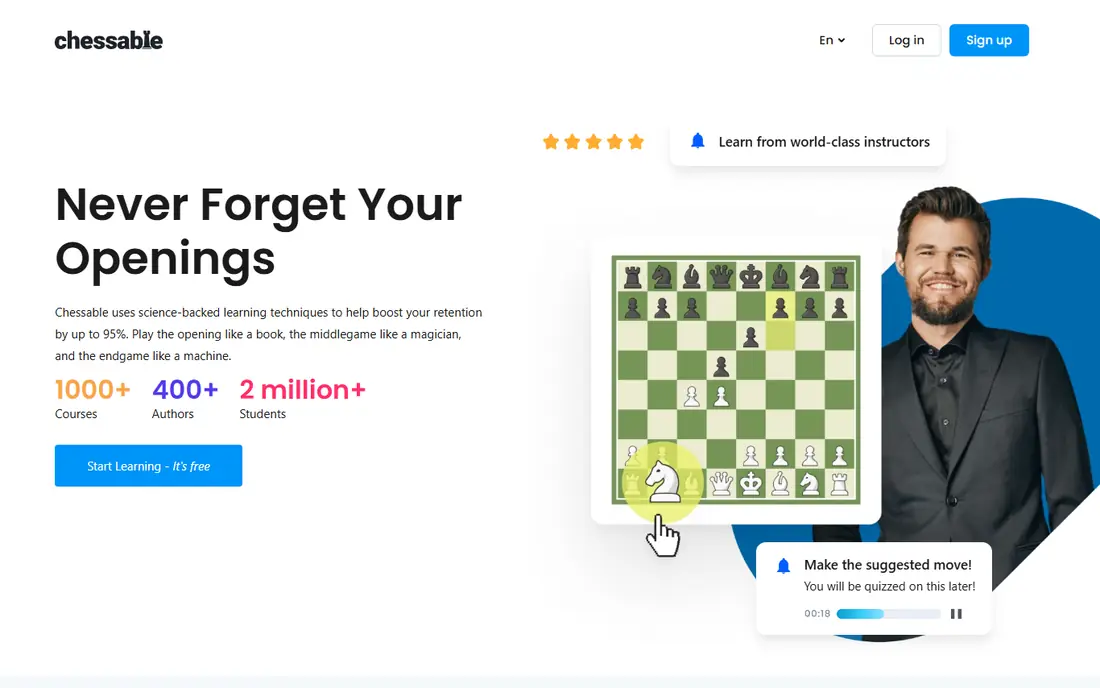
Chessable focuses on study rather than online play. Its MoveTrainer asks you to play the moves of a course on a board, then schedules reviews with spaced repetition so lines stay in memory. That method suits openings, endgames, and tactical patterns that need recall under time pressure.
Many courses are free, while the best full courses are paid per course rather than by subscription. Chessable is less useful as a main place to play rated games, so pair it with Lichess or Chess.com. For structured study, it is the strongest tool in this list.
- Spaced repetition for openings
- Many free courses
- Clear move trainer
- Best courses are paid per course
- Less useful as a main playing app
ChessKid, from the Chess.com family, is built for children learning chess. Lessons use friendly characters, short puzzles, and games that teach pieces, tactics, and basic strategy step by step. Parent and teacher tools help manage accounts, and community features are designed with child safety in mind.
Free access covers starter lessons and puzzles, while full content needs a paid plan. Older teens may outgrow the style and prefer Chess.com or Lichess. For children, ChessKid is the safest and most engaging starting point, and parents should still review account settings together.
- Kid-friendly lessons and puzzles
- Safe community controls
- Parent and teacher tools
- Full content needs a paid plan
- Older teens may prefer Chess.com or Lichess
Chess Tempo is a specialist for tactics. Its puzzle database is carefully rated, so problems match your level, and feedback shows why a move works or fails. Endgame training is also strong, which helps players who lose winning positions late in a game.
The interface is functional rather than playful, and online play is limited compared with Chess.com or Lichess. Chess Tempo suits improving players who already have a main playing app and want focused daily tactics. Use it for 15 minutes a day alongside regular games for steady gains.
- Large rated puzzle database
- Endgame training
- Detailed puzzle feedback
- Interface is more functional than playful
- Online play is limited compared with leaders
Play Magnus lets you play against bots modeled on Magnus Carlsen at different ages and strengths, from a young beginner to a world champion level. That format is fun for fans and for casual players who prefer bots to rated online games. The app also includes lessons and puzzles tied to Magnus games.
Serious study depth is thinner than Chessable or Chess Tempo, and some features need payment. Play Magnus suits casual players, Magnus fans, and beginners who want low-pressure games against a bot. Pair it with Lichess puzzles when you want deeper training.
- Bots modeled on Magnus Carlsen at different ages
- Fun for fans
- Good for casual play
- Less depth for serious study
- Some features need a paid plan
Aimchess, now part of the Chess.com group, analyzes your games and groups mistakes into recurring patterns, such as missed tactics or weak endgames. That view helps players who keep losing the same way but cannot see the pattern from one game review alone. Personalized drills then target those weak areas.
The free tier is limited, and full depth needs a paid plan. Aimchess suits improving players who already play regularly and want a clear training focus. Use it monthly to set a study plan, rather than daily as a main playing app.
- Groups mistakes into patterns
- Personalized training plans
- Clear weakness reports
- Free tier is limited
- Full analysis needs a subscription
Shredder Chess offers a strong engine, adaptive coaching, and offline play, which suits players who want to practice without an internet connection or rated pressure. The coach adapts to your level, explains mistakes, and sets puzzles at a suitable difficulty. That guided feel helps adult learners who return to chess after a break.
The online player pool is smaller than Chess.com or Lichess, so most users will play against the computer rather than people. Shredder suits offline practice, engine analysis, and coaching-led learning. Pair it with Lichess for online games and tournaments.
- Strong Shredder engine
- Adaptive coaching
- Offline play against the computer
- Online player pool is smaller
- Interface feels older than Chess.com
How we picked these
We compared official app pages and store listings for chess apps that offer play, puzzles, lessons, or analysis in 2026. We kept apps that are actively maintained, with a working free tier or a clear paid plan, and we noted where free puzzles, reviews, or courses are limited. We favored apps with a clear learning path, not just a board and a clock.
How to choose a chess app
Start with your goal. For casual play, Chess.com or Lichess both work, with Chess.com offering more polish and Lichess offering everything free. For study, add Chessable for openings and Chess Tempo for tactics. For children, start with ChessKid and review safety settings together.
Next, keep the setup simple. One playing app plus one study app is enough for most players. Too many apps split your games and puzzles, which makes progress harder to track. Play regularly, review losses without blaming the clock, and solve puzzles at a level where you get about half right. That balance builds skill faster than easy puzzles alone.
A note for parents
Chess apps can include chat, clubs, and public profiles, so review those settings for a child account. ChessKid is designed for children, while Chess.com and Lichess need parental review of chat and friend options. Use a parent email where possible, turn off open chat for younger children, and talk about online kindness and privacy before a child plays rated games.
Frequently asked questions
What is the best chess app for beginners?
Lichess and Chess.com both suit beginners, with Lichess offering everything free and Chess.com offering more guided lessons. ChessKid suits children, while adults who want coaching may also try Shredder Chess or Play Magnus for low-pressure games.
What is the best free chess app?
Lichess is the best free chess app, because it is fully free with no ads and no paid tier. Unlimited puzzles, analysis, studies, and tournaments are included, which no other app in this list matches for free.
Is Chess.com or Lichess better?
Chess.com has the largest player pool, more polished lessons, and game review explanations that beginners find easy to read. Lichess wins on price and analysis depth, with unlimited free puzzles and engine analysis. Many players keep both and play where friends play.
What is the best chess software for studying openings?
Chessable suits opening study best, because its spaced repetition trainer helps lines stay in memory. Pair it with Lichess opening explorer for free reference, and review your own games to see which lines actually appear in your play.
Can I play chess offline with an app?
Yes, Chess.com, Shredder Chess, and Play Magnus offer play against computer opponents offline, though online play, puzzles, and analysis usually need a connection. Download the app and test offline mode before a trip without reliable internet.
How long should I practice each day?
Twenty to thirty minutes a day, split between a game and puzzles or review, beats a long session once a week. Consistency matters more than volume, and short daily practice helps patterns stick without fatigue.
Sources we checked (8)

Online Jobs is an independent blog about careers, online work, learning new skills and the tools that help people earn. More about us.
Keep reading
All posts
Zoom Alternatives
Zoom alternatives compared for 2026: Google Meet, Microsoft Teams, Webex, Jitsi and more for free calls, large meetings and webinars for teams and classrooms.

What Is the Best Free Tool to Rotate a PDF
What is the best free tool to rotate a PDF? We compare eight free rotation tools on per-page control, limits, privacy and saved output quality in detail.

What Is the Best AI Dubbing Tool
We compared the best AI dubbing tools in 2026, from ElevenLabs and HeyGen to Rask AI, Dubverse and Veed, for videos and creators in many languages worldwide.