Best ChatGPT Apps in 2026: 8 Apps Compared

How we put this together: we compare official feature and pricing pages, app store listings, privacy policies and public user reviews. Prices change, so check the provider's site before you pay.
Key takeaways
- The official ChatGPT app is the best ChatGPT app for most people, because it is free, works on phone and desktop, and needs no API key.
- Third-party clients such as BoltAI, MacGPT, and Elephas suit users who want a native Mac app, menu bar access, or their own API key.
- TypingMind, Msty, ChatWise, and Fello AI suit users who want a cleaner chat interface, local models, or extra organisation.
- Watch out for App Store clones that charge weekly fees for a chatbot you can already get free from OpenAI.
- If you use an API-key client, your API bill is separate from any app price, so check both costs before you commit.
Quick comparison
| Name | Who it suits | Starting price | Free option | |
|---|---|---|---|---|
 ChatGPT | Most people, official app | Free | Yes | Visit |
 MacGPT | Mac menu bar access | Free | Yes | Visit |
 BoltAI | Native Mac client, one-time price | $79 one-time | No | Visit |
 Elephas | Privacy-friendly Mac assistant | Free | Yes | Visit |
 TypingMind | Clean multi-model chat client | See website | Free trial | Visit |
 Msty | Local and cloud models in one app | See website | Free trial | Visit |
 ChatWise | Simple desktop ChatGPT client | See website | Free trial | Visit |
 Fello AI | Mac client with local models | See website | Yes | Visit |
The best ChatGPT apps
The best ChatGPT apps fall into two groups: the official app from OpenAI, and third-party clients that connect to ChatGPT through an API key or a chat interface. The official app is the right default, while third-party apps earn their place with better desktop integration, privacy options, or multi-model support. We compared official product pages and public app descriptions for apps that are live today, and we avoided weekly-fee clones that simply wrap a free chatbot.
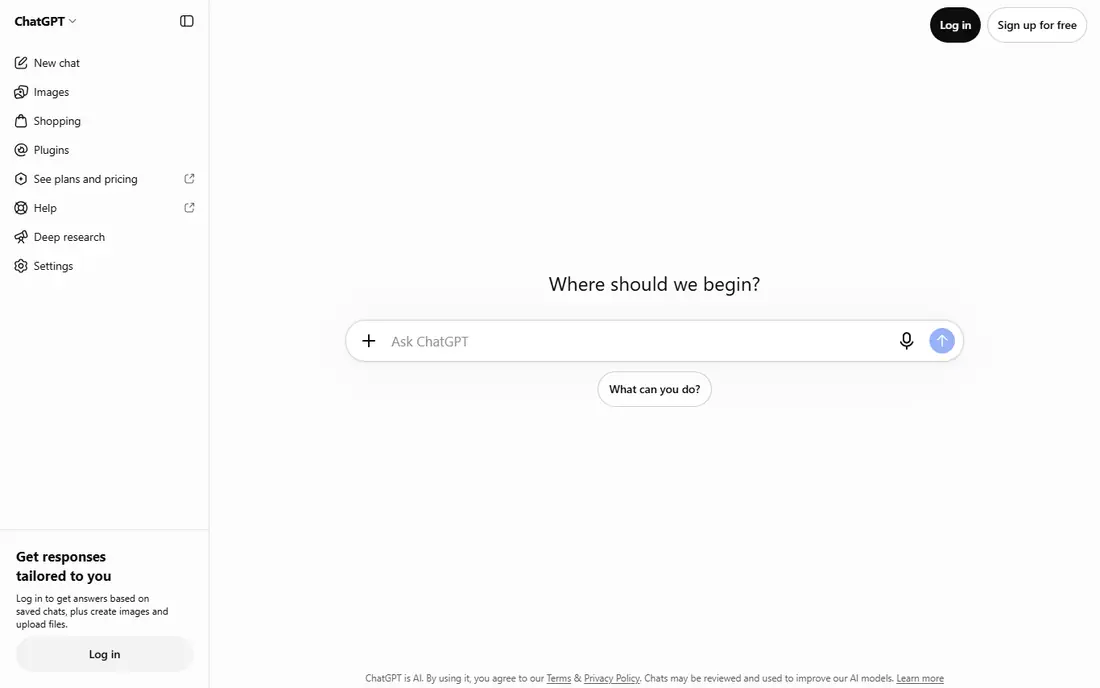
The official ChatGPT app is the safest and simplest answer to which ChatGPT app is best. It works on iOS, Android, web, and desktop, it needs no API key, and the free tier covers everyday writing, brainstorming, coding help, and image generation within limits. Paid tiers, including Go and Plus, raise those limits and add more advanced models and tools.
The catch is that free tier limits apply to uploads, voice, image creation, and deep research, so heavy users will hit them. Some reports also note ads on free and lower tiers, which is a change from earlier versions. Even with those limits, the official app remains the best starting point, and most users should try it before paying for a third-party client.
- Official app on phone, web, and desktop
- Free tier with text chat and voice
- Paid tiers add higher limits
- Free tier limits uploads, image creation, and research
- Ads have appeared on some free tiers in reports
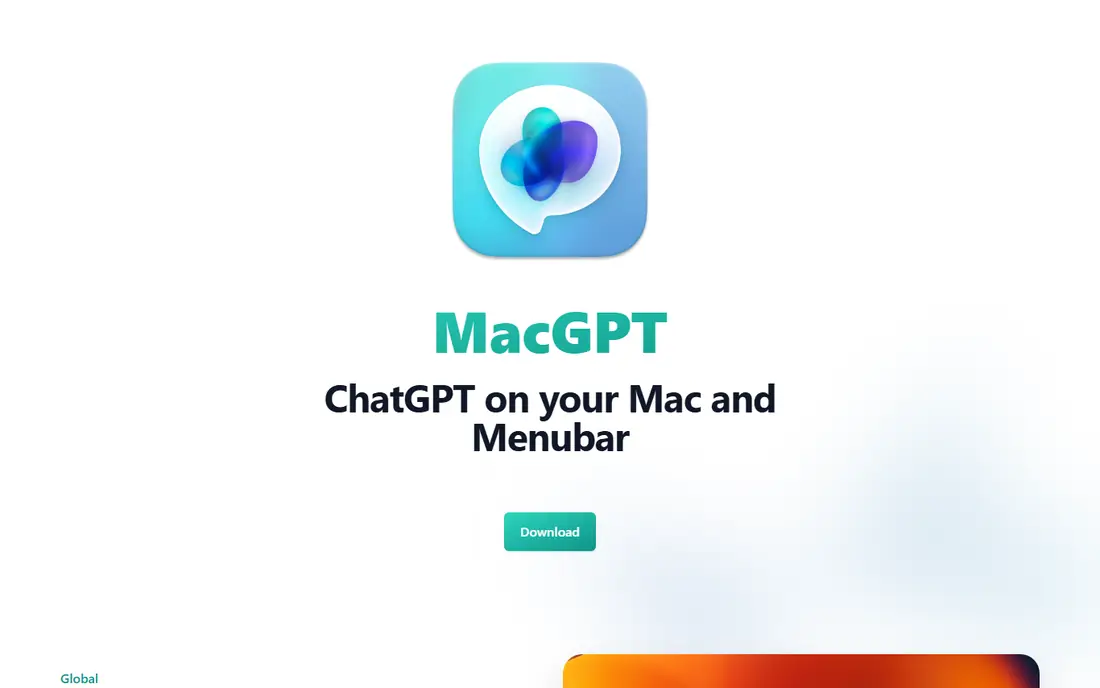
MacGPT suits a Mac user who wants ChatGPT one click away, without keeping a browser tab or a full app open. It sits in the menu bar, so you can ask a question, summarise text, or draft a reply from anywhere on your Mac. The download is pay-what-you-want from free, which makes it easy to try.
The limit is that native mode needs your own OpenAI API key, and API usage is billed separately. MacGPT is also Mac only, so Windows and phone users need another app. For a Mac user who chats often and already pays for API access, it is a handy companion to the official app.
- Lives in the Mac menu bar for quick access
- Pay-what-you-want download
- Works with your own API key in native mode
- Mac only
- Native mode needs an API key and API costs
- Fewer features than the official app
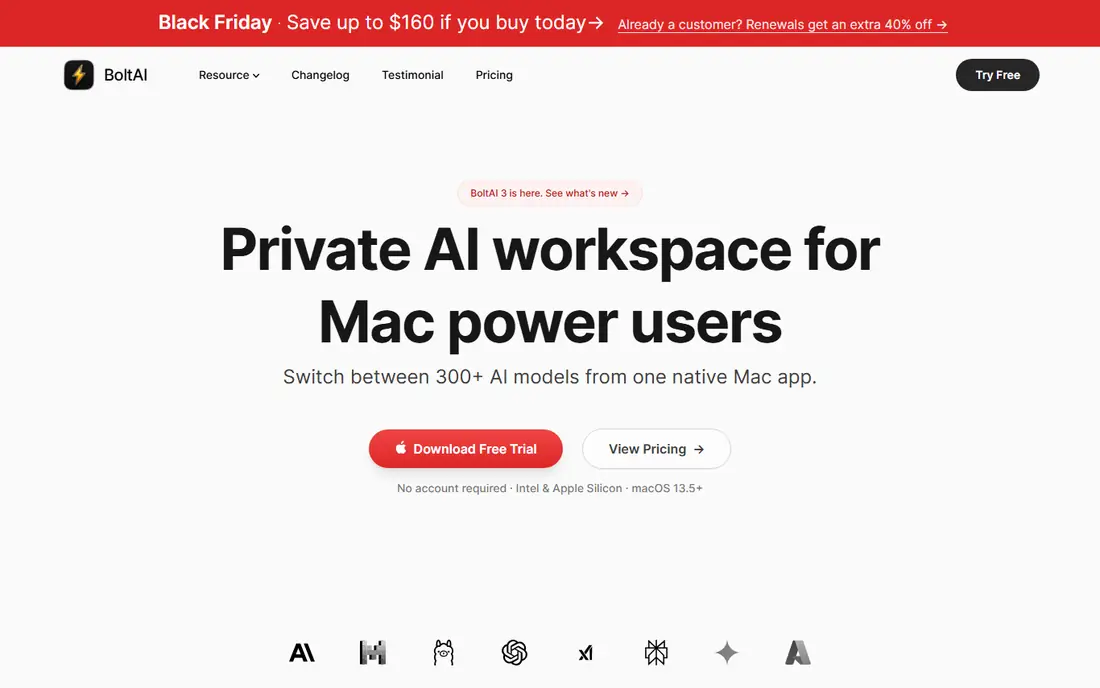
BoltAI is the best native Mac client for users who prefer a one-time purchase over another subscription. It is a polished Mac app that connects to ChatGPT and other models through your own API key, so you pay once for the app and then pay API usage as you go. That model suits a developer or writer who uses AI daily and wants a fast, native interface.
The trade-off is that API costs sit on top of the app price, and heavy use can add up. BoltAI is also Mac only, so it is not a cross-platform choice. For a Mac user who wants a native client without a monthly app fee, it is a strong pick.
- Native Mac app with one-time pricing
- Works with your own API key
- No monthly subscription for the app itself
- Mac only
- API costs are separate
- No free plan for the app
Elephas is a Mac knowledge assistant that can use cloud models, including ChatGPT, alongside local models on your own machine. That mix suits a user who wants to keep some work private, since local processing does not send text to a cloud service. Smart Redaction helps protect sensitive details before a prompt leaves your Mac, which matters for client or personal files.
The limits are platform and hardware. Elephas is Mac only, and local models work best on a newer Mac with enough memory. Cloud features and higher limits need a paid plan. For a privacy-conscious Mac user, Elephas is a thoughtful alternative to a browser-only workflow.
- Mac app with local model options
- Smart Redaction for sensitive text
- Free plan available
- Mac only
- Local models need a capable Mac
- Some features need a paid plan
TypingMind suits a user who chats with several models, including ChatGPT, and wants a cleaner interface than a browser tab. You can organise chats, save prompts, and switch models from one app, which helps a writer or developer who compares answers across models. The interface stays focused on chat, without extra workspace features getting in the way.
The catch is the API model. TypingMind needs your own API keys, and model usage is billed by the provider, so the total cost is the app price plus API spend. A casual user who only needs ChatGPT may find the official app simpler and cheaper. A power user who compares models will value the organisation.
- Clean chat interface
- Supports multiple models through API keys
- Good organisation for chats and prompts
- Needs API keys and API billing
- App price is separate from model costs
Msty is a desktop app that lets you use local models alongside cloud models such as ChatGPT, in one interface. That flexibility suits a user who wants private, offline work for some tasks and cloud power for others, without switching apps. The interface is modern and focused on chat, with tools for organising conversations.
The downside is setup. Local models need downloading and a computer that can run them well, and cloud use still needs an API key and billing. Msty is best for a technical user who values that mix. A casual user should start with the official ChatGPT app instead.
- Runs local and cloud models in one app
- Good for privacy and offline work
- Modern desktop interface
- Local models need a capable computer
- Setup takes more care than the official app
ChatWise suits a user who wants a simple desktop window for ChatGPT, without the extra features of a full workspace app. It keeps chats close at hand on the desktop, which helps a writer or support worker who asks questions all day. The focus on chat, rather than notes or projects, keeps it easy to learn.
The honest caution is that ChatWise is less widely known than the official app or larger clients, so check current reviews and the vendor site before buying. It also works best with an API key, so API costs apply. For a simple desktop client, it is worth a trial, but the official app remains the safer default.
- Simple desktop client for ChatGPT
- Quick access from the desktop
- Cleaner than a browser tab for frequent chats
- Smaller public track record than larger clients
- Needs an API key for full use in most setups
Fello AI is a Mac app that combines cloud models, including ChatGPT, with local models you can run on your own machine. That mix suits a Mac user who wants to keep sensitive chats private when possible, while still using cloud power for harder tasks. A free plan lets you test the app before paying.
The limits match other Mac clients: it is Mac only, and local models need a capable Mac to run well. Paid plans raise limits and add extra features. For a Mac user who values privacy and a native app, Fello AI is a good alternative to the official app, alongside Elephas and BoltAI.
- Mac client with cloud and local model support
- Free plan available
- Privacy-friendly local option
- Mac only
- Local model performance depends on your Mac
- Some features need a paid plan
How we picked these
We compared official product pages and public app descriptions for ChatGPT apps that are live today, including the official app and third-party clients. We kept only apps with a clear ChatGPT use, either through the official service or an API key, and we avoided weekly-fee clones that charge for a free chatbot. Where an app price was not published on its main page, we wrote See website, and we noted where API costs sit on top of an app price.
Choosing the right ChatGPT app
Most people should start with the official app and only move to a third-party client for a specific reason, such as Mac integration, privacy, or multi-model work.
Start with the official app
Download the official ChatGPT app, use the free tier for a few weeks, and note which limits you actually hit. If the free tier covers your work, there is no need to pay for a client. If you hit limits often, compare Go and Plus before buying a third-party app, since the official paid tiers raise limits directly.
Check API costs for third-party clients
A one-time or monthly app price is not the full cost when an app needs your own API key. Check OpenAI API pricing, set a spending limit, and track usage for the first month. A client that looks cheap can become expensive if you chat heavily through the API, while the official subscription may be cheaper for steady daily use.
Avoid clones and check privacy
Avoid apps that charge weekly fees for basic chatbot access, especially if they do not clearly state which model they use. Check the privacy policy for any client, since prompts may be sent to the model provider and, in some cases, stored by the app maker. For sensitive work, prefer the official app or a client with local model support.
Frequently asked questions
What is the best ChatGPT app?
The official ChatGPT app is the best ChatGPT app for most people, because it is free, official, and works on phone, web, and desktop without an API key. Mac users who want menu bar or native access should also try MacGPT, BoltAI, or Elephas.
Which ChatGPT app is best for Mac?
BoltAI is the best native Mac client with one-time pricing, MacGPT is the best menu bar option, and Elephas and Fello AI are the best picks for privacy with local models. The official ChatGPT Mac app remains the simplest choice for most Mac users.
Is there a free ChatGPT app?
Yes, the official ChatGPT app is free, with a free tier for text chat and voice within limits. MacGPT, Elephas, and Fello AI also offer free plans, although some features and higher limits need a paid plan or API access.
Do third-party ChatGPT apps need an API key?
Many do, including MacGPT in native mode, BoltAI, TypingMind, and Msty, and API usage is billed separately by OpenAI. The official ChatGPT app does not need an API key, since it uses a subscription or free account instead.
Are ChatGPT clone apps safe?
Some clones charge weekly fees for a chatbot you can get free from OpenAI, and their privacy terms may be unclear. Stick to the official app or a well-known client with a clear privacy policy, and avoid any app that hides which model it uses.
What is the best app in ChatGPT for everyday use?
For everyday writing, brainstorming, and questions, the official ChatGPT app is the best choice, because it is simple, free to start, and available everywhere. A third-party client only helps if you need desktop integration, local models, or multi-model comparison.
Sources we checked (8)

Online Jobs is an independent blog about careers, online work, learning new skills and the tools that help people earn. More about us.
Keep reading
All posts
Zoom Alternatives
Zoom alternatives compared for 2026: Google Meet, Microsoft Teams, Webex, Jitsi and more for free calls, large meetings and webinars for teams and classrooms.

Which Software Is Best for PDF Page Removal
Which software is best for PDF page removal? We compare free and paid tools for deleting pages quickly, safely, and without harming your file in this guide.

Which Software Is Best for Data Entry
Compare the best data entry software for forms, OCR scanning, and spreadsheets, with free plans, pricing, and honest limits for each tool before you commit.