Best Charting Platform in 2026: 9 Products Compared

How we put this together: we compare official feature and pricing pages, app store listings, privacy policies and public user reviews. Prices change, so check the provider's site before you pay.
Key takeaways
- TradingView is the best starting point for most traders because its free plan covers global markets and a large indicator library.
- TrendSpider suits traders who want automation, pattern detection and backtesting without writing code.
- thinkorswim and NinjaTrader are strong when charting must sit next to a broker account and live order execution.
- Free charting is useful for learning, but real time data, alerts and multi chart layouts usually require a paid plan.
Quick comparison
| Name | Who it suits | Starting price | Free option | |
|---|---|---|---|---|
 TradingView | Global charting and community ideas | Free | Yes | Visit |
 TrendSpider | Automated technical analysis | See website | Free trial | Visit |
 thinkorswim | Broker charting with paper trading | Free | Yes | Visit |
 TC2000 | Scanning plus charting value | Free | Yes | Visit |
 Trade Ideas | Real time scanning for day traders | See website | Free trial | Visit |
 NinjaTrader | Futures charting and automation | Free | Yes | Visit |
 MetaTrader 5 | Forex and multi asset charting | Free | Yes | Visit |
 Finviz | Fast free screening and charts | Free | Yes | Visit |
 StockCharts | Clean long term charting | See website | Free trial | Visit |
The best charting platform
A charting platform should show price clearly, let you draw and test ideas, and keep up with the market you actually trade. Some traders need a social charting site they can open anywhere, while others need a desktop platform tied to a broker. The nine products below cover both ends of that range.
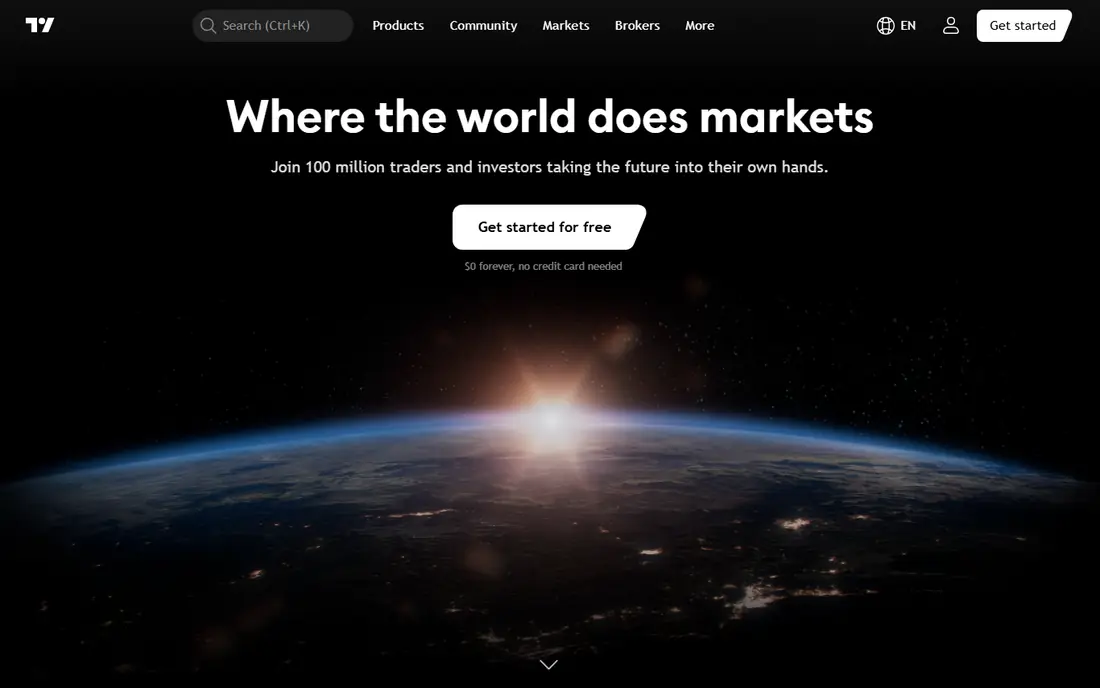
TradingView is the default answer for a reason. It runs in a browser, covers stocks, futures, forex and crypto across many exchanges, and gives even free users a capable chart with drawing tools and indicators. The community library adds thousands of shared indicators and strategies, so a trader can often find a tool for an idea without building it from scratch.
Paid plans matter once you need more alerts, more indicators per chart, more chart layouts or faster data. The free plan is a genuine learning tool, but active traders usually move to a paid tier within a few months. TradingView also connects to many brokers, which makes it useful as a charting front end even if orders go elsewhere. This is not financial advice, and past chart patterns do not predict future price moves.
- Coverage of many markets and exchanges
- Large community indicator library
- Pine Script for custom tools
- Alerts and layouts are limited on lower plans
- Advanced data costs extra
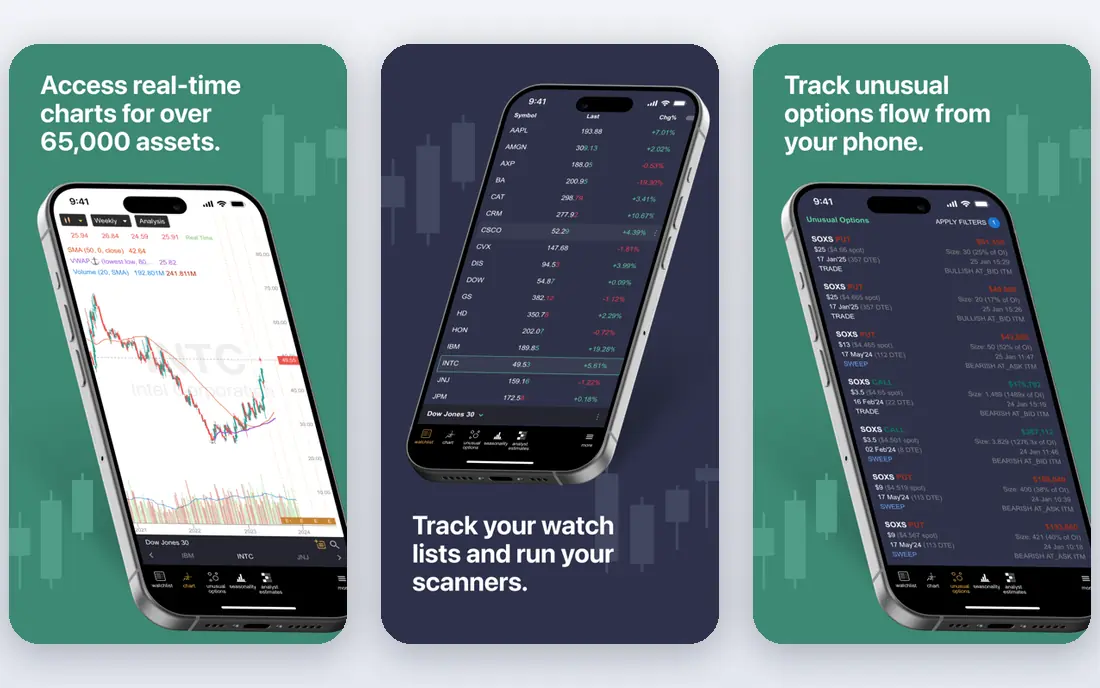
TrendSpider takes a different approach from TradingView. Instead of asking you to draw every trendline by hand, it draws them for you, flags patterns, and lets you scan many symbols for the same setup in real time. Its Strategy Tester lets traders backtest ideas without code, which helps systematic traders check an idea before they risk money on it.
The catch is price and complexity. TrendSpider has no free tier, only a trial, and its fuller automation features sit on higher plans. Traders who enjoy manual chart reading may find the automation gets in the way. For traders who run a rule based process and want the software to do the repetitive drawing and scanning, it is one of the strongest options here. This is not financial advice.
- Automated trendlines and pattern detection
- No code backtesting
- Real time scanners
- No permanent free plan
- Learning curve for automation features
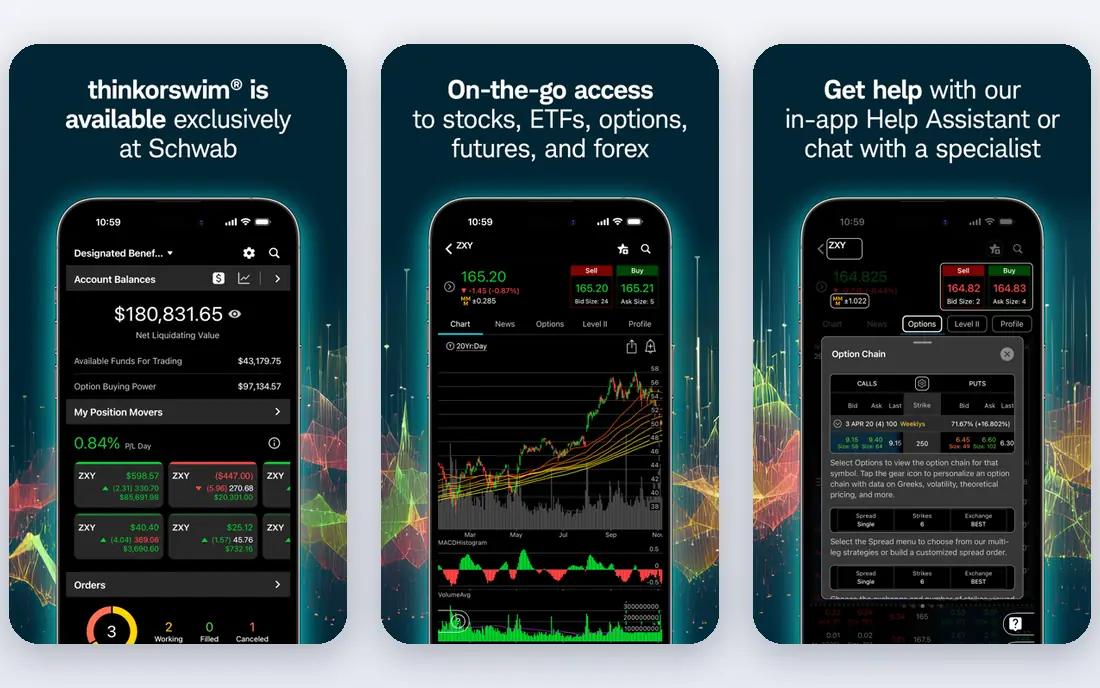
thinkorswim, from Charles Schwab, is a desktop platform that pairs charting with a real brokerage account. Charts are deep, with many studies, drawing tools and custom scripting through thinkScript, and the paperMoney simulator lets traders practise with virtual money in a live market feel. Options traders in particular benefit from the built in analysis tools.
Because it is tied to Schwab, it is less useful as a standalone charting site for traders who use other brokers. The desktop interface also feels dense at first, and new traders should expect a learning period. If you already trade with Schwab, thinkorswim is a strong reason to chart where you trade, rather than paying for a separate platform. This is not financial advice.
- Professional desktop charting
- PaperMoney simulator
- Options and futures tools
- Requires a Schwab account for full use
- Desktop first design
TC2000 has served US stock traders for years, and its strength is the mix of charting and scanning. EasyScan lets traders build scans with plain conditions, and the charting side offers hundreds of indicators and a formula language for custom work. A free version covers basic charting, while paid plans add real time data and deeper scanning.
Traders who focus on forex, crypto or international stocks will find coverage thinner than TradingView. TC2000 also feels more like a traditional Windows desktop product than a modern web app. For a US stock trader who wants scans and charts in one place at a fair price, it remains a practical pick. This is not financial advice.
- Strong stock scanning
- Many built in indicators
- Good value on paid plans
- Focused mainly on US stocks
- Less global coverage than TradingView
Trade Ideas is less a charting site and more a scanning engine with charts attached. It watches the whole US market in real time and flags unusual volume, momentum and pattern setups as they happen, which suits day traders who need ideas during market hours rather than after the close. Holly AI, its automated signal system, is the headline feature on premium plans.
Pricing is high compared with general charting tools, and the focus is US equities, so traders in other markets should look elsewhere. Trade Ideas also rewards traders who already have a day trading process and can act on signals quickly. Beginners may find the firehose of alerts overwhelming. This is not financial advice.
- Real time AI assisted scanning
- Holly AI signals
- Broker integration for some traders
- Higher pricing
- Mainly US equities
NinjaTrader is a futures focused platform that many futures traders use for charting, simulation and automated strategies. The free version includes charting and simulation, so a trader can learn order flow, test a strategy and practise execution without paying for the platform itself. Brokerage and data fees still apply for live trading, so the full cost depends on the account setup.
Stock and forex traders can use NinjaTrader, but its depth is clearest in futures. Building automated strategies takes coding skill, though the platform also supports simpler alert based approaches. For a futures trader who wants a serious desktop platform with a free starting point, NinjaTrader is a strong candidate. This is not financial advice.
- Professional futures charting
- Free simulation
- Strategy automation in C#
- Best for futures, less broad for stocks
- Learning curve for automation
MetaTrader 5 is the charting and trading terminal offered by many forex and CFD brokers, usually free with an account. It covers forex, stocks, futures and crypto depending on the broker, and it supports custom indicators and automated trading programs called expert advisors. A large community shares indicators and strategies for the platform.
The experience varies by broker, since data, spreads and available symbols differ, and the interface looks older than TradingView or TrendSpider. Traders should also check whether their broker is well regulated before opening an account, since MetaTrader itself is only software. For forex traders who want a free, widely supported terminal, it remains the standard choice. This is not financial advice.
- Free through many brokers
- Custom indicators and expert advisors
- Broad broker support
- Interface feels dated
- Quality depends on the broker offering it
Finviz is best thought of as a screener first and a charting tool second. Its screener lets traders filter thousands of US stocks by valuation, performance, technical signals and more in seconds, and its heatmaps give a quick view of what is moving across sectors. Basic charts are clean and fast, which makes Finviz a useful first stop each morning.
Serious chart work will need another tool, since Finviz charts lack the depth, drawing tools and custom indicators of TradingView or TC2000. The Elite paid plan adds real time data, more screening options and intraday charts. Use Finviz to find ideas quickly, then study those ideas on a fuller charting platform. This is not financial advice.
- Very fast stock screener
- Heatmaps and market maps
- Simple charts
- Charts are basic compared with dedicated platforms
- Elite needed for real time data
StockCharts appeals to traders who want charts they can read at a glance. Its charting tools are well organised, its indicator set covers the classic technical tools, and its ChartSchool explains how those tools work in plain terms. Swing traders and longer term investors often prefer this calmer approach to a screen full of scanners and alerts.
Intraday traders who need tick level speed, deep scanning or direct broker execution will find StockCharts thinner than Trade Ideas or NinjaTrader. Pricing also requires a paid plan for the fuller feature set. If your style is daily or weekly charts and clear analysis rather than minute by minute trading, StockCharts fits well. This is not financial advice.
- Clear readable charts
- Strong chart school education
- Good for swing and position traders
- Less suited to fast intraday day trading
- Fewer broker connections
How we picked these
We compared platforms that are live in October 2026, cover at least one major market well, and are used by active traders rather than only by investors checking a price once a month. We looked at chart depth, indicator and drawing tools, scanning and backtesting, data coverage, broker connections, and whether a free plan or trial lets a trader test the platform before paying.
We did not rank on marketing claims about win rates or returns, and we treated backtest results as history, not proof of future profit. A platform that only worked for one market or one broker was kept only where that focus is a genuine strength, such as NinjaTrader for futures or TC2000 for US stocks. Prices were marked as See website where plans change often or depend on broker and data choices.
How to choose a charting platform
Start with the market you trade. A forex trader, a US day trader and a global swing trader need different data and different tools, and no single platform is best for all three. Next, decide how much work you want the software to do. Manual chart readers do well with TradingView or StockCharts, while systematic traders should weigh TrendSpider, Trade Ideas or NinjaTrader.
Then check the real monthly cost, including exchange data fees and broker fees, not just the platform subscription. Open a free plan or trial, build your usual chart layout, set a few alerts and run a scan you would actually use. If the platform slows your routine or hides a feature you need behind a much higher tier, it is the wrong fit even if other traders love it. Keep position sizes small while you learn any new tool, and remember that no charting software removes trading risk.
Frequently asked questions
What is the best charting software for day trading?
TradingView and TrendSpider lead for most day traders, with Trade Ideas ahead for real time scanning. TradingView gives broad coverage and a large indicator library, while TrendSpider automates trendlines and backtesting. Day traders should test alerts, data speed and layout options during market hours before paying.
What is the best free stock charting software?
TradingView has the strongest free charting plan for most traders, with global coverage and many indicators. Finviz is the best free screener, and thinkorswim and NinjaTrader offer free charting tied to brokerage use. Free plans limit alerts, layouts and real time data, so active traders often upgrade.
What is the best technical analysis software for stocks?
For classic technical analysis, TradingView, TC2000 and StockCharts all cover the main indicators and drawing tools well. TC2000 adds strong scanning for US stocks, while StockCharts adds clear education for newer technical traders. The best choice depends on whether you also need scanning, backtesting or broker execution.
Do I need a paid charting platform to trade well?
No, a paid platform does not make a trader profitable on its own. Free charting can support a sound process, especially for swing trading on daily charts. Paid plans help when you need real time data, more alerts, more layouts or automation, and those features are worth paying for only if you use them every week.
Is TradingView or TrendSpider better?
TradingView is better for manual charting, community tools and global markets on a budget. TrendSpider is better for automation, pattern detection and no code backtesting. Many systematic traders use TrendSpider for idea generation and TradingView for final chart review, though paying for both only makes sense if both steps are part of your routine.
Can I chart and trade from the same platform?
Yes, thinkorswim, NinjaTrader and MetaTrader 5 all combine charting with order execution through a broker account. TradingView also connects to many brokers for trading from charts. Check that your broker is supported and that order types, fees and data match your needs before you rely on one platform for both jobs.
Sources we checked (9)

Online Jobs is an independent blog about careers, online work, learning new skills and the tools that help people earn. More about us.
Keep reading
All posts
n8n Alternatives
n8n alternatives compared for 2026, with Zapier, Make, Activepieces, and more, covering visual builders, code steps, self-hosting, and pricing models.

eBay Alternatives
Looking for ebay alternatives? We compared 9 marketplaces for sellers on fees, buyer reach, categories and ease of listing, to help you sell with confidence.

ZoomInfo Alternatives
The best ZoomInfo alternatives in 2026, compared on price, free plans, data coverage, and which tool fits small teams or large sales teams best in detail.