Best Call Recorder App in 2026: 7 Apps Compared


iPhone recording plus transcription · Starting price: Free
How we put this together: we compare official feature and pricing pages, app store listings, privacy policies and public user reviews. Prices change, so check the provider's site before you pay.
Key takeaways
- Call recording rules depend on where you and the other caller are. Some places require one-party consent, while others, including California and much of Europe, require all parties to agree.
- iPhones running iOS 18 or later include built-in call recording that announces itself to everyone on the call, which is the safest default for iPhone users.
- Rev Call Recorder is our pick for iPhone users who want transcription, while Cube ACR is the strongest Android option for automatic recording.
- TapeACall suits people who want simple one-tap recording on either platform through a conference-call connection.
- Prefer apps that announce recording or make consent easy, and tell the other person you are recording whenever the law or basic fairness calls for it.
Quick comparison
| Name | Who it suits | Starting price | Free option | |
|---|---|---|---|---|
| Rev Call Recorder | iPhone recording plus transcription | Free | Yes | Visit |
 TapeACall | Simple one-tap recording on iPhone and Android | See website | Free trial | Visit |
 Cube ACR | Automatic recording on Android | Free | Yes | Visit |
 Google Voice | Free incoming call recording | Free | Yes | Visit |
 Allô | Business calls with automatic announcements | See website | No | Visit |
 Boldbeast Call Recorder | Manual control on Android | See website | Yes | Visit |
 ACR Call Recorder | Simple automatic recording on Android | Free | Yes | Visit |
The best call recorder app
Recording laws and phone platforms shape this category more than features do. Apple and Google both restrict background call recording, so apps use different workarounds: conference-call connections, VoIP numbers, or built-in dialer features. The apps below are the ones that still work reliably in 2026, with honest notes on where each one fits and what it cannot do.
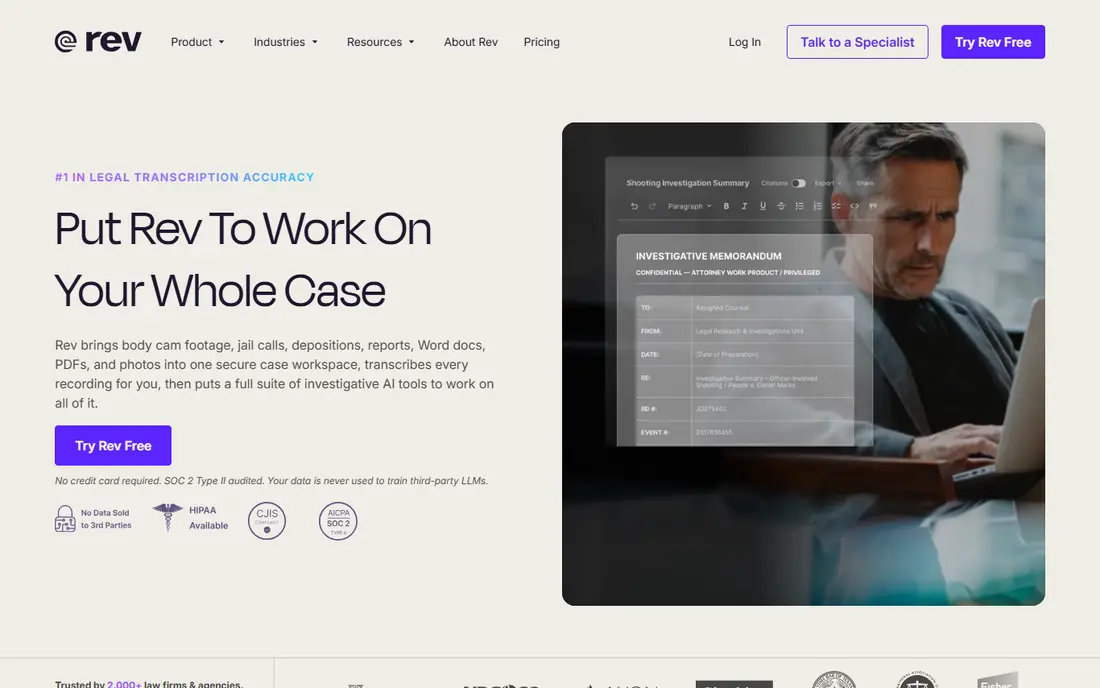
Rev Call Recorder is free for iPhone users and pairs recording with Rev's transcription service, which is why journalists and interviewers favor it. You merge the call with Rev's recording line, and the finished audio lives in the app for playback, sharing, or sending for transcription. Audio quality is consistently good, and the free recording tier has no monthly cap.
The conference-call method is the main adjustment. It takes a few taps to merge a call, and it does not suit people who want fully automatic recording of every call. Transcription costs extra, with AI and human options at different prices. For occasional important calls that you want in text form, Rev is the strongest iPhone pick.
- Free unlimited recording on iPhone
- Optional human and AI transcription
- Easy sharing
- IPhone only
- Recording uses a conference-call connection
- Transcription is paid
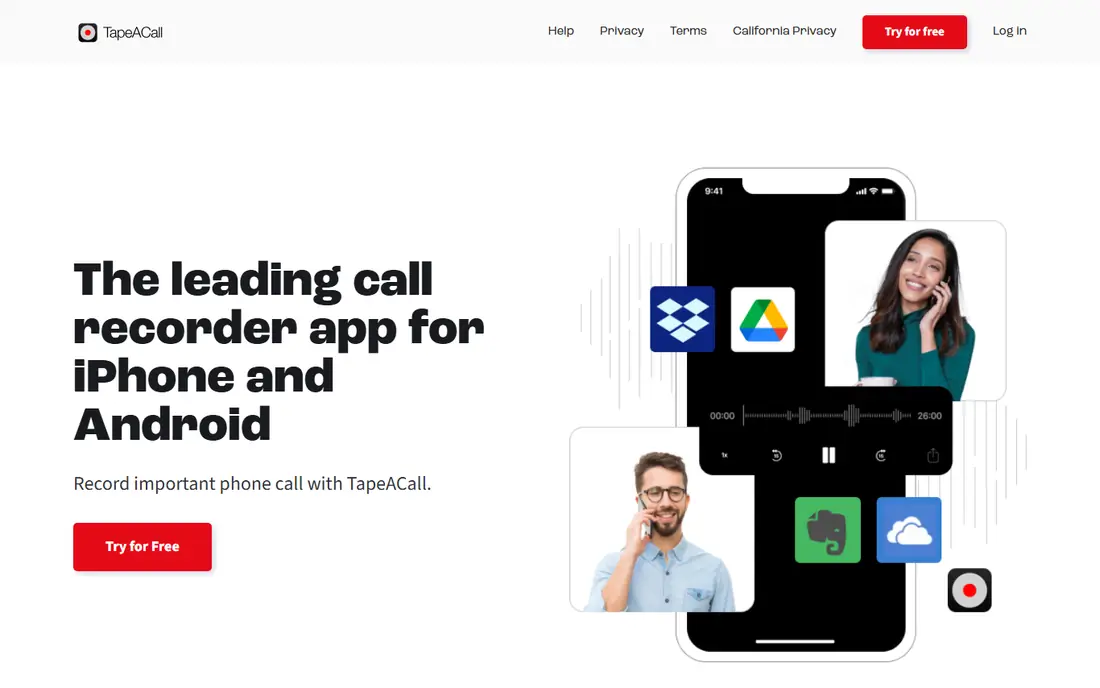
TapeACall has been around for years, and its appeal is simplicity. Tap to record, merge the call with the recording line, and the audio appears in the app with options to share, download, or transcribe. It works on both major platforms, which helps households and teams with mixed phones.
It is a paid app after a free trial, so casual users who record twice a year may prefer a free option. Like Rev, it relies on merging calls, which means a short setup step on every call. For people who want the simplest possible recording flow and do not mind a subscription, TapeACall is the easiest choice here.
- One-tap recording
- Works on iPhone and Android
- Cloud access to recordings
- Subscription required after trial
- Also uses a conference-call connection
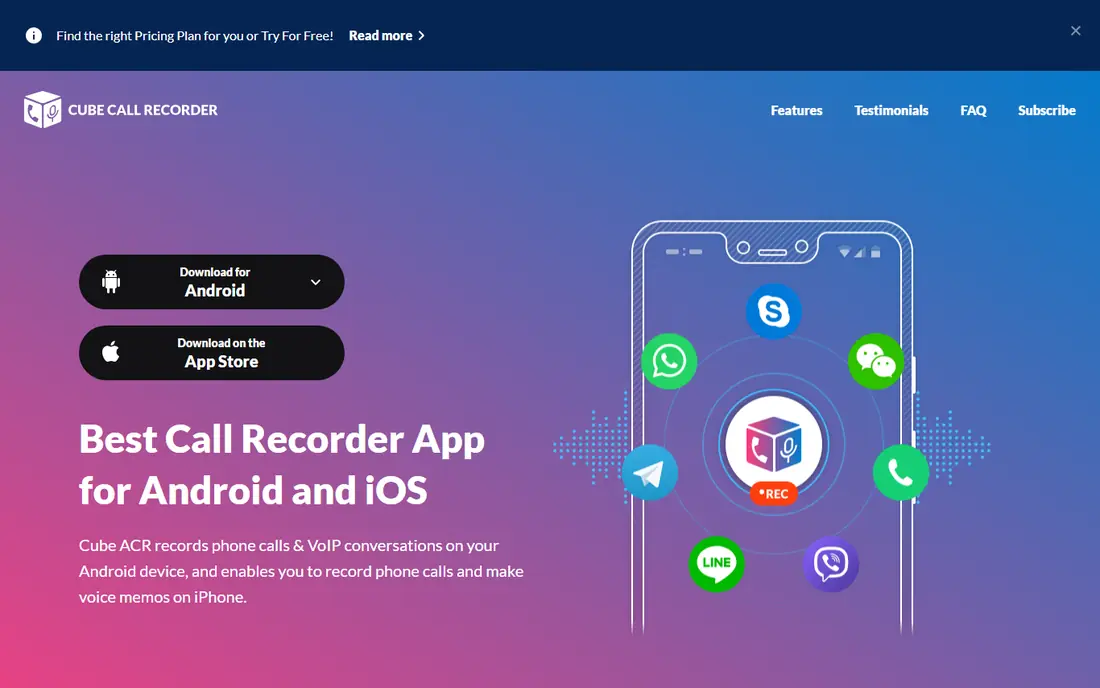
Cube ACR is the most capable Android call recorder on this list. It can record automatically, supports VoIP apps alongside regular calls, and offers cloud backup, caller identification, and notes on recordings. Business users and anyone who records frequently will appreciate the automation, since manual recording on every call gets old fast.
Setup is the price of that power. Android permissions, battery settings, and accessibility options all need attention, and results vary by phone model and Android version. The free version includes ads, and premium removes them and adds features. Test it with a few real calls before relying on it for anything important.
- Automatic recording on Android
- VoIP app support
- Cloud backup and caller ID
- Android-focused
- Setup permissions take effort
- Can occasionally miss a call
Google Voice is the free option many people overlook. If you take calls on a Google Voice number, you can record incoming calls with a keypad press, and recordings save to your account alongside voicemail. For interviews or customer calls routed through a Voice number, that is a clean, no-cost setup.
The limits are firm. Only incoming calls can be recorded, and only on a Google Voice number, so it cannot record calls on your regular mobile number. It also announces nothing by itself, so you must still handle consent yourself. As a free tool for a specific workflow, it is excellent. As a general call recorder, it is incomplete.
- Free
- Recordings stored in your Google account
- Voicemail transcription included
- Records incoming calls only
- Requires a Google Voice number
- Not a full recorder
Allô is the compliance-first pick, and it is the app we would point a business to first. It can play an automatic message at the start of a call, such as a notice that the call may be recorded, so every party is informed without the caller having to remember. Recordings come with AI transcription, summaries, and searchable logs, which suits teams that treat calls as records.
That structure comes with business pricing and a workflow built around Allô numbers, so it is more than a casual user needs. For a company recording customer or sales calls, though, the announcement feature plus transcripts is worth the cost, because it reduces legal risk and makes recordings actually useful afterward.
- Plays an automatic recording announcement
- AI transcription and summaries
- Works on iPhone and Android
- Paid business pricing
- Requires using an Allô number or app workflow
Boldbeast Call Recorder is a long-running Android app for users who want control. It offers manual recording with detailed settings for audio sources and file handling, and it has a reputation for working on devices where other recorders fail. Users who like to tune settings rather than accept defaults will feel at home.
The interface is practical rather than pretty, and setup still varies by phone model, as with every Android recorder. It also does not announce recording by itself, so consent remains your responsibility. For Android users who want a dependable manual recorder without a subscription, Boldbeast is a solid, low-cost pick.
- Fine-grained manual controls
- Works on many Android devices
- No subscription for core recording
- Android only
- Interface is functional rather than polished
- Setup varies by device
ACR Call Recorder, by NLL, is the straightforward Android option. It records automatically, organizes recordings by contact and date, and makes it easy to keep, share, or delete files. The free version covers the basics, which is enough for personal use such as keeping a record of important calls.
As with all Android recorders, compatibility depends on your phone and Android version, and some devices restrict recording quality or block it for certain call types. Paid features add cloud backup and extra controls. If Cube ACR feels like too much app, ACR Call Recorder is the simpler alternative to try first.
- Simple automatic recording
- Easy file management
- Free core version
- Android only
- Advanced features and cloud options need the paid version
- Device compatibility varies
How we picked these
We compared official product pages, app store listings, and public documentation for call recording apps that work on current iPhone and Android versions, and checked each homepage to confirm it loads and belongs to that product. We excluded apps with no current listing, apps that only record VoIP calls inside their own service, and apps marketed for secret recording. Legal notes below are general information, not legal advice, and recording rules vary by state and country.
Recording calls legally and fairly
In the United States, most states allow one-party consent, meaning you may record a call you participate in without telling the other person. A significant minority, including California, Florida, and Illinois, require all-party consent, meaning everyone on the call must agree. Many other countries, including much of Europe, also require all parties to consent. When callers are in different places, the stricter rule is the safer one to follow.
Prefer apps that announce recording
Built-in iPhone recording in iOS 18 announces itself to all participants automatically, and Allô can play an announcement at the start of a call. Those features remove doubt and protect you if a recording is ever questioned. If your app does not announce, say so yourself at the start of the call and note the agreement.
Store recordings securely
Recordings can contain sensitive personal and business information. Use a passcode or biometric lock on the app where available, avoid sharing recordings in group chats, and delete recordings you no longer need. If you record for work, follow your employer's retention policy as well as the law.
Check before you record across borders
A call with someone in another state or country may fall under their law as well as yours. When in doubt, get clear consent from everyone on the call before recording, and keep a note of when and how consent was given.
Frequently asked questions
What is the best app to record phone calls on iPhone?
Rev Call Recorder is the best free iPhone option for recording plus transcription, and TapeACall is the simplest paid choice. iPhones on iOS 18 or later also include built-in recording in the Phone app, which announces itself to all callers.
What is the best app to record phone calls on Android?
Cube ACR is the best Android call recorder for automatic recording and VoIP support, while ACR Call Recorder and Boldbeast are simpler alternatives. Some Android phones, including Pixel and Samsung models, also include recording in the built-in dialer, depending on region and carrier.
Is it legal to record a phone call?
It depends on where you and the other callers are. One-party consent places allow you to record calls you join, while all-party consent places, including California and much of Europe, require everyone to agree. When unsure, tell all parties you are recording and get their agreement.
What is the best free app to record phone calls?
Rev Call Recorder is free on iPhone, Cube ACR and ACR Call Recorder are free on Android with ads or paid upgrades, and Google Voice records incoming calls free on a Voice number. Free plans usually limit features such as transcription or cloud backup.
Do call recorder apps announce that the call is being recorded?
Some do. Built-in iPhone recording announces itself, and Allô can play an automatic announcement. Most third-party apps do not announce, so you should tell the other person yourself in all-party consent locations.
Why do some call recorder apps fail on newer phones?
Apple and Google restrict background recording for privacy and security, so apps rely on conference-call connections, VoIP numbers, or dialer features instead. Results vary by phone model, operating system version, and region, so test any app before relying on it.
Sources we checked (7)

Online Jobs is an independent blog about careers, online work, learning new skills and the tools that help people earn. More about us.
Keep reading
All posts
Zoom Alternatives
Zoom alternatives compared for 2026: Google Meet, Microsoft Teams, Webex, Jitsi and more for free calls, large meetings and webinars for teams and classrooms.

What Is the Best Free Tool to Rotate a PDF
What is the best free tool to rotate a PDF? We compare eight free rotation tools on per-page control, limits, privacy and saved output quality in detail.

What Is the Best AI Dubbing Tool
We compared the best AI dubbing tools in 2026, from ElevenLabs and HeyGen to Rask AI, Dubverse and Veed, for videos and creators in many languages worldwide.