Best Calendar Apps for College Students in 2026: 8 Apps Compared


General scheduling for most students · Starting price: Free
How we put this together: we compare official feature and pricing pages, app store listings, privacy policies and public user reviews. Prices change, so check the provider's site before you pay.
Key takeaways
- Google Calendar is the best default for most students, since it is free, works everywhere, and connects to Gmail and classroom tools.
- MyStudyLife is the best academic specific pick, thanks to rotating timetables, assignment tracking, and exam reminders.
- Notion suits students who want classes, notes, and assignments in one workspace, but it takes more setup than a simple calendar.
- Todoist and TickTick suit students who think in tasks and deadlines rather than in calendar blocks alone.
- Start free, use one app for two weeks, and only pay if a missing feature actually causes missed deadlines.
Quick comparison
| Name | Who it suits | Starting price | Free option | |
|---|---|---|---|---|
| Google Calendar | General scheduling for most students | Free | Yes | Visit |
 MyStudyLife | Academic timetables and exams | Free | Yes | Visit |
 Notion | Classes, notes, and projects in one place | Free | Yes | Visit |
 Microsoft Outlook Calendar | Microsoft 365 campus users | Free | Yes | Visit |
 Apple Calendar | Apple device users | Free | Yes | Visit |
 Todoist | Task and deadline tracking | Free | Yes | Visit |
 TickTick | Tasks, habits, and focus timers | Free | Yes | Visit |
 Calendars by Readdle | Apple calendar plus tasks | Free | Yes | Visit |
The best calendar apps for college students
College scheduling is not just about meetings. It includes rotating class times, assignment deadlines, exam dates, group projects, part time work, and social plans, all competing for the same week. A good calendar app for a student needs to handle recurring classes, remind you before a deadline, and sync across phone and laptop without constant manual copying.
We compared official feature pages, free plan limits, academic features, and how each app handles tasks alongside events. Most apps here are free to start, so the real comparison is fit, not price alone. Try your top two for a real class week before you commit to one system.
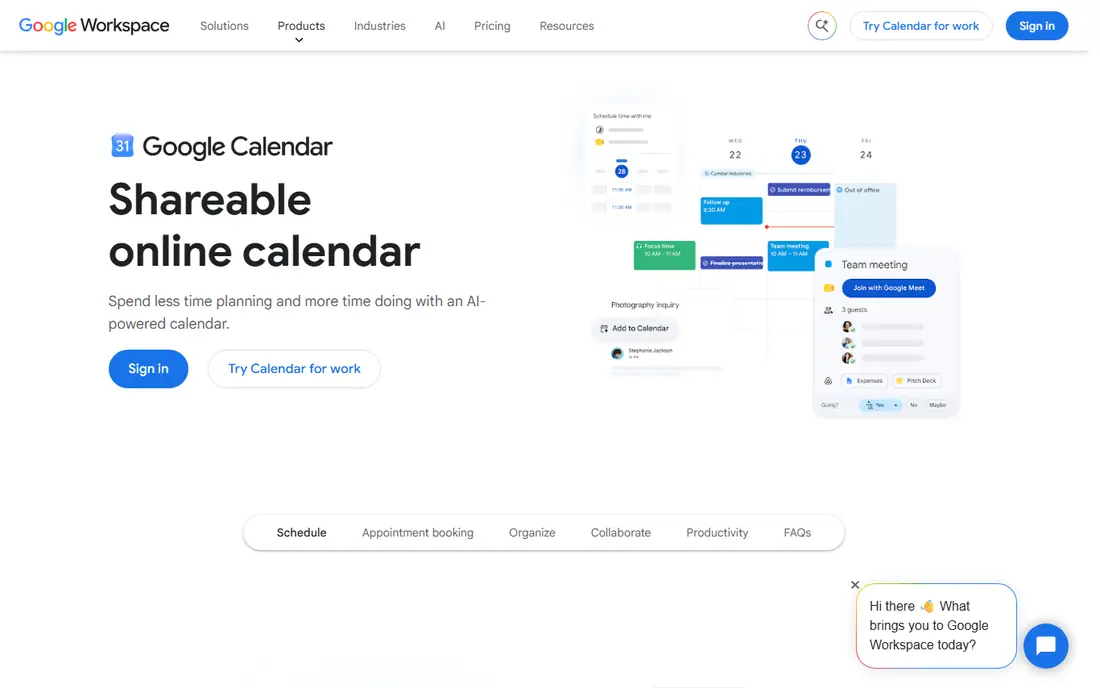
Google Calendar is the default we suggest first, because it works for almost every student without a learning curve. You can create separate calendars for each class, color code them, set recurring lectures, and share a calendar with a study group or a project team. Reminders and notifications help you show up on time, and the mobile app works on both major phone platforms.
The limit is academic depth. Google Calendar does not track assignments, exams, or grades on its own, so you need to add deadlines as events or pair it with Google Tasks or a planner app. For a student who mainly needs to know where to be and when, that is enough. For a student who needs assignment tracking built in, MyStudyLife is a better primary tool.
- Free and widely used
- Color coded calendars for classes, work, and personal life
- Integrates with Gmail, Meet, and Classroom in many cases
- No built in assignment or grade tracking
- Task features are basic compared with Todoist
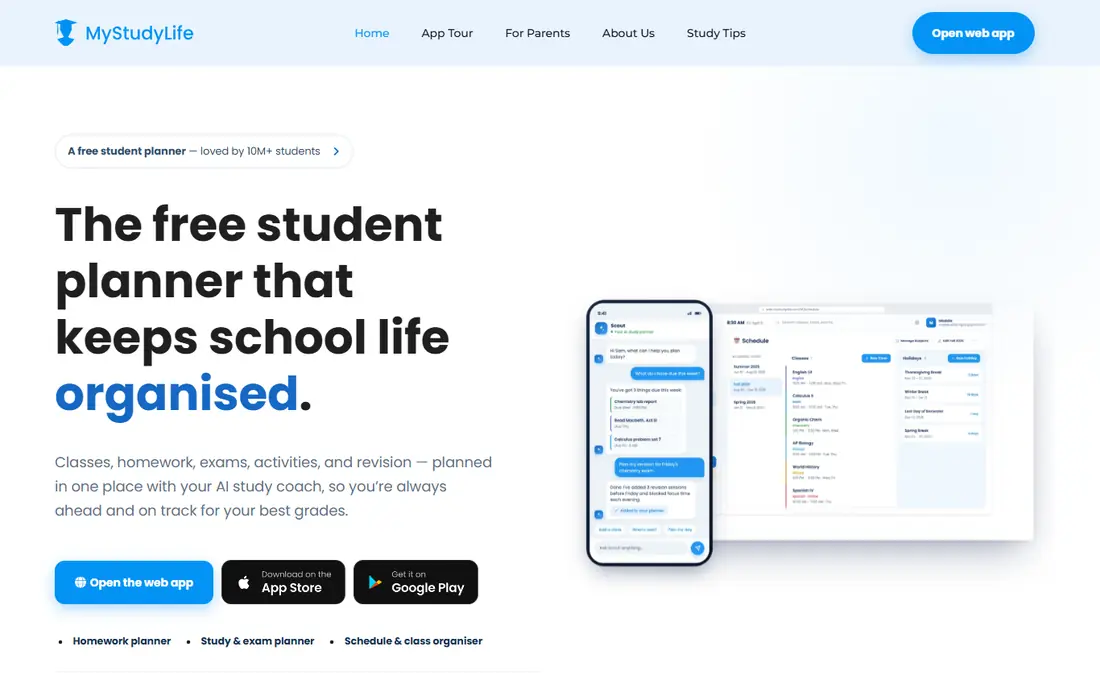
MyStudyLife is designed around how school actually works, with terms, rotating schedules, and classes that do not meet every week in the same pattern. You enter your timetable once, add assignments and exams with due dates, and the app shows what is due, what is overdue, and what is coming next. That academic focus is why many students keep it alongside a general calendar.
It is less strong as a general life calendar for work shifts, appointments, and social plans. Many students use MyStudyLife for school and Google Calendar for everything else, then check both daily. If you want one app for school only, MyStudyLife is the best pick here. If you want one app for everything, start with Google Calendar and add MyStudyLife for assignments.
- Built for rotating timetables and academic terms
- Assignment and exam tracking
- Cross platform sync
- Less suited to general life scheduling than Google Calendar
- Some free features have limits on homework tasks
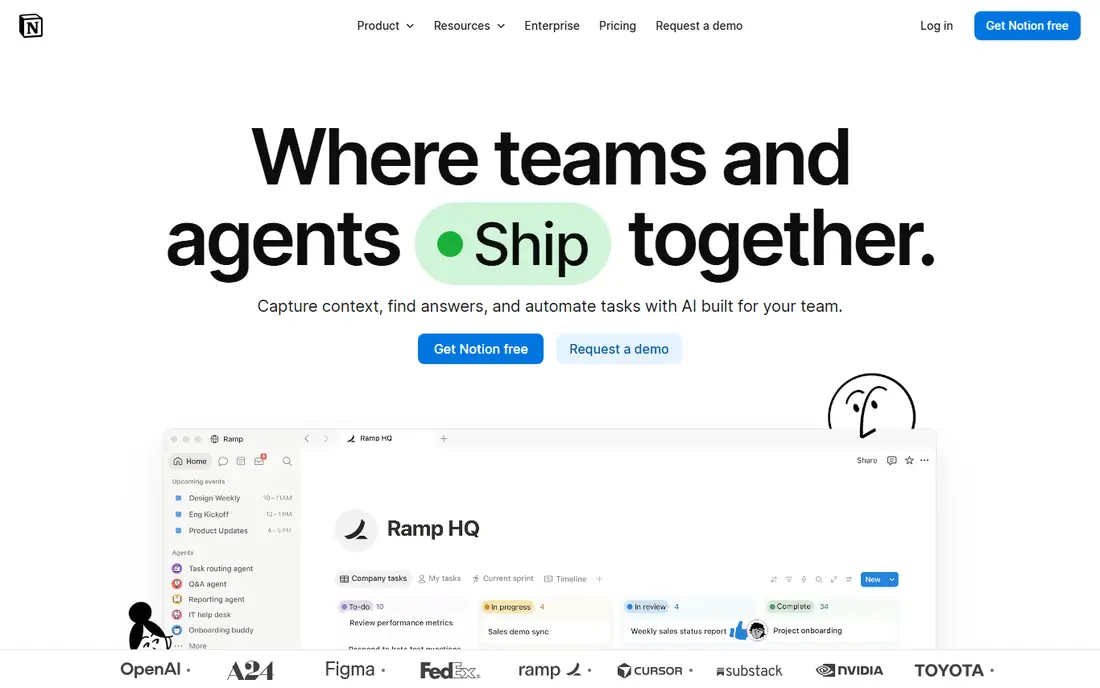
Notion suits students who want one workspace for classes, notes, assignments, and group projects. You can build a dashboard with a calendar view, a task database, and linked notes for each class, and use templates from other students to get started quickly. That flexibility is powerful for project heavy majors and for students who like to customize their system.
Flexibility is also the cost. Notion takes longer to set up than Google Calendar, and a poorly built workspace can become a chore to maintain. Start with a simple template, keep only the views you actually check daily, and do not build a complex system in week one. Used simply, Notion can replace several apps. Used too ambitiously, it can become another task to manage.
- Combines notes, databases, calendars, and tasks
- Many student templates
- Free for personal and education use in many cases
- Setup takes time
- Calendar view is part of a larger workspace, not a simple standalone calendar
Microsoft Outlook Calendar
Who it suits: Microsoft 365 campus users
Outlook Calendar is the best pick if your college already gives you Microsoft 365. Your campus email, class invites, and calendar live in one place, and shared calendars make group project scheduling easier. Tasks integrate with Microsoft To Do, so deadlines and events sit side by side.
For a student who does not use Microsoft 365, Outlook adds little over Google Calendar, and the interface can feel heavier. Check what your campus provides before you choose. If your school email is Outlook based, use Outlook Calendar as your main calendar. If it is Gmail based, Google Calendar will fit better.
- Strong if your campus uses Microsoft 365
- Email, calendar, and tasks in one place
- Shared calendars for group work
- Less simple than Google Calendar for personal use
- Some features need a campus or paid Microsoft account
Apple Calendar is the simplest pick for students who live on iPhone, iPad, and Mac. It is already installed, it syncs through iCloud, and natural language input lets you type an event in plain words and have it parsed into a date and time. Travel time and location features help you plan around getting to class on a large campus.
The drawback is cross platform use. If you also use a Windows laptop or an Android phone, Apple Calendar sync is less smooth than Google Calendar. For an all Apple student, Apple Calendar plus Reminders covers most scheduling needs. For a mixed device student, Google Calendar is the safer default.
- Free and built into Apple devices
- Siri input and travel time
- Syncs across iPhone, iPad, and Mac
- Less strong on non Apple devices
- Fewer academic features than MyStudyLife
Todoist suits students who think in deadlines rather than in time blocks. You can create projects for each class, add assignments with priorities and due dates, set recurring tasks for weekly readings, and check off work as you finish it. Labels help you filter by class, by urgency, or by group project, which is useful during exam season.
Todoist is not a full calendar replacement. It shows tasks on dates, but it does not handle class timetables or meeting invites as well as Google Calendar or Outlook. Use Todoist for assignments and tasks, and pair it with a calendar for classes and appointments. That pairing is common among students who miss deadlines more often than they miss classes.
- Strong task priorities, labels, and recurring tasks
- Natural language due dates
- Works on all major platforms
- Calendar view is more limited than a dedicated calendar app
- Best when paired with a calendar, not as a replacement for one
TickTick combines tasks, a calendar view, habit tracking, and a focus timer, which appeals to students who want study routines in one place. You can set a study habit, track it daily, use a Pomodoro timer for focused sessions, and see tasks and events together. That combination helps students who struggle with starting study sessions, not just with remembering them.
The app can feel busy at first, since it tries to do several jobs at once. Start with tasks and calendar only, then add habits and timers once the basic routine is working. For a student who wants one app for tasks, calendar, and focus, TickTick is a strong free starting point.
- Tasks, calendar, habits, and Pomodoro timer in one app
- Useful for study routines
- Cross platform
- Interface packs many features into one app, which can feel busy
- Calendar features are simpler than Google Calendar
Calendars by Readdle is a polished calendar app for Apple users who want more than Apple Calendar offers, without switching to a full workspace like Notion. Natural language input, drag and drop rescheduling, and a combined tasks and events view make weekly planning faster. It syncs with Google Calendar and iCloud calendars, so you do not lose your existing events.
Android and Windows users should skip it, since its strength is on Apple devices. Paid Pro adds features, but the free tier is useful for testing. For an Apple student who finds Apple Calendar too basic but does not want Notion complexity, Calendars by Readdle is a good middle ground.
- Natural language input
- Drag and drop events
- Tasks and events in one view on Apple devices
- Apple focused, so Android and Windows users get less value
- Paid Pro features needed for full use
How we picked these
We compared official feature pages, free plan terms, academic features, and cross platform support. We favored apps that are free to start, that sync across phone and laptop, and that cover distinct student needs, from academic timetables to task tracking and general scheduling. We left out general productivity suites that do not offer a calendar view as a core feature, since they do not replace a calendar app on their own.
How to set up a student calendar that actually works
Start with one main calendar and a few color coded sub calendars, not with five separate apps. Create a calendar for classes, one for assignments and deadlines, one for work, and one for personal plans, all inside the same app. That way you see conflicts at a glance, and you do not need to check several apps to know your week.
Next, enter your timetable as recurring events for the full term, then add assignment due dates as soon as a syllabus is published. Set two reminders for major deadlines, one a few days before and one on the day itself, so a single missed notification does not cause a missed submission. Review the next week every Sunday evening, and adjust study blocks around exams and project deadlines.
For a heavy course load
Use MyStudyLife for academic tracking plus Google Calendar for general scheduling. That pair covers rotating timetables and assignment tracking without forcing one app to do everything.
For project heavy majors
Use Notion for notes, tasks, and project tracking, with Google Calendar for class times and meetings. Keep the Notion workspace simple, with one page per class and one task database, rather than a complex system you will abandon mid term.
For task focused students
Use Todoist or TickTick for assignments, paired with Google Calendar for classes. Check tasks each morning, and move unfinished tasks to a new date rather than letting them pile up silently.
Frequently asked questions
What is the best calendar app for college students?
Google Calendar is the best calendar app for most college students, since it is free, works on all devices, and connects to Gmail and classroom tools. MyStudyLife is better if you need academic timetables and assignment tracking built in, and Notion is better if you want notes and projects in the same workspace.
What is the best calendar app for students overall?
For students in general, Google Calendar plus a task app like Todoist covers most needs, from classes to assignments. MyStudyLife is the best school specific pick, while Notion suits older students and project heavy courses. Start free and test one system for two weeks before paying for anything.
Is there a free calendar app for college students?
Yes, Google Calendar, MyStudyLife, Apple Calendar, and the free tiers of Notion, Todoist, and TickTick all work well for students without paying. Paid plans add storage, advanced features, or collaboration tools, but a student can run a full term on free tiers in most cases.
What is the best school calendar app?
MyStudyLife is the best school calendar app in this list, thanks to academic terms, rotating timetables, assignment tracking, and exam reminders built for school use. Google Calendar is a close second for general scheduling, but it lacks MyStudyLife academic specific features.
Should I use Notion as a calendar?
Notion works as a calendar when you want classes, notes, and assignments in one workspace, and its calendar view is useful for project planning. It is less simple than Google Calendar for quick event entry, so many students use Notion for planning and Google Calendar for day to day scheduling.
How do I stop missing assignment deadlines?
Enter deadlines as soon as you get a syllabus, set two reminders for major work, and check tasks each morning. Use a task app like Todoist or TickTick alongside your calendar, since a calendar alone can hide a deadline among many events. Review the next week every Sunday, and move study blocks earlier when several deadlines cluster together.
Sources we checked (8)

Online Jobs is an independent blog about careers, online work, learning new skills and the tools that help people earn. More about us.
Keep reading
All posts
Zoom Alternatives
Zoom alternatives compared for 2026: Google Meet, Microsoft Teams, Webex, Jitsi and more for free calls, large meetings and webinars for teams and classrooms.

Which Software Is Best for PDF Page Removal
Which software is best for PDF page removal? We compare free and paid tools for deleting pages quickly, safely, and without harming your file in this guide.

Which Software Is Best for Data Entry
Compare the best data entry software for forms, OCR scanning, and spreadsheets, with free plans, pricing, and honest limits for each tool before you commit.