Best Business Software in 2026: 9 Apps Compared

Small business accounting · Starting price: See website
How we put this together: we compare official feature and pricing pages, app store listings, privacy policies and public user reviews. Prices change, so check the provider's site before you pay.
Key takeaways
- QuickBooks and FreshBooks cover the money side, with QuickBooks suiting larger small businesses and FreshBooks suiting service-based sole traders.
- HubSpot CRM gives small teams a free starting point for contacts, deals and follow-ups without buying a full sales platform at once.
- ClickUp, Slack and Notion cover daily work in different ways, so the best mix depends on whether your team needs tasks, chat or shared documents most.
- Zoho One can reduce the number of separate subscriptions, but it works best when a team is happy to stay inside one vendor system.
- Square and Shopify suit businesses that sell in person or online, and both are easier to judge after a small trial with real products and real payments.
Quick comparison
| Name | Who it suits | Starting price | Free option | |
|---|---|---|---|---|
| QuickBooks Online | Small business accounting | See website | Free trial | Visit |
 FreshBooks FreshBooks | Sole trader bookkeeping | See website | Free trial | Visit |
 HubSpot CRM HubSpot CRM | Free contact management | Free | Yes | Visit |
 ClickUp ClickUp | Projects and tasks | See website | Yes | Visit |
 Slack Slack | Team messaging | See website | Yes | Visit |
 Notion Notion | Docs and team workspace | See website | Yes | Visit |
 Zoho One Zoho One | All-in-one business suite | See website | Free trial | Visit |
 Square Square | In-person and online payments | Free | Yes | Visit |
 Shopify Shopify | Online stores | See website | Free trial | Visit |
The best business software
Business software is not one product. A sole trader needs invoicing and bookkeeping, a growing team needs shared projects and customer records, and a shop needs payments and an online store. The tools below cover those separate jobs, and the best shortlist will usually mix two or three of them rather than trying to find one tool for everything.
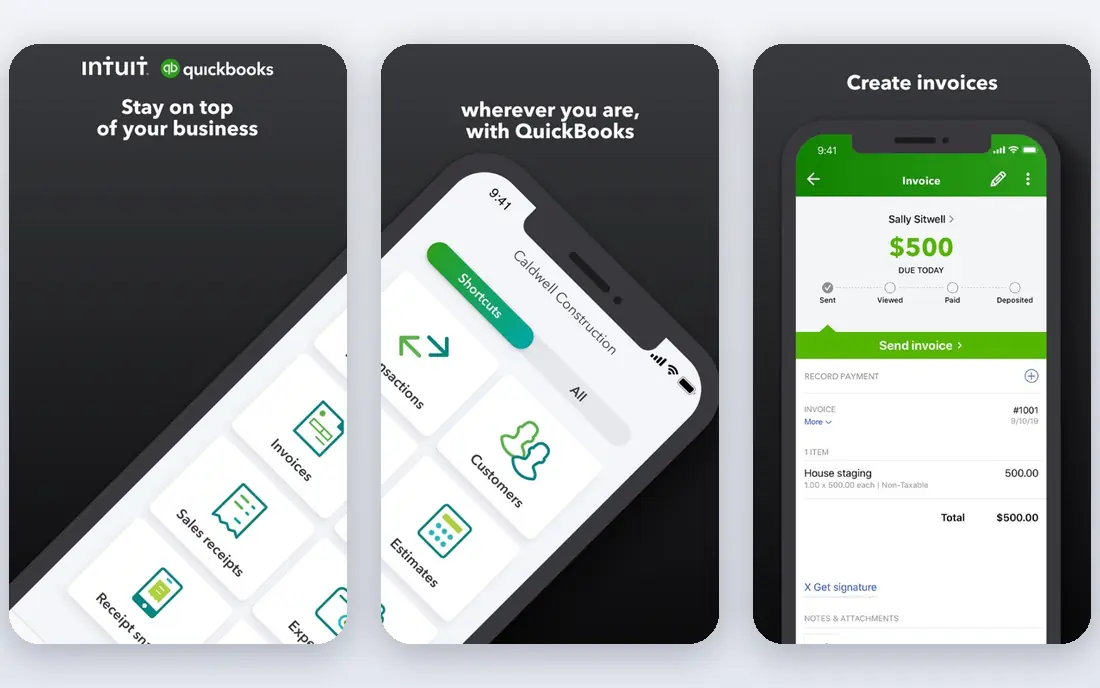
QuickBooks Online fits small businesses that need proper accounts, not just invoices. It handles income and expenses, bank feeds, invoices, reports and, in many plans, payroll and inventory features. Because many accountants already use it, sharing records at year end is often simpler than with a less common tool.
The catch is complexity and cost. A sole trader with a handful of monthly invoices may find it more than needed, and add-ons can push the monthly bill up. It is worth a trial with real bank transactions before committing, and worth checking which plan includes the reports and user seats your business actually needs.
- Broad accounting, invoicing and reporting features
- Bank connections and payroll add-ons
- Widely used by accountants
- Pricing rises with users and features
- Setup takes care for correct tax and chart settings
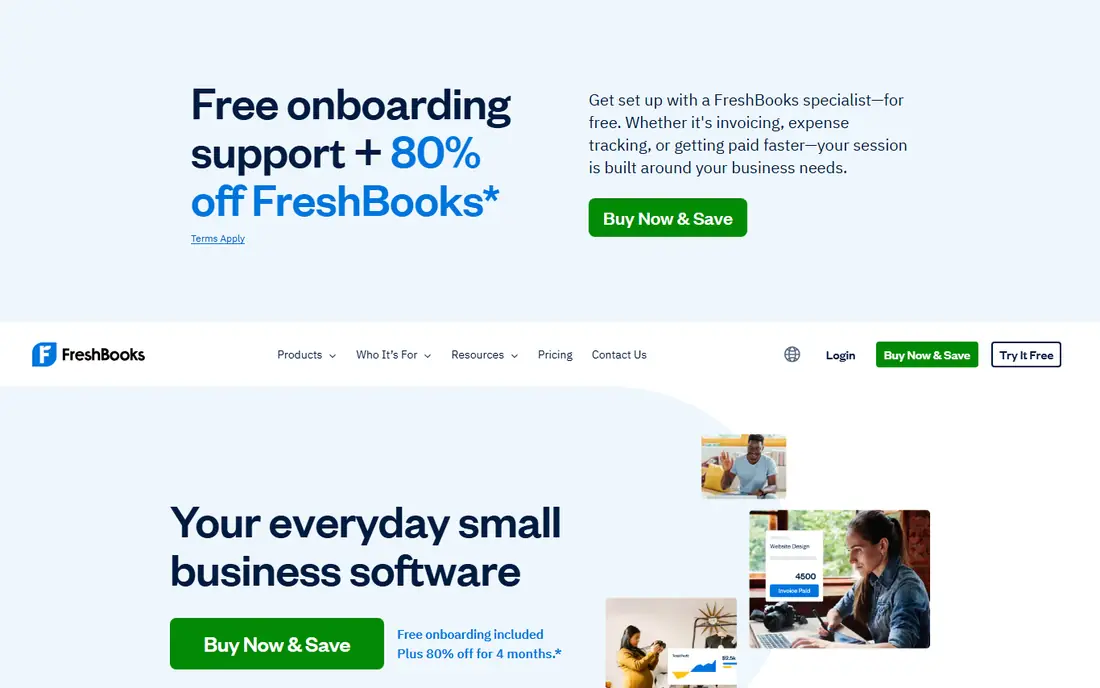
FreshBooks suits sole proprietors and small service businesses that bill by project or by hour. Invoices look professional, expenses are easy to record, and time tracking links work to billing without a separate spreadsheet. For a consultant, designer, cleaner or tradesperson, that direct path from work to invoice is the main appeal.
The limit appears when a business holds a lot of stock or needs detailed inventory and multi-location reporting. FreshBooks can still work, but a fuller accounting system may fit better at that stage. For service income and simple expenses, it keeps bookkeeping close to the work itself, which helps records stay current.
- Clear invoicing and expense tracking
- Simple time tracking for service work
- Friendly interface for non-accountants
- Less depth for stock-heavy businesses
- Advanced accounting features may need another tool as the business grows
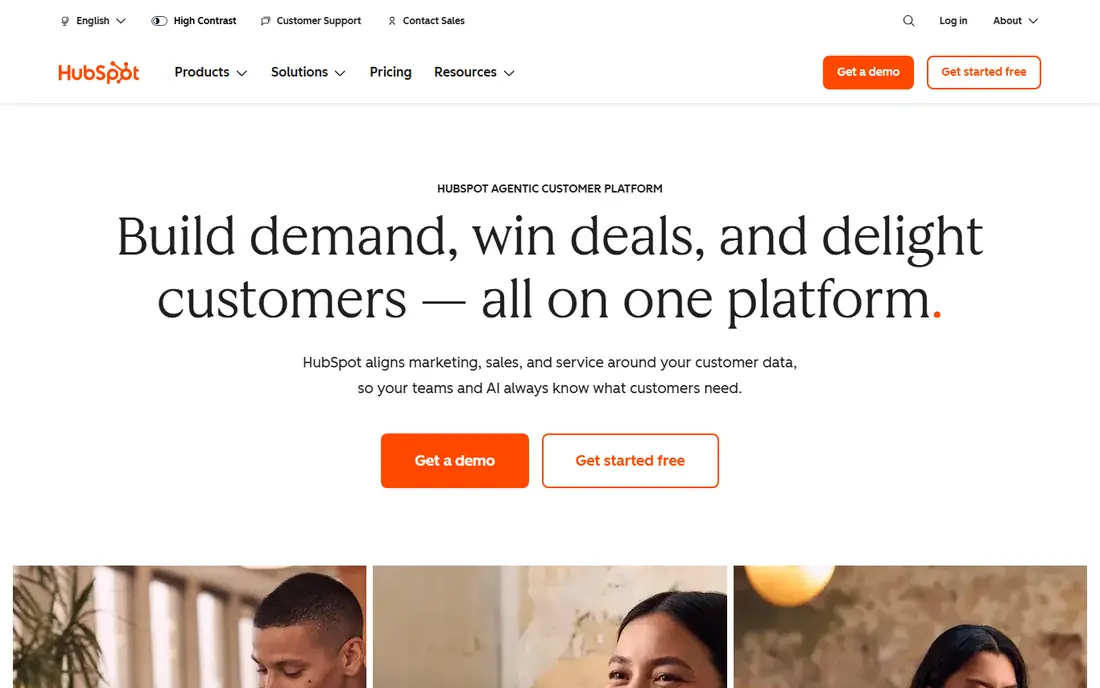
HubSpot CRM is a sensible starting point for a small team that is losing track of leads in email and spreadsheets. Contacts, companies, deals and tasks sit in one record, and forms on a website can feed directly into that record. The free tier is genuinely usable for a small team, not just a short demo.
The catch is the upgrade path. As marketing automation, reporting and sales tools grow, paid plans can become a major monthly cost. That does not make the free CRM a bad choice, but it does mean a business should check the price of the next tier before building every process around a paid feature. Start free, and upgrade only for a named job.
- Free CRM for contacts, deals and pipelines
- Email, forms and meeting tools in one place
- Clear upgrade path
- Marketing and sales add-ons get expensive
- Some useful automation sits on paid plans
ClickUp fits teams that want one workspace for projects, tasks, documents and goals. Views can be changed to suit different work, from a simple task list to a board or calendar, and automations can handle routine status changes. The free tier covers a good amount of work for a small team.
The main risk is overbuilding. ClickUp offers so many features that a team can spend more time designing the workspace than doing the work. Starting with one project, a small set of statuses and a clear owner for each task keeps adoption simpler. Add dashboards and automations only after the basic workflow is steady.
- Tasks, docs, goals and dashboards in one workspace
- Many views including lists, boards and calendars
- Generous free tier
- So many options can feel crowded at first
- Setup needs decisions about structure before a team adopts it
Slack suits teams that need fast, organised communication across projects and locations. Channels keep topics separate, direct messages handle one-to-one work, and integrations can bring alerts from other tools into the same place. For remote or hybrid teams, it often replaces long email threads.
The catch is noise. Without channel rules, every message can feel urgent and focus suffers. The free plan also limits searchable history, which matters if a team relies on old decisions. Slack works best when channels have clear purposes, routine updates use threads, and important decisions are also recorded in a document or project tool.
- Organised channels for teams and topics
- Searchable message history on paid plans
- Many app integrations
- Message history limits apply on the free plan
- Constant notifications can distract without clear channel rules
Notion fits teams that need a shared home for documents, standard procedures, meeting notes and light planning. Pages can link together, databases can track simple projects, and templates speed up repeat documents. For a small business building its first internal wiki, it is a practical and low-cost start.
The limit is that flexibility needs discipline. A workspace without naming rules and owners can grow into a maze of half-finished pages. Notion also lacks the deeper task dependencies and workload tools found in dedicated project software. Used for knowledge and planning, with tasks tracked elsewhere when needed, it works well.
- Flexible pages, databases and wikis
- Good for SOPs, meeting notes and planning
- Easy sharing and templates
- It is not a full project tracker on its own for complex work
- Very flexible setups can become messy
Zoho One appeals to small businesses tired of paying for a dozen separate tools. It bundles CRM, accounting, projects, mail, HR and other apps under one per-user price, which can simplify billing and login management. For a team that wants one vendor for most daily work, that bundle is the main selling point.
The honest catch is uneven depth. Some Zoho apps are strong, while others are simpler than a specialist rival. A business should test the three or four apps it will use daily, rather than assuming all forty-plus apps will match a dedicated tool. If the core apps fit, the bundle saves money and admin time. If they do not, a smaller mix of specialist tools is better.
- Many business apps under one subscription
- Shared login and data across apps
- Lower cost than buying each app separately
- Individual apps vary in depth
- Switching away later can take planning
Square fits small businesses that take card payments in person, by invoice or through a simple online store. Setup is quick, hardware options range from a phone reader to a full counter setup, and sales, invoices and customer records sit in one dashboard. For market stalls, salons, cafes and mobile services, that simplicity matters.
The catch is dependence on one payment provider. Account reviews, holds and fee changes can affect cash flow, so a business should keep clear sales records and read the terms for its region. Square is not a full accounting system on its own, but paired with QuickBooks or FreshBooks it covers selling and bookkeeping well.
- Simple card payments and point of sale
- Invoicing and online store tools
- Clear per-transaction fees in many regions
- Account holds and reviews can affect some sellers
- Advanced retail features may need paid add-ons
Shopify suits businesses whose main job is selling products online. Themes, product pages, discounts, shipping settings and checkout are built for selling, and the app store adds features for reviews, email, subscriptions and fulfilment. A small shop can launch a professional store without building a website from scratch.
The catch is total cost. The monthly plan is only part of the bill, because paid apps and payment fees can accumulate. A business should start with the core store, add apps only for a clear job, and test checkout on a phone before launch. For service businesses, Shopify is usually more than needed, but for product selling it is a strong default.
- Fast store setup with themes and apps
- Strong checkout and payment options
- Good for product businesses of many sizes
- Monthly cost plus app and transaction costs can add up
- Deep custom design may need a developer
How we picked these
We reviewed official feature pages, pricing pages, app store listings, privacy policies and public user reviews. We favoured tools with a clear core job, a free tier or trial, and a track record with small businesses, rather than enterprise platforms with a small-business landing page. Where pricing varies by plan, users or region, we used See website instead of a single figure that could mislead a reader in a different market.
Choosing business software without buying too much
Start with the biggest pain point, not the longest feature list. If unpaid invoices are the problem, fix invoicing first. If lost leads are the problem, fix CRM first. If missed deadlines are the problem, fix project tracking first. One tool adopted well will save more time than five tools that nobody opens.
Test with real work, not demo data
A trial should include real invoices, real contacts or real projects, even if only a small set. Demo data hides setup friction, import problems and reporting gaps. Give the trial a clear end date, a named owner and a simple test, such as sending an invoice, closing a deal or completing a project from start to finish.
Watch the total monthly cost
Add per-user fees, add-ons, payment fees and the time needed to run each tool. A cheap tool that needs hours of manual work each week can cost more than a dearer tool that runs itself. Review subscriptions every few months, remove seats for people who left, and cancel tools that duplicate a job already covered elsewhere.
Frequently asked questions
What is the best business software for a small business?
There is no one tool for every small business. QuickBooks or FreshBooks cover money, HubSpot covers customer records, ClickUp covers projects, and Square or Shopify cover selling. The best mix starts with your biggest daily problem and adds tools only when a clear job is left uncovered.
What is the best bookkeeping software for a sole proprietor?
FreshBooks is a strong pick for service-based sole traders because invoicing, expenses and time tracking are simple and linked. QuickBooks Online suits sole traders with more complex accounts, stock or payroll needs. Try both with real invoices before choosing, and check which one your accountant prefers.
What are the best business apps for a team?
Slack suits team messaging, ClickUp suits shared projects and tasks, and Notion suits shared documents and procedures. Many teams use all three for different jobs, but that only works with clear rules about where decisions live. If chat becomes the record for everything, important work gets lost in message history.
Is Zoho One worth it for a small business?
Zoho One can be worth it when a team will use several of its apps every day and is happy to stay with one vendor. It can save money compared with separate subscriptions. Test the CRM, accounting and project apps first, because individual app depth varies and the bundle only helps if the core apps fit.
Should a small business use free software?
Free tiers are useful for starting, and HubSpot CRM, ClickUp, Slack and Notion all offer usable free plans. Free plans usually limit history, users, storage or automation, so they suit early stages rather than long-term growth. Move to a paid plan when a limit blocks real work, not just because a feature looks interesting.
How many business tools should a small team use?
Most small teams do well with three to five core tools: one for money, one for customers, one for projects or documents, and one for selling or communication. More tools mean more logins, more data entry and more chances for records to disagree. Add a new tool only when it replaces manual work or a clear gap.
Sources we checked (9)

Online Jobs is an independent blog about careers, online work, learning new skills and the tools that help people earn. More about us.
Keep reading
All posts
DocuSign Alternatives
We compared the best DocuSign alternatives on price, free plans, templates, audit trails and ease of use, including free DocuSign alternatives for small teams.

Zoom Alternatives
Zoom alternatives compared for 2026: Google Meet, Microsoft Teams, Webex, Jitsi and more for free calls, large meetings and webinars for teams and classrooms.

Top Rated Poster Maker Software
Top rated poster maker software compared for 2026: Canva, Adobe Express, VistaCreate, PosterMyWall and more for events, sales and classrooms for US users.