Best Business Process Mapping Software in 2026: 8 Tools Compared


Structured process diagrams · Starting price: $9 per user per month
How we put this together: we compare official feature and pricing pages, app store listings, privacy policies and public user reviews. Prices change, so check the provider's site before you pay.
Key takeaways
- Lucidchart and Miro are the easiest starting points for most teams, with free plans and paid plans from $9 and $8 per user per month.
- Microsoft Visio at $5 per user per month makes the most sense for teams already working in Microsoft 365.
- Diagrams.net is free and covers formal process diagrams without a subscription, which is hard to beat for a small team or a solo mapper.
- Bizagi and Camunda suit formal BPMN work that later needs to move toward automation, while Creately and SmartDraw sit in the middle on price and structure.
Quick comparison
| Name | Who it suits | Starting price | Free option | |
|---|---|---|---|---|
| Lucidchart | Structured process diagrams | $9 per user per month | Yes | Visit |
 Miro | Collaborative mapping workshops | $8 per user per month | Yes | Visit |
 Microsoft Visio | Microsoft 365 teams | $5 per user per month | No | Visit |
 diagrams.net | Free formal diagrams | Free | Yes | Visit |
 Creately | Templates and structured diagrams | $5 per user per month | Yes | Visit |
 SmartDraw | Automatic formatting | $9.95 per user per month | Free trial | Visit |
 Bizagi | Formal BPMN modeling | See website | Free trial | Visit |
 Camunda | Developer-grade BPMN and DMN | See website | Yes | Visit |
The best business process mapping software
Process mapping software should make a workflow easy to read, easy to change, and easy to share with the people who actually do the work. The tools below range from free diagramming apps to formal BPMN modelers, so the right pick depends on how formal your maps need to be and who will maintain them.
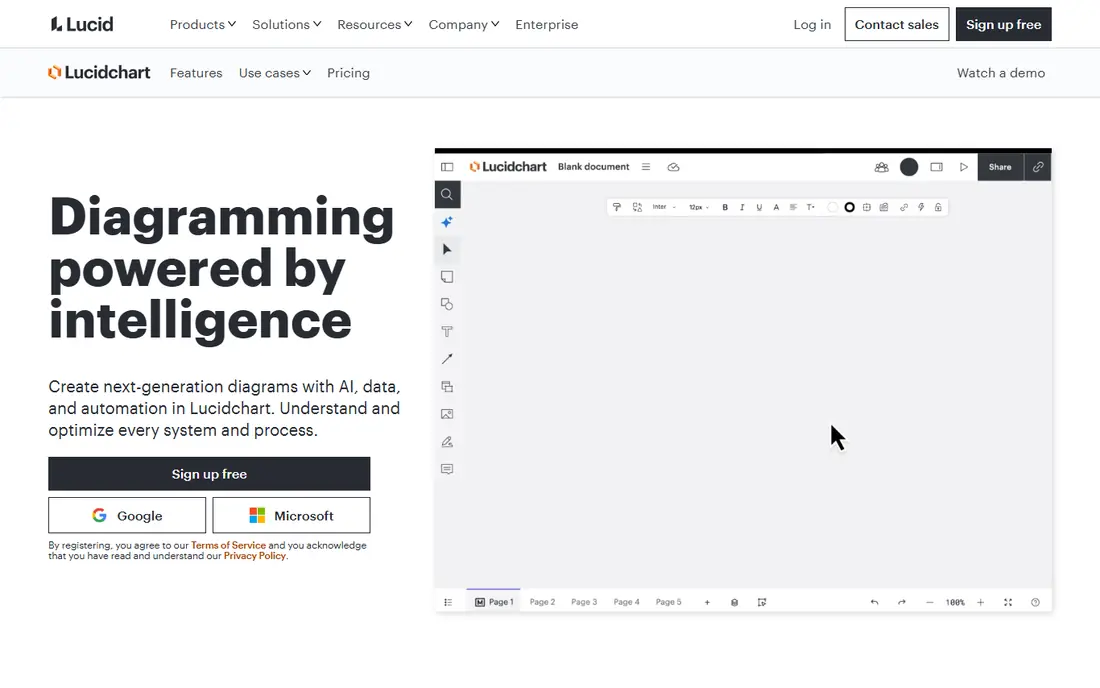
Lucidchart is our pick for most people who need clear, structured process maps. It offers flowchart and BPMN shapes, templates for common business processes, and real-time collaboration so several people can work on one map at the same time. Data linking lets a team connect diagram elements to outside data, which helps keep documentation tied to current systems rather than to a static picture.
The honest catch is the free plan, which caps the number of documents and shapes, so a team mapping many processes will need a paid plan fairly soon. It is also a diagramming tool first, not a workflow engine, so a map does not run a process by itself. For documentation, training, and process improvement work, though, that focus keeps the tool fast to learn and easy to share.
- Large template library
- Real-time collaboration
- BPMN shapes and data linking
- Free plan limits documents and shapes
- Costs rise with larger teams

Miro works best when a process is still being figured out in a group. Teams can sketch a current-state map on an open canvas, add sticky notes, vote on pain points, and rearrange steps together in real time. That workshop style suits discovery work, where the goal is agreement about how work happens today, not a polished formal diagram.
The trade-off is structure. Miro can hold BPMN-style diagrams, but it does not enforce BPMN rules the way a dedicated modeler does, and a large board can drift into clutter without an owner. If your team needs formal, auditable process models, pair Miro workshops with a stricter tool for the final version, or accept that the board is a working draft rather than the record.
- Open canvas for workshops
- Strong real-time collaboration
- Many templates
- Less strict BPMN structure than dedicated modelers
- Boards can become messy at scale
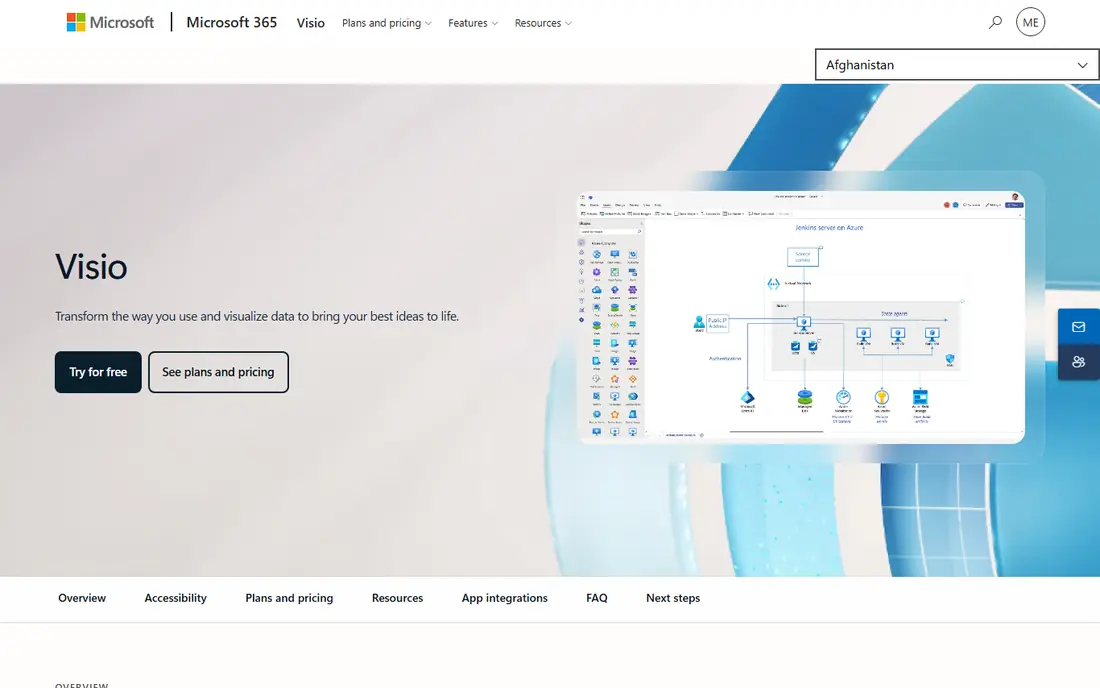
Visio remains the formal diagramming choice inside Microsoft shops. It supports BPMN diagrams, offers detailed shape libraries, and fits naturally alongside Teams, SharePoint, and OneDrive for sharing and storage. Teams that already standardize on Microsoft tools will find the learning curve and the admin setup shorter than with a new vendor.
The catch is cost structure and platform. The entry web plan starts at $5 per user per month, while the fuller desktop experience sits on a higher plan, so check which plan your diagrams actually need before you commit. Visio also feels heavier than browser-first tools for quick workshop sketching, which makes it better for finished documentation than for early brainstorming.
- Strong BPMN support
- Deep Microsoft 365 integration
- Desktop and web options
- No permanent free plan
- Web-only entry plan is limited compared with the desktop app
Diagrams.net, formerly known as draw.io, is the best no-cost option for formal process mapping. It covers flowcharts and BPMN diagrams, runs in a browser or as a desktop app, and lets you store files in Google Drive, OneDrive, or locally. For a small team, a student, or a company mapping a handful of processes, it removes the budget question entirely.
What you give up is polish and live collaboration. Sharing works through cloud drives rather than through the kind of built-in multiplayer editing that Miro and Lucidchart offer, and the interface is functional rather than pretty. If your maps need to look polished for clients or need constant joint editing, a paid tool earns its price. If they need to be correct and readable, diagrams.net is enough.
- Free for the core web and desktop apps
- BPMN shapes
- Works offline and stores files locally or in cloud drives
- Collaboration is more basic than in Miro or Lucidchart
- Interface feels plain
Creately sits between a whiteboard and a formal modeler. It offers process mapping templates, BPMN and flowchart shapes, and a database-style view that can link diagram elements to structured data. That mix suits teams that want more order than a freeform board but do not want the weight of an enterprise BPM suite.
The free plan is useful for trying the tool, but it limits the number of canvases, so active teams will move to a paid plan. Paid pricing starts at $5 per user per month, which keeps it competitive with Lucidchart and Miro for small teams. Check the plan details for the features your team needs, such as data linking or advanced sharing, before settling on the entry tier.
- Wide template and shape libraries
- Structured diagram types
- Team collaboration
- Free plan limits canvases
- Some advanced features sit on higher plans
SmartDraw appeals to people who want a tidy diagram without fiddling with alignment. Its automatic formatting keeps shapes spaced and connected as you add steps, and its template library covers flowcharts, org charts, floor plans, and process maps. It can also work with Visio files, which helps teams migrating diagrams from older tools.
The main drawback is the lack of a permanent free plan, so you need a trial to judge it properly, and paid pricing starts at $9.95 per user per month. The interface also feels more like desktop software than the newer browser tools, which some users will like and others will find dated. For a team that values neat output over workshop collaboration, it is a solid choice.
- Automatic layout and formatting
- Large template library
- Visio file compatibility
- No permanent free plan
- Interface feels more traditional than browser-first rivals
Bizagi is the pick when a process map is meant to become a working, automated process rather than just documentation. Its Modeler supports BPMN diagrams, and the wider Bizagi platform can turn modeled processes into applications with forms, rules, and tracking. That makes it a natural step for operations teams that already know their process is broken and want to fix how it runs, not just how it looks.
The cost is the catch. Pricing for the automation platform is not published as a simple per-user figure, so you will need a quote, and setup takes more time than drawing a flowchart in Lucidchart. Use Bizagi when the goal is automation and governance. Use a simpler diagramming tool when the goal is a clear map for training or discussion.
- Dedicated BPMN Modeler
- Path from modeling to automation
- Collaboration and analytics in the wider platform
- Pricing is quote-based for the automation platform
- Full platform setup takes more effort than a diagramming app
Camunda is built for teams where developers and process analysts work together. Its free Modeler lets you draw BPMN process diagrams and DMN decision tables, and the Camunda platform can then execute those models, connecting them to systems and services. That direct line from diagram to running process is its main strength, and it suits technical teams that want models to stay close to code.
The weakness is accessibility. Non-technical users can draw in the Modeler, but running, monitoring, and scaling processes in production needs engineering time, and platform pricing is custom rather than a published per-user rate. If your team has developers involved in process work, Camunda is a strong, honest choice. If not, a business-focused diagramming tool will be easier to maintain.
- Free Modeler for BPMN and DMN
- Strong engine for running processes
- Developer-friendly tooling
- Needs technical skill to run processes in production
- Platform pricing is custom
How we picked these
We compared official feature pages, pricing pages, and app documentation for tools that cover process mapping, BPMN support, collaboration, and export options. We favored tools that exist and work today, that cover both simple flowcharting and formal BPMN where claimed, and that offer a free plan or trial so a team can test before paying. Prices quoted here are entry paid prices from vendor and comparison sources checked in October 2026, and vendors change plans often, so confirm the current figure on the vendor pricing page before you buy.
What to check before you choose a process mapping tool
Start with the job the map has to do. A map for training new staff needs clarity and easy sharing. A map for an audit needs strict BPMN notation, version history, and controlled editing. A map that will become an automated workflow needs a tool with an engine behind it, not just shapes. Naming that job first prevents paying for an automation platform when a diagramming app would do, and prevents drawing a workshop sketch when an auditor needs a formal model.
Next, test collaboration with the people who will actually maintain the map. Invite two colleagues to edit a draft, export it as a PDF or image, and reopen it a week later. Watch for friction: can a non-technical colleague move a step without breaking connectors, can you comment on a specific step, and can you tell who changed what. A tool that only one person can use well will become out of date, no matter how good its shape library is.
Finally, check ownership and exit. Confirm who owns the files, how exports work, and what happens to diagrams if you cancel. Tools that store files in your own cloud drive make exit simple. Tools with proprietary formats need a tested export step before you build a library of dozens of maps. Price matters, but a map library you cannot export costs more in the long run than a slightly higher monthly fee.
BPMN or simple flowchart
BPMN adds a shared notation for events, gateways, lanes, and message flows, which helps when several teams or an auditor must read the same map the same way. Simple flowcharts are faster to draw and easier for newcomers to read, and they are enough for most internal training maps. Choose BPMN when the process crosses teams, systems, or compliance boundaries. Choose a simple flowchart when speed and readability matter more than formal notation.
Who maintains the map
Assign an owner for each core process map, with a review date. Maps without owners drift as teams change tools and steps, and a drifted map is worse than no map because staff trust it and follow the wrong steps. A short monthly check, even ten minutes, keeps a map honest. If no one will own it, keep the map short and simple so maintenance stays cheap.
Frequently asked questions
What is the best business process mapping software for small teams?
Lucidchart, Miro, and diagrams.net cover most small-team needs. Lucidchart and Miro offer collaboration and templates with free plans, while diagrams.net is free for core diagramming. Pick Lucidchart for structured diagrams, Miro for workshops, and diagrams.net when budget is the main constraint.
What are the best business process mapping tools for BPMN?
Visio, Bizagi, Camunda, Lucidchart, and diagrams.net all support BPMN diagrams, with Bizagi and Camunda adding a path toward running processes. For a formal model that must follow BPMN rules closely, a dedicated modeler like Bizagi or Camunda is safer than a whiteboard tool. For readable BPMN documentation, Lucidchart or Visio usually suffice.
What is the best software for process mapping on a budget?
Diagrams.net is the clear budget pick because the core web and desktop apps are free. Creately and Miro also offer free plans with limits, and Visio Plan 1 at $5 per user per month is the lowest-cost paid formal option in this list. Start free, and only pay when limits on documents, collaborators, or features start to slow real work.
Can process mapping software automate a workflow?
Some tools can, and most cannot. Bizagi and Camunda are built to move from a model to a running process, with forms, rules, and system connections. Lucidchart, Miro, Visio, diagrams.net, Creately, and SmartDraw are mainly for drawing and documenting processes, though they can connect to other tools through integrations. Check for an execution engine, not just an export button, if automation is the goal.
How do business mapping software tools differ from whiteboards?
Whiteboards favor freeform sketching and group discussion, while process mapping tools add structured shapes, BPMN notation, templates, and cleaner exports. Miro bridges both styles, starting as a whiteboard and supporting structured diagrams. A dedicated mapping tool is better when the final map must be consistent, printable, and easy to update by people who were not in the original workshop.
Should we use one tool for mapping and project work?
Sometimes, but not by default. A project tool can hold tasks linked to a process, yet its diagramming is usually weaker than a dedicated mapper. Keep the process map in the mapping tool and link to it from project tasks, so the map stays the single source of truth. Consolidation saves money only if the weaker diagramming still meets the needs of readers and auditors.
Sources we checked (8)

Online Jobs is an independent blog about careers, online work, learning new skills and the tools that help people earn. More about us.
Keep reading
All posts
n8n Alternatives
n8n alternatives compared for 2026, with Zapier, Make, Activepieces, and more, covering visual builders, code steps, self-hosting, and pricing models.

ZoomInfo Alternatives
The best ZoomInfo alternatives in 2026, compared on price, free plans, data coverage, and which tool fits small teams or large sales teams best in detail.

Zoom Alternatives for Webinars
Compare Zoom alternatives for webinars in 2026, from browser-based rooms to enterprise events, with prices, attendee limits, features and honest trade-offs.