Best Business Process Management Software in 2026: 8 Tools Compared

How we put this together: we compare official feature and pricing pages, app store listings, privacy policies and public user reviews. Prices change, so check the provider's site before you pay.
Key takeaways
- Small teams should start with visual, low-code tools such as Kissflow or Pipefy, not enterprise platforms built for large IT departments.
- ProcessMaker, Appian, and Nintex suit larger organisations that need approvals, audit trails, and complex automation.
- Camunda fits teams that already model processes in BPMN and want an engine they can run in their own systems.
- Pricing is often quote-based at the enterprise end, so compare total cost, implementation time, and training, not just a headline monthly figure.
- A short trial with one real process tells you more than a feature list, especially for forms, approvals, and reporting.
Quick comparison
| Name | Who it suits | Starting price | Free option | |
|---|---|---|---|---|
 Kissflow | Simple team workflows | See website | Free trial (14 days) | Visit |
 ProcessMaker | Document-heavy approvals | See website | Free trial (30 days) | Visit |
 Nintex | Enterprise automation | See website | Free trial (30 days) | Visit |
 Appian | Large enterprise apps | See website | Free trial (14 days) | Visit |
 Pipefy | Visual process tracking | $20 per month | Yes | Visit |
 Bizagi | Model-driven automation | See website | Yes | Visit |
 Camunda | BPMN process automation | Free | Yes | Visit |
 Zoho Creator | Low-code business apps | See website | Free trial (15 days) | Visit |
The best business process management software
Business process management software helps teams design a process once, then run it the same way every time, with forms, approvals, tasks, and records in one place. The tools below range from simple workflow builders to platforms that run core operations for large companies. Here are the picks that cover most needs.
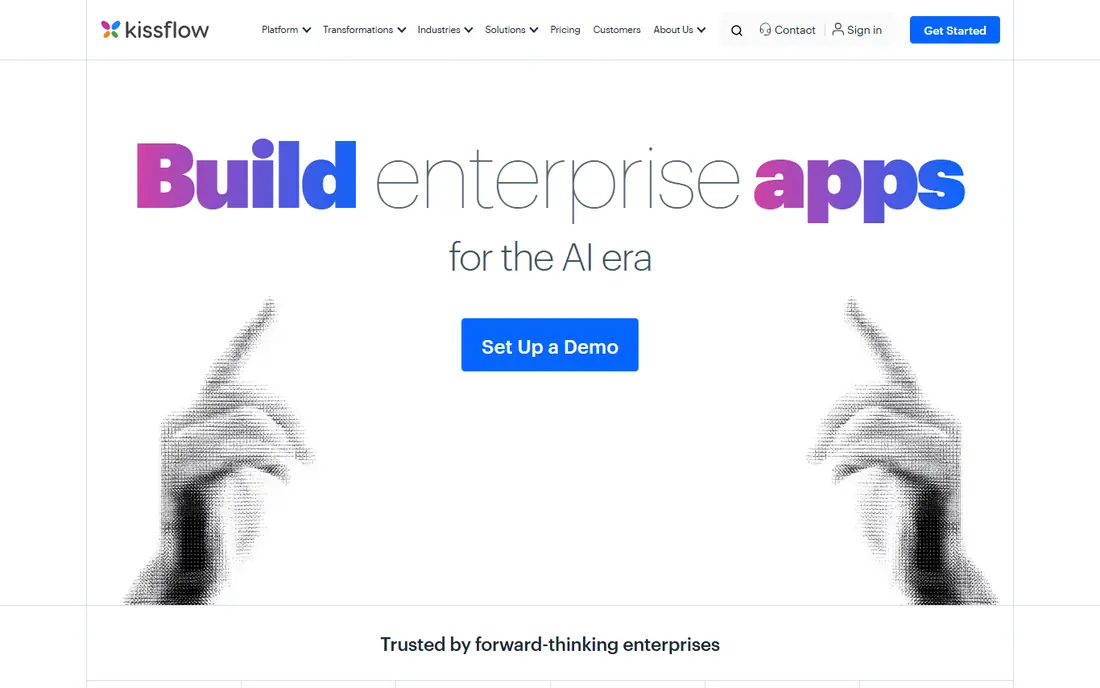
Kissflow is a good first step for teams moving off spreadsheets and email approvals. You build a form, add approval steps, set who can see each stage, and track requests in a shared view. Staff who have never built software can usually create a working process in a day, which is the main reason small and mid-size teams pick it.
Templates cover common needs such as purchase requests, leave approvals, and expense claims, so you do not start from a blank page. The limits appear when a process needs heavy custom logic, complex integrations, or very detailed reporting. For those cases, a developer-focused platform may fit better, but for everyday internal workflows, Kissflow keeps the work visible and simple.
- Visual drag-and-drop builder
- Ready templates
- Easy for non-technical users
- Less depth for complex coding
- Enterprise pricing needs a quote
- Reporting is basic on lower tiers
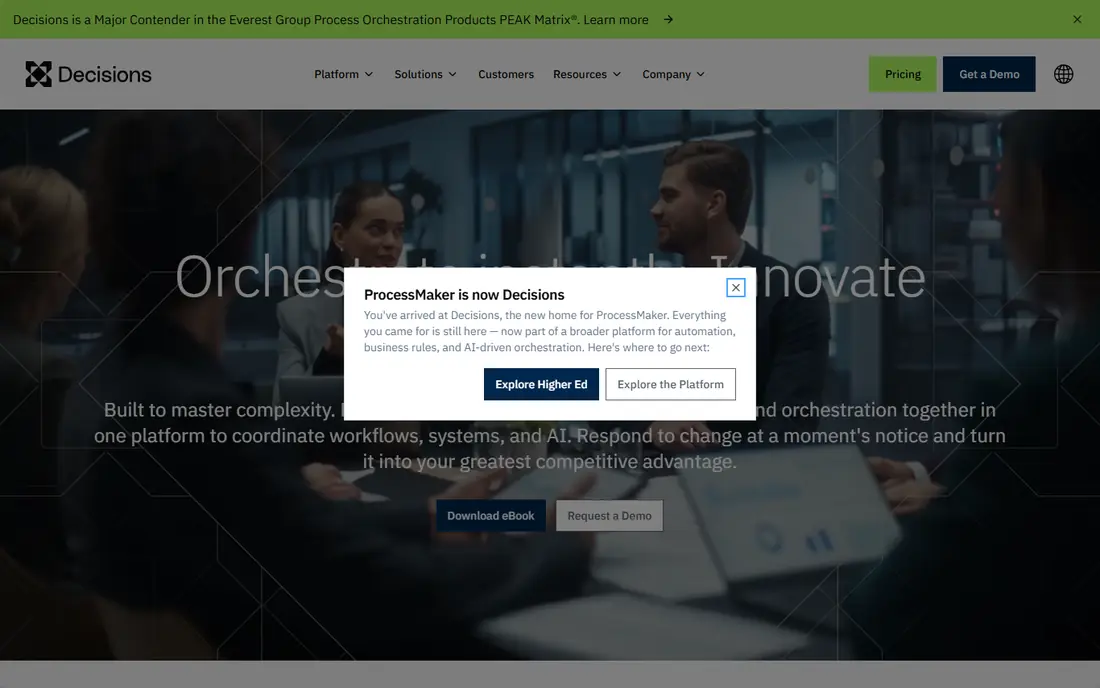
ProcessMaker suits organisations where a process involves documents, signatures, and several approval layers. It supports BPMN modelling, which gives process designers a standard way to map steps, branches, and decisions before building. That discipline helps in regulated work, where you need to show how a decision was made and who approved it.
The platform also handles case management, so a request stays as one case from start to finish, with its documents and history attached. That structure is useful for claims, onboarding, procurement, and other work that passes through many hands. Smaller teams may find the setup heavier than they need, but teams with formal processes will value the control.
- Strong BPMN modelling
- Document handling
- Workflow analytics
- Setup can take longer than simpler tools
- Pricing is quote-based
- Some features need technical help
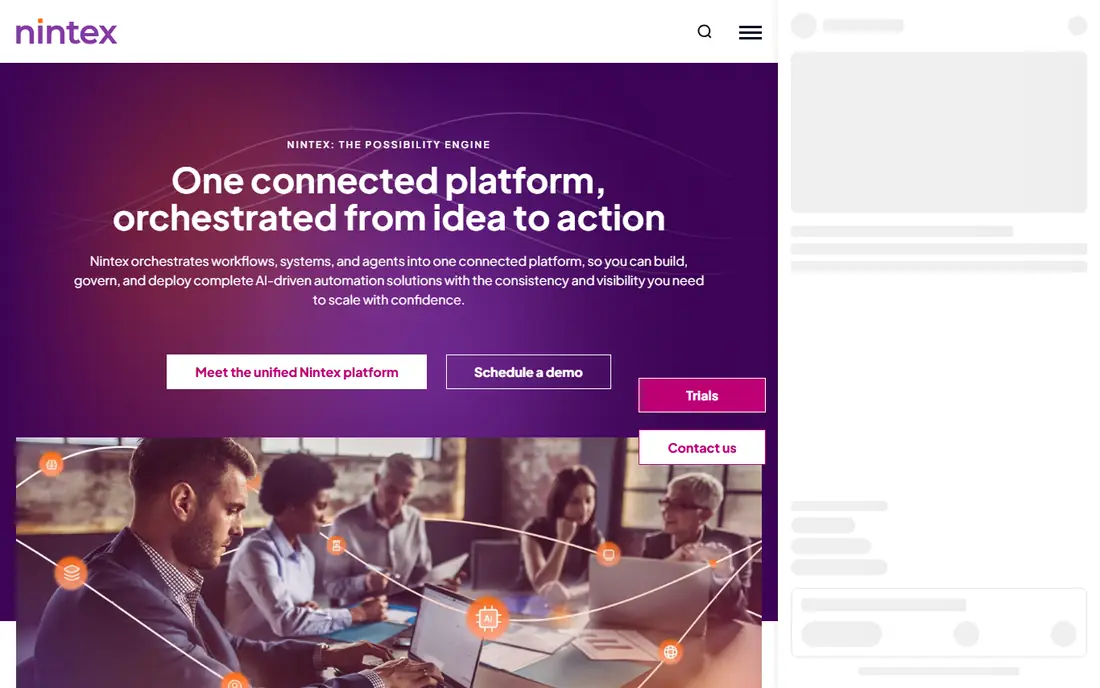
Nintex covers more than workflow alone. It includes process mapping, workflow automation, document generation, and robotic process automation, so a company can map a process, automate its repetitive steps, and generate the documents it produces. That breadth suits large organisations that want one vendor for several automation needs.
Its links to Microsoft 365, SharePoint, and Teams are a practical advantage for companies already using those tools. Staff can start workflows from familiar apps instead of learning a separate system from scratch. The trade-off is governance. With many automation options in one suite, you need clear ownership, naming rules, and testing, or workflows can multiply faster than anyone can maintain them.
- Broad automation suite
- Process mapping tools
- Strong Microsoft ecosystem links
- Enterprise pricing
- Can be complex to govern
- Implementation help often needed
Appian is a low-code platform for building full business applications, not just simple approval flows. Teams use it for case management, customer onboarding, loan processing, and other work where data, documents, tasks, and rules must work together. Its process engine sits inside a wider app platform, so a workflow can become part of a complete system.
That power comes with cost and skill requirements. Appian projects often involve trained developers or partners, and pricing is aimed at enterprises rather than small teams. If your need is a leave form and a purchase approval, Appian is too much. If your need is a core operational system that must scale and pass strict security checks, it belongs on the shortlist.
- Powerful low-code app building
- Strong case management
- Enterprise security and scale
- High cost
- Needs skilled builders for complex apps
- Overkill for simple workflows
Pipefy presents each process as a set of stages on a board, so everyone can see where a request sits and what happens next. That visual style helps operations, HR, finance, and customer teams who think in stages rather than diagrams. Forms collect the starting data, automations move cards between stages, and integrations connect the board to email, spreadsheets, and other tools.
A free plan lets small teams test the idea without a purchase, and templates cover hiring, purchasing, customer onboarding, and service requests. Pipefy is less suited to processes that need deep custom code or complex business rules. For teams that want clarity, speed, and a low learning curve, it is one of the easiest tools on this list to adopt.
- Clear kanban-style process views
- Many templates
- Free starter option
- Less advanced for code-heavy automation
- Reporting limits on lower plans
- Per-user costs add up
Bizagi starts with a free modeller that teams use to draw and document processes in BPMN. That free tool alone helps teams agree on how work should flow before they automate anything. When you move to the full platform, the model becomes the basis for a running application, with forms, rules, and integrations built around it.
This model-first approach suits organisations that value documentation and consistency, such as banks, insurers, and public bodies. It also means the best results come from teams willing to model carefully, not from teams that want a quick form in ten minutes. If your processes are structured and repeatable, Bizagi gives you a clear path from diagram to working system.
- Free modeller for process design
- Model-to-app approach
- Good for structured processes
- Full automation platform is quote-based
- Learning curve for modelling
- Enterprise focus
Camunda is built for developers and architects who want a process engine based on open standards. It runs BPMN workflows and DMN decision tables, connects to services through APIs, and can be deployed in the cloud or in your own systems. That openness avoids lock-in to a single vendor diagram format, and it fits teams that already treat processes as code.
Business users will not find the same drag-and-drop simplicity as Kissflow or Pipefy here. Camunda expects technical staff to design, test, and operate the engine, and to build user interfaces around it where needed. For software teams automating order handling, claims, or service orchestration at scale, that trade-off is worth it. For a small HR team, it is not the right first tool.
- Open BPMN and DMN standards
- Strong developer tools
- Can run in your own infrastructure
- Needs developers
- No simple no-code builder for business users
- Support is paid on higher tiers
Zoho Creator lets teams build custom apps with forms, workflows, reports, and dashboards, using drag-and-drop tools plus scripting when needed. A small business can build a job tracker, a client portal, or an approval app without hiring a development team, and then connect it to Zoho CRM, Books, or other Zoho apps.
The value is strongest for teams already using Zoho, because data flows between apps without extra integration work. Outside that ecosystem, you can still use Creator on its own, but you should check the integrations you need before committing. For the price, it offers a lot of building power, provided someone on the team is willing to own the app and maintain it over time.
- Low-code app builder
- Wide Zoho integrations
- Good value for small teams
- Best inside the Zoho ecosystem
- Complex apps need scripting
- Support varies by plan
How we picked these
We reviewed official feature pages, pricing pages, documentation, app store listings, and public reviews for tools that manage end-to-end business processes, not just single task lists. We looked at modelling support, form and approval handling, automation depth, integrations, reporting, and whether a non-technical team could realistically run the tool. We did not claim hands-on testing for every platform, and we treated quote-based pricing as quote-based rather than guessing a figure.
We also weighed the gap between simple workflow tools and enterprise platforms. A good list needs both, because a five-person team and a five-thousand-person company do not need the same software, even when they use the same term for it.
Choosing the right tool for your team size
Start with one process that causes regular delays, such as purchase approvals or new starter onboarding. Map its steps on paper, note who approves what, and list the data each step needs. That short map is enough to test a tool in a trial, and it stops you from buying features you will never use.
Test with a real process, not a demo
Vendor demos use clean data and simple paths. Your trial should use a real request, a real approver, and a real exception, such as a missing document or a rejected step. Watch how hard it is to fix that exception, to find the request later, and to report on how long each stage took. Those three actions reveal more than a long feature checklist.
Plan ownership before you scale
Every workflow tool needs an owner who can update forms, fix broken automations, and retire old processes. Without that role, teams build dozens of workflows and then lose track of which ones are still live. Agree on naming, testing, and change rules early, even if you start with a single process.
Check integrations and data export
Confirm that the tool connects to your email, calendar, accounting, CRM, or HR system, and that you can export your process data if you leave. A tool that traps your history in a format you cannot use will cost more to replace later than a slightly more expensive tool with open exports.
Frequently asked questions
What is business process management software?
It is software that helps you design, run, track, and improve repeatable business processes, such as approvals, onboarding, procurement, and customer requests. It usually combines forms, workflow steps, task assignments, and reporting in one place, so work follows the same path each time.
What is the best BPM tool for a small business?
Kissflow and Pipefy are strong starting points for small teams because they are visual, quick to set up, and do not require developers for common workflows. Zoho Creator is also worth a look if you want custom apps and already use Zoho products.
How is BPM software different from project management software?
Project management software tracks one-off projects with deadlines and tasks, while BPM software runs repeatable processes that happen many times, such as expense claims or hiring requests. BPM tools focus on standard steps, approvals, and audit trails, rather than a single project plan.
Do I need BPMN knowledge to use these tools?
No, for simple tools such as Kissflow and Pipefy, you can build workflows without BPMN. BPMN helps for formal modelling in ProcessMaker, Bizagi, and Camunda, especially when processes must be documented for compliance or shared across large teams.
How much does BPM software cost?
Simple tools can start free or at a low monthly price per user, while enterprise platforms are usually quote-based and depend on users, modules, and implementation. Always ask for the total cost, including training, integrations, and support, before comparing headline prices.
Can BPM software replace email approvals?
Yes, in most cases. It replaces scattered email threads with a tracked request, clear approvers, deadlines, and a history you can search later. Email can still notify people, but the approval itself lives in the system, which makes audits and follow-ups much easier.
Sources we checked (8)

Online Jobs is an independent blog about careers, online work, learning new skills and the tools that help people earn. More about us.
Keep reading
All posts
n8n Alternatives
n8n alternatives compared for 2026, with Zapier, Make, Activepieces, and more, covering visual builders, code steps, self-hosting, and pricing models.

ZoomInfo Alternatives
The best ZoomInfo alternatives in 2026, compared on price, free plans, data coverage, and which tool fits small teams or large sales teams best in detail.

Workday Alternatives
We compared the best workday alternatives for HR, payroll, and global hiring, from BambooHR and Gusto to Rippling, Deel, and HiBob for growing teams in 2026.