Best Business Phone Service in 2026: 8 Services Compared


All-round small business system · Starting price: $20 per user per month
How we put this together: we compare official feature and pricing pages, app store listings, privacy policies and public user reviews. Prices change, so check the provider's site before you pay.
Key takeaways
- RingCentral and Nextiva are the safest all-round picks for small businesses that want calling, texting, video, and integrations in one system.
- Zoom Phone and Google Voice offer the lowest entry prices, especially for teams already paying for Zoom or Google Workspace.
- Ooma suits small offices that want flat monthly pricing with no annual contract, while Grasshopper suits solo owners who mainly need a second number.
- Compare prices on the same billing term, because monthly billing often costs 20 to 45 percent more than annual billing.
- Check whether texting, call recording, and CRM integrations are included in the entry plan or gated behind higher tiers before you buy.
Quick comparison
| Name | Who it suits | Starting price | Free option | |
|---|---|---|---|---|
| RingCentral | All-round small business system | $20 per user per month | Free trial (14 days) | Visit |
 Nextiva Nextiva | Customer-facing teams and support | $15 per user per month | No | Visit |
 Dialpad Dialpad | AI transcription and summaries | $15 per user per month | Free trial (14 days) | Visit |
 Ooma Ooma | Flat pricing with no annual contract | $19.95 per user per month | No | Visit |
 Zoom Phone Zoom Phone | Teams already using Zoom for meetings | $10.50 per user per month | Free trial | Visit |
 Google Voice Google Voice | Solo owners and micro-teams on Google Workspace | $10 per user per month | No | Visit |
 Grasshopper Grasshopper | Solo owners needing a second number | See website | Free trial (7 days) | Visit |
 Vonage Vonage | Flexible plans with API options | $19.99 per user per month | Free trial | Visit |
The best business phone service
Most small businesses no longer need a landline box on the wall. Cloud phone systems, often called VoIP, carry calls over the internet, add texting and voicemail transcription, and let staff answer a business number from a phone, laptop, or desk handset. We compared official pricing pages and public reviews for systems that are actively sold in 2026, and we favored providers with published prices, number porting, and apps for mobile and desktop.
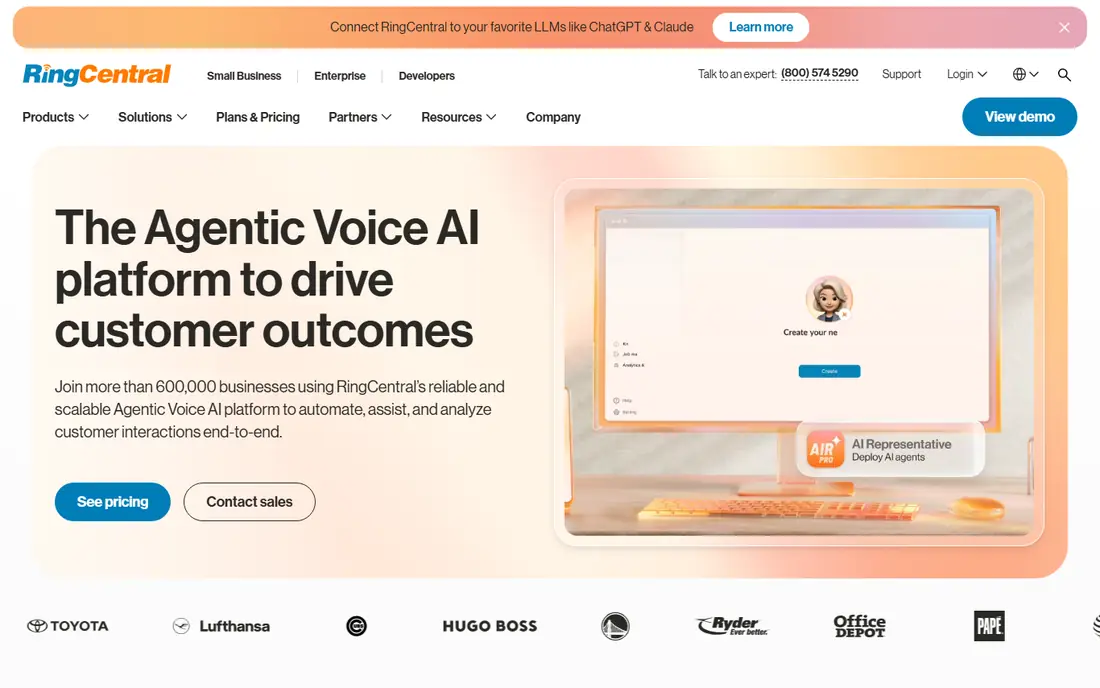
RingCentral is the safest all-round pick for a growing small business. Its Core plan, at 20 dollars per user per month billed annually, covers calling, video meetings, team messaging, and SMS, with call queues, multi-level menus, recording, and analytics that become valuable as soon as more than a few people answer phones. Hundreds of integrations also mean it usually connects to the CRM or help desk a team already uses.
The catch is price and complexity for the smallest teams. A solo owner who only needs a second number will pay for features they never open, and monthly billing, at 30 dollars per user, is much higher than the annual rate. For a team of five or more that expects to grow, though, RingCentral's breadth and upgrade path to a full contact center make it a strong default.
- Voice, video, team messaging, SMS, and fax in one system
- Hundreds of integrations
- Strong call routing, queues, and analytics
- Entry price is higher than Zoom Phone or Google Voice
- Depth can feel heavy for a one-person business
- Monthly billing costs more than annual
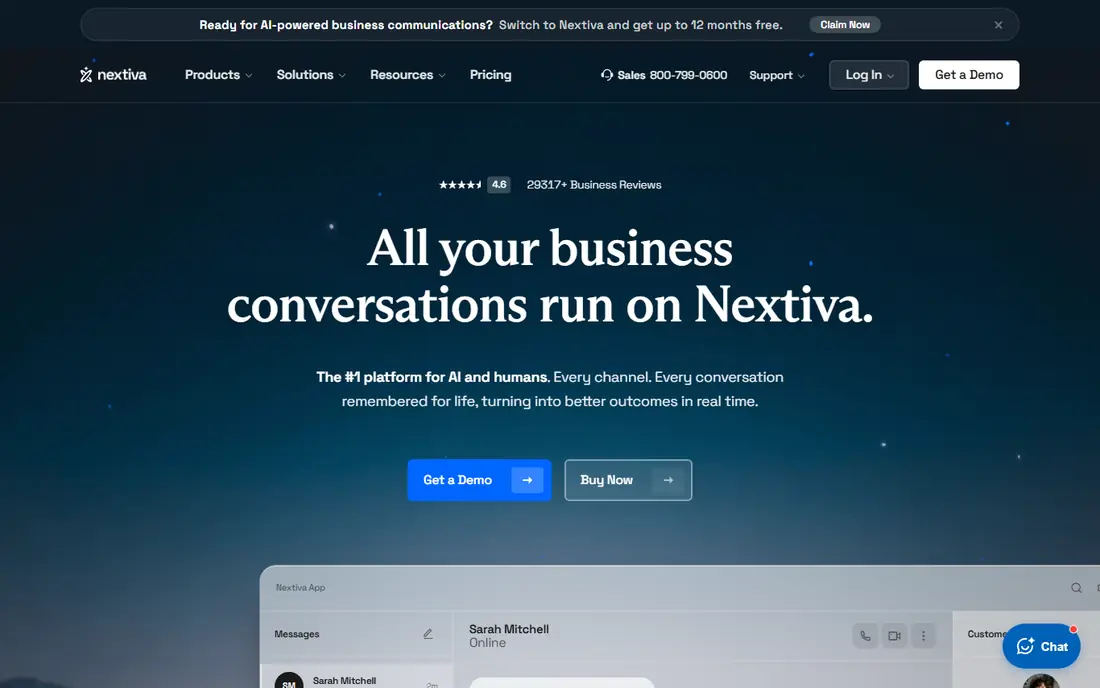
Nextiva suits small businesses where the phone is a customer service tool, not just a way to make calls. Its Core plan starts at 15 dollars per user per month billed annually, and it adds call flow building, custom greetings, and customer engagement features that help a small support team sound organized. Reviewers also rate its live support highly, which matters when phones stop working during business hours.
The trade-off is trial access and tier jumps. Nextiva leans on demos rather than a free trial, so testing it means a sales conversation, and the step up to higher plans for advanced features can raise the bill quickly. Ask for a written quote at your actual user count, and confirm which features sit in Core before signing.
- Low entry price on annual billing
- Call flow builder and customer engagement tools
- Strong reputation for live support
- No free trial, demos instead
- Higher tiers get expensive fast
- Some features need the Engage plan or above
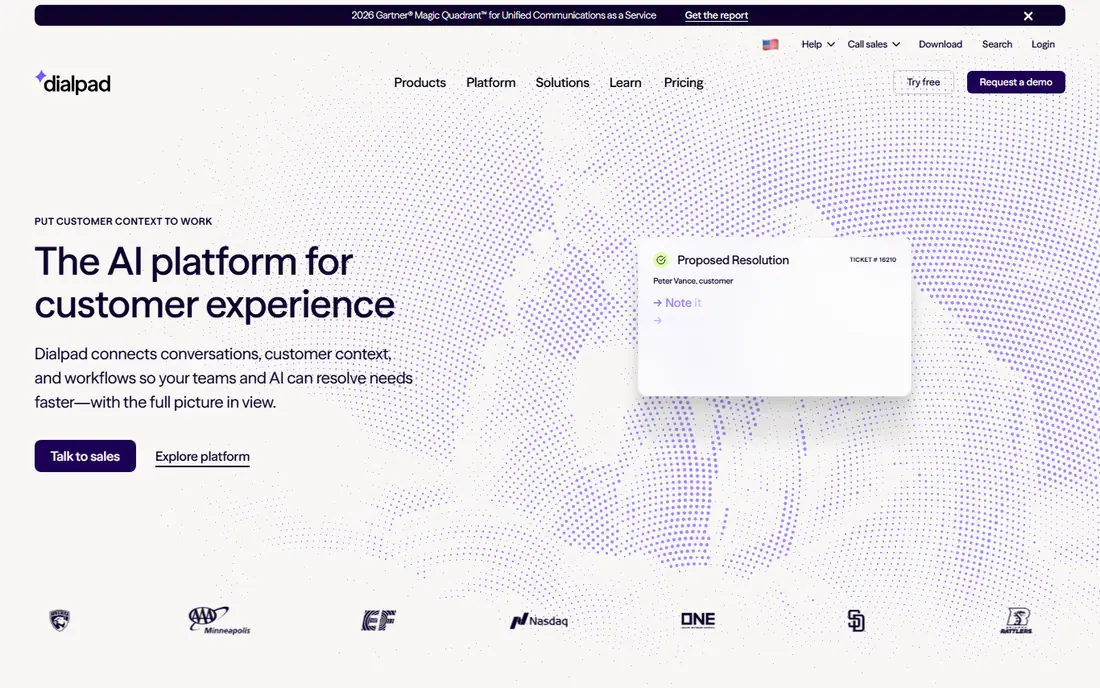
Dialpad is the pick for teams that want AI help on every call without paying for a top tier. At 15 dollars per user per month billed annually, it includes real-time transcription, call summaries, and action items, which help sales and support teams follow up accurately and coach new staff from real calls. Voice, video, and messaging sit in the same app, so staff do not juggle three tools.
Its limits are billing and integrations. Monthly billing costs far more than annual, and CRM integrations are gated behind the Pro plan, so a team that lives in a CRM should price Pro, not the entry tier. For AI-first small teams that do not need a full contact center, Dialpad offers the most AI per dollar here.
- Real-time AI transcription and summaries on every plan
- Voice, video, and messaging in one app
- Good for sales and support coaching
- Monthly billing is much higher than annual
- CRM integrations need the Pro plan
- Call center depth is lighter than RingCentral
Ooma suits small offices that want a predictable bill and no long contract. Its Office plans start at 19.95 dollars per user per month, month to month, and include a virtual receptionist, extension dialing, a mobile app, and office phone tools. For a small team moving off landlines, that simplicity, plus a 30-day money-back guarantee, lowers the risk of switching.
The catch is tier gating. Call recording, CRM integrations, SMS, video, and deeper analytics sit on higher tiers, so a team that needs those features should price the middle or top plan, not the entry price. If your needs are mainly reliable calling with a professional menu, Ooma's flat pricing is easy to budget for.
- Transparent flat pricing with no annual contract
- Virtual receptionist and extension dialing
- 30-day money-back guarantee
- Call recording and CRM integrations need higher tiers
- Video and advanced analytics are limited on entry plans
- Fewer integrations than RingCentral
Zoom Phone is the obvious pick for a team that already lives in Zoom. Phone plans start at 10.50 dollars per user per month, calls can move from a phone call to a video meeting in the same app, and staff need no new software to learn. For remote and hybrid teams that already pay for Zoom meetings, adding phone service is often cheaper and simpler than buying a separate system.
Its limits are depth. Call routing, queues, and supervisor tools are thinner than on RingCentral or Nextiva, and the total cost depends on which Zoom Workplace plan you already hold. If phones are your main customer channel, a dedicated phone platform may serve you better, but if meetings come first and phones second, Zoom Phone is hard to beat on price and simplicity.
- Lowest entry price among full systems here
- One app for meetings and calling
- Call handoff and AI Companion features
- Routing depth and supervisor tools are weaker than dedicated platforms
- Needs a Zoom Workplace base in many cases
- Add-ons can raise the total
Google Voice is the cheapest way for a Google Workspace user to get a business number. The Starter plan costs 10 dollars per user per month, on top of Workspace, and it gives a business number, voicemail transcription, and call handling across phone and computer without a separate phone system to manage. Solo owners and micro-teams who already use Gmail and Calendar will find it the least disruptive option.
The catch is feature depth and stacking cost. Useful features such as multi-level menus and advanced reporting need Standard at 20 dollars or Premier at 30 dollars per user per month, and the Workspace subscription itself is an extra cost. It is a great second number and a fine micro-team system, but not a replacement for a full phone system at larger sizes.
- Lowest entry price here
- Simple setup inside Google Workspace
- Good for solo owners and very small teams
- Needs a Google Workspace subscription on top
- Meaningful features need Standard or Premier plans
- No full contact center depth
Grasshopper is built for the solo owner who wants a professional business number without a business phone system. It adds a second number to your existing phone, with custom greetings, extensions, and voicemail-to-text, so clients hear a business greeting while you keep your personal number private. Flat-rate pricing for a single user makes it easy to budget, and setup takes minutes.
Its limits are team features. Grasshopper does not offer the call queues, analytics, video meetings, or integrations of RingCentral or Dialpad, and its pricing and plan names have changed over time, so we list it as "See website" rather than repeating an older figure. For one person, that simplicity is the point; for a team, it will feel thin quickly.
- Flat-rate plans that suit a single user
- Custom greetings and voicemail-to-text
- Keeps personal and business calls separate on one phone
- Pricing has changed over time, so check the current plan
- Less suited to teams needing queues and analytics
- No full unified communications suite
Vonage suits businesses that want a phone system they can also build on. Its business plans start at 19.99 dollars per user per month and cover voice, video, and messaging, while its APIs let developers add calling, texting, or verification into their own apps and workflows. Teams with in-house technical skills, or a need for custom phone features, get more flexibility here than with a closed system.
The trade-off is price and complexity. The entry price sits above the cheapest options here, plan details vary by region, and getting the most from Vonage's APIs needs developer time. For a standard small office with no custom needs, RingCentral or Nextiva will be simpler, but for a team that wants to shape its own communications, Vonage is a strong choice.
- Voice, video, and messaging in one platform
- API options for custom integrations
- Good for teams with developer resources
- Entry price is higher than Zoom Phone or Google Voice
- Plan details vary by region
- Support and setup experience varies by plan
How we picked these
We compared official pricing pages and public reviews for business phone systems that are actively sold in 2026, and we favored providers with published prices, number porting, and mobile and desktop apps. We kept a mix of full unified systems, budget options, and solo-owner tools, because a five-person support team and a one-person consultancy need different systems. Where pricing varied by region, billing term, or plan change, we wrote "See website" rather than publishing a figure that might not match your checkout.
Choosing a system without overbuying
Count users who actually answer phones
Do not pay per seat for staff who never take calls. Some providers charge per user, others offer flat plans for solo owners, so map seats to real phone users before comparing prices. A ten-person company with three phone users should not buy ten seats on a per-user plan without checking alternatives.
Test texting, not just calling
Many small businesses now serve customers by text as much as by voice, but texting is gated behind higher tiers on some systems. During a trial, send and receive business texts, test voicemail transcription, and check whether your business number shows correctly to customers.
Check porting and contract terms
Confirm that you can keep your existing business number, how long porting takes, and what happens at renewal. Month-to-month plans such as Ooma's cost more per month but avoid lock-in, while annual plans save money if you are confident you will stay. Read the renewal and cancellation terms before signing, not after.
Try the admin side, not just the phone app
The admin portal decides how painful the system is day to day: adding a user, changing a menu, setting hours, and pulling a call report. A system with a beautiful phone app but a confusing admin panel will cost your team time every week, so test both during any trial.
Frequently asked questions
What is the best business phone service for small business?
RingCentral and Nextiva are the safest all-round picks, with calling, texting, video, and integrations in one system. Zoom Phone suits teams already on Zoom, Google Voice suits Workspace users, and Ooma suits small offices that want flat month-to-month pricing. The best choice depends on team size and which features you use daily.
How much does a business phone service cost?
Typical entry prices in 2026 run from 10 dollars per user per month for Google Voice and 10.50 dollars for Zoom Phone, to 15 dollars for Nextiva and Dialpad, 19.95 dollars for Ooma, and 20 dollars for RingCentral, all on annual billing where offered. Monthly billing usually costs more, and higher tiers add features such as recording and CRM integrations.
Can I keep my business number when switching providers?
Yes, number porting is standard and usually free with most providers here. Allow a few days to a couple of weeks for the transfer, keep your old service active until porting completes, and confirm the timing with the new provider before you cancel anything.
Do business phone services offer free trials?
Most do: RingCentral and Dialpad offer 14-day trials, Grasshopper offers 7 days, and Vonage and Zoom Phone offer trials, while Ooma offers a 30-day money-back guarantee. Nextiva and Google Voice lean on demos or existing Workspace setups rather than trials, so ask about a demo with your real call flow.
Is VoIP better than a traditional phone line?
For most businesses, yes: lower cost, no hardware contracts, mobile and desktop apps, voicemail transcription, and easy scaling. Traditional lines still suit locations with poor internet reliability, or specific alarm and fax requirements, so check your internet quality and any special line needs before switching.
What is the best business phone service for a freelancer?
Google Voice Starter at 10 dollars per user per month suits freelancers already on Workspace, while Grasshopper suits a solo owner who wants a flat-rate second number with custom greetings. If you also need video meetings and team messaging, Zoom Phone or RingCentral may be better value despite the higher price.
Sources we checked (8)

Online Jobs is an independent blog about careers, online work, learning new skills and the tools that help people earn. More about us.
Keep reading
All posts
Best White Label SEO Companies
We compare the best white label SEO companies and tools in 2026 for agencies, from fulfilment services to branded reporting platforms, margins and prices.
Best Webinar Software
We compared the best webinar software for 2026 on price, attendee limits, automation and ease of use, to help you host better live sessions with confidence.

Best Web Scraping Tools
Compare the best web scraping tools in 2026, from no-code Octoparse and Browse AI to Apify, Firecrawl, Bright Data, Zyte, ScraperAPI and free Scrapy, with prices.