Best Business Management Software in 2026: 9 Tools Compared

How we put this together: we compare official feature and pricing pages, app store listings, privacy policies and public user reviews. Prices change, so check the provider's site before you pay.
Key takeaways
- An all-in-one suite saves tool switching, but it can also add setup time and features you never use.
- Work management tools suit project-led teams, while accounting-led tools suit money-led businesses.
- Free tiers help small teams start, but check user, project, and automation limits before you build on them.
- Implementation time often costs more than the first year subscription, especially for ERP-style suites.
Quick comparison
| Name | Who it suits | Starting price | Free option | |
|---|---|---|---|---|
 Zoho One | broad suite across departments | See website | No | Visit |
 Odoo | modular ERP for growing businesses | Free | Yes | Visit |
 monday.com | visual project and workflow management | See website | No | Visit |
 ClickUp | work management on a budget | Free | Yes | Visit |
 HubSpot | sales and marketing led growth | Free | Yes | Visit |
 QuickBooks Online | accounting as the system of record | See website | Free trial | Visit |
 HoneyBook | client workflows for service pros | See website | No | Visit |
 Bitrix24 | CRM plus collaboration free start | Free | Yes | Visit |
 Scoro | quote to invoice for professional services | See website | No | Visit |
The best business management software
We compared software that helps small and mid-size businesses run projects, customers, money, and daily work in fewer places. This guide covers all-in-one suites, work management tools, and accounting-led options, so you can match the tool to your main bottleneck.
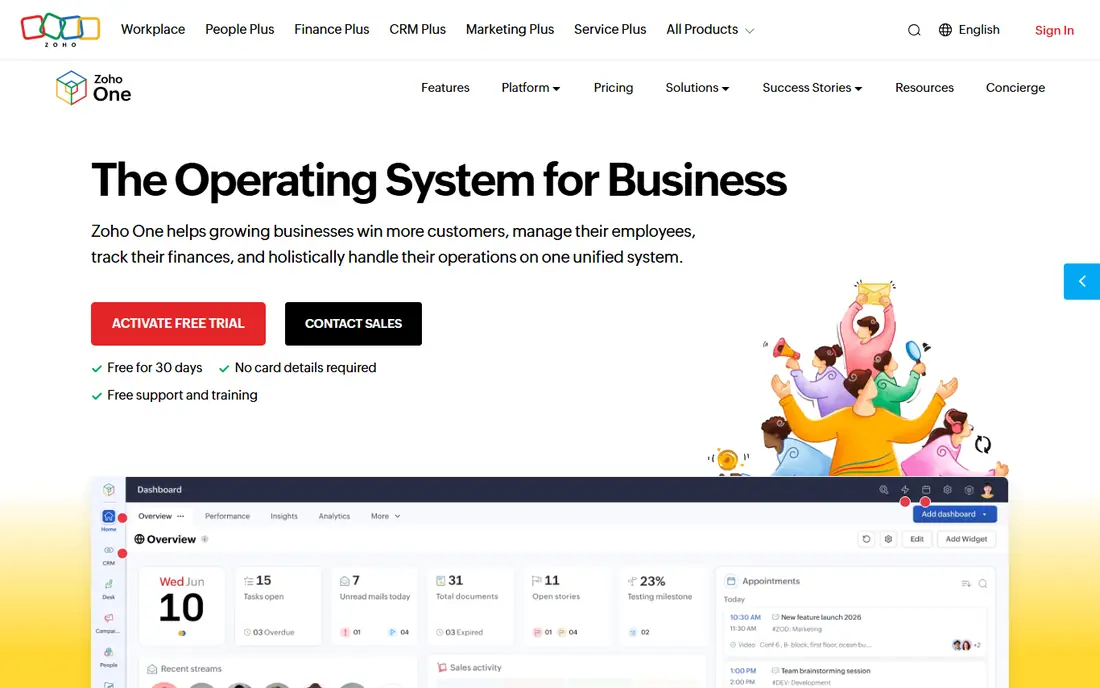
For teams, Zoho One offers a clear starting point. Zoho One provides a broad business suite with CRM, accounting, HR, help desk, and analytics apps. It is designed for teams who need broad suite across departments, and it can be arranged around your existing routines rather than forcing one fixed process. What stands out is one login for many business functions. That strength is most useful when you want a suite rather than many separate tools. It also helps keep records in one place, so follow-up work is easier to trace than it would be in separate files and messages. The honest catch is the number of apps can feel large at first. Before you commit, check licensing model, plan pricing, and included apps on the vendor site and confirm it covers your main use case. A short trial or demo, where one is offered, is the simplest way to test that fit before you move a full workflow across.
- Many apps under one login
- CRM, books, HR, and help desk
- Single billing
- Breadth can overwhelm small teams
- Licensing model needs careful reading
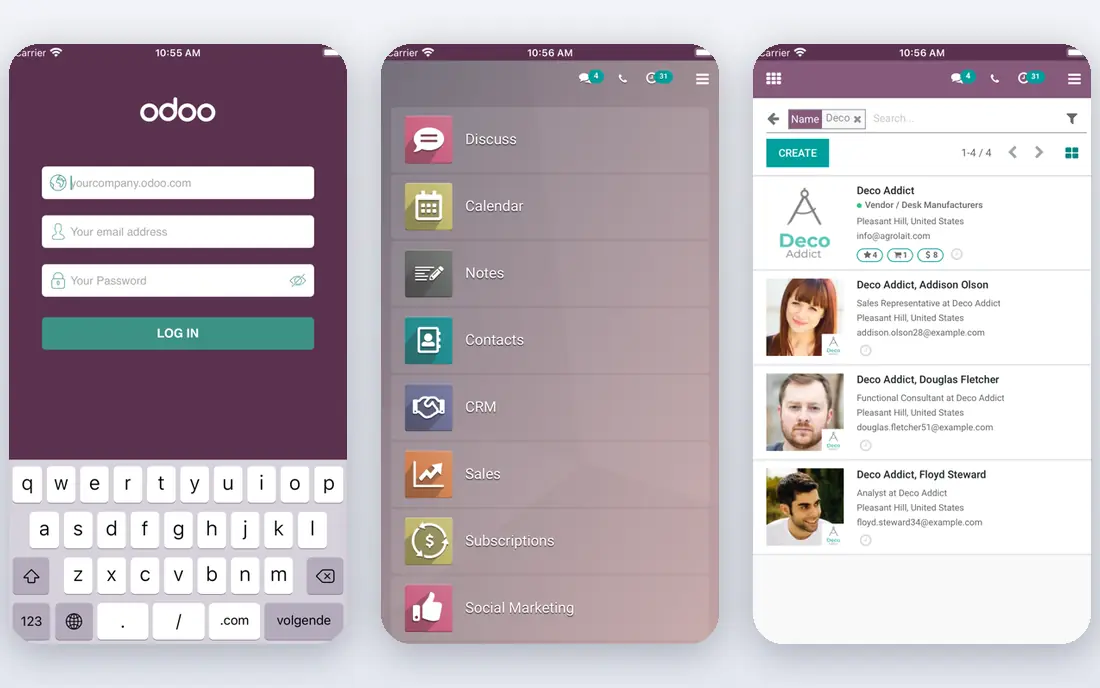
If modular ERP for growing businesses matters most, Odoo deserves a close look. Odoo provides modular ERP apps for CRM, sales, inventory, accounting, and more. It is designed for buyers who need modular ERP for growing businesses, and it can be arranged around your existing routines rather than forcing one fixed process. What stands out is starting small and adding modules later. That strength is most useful when your business needs inventory or manufacturing depth. It also helps keep records in one place, so follow-up work is easier to trace than it would be in separate files and messages. The honest catch is implementation can take time. Before you commit, check plan pricing, module list, and implementation help on the vendor site and confirm it covers your main use case. A short trial or demo, where one is offered, is the simplest way to test that fit before you move a full workflow across.
- Modular apps for CRM, inventory, and accounting
- One price gives access to apps on paid plans
- Open-source option
- Setup time grows with modules
- Partner help may be needed
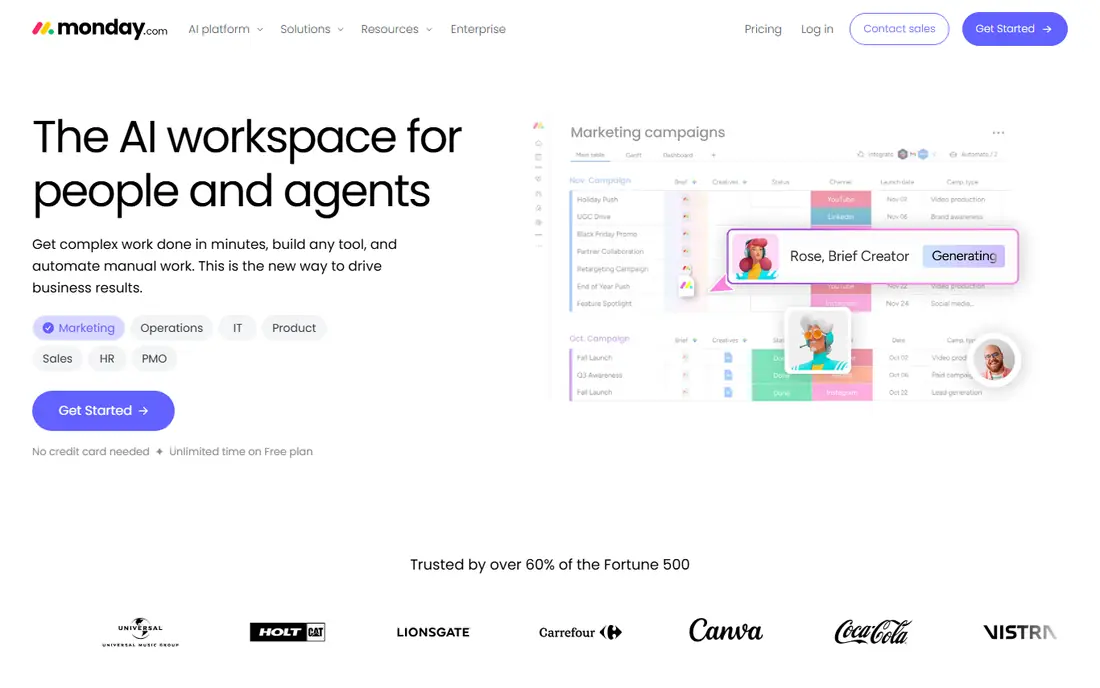
monday.com suits teams who want a defined way to handle visual project and workflow management. monday.com provides visual boards for projects, CRM, and workflows. It is designed for teams who need visual project and workflow management, and it can be arranged around your existing routines rather than forcing one fixed process. What stands out is visual work management for project-led teams. That strength is most useful when projects are your main bottleneck. It also helps keep records in one place, so follow-up work is easier to trace than it would be in separate files and messages. The honest catch is seat minimums affect small teams. Before you commit, check plan pricing, seat minimums, and automation limits on the vendor site and confirm it covers your main use case. A short trial or demo, where one is offered, is the simplest way to test that fit before you move a full workflow across.
- Visual boards
- Automations
- CRM and project templates
- Per-seat pricing with minimums
- Costs rise with team size
Teams that need work management on a budget often shortlist ClickUp early. ClickUp provides work management with tasks, docs, goals, and custom fields. It is designed for buyers who need work management on a budget, and it can be arranged around your existing routines rather than forcing one fixed process. What stands out is a flexible work hub at a lower cost. That strength is most useful when you want many features for the price. It also helps keep records in one place, so follow-up work is easier to trace than it would be in separate files and messages. The honest catch is clutter is a risk without clear setup. Before you commit, check free tier limits, plan pricing, and storage limits on the vendor site and confirm it covers your main use case. A short trial or demo, where one is offered, is the simplest way to test that fit before you move a full workflow across.
- Tasks, docs, and goals
- Custom fields
- Free tier
- Interface can feel crowded
- Over-customisation slows adoption
When sales and marketing led growth is the main job, HubSpot keeps the focus narrow. HubSpot provides CRM with sales, marketing, and service tools. It is designed for teams who need sales and marketing led growth, and it can be arranged around your existing routines rather than forcing one fixed process. What stands out is sales and marketing led growth. That strength is most useful when customer growth is your main bottleneck. It also helps keep records in one place, so follow-up work is easier to trace than it would be in separate files and messages. The honest catch is paid costs rise as contacts grow. Before you commit, check free tier limits, paid pricing, and contact limits on the vendor site and confirm it covers your main use case. A short trial or demo, where one is offered, is the simplest way to test that fit before you move a full workflow across.
- Free CRM start
- Marketing and sales tools
- Reporting
- Paid tiers rise with contacts and features
- Breadth can grow costly
A practical pick for buyers, QuickBooks Online covers the basics well. QuickBooks Online provides accounting with invoicing, expenses, payroll links, and reporting. It is designed for buyers who need accounting as the system of record, and it can be arranged around your existing routines rather than forcing one fixed process. What stands out is money records as the core system. That strength is most useful when missed invoices are your main bottleneck. It also helps keep records in one place, so follow-up work is easier to trace than it would be in separate files and messages. The honest catch is project tools may need another app. Before you commit, check plan pricing, trial terms, and payroll options on the vendor site and confirm it covers your main use case. A short trial or demo, where one is offered, is the simplest way to test that fit before you move a full workflow across.
- Invoicing, expenses, and payroll links
- Accountant access
- Reporting
- Project management depth is limited
- Pricing varies by plan
HoneyBook is a good match for teams with a defined workflow. HoneyBook provides client workflows from proposal and contract through invoice and payment. It is designed for teams who need client workflows for service pros, and it can be arranged around your existing routines rather than forcing one fixed process. What stands out is a clean client flow for service businesses. That strength is most useful when you are a freelancer or small service team. It also helps keep records in one place, so follow-up work is easier to trace than it would be in separate files and messages. The honest catch is larger team needs may outgrow it. Before you commit, check plan pricing, payment terms, and client limits on the vendor site and confirm it covers your main use case. A short trial or demo, where one is offered, is the simplest way to test that fit before you move a full workflow across.
- Proposal to contract to invoice flow
- Client portal
- Payments
- Less suited to larger teams
- Breadth is narrower than suites
For buyers who value clarity and control, Bitrix24 is worth comparing. Bitrix24 provides CRM plus collaboration with projects, communication, and automation. It is designed for buyers who need CRM plus collaboration free start, and it can be arranged around your existing routines rather than forcing one fixed process. What stands out is a free start for CRM and teamwork. That strength is most useful when you want CRM plus teamwork in one place. It also helps keep records in one place, so follow-up work is easier to trace than it would be in separate files and messages. The honest catch is the interface takes time to learn. Before you commit, check free tier limits, paid pricing, and user limits on the vendor site and confirm it covers your main use case. A short trial or demo, where one is offered, is the simplest way to test that fit before you move a full workflow across.
- CRM, projects, and communication
- Free tier
- Flat-price paid options
- Interface can feel busy
- Paid tier details need checking
If you are moving from spreadsheets or manual work, Scoro gives teams a structured step up. Scoro provides professional services management from quote and project through invoice. It is designed for teams who need quote to invoice for professional services, and it can be arranged around your existing routines rather than forcing one fixed process. What stands out is quote to cash for service firms. That strength is most useful when your work is project-based billing. It also helps keep records in one place, so follow-up work is easier to trace than it would be in separate files and messages. The honest catch is cost suits firms that bill by project. Before you commit, check plan pricing, user limits, and billing features on the vendor site and confirm it covers your main use case. A short trial or demo, where one is offered, is the simplest way to test that fit before you move a full workflow across.
- Quotes, projects, and invoicing together
- Time and billing
- Reporting
- Pricing is per user and higher than simple work tools
- Setup needs care
How we picked these
We compared official feature pages, pricing pages, app store listings, privacy policies, and public reviews for each option. We focused on features that affect daily use, including setup, core workflows, limits, and support, rather than marketing claims alone. We did not claim hands-on testing, and we used vendor pages as the source for prices and plan details. Where a vendor did not publish a clear price, we wrote See website rather than guessing a figure. Readers should confirm current terms on the vendor site before they buy, because plans change.
How to choose business management software for a small team
Start with the bottleneck that costs you most time today, whether that is missed invoices, unclear projects, or scattered customer records. A tool that fixes that bottleneck first will earn adoption faster than a suite that promises to fix everything at once.
Map your core workflow first
Write down how a job moves from enquiry to invoice to payment, including who touches it. Use that workflow as a test case in every demo. A tool that cannot handle that flow cleanly will not help, even if its feature list looks long.
Count total cost, not just subscription
Add setup, training, migration, and integration time to the subscription price. ERP-style tools often need partner help, while work tools can start faster. A lower monthly price can still cost more in year one if setup drags on.
Check integrations with your money stack
Check connections to your accounting, payment, payroll, and email tools before you commit. A tool that syncs invoices and payments cleanly will save more time than a tool with more features but weak money links. Test one real invoice flow in a trial.
Frequently asked questions
What is the best software to manage small business?
The best software to manage small business depends on your main work. Zoho One and Odoo suit broad suites, monday.com and ClickUp suit project-led teams, and QuickBooks suits money-led businesses. The best software for business management is the one your team will actually use daily.
What are the best business management tools for growing teams?
Growing teams often need CRM, projects, and reporting in one place, which suits Zoho One, Odoo, monday.com, and HubSpot. The best business management apps balance breadth with setup time. Start with one core workflow, then add modules as the team grows.
Do I need an all-in-one suite or separate tools?
An all-in-one suite reduces switching and keeps data in one place, but it can be harder to set up. Separate tools can be best in class for each job, but they need integrations. Choose a suite when your workflows overlap heavily, and separate tools when one job is highly specialised.
What is the best app for business management on a budget?
Free tiers from ClickUp, Bitrix24, and HubSpot can cover small teams, while Odoo offers a free single-app start. The best business management app on a budget still needs a check on limits, because free tiers cap users, projects, or automations. Confirm those limits before you build on a free plan.
How does review management fit into business software?
The best review management software for businesses often sits alongside CRM and customer tools, rather than inside a general suite. Some suites include customer feedback features, while others need a separate review tool. Check whether review requests, responses, and reporting are included or need an integration.
Sources we checked (9)

Online Jobs is an independent blog about careers, online work, learning new skills and the tools that help people earn. More about us.
Keep reading
All posts
ZoomInfo Alternatives
The best ZoomInfo alternatives in 2026, compared on price, free plans, data coverage, and which tool fits small teams or large sales teams best in detail.

Workday Alternatives
We compared the best workday alternatives for HR, payroll, and global hiring, from BambooHR and Gusto to Rippling, Deel, and HiBob for growing teams in 2026.

Which SaaS Tools Have the Best Customer Support
Which SaaS tools have the best customer support? Compare eight popular tools on help centres, live help, response options and overall support quality.