Best Business Expense Tracker App in 2026: 9 Products Compared

How we put this together: we compare official feature and pricing pages, app store listings, privacy policies and public user reviews. Prices change, so check the provider's site before you pay.
Key takeaways
- Ramp and Brex offer free core tiers built around corporate cards, which makes them cheap for startups that qualify.
- Expensify suits teams that want to keep existing cards, while Zoho Expense suits budget teams and Zoho users.
- Navan suits teams that combine travel and expenses, while SAP Concur suits large enterprises with complex policies.
- Check receipt limits, approval workflows, accounting integrations, and card requirements before you choose.
Quick comparison
| Name | Who it suits | Starting price | Free option | |
|---|---|---|---|---|
 Ramp | cards plus expenses free | Free | Yes | Visit |
 Brex | free spend management | Free | Yes | Visit |
 Expensify | expense reporting without new cards | See website | Yes | Visit |
 Zoho Expense | budget expense tracking | Free | Yes | Visit |
 Navan | travel plus expenses | See website | Yes | Visit |
 SAP Concur | enterprise travel and expense | See website | No | Visit |
 BILL Spend and Expense | spend controls for small teams | Free | Yes | Visit |
 Pleo | European spend management | See website | Free trial | Visit |
 Rydoo | simple mobile expenses | See website | Free trial | Visit |
The best business expense tracker app
Business expense apps capture receipts, track mileage, enforce approvals, and sync with accounting tools. Some are built around corporate cards, while others work with cards you already use, and that choice shapes the whole setup.
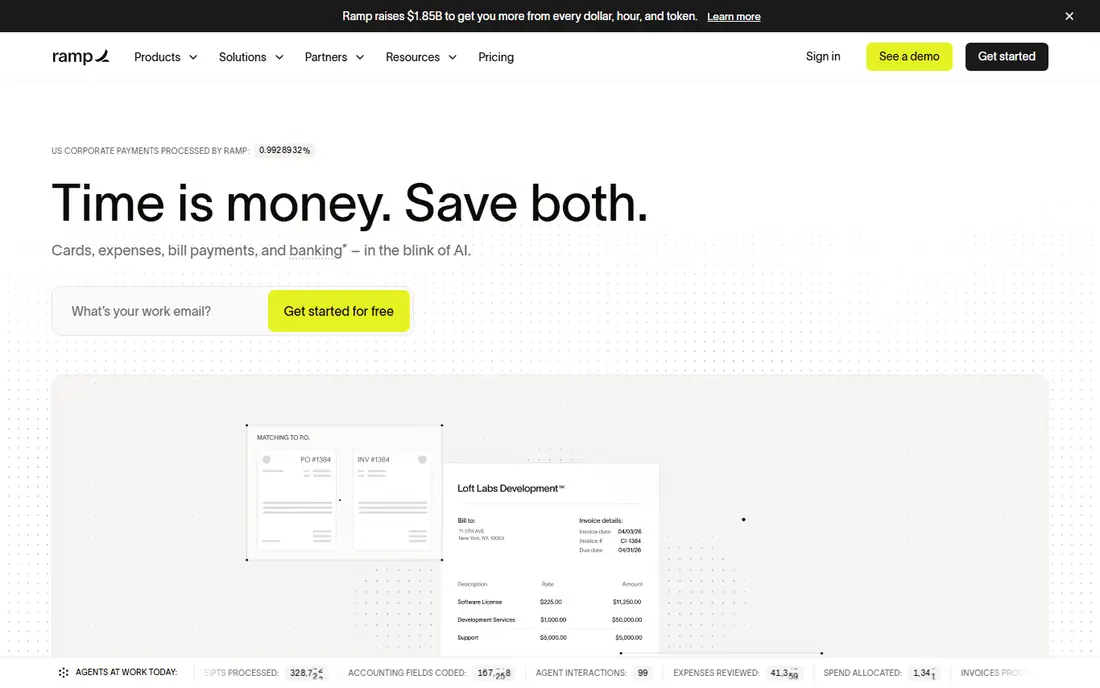
Ramp combines cards and expense tracking in one free core platform. It suits startups and growth companies that want cards plus expenses. You issue cards with limits, capture receipts in the app, and sync approved expenses to accounting tools, which cuts manual reporting.
The catch is free tier needs card use. Check the current plan limits and export options before you move data in, and run a small pilot with real records first. Start with the smallest plan that covers your core workflow, then upgrade only when a limit gets in the way.
- Corporate cards with controls
- Receipt capture
- Bill pay and accounting sync
- Free tier needs card use
- Advanced features need paid plans
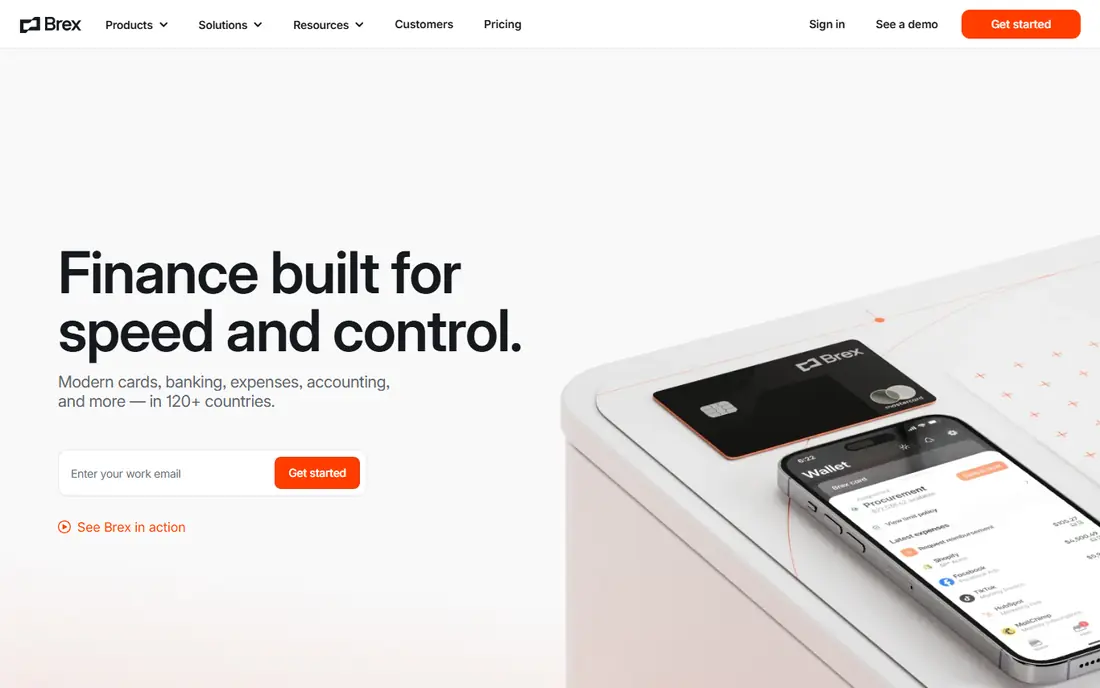
Brex is a strong free option for teams that will use its cards. It suits startups and mid-market teams that want free spend management. Cards, expenses, and approvals sit in one app, with automation that matches receipts to card transactions and flags out-of-policy spend.
The catch is best with Brex cards. Read the plan limits for seats, storage, and usage before you commit, and test it with a small real workload first. Start with the smallest plan that covers your core workflow, then upgrade only when a limit gets in the way.
- Corporate cards
- Expense automation
- Global spend controls
- Best with Brex cards
- Premium features need a paid plan
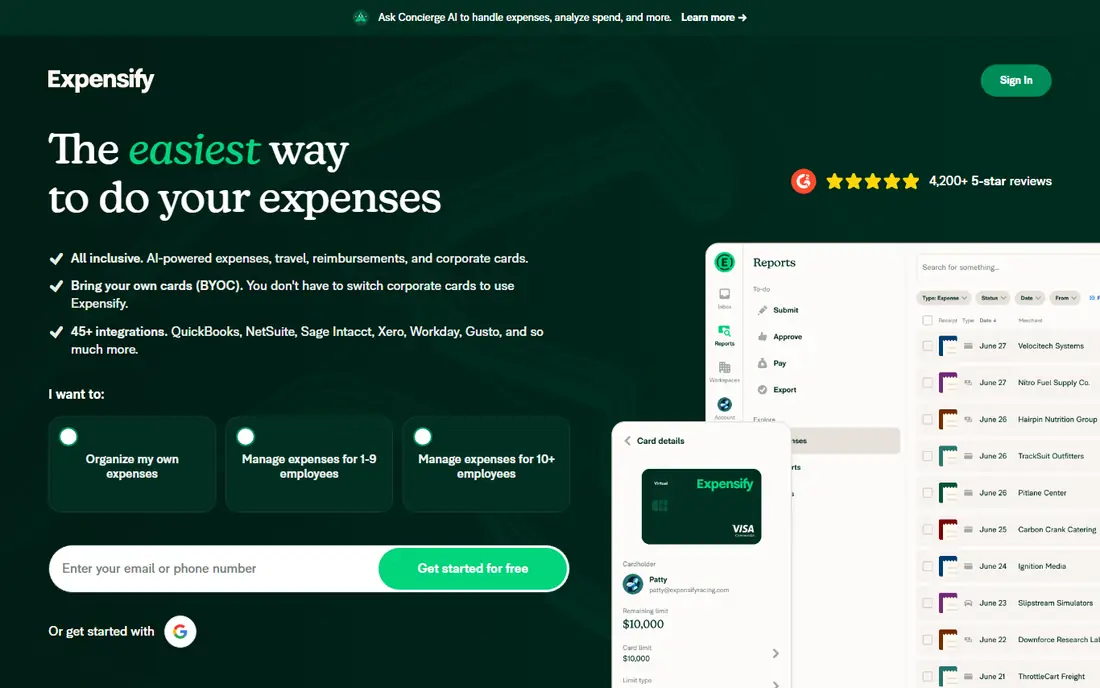
Expensify remains the classic choice for expense reporting alone. It suits teams that want expense reports without switching corporate cards. Employees scan receipts, submit reports, and get reimbursed, while managers approve in the app and finance syncs data to accounting software.
The catch is advanced controls cost more. Confirm what is included at your plan level, how exports work, and what happens if you need to leave later. Start with the smallest plan that covers your core workflow, then upgrade only when a limit gets in the way.
- Receipt scanning
- Works with existing cards
- Strong accounting integrations
- Advanced controls cost more
- Pricing is per active user
Zoho Expense is the budget pick for small teams. It suits small teams and Zoho users on a tight budget. It covers receipt scanning, expense reports, approvals, and mileage, with a free tier that suits very small teams before they need paid features.
The catch is autoscan limits on lower plans. Check the current plan limits and export options before you move data in, and run a small pilot with real records first. Start with the smallest plan that covers your core workflow, then upgrade only when a limit gets in the way.
- Free plan for small teams
- Receipt autoscan
- Approvals and mileage
- Autoscan limits on lower plans
- Best inside the Zoho range
Navan is the natural pick when travel and expenses belong together. It suits companies where staff travel often and expenses follow trips. You book travel and capture expenses in the same app, which links trips to costs and makes policy checks easier for managers and finance.
The catch is expense pricing applies after free users. Read the plan limits for seats, storage, and usage before you commit, and test it with a small real workload first. Start with the smallest plan that covers your core workflow, then upgrade only when a limit gets in the way.
- Travel booking plus expenses
- Card and receipt capture
- Policy controls
- Expense pricing applies after free users
- Travel focus may be more than some need
SAP Concur suits large enterprises with complex travel and expense rules. It suits large enterprises with multi-entity, audit, and compliance needs. It handles expense reports, approvals, travel booking, and invoice workflows at scale, with controls that suit regulated or multi-country operations.
The catch is enterprise pricing and setup. Confirm what is included at your plan level, how exports work, and what happens if you need to leave later. Start with the smallest plan that covers your core workflow, then upgrade only when a limit gets in the way.
- Deep policy and audit controls
- Travel and expense in one system
- Global scale
- Enterprise pricing and setup
- Heavier for small teams
BILL Spend and Expense is a practical free option for small teams. It suits small teams that want free spend controls with accounting links. You issue cards, set budgets, capture receipts, and sync expenses, which suits teams that already use BILL for accounts payable.
The catch is best for teams already using BILL. Check the current plan limits and export options before you move data in, and run a small pilot with real records first. Start with the smallest plan that covers your core workflow, then upgrade only when a limit gets in the way.
- Free spend and expense tier
- Cards and controls
- Accounting sync
- Best for teams already using BILL
- Advanced features vary by plan
Pleo leads for European teams with multi-currency spend. It suits European teams that need cards, expenses, and VAT handling. Cards and expenses work together in the app, with receipt matching and accounting integrations that suit multi-currency and VAT workflows.
The catch is european focus is stronger than US coverage. Read the plan limits for seats, storage, and usage before you commit, and test it with a small real workload first. Start with the smallest plan that covers your core workflow, then upgrade only when a limit gets in the way.
- Smart company cards
- Receipt capture
- Multi-currency support
- European focus is stronger than US coverage
- Pricing varies by plan
Rydoo keeps mobile expense reporting simple. It suits teams that want a straightforward mobile expense app. Employees scan receipts on a phone, submit reports quickly, and managers approve on the move, which suits field teams and frequent travellers.
The catch is smaller ecosystem than larger rivals. Confirm what is included at your plan level, how exports work, and what happens if you need to leave later. Start with the smallest plan that covers your core workflow, then upgrade only when a limit gets in the way.
- Mobile-first expense reports
- Receipt scanning
- Approvals
- Smaller ecosystem than larger rivals
- Check accounting integrations
How we picked these
We compared official feature pages, pricing pages, and documentation for each tool, and checked that each one is still offered in October 2026. We weighted receipt scanning, card options, approvals, mileage, reimbursements, accounting integrations, and whether a free plan or trial lets a small team test the tool.
We also read public user reviews to spot receipt limits, approval quirks, and sync problems. We did not claim hands-on testing of every tool, and prices shown here are starting points only, so check the vendor pricing page before you buy.
How to choose a business expense tracker
Expense tools fail when employees avoid them, so ease of use matters as much as finance features. Test receipt capture and approvals with real staff before you roll out company-wide.
Decide cards first or cards later
Card-based tools automate matching but require using their cards, while card-free tools work with existing cards and reimbursements. If your team already has a card programme, a card-free tool may be less disruptive. If not, a card tool can simplify the whole flow.
Check receipt and approval workflows
Confirm receipt scan limits, mileage tracking, multi-level approvals, and policy flags. Field teams need fast mobile capture, while finance needs clear audit trails. Test a receipt, an approval, and a rejection with real users before you choose.
Check accounting and payroll links
Confirm integrations with your accounting tool, and how reimbursements are paid. A clean sync saves finance hours each month, while a manual export creates errors. Check whether tax, VAT, or multi-currency handling fits your countries.
Watch per-user pricing and limits
Per-user pricing can rise fast as headcount grows, and receipt or user limits can force upgrades. Count active users, not total staff, if the vendor bills that way. A free tier is useful only if its limits cover your real monthly volume.
Frequently asked questions
What is the best business expense tracker app?
Ramp and Brex suit startups that want free card-based expense management, while Expensify suits teams keeping existing cards. Zoho Expense suits budget teams, and Navan suits travel-heavy teams. The best pick depends on cards, travel, and company size.
What is the best app for business expense tracking?
For simple tracking, Expensify, Zoho Expense, and Rydoo cover receipts, reports, and approvals well. For cards plus expenses, Ramp, Brex, and BILL Spend and Expense are stronger. Choose by whether you want a card programme or just reporting.
Are there free business expense tracker apps?
Yes. Ramp, Brex, BILL Spend and Expense, and Zoho Expense offer free tiers with limits, and Expensify offers a free tier for individuals. Free tiers usually cap users, receipt scans, or features, so check limits against your monthly volume.
How do expense apps handle receipts?
Most apps scan a photo of a receipt, extract amount, date, and vendor, and match it to a card transaction or report. Scan limits and accuracy vary by plan, so test with your typical receipts, including handwritten or faded ones, before you commit.
Do expense apps integrate with accounting software?
Most leading tools sync with QuickBooks, Xero, NetSuite, and similar accounting systems, though depth varies. Check whether categories, tax codes, and multi-entity data sync cleanly, and test a full month-end close with a trial account.
What is the difference between Expensify and Ramp?
Expensify focuses on expense reporting and works with cards you already use, while Ramp combines corporate cards with expense management. Ramp can automate more when you use its cards, while Expensify is less disruptive if you keep an existing card programme.
Sources we checked (9)

Online Jobs is an independent blog about careers, online work, learning new skills and the tools that help people earn. More about us.
Keep reading
All posts
Best Stock Tracking Apps
Compare the best stock tracking apps for 2026, from Yahoo Finance and TradingView to Seeking Alpha and Koyfin, with portfolios, alerts, charts, and free plans.
Best Bill Organizer Apps Free
Compare the best free bill organizer apps in 2026, with bill reminders, due-date tracking, shared budgets and bank sync to help you stop missing payments.

n8n Alternatives
n8n alternatives compared for 2026, with Zapier, Make, Activepieces, and more, covering visual builders, code steps, self-hosting, and pricing models.