Best Bug Tracking Software in 2026: 8 Tools Compared

How we put this together: we compare official feature and pricing pages, app store listings, privacy policies and public user reviews. Prices change, so check the provider's site before you pay.
Key takeaways
- Jira remains the standard for large teams, while Linear suits fast-moving product teams that want speed over configuration.
- Open source options like Bugzilla and MantisBT cost nothing to license, but you pay in hosting and maintenance time instead.
- Sentry is not a general issue tracker, yet it earns a place here for teams that want production errors turned into tracked bugs automatically.
- Pick by workflow first: a tool your developers avoid will hold more stale bugs than a simpler tool they actually update.
Quick comparison
| Name | Who it suits | Starting price | Free option | |
|---|---|---|---|---|
 Jira | Large and enterprise teams | Free | Yes | Visit |
 Linear | Fast product teams | $10 per user per month | Yes | Visit |
 Bugzilla | Open source projects | Free | Yes | Visit |
 MantisBT | Self-hosted simplicity | Free | Yes | Visit |
 YouTrack | Agile teams on a budget | Free | Yes | Visit |
 Zoho BugTracker | Small Zoho teams | $3 per user per month | Yes | Visit |
 GitHub Issues | Teams already on GitHub | Free | Yes | Visit |
 Sentry | Production error tracking | $26 per month | Yes | Visit |
The best bug tracking software
We compared tools on issue capture, workflow customization, integrations, and pricing, with a mix of commercial and open source options. The eight below cover enterprise tracking, fast product development, self-hosted projects, and production error monitoring, so you can match a tool to your team size and stack.

Jira is still the most widely used bug tracker for software teams, and its strength is flexibility. Workflows, fields, screens, and permissions can be shaped to almost any process, from a simple bug queue to a multi-team release pipeline. The integration list covers version control, CI tools, and documentation, so a bug can carry its code link and its fix history in one place.
That flexibility is also the weakness. A small team can spend more time configuring Jira than fixing bugs, and the paid tiers plus common add-ons push the real monthly cost above the headline rate. Choose Jira when your team is large enough to need its structure, and keep the workflow simple at the start.
- Highly customizable workflows and fields
- Huge integration and app marketplace
- Free tier for up to 10 users
- Configuration can overwhelm small teams
- Paid tiers and add-ons raise the real cost

Linear is the pick for product teams that value speed. Issues open fast, triage is built into the workflow, and cycles help a team plan work in short, focused batches. The interface feels lighter than Jira, which matters when developers log bugs many times a day and will abandon a slow tool.
Enterprise process is where Linear gives ground. Highly custom workflows, complex permission schemes, and deep ITSM features are thinner than in Jira. If your team ships product in cycles and wants a tracker that stays out of the way, Linear is hard to beat.
- Fast, keyboard-friendly interface
- Strong GitHub and GitLab integrations
- Triage and cycle planning built in
- Less configurable than Jira for complex enterprise processes
- Smaller app marketplace
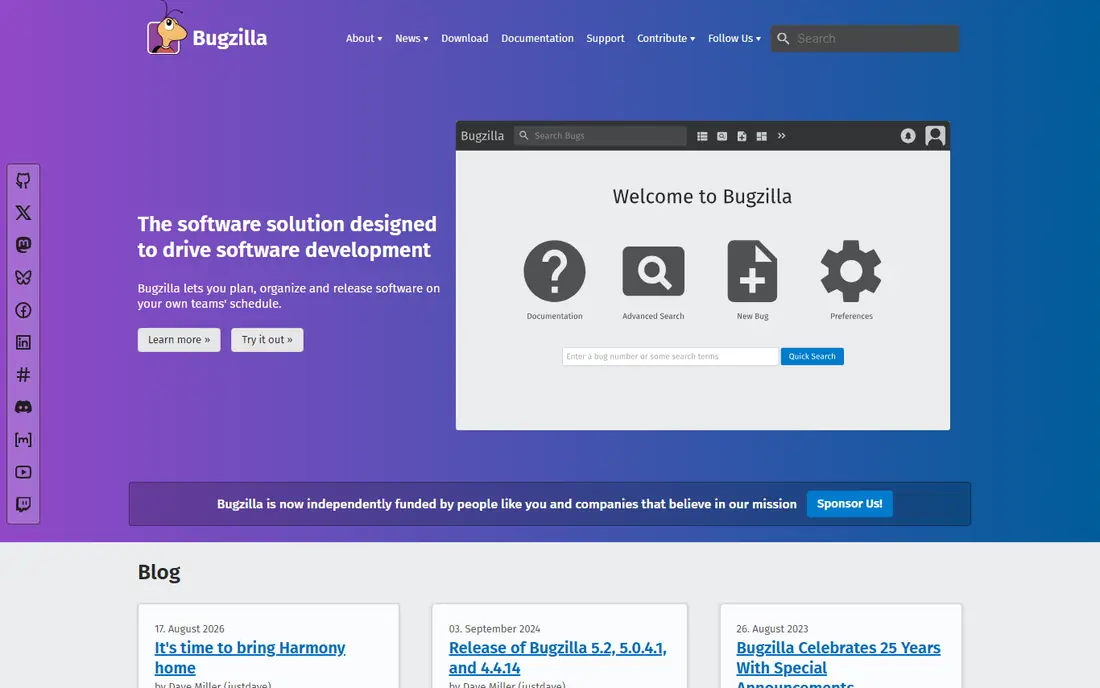
Bugzilla has tracked bugs for some of the largest open source projects for decades, and that history is its credential. It is free, it handles huge bug databases, and its search and reporting tools are strong once you learn them. Projects that need public bug visibility and fine-grained permissions will find it capable.
The interface looks dated next to Linear or Jira, and self-hosting means your team owns updates, backups, and security patches. For an open source project or a cost-sensitive team with server skills, those trade-offs are fair. For a team that wants a polished hosted product, look elsewhere.
- Free and open source with no licence cost
- Proven on very large public projects
- Highly customizable with extensions
- Dated interface
- Self-hosting and maintenance fall on your team
MantisBT is the simplest self-hosted option on this list. It installs quickly, covers the core bug workflow of reporting, assignment, status, and resolution, and handles email notifications and client access control without fuss. Small engineering teams and agencies that track client project bugs often find it is all they need.
It does not try to be a full project platform, so advanced roadmapping, agile boards, and deep reporting are thinner than in commercial rivals. If your main need is a reliable, low-cost bug queue that your team will actually maintain, MantisBT delivers that without the overhead of a larger system.
- Lightweight and easy to install
- Email notifications and access control
- Free under an open source licence
- Fewer workflow and reporting features than Jira
- Interface feels basic
YouTrack, from JetBrains, packs a lot into a tool that starts free for small teams. Agile boards, a strong search query language, time tracking, and a knowledge base sit alongside bug tracking, so a team can run projects and support from one place. The search language in particular rewards teams that live in their tracker, since saved queries can slice bugs by almost any field.
Beyond ten users the paid tiers apply, and the marketplace is smaller than Atlassian's, so check for any must-have integration before committing. For a JetBrains-friendly team or a small agile shop, YouTrack offers a strong balance of power and price.
- Free for up to 10 users
- Powerful search query language
- Agile boards, knowledge base, and helpdesk in one tool
- Paid tiers needed beyond the free user limit
- Smaller third-party marketplace than Jira
Zoho BugTracker is a straightforward, low-cost tracker for small teams, especially those already using Zoho products. Bugs can be logged with severity, status, and assignee, viewed on dashboards, and followed from report to fix without a complex setup. The low per-user price makes it easy to give the whole team access, including testers and support staff.
Scope is the limit. It is a bug tracker, not a full agile platform, so teams that need advanced roadmaps or deep CI integration will outgrow it. For a small team that wants a simple, cheap, hosted bug queue, it is a sensible pick.
- Low starting price
- Clean bug views with severity and status tracking
- Fits teams already using Zoho apps
- Narrower scope than full project suites
- Less suited to large engineering organizations
GitHub Issues earns its place because, for many teams, the code already lives on GitHub. Bugs can be filed next to pull requests, linked to fixes, and triaged with labels and milestones without a second system. That closeness to code reduces the friction that leaves bugs unreported.
As a dedicated tracker it is lighter than Jira or YouTrack, with simpler workflows and basic reporting. Teams with complex QA processes or strict SLA tracking may still need a dedicated tool. For a GitHub-centered team, though, starting with Issues and adding a project board is often enough.
- Bugs live next to the code
- Labels, milestones, and projects included
- Free for public and private repos within plan limits
- Weaker workflow customization than dedicated trackers
- Reporting is basic without extra tools
Sentry plays a different role from the rest of this list: it watches production code and turns real errors into tracked issues automatically. Each issue carries a stack trace, affected users, release version, and context, so developers start debugging with evidence instead of a vague report. Alerting and issue grouping keep repeat crashes from flooding the queue.
It is not a replacement for a general tracker, since feature work and manual QA bugs still need a home. Most teams pair Sentry with Jira, Linear, or GitHub Issues, using Sentry for production errors and the tracker for planned work. Used that way, it closes the gap between a user hitting a bug and a developer seeing it.
- Production errors captured with stack traces and context
- Issue grouping and alerting
- Wide language and framework support
- Not a general-purpose issue tracker
- Event volume pricing needs monitoring
How we picked these
We compared official pricing pages, feature documentation, and public usage, and we favored tools that are actively maintained and genuinely used for bug tracking in 2026. We included open source, commercial, and production-monitoring tools because real teams mix them, and we noted where a tool's strength depends on an existing platform. We did not claim hands-on testing, and we treated vendor pricing as current at the time of writing, with a note to confirm before purchase.
How to choose bug tracking software
Start with where your code lives
A GitHub team will get more from GitHub Issues, an Atlassian team from Jira, and a JetBrains team from YouTrack. Matching the tracker to the existing stack cuts setup time and raises adoption.
Keep the workflow short
A bug should move from reported to assigned to fixed in as few steps as possible. Long workflows with many required fields slow reporting and leave bugs stale.
Separate production errors from manual reports
Use Sentry or a similar tool for production crashes, and a tracker for QA and feature bugs. Mixing both into one unstructured queue hides the urgent errors among the routine ones.
Frequently asked questions
What is the best bug tracking software for a large team?
Jira is the best bug tracking software for large teams, with customizable workflows, broad integrations, and reporting that scales across many projects. Keep the configuration simple at first, since over-customization is its most common failure.
What is the best free bug tracking software?
Bugzilla and MantisBT are the best free bug tracking software options, since both are open source with no licence cost. Bugzilla suits large public projects, while MantisBT suits small teams that want a quick self-hosted setup.
What are the best bug tracking tools for small teams?
Linear, YouTrack, and Zoho BugTracker suit small teams, with free tiers or low starting prices and fast setup. Linear leads for product teams, YouTrack for agile teams that want boards and search power, and Zoho BugTracker for the lowest cost.
What is the best issue tracking software for GitHub users?
GitHub Issues is the best issue tracking software for GitHub users, since bugs live next to code, pull requests, and releases. Add Sentry for production errors if you want crashes to become tracked issues automatically.
What is the best bug tracking tool for agile teams?
Linear and YouTrack are strong agile picks, with boards, cycles or sprints, and triage workflows built in. Jira also serves agile teams well, but its setup effort is higher for a small team.
What are the best bug reporting tools for production apps?
Sentry is the best bug reporting tool for production apps, since it captures errors with stack traces and context as users hit them. Pair it with a tracker like Jira or Linear so production issues and planned work share one workflow.
Sources we checked (8)

Online Jobs is an independent blog about careers, online work, learning new skills and the tools that help people earn. More about us.
Keep reading
All posts
Best Robotics Companies
Compare the best robotics companies in 2026, from humanoids to factory robots, with focus areas, deployments, and honest limits for buyers and pilots.

Best Phone Company to Switch To
Compare the best phone company to switch to, from low-cost Visible and Mint Mobile to full-service T-Mobile, Verizon and AT&T, with prices and trade-offs.

Best Phone Company
Looking for the best phone company in 2026? We compared 9 US carriers on price, coverage, data and perks so you can pick the right plan for your line.