Best Book Analysis Software for Authors in 2026: 8 Tools Compared


Detailed line level manuscript reports · Starting price: $30 per month
How we put this together: we compare official feature and pricing pages, app store listings, privacy policies and public user reviews. Prices change, so check the provider's site before you pay.
Key takeaways
- No single tool covers story structure, line editing and proofreading well, so most authors pair a story tool with a line level tool.
- AutoCrit and Fictionary lead on fiction specific analysis, while ProWritingAid leads on detailed line level reports across a full manuscript.
- Marlowe gives a fast whole book critique, which suits authors who want a big picture report before they revise scene by scene.
- Treat every automated report as a prompt to investigate, not as a verdict, since a flagged phrase may suit your character or your style.
Quick comparison
| Name | Who it suits | Starting price | Free option | |
|---|---|---|---|---|
| ProWritingAid | Detailed line level manuscript reports | $30 per month | Yes | Visit |
 AutoCrit AutoCrit | Fiction analysis against genre norms | $30 per month | Yes | Visit |
 Fictionary Fictionary | Scene level story structure | $19 per month | Free trial | Visit |
 Marlowe Marlowe | Fast whole book critique | See website | Yes | Visit |
 Grammarly Grammarly | Grammar and clarity across apps | See website | Yes | Visit |
 Hemingway Editor Hemingway Editor | Readability and sentence tightening | Free | Yes | Visit |
 PerfectIt PerfectIt | Consistency checks in Word | See website | Free trial | Visit |
 NovelOS Studio NovelOS Studio | Planning, drafting and revising in one app | See website | No | Visit |
The best book analysis software for authors
Book analysis software does a different job from a word processor spell checker. It reads a whole draft, or a chapter, and reports patterns: repeated words, pacing, dialogue balance, sentence length, readability, character mentions, scene structure and consistency. That overview helps an author see problems that are invisible when reading page by page. This list covers fiction focused tools, whole book critiques and line level editors, with honest notes on free limits and extra credit costs.
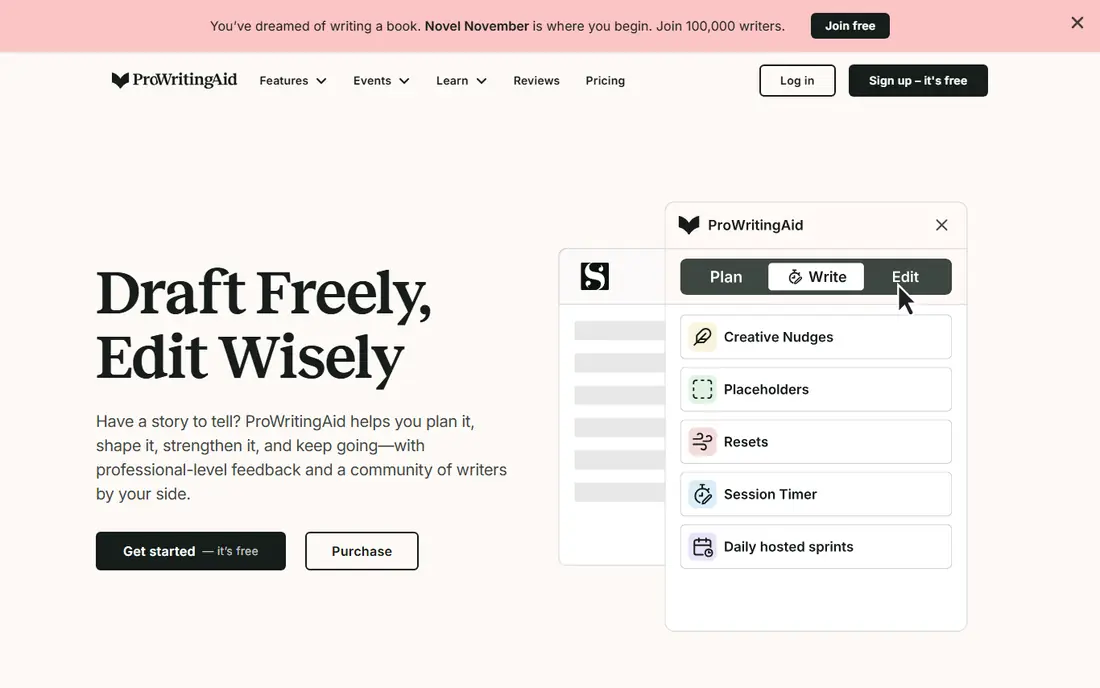
ProWritingAid is the most thorough line level tool here. Its reports cover repeated words, sticky sentences, overused words, pacing, dialogue tags, sentence length and readability, and they work on a whole manuscript, not only on a short passage. Integrations with Word, Google Docs and Scrivener mean you can run reports where you already write, rather than copying chapters into a separate editor. For an author near the end of a draft, that combination of depth and convenience is hard to match.
The catch is cost structure. The monthly and annual plans cover the core reports, but some advanced story level analyses, including manuscript and plot analysis, run on separately purchased Story Credits, with discounts on higher plans. That extra bill surprises some users, so check which reports are included before you pay. If your main problem is sentence level polish, ProWritingAid is excellent value. If your main problem is story structure, pair it with Fictionary or Marlowe rather than buying credits alone.
- More than 25 writing reports
- Works in Word, Google Docs and Scrivener
- Manuscript analysis for a full book
- Advanced story analyses use separate Story Credits
- Learning curve is steeper than a simple grammar checker
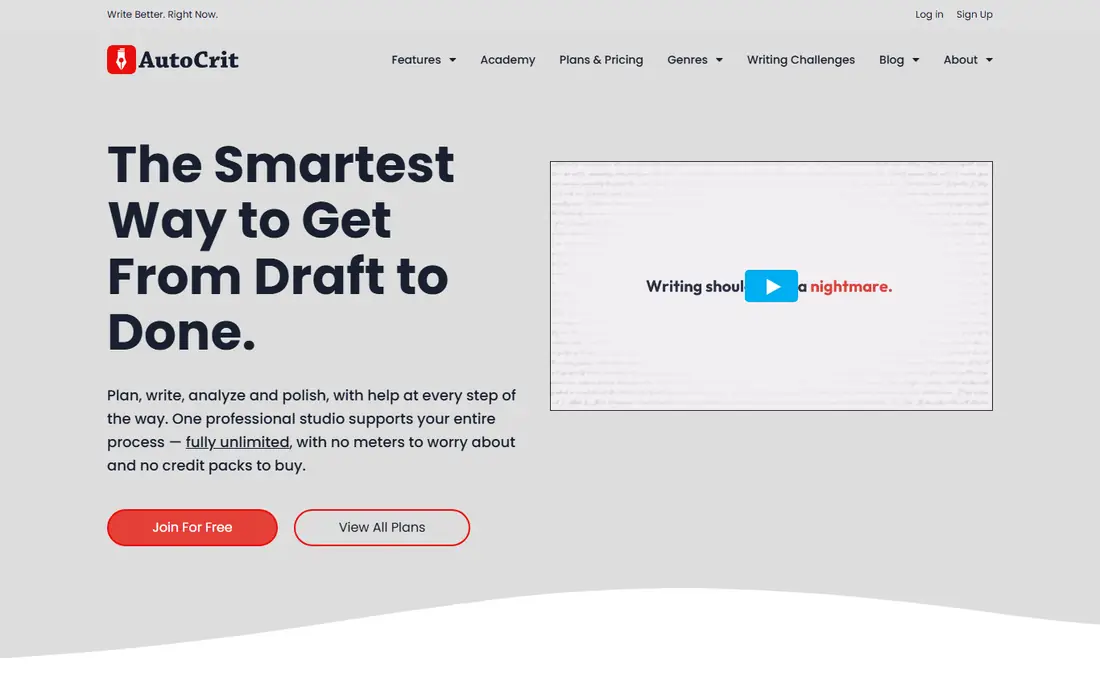
AutoCrit is built for fiction writers first, and that focus shows in its reports. Instead of judging a novel the way it would judge a business email, it measures pacing, dialogue, repetition, readability and more than 25 other factors, and compares your writing against published books in your genre. Its story tools look at premise, conflict, characters, worldbuilding, chronology, point of view and series continuity, which helps an author spot a sagging middle or a character who vanishes for too long.
The weaknesses are grammar and hosting. AutoCrit is not as strong a grammar checker as ProWritingAid, so many authors use both, and the platform is hosted in a browser, so your manuscript sits in the service rather than only on your device. Read its privacy and deletion terms before uploading a full draft, and keep your own backup. For fiction specific feedback, though, AutoCrit remains one of the most distinctive tools available.
- Fiction specific reports on pacing, dialogue and repetition
- Genre comparisons against published books
- Story analysis tools
- Grammar checking is weaker than ProWritingAid
- The full platform is hosted, so your manuscript lives in its service
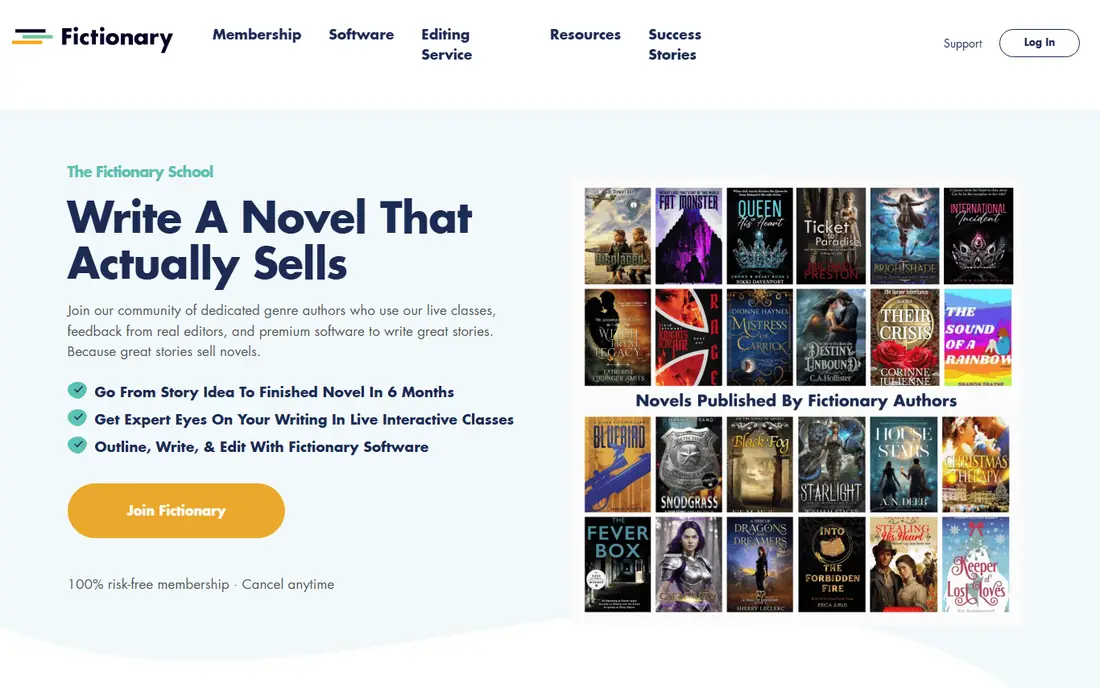
Fictionary takes a structural view that most line editors miss. It breaks a novel into scenes and asks you to evaluate each scene for purpose, character, plot advance and setting, so you can see at a glance which scenes carry the story and which ones stall. That scene map is especially useful during a developmental pass, when the question is not whether a sentence is clean but whether a chapter earns its place. Authors who feel lost in a long middle often find Fictionary clarifies the revision order.
The limit is that Fictionary is not a grammar or style checker, so you will still need ProWritingAid, Grammarly or a human editor for line work. It is also browser based, which suits most writers but may frustrate anyone who drafts offline. Use Fictionary first for structure, then move to a line tool for polish, and you will get more from both than from either one alone.
- Scene by scene structural editing
- Clear view of plot, character and setting per scene
- Suits developmental revision
- No strong line level grammar engine
- Browser based, so you need an internet connection to work
Marlowe, from Authors.ai, offers one of the fastest whole book reports in this list. The basic version analyses an entire manuscript in a few minutes, with no word limit on that basic report, and the paid Pro report adds developmental editing feedback on plot, pacing and character. That speed suits an author who has just finished a draft and wants a big picture view before spending weeks on scene level revision. It also suits writers comparing drafts, since a new report shows whether a revision actually changed the patterns Marlowe flagged.
The honest limit is that an automated report, however fast, cannot judge taste, theme or emotional effect the way a human editor can. Marlowe can point to pacing patterns and structural gaps, but it cannot tell you whether a risky scene works. Use it as a first reader that never gets tired, then take its findings to beta readers or a professional editor for judgment. For the price of a basic report, that first pass is good value.
- Whole manuscript analysis in minutes
- Free basic version with no word limit in its basic report
- Developmental feedback on the paid report
- Automated critique cannot replace a human developmental editor
- Paid report pricing varies by option
Grammarly is the everyday writing assistant most authors already know, and its strength is breadth. It checks grammar, spelling, clarity and tone wherever you type, including browsers, Word and Google Docs, so it catches errors in emails, synopses and query letters as well as in chapters. The free plan covers the basics, which makes it an easy companion tool even if your main manuscript editor is something else.
The weakness for novelists is depth. Grammarly is not designed to analyse pacing, dialogue balance, genre norms or scene structure across a full book, and its novel workflow is thinner than ProWritingAid or AutoCrit. Think of it as a copy editing safety net, not as a book analysis tool on its own. Paired with a fiction tool, it keeps prose clean while the other tool handles story and style patterns.
- Works across browsers, documents and apps
- Clear grammar, spelling and tone suggestions
- Free plan covers basics
- Not built for fiction specific manuscript analysis
- Long novel workflow is weaker than ProWritingAid or AutoCrit
Hemingway Editor does one job well: it shows you where sentences get tangled. Paste a chapter into the free web editor and it highlights long sentences, adverbs, passive constructions and passages that are hard to read, with a readability grade to guide you. That visual feedback helps authors tighten prose without wading through a long report, and it is especially useful for opening chapters, where clarity matters most to agents and readers.
The limits are clear. Hemingway does not check grammar in depth, does not analyse story structure, and does not compare your book to genre norms. It also will not tell you whether a flagged sentence should stay for voice or rhythm, so use judgment before cutting every highlight. As a free tightening lens during revision, though, it earns its place alongside a fuller editor.
- Free web editor
- Highlights long sentences, passive voice and hard to read passages
- Simple to use
- Not a grammar checker and not a story tool
- Paid desktop app is separate from the free web version
PerfectIt works inside Microsoft Word and checks consistency across a whole manuscript: spelling variants, hyphenation, capitalisation, abbreviations, numbers and style choices. Those errors are easy to miss in a long book, and they stand out to readers and editors once a book is published. For series authors, who must keep names, places and terms consistent across books, that check is especially valuable, and it also suits nonfiction authors with long, technical manuscripts.
The trade off is platform. PerfectIt is built for Word, so authors who draft in Google Docs or Scrivener will need to export to Word for a consistency pass. The subscription model also suits authors who revise regularly more than someone finishing a single book. If you work in Word and you are close to publication, a PerfectIt pass before proofreading is a sensible step.
- Catches consistency errors across a long document
- Works inside Word
- Useful for series and nonfiction as well as fiction
- Word focused, so Google Docs users get less value
- Annual subscription model may not suit a one book author
NovelOS Studio takes a different approach: instead of analysing a finished draft in a browser, it lets you plan, write and revise a book in one application you own, with offline use on Windows and Mac. That appeals to authors who dislike subscriptions and hosted manuscripts, and who want structure tools, drafting and revision in a single place. The one time purchase model also makes budgeting simple, since there is no monthly bill to track through a long writing project.
The analysis depth is the trade off. NovelOS Studio does not match AutoCrit for genre comparison or ProWritingAid for line reports, so authors who need deep analysis will still want a second tool. Its community and integration list are also smaller than the larger platforms. Choose it if you value ownership, offline work and a single writing home, and add a specialist analysis tool when you reach the revision stage.
- Plan, draft and revise a book in one application
- Offline use on Windows and Mac
- One time purchase rather than a subscription
- Analysis tools are less deep than AutoCrit or ProWritingAid
- Smaller community and fewer integrations than larger tools
How we picked these
We compared official pricing pages, help pages and public guides to manuscript editing in October 2026, and we kept only tools that are live, maintained and clearly able to analyse a book length draft or a substantial part of one. We favoured tools with manuscript level reports, story analysis or consistency checks, not general spell checkers alone, and we included free and one time purchase options alongside subscriptions. Where a price was not confirmed on the vendor site during research, we wrote See website rather than repeating a third party figure.
How to use book analysis tools without harming your voice
Start with the stage of revision, not with the tool. If the story structure is uncertain, run a structural tool such as Fictionary or Marlowe first, since polishing sentences in a scene you will later cut wastes time. If the structure is settled, run a line tool such as ProWritingAid or AutoCrit, then use Hemingway to tighten the passages that still feel heavy. Keep a list of patterns that appear across chapters, such as repeated words or dialogue tags, and fix the pattern, not only the single instance.
Protect your manuscript and your voice at the same time. Before uploading a full draft, read the privacy policy for ownership, retention, deletion and AI training, and keep a backup outside the service. When a report flags a phrase, ask whether it serves character, rhythm or meaning before you change it. Automated tools are good at spotting repetition and clutter, and poor at judging intentional style, humour or dialect, so the final decision should always stay with you.
Frequently asked questions
What is the best book analysis software for authors?
For most fiction authors, ProWritingAid offers the deepest line level reports, while AutoCrit offers the most fiction specific comparison against genre norms. Fictionary is better if story structure is your main problem, and Marlowe is better if you want a fast whole book critique before revising. Many authors pair a story tool with a line tool, rather than relying on one product for everything.
Can book analysis software replace a human editor?
No. Automated tools spot patterns in pacing, repetition, grammar and structure, but they cannot judge theme, emotional effect, market fit or the finer points of voice. Use them to clean a draft and to prepare focused questions for beta readers and a professional editor. For publication quality work, human review remains essential, especially for developmental editing and final proofreading.
Is AutoCrit or ProWritingAid better for fiction?
AutoCrit wins on fiction specific analysis and genre benchmarking, while ProWritingAid wins on grammar, integrations and the breadth of line level reports. Authors who care most about big picture fiction feedback often prefer AutoCrit, while authors who want one tool for grammar and style across many documents often prefer ProWritingAid. Using both together is common, with ProWritingAid first for lines and AutoCrit for manuscript patterns.
How much does book analysis software cost?
Prices vary widely, from free web tools such as Hemingway Editor to monthly subscriptions around $30 per month for ProWritingAid and AutoCrit, and $19 per month for Fictionary. Some tools add separate credit charges for advanced story analyses, and others offer one time purchases, so check what is included before you pay. Free plans are useful for trying a tool, but they usually limit word count or report access.
Should I upload my full manuscript to an online tool?
Only after reading the privacy policy and terms for that service. Check who owns the text, how long it is retained, how you can delete it, and whether it is used for AI training or processed by third parties. Keep a backup of your manuscript outside the service, and consider using a desktop tool or a redacted sample if you are uneasy about a full upload.
What should I do after I get a manuscript report?
Read the summary first, then look for patterns across chapters rather than fixing every flag in order. Decide which findings match problems you already suspected, and test changes in a single chapter before applying them across the book. Share the revised draft with beta readers, since they can judge whether the changes improved the reading experience, not only the report scores.
Sources we checked (8)

Online Jobs is an independent blog about careers, online work, learning new skills and the tools that help people earn. More about us.
Keep reading
All posts
Zoom Alternatives
Zoom alternatives compared for 2026: Google Meet, Microsoft Teams, Webex, Jitsi and more for free calls, large meetings and webinars for teams and classrooms.

Workday Alternatives
We compared the best workday alternatives for HR, payroll, and global hiring, from BambooHR and Gusto to Rippling, Deel, and HiBob for growing teams in 2026.

WordPress Alternatives
WordPress alternatives guide: we compare 8 platforms for builders, designers, stores, and publishers to leave WordPress without losing your full site content.