Best AI Paraphrasing Tools in 2026: 8 Tools Compared

How we put this together: we compare official feature and pricing pages, app store listings, privacy policies and public user reviews. Prices change, so check the provider's site before you pay.
Key takeaways
- QuillBot is the strongest dedicated paraphraser, with modes, a summariser and a plagiarism checker in one bundle.
- Wordtune is better for quick sentence rewrites as you type, with a simple free plan for daily use.
- Grammarly suits writers who need grammar and clarity checks everywhere, with paraphrasing as a secondary feature.
- Free plans are useful for short texts, but word limits mean regular writers will likely need a paid plan.
Quick comparison
| Name | Who it suits | Starting price | Free option | |
|---|---|---|---|---|
 QuillBot | Dedicated paraphrasing | $19.95 per month | Yes | Visit |
 Wordtune | Sentence rewrites as you type | $6.99 per month | Yes | Visit |
 Grammarly | Grammar plus rewrites | $30 per month | Yes | Visit |
 Paraphraser.io | Long free paraphrases | See website | Yes | Visit |
 Scribbr | Student paraphrasing and checks | See website | Yes | Visit |
 Rytr | Budget AI writing and rewrites | $9 per month | Yes | Visit |
 Hemingway Editor | Clearer, bolder prose | See website | Yes | Visit |
 ChatGPT | Flexible whole-text rewrites | See website | Yes | Visit |
The best ai paraphrasing tools
We compared official pricing pages, feature pages and app store listings for the tools below. A paraphrasing tool should keep meaning intact while changing wording, so we looked for mode control, word limits, grammar help and citation or plagiarism tools where relevant. Use these tools to improve your own writing, and follow your school or workplace rules on original work and citation.
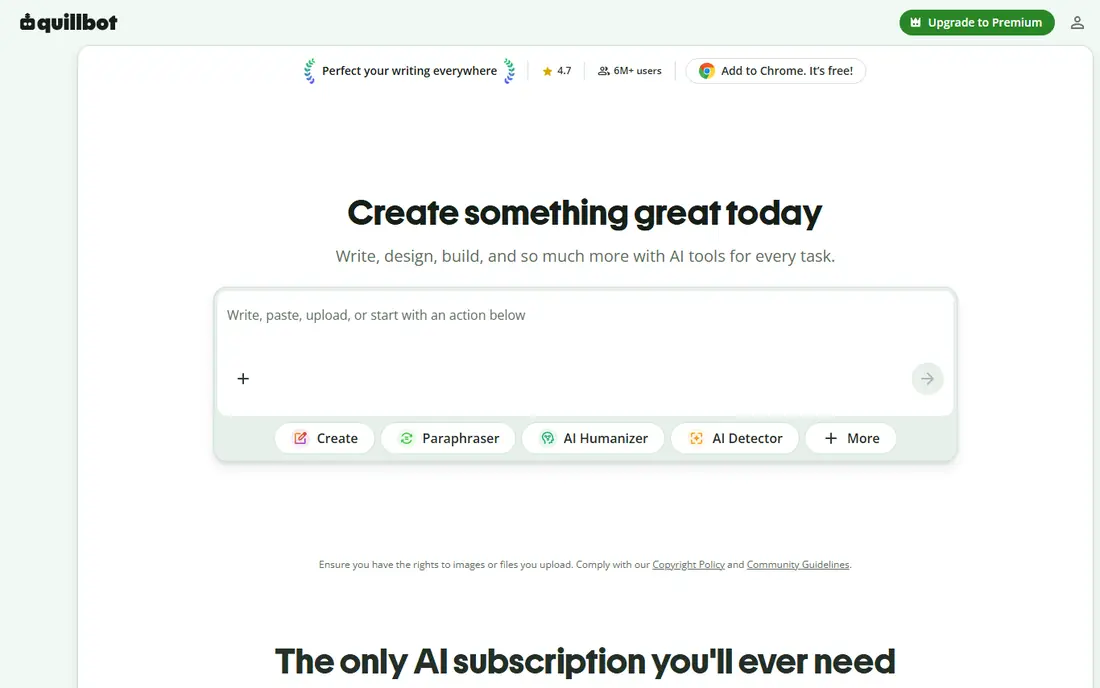
QuillBot is our pick for people whose main job is reworking existing text. Modes let you aim for a standard, formal, academic, simple or creative rewrite, and the summariser helps when a long source needs a shorter version first. A citation generator and plagiarism checker on paid plans make it especially useful for students.
The free plan is the catch. It covers short passages and fewer modes, so regular use will push you toward Premium. If you paraphrase daily, check the annual price rather than the monthly price, since the gap is large, and confirm how many plagiarism-check words are included before you rely on that feature.
- Multiple paraphrase modes
- Summariser and grammar checker included
- Plagiarism checker on paid plans
- Free plan has a low word limit
- Monthly billing is higher than the annual monthly equivalent
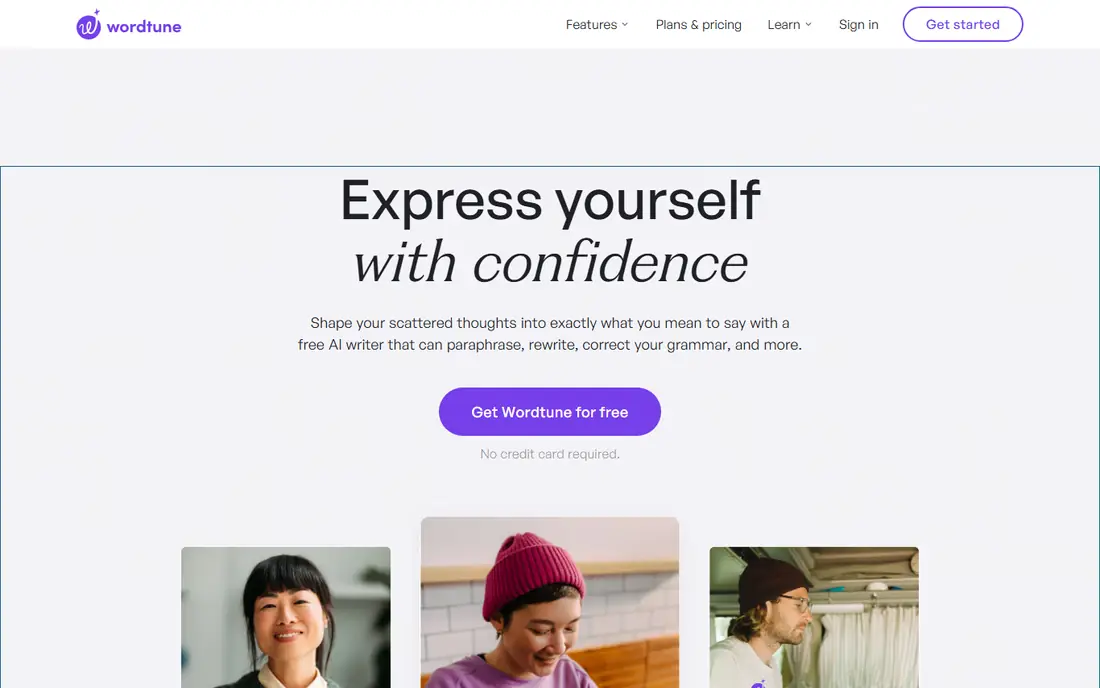
Wordtune suits writers who want a better sentence, not a whole new draft. Highlight a sentence and Wordtune offers alternatives that keep the meaning while changing structure or tone. That makes it ideal for emails, essays and reports where one awkward sentence is the problem, not the whole paragraph.
It is narrower than QuillBot. There is no large mode library and no plagiarism checker, and the free plan limits daily rewrites. For a writer who rewrites a few sentences a day and wants natural results, that narrow focus is a strength. For bulk paraphrasing, QuillBot fits better.
- Natural sentence alternatives
- Casual and formal tone options
- Works in browser and docs
- No mode selector like QuillBot
- No plagiarism checker
- Daily rewrite limits on free plan
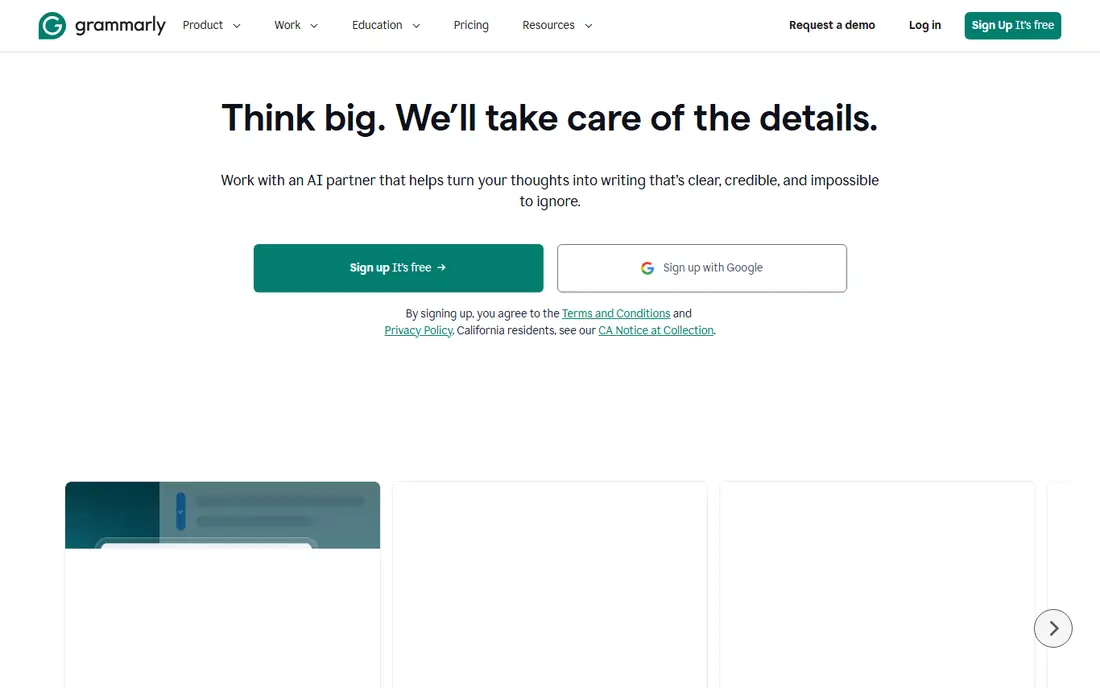
Grammarly is best when paraphrasing is one part of a wider editing job. It catches grammar, spelling, clarity and tone issues as you type, across browsers, documents and many apps. Its rewrite suggestions can improve a sentence, but they tend to be conservative compared with a dedicated paraphraser.
Price is the main decision point. Monthly billing is high, while annual billing lowers the monthly equivalent sharply. Choose Grammarly when you need an always-on editor, and add QuillBot only if you also need heavy paraphrasing with modes and plagiarism checks.
- Strong grammar, spelling and clarity checks
- Works across browsers, docs and apps
- Tone suggestions
- Paraphrasing is more conservative than QuillBot
- Pro monthly price is high without annual billing
Paraphraser.io is worth trying when QuillBot's free word limit feels too tight. The free plan handles longer passages and offers modes for different rewrite styles, all in a simple web tool with no install needed. That makes it handy for a quick rewrite of a paragraph or a short section.
The bundle is thinner. You will not get the same summariser, citation and plagiarism package as QuillBot Premium, and output quality can vary by mode and text type. Use it for occasional rewrites, and read the result closely for meaning changes before you keep it.
- Free plan covers longer passages than QuillBot free
- Multiple modes
- Simple web tool
- Fewer extra tools than QuillBot
- Interface and accuracy vary by mode
Scribbr suits students who need more than a rewrite. The free paraphraser handles short passages, while paid plagiarism checks and human proofreading cover the later stages of an essay or thesis. Study guides and citation help add value for academic writers who are still learning formal style.
The paid side needs a budget check. Plagiarism checks are priced per document, and human proofreading is priced per word, so a long thesis costs more than a short essay. Use the free paraphraser for short sections, and price a full document check before you submit, not after.
- Free paraphraser for short texts
- Plagiarism checks and human proofreading available
- Student-focused guides
- Free paraphrase limit is low
- Paid checks are priced per document or per word
Rytr is a budget option for writers who need both drafting and rewriting in one tool. Templates cover emails, captions, product descriptions and short articles, and the paid plan is cheaper than QuillBot or Grammarly on monthly billing. A free plan with a monthly character allowance lets you test the tone before paying.
Long, nuanced rewrites are not its strength. Output for short-form work is solid, but longer passages need more editing and fact-checking. Rytr fits a beginner or a small business owner who writes short copy often, and it fits less well for a student who needs careful academic paraphrasing every week.
- Low entry price
- Many templates and languages
- Plagiarism checker on paid plans
- Better for short-form writing than long academic rewrites
- Output needs editing
Hemingway Editor takes a different route to better writing. Instead of rewriting a sentence for you, it highlights long sentences, passive voice, adverbs and hard-to-read passages, so you can rewrite with intent. The free web editor is enough for a quick clarity pass, and Editor Plus adds AI assistance for paid users.
That makes Hemingway a complement, not a replacement, for QuillBot or Wordtune. Use it after a paraphrase to check readability, or before one to find the sentences that need work. Writers who want a machine to do the rewrite itself should pick a dedicated paraphraser first.
- Highlights long sentences and weak phrasing
- Free web editor
- Paid Editor Plus adds AI help
- Not a dedicated paraphraser
- No plagiarism checker
- AI features need a paid plan
ChatGPT is the most flexible option here, because you can paste a draft and ask for a rewrite in a specific tone, length or reading level. It can also explain why a change was made, summarise a source, or offer several versions of one paragraph. That flexibility suits writers who work with longer texts and varied tones.
The risk is also flexibility. ChatGPT can change meaning, add details that were not in the original, or produce a smooth sentence that says something different from your draft. Always compare the rewrite with the original line by line, keep citations accurate, and do not use it to disguise copied work as your own.
- Can rewrite whole paragraphs in a chosen tone
- Explains changes on request
- Handles brainstorming and summaries too
- No inline paraphrase modes in other apps
- Output needs checking for meaning changes and invented details
How we picked these
We compared official pricing and feature pages, plus public comparisons that checked vendor prices in October 2026. We favoured tools that are actively offered, clearly state free limits and paid prices, and fit a distinct job: dedicated paraphrasing, sentence rewrites, grammar editing, budget writing or readability. We did not claim hands-on testing, and we did not invent accuracy scores or word limits. Where a vendor price varied by billing cycle, we gave the figure we could support and pointed readers to the pricing page.
What to check before you choose
Start with your real volume. Count how many words you paraphrase in a typical week, and compare that with free limits, because a free plan that covers one paragraph will not cover a weekly essay. Then check modes and tone control: a student needs formal and academic options, while a business writer needs clear, concise rewrites.
Check the extras that matter to you, such as a plagiarism checker, citation generator, summariser or browser extension. Finally, read every rewrite before you use it. A paraphraser can change meaning, drop a qualifier or soften a claim, and those small changes matter in academic, legal and business writing. Keep the original beside the rewrite until you are sure the meaning matches.
Frequently asked questions
What is the best free paraphrasing tool?
QuillBot free is a good starting point for short passages, while Paraphraser.io free covers longer passages for occasional use. Wordtune free suits a few sentence rewrites a day, and ChatGPT free suits flexible whole-text rewrites with careful checking.
What is the best ai paraphrasing tool for students?
QuillBot Premium is our student pick, with modes, a summariser, a citation generator and a plagiarism checker in one bundle. Scribbr is a useful alternative for students who also need paid plagiarism checks or human proofreading.
What is the best rewording tool for emails and reports?
Wordtune is best for quick sentence rewrites as you type, with casual and formal tone options. Grammarly suits writers who also want grammar and clarity checks across many apps.
Is paraphrasing with AI allowed for school work?
Rules vary by school, course and assignment, so check your institution's policy before you use any paraphrasing tool. Use these tools to improve your own wording, cite sources correctly, and never present someone else's ideas or text as your own.
What is the best ai tool for paraphrasing long documents?
QuillBot Premium and ChatGPT both handle longer texts, with QuillBot offering modes and document tools, and ChatGPT offering flexible tone and length control. Split long documents into sections, check each rewrite against the original, and keep citations intact.
Sources we checked (8)

Online Jobs is an independent blog about careers, online work, learning new skills and the tools that help people earn. More about us.
Keep reading
All posts
Best Book Analysis Software for Authors
Compare the best book analysis software for authors, from manuscript reports and story structure to grammar, pacing, consistency checks and revision help.

n8n Alternatives
n8n alternatives compared for 2026, with Zapier, Make, Activepieces, and more, covering visual builders, code steps, self-hosting, and pricing models.

eBay Alternatives
Looking for ebay alternatives? We compared 9 marketplaces for sellers on fees, buyer reach, categories and ease of listing, to help you sell with confidence.