Best Board Management Software Solutions in 2026: 9 Platforms Compared


Large and regulated boards · Starting price: See website
How we put this together: we compare official feature and pricing pages, app store listings, privacy policies and public user reviews. Prices change, so check the provider's site before you pay.
Key takeaways
- Diligent Boards is our pick for large and regulated boards, while BoardPro and Boardable suit smaller and nonprofit boards.
- OnBoard stands out for AI assisted preparation, but its minutes and summaries still need a human check.
- Govenda is worth a quote if you have many users, since its model does not charge per user in the same way.
- Most board portals price by quote, so a demo and a written proposal matter more than a headline price.
- Security, offline access and a clear audit trail matter more than extra features for most boards.
Quick comparison
| Name | Who it suits | Starting price | Free option | |
|---|---|---|---|---|
| Diligent Boards | Large and regulated boards | See website | Free trial | Visit |
 OnBoard | AI assisted meeting preparation | See website | Free trial | Visit |
 BoardEffect | Nonprofits and higher education | See website | No | Visit |
 BoardPro | Small boards starting with software | See website | Free trial | Visit |
 Govenda | Boards wanting unlimited users | See website | No | Visit |
 Aprio | Smaller boards wanting one package | See website | No | Visit |
 Convene | Secure meetings for regulated boards | See website | No | Visit |
 Boardable | Nonprofit and association boards | See website | Free trial | Visit |
 Nasdaq Boardvantage | Boards in listed companies | See website | Free trial | Visit |
The best board management software solutions
Board software is not a general project tool. It exists to keep sensitive papers safe, to make sure every director reads the same version, and to leave a clear record of what was decided. The platforms below differ in size, price model and governance depth, so the right choice depends on your board type, not on which vendor has the longest feature list.
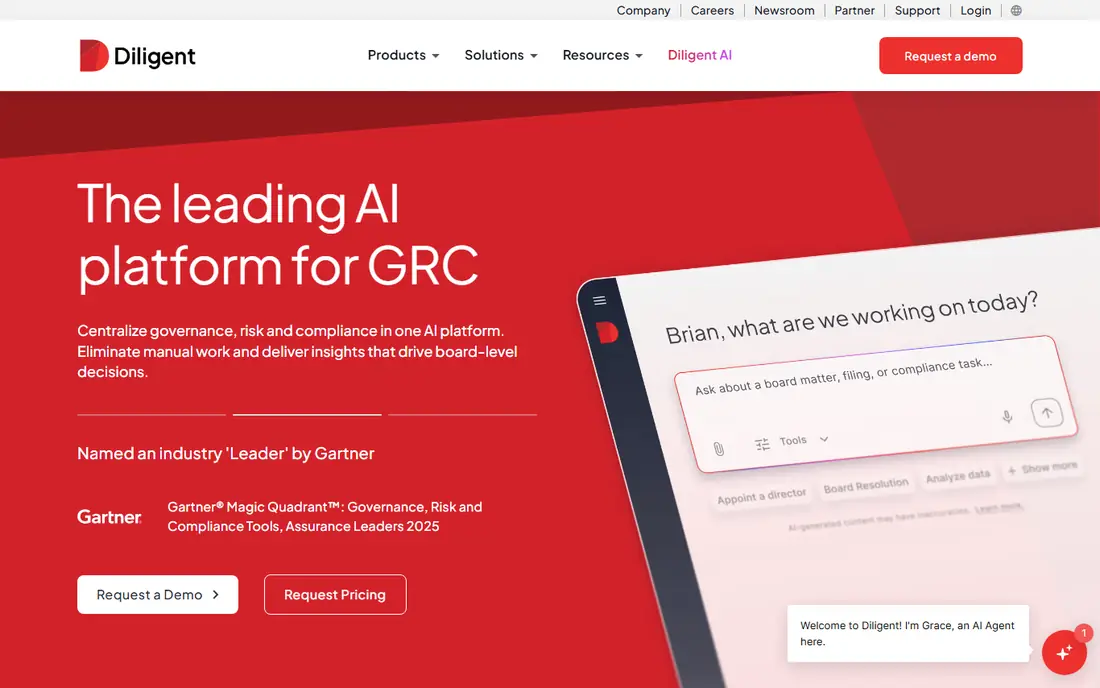
Diligent Boards is the established choice for large companies, listed boards and regulated organisations that need tight control over papers and decisions. It brings board books, agendas, votes, surveys and secure messaging into one portal, so directors stop hunting through email for the latest version. Its governance tools extend beyond meetings, which helps boards that also track policies and risk.
The trade-off is scale and cost. Pricing is quoted rather than published, and smaller boards may find the platform more than they need. If your board is large, handles sensitive material and needs an audit trail, Diligent is a strong first demo. If you run a small board, start with a simpler portal below.
- Wide governance toolset
- Strong security controls
- Board books, votes and surveys in one place
- Pricing is by quote and can be high
- Setup takes time for large boards

OnBoard focuses on the work before and after the meeting, not just the document store. Admins can build agendas, assemble packs and publish updates, while directors annotate papers and review materials on a phone or tablet. Its AI tools can help draft minutes and summaries, which saves time for a busy company secretary.
That help still needs a human check, especially for formal minutes where wording matters. Pricing is also quoted, so you will need a demo and a proposal to compare costs. For boards that meet often and want faster preparation, OnBoard is worth a close look.
- Agenda and pack building tools
- AI help with minutes and summaries
- Good mobile access for directors
- Pricing is by quote
- Smaller boards may not need every feature
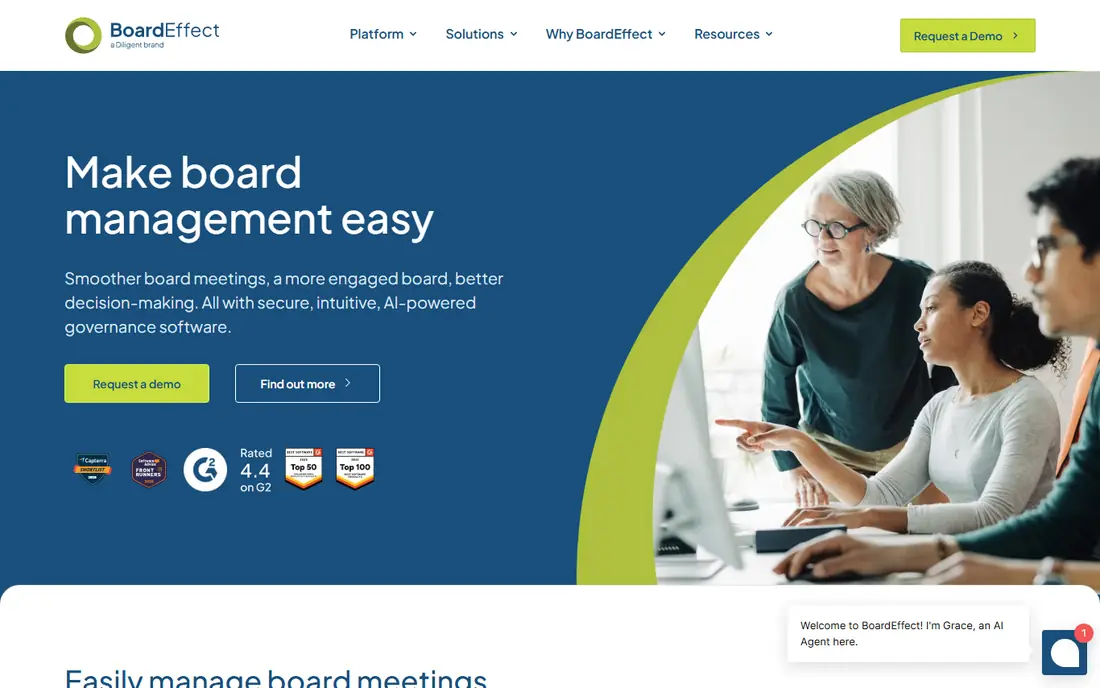
BoardEffect is a practical choice for nonprofit, association and university boards that need a secure portal without enterprise complexity. It covers agendas, board books, votes, surveys and a shared document library, and it is designed for directors who are not technical. That focus keeps training short and adoption higher.
It is less aimed at large listed companies with complex committee structures, so corporate boards should check whether its governance features go far enough. For mission driven boards that want order, security and a clear price conversation, it is a solid option.
- Built for nonprofit and education boards
- Surveys, votes and document libraries
- Straightforward director experience
- Less suited to large listed company governance
- Pricing is by quote
BoardPro suits boards that are moving from email and shared drives to their first proper portal. It covers meetings, minutes, action tracking and registers such as interests and risks, in a layout that does not overwhelm a new user. Small boards often find it easier to adopt than an enterprise platform built for hundreds of directors.
The limit is depth. Very large or highly regulated boards may need tools BoardPro does not try to provide. If your board has fewer than about thirty members and wants a tidy, affordable system, BoardPro is one of the best starting points.
- Designed for small and mid sized boards
- Minutes, actions and interests registers
- Clear pricing conversations for smaller teams
- Fewer enterprise governance extras
- Best value for smaller boards
Govenda pitches itself on a simple idea: a board portal should not get more expensive every time you add a director or a committee member. Its model avoids per user charges, which helps large boards, advisory groups and organisations with rotating members. The platform covers packs, minutes, votes and committee work in one place.
Pricing is still quoted, so the saving depends on your size and the proposal you receive. Larger rollouts also need careful permission setup at the start. For boards with many users, Govenda can change the cost comparison in a useful way.
- No extra charge per user in its model
- Board packs, minutes and committees
- Strong focus on director experience
- Pricing is by quote
- Implementation needs planning for large groups
Aprio is built for smaller boards that want one package rather than a menu of add ons. Directors can read papers, join a meeting, vote, sign documents and chat securely from the same app, on a phone or a computer. That all in one shape suits boards that want fewer systems to manage.
It does not try to match the widest enterprise governance suites, so large listed boards should test its limits first. For a small board that wants a clear, contained portal, Aprio keeps the choice simple and the learning curve short.
- Single package approach for smaller boards
- Agenda, voting and signing tools
- Works across devices
- Less known than the largest vendors
- Fewer advanced governance modules
Convene, from Azeus, is aimed at boards that need meeting books to stay in step with agendas, documents and minutes. Its template driven assembly helps admins publish a consistent pack, while access controls keep each meeting scoped to the right people. Directors can also work offline, which matters for travel and patchy connections.
The look is formal and work focused rather than flashy, which some users will like and others will find dated. Pricing is by quote, so a demo is needed for a real comparison. For regulated boards that value order and audit friendly records, Convene is a serious candidate.
- Meeting books linked to agendas and minutes
- Strong access controls
- Offline access for directors
- Interface feels formal rather than modern
- Pricing is by quote
Boardable is designed around the way nonprofit and association boards actually meet. It brings agendas, board books, minutes, polls and a document centre together, with committee support for groups that meet between full board sessions. Admins can track who has read papers, which helps a chair know whether the board is prepared.
It is not primarily an enterprise governance platform, so very large corporate boards may want more. For nonprofits that need a board portal plus practical meeting tools at a manageable cost, Boardable is one of the most relevant choices on this list.
- Built for nonprofit boards
- Agendas, minutes and document centre
- Tools for committees and voting
- Enterprise governance features are thinner
- Paid plans needed for full use
Nasdaq Boardvantage serves boards that operate under listed company scrutiny, where secure handling, version control and a clear record of decisions matter. It covers board books, agendas, votes, surveys and director communications, and it sits within a wider governance offering from Nasdaq. That context helps boards that also deal with investor and compliance work.
Smaller boards are unlikely to need this level of structure, and pricing is quoted rather than published. If your board is listed, regulated or growing fast, Boardvantage deserves a demo alongside Diligent. If it is small, a simpler portal will usually be better value.
- Designed for listed company boards
- Secure packs, votes and surveys
- Backed by a large governance vendor
- Pricing is by quote
- Smaller boards may find it too large
How we picked these
We compared official feature pages, pricing pages, app store listings, privacy information and public reviews, and we kept only products that exist today and fit the topic closely. We gave weight to clear pricing, a usable free option where one exists, and honest limits, and we treated vendor claims as claims rather than verified facts. We did not claim hands-on testing that did not happen, and where a price could not be confirmed on the vendor site, we wrote See website rather than guessing.
How to choose board management software
Start with board size and sensitivity
A small nonprofit board and a listed company board do not need the same system. Small boards benefit from simple minutes, actions and registers, while listed boards need strict permissions, version control and an audit trail. Write down how many directors, committees and meetings you run each year before you book demos.
Test the director experience, not just the admin view
Directors will use the portal on phones, tablets and laptops, often just before a meeting. Ask two directors to open a pack, annotate a paper and vote in a trial, and watch where they hesitate. A portal that admins love but directors avoid will push papers back into email, which defeats the purpose.
Compare the full quote, not a starting price
Most vendors on this list price by quote, so ask what is included: users, committees, storage, training, support and migration. Check whether extra users, extra committees or AI features cost more, and ask how long implementation takes. A clear written quote makes the final comparison fair.
Frequently asked questions
What is the best board management software?
Diligent Boards is our pick for large and regulated boards, while BoardPro suits small boards and Boardable suits nonprofits. OnBoard is strong for AI assisted preparation. The best choice follows board size, sensitivity and meeting frequency, not a single ranking.
What is the best board management software for nonprofits?
Boardable and BoardEffect are both built with nonprofit boards in mind, with agendas, minutes, votes and document libraries. BoardPro is also a good fit for smaller nonprofit boards. Compare trial access, training and the full quote before you decide.
What are the top board management software platforms?
The leading platforms here include Diligent Boards, OnBoard, Nasdaq Boardvantage, BoardEffect and Convene, plus BoardPro, Govenda, Aprio and Boardable for smaller or nonprofit boards. Each serves a different board size, so shortlist by board type first.
Is there a free board management software tool?
There is no strong permanent free board portal on this list. Several vendors offer a free trial, including OnBoard, BoardPro and Boardable, so you can test a real meeting cycle. For a very small board, a trial plus a careful quote is a better route than a free general tool that lacks security controls.
What is the best board software for small boards?
BoardPro is our pick for small boards starting with board software, because it covers meetings, minutes and actions without enterprise complexity. Aprio and Boardable are also good for small and nonprofit boards. Keep the system simple, or directors will not use it.
How much does board management software cost?
Most vendors price by quote, so costs vary with board size, users, committees and support. Govenda differs by not charging per user in its model, which can help large boards. Always request a written proposal that lists users, storage, training and support.
Sources we checked (9)

Online Jobs is an independent blog about careers, online work, learning new skills and the tools that help people earn. More about us.
Keep reading
All posts
n8n Alternatives
n8n alternatives compared for 2026, with Zapier, Make, Activepieces, and more, covering visual builders, code steps, self-hosting, and pricing models.

ZoomInfo Alternatives
The best ZoomInfo alternatives in 2026, compared on price, free plans, data coverage, and which tool fits small teams or large sales teams best in detail.

Workday Alternatives
We compared the best workday alternatives for HR, payroll, and global hiring, from BambooHR and Gusto to Rippling, Deel, and HiBob for growing teams in 2026.