Best Billing Software in 2026: 8 Tools Compared

How we put this together: we compare official feature and pricing pages, app store listings, privacy policies and public user reviews. Prices change, so check the provider's site before you pay.
Key takeaways
- FreshBooks, Zoho Invoice, and Wave suit small businesses that mainly send invoices and collect payment for services.
- Stripe Billing and Chargebee suit subscription businesses that need recurring billing, dunning, and usage-based pricing.
- QuickBooks Online and Xero suit businesses that want billing inside a full accounting system rather than a standalone tool.
- Compare total billing cost: subscription fees, payment processing fees, and any percentage of invoicing volume, not just the monthly plan price.
Quick comparison
| Name | Who it suits | Starting price | Free option | |
|---|---|---|---|---|
 FreshBooks | Freelancer invoicing | $19 per month | Free trial | Visit |
 QuickBooks Online | Billing inside accounting | See website | Free trial | Visit |
 Xero | Growing business accounting | See website | Free trial | Visit |
 Zoho Invoice | Free invoicing | Free | Yes | Visit |
 Wave | Free invoicing for small firms | Free | Yes | Visit |
 Stripe Billing | SaaS subscriptions | See website | No | Visit |
 Chargebee | Complex subscription billing | See website | Free trial | Visit |
 Square Invoices | Simple pay-per-use invoicing | Free | Yes | Visit |
The best billing software
Billing software means different things to different businesses. A freelancer needs clean invoices and fast payment. A subscription company needs recurring charges, failed payment recovery, and proration when plans change. The tools below cover both worlds, and the right pick follows how you charge, not how large your company is.
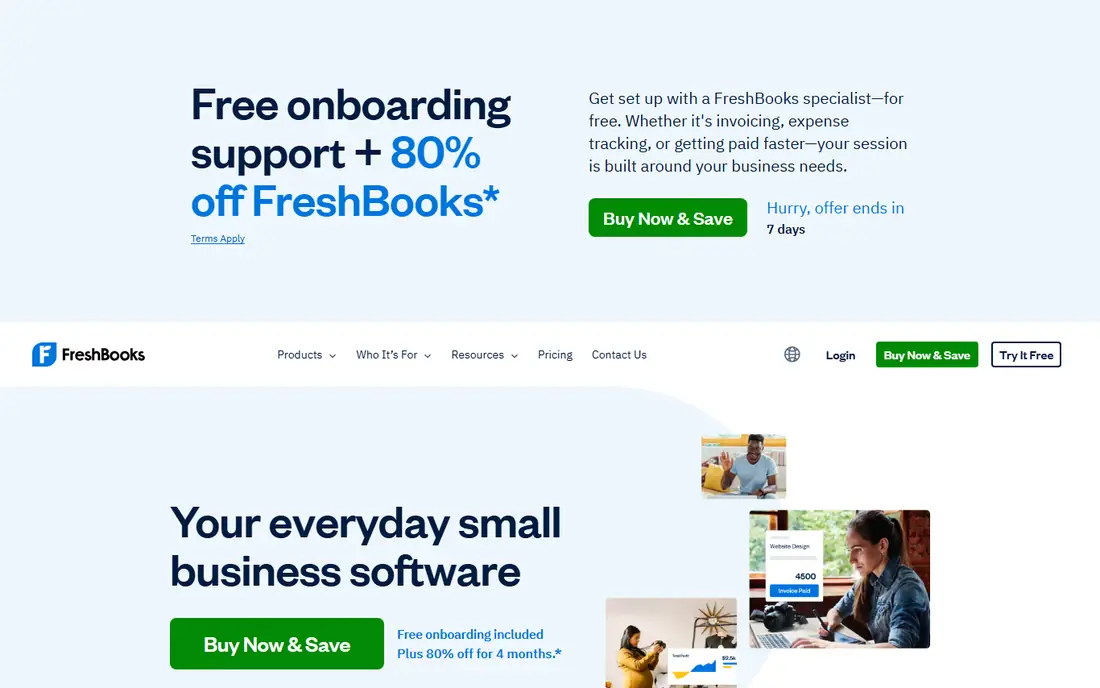
FreshBooks started as an invoicing tool for freelancers, and it still feels that way in a good sense. Invoices look professional, clients can pay online, recurring invoices and automatic reminders chase late payment for you, and time tracking feeds directly into billable hours. For a service business that bills by project or by hour, the workflow from time to invoice to payment is smooth and fast.
The Lite plan at $19 per month covers only five billable clients, so most working freelancers need Plus at $33 per month for 50 clients, and Premium at $60 per month removes the cap. Reporting is also lighter than QuickBooks, and payroll needs a third-party integration. If invoicing is your main billing job and you are not an accountant, FreshBooks is the easiest tool on this list to live with.
- Excellent invoicing experience
- Recurring invoices and payment reminders
- Time tracking built in
- Client limit on the Lite plan is tight
- Reporting is lighter than full accounting tools
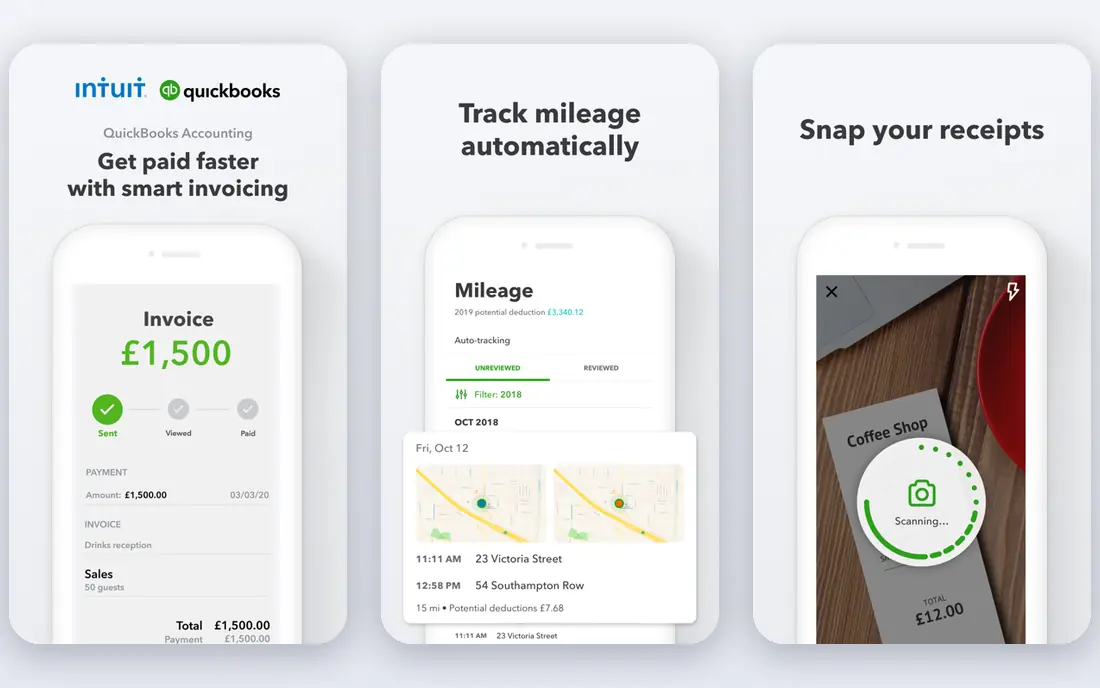
QuickBooks Online suits businesses that want billing, expenses, bank reconciliation, and reporting in one place. Invoices, recurring billing, and payment links sit inside the same system as your books, so income, expenses, and tax reports stay consistent without exporting between tools. Accountants know it well, which makes year-end work easier, and the app ecosystem covers payroll, inventory, and time tracking.
The trade is complexity and price movement. Plan names and prices change fairly often, so confirm the current tier before budgeting, and the interface takes longer to learn than a pure invoicing app. For a business that already needs accounting, billing inside QuickBooks avoids a second system. For invoicing alone, a simpler tool will be faster.
- Invoicing inside a full accounting system
- Strong bank feeds and reporting
- Wide accountant support
- Pricing and plan tiers change often
- Learning curve is steeper than FreshBooks
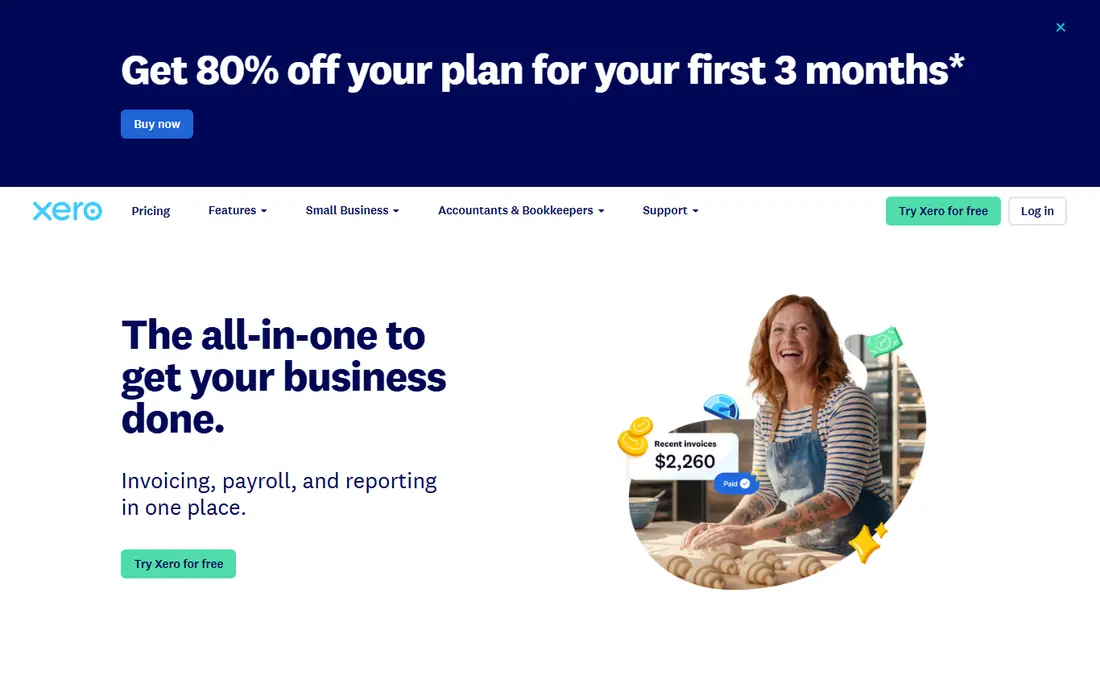
Xero is the main rival to QuickBooks for small and growing businesses that want billing inside accounting. Its bank reconciliation is strong, the interface is clean, and multi-currency invoicing helps businesses with international clients. Inventory features are more developed than FreshBooks, and the reporting suite covers the statements most small businesses need.
Payroll support varies by country, so US users should check the current payroll options for their state, and time tracking needs an integration rather than being built in. Pricing is by plan with invoice and bill limits that differ by tier, so match the plan to your monthly volume. If you want accounting plus billing with a modern interface, Xero is a strong alternative to QuickBooks.
- Clean interface
- Strong bank reconciliation
- Good multi-currency and inventory support
- Payroll support varies by country
- Time tracking is not built in
Zoho Invoice is the best free invoicing tool for most small businesses. You can send unlimited invoices, accept online payments, set recurring invoices, and automate payment reminders without a monthly subscription. Multi-currency support helps freelancers with overseas clients, and the client portal lets customers view and pay invoices online.
The limit is scope: Zoho Invoice handles invoicing, not full double-entry accounting, bank reconciliation, or payroll. Businesses that outgrow it can move to Zoho Books, a paid product in the same family, which keeps the transition smooth. If your billing job is sending invoices and getting paid, and your accountant handles the books elsewhere, Zoho Invoice is hard to beat at free.
- Free invoicing with no monthly fee
- Multi-currency support
- Automation for recurring invoices and reminders
- It is invoicing only, not full accounting
- Advanced features need paid Zoho Books
Wave offers free invoicing and accounting for small businesses, with online payments as a paid processing option. Invoices are professional, recurring billing is supported, and the accounting side covers income, expenses, and basic reports without a subscription. For a very small business or a side business, that free core is genuinely useful.
Payroll is a paid add-on and coverage is limited by state, and support is thinner than you get from a paid product. Wave also suits service businesses better than product businesses with inventory needs. If cost is the deciding factor and your billing is straightforward invoicing, Wave is a practical free starting point, with an upgrade path when payroll or support needs grow.
- Free invoicing and accounting for small businesses
- Online payment options
- Simple setup
- Payroll is a paid add-on with limited coverage
- Support options are thinner than paid rivals
Stripe Billing suits software and subscription businesses that already process payments with Stripe. It handles recurring subscriptions, trials, proration, coupons, and usage-based pricing, with invoicing and revenue recognition as add-ons. The pay-as-you-go billing fee, reported at 0.7 percent, plus standard payment processing fees, means you can start without an annual contract, which suits early-stage companies.
The percentage model is also the catch: as billing volume grows, the fee grows with it, and complex pricing models need developer time to implement well. Revenue recognition is a separate paid product. If your team is technical and already on Stripe, Stripe Billing is the lowest-friction subscription option. If you want a billing layer above several payment gateways, Chargebee may fit better.
- Developer-friendly billing for subscriptions and usage
- Strong payment processing
- No annual contract to start
- Percentage-based billing fee adds up at scale
- Setup needs developer time for complex models
Chargebee is a standalone subscription billing platform that sits above your payment gateways. It handles hybrid pricing that mixes seats, usage, and one-time charges, supports many gateways including Stripe, and includes dunning to recover failed payments plus retention tools for cancellations. For a growing SaaS company with sales-assisted deals and complex pricing, that flexibility is the point.
Pricing is volume-based, with a Flow plan reported at 0.80 percent of invoicing volume or a fixed fee plus a lower percentage past a threshold, so model your monthly billings before committing. Revenue recognition is a separate product priced by quote. If your pricing is simple, Stripe Billing or Zoho Subscriptions will be cheaper. If your pricing is complex, Chargebee's flexibility earns its fee.
- Handles hybrid seat-plus-usage pricing
- 40 plus payment gateway integrations
- Dunning and retention tools
- Pricing is volume-based and can climb
- Revenue recognition is a separate quote-only product
Square Invoices suits small businesses that already use Square for payments or want simple mobile invoicing. You can create and send invoices free from a phone, clients pay online, and you pay processing fees only when a payment is made, with no monthly subscription for the core invoicing tool. That pay-per-use model fits seasonal businesses and side businesses well.
Advanced subscription billing, complex proration, and full accounting are beyond its scope, so subscription companies should look at Stripe Billing or Chargebee instead. For a tradesperson, consultant, or small shop that sends invoices on the go and wants payment without a monthly fee, Square Invoices is a simple and effective choice.
- Free invoicing with pay-per-transaction processing
- Easy mobile invoicing
- Integrates with Square payments
- No monthly subscription option for advanced billing
- Less suited to complex subscriptions
How we picked these
We compared official feature and pricing pages, plus public billing comparisons, and kept only tools that are live today and genuinely handle invoicing, subscription billing, or both. We used "See website" where pricing depends on volume, plan tier, or payment processing, and we favored tools with a free tier or trial so readers can test invoicing before paying.
How to choose billing software for your business
Start with how you charge. A business that sends ten invoices a month needs a different tool from a business with a thousand subscribers, and buying the wrong type wastes money twice: once on the subscription, once on the workaround.
Match the tool to your billing model
If you bill per project or per hour, pick an invoicing tool such as FreshBooks, Zoho Invoice, or Wave. If you bill per month per subscriber, pick Stripe Billing or Chargebee. If you need billing inside accounting, pick QuickBooks Online or Xero. The model decides the shortlist.
Count payment processing fees separately
A free invoicing tool still charges processing fees when a client pays by card, and a subscription platform adds a billing fee on top of processing. Work out the total cost on your real monthly volume, including card fees, before comparing monthly plan prices.
Test the late payment workflow
Send yourself a test invoice, let it go overdue, and see how reminders, late fees, and dunning work. The tool that recovers failed and late payments with the least manual chasing will save more money than a slightly cheaper plan that leaves you chasing clients by email.
Frequently asked questions
What is the best billing software for small business?
FreshBooks suits service freelancers, Zoho Invoice and Wave suit free invoicing, and QuickBooks Online or Xero suit businesses that want billing inside accounting. Pick by whether invoicing, accounting, or both is the main job.
What is the best online billing software?
For invoicing, Zoho Invoice and Square Invoices are strong free online options. For subscriptions, Stripe Billing and Chargebee lead, with Stripe suiting Stripe-based teams and Chargebee suiting complex pricing across gateways.
Which software is best for billing?
There is no single winner. Service businesses do well with FreshBooks or Zoho Invoice, subscription businesses do well with Stripe Billing or Chargebee, and businesses needing full books do well with QuickBooks Online or Xero.
Is there free billing software?
Yes. Zoho Invoice and Wave offer free invoicing, and Square Invoices is free to send, with payment processing fees when clients pay. Free tools cover invoicing well, while subscription billing and full accounting usually need a paid plan.
What is the best invoice software for small business free?
Zoho Invoice is our pick for free invoicing, thanks to unlimited invoices, recurring billing, and reminders at no monthly cost. Wave is a close alternative if you also want free basic accounting in the same product.
Sources we checked (8)

Online Jobs is an independent blog about careers, online work, learning new skills and the tools that help people earn. More about us.
Keep reading
All posts
n8n Alternatives
n8n alternatives compared for 2026, with Zapier, Make, Activepieces, and more, covering visual builders, code steps, self-hosting, and pricing models.

ZoomInfo Alternatives
The best ZoomInfo alternatives in 2026, compared on price, free plans, data coverage, and which tool fits small teams or large sales teams best in detail.

Workday Alternatives
We compared the best workday alternatives for HR, payroll, and global hiring, from BambooHR and Gusto to Rippling, Deel, and HiBob for growing teams in 2026.