Best Beginner Video Editing Software in 2026: 9 Tools Compared

How we put this together: we compare official feature and pricing pages, app store listings, privacy policies and public user reviews. Prices change, so check the provider's site before you pay.
Key takeaways
- Start free: CapCut, Clipchamp, iMovie, DaVinci Resolve, and Shotcut cost nothing to learn on, and most export without watermarks.
- iMovie remains the easiest first editor on Mac, while Clipchamp is the closest free equivalent for Windows and browser users.
- Filmora at $49.99 per year is the best paid starter for template-driven social content, especially for creators who want guided effects.
- DaVinci Resolve is free and professional-grade, but it asks more from your hardware and patience than any other pick here.
- Pick by platform and project type first: social shorts, family videos, and tutorials each favor a different editor.
Quick comparison
| Name | Who it suits | Starting price | Free option | |
|---|---|---|---|---|
 CapCut CapCut | Short-form social video | $19.99 per month | Yes | Visit |
 iMovie iMovie | Mac beginners | Free | Yes | Visit |
 Clipchamp Clipchamp | Windows and browser editing | Free | Yes | Visit |
 Filmora Filmora | Template-driven creators | $49.99 per year | Yes | Visit |
 DaVinci Resolve DaVinci Resolve | Ambitious beginners | Free | Yes | Visit |
 Shotcut Shotcut | Free open-source editing | Free | Yes | Visit |
 OpenShot OpenShot | Simplest free timeline | Free | Yes | Visit |
 Movavi Video Editor Movavi Video Editor | Friendly paid editing | $69.95 per year | Free trial | Visit |
 PowerDirector PowerDirector | Guided learning modes | $74.99 per year | Free trial | Visit |
The best beginner video editing software
Beginner video editing software should get a first video finished quickly, without hiding export quality behind a paywall or demanding professional skills on day one. The tools below cover phones, Mac, Windows, and browsers, with free and paid options for social shorts, family videos, and tutorials. We compared official pricing pages and published 2026 comparisons, focusing on ease of use, export rules, and platform fit.
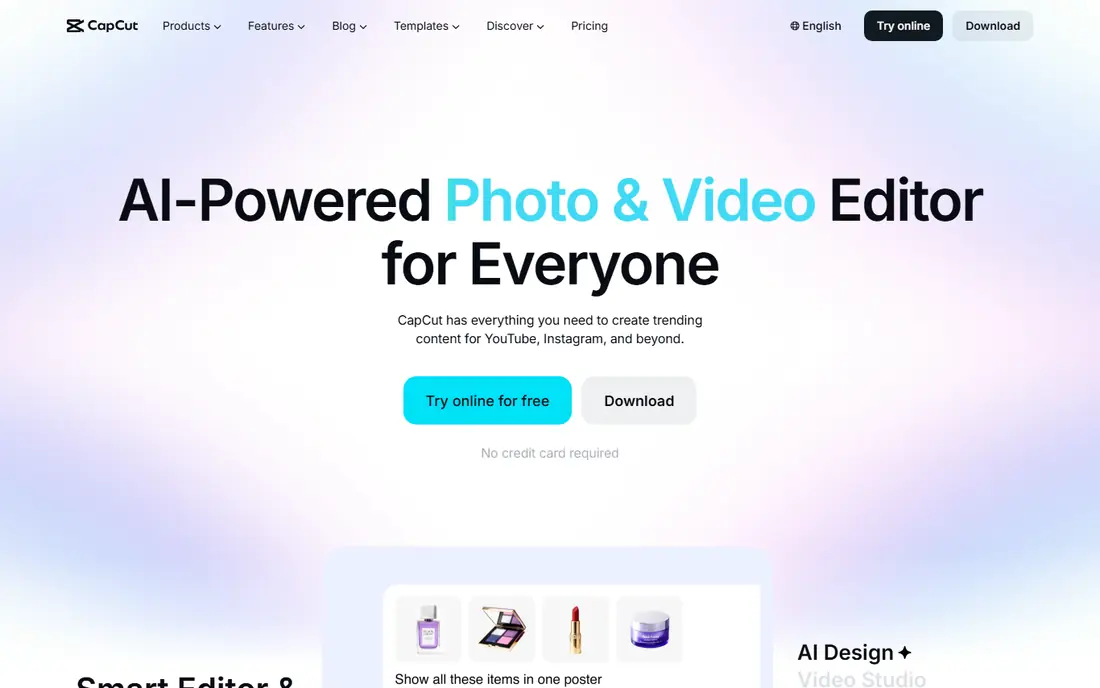
CapCut is the fastest route to a finished short-form video. Its templates, captions, effects, and trending sounds suit TikTok, Reels, and Shorts, and the same project can move between phone and desktop. The free tier covers basic editing well, while CapCut Pro costs $19.99 per month and opens up premium assets, cloud storage, and higher-quality exports.
The Pro price is now higher than some desktop rivals, and free users will hit paywalled templates and premium assets. For creators whose main output is short social video, CapCut is still our pick for most people, because speed and templates matter more than deep timeline control at this stage.
- Fast social editing
- Huge template and effects library
- Strong mobile and desktop apps
- Pro price rose to $19.99 per month
- Some templates and assets are paywalled
- Cloud features vary by region
iMovie remains the easiest first editor for anyone on a Mac, iPhone, or iPad. It comes free with Apple devices, its timeline is simple enough for a first project in an evening, and it exports without watermarks at good quality. Trailers, titles, and basic color tools cover family videos, school projects, and simple YouTube uploads.
The limits appear as skills grow. iMovie lacks multi-cam editing, deep color tools, and the effect libraries of Filmora or PowerDirector, and it runs only on Apple hardware. For a total beginner on a Mac, start here, and move to DaVinci Resolve or Final Cut Pro only when iMovie blocks a project you actually want to make.
- Completely free on Apple devices
- Easiest interface here
- No watermark
- Apple only
- Limited advanced tools
- Fewer effects than paid rivals
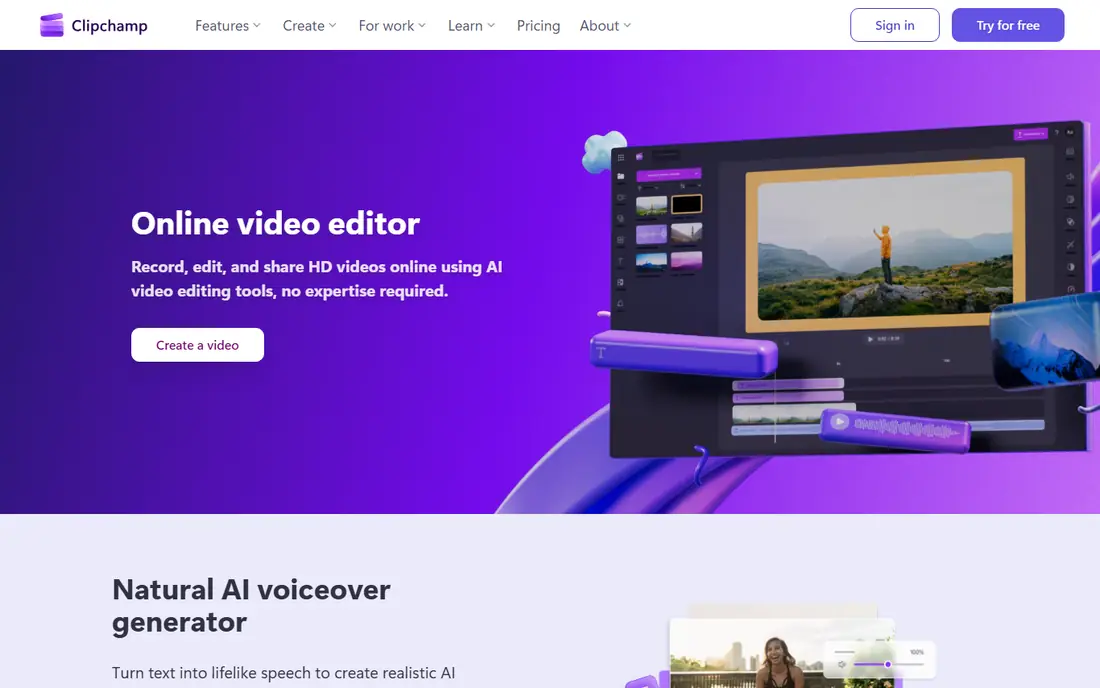
Clipchamp is the closest Windows equivalent to iMovie, and it runs in a browser as well as on Windows. The free tier covers trimming, titles, transitions, and basic effects, with exports at up to 1080p and no watermark on free exports in published comparisons. Microsoft 365 Personal, near $99.99 per year, adds 4K exports and premium stock content.
Advanced editors will miss the depth of DaVinci Resolve or PowerDirector, and heavy projects feel slower in a browser than in a desktop app. For a Windows beginner who wants a free, simple editor without installing complex software, Clipchamp is the best starting point.
- Free and built into Windows
- Browser-based
- Clean timeline for simple cuts
- 1080p ceiling on free tier
- 4K and premium stock need Microsoft 365
- Fewer advanced tools
Filmora is the best paid starter for creators who want templates, effects, and guided tools without a professional learning curve. Its interface is friendly, its library covers titles, transitions, and effects for social and YouTube content, and AI tools help with captions, background removal, and audio cleanup. The Basic plan costs $49.99 per year, with a free tier for testing and a perpetual license near $79.99.
Free exports carry a watermark, so the free tier is for learning, not publishing. AI credits are also limited on lower tiers. For a beginner ready to pay a modest annual fee for a polished, template-driven editor, Filmora offers the best balance of ease and output in this list.
- Intuitive interface
- Huge template and effects library
- Good AI tools for beginners
- Free exports are watermarked
- Perpetual license costs more
- AI credits are limited
DaVinci Resolve is the only free editor here that professionals also use on real productions. Its free version covers editing, color grading, Fairlight audio, and Fusion effects, with 4K export and no watermark, while Studio costs $295 one-time for advanced AI tools, noise reduction, and higher-end workflows. Beginners who learn Resolve never need to switch editors later.
The cost is time and hardware. Resolve has several workspaces that each behave like a separate app, and it needs at least 16 GB of RAM and a capable graphics card for smooth work. For an ambitious beginner with a decent computer and patience to learn, Resolve is the best long-term investment, because it costs nothing to start.
- Professional-grade editing, color, and audio
- Free 4K export without watermark
- Never outgrown
- Steep learning curve
- Needs strong hardware
- Interface has many workspaces
Shotcut is a free, open-source editor for Windows, Mac, and Linux that covers real timeline editing without cost or watermarks. It supports a wide range of formats, runs on older hardware better than Resolve, and suits beginners who want a free desktop editor with more control than Clipchamp or iMovie.
The interface feels less polished than paid rivals, and templates and guided effects are thinner, so beginners must learn more manually. For a no-budget editor on any platform, especially Linux or an older PC, Shotcut is a strong, honest pick.
- Completely free and open source
- Cross-platform
- No watermark
- Wide format support
- Interface feels rougher than rivals
- Fewer templates
- Learning curve for effects
OpenShot is the simplest free timeline in this list, which makes it a good first editor for children, students, and anyone intimidated by a busy interface. It covers trimming, titles, transitions, and basic animation on Windows, Mac, and Linux, with no cost and no watermark.
Large or complex projects can feel slow, and advanced color, audio, and effects tools are limited beside Shotcut or Resolve. For a first project, a school assignment, or a simple family video, OpenShot gets the job done with the least friction, and users can graduate to Shotcut or Filmora when they need more.
- Simplest timeline here
- Free and cross-platform
- Good for first projects
- Fewer advanced features
- Can feel slow on large projects
- Smaller effect library
Movavi Video Editor suits beginners who want a friendly paid editor on Windows or Mac without a subscription to a professional suite. Its interface is clean, templates and effects cover social and family videos, and one-click AI tools help with background removal and audio cleanup. The annual plan costs $69.95 per year, with a lifetime license near $79.99 to $99.95 depending on the listing.
The annual price sits above Filmora, and trial exports are limited, so buyers should test the interface before paying. For a beginner who values a calm, guided editing experience and does not need Resolve-level depth, Movavi is a pleasant, capable choice.
- Friendly interface
- One-click AI tools
- Good templates and effects
- Annual price higher than Filmora
- Lifetime license costs more
- Trial exports are limited
PowerDirector, from CyberLink, is the best pick for beginners who want to learn as they edit. Its guided modes walk users through cuts, titles, and effects, while the full editor offers fast rendering and a large effects library for enthusiasts who grow quickly. PowerDirector 365 costs $74.99 per year in published comparisons, with a free trial for testing.
The interface is busier than Filmora or Movavi, and trial exports carry a watermark. For a Windows or Mac beginner who wants a structured learning path and room to grow into advanced effects, PowerDirector justifies its higher price with teaching tools the simpler editors lack.
- Guided modes teach editing
- Fast rendering
- Strong effects library
- Higher annual price
- Interface is busy
- Free trial exports are watermarked
How we picked these
We compared official pricing pages and published 2026 comparisons, favoring editors that are actively maintained, genuinely suited to beginners, and clear about free export rules. Where published prices differed by billing term or version, we used the most commonly cited figure and noted the variation. We did not claim hands-on testing we did not do.
How to choose your first editor
Start with your device and your video type. Mac owners should start with iMovie, Windows and browser users with Clipchamp, and social creators with CapCut. If you want a free editor you will never outgrow, install DaVinci Resolve, provided your computer meets its hardware needs. If you want templates and a gentle paid upgrade, compare Filmora, Movavi, and PowerDirector on price and effect libraries.
Then test with a real project, not a sample clip. Edit a two-minute video from your own footage, add titles and music, and export it at the quality you plan to publish. Check export time, watermark rules, and whether the interface still feels friendly after an hour. The best beginner editor is the one that gets a finished video published, not the one with the longest feature list.
Frequently asked questions
What is the best video editing software for beginners?
CapCut leads for short social video, iMovie leads for Mac beginners, and Clipchamp leads for free Windows editing. Filmora is the best paid starter for template-driven creators, while DaVinci Resolve is the best free editor for ambitious beginners.
What is the best free video editing software for beginners?
DaVinci Resolve offers the most professional free toolset, while iMovie, Clipchamp, Shotcut, and OpenShot offer simpler free paths. All five export without watermarks on their free tiers, though Filmora free exports do carry a watermark.
Is DaVinci Resolve too hard for beginners?
It is harder than iMovie or Clipchamp, but beginners can learn its Cut and Edit pages first and ignore color, audio, and effects workspaces until needed. A decent computer helps, since Resolve needs more hardware than simpler editors.
How much does beginner video editing software cost?
Free editors cost nothing, while paid starters run from $49.99 per year for Filmora to $69.95 for Movavi and $74.99 for PowerDirector 365. CapCut Pro costs $19.99 per month, and DaVinci Resolve Studio costs $295 one-time for users who later need it.
Can beginners edit video on a phone?
Yes. CapCut and iMovie on iOS both edit well on phones, and Clipchamp works in a mobile browser for simple cuts. Phones suit short social videos, while longer projects are easier on a desktop with a larger screen and more storage.
Do I need a powerful computer to edit video?
Not for simple editors such as iMovie, Clipchamp, Shotcut, or OpenShot, which run well on ordinary laptops. DaVinci Resolve and 4K projects need more RAM and a capable graphics card, so check system requirements before choosing a professional-grade editor.
Sources we checked (9)
- https://www.capcut.com
- https://www.apple.com/imovie/
- https://www.clipchamp.com
- https://filmora.wondershare.com
- https://www.blackmagicdesign.com/products/davinciresolve
- https://www.shotcut.org
- https://www.openshot.org
- https://www.movavi.com
- https://www.cyberlink.com/products/powerdirector-video-editing-software

Online Jobs is an independent blog about careers, online work, learning new skills and the tools that help people earn. More about us.
Keep reading
All posts
Top Rated Poster Maker Software
Top rated poster maker software compared for 2026: Canva, Adobe Express, VistaCreate, PosterMyWall and more for events, sales and classrooms for US users.

Best Tools for Print Design
Compare the best tools for print design, from professional layout and vector software to browser tools, free editors, team publishing platforms and press prep.
Best Tools for Motion Design
Compare the best tools for motion design in 2026. We review 8 apps for 2D animation, 3D motion, interactive graphics, pricing and free plans. Start here.